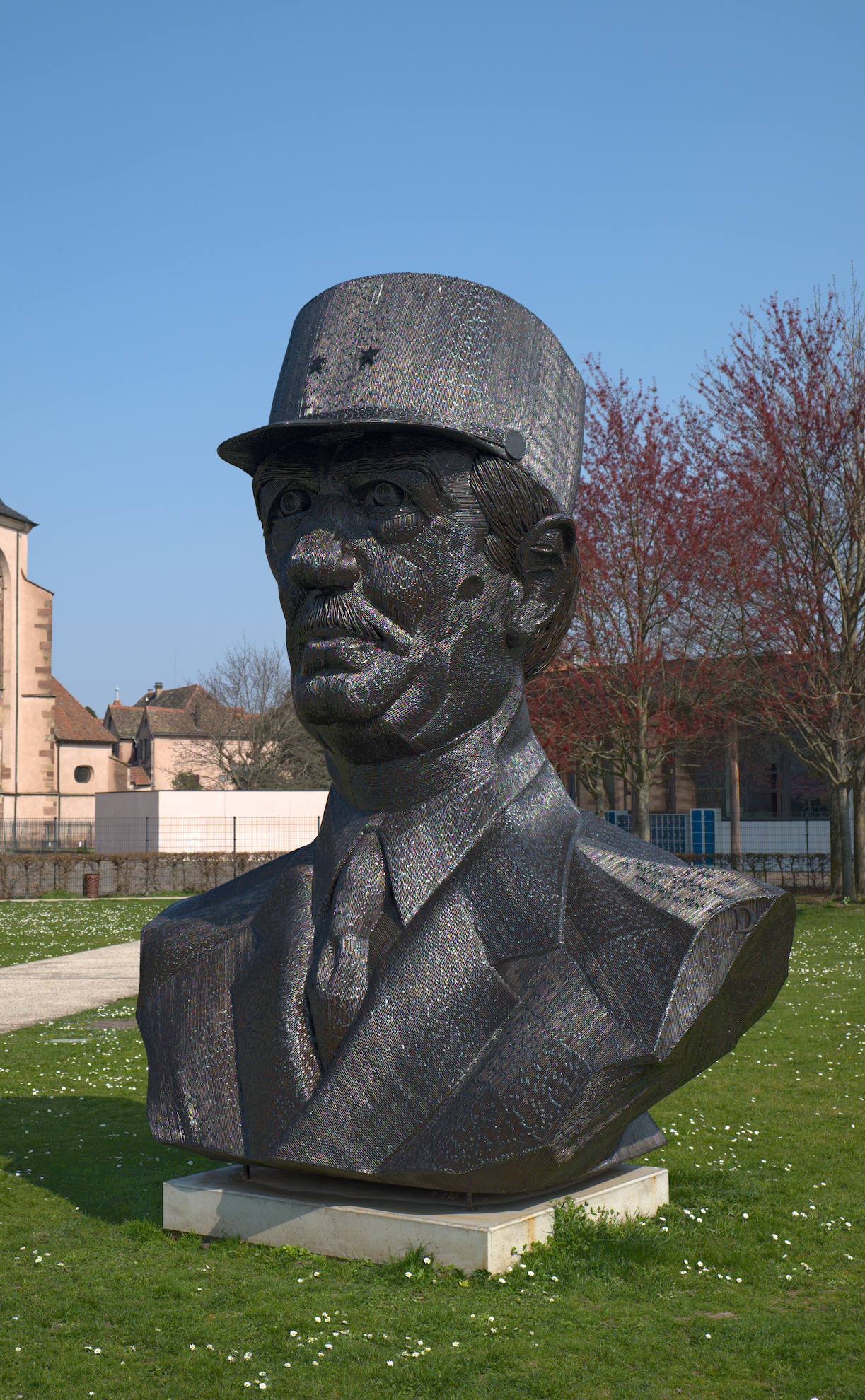
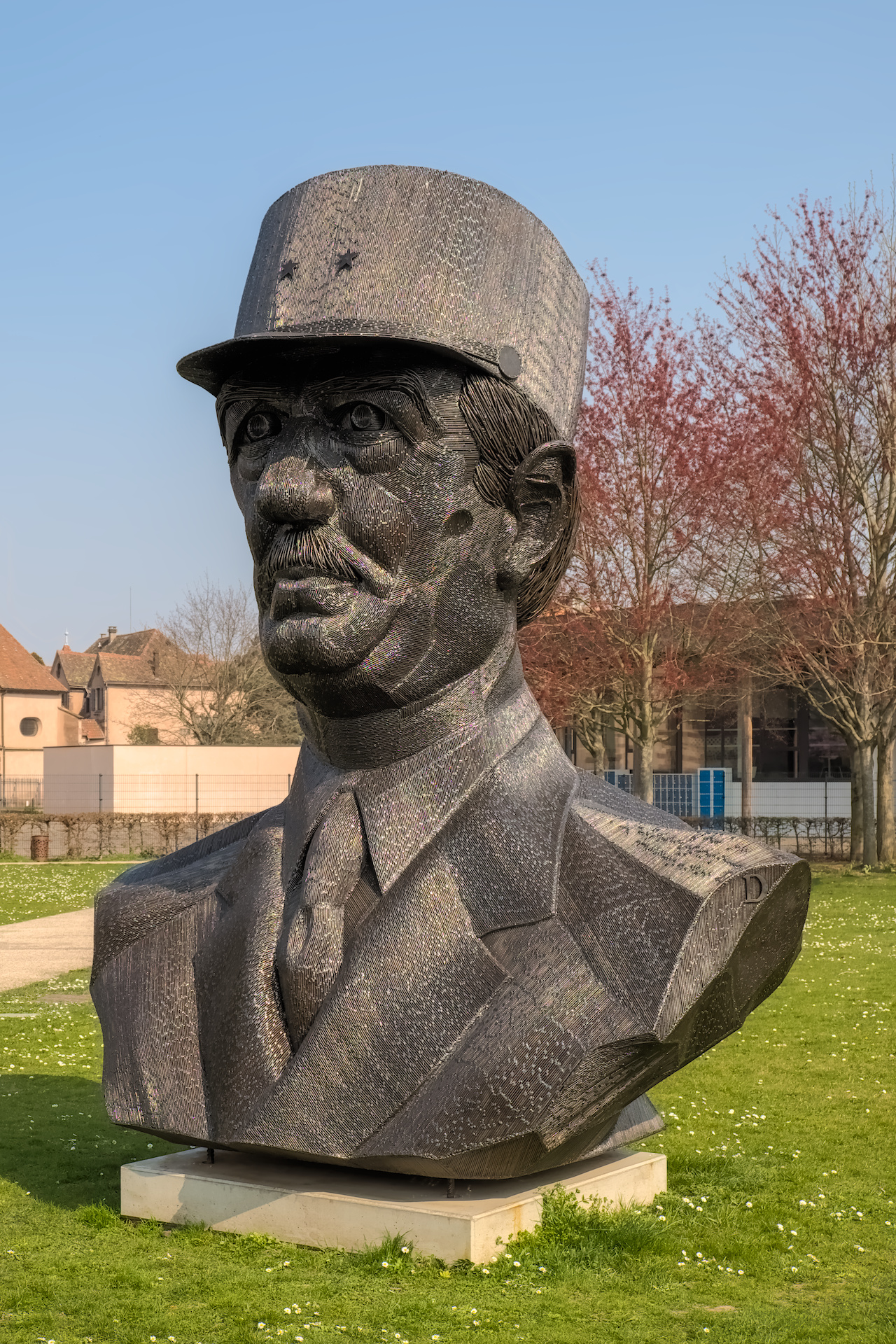
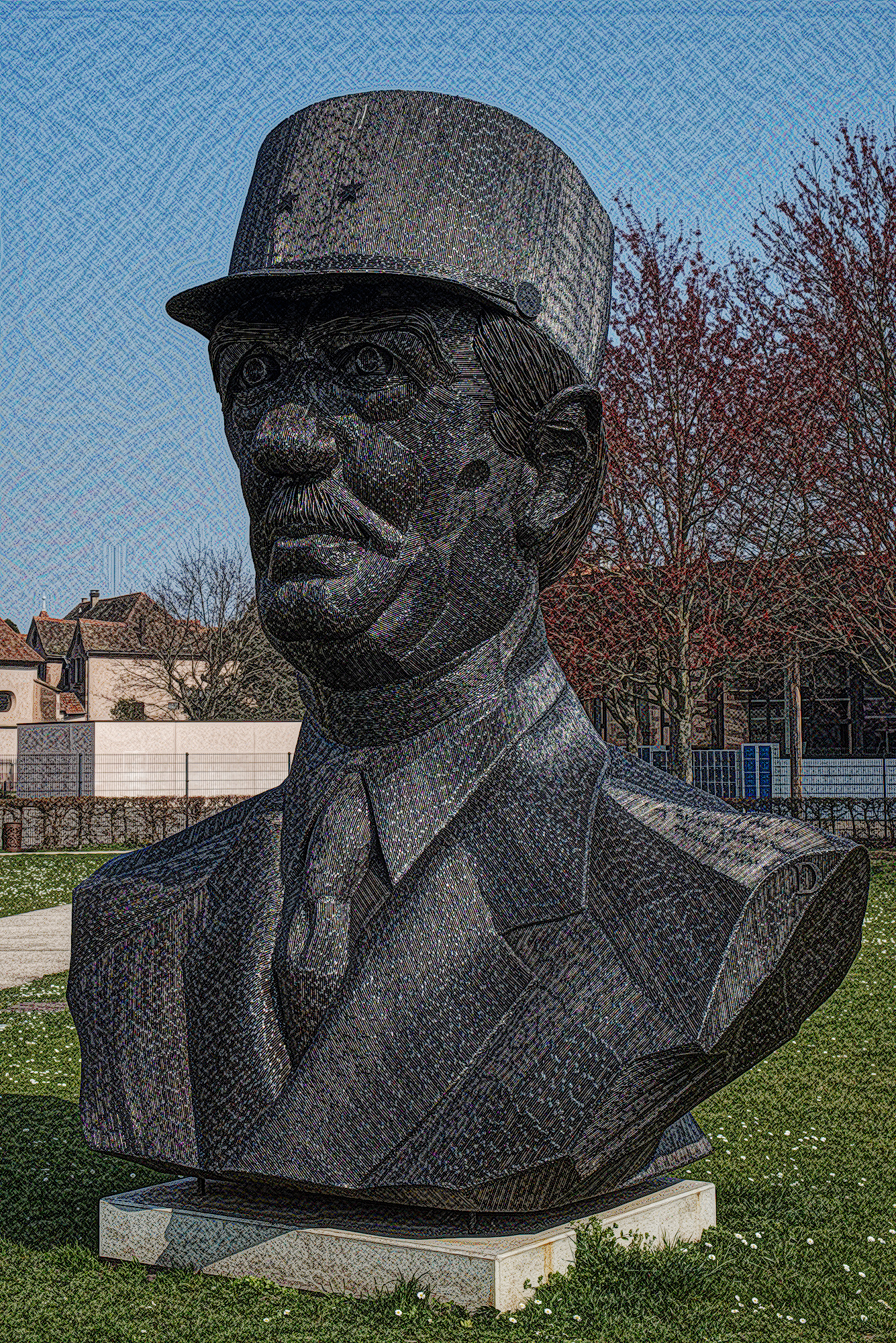
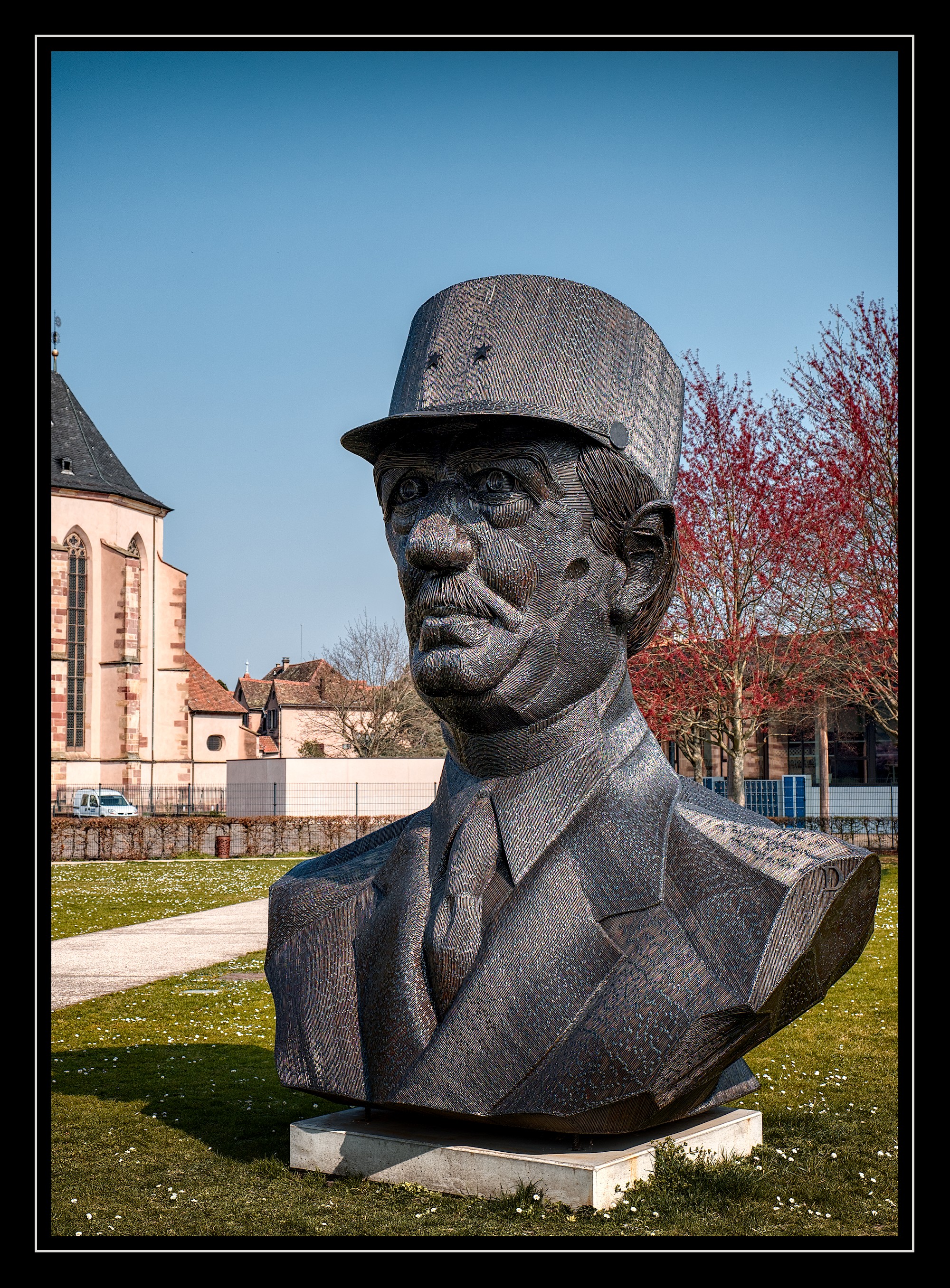
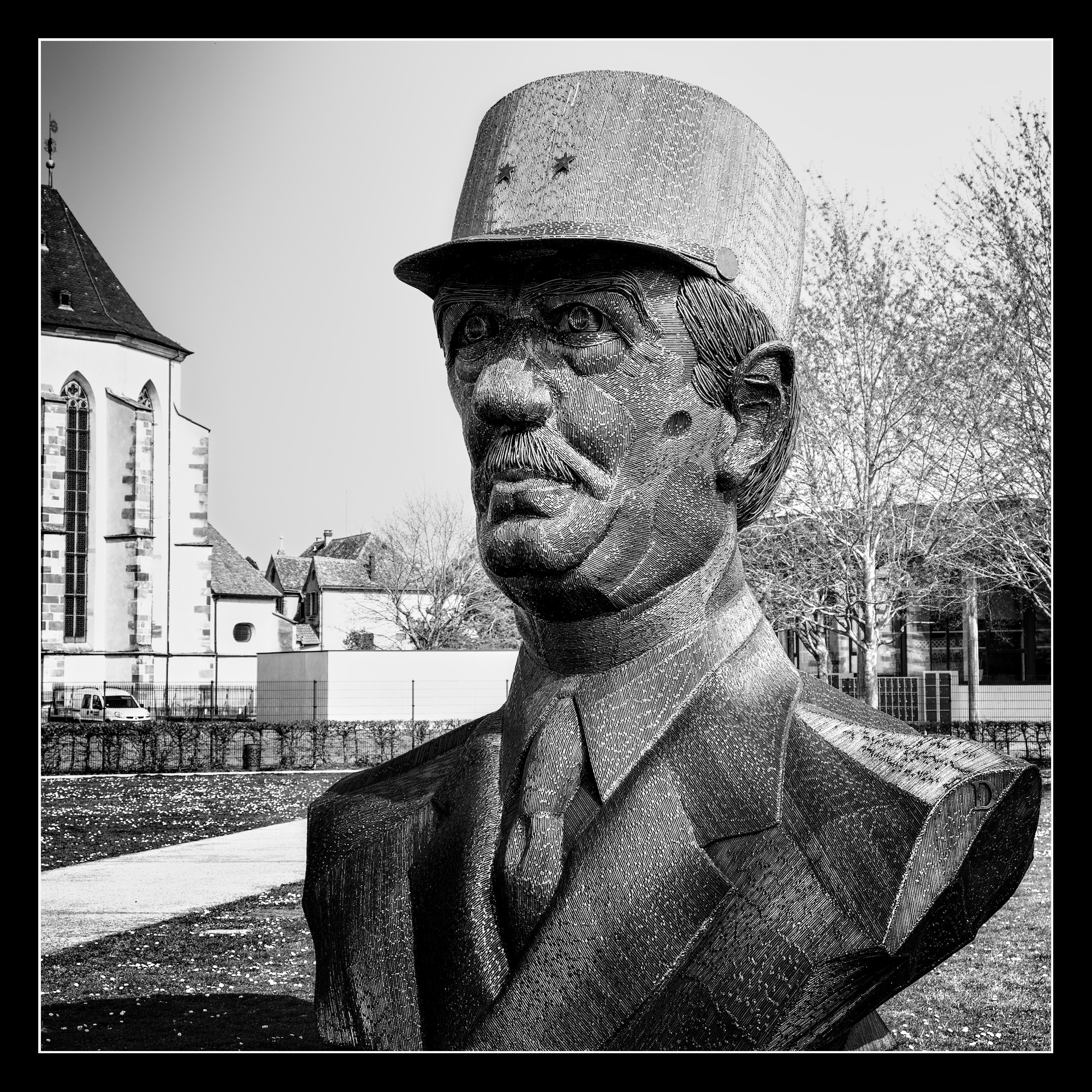
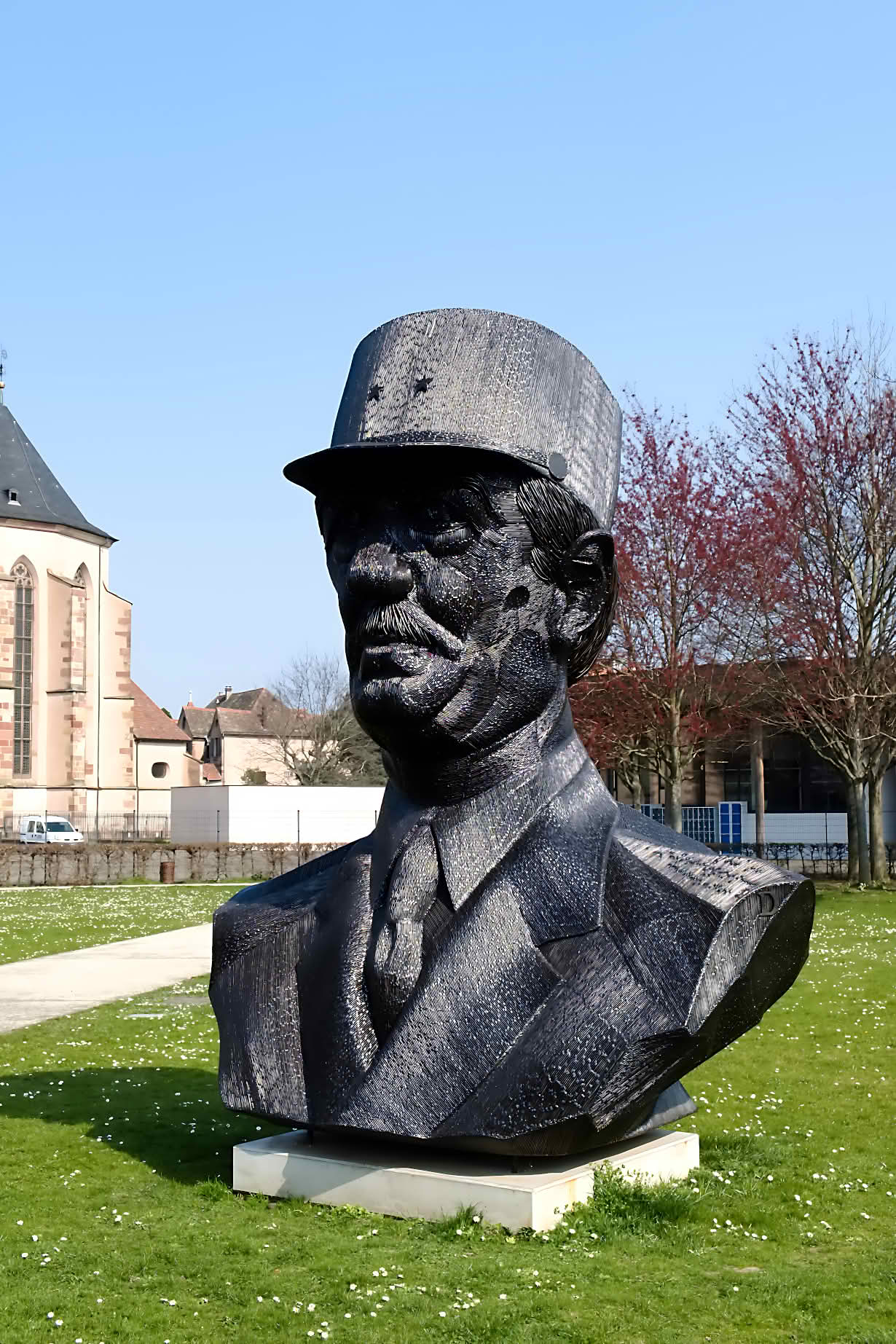
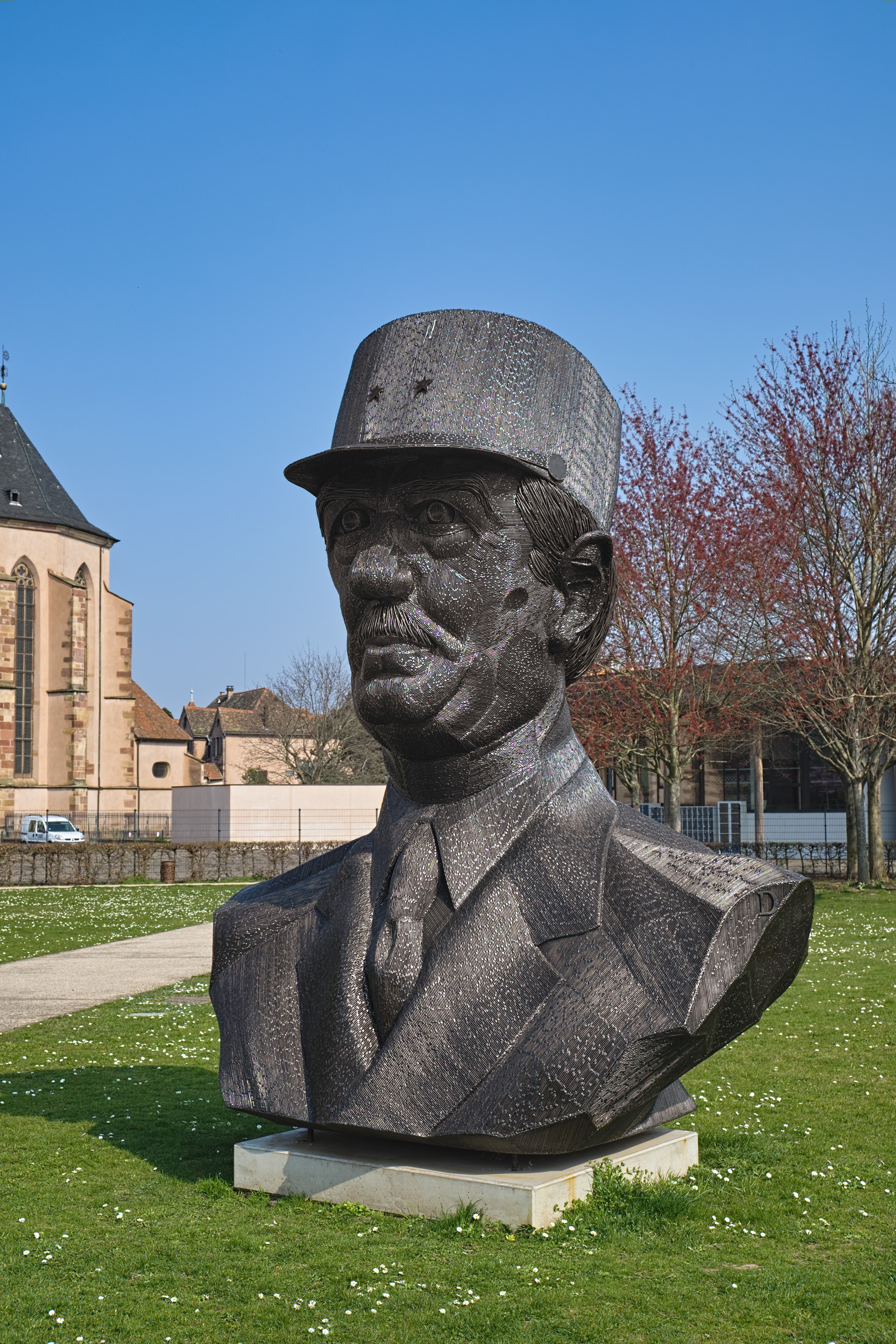
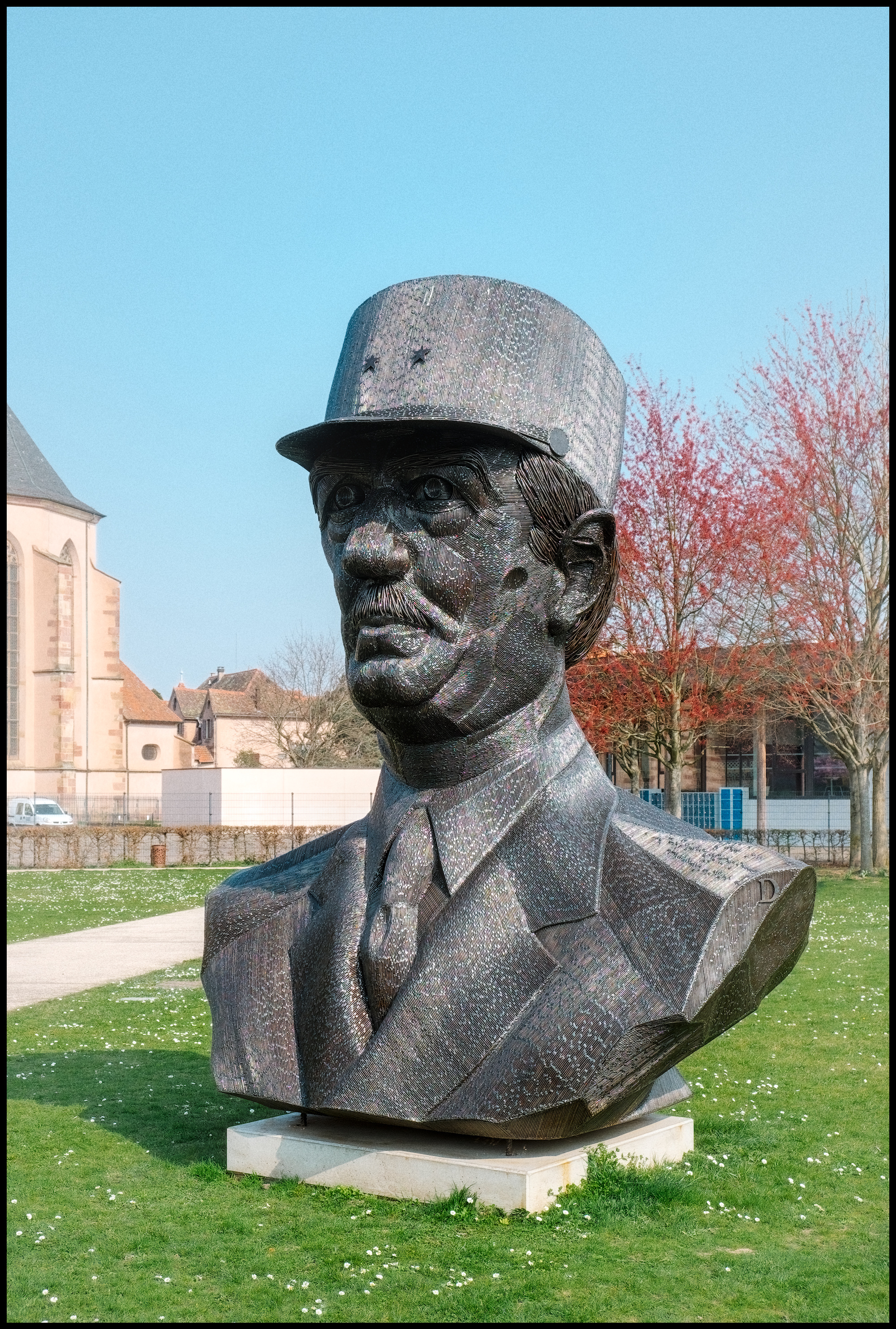
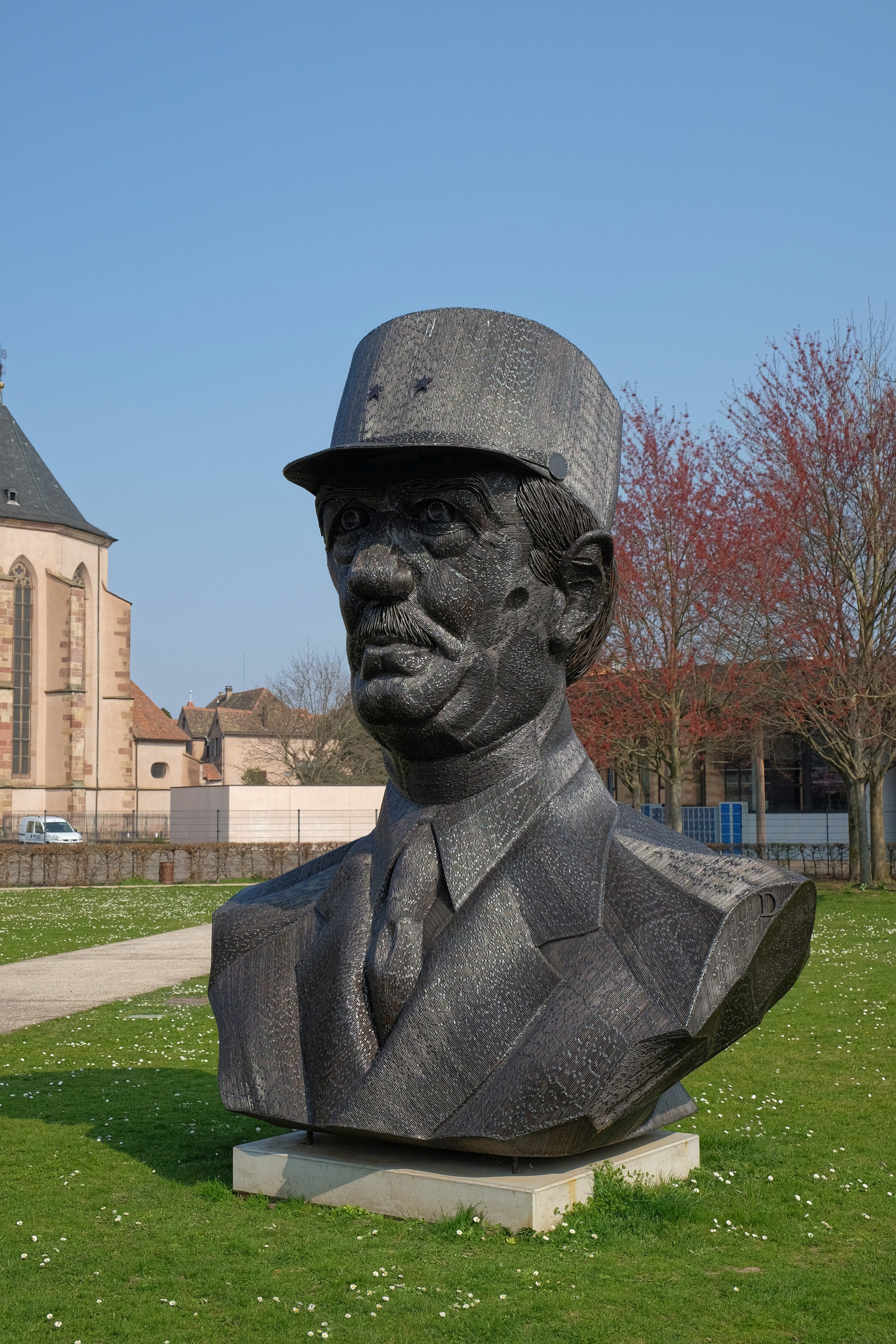
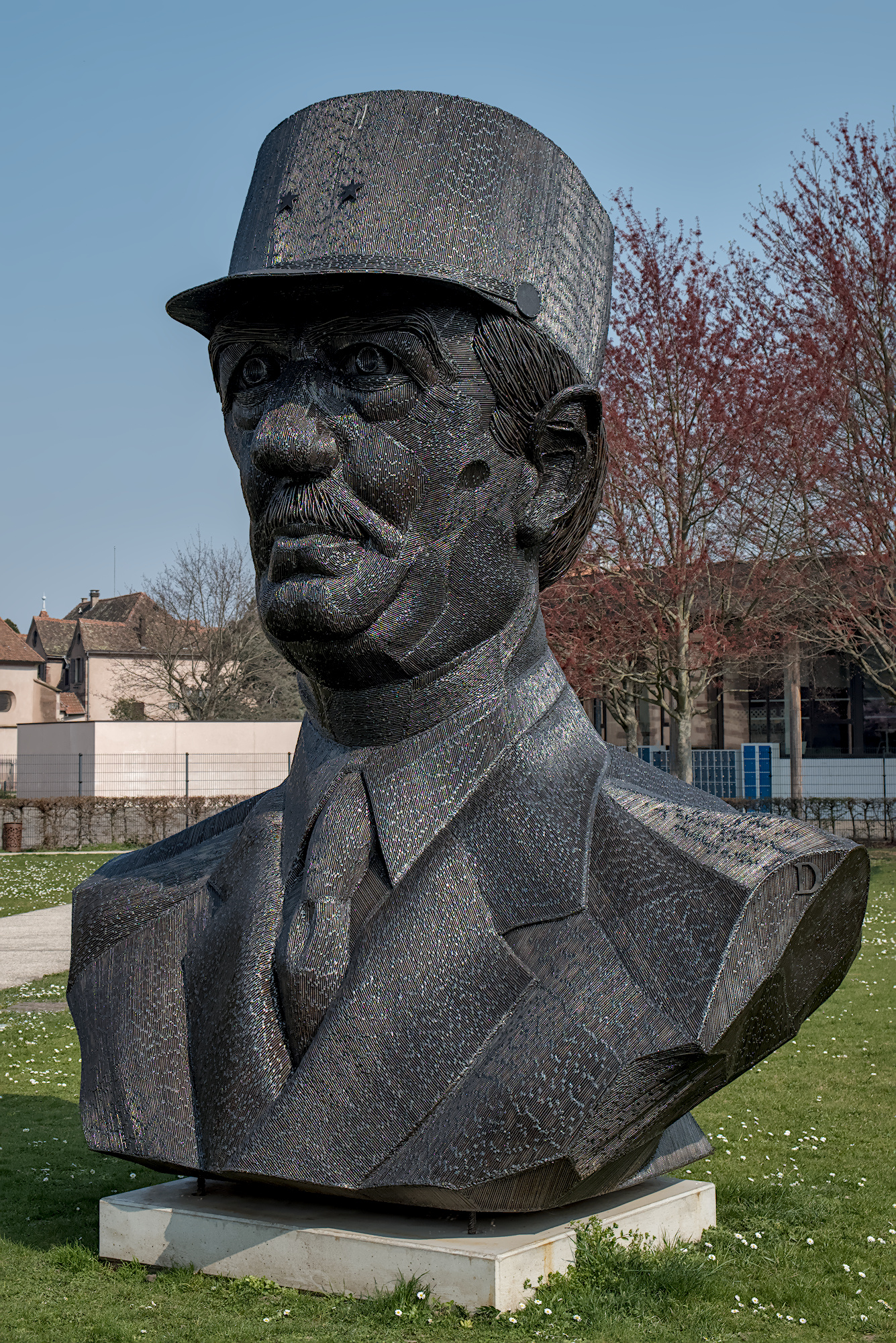
The de Gaulles of @Zbyma72age and @iarga showed no moiré.
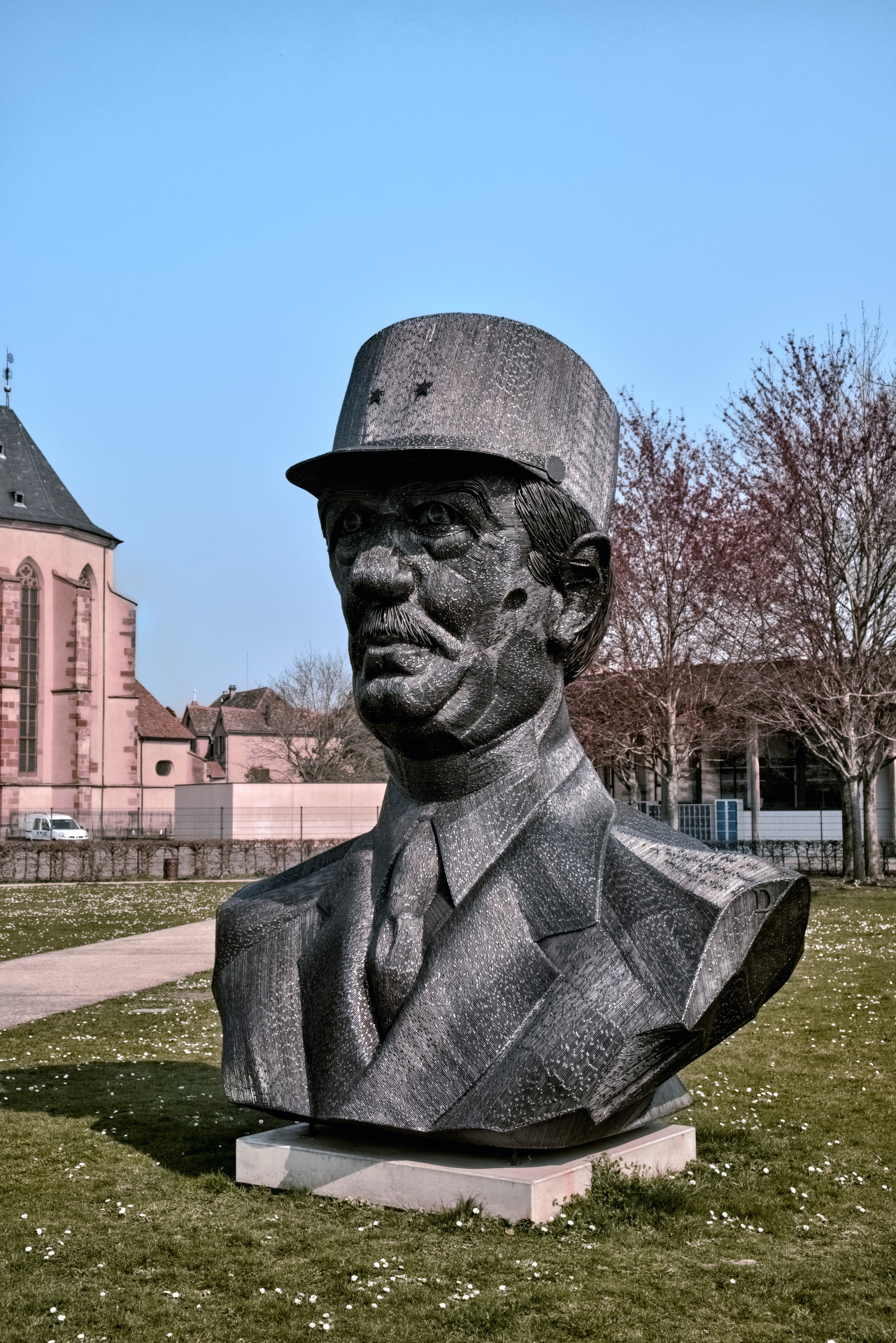
In my own edit I tried to cheat by using local spot in RT to desaturate the figure, which also affected the red leaves in the background a bit. And did not remove the moiré completely
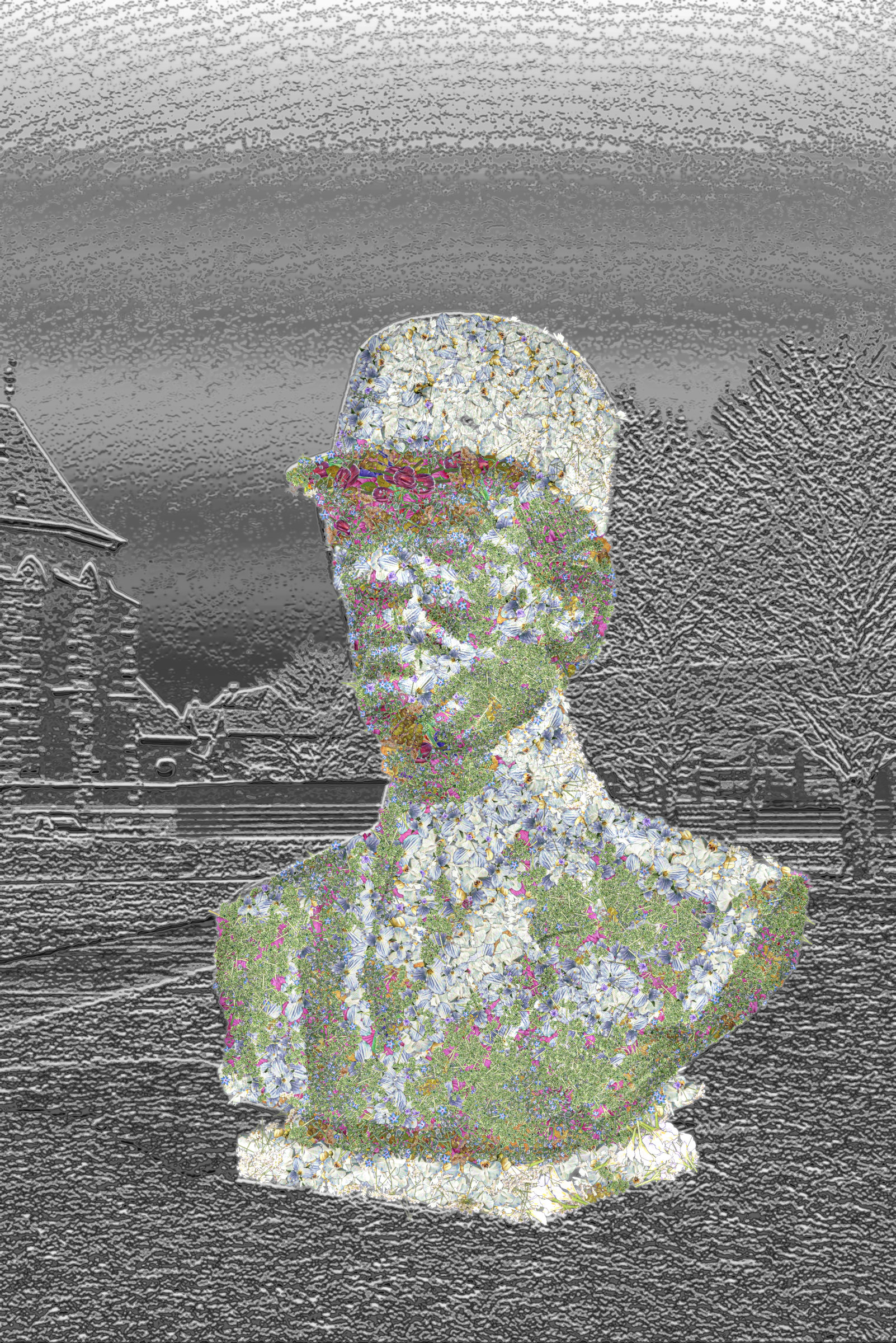
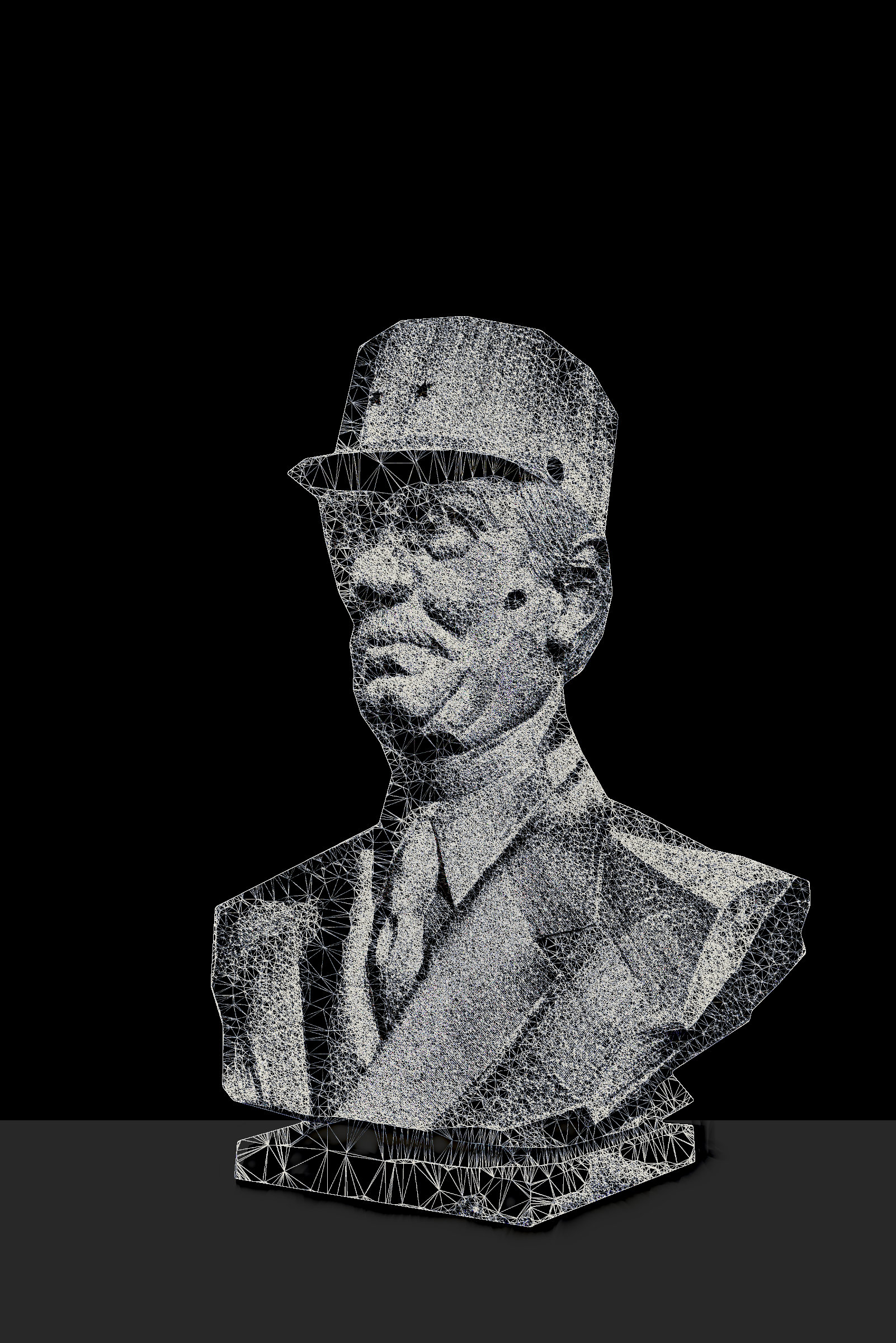
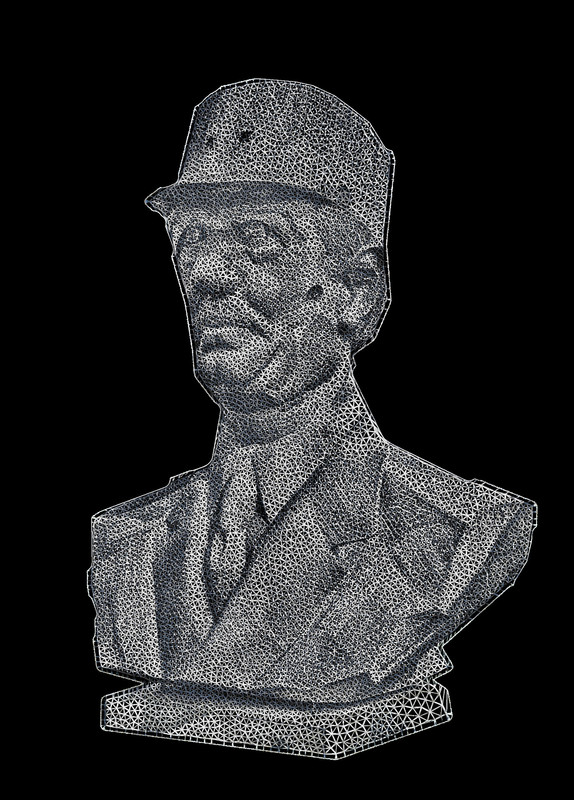
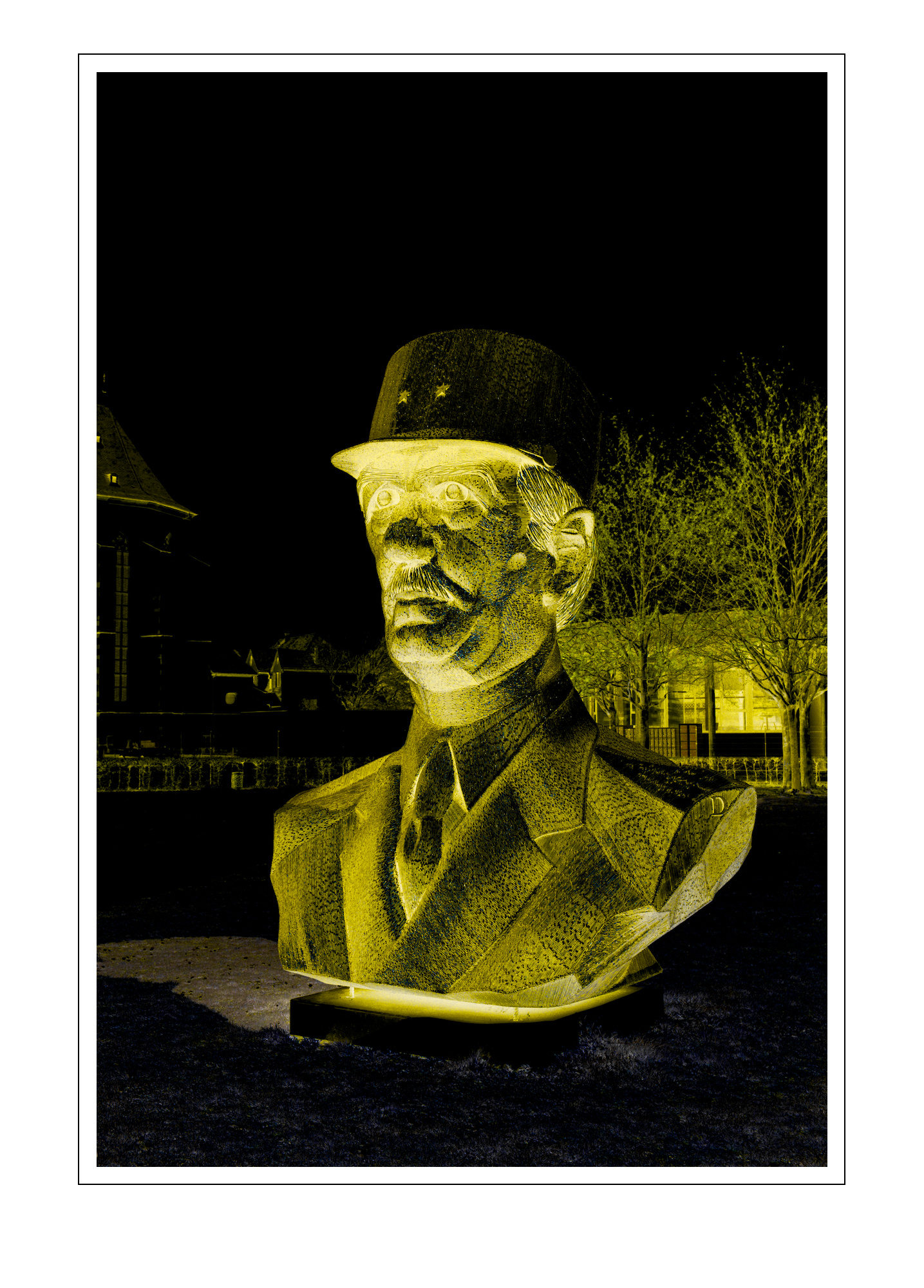
OK; re-remembered how to make trusses; have to first run result through voronoi stippler and then use G’MIC’s Polygonize (Delauney) then thickened it up with Gradient Norm. lol
Didn’t bother doing the backdrop thingy this time. Also hosting elsewhere since I don’t want to fill up pixls’s hard-drive too much. lol
edit: somehow the link to the original size got re-defined; below’s the postimage site’s link to the image where you can see the hirez.
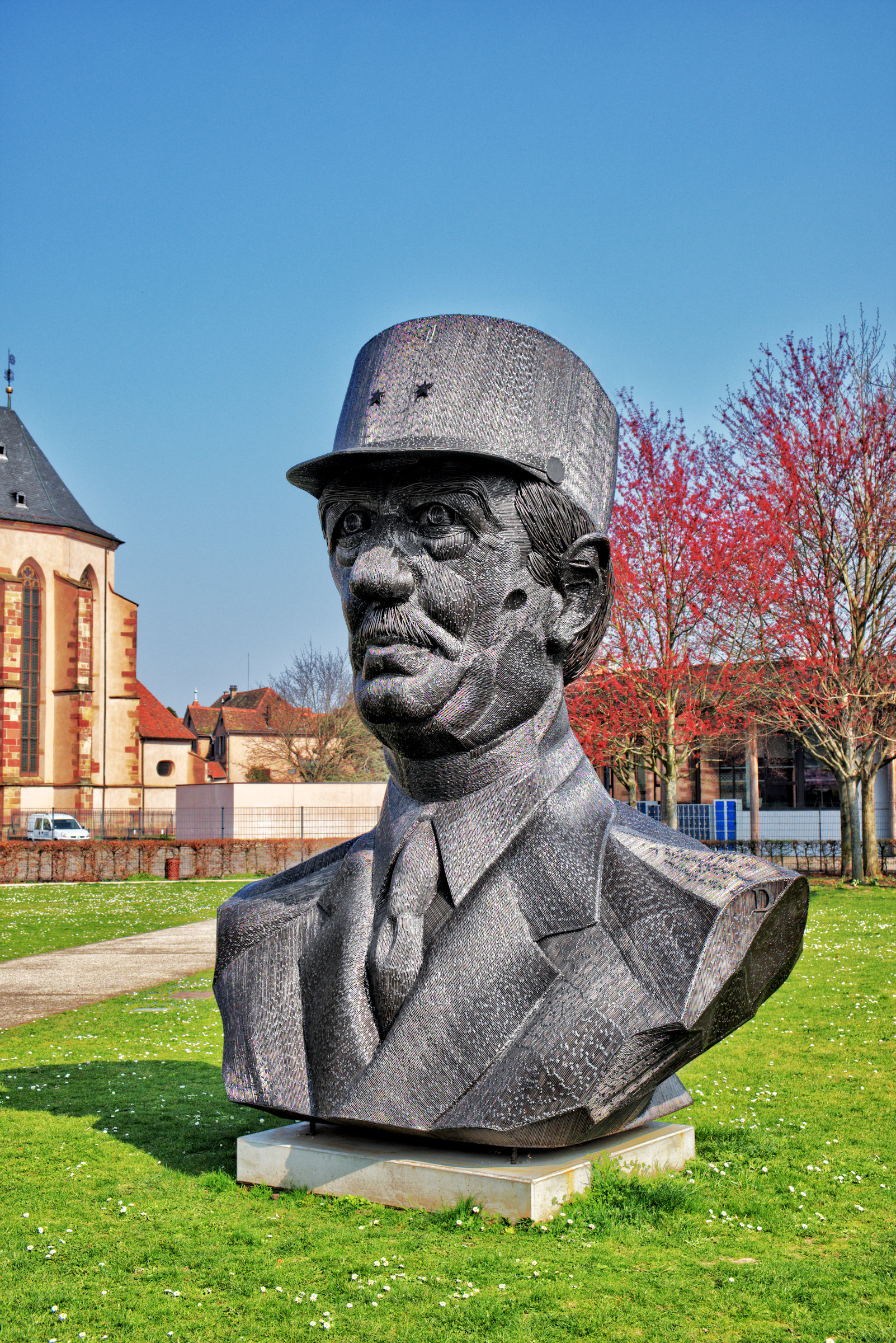
@Sunhillow, my edit was more of an experiment to try out a few things. I wanted to see whether I could achieve color harmony with G’MIC, inspired by the new Color Harmonizer filter in Darktable. That was somewhat successful, but the church now has the same color as the trees, and the grass has turned dark green. This is where the ‘G’MIC > Colors > Tune HSV Colors’ filter becomes important.
The second experiment was to remove color from the statue. The entire image contains colorful highlights (splatters), not just the statue. Colorful highlights can also be seen here and there among the daisies.
I already tried to reduce this in ART by setting ‘False color suppression steps’ to the maximum in Demosaicing and applying substantial chrominance noise reduction. In G’MIC, I first used ‘Curves’ to make the color of the statue as neutral as possible. Then, using the ‘Customize CLUT’ filter, I made sure that “color casts” within the statue were neutralized while the colors outside the statue were preserved. This made the statue largely colorless.
However, all my edits have caused yellow to disappear from the spectrum. The daisies are now colorless as well, which is, of course, not very attractive. All my edits were applied to the entire image; I did not use masks or make any local adjustments.
The question is whether this is moiré. After all, I do not see moiré in the other images either. What I do see are “color casts” and colored glints in the statue, as I mentioned earlier. Perhaps someone with more expertise can provide a definitive answer?
Of course, ribbed metal in sunlight produces all kinds of color effects. A natural edit simply leaves those intact, as shown above by @Dito_Budi.
 …
…
 !
!