DT people like it dark, but I can’t see anything. Dark gray fonts and symbols on black background are a horror to my eys.
I found only abdullahoguk/darktable-light-theme on github. But they didn’t work with my dt 5.4.1.
Has anybody a theme with black fonts and symbols on light gray background?
I use Linux Mint 22.3 Cinnamon
You could work with these or some of the elements to craft your own…
1 Like
The reason for that is (somewhat) explained in the manual where the settings are described: judging colour and contrast is easiest when the interface is close to neutral gray. Just something to keep in mind when you start changing things.
2 Likes
You may also have a look over here, the guys at darktable.info have some alternative themes available for download.
1 Like
The reasons for the grey theme are explained in several places in the manual. The FAQ has the links:
I don’t think it works by just transferring all the css themes and then trying to load it the normal way but if you copy the css lines into the custom tweaks area in preferences and then also go back to the light theme and grab the color definitions and replace that part of the css I think it works for the most part and then you could further tweak it to your liking…there are technical reasons as many have pointed out as to why you don’t see this but if you need it or wanted to use that for the starting point to your own custom theme here it is…
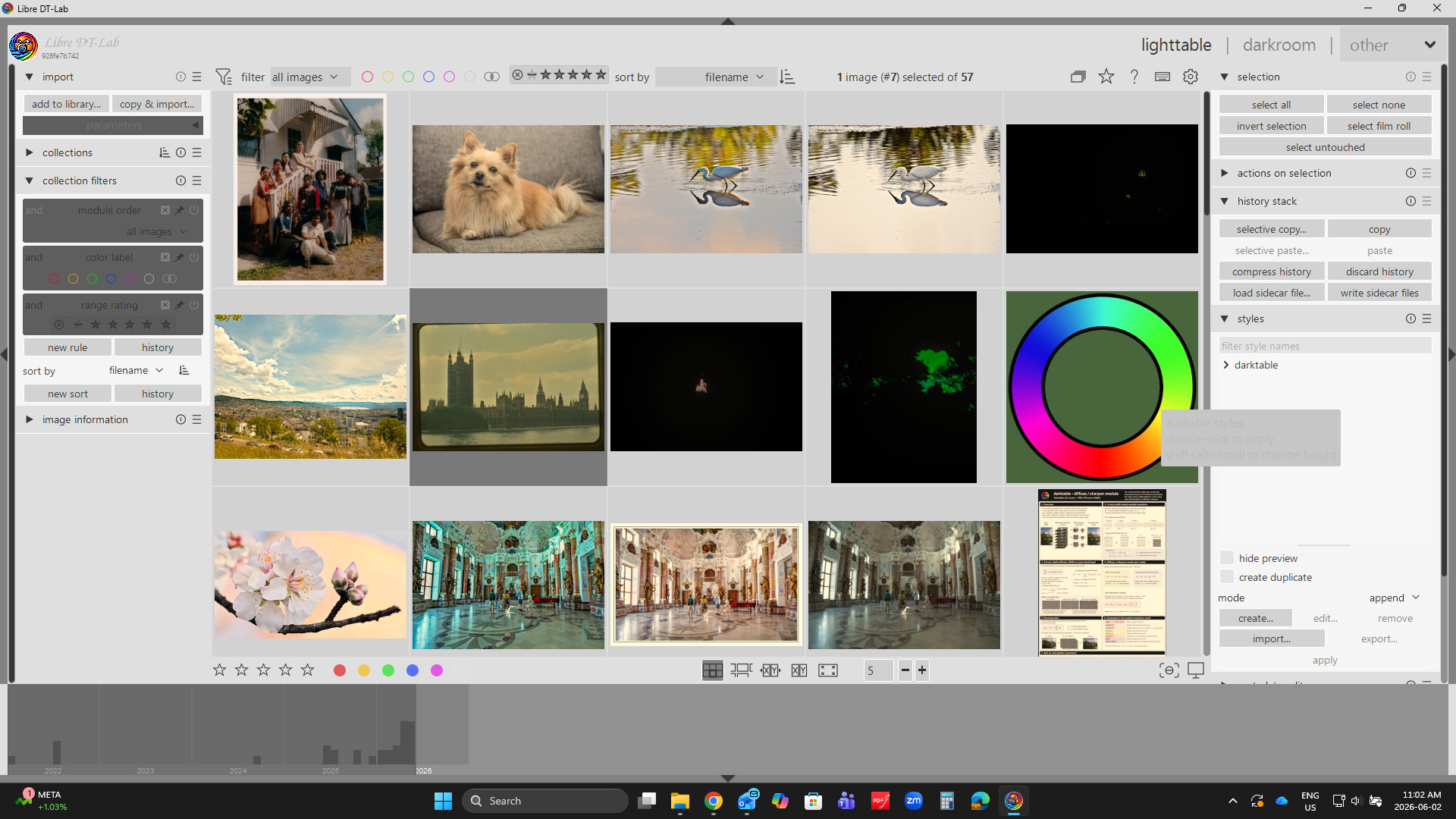
Set the theme to darktable-elegant-dark and then paste the txt from here:
DT light theme;.txt (9.1 KB)
in to the CSS tweaks box and hit save and apply…
This is old so I don’t know if it will be 100% faithful to the look created by the authour but as I said you can learn to tweak it and bend it to your liking…
So again not technically the way to go but it this helps and it works for you …go for it…
Edit …you can easily reverse it by just deleting all that text and going to back to your default suggestion… or to toggle the effects use the checkbox…
1 Like