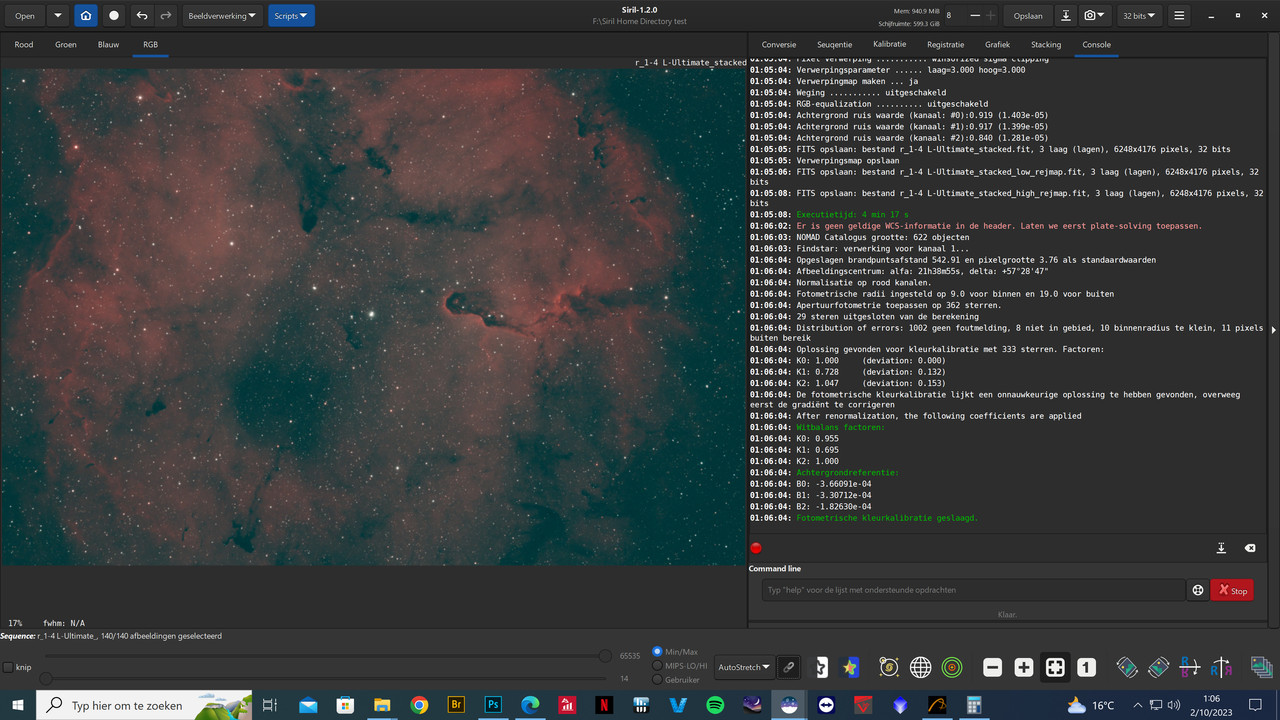
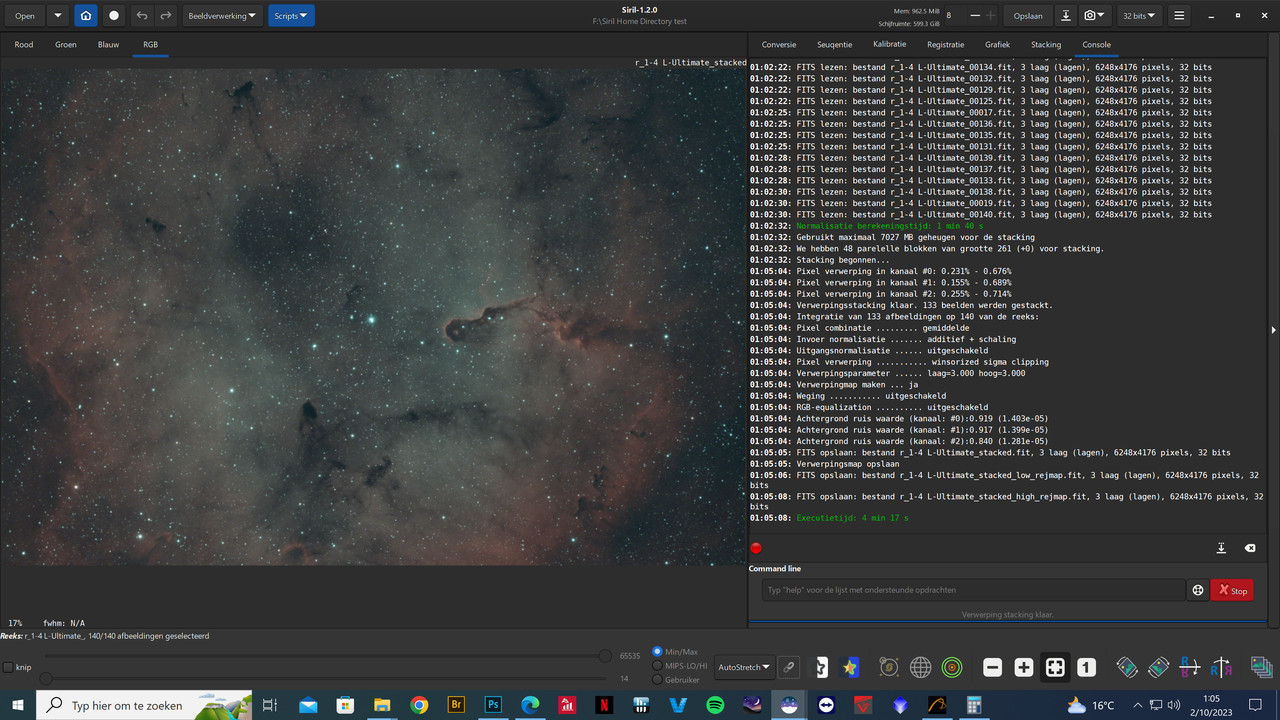
After stacking I sometimes hit the link/unlink button and I actually like the result better from the unlinked version. As you can see here there is more separation between the reds and the blues. I spent a lot of time in processing to achieve these colors. But with the channels unlinked I’m getting a good starting point from where I can adjust further. But when I save the unlinked version it goes back to the linked version. Is it possible to save the unlinked version?
You just have to follow the normal processing. The unlink version is just a version with the 3 median aligned. This is done during a color calibration.