everybody has a different workflow … my workflow is to
-
to develop the raw (DT, RT, etc …) and do the global edits (and local edits too if doing that in DT) … I try to do as much as possible in here on the raw data - tonality, colors, denoising … I do not work here on the contrast (sharpening, or microcontrast, etc … … output from the stage is 16bit tiff in original resolution
-
I continue with tiff in GIMP … of course blending the multiple shots in here (ie focus or exposure bracketing) and some final changes like a bit retouching if required or some final local adjustments but in general changes are supposed to be a very subtle in here and not doing anything with colors typically … I always as a first step duplicate the original layer so my bottom layer is without changes as it has been imported from tiff …
-
now the pre-final stage comes … I recover the contrast by duplicating a final layer applying on that high-pass and switching layer to overlay mode … I often use mask and me this contrast recovery not global … sometimes I additionally “pop” locally the colors and stuff (this is kind of “clarity” effect from ps) by adding one more layer in overlay and some transparency … I save the image here - this is xcf file saved for a archiving
-
final stage here is to just export the shot in different sizes and add a frame (if I wanted - I am just adding simple white frame) … I apply sharpening here just as a last step before exporting in particular size because based on my experience the sharpening needs to be added after resizing as required for different size of the image …
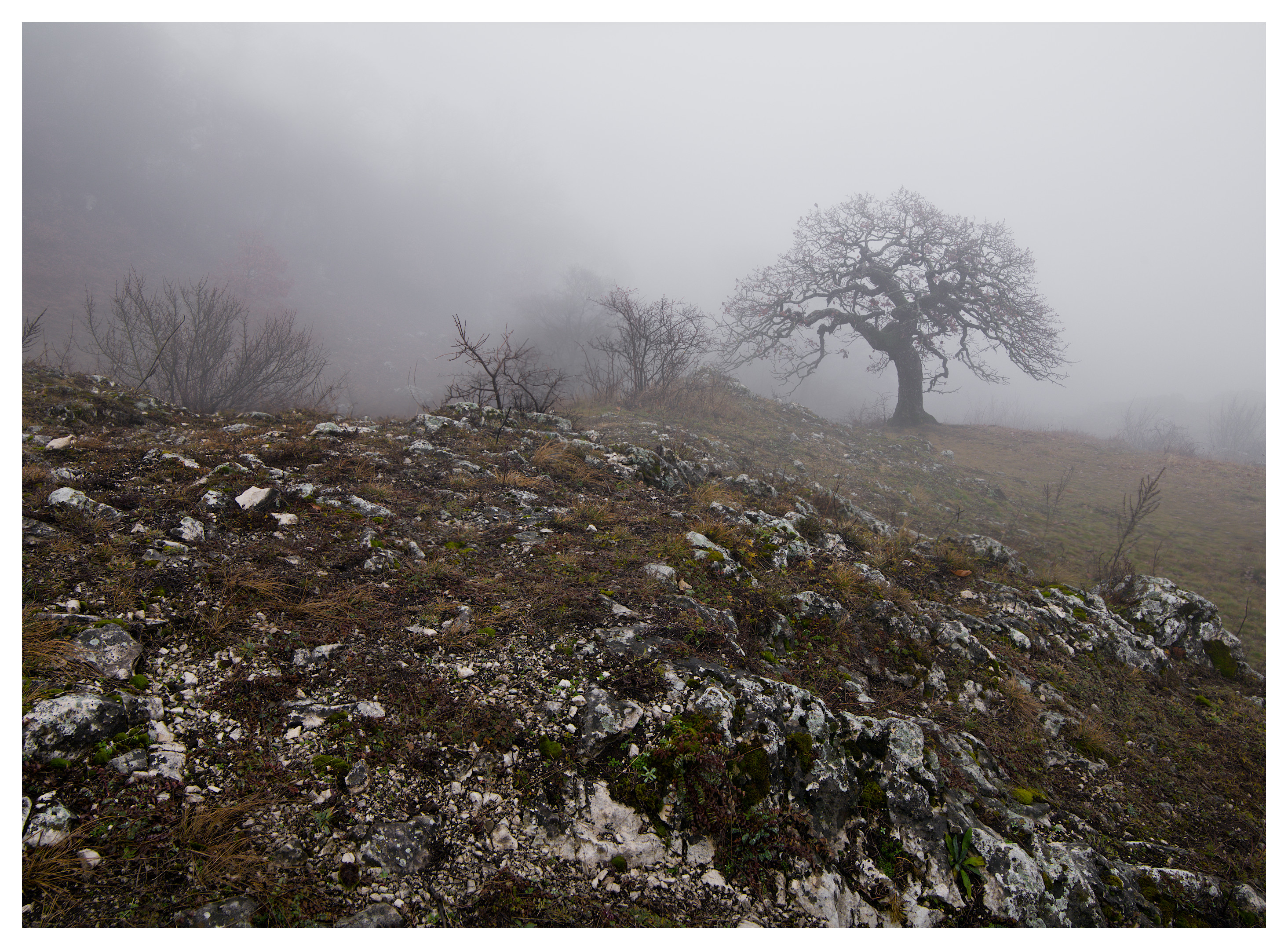
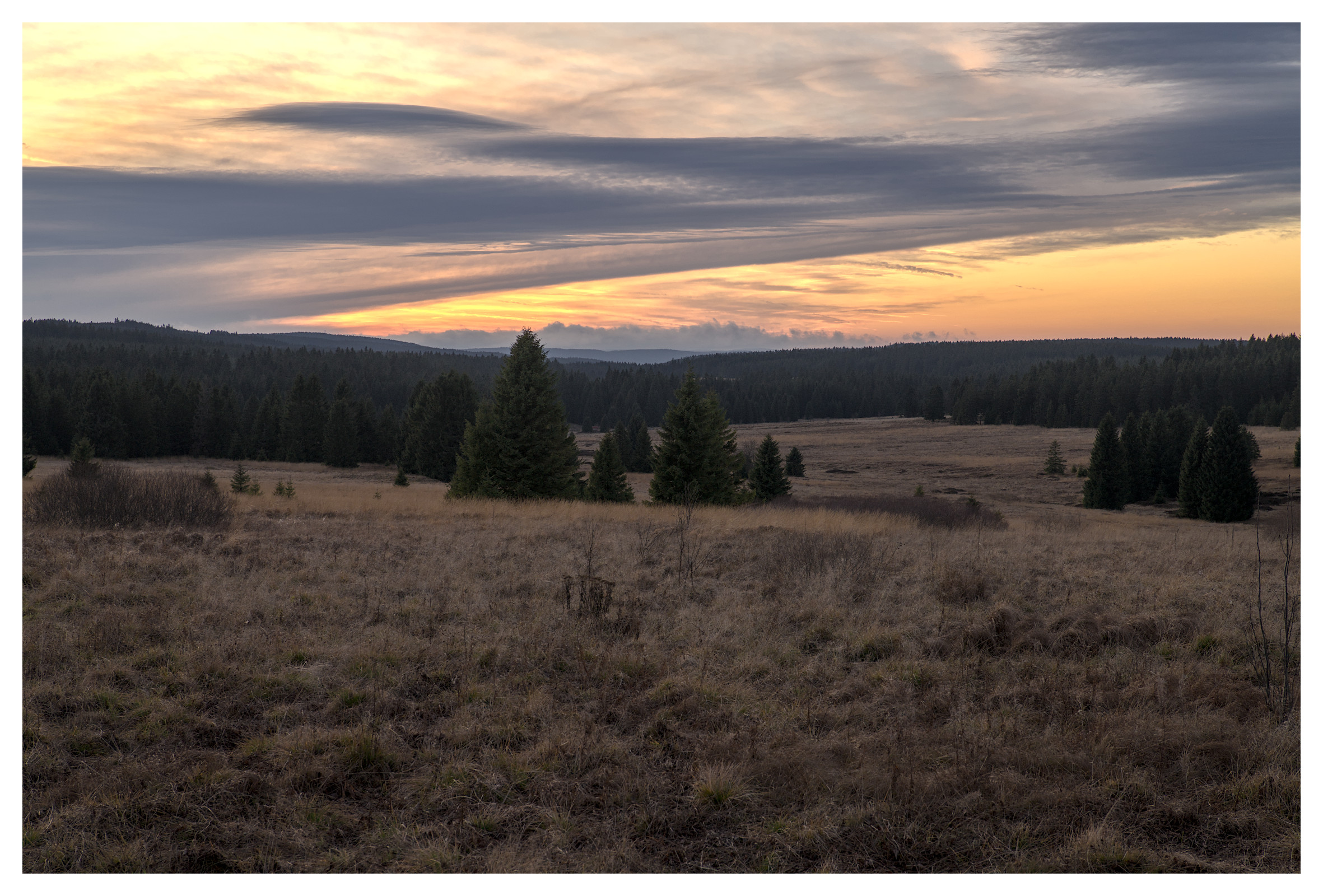
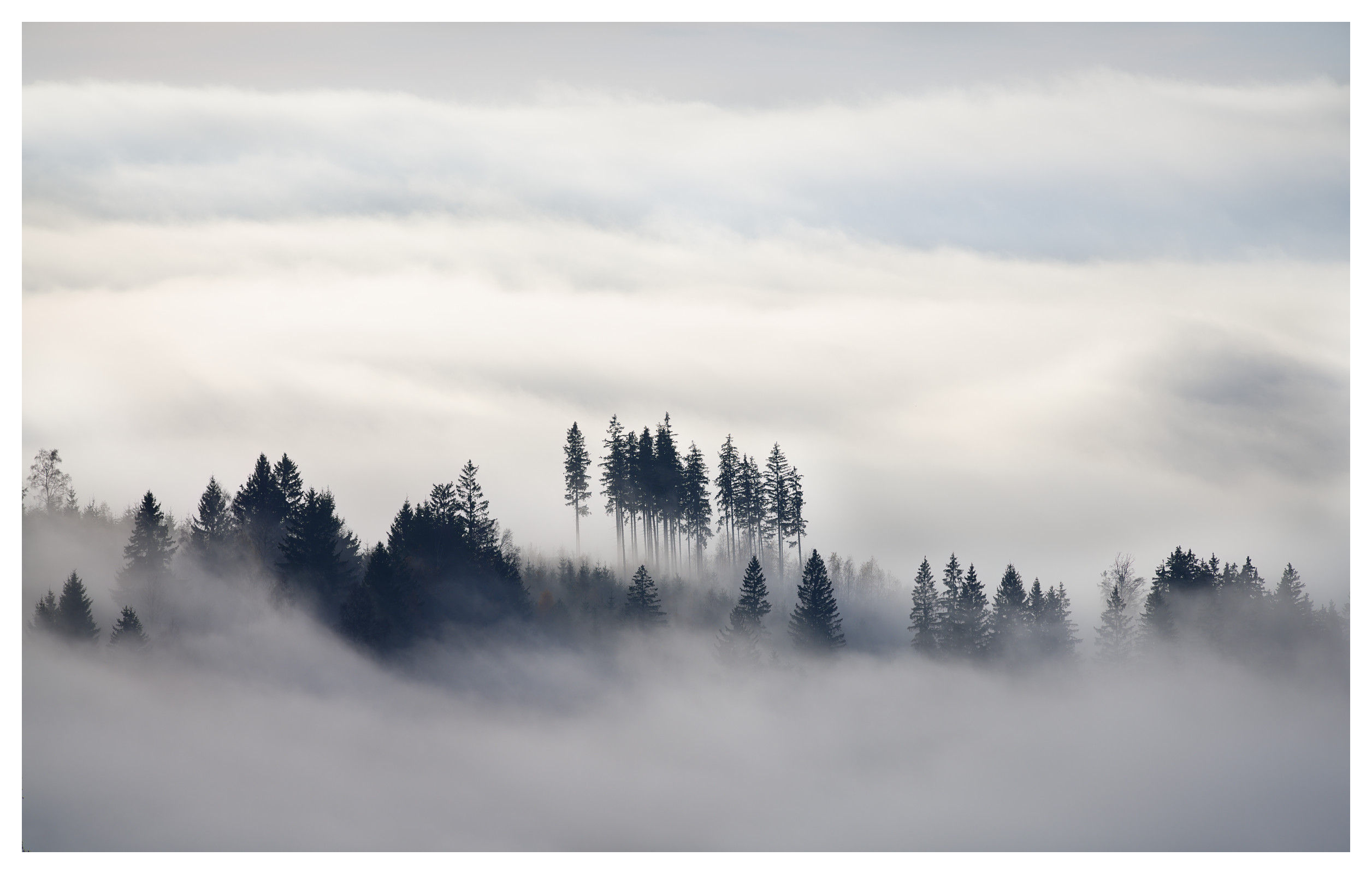
attaching my last shots from Nov/Dec