DSCF6495-2.jpg.out.arp (12.9 KB)
4 Likes
4 Likes
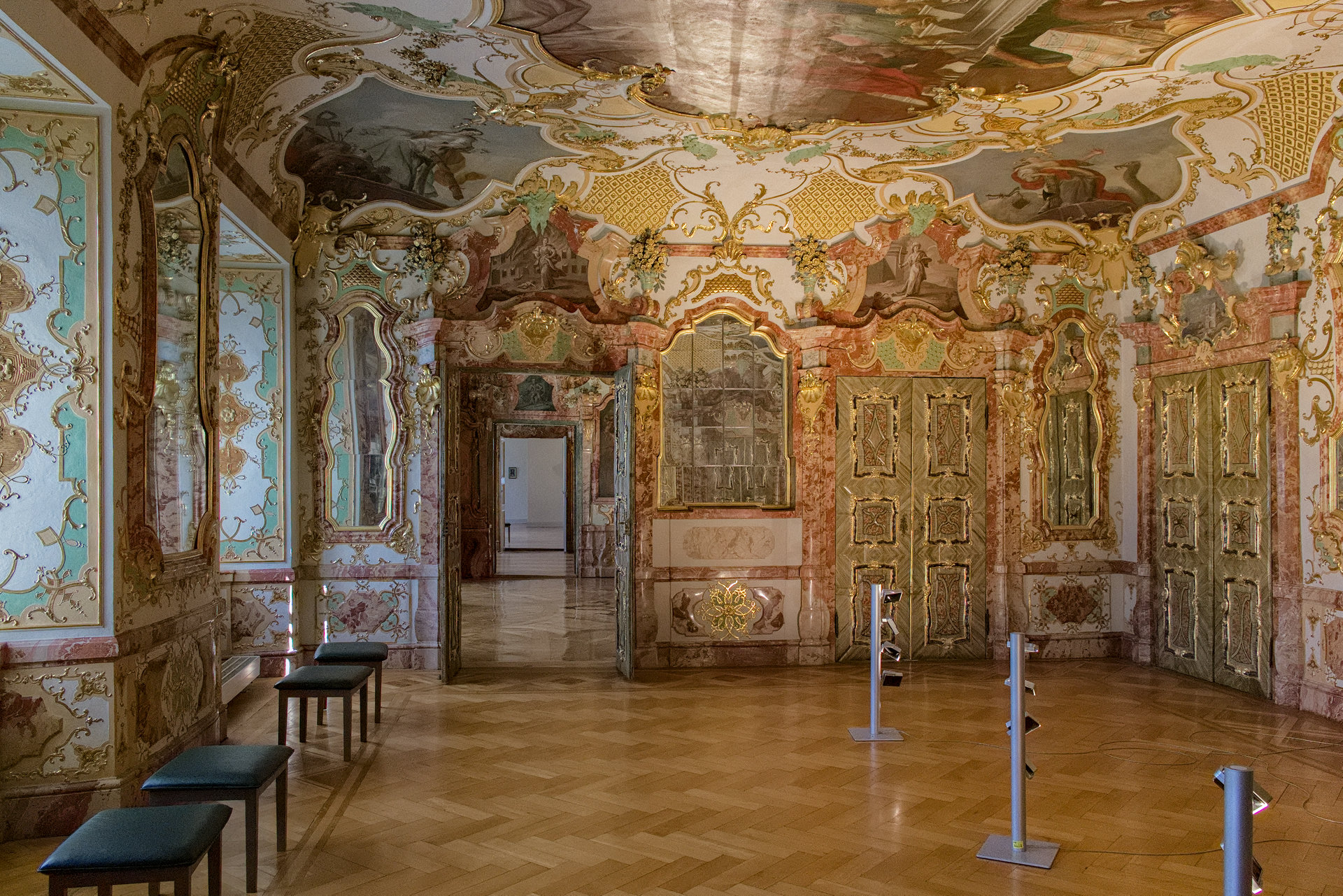
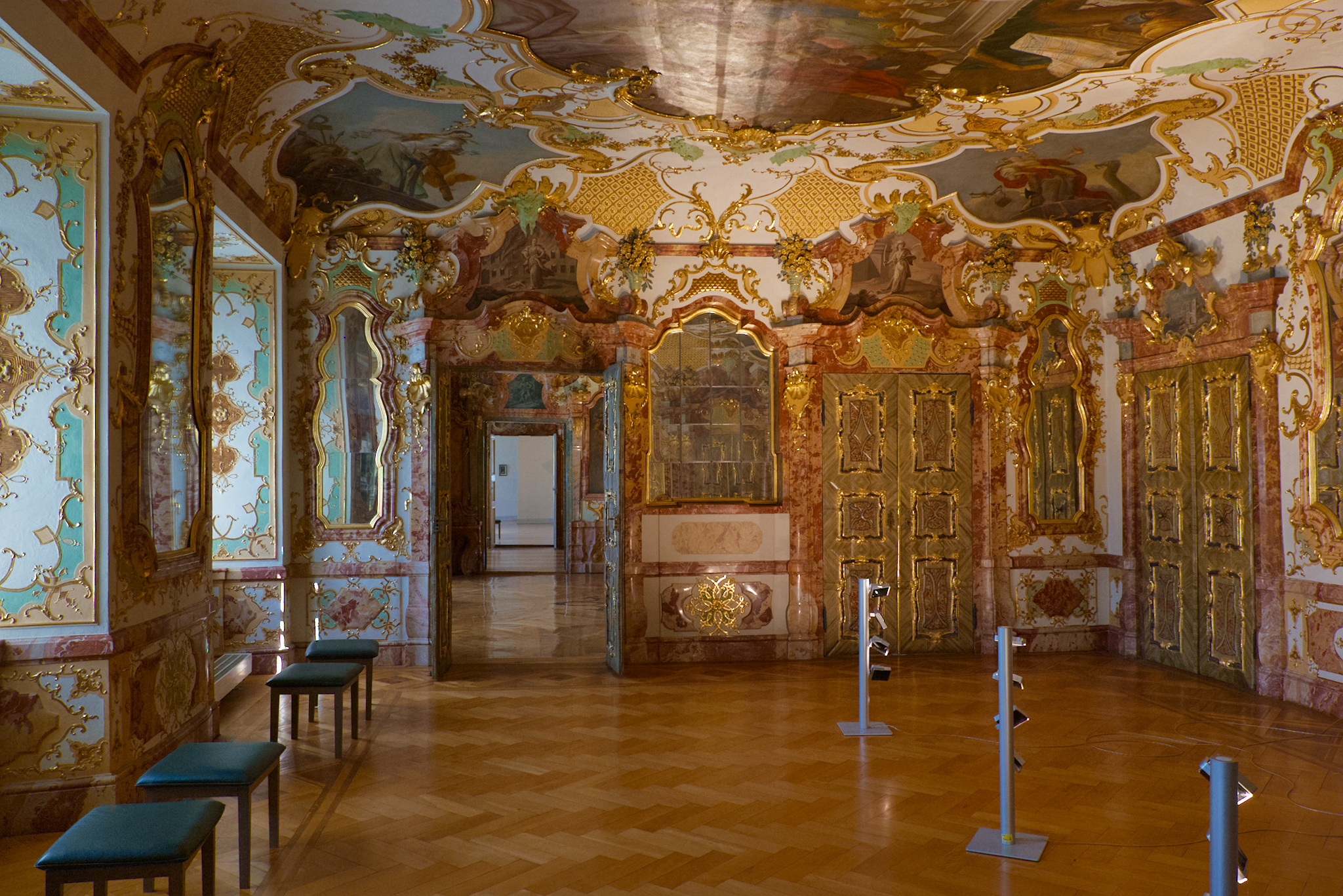
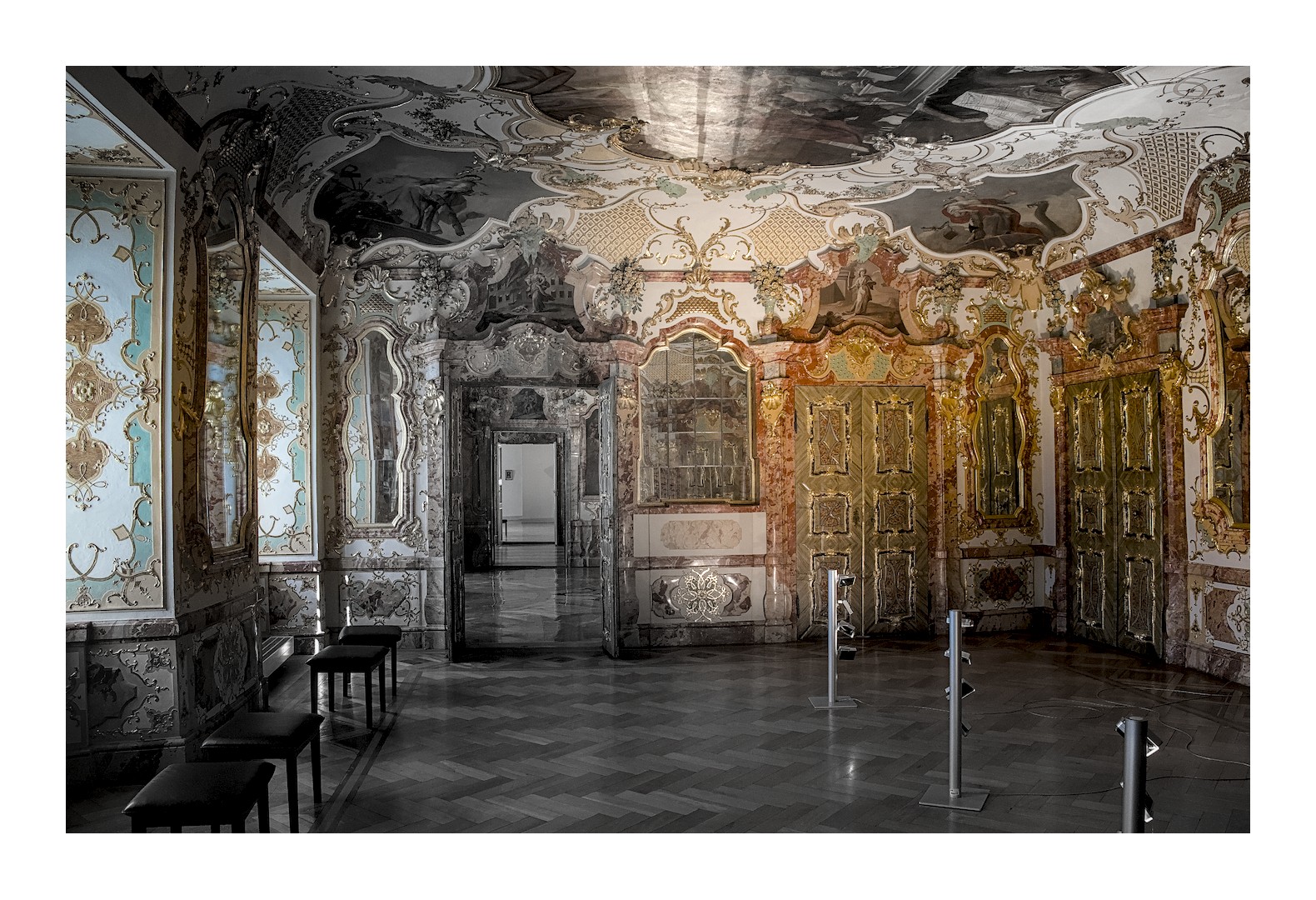
Ok…hear me out…
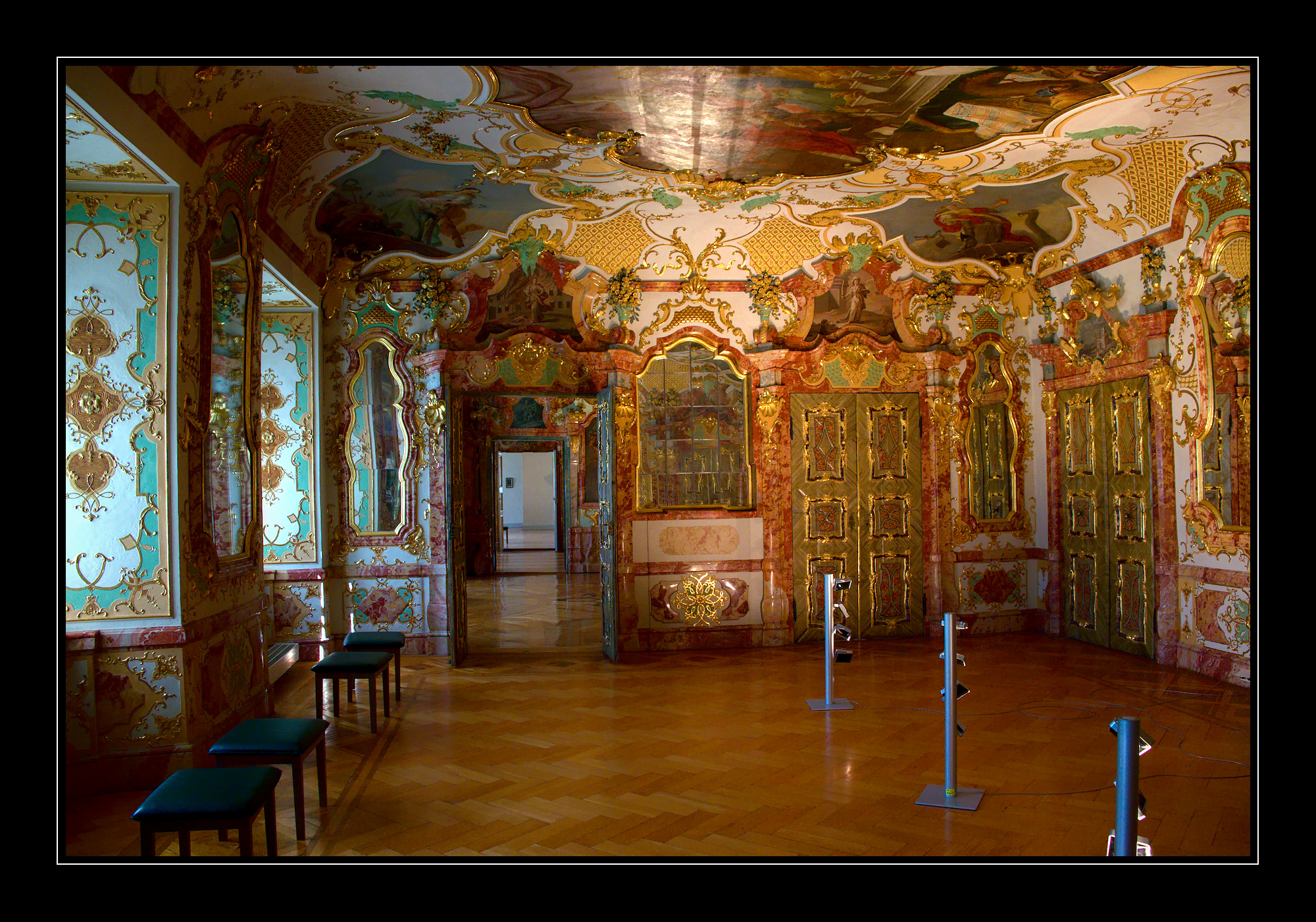
I tried to colorize only the spots where the natural or forced light was hitting just for kicks. I tried to add some visible light rays as well to add direction, but stopped short of executing them properly.
I used the tone eq to essentially map out where the light was most prominent and then drew a color rgb mask to desaturate the areas least impacted by direct light.
I’m trying to avoid the effect of highlighting a single color, but overall this looks a bit …muddled.
Still, fun to play with…and an amazing architectural subject. Thanks for sharing it.
Edited in dt 5.4, windows.
DSCF6495.RAF.xmp (27.5 KB)
6 Likes
Ok

I guess my next Play RAW will be a photo from the library of Wiblingen Abbey near Ulm
3 Likes
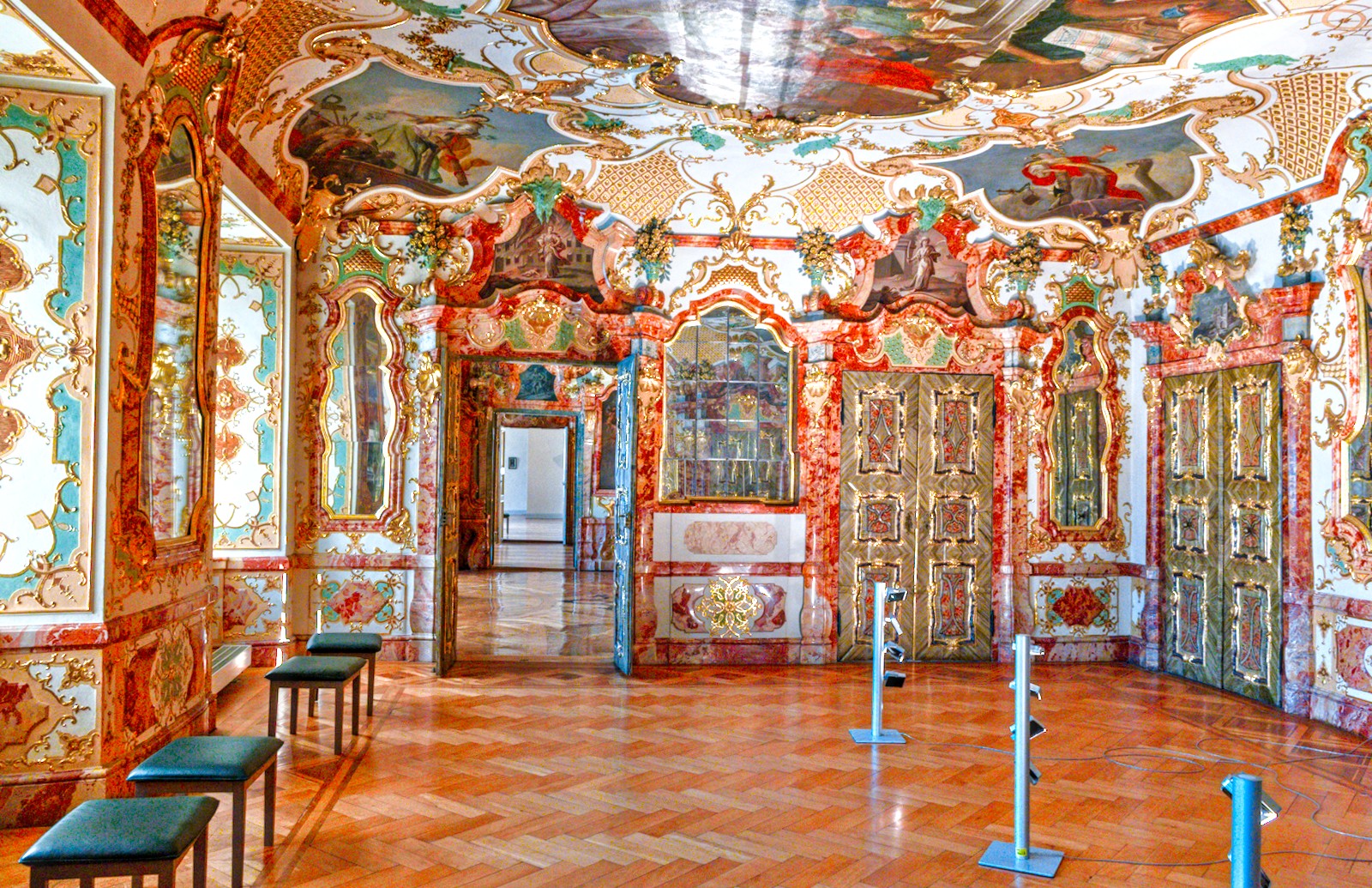
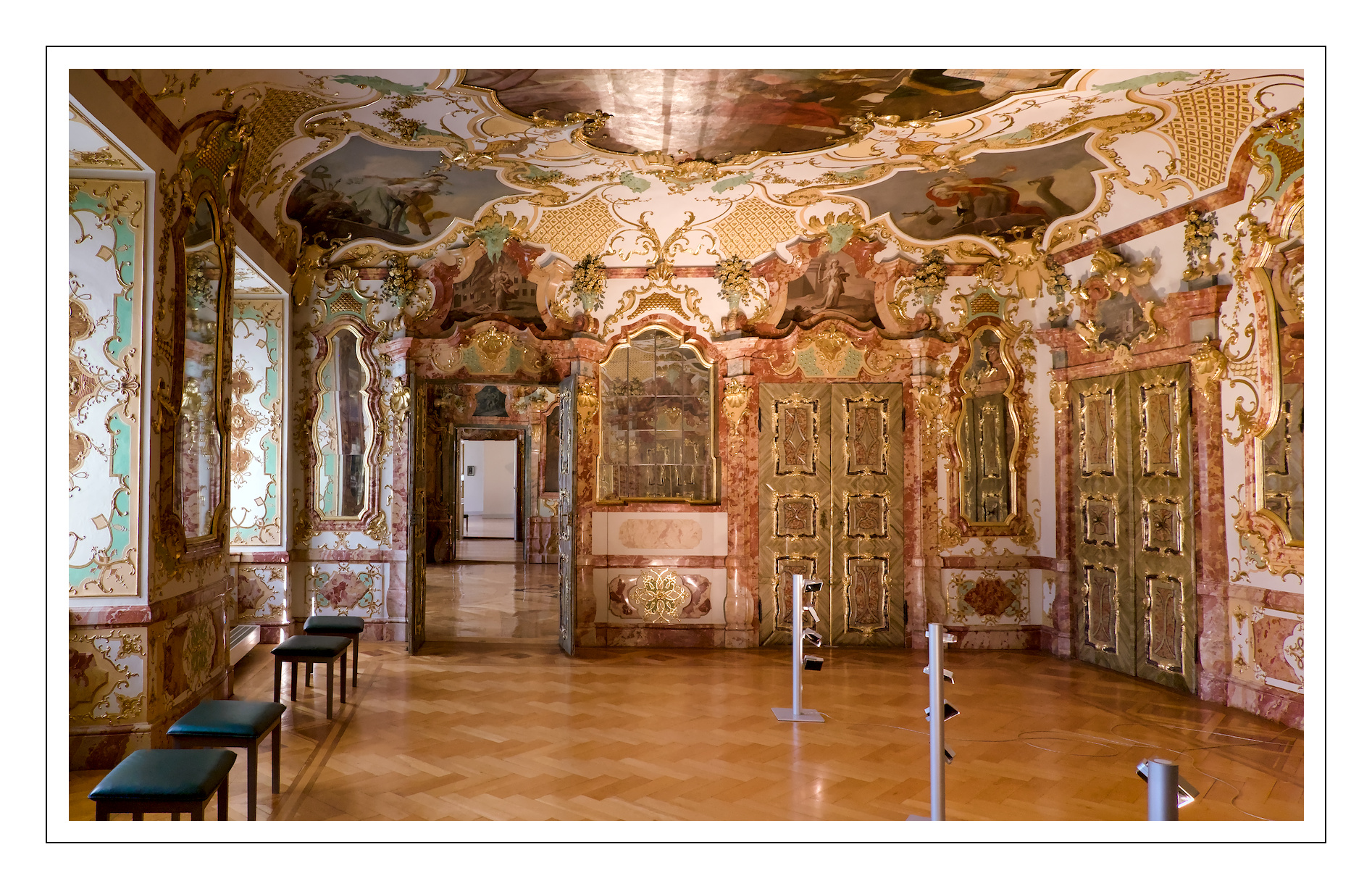
Here is my attempt. I wanted to make the light color more uniform between the window light from the left and artificial light on the right.
Still testing the flex mask panel, so not sharing the obscure xmp file.
6 Likes
3 Likes
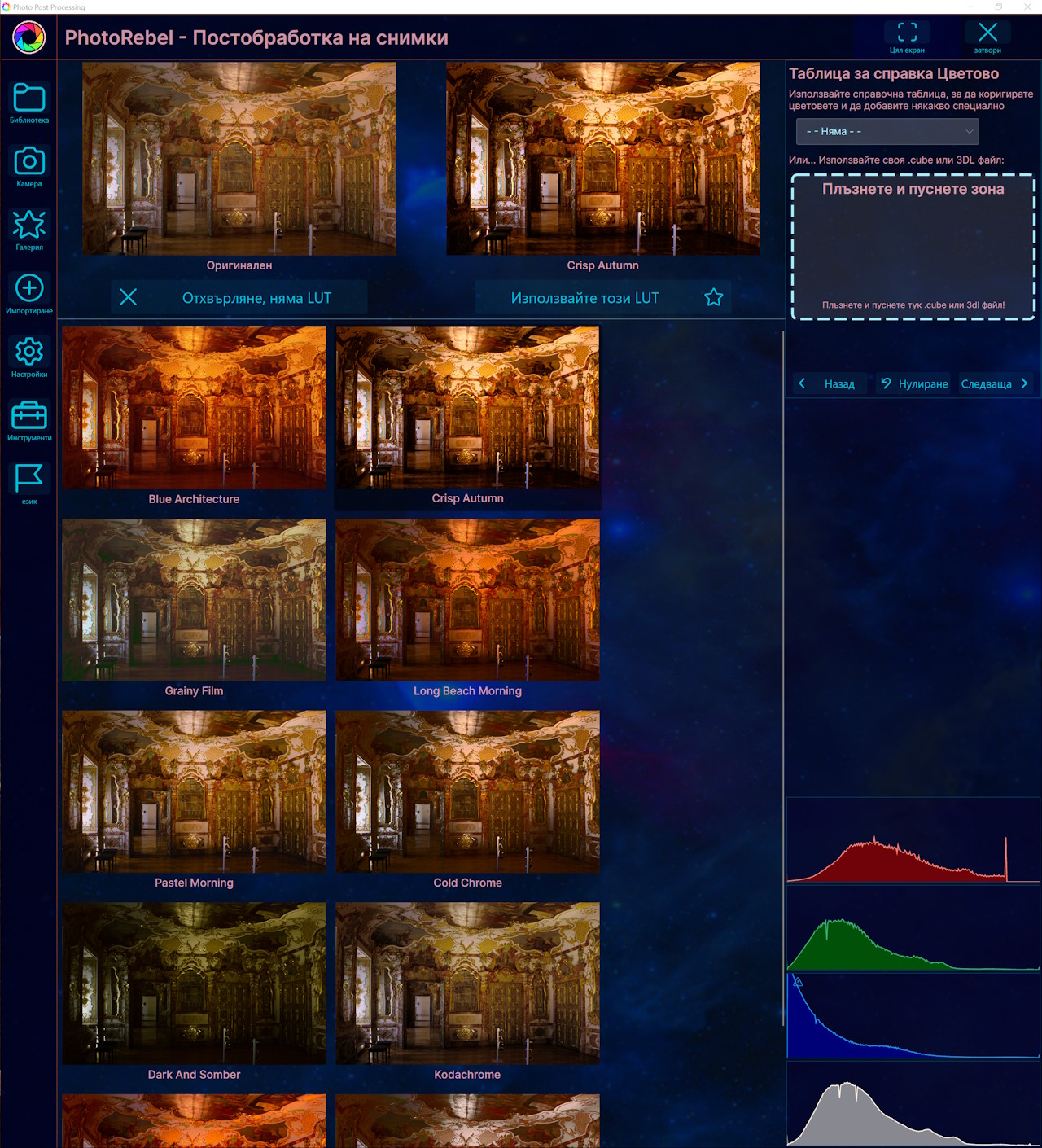
Naaah, na na nanana nah, back in the old days they said: we have all the colours
Edited with Ansel.
Honestly, such a baroque setting, I didn’t know how to approach it… In the end, I decided to go for it. Let’s see how it goes.
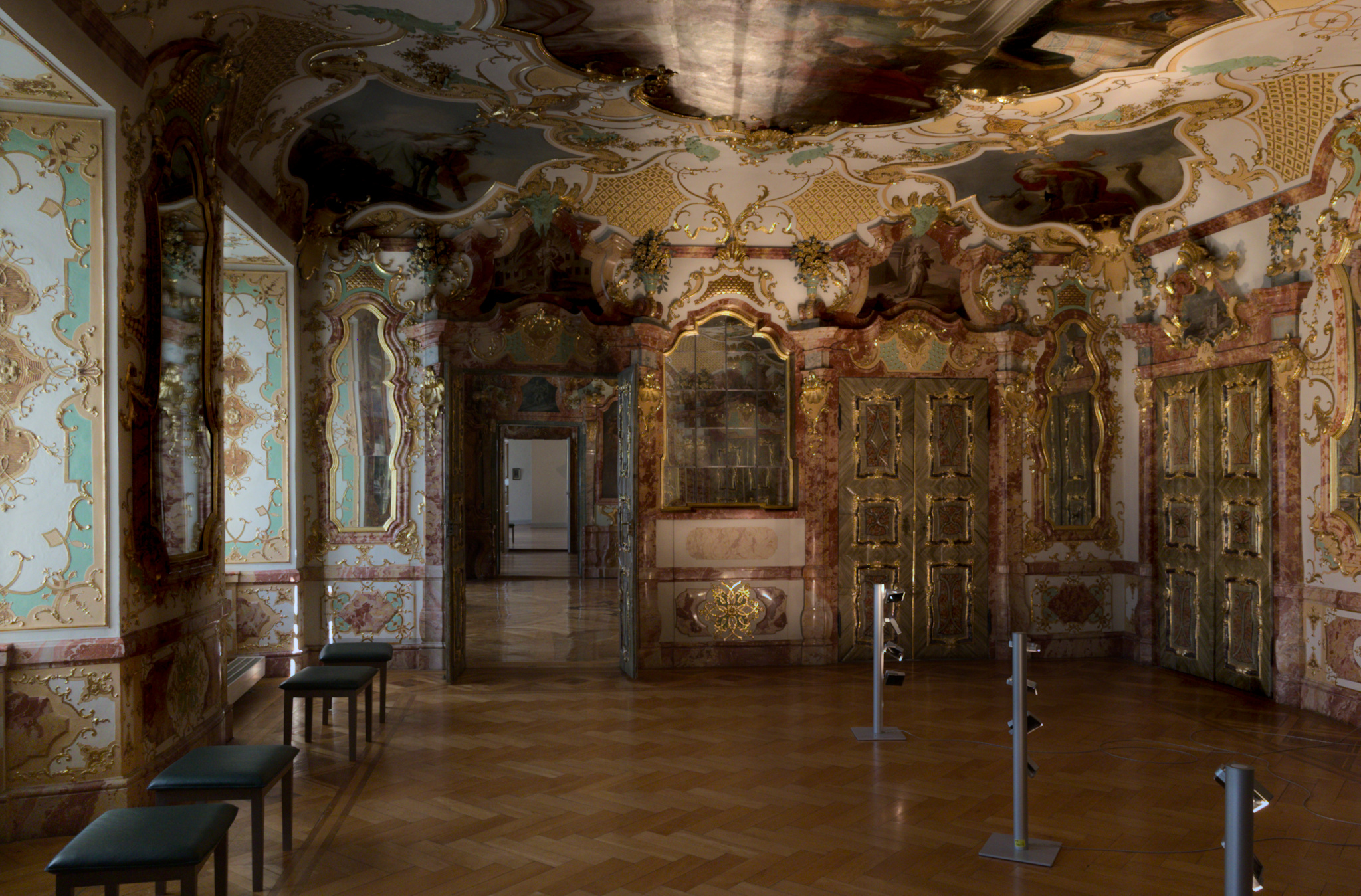
DSCF6495.RAF.xmp (46,5 KB)
3 Likes
I will say that with such aim, you succeeded very well.
1 Like
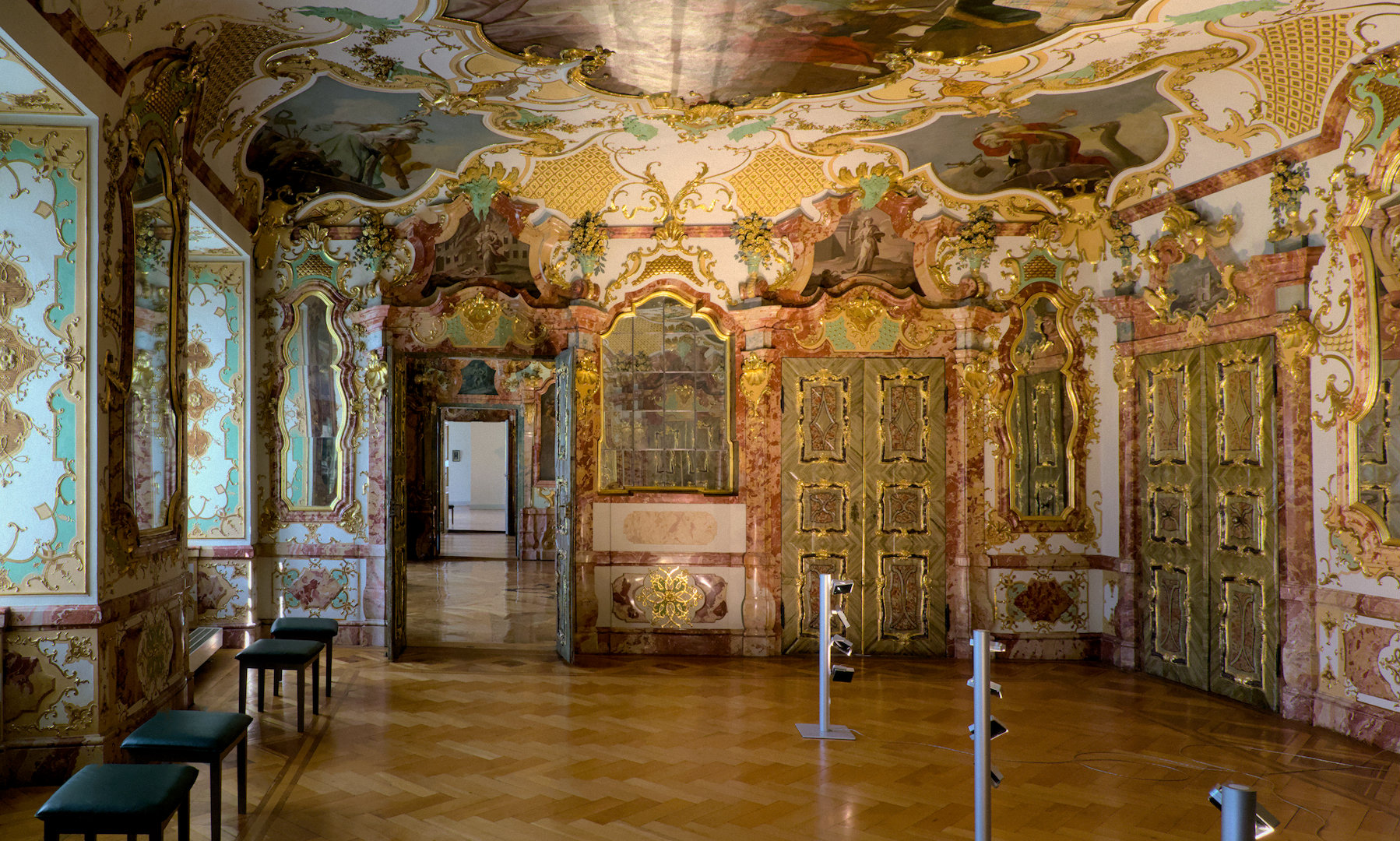
SDR jpg attached.
HDR JPEG Ultra HDR zipped up here-
DSCF6495_finished.7z (3.0 MB)
Darktable for basic corrections like perspective and denoise, HDRFinisher for the HDR conversion, tone mapping, film look, vignette, etc. HDR file should be viewable in any chromium browser.
Nice pic!
1 Like
Yup! My project. If you find bugs please let me know so I can fix 'em. 
1 Like
Darktable 5.6 for basic corrections and denoise, LuminaceHDR for the HDR 3-Tiff
DSCF6495-DSCF6495_02_pregamma_1_reinhard02_key_0.18_phi_1_postsaturation_1.tiff.tif.xmp (6.3 KB)
2 Likes