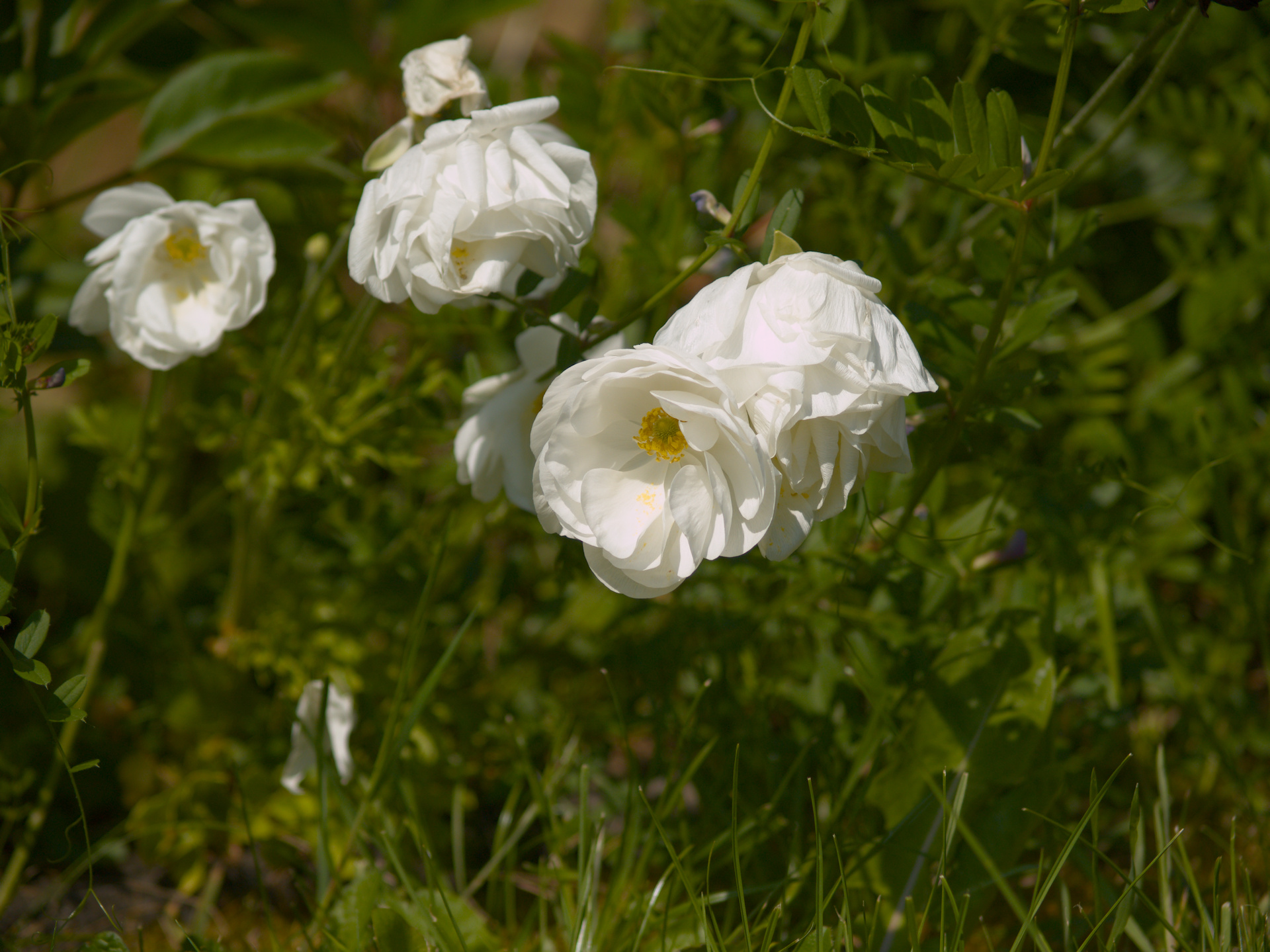
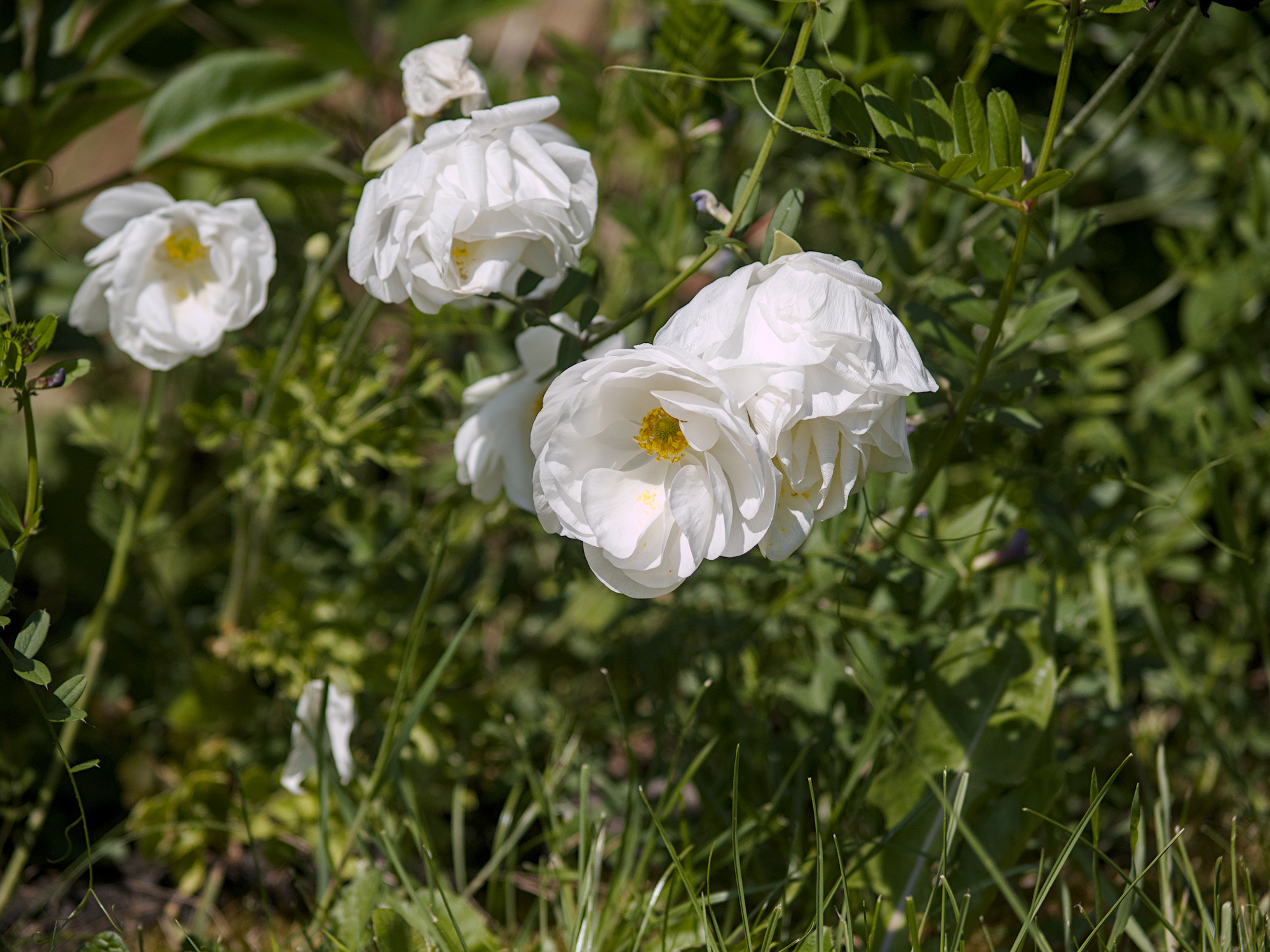
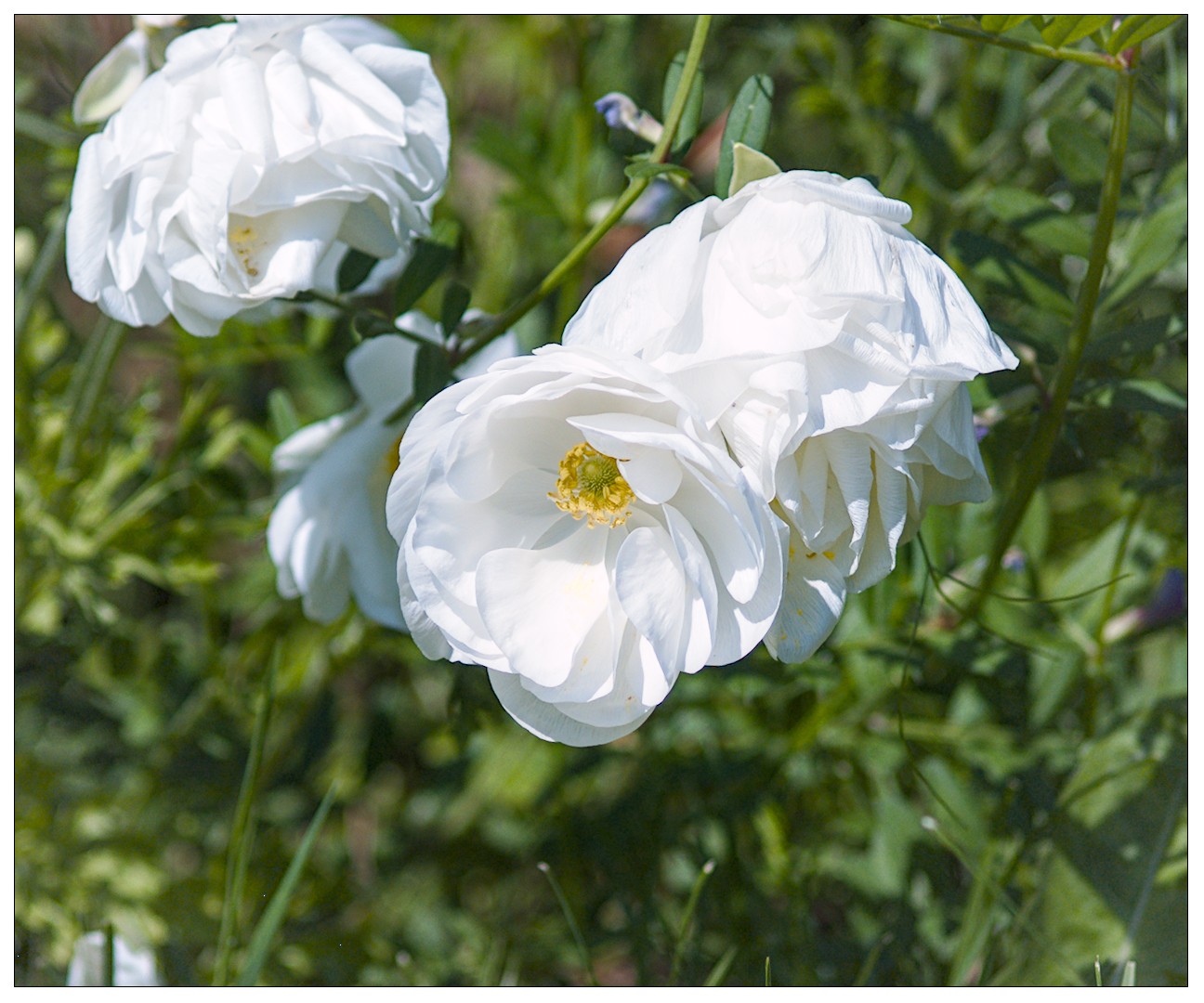
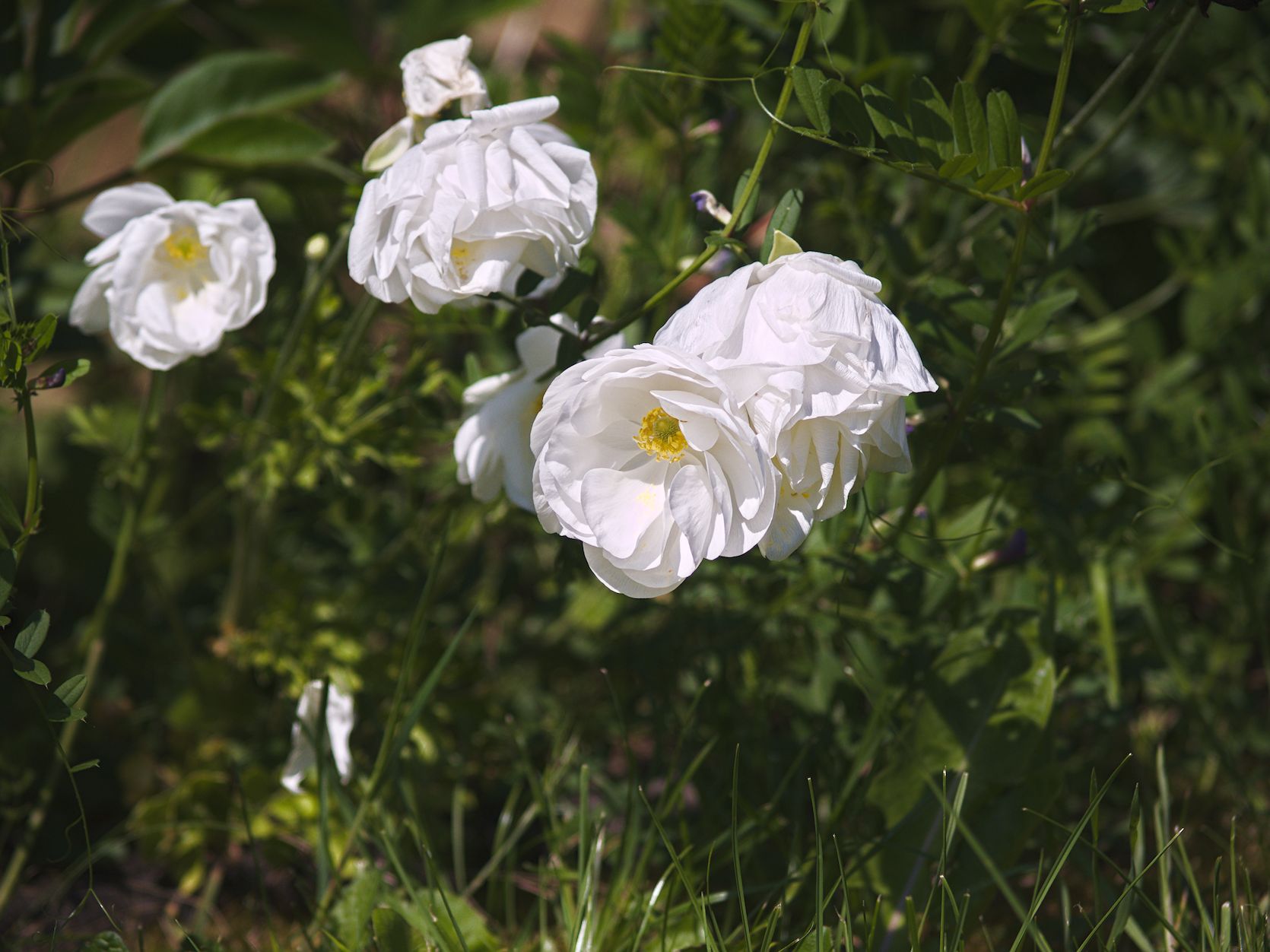
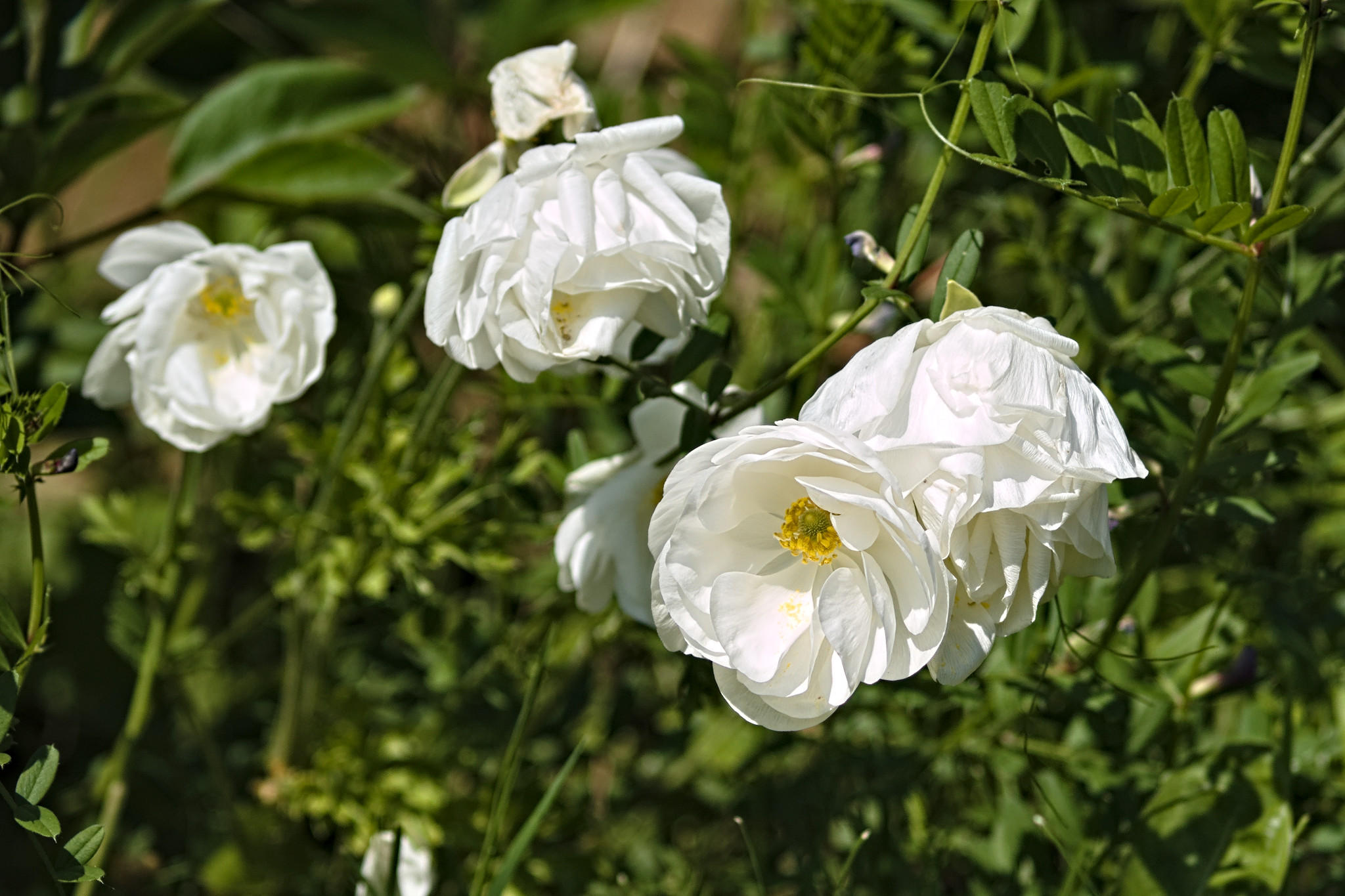
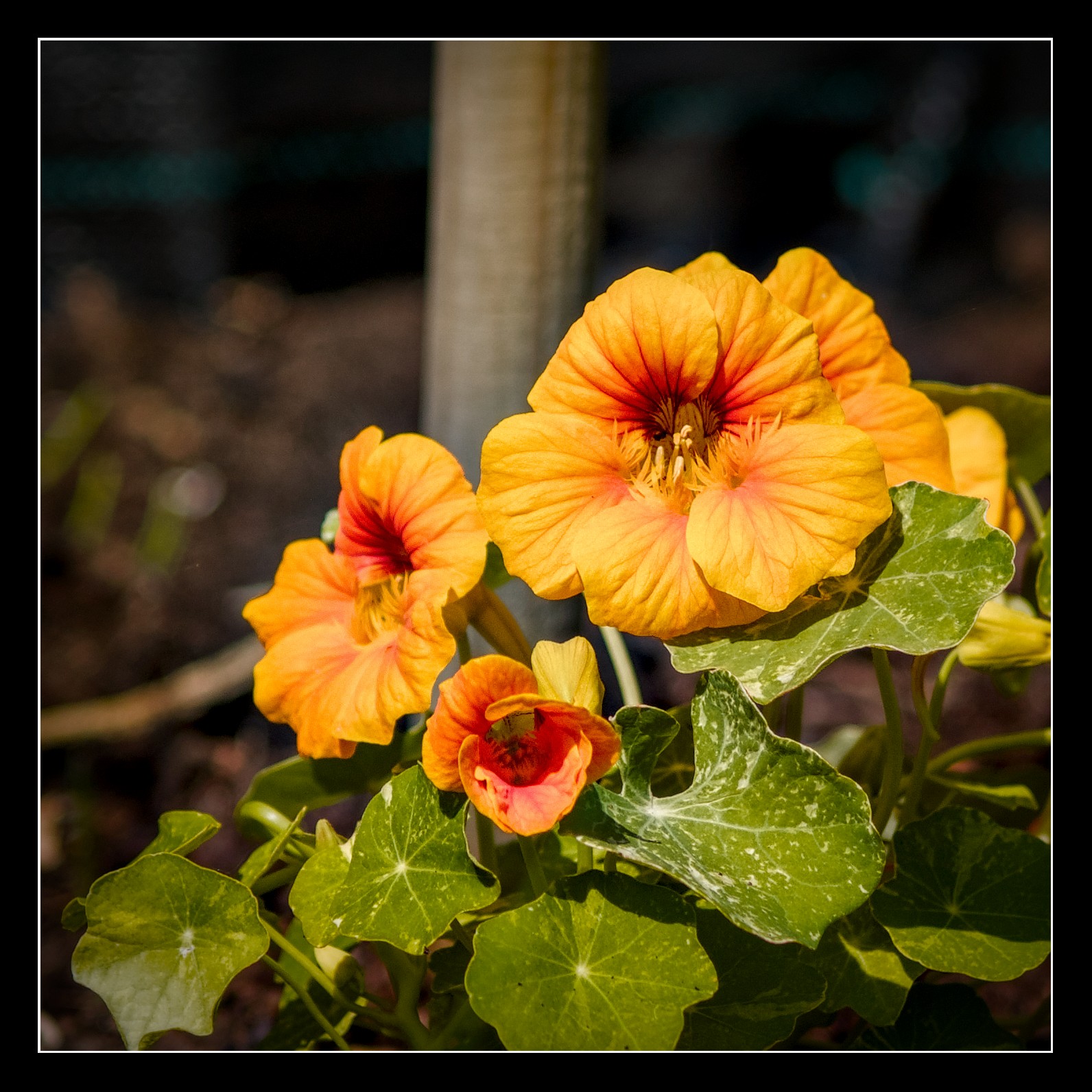
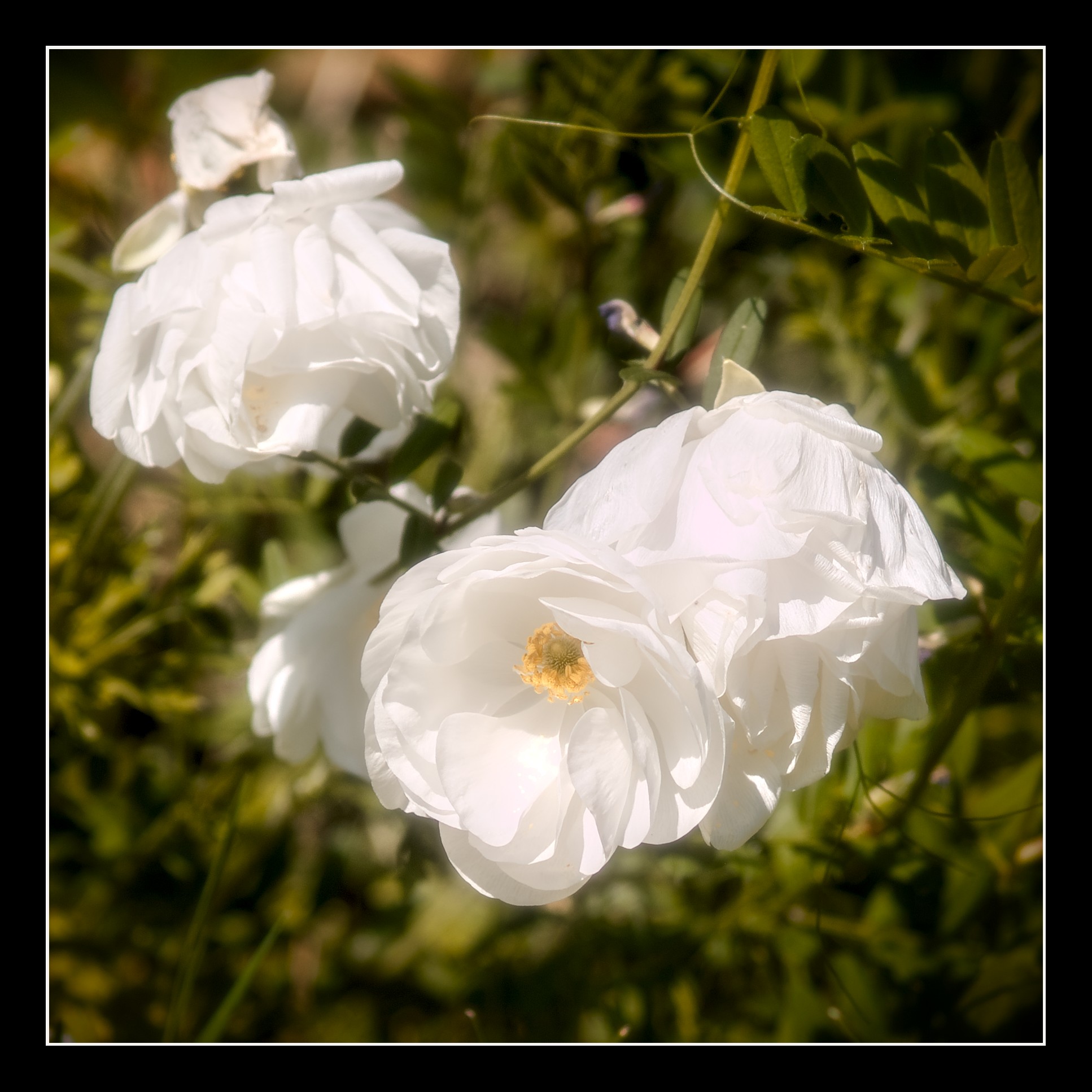
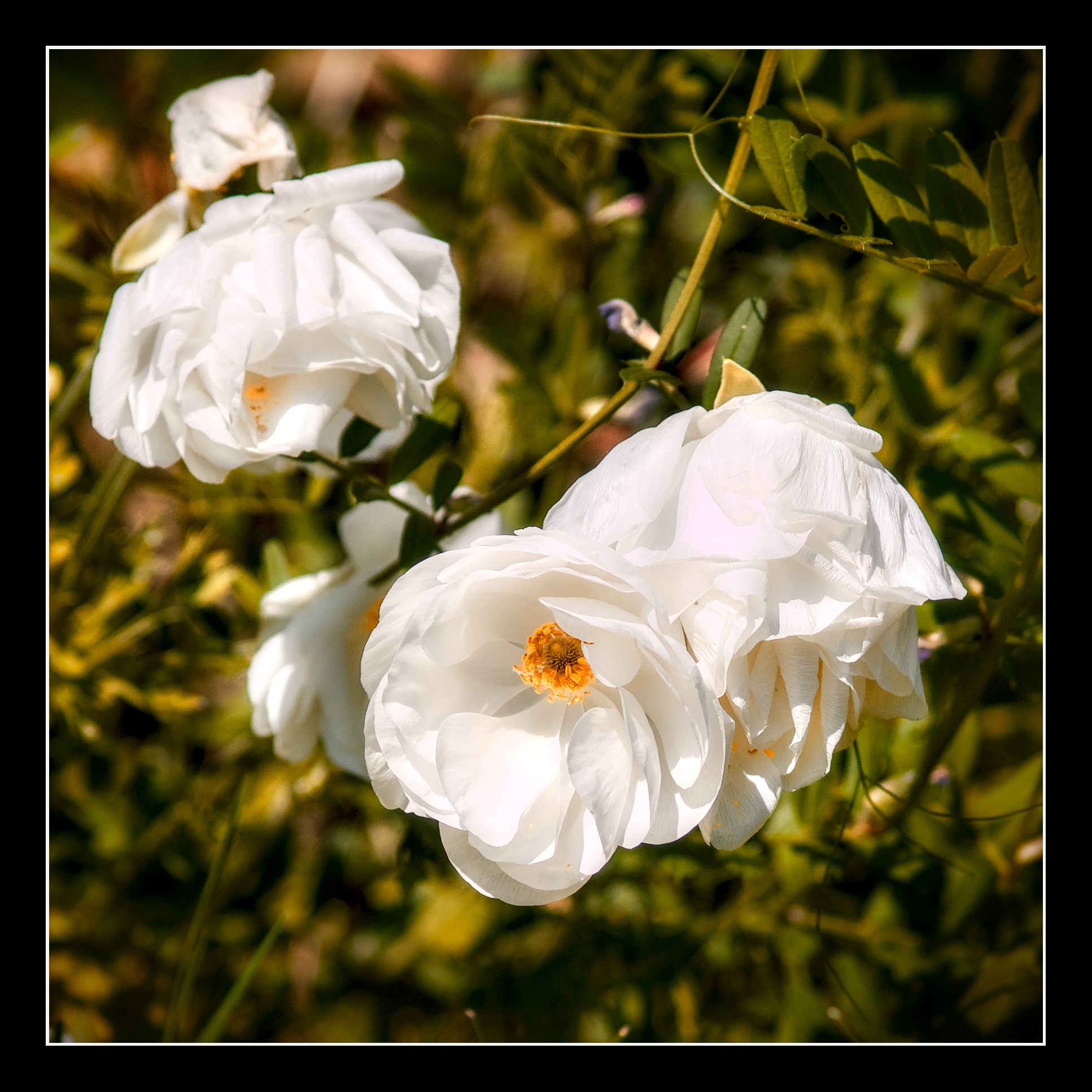
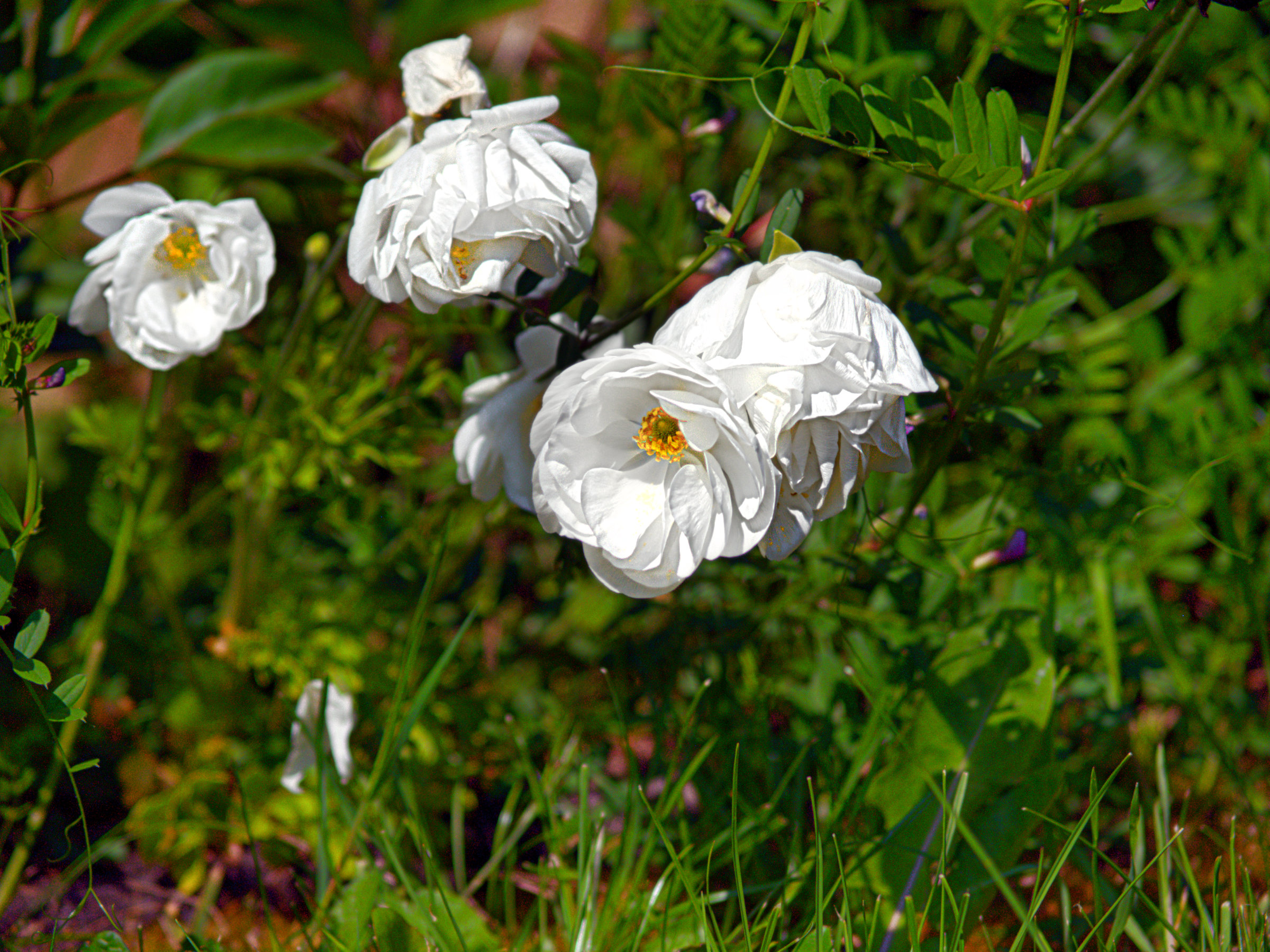
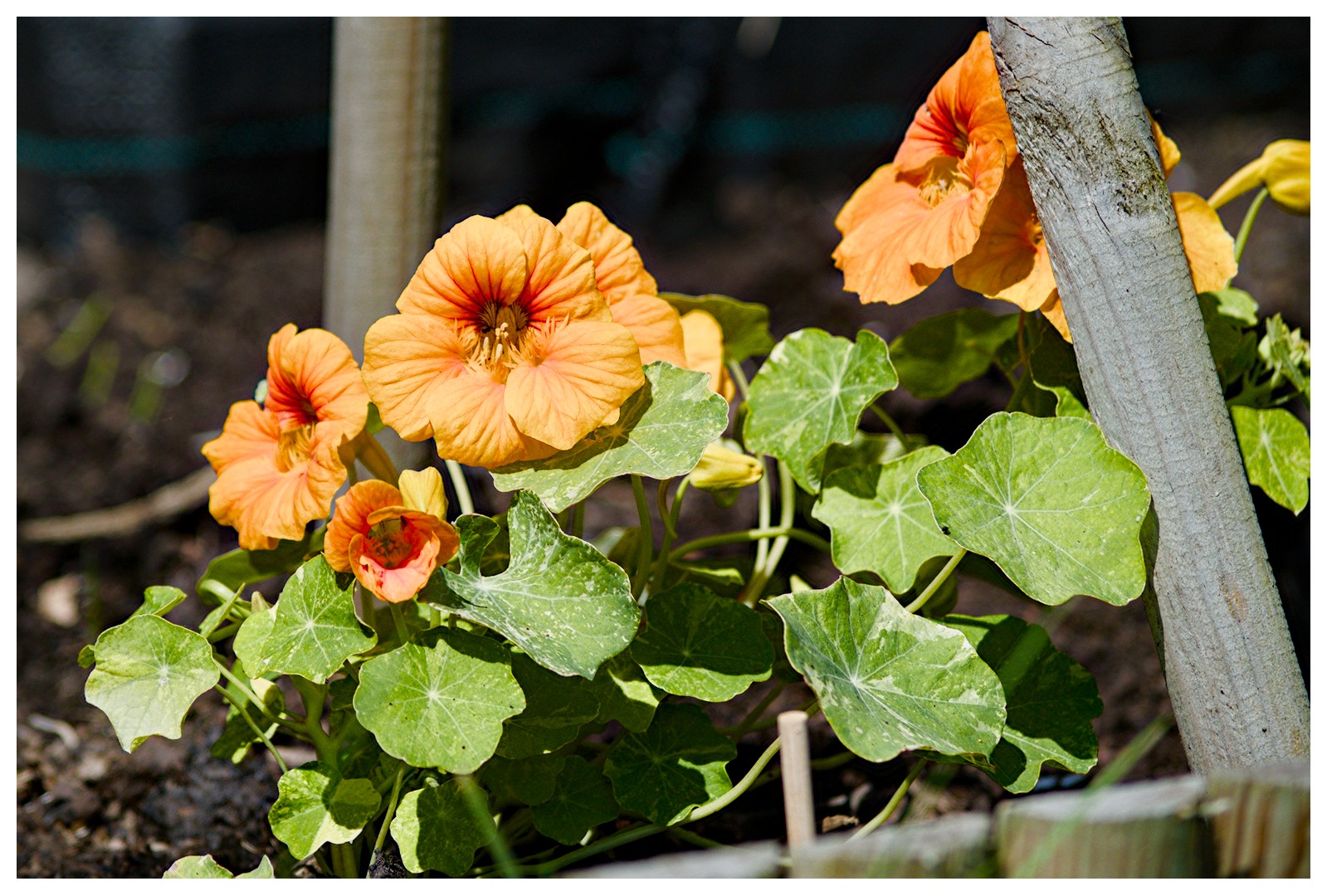
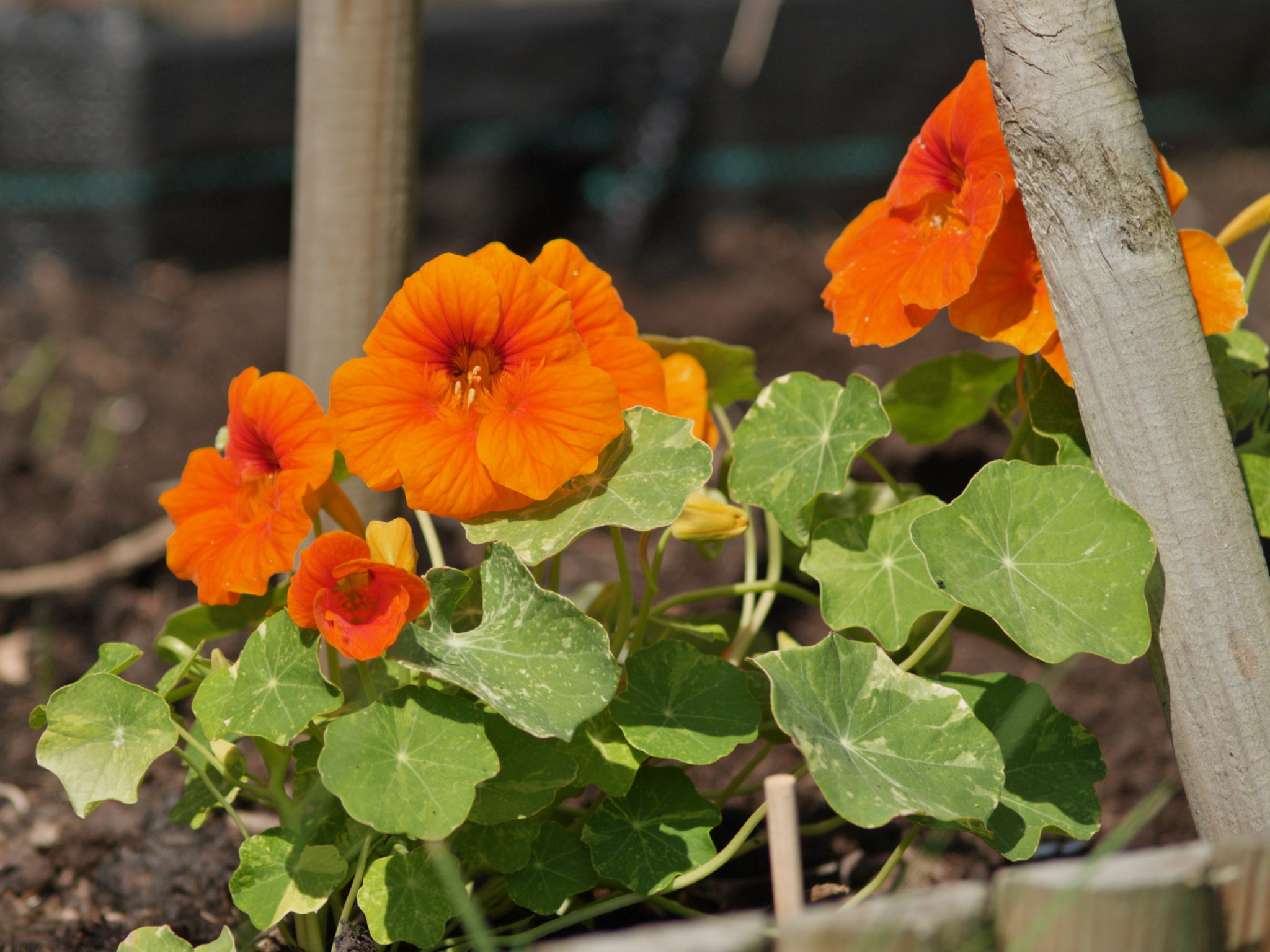
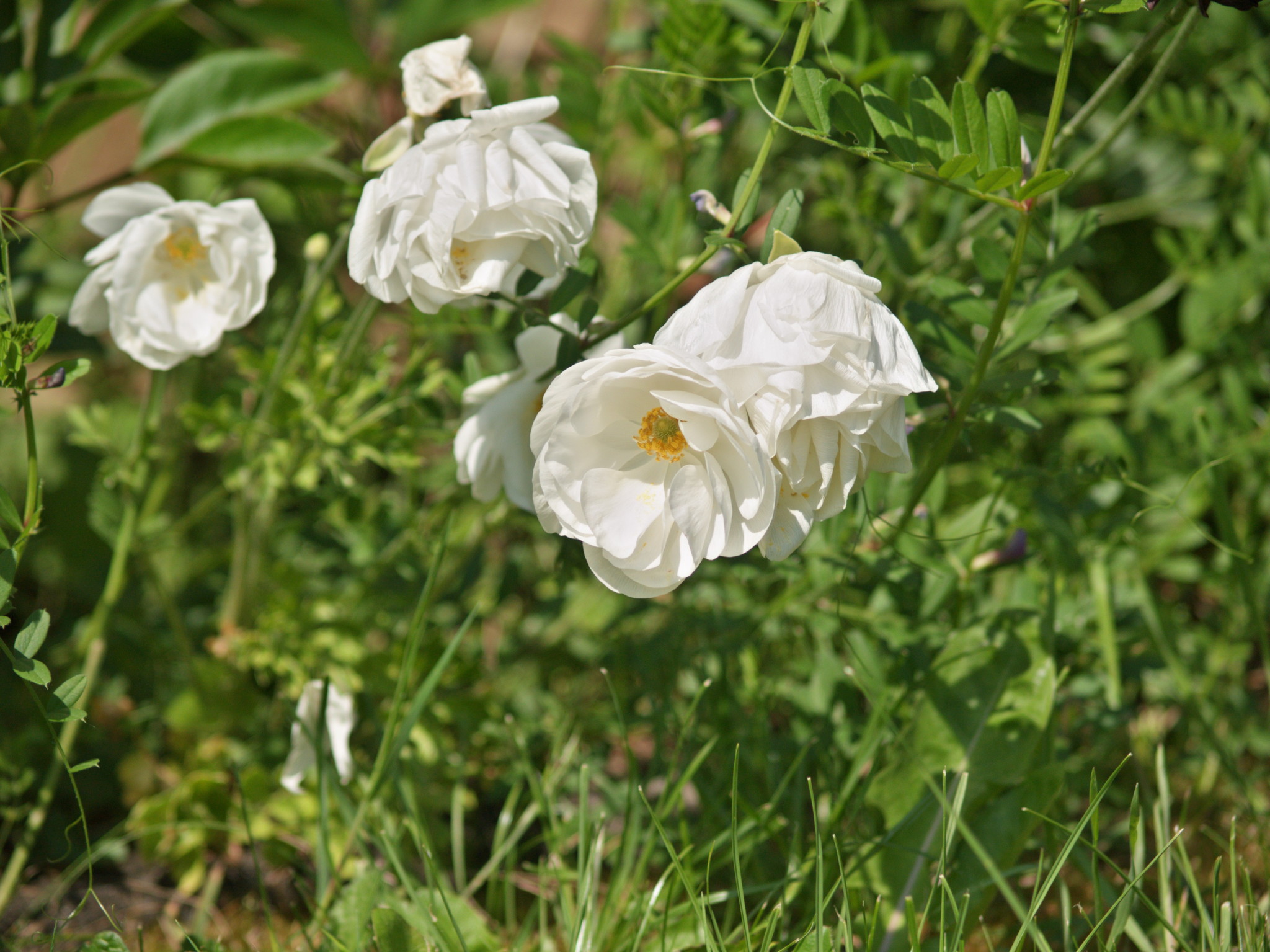
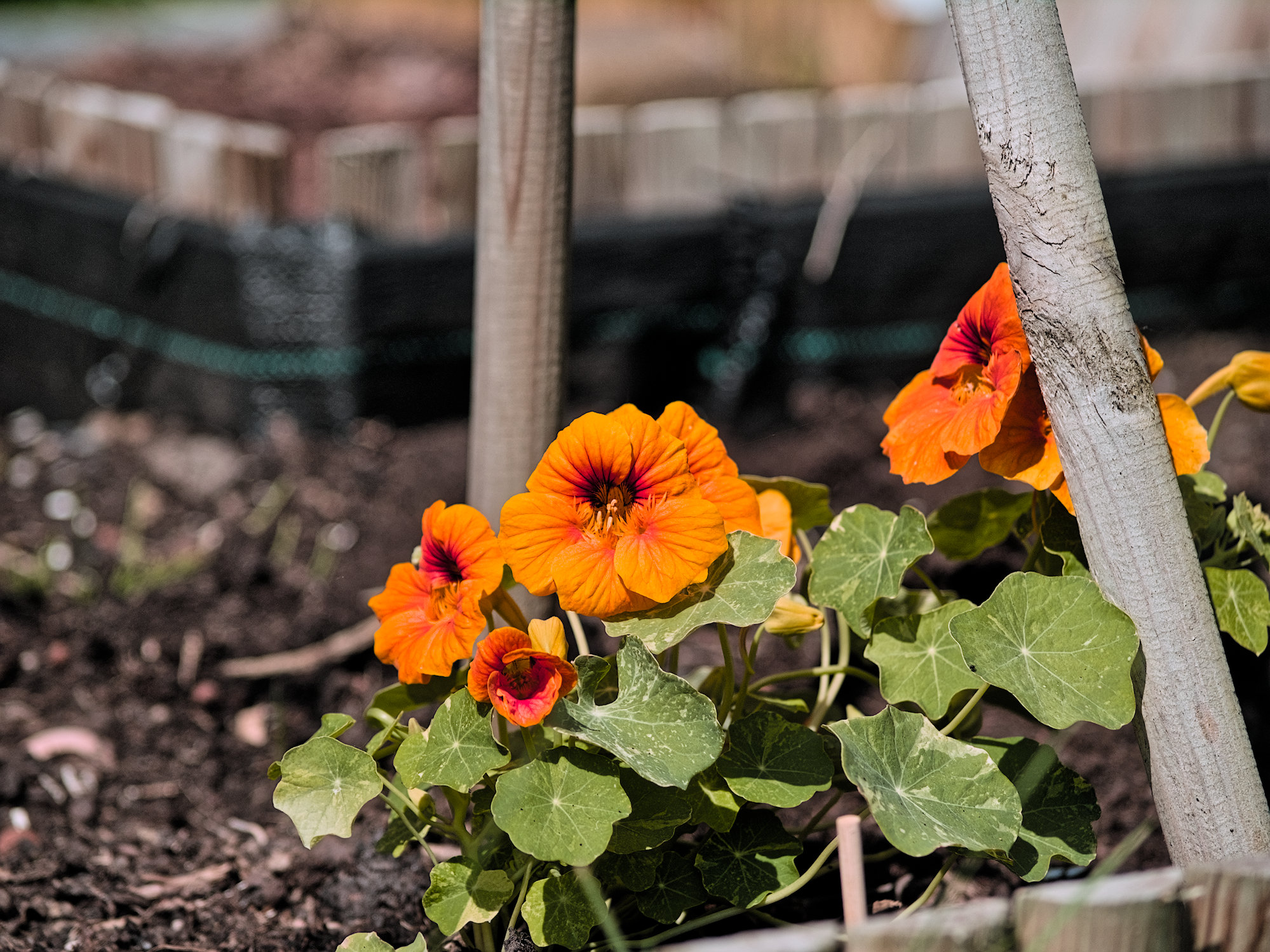
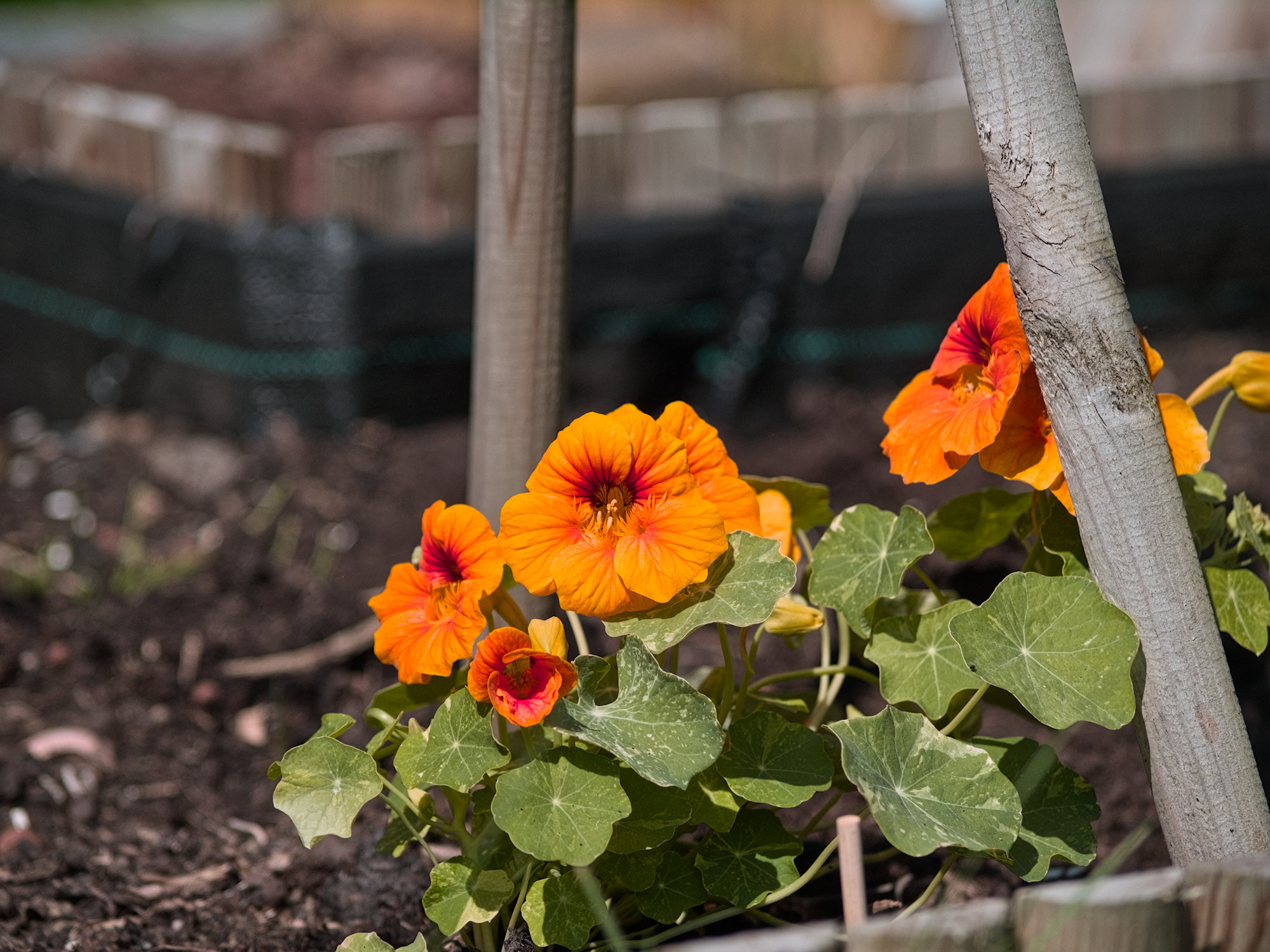
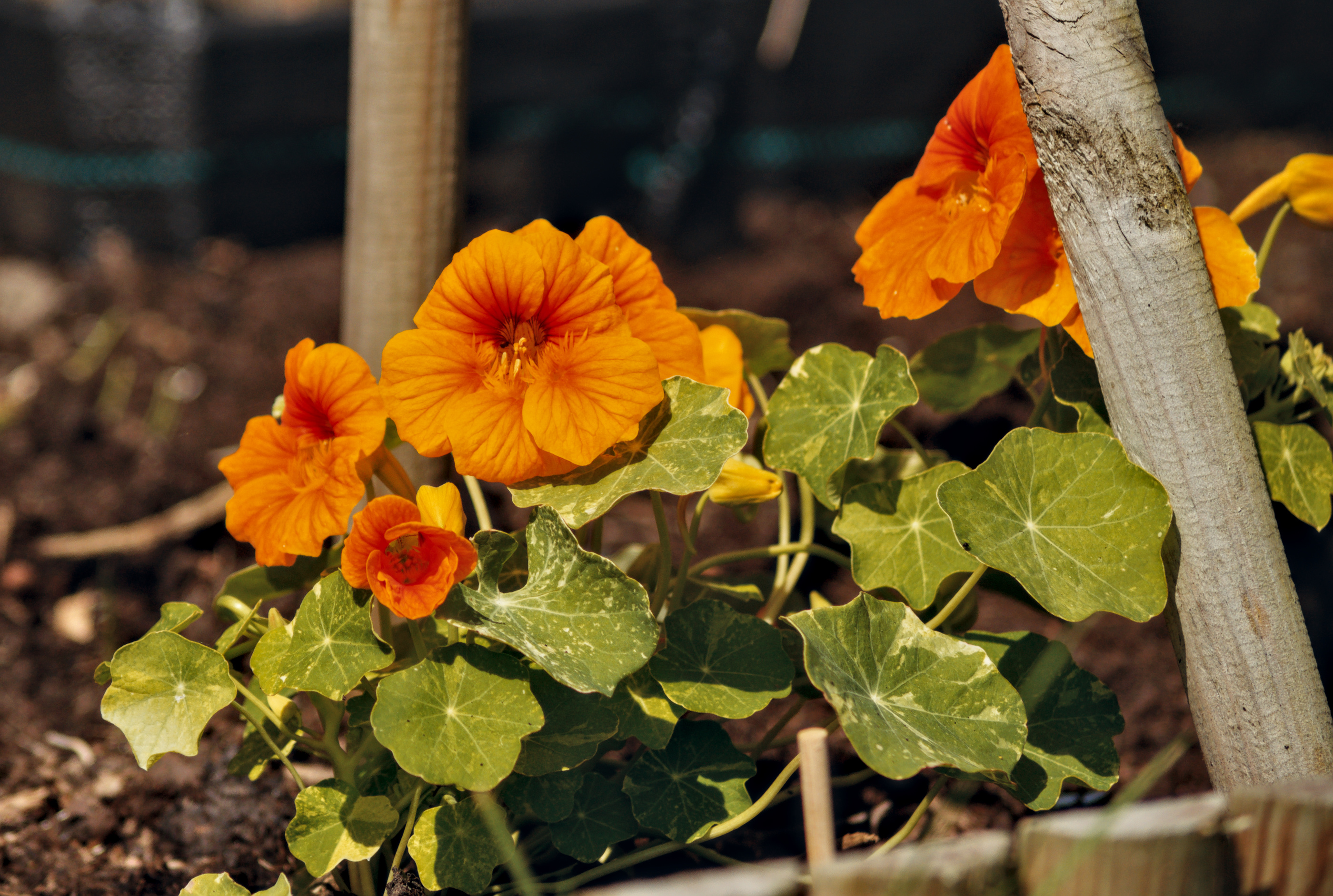
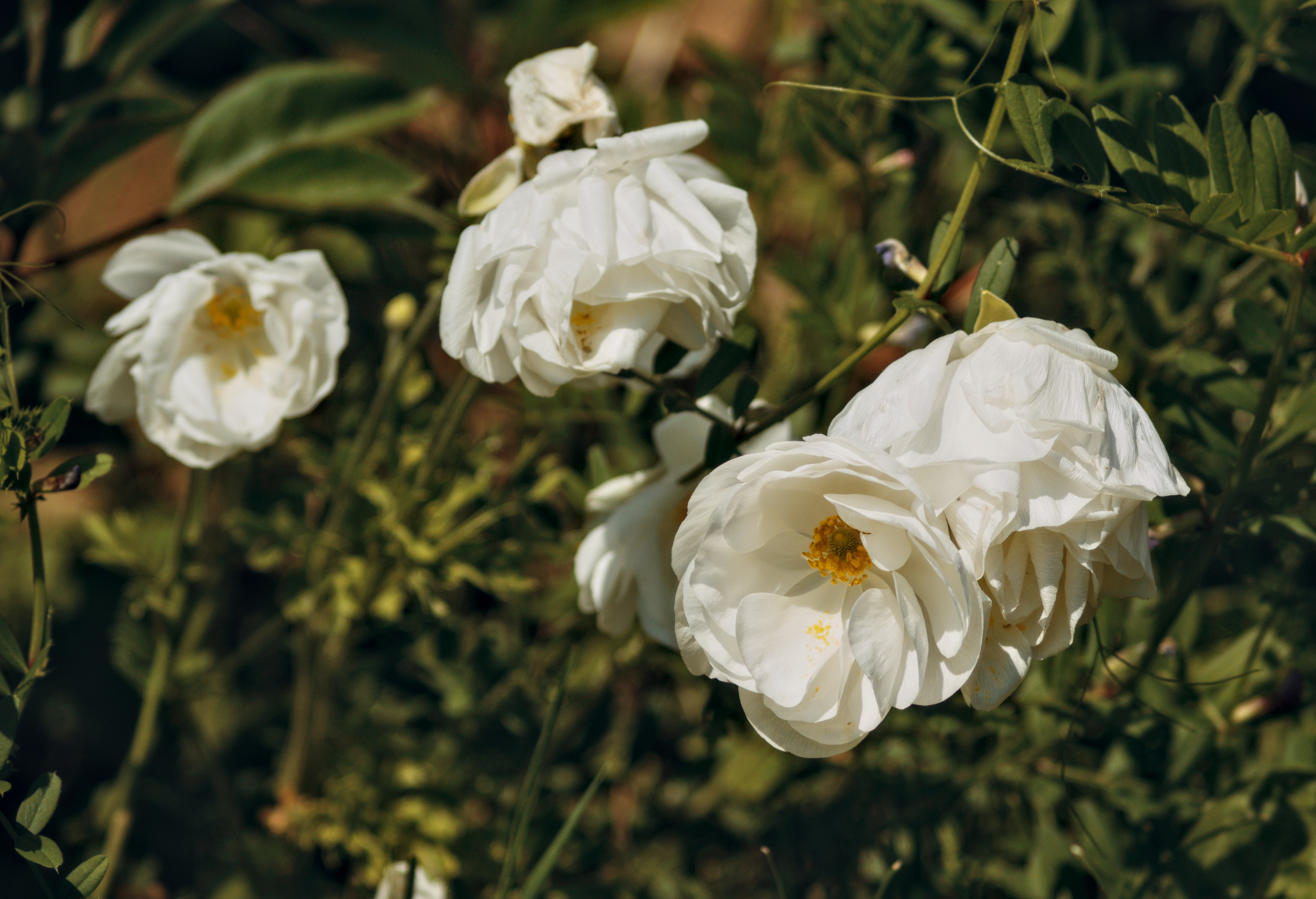
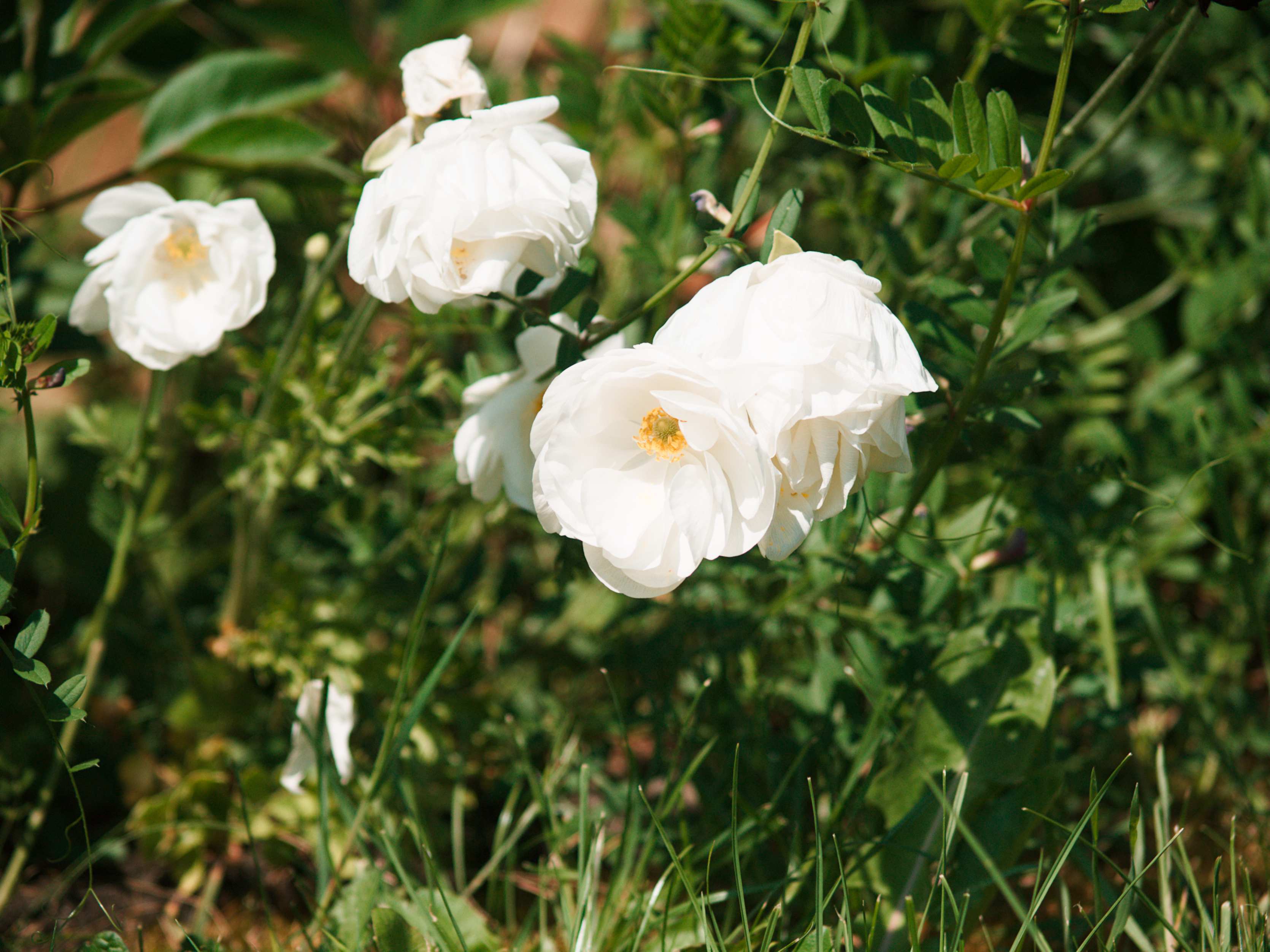
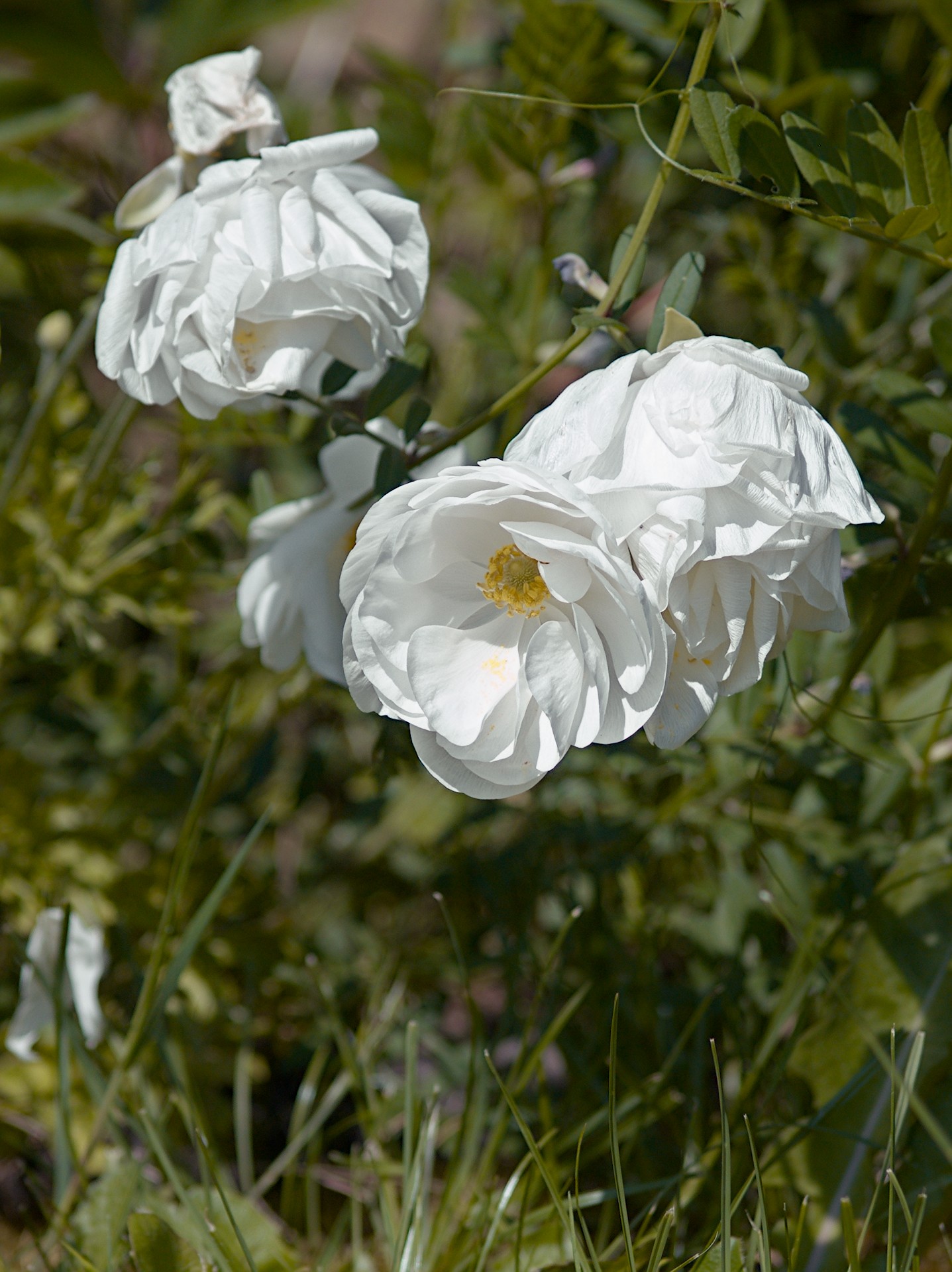
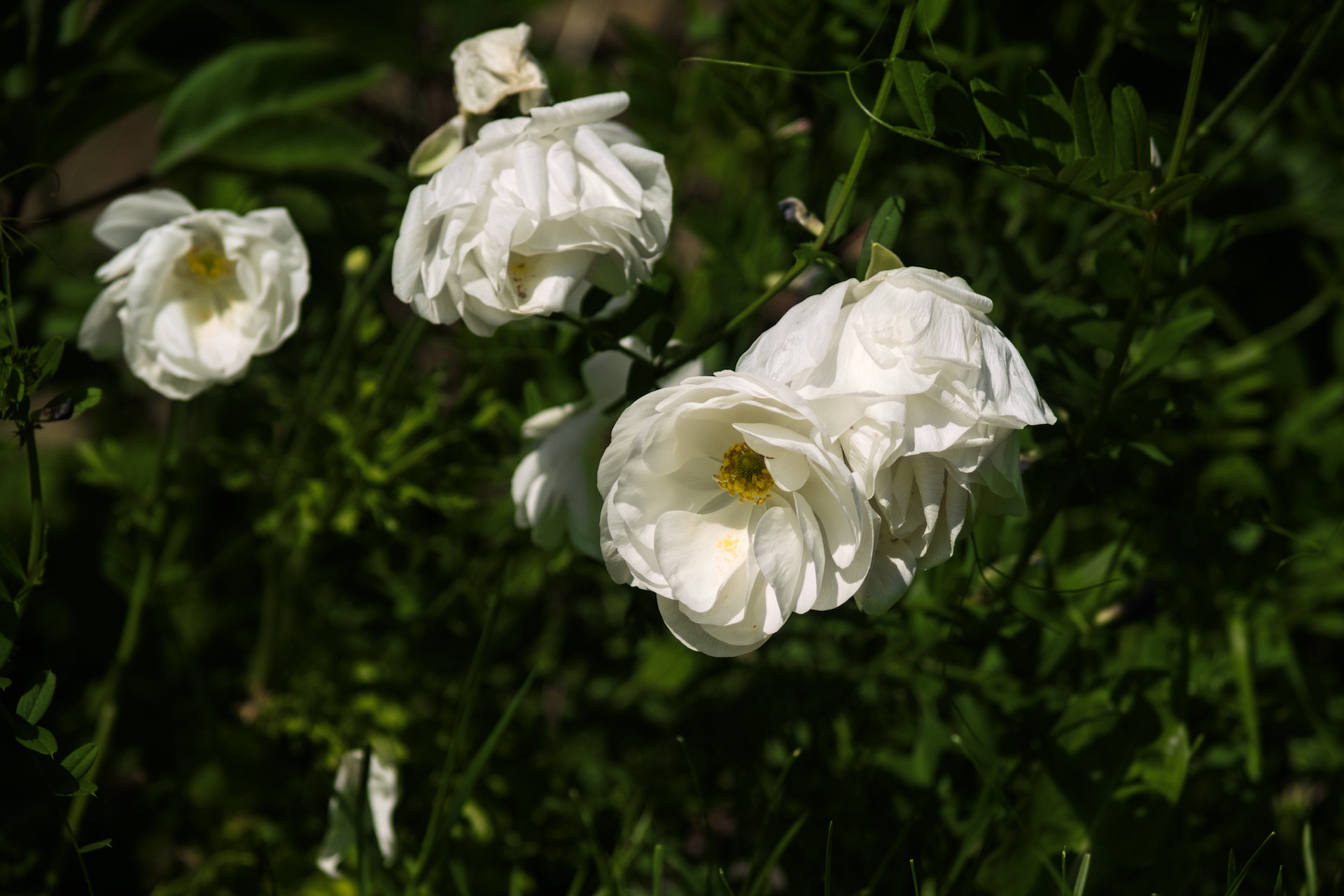
The one with the white flowers gave some magenta color when editing, I think that white is a difficult light source for this sensor, you have to keep the exposure a little bit lower then what an good exposure is with the E500.
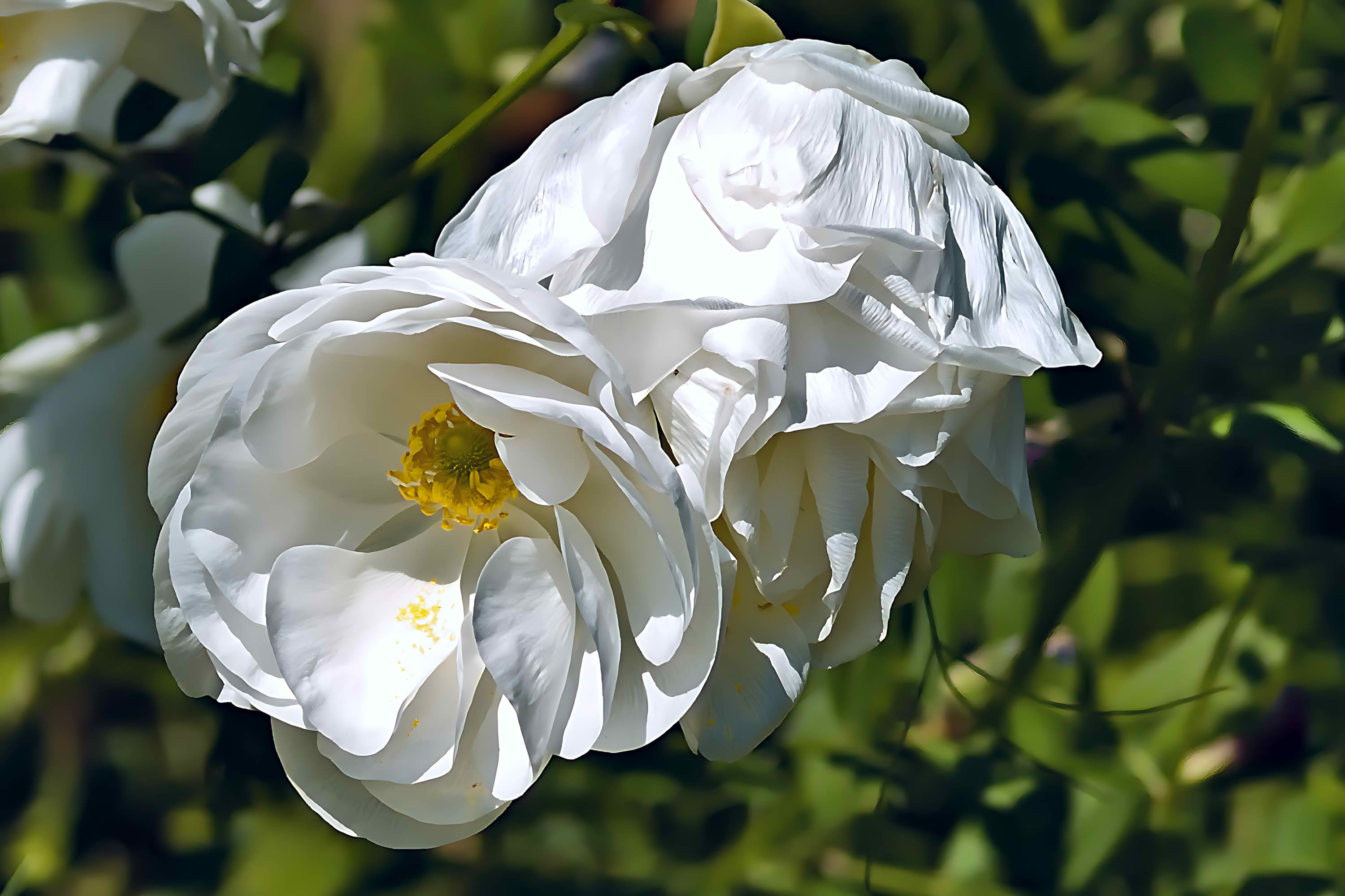
A super quick edit using AgX and adjusting the final brightness in AgX rather than the exposure module. I hope the flower color is right. P1010641.ORF.xmp (10.3 KB)
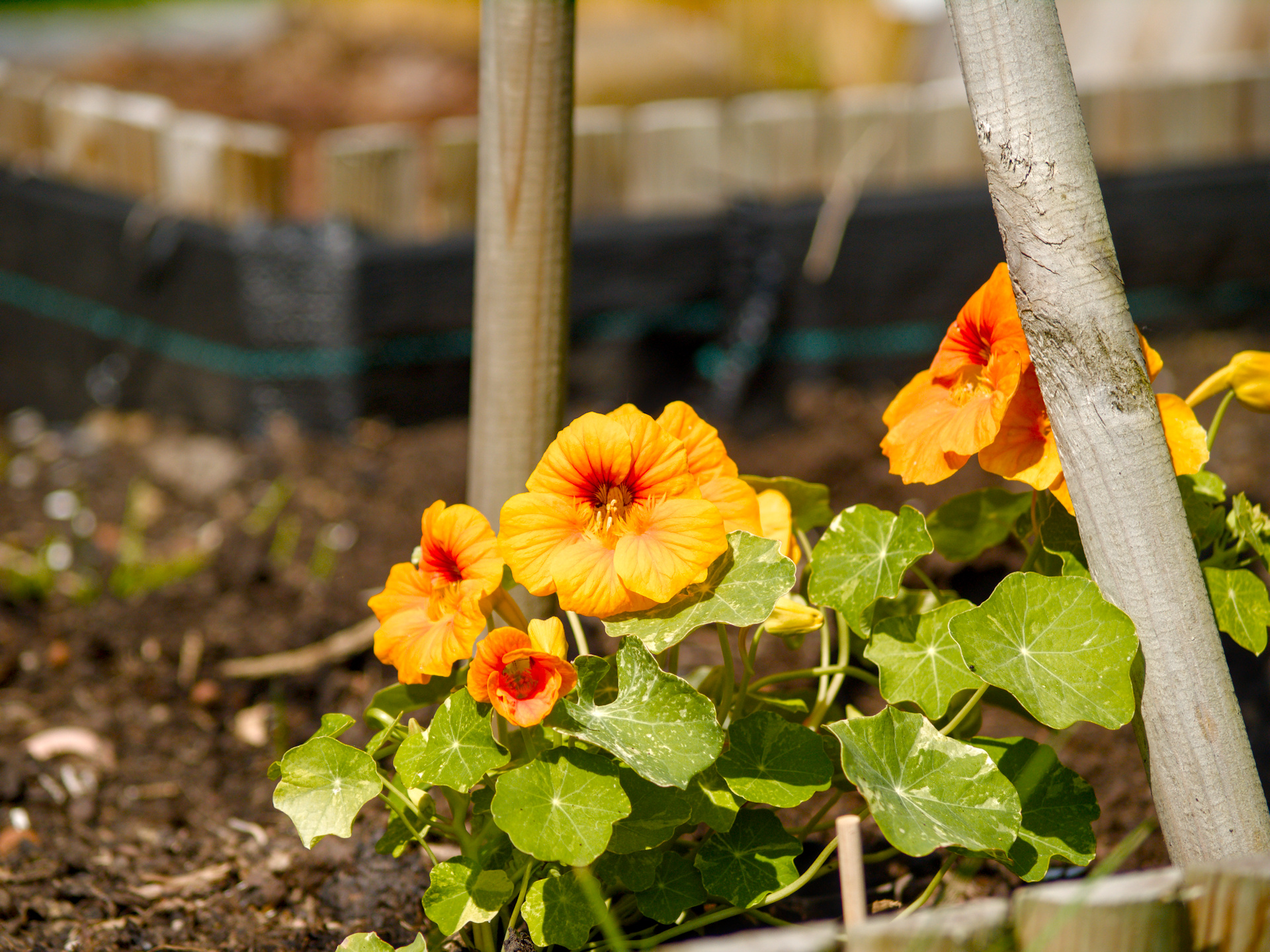
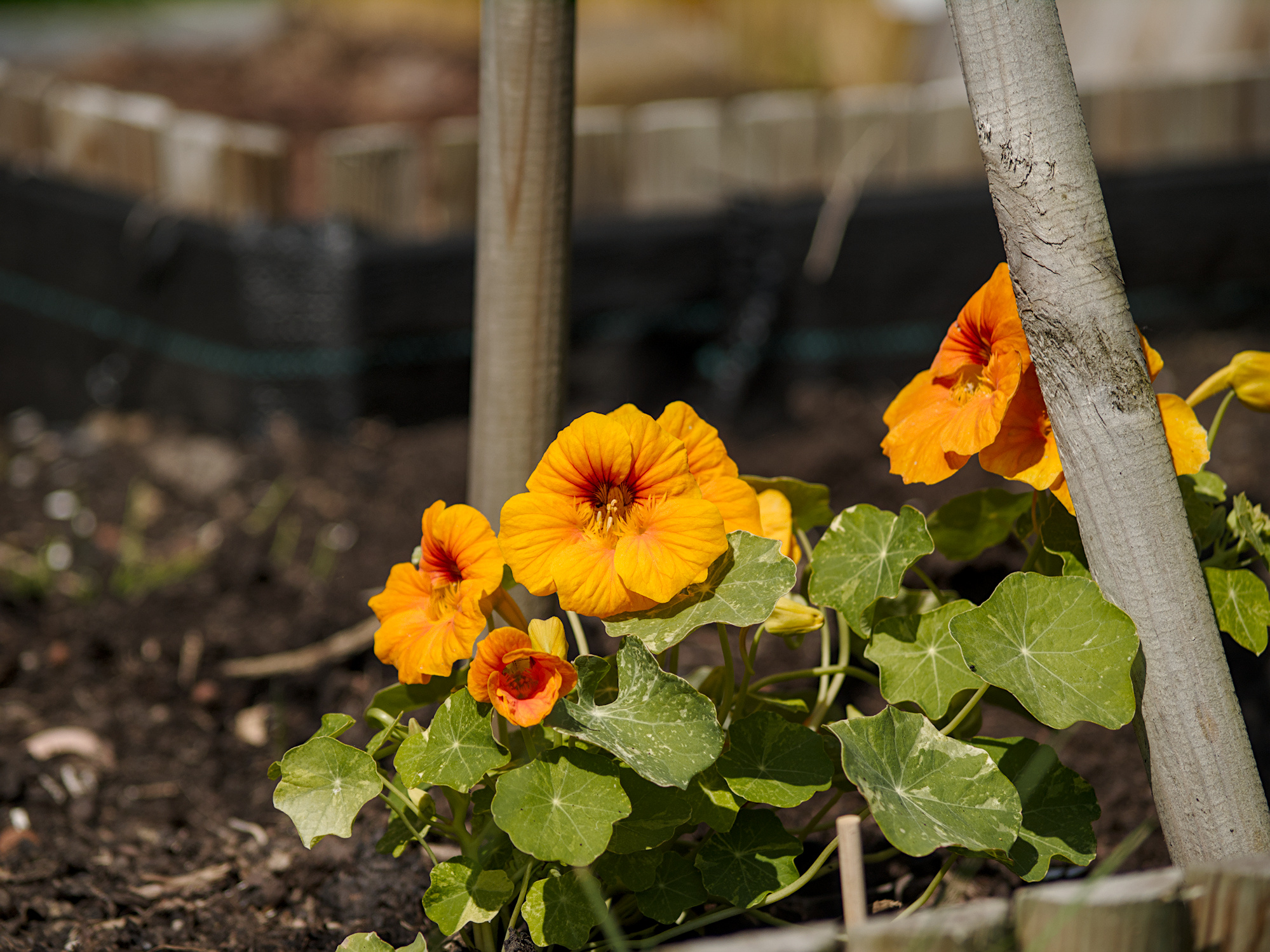
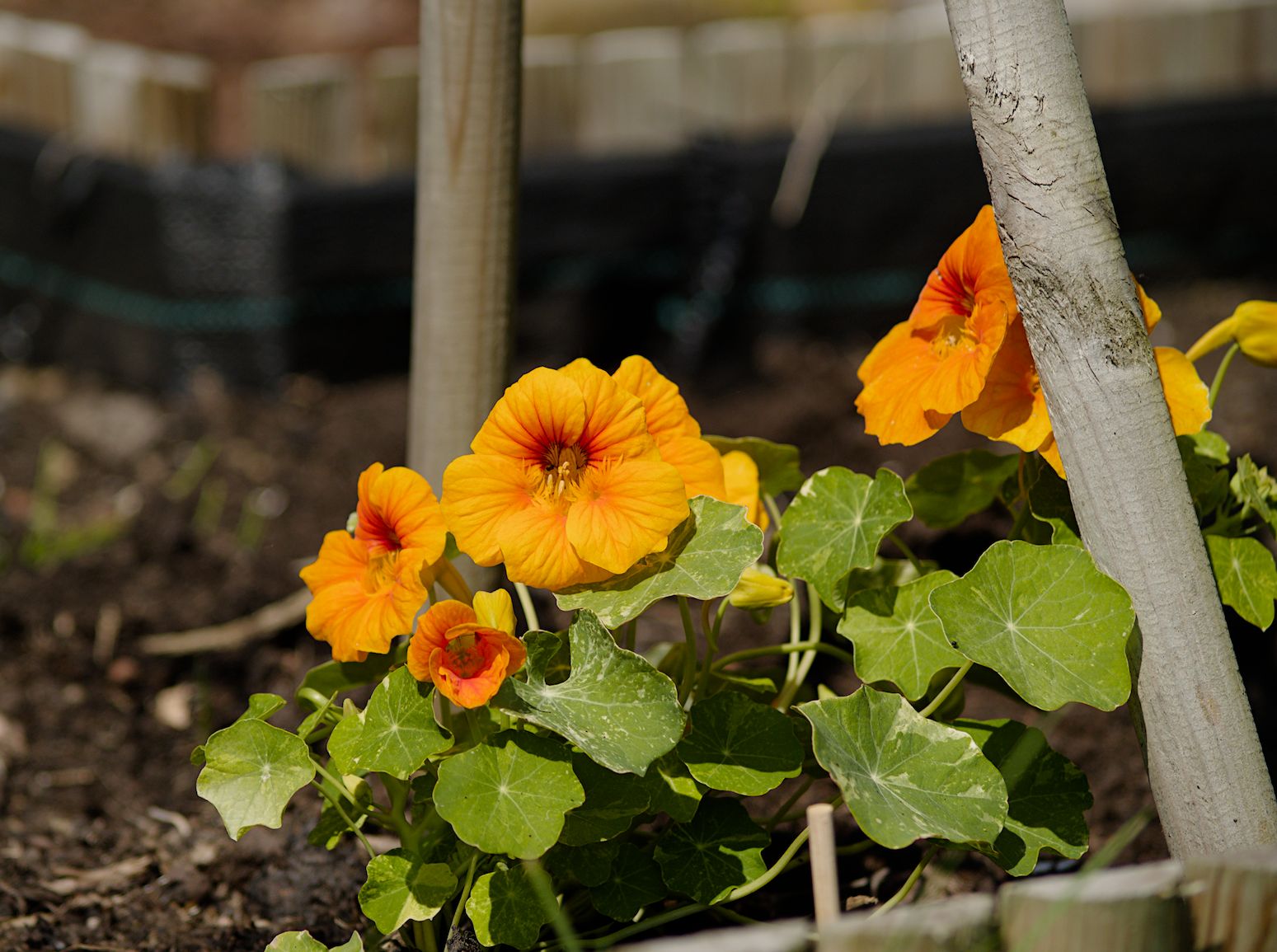
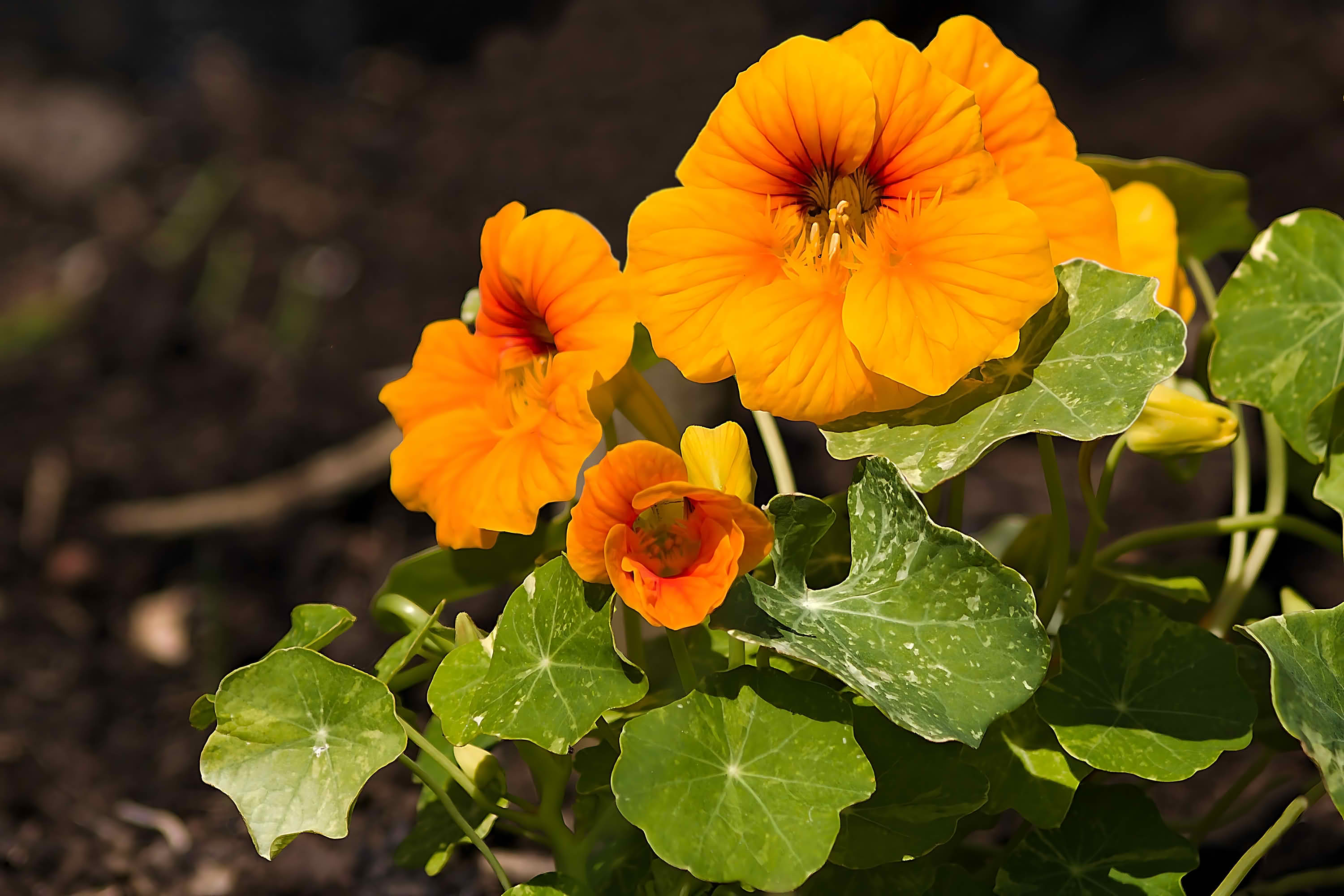
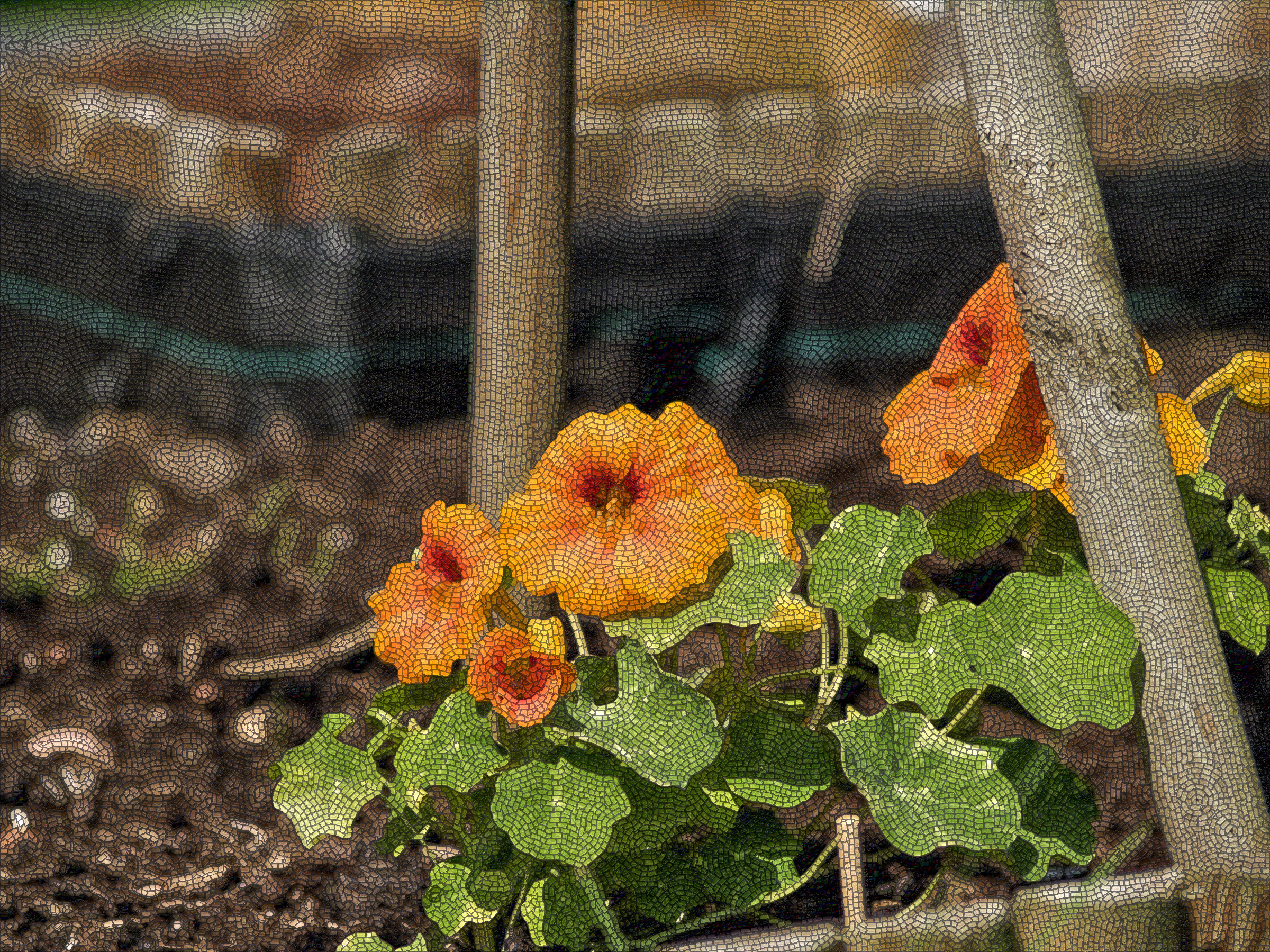
I tried some simple edits, but spent a relatively high amount of time on AgX primaries. Tried to keep in sRGB but the orange flower was tricky for that. Guided laplacians worked quite well for the white flower’s magenta patch.
I found an example of CB-RGB noticeably changing the colours when activated (with no sliders adjusted), in the orange flower pic. (I understand this is expected)
edit: that white flower pic was probably way too dark.
This is because the raw white point in the open source editors isn’t correct. I’ll try to tweak it with camconst.json, but it’ll be only an approximation without a full ISO series.
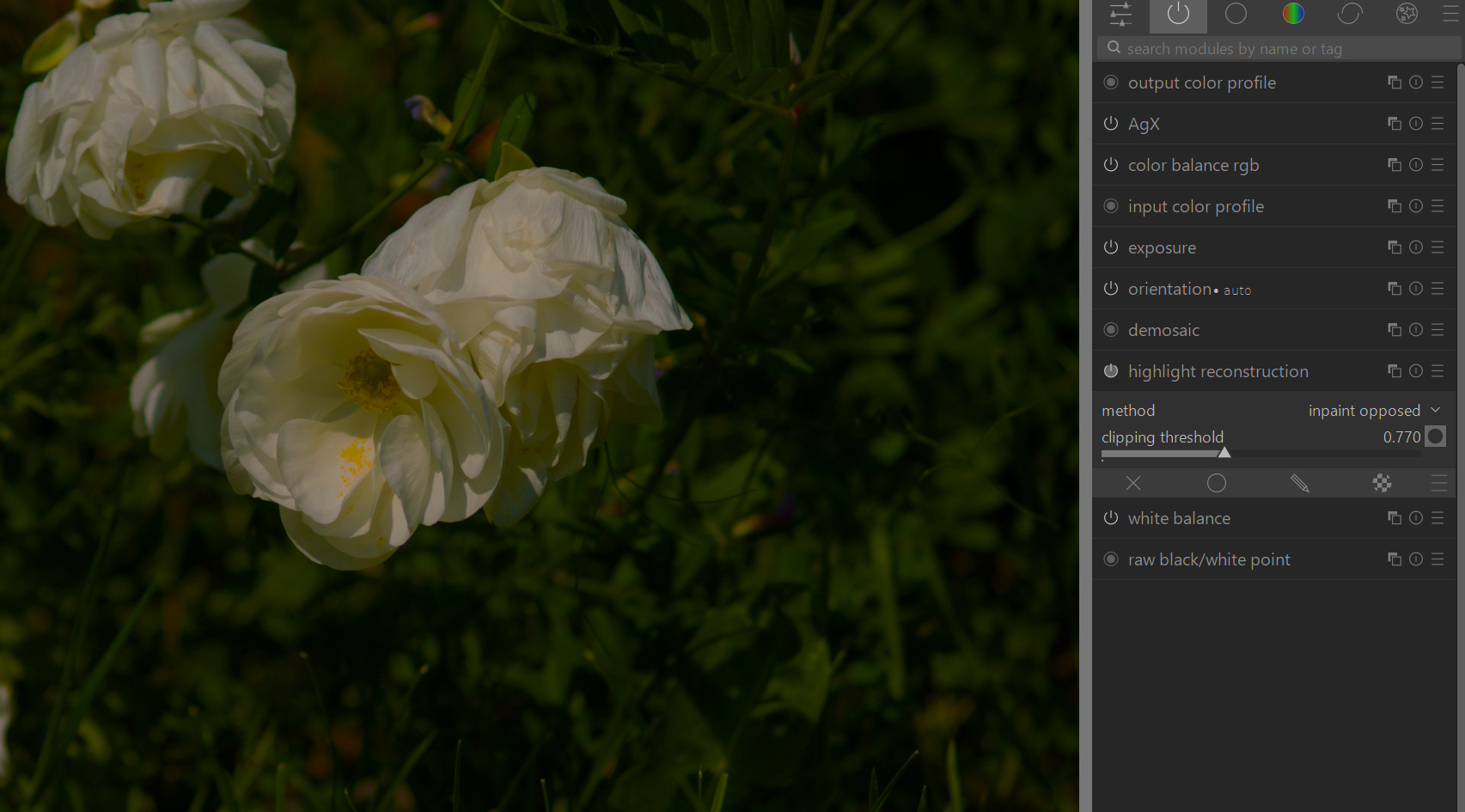
Just as an FYI, the magenta is extremely easy to fix in darktable - just open the highlight reconstruction module and drop the threshhold until the pink goes away.
It can help to drop the exposure and increase saturation to highlight the magenta, just for sake of finding the right settings. On this one about 0.770 was ok.
You can also adjust the white point in the raw black/white point module below but I find the first approach slightly easier.