In other topics I have been explaining that I am missing ‘subject’ masking in darktable, coming from a commercial editor in the past. But shout out the devs: thank you devs for adding the 'external raster maks` module!
I have been playing around with a lua script to see if I can generate a subject mask and use that in darktable. Currently I have managed to do so.
The basic idea,
take the raw file and convert it to jpg (dcraw + gmic),
use some tool to extract the subject (using torchvision)
convert the extracted image to a mask that can be used by darktable (gmic).
So I have added a module in the lightable that will generate subject masks for the selected image(s).
After clicking the button, the lua script is fired and the mask is created. This saved in a folder (I have set it to the same folder as in the darktable preferences.
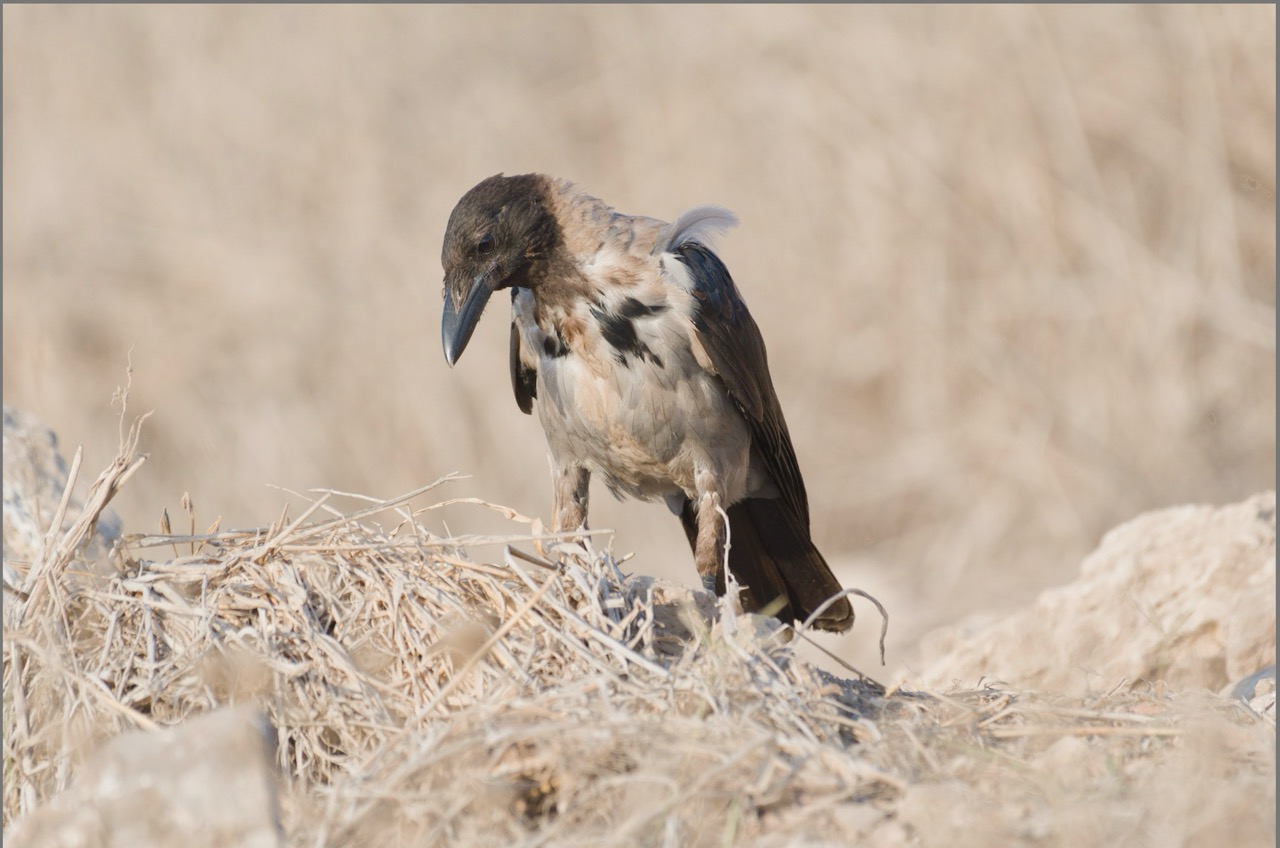
As an example this is the image I shot (mostly out of camera):
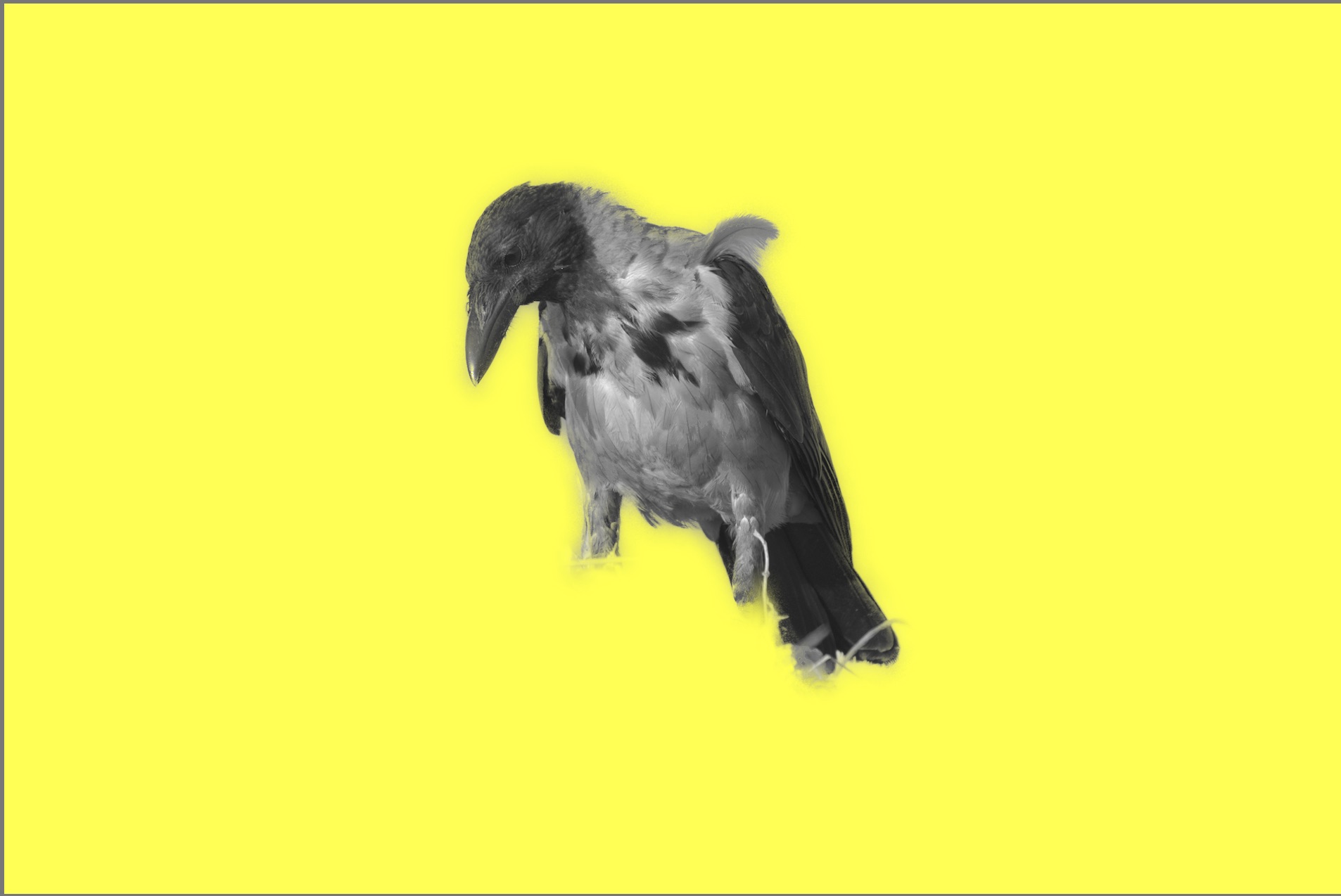
Also this is not perfect (mostly the legs of the birds are wrong). So I have to play more with the models and possible other tools.
So far so good.
But now my question:
Is it possible using lua to actually set the ‘external raster mask’ of the image (as I now have to do that manually). I could not find it in the lua documentation (darktable lua documentation - Home). Did I miss something.
For such a tool as this lua script it would be great if you could set the raster mask through lua, or even more ideal that you also can a folder for raster masks on a per image basis.
You could also look at what Alberto did for ART. I haven’t have time to try and automate it…he added external mask to ART and then wrote a little app to use segment anything.
It produces a png I think and not a pfm. I walked through it manually and converted the png to a pfm and then used the DT external raster mask and it worked pretty well for a sky, water and some other small tests.
My thoughts for DT, were if it could be used like the external editor in that you could call the mask app make the mask from the selected image and then have it roundtrip and add the copy back to DT then it could be used as an external raster mask… we would just have to do a conversion step as it exists now or code it more cleverly to do the png to pfm…
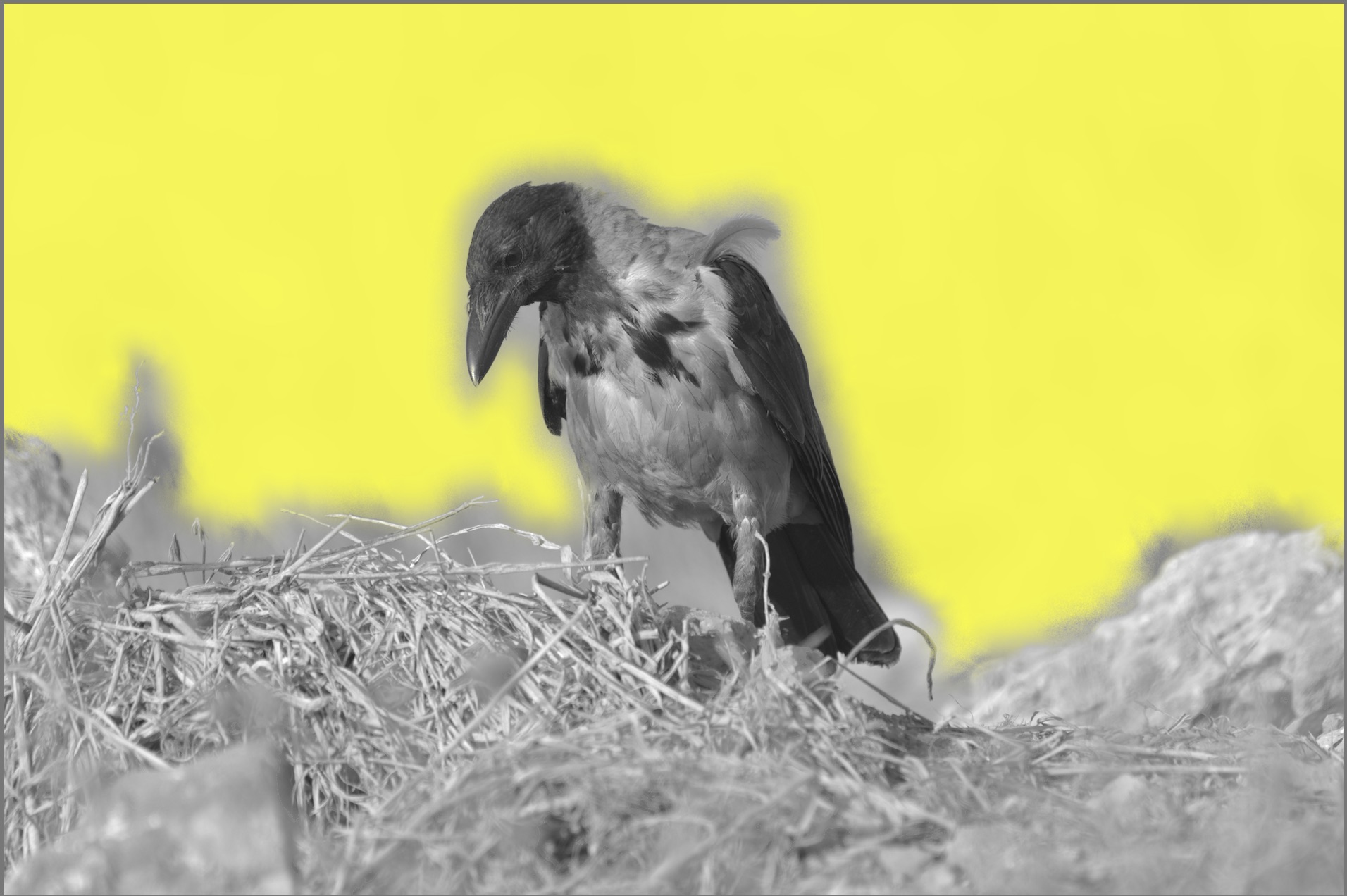
The pfm is created that all works. And darktable can read the file, that is the second image with the mask.
It is just that I have go in manual to set the pfm file as the raster mask in ‘external raster mask’ module. And I was wondering if that can automated in lua as well.
I’ll have to look up torchvison :)… I know there are probably lots of subject detection solutions out there…I only really played around with the segment anything one… good luck…I think you should be able to code that Bill can likely direct you…