Lua Script - Auto Tag Images - Now with Birds (running locally)

The last couple of days I have been working on a Lua Script to auto tag images in the library so that it is easier to find images in your library with similar objects / subjects.

The Lua script is basically a fore-front for OpenCLIP. Every image is scored against a fixed vocabulary of ~1000 labels — the 365 scene categories of Places365, the 601 object classes of OpenImages V7 and a small number of manually added labels. Additional I have added some hierarchy for the labels so it it easier to handle in darktable.

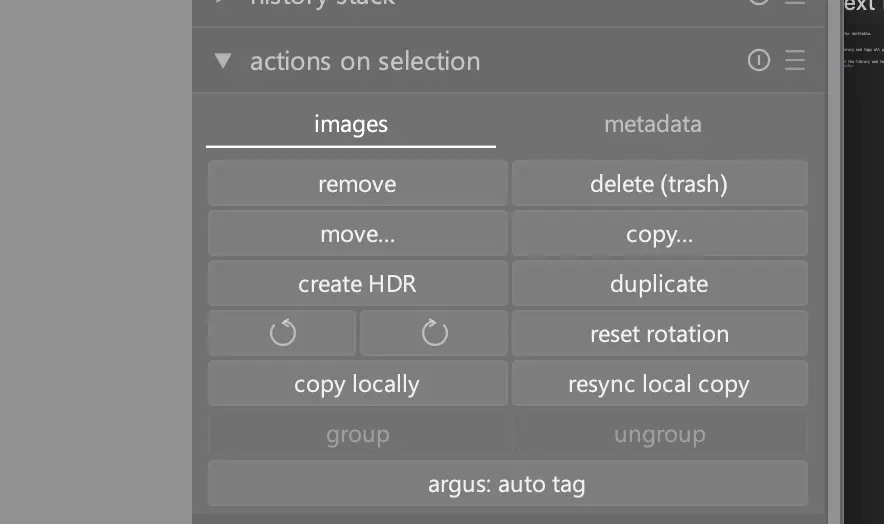
It works very straight forward. Select an image in the light table and click ‘argus: auto tag’

The Lua script then retrieves the largest cached thumbnail from darktable (so crops are respected) and calls a python script (using uv, so ensure that uv is installed) to tag the images. this is running all locally, no cloud, no api’s

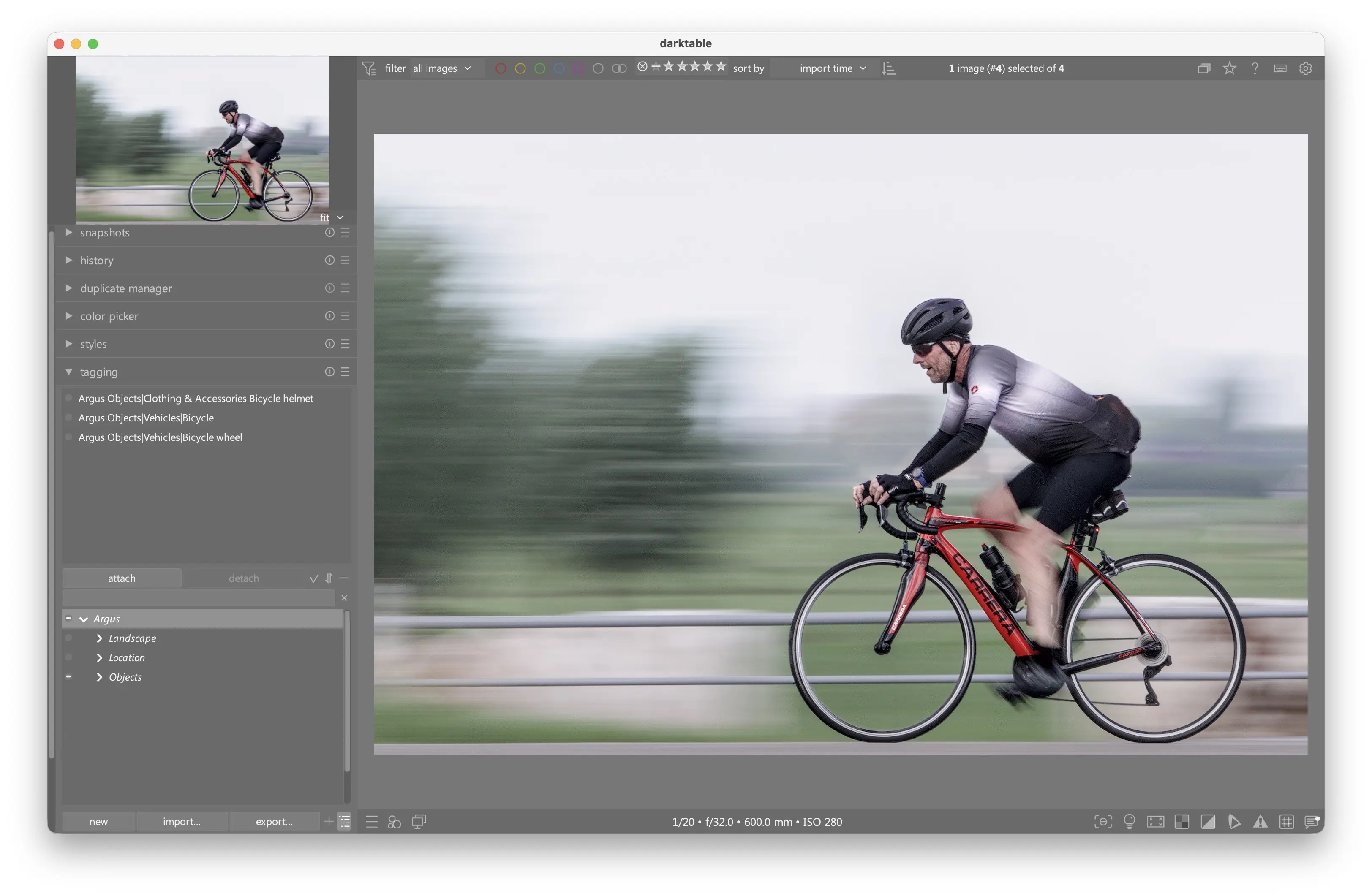
Once do you can see in the tagging module the attached tags:

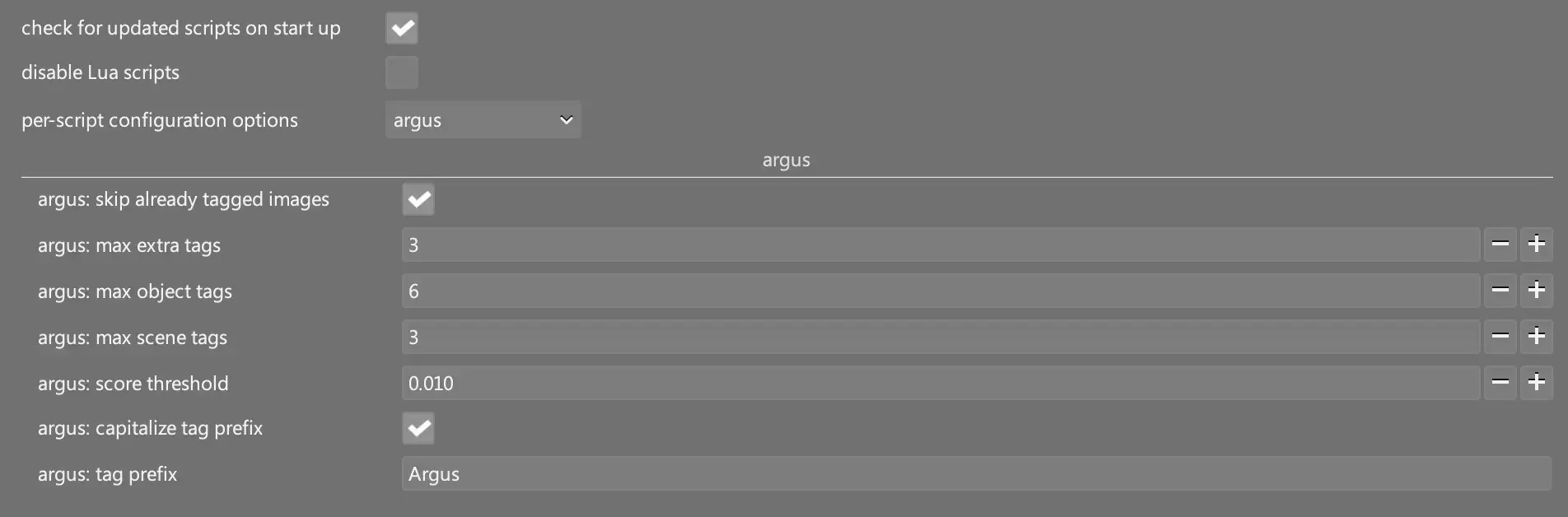
I have prefixed the tag with Argus so that it easy to remove the tags in one go. The number of tags, and the prefix are configurable.

Of course, it is an auto tagging system, so it is not perfect. But maybe this is a useful.

important remark: if you tag 100s pictures at the same time, the UI of darktable may freeze, it is in the end a Lua script

If you are interested: it is on GitHub

10 Likes

This has been added to the list of things i need to try.

2 Likes

Nice script!

Just for your information, you can implement it without python at all. Convert models to ONNX format, install them in AI prefs and call them from your Lua script. There is Lua AI API for that in darktable.

2 Likes

This looks very useful - thanks!

I have developed images from raw for quite some years (in dt only for the last 1.5 years or so), but never bothered with tags. Because it’s a) too much work for me and b) tags usually don’t carry over well if switching from one developer to another (I used Capture One before and now dt, and maybe in another 10 years something else comes along). But this provides a very straightforward way to tag ones images.

I’d also be very interested in the implementation mentioned by @anry.

This is great. Thank you!
It would not work on Windows 11 for me. I now have it working. Would a pull request be the best way to provide my changes?

O yes please! I have only MacOS at my disposal, so please if you have a fix for windows… Please make a PR

I have tried that, and works (I am testing it now, will commit ben tested). Much less code very nice.

Also came across the BioCLIP 2.5 Huge model which can identify birds and other animals… that one is also looking good.

1 Like

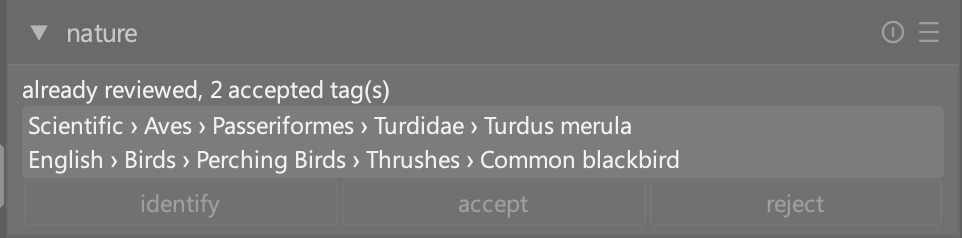
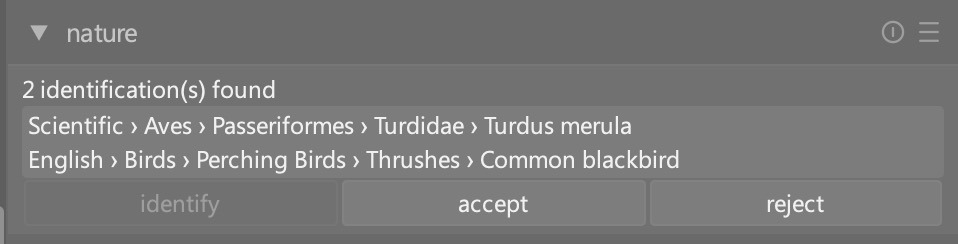
I am currently testing this:

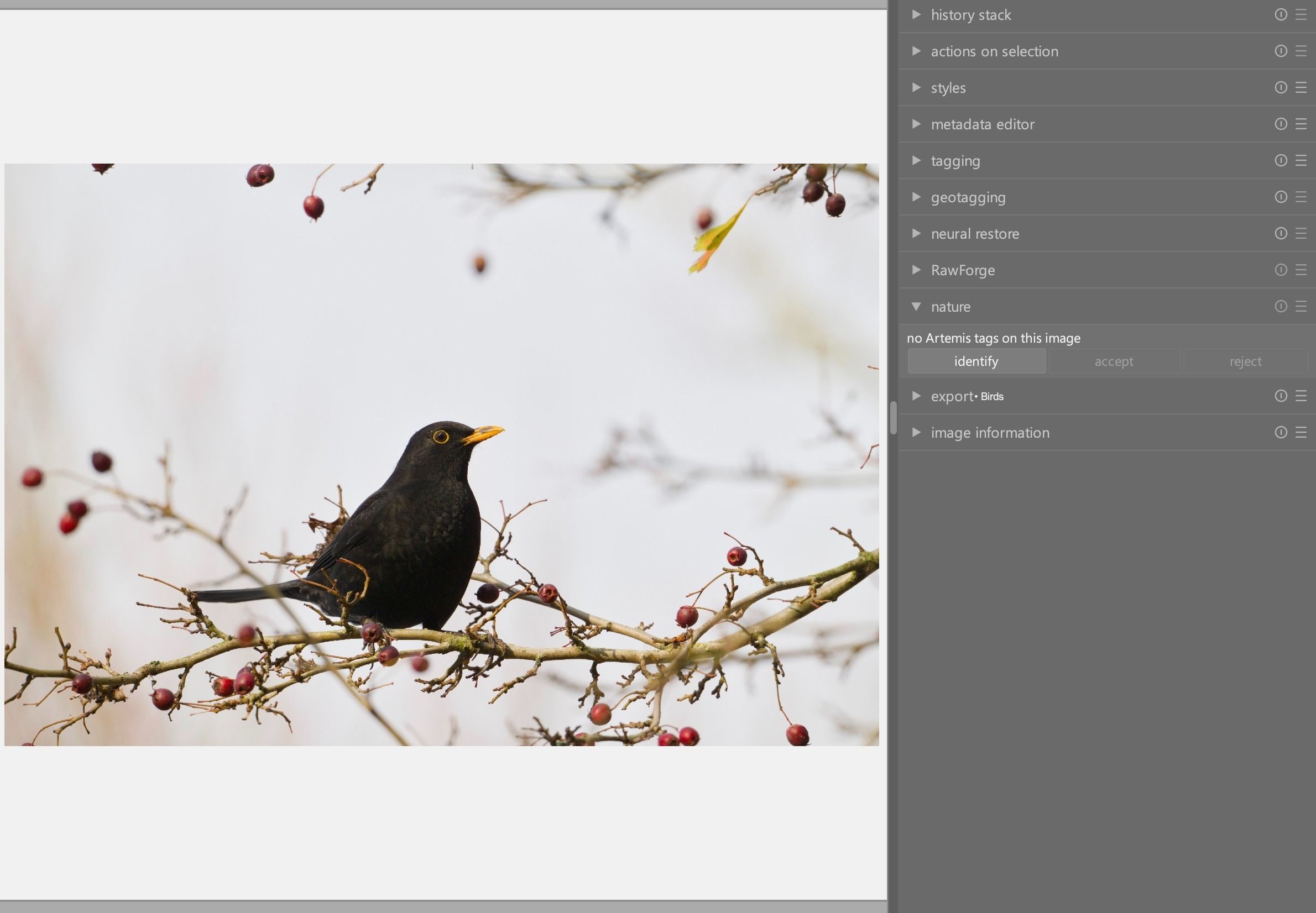
So an image of bird, or any living thin…

Press identify, model runs.

And then you can either accept or reject.

I am not 100% completed what with I have in mind (the ‘draft’ tags are polluting darktable). But other then that…

And this is all purely lua. No need for python anymore… just import the .dtmodels and I can be run.

@Wayfinder, I have updated the scripts to be completely Lua based. Can you check if they now work for you?

@Martins, I can confirm that Argus, Artemis, and Nature all work under Windows 11 after building and enabling the models in Darktable AI.

Note: For some reason, when building the Artemis model, I had to first run

set PYTHONUTF8=1

I did not have to do this for Argus.

Second, for others, Argus took about 2 min to prep the model; Artemis took about 8 min.

Thanks again for the scripts!

Thank Gary for testing it! And my pleasure! @anry, thanks for the suggestion for running it a dtmodel, works very nice!

1 Like

Not sure if you were aware or if it even matters, but there is this: darktable Lua documentation - photils

1 Like

@mica, I was not aware, must have missed in the docs, thanks for sharing!

1 Like

I took a look, but the phototils utility itself is not longer maintained. Another benefit of my approach, it should work on windows as well

@Mica, the advantage of what @martinus created is the Artemis script, which tags animals with common and scientific names. The Argus script is much like Photils. @martinus, Photils does work on Windows

1 Like

Does it work with insects and plants?

Try it, this the model behind it: BioCLIP 2: Emergent Properties from Scaling Hierarchical Contrastive Learning

I don’t photograph insects much, but the small set of butterflies I have in my library where mostly correctly labelled

1 Like

@Martins , @Wayfinder , is this only needed for Win 11? I tried to build the Artemis model under Linux (Kubuntu 26.04) and it failed. Issue raised on Github with all the output from the failed build run.

Edit 2026-10-06: @martinus , are you still working on these scripts, or is this project closed as far as you’re concerned?