Before doing anything:
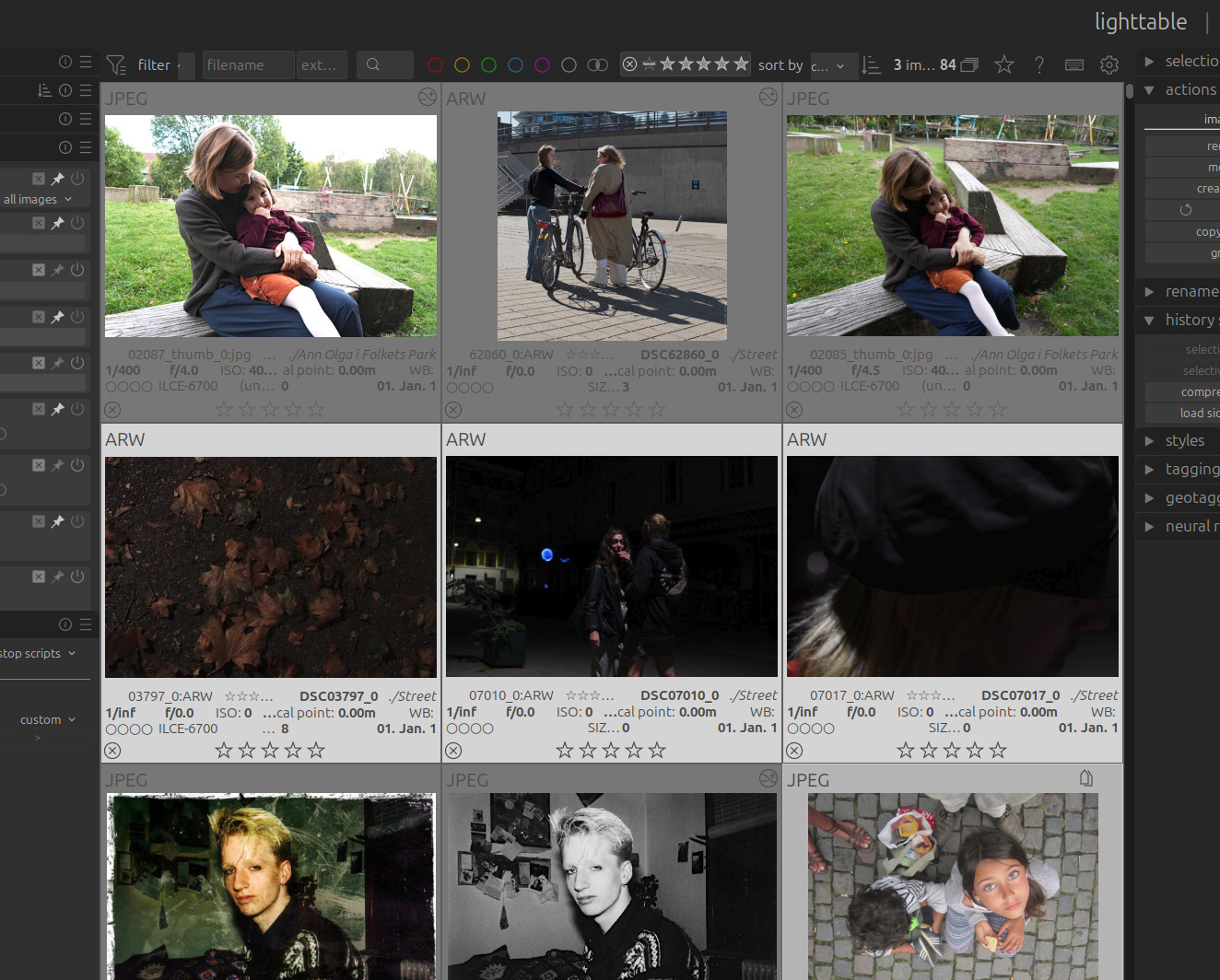
Marking three images rejected:

Selecting ‘all except rejected’
Selecting ‘rejected only’
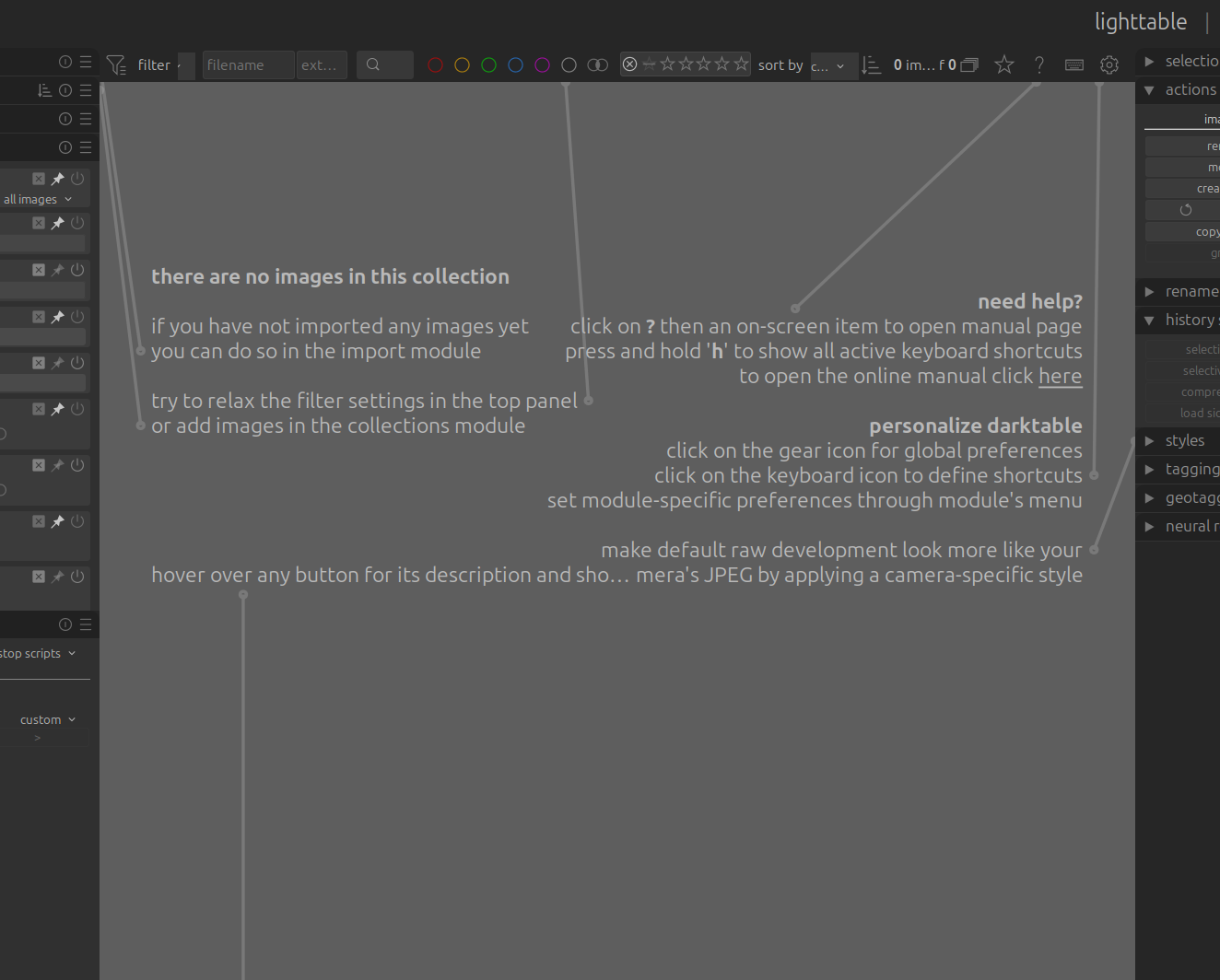
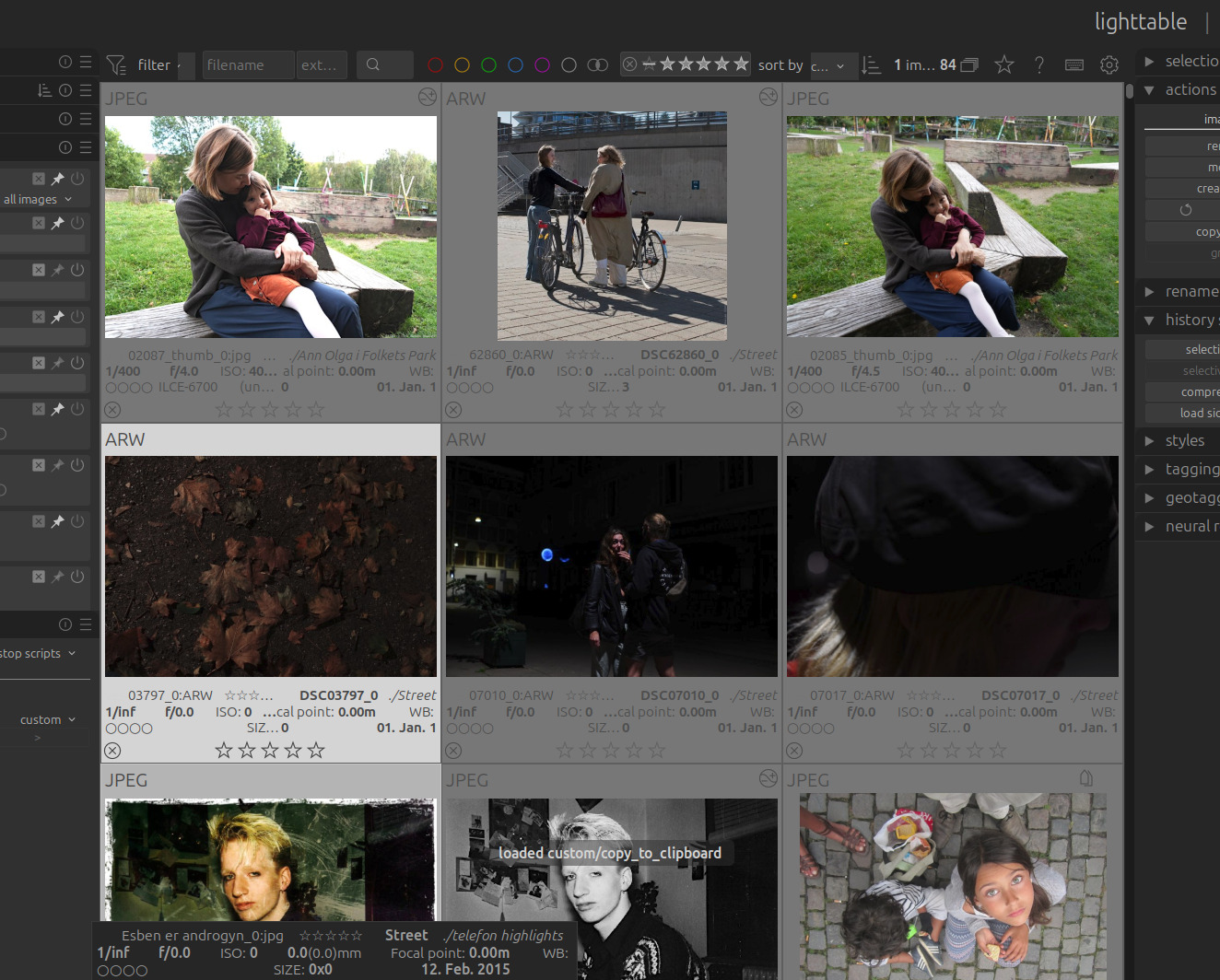
restarting darktable - images are no longer marked ‘rejected’
Ubuntu 24.04.4
Darktable 5.6.0 (appimage)
Not sure where to report this?
Before doing anything:
Marking three images rejected:
Selecting ‘all except rejected’
Selecting ‘rejected only’
restarting darktable - images are no longer marked ‘rejected’
Ubuntu 24.04.4
Darktable 5.6.0 (appimage)
Not sure where to report this?
You can report issues over on GitHub →
That is weird.
The screenshot shows that rejected images are still selected in the top bar.
I have seen this bug. The manifestation is a collection that appears empty. I will check my log next time. Doe you happen to have a log file from the time this happened, @Acebone?
I don’t know if it is about rejection or filtering. My workaround is usually to change the filters: filter for all images, then filter for all except rejected again.
it doesn’t work for me to switch filters back and forth: The images are marked as rejected in the UI, but the rest of the system treats them as not rejected.
After a restart, they’re no longer marked as rejected …
I don’t know about that logfile - where can I find it?
yeah - but they should disappear when i choose “all but rejected” or be singled out when i choose “rejected only”
also if i restart darktable, they’re no longer marked as rejected.
thanks - reported!
It would be nice to show what the collections module is showing for rules or what the collection filters on the left side are set to (they may be interfering with the collection filters above the lighttable). The reason I say that is the all except rejected still shows the rejected.
I can’t reproduce on current master (5.7.0+23), but I also never use the collection filters in the left panel.
My workaround is an automatic/muscle memory action, so I probably misremembered what I do. I think switching to another collection then back to the problematic collection must be the action I take. I’ll pay more attention next time.
You need to launch darktable with specific flags to get logs, so if you aren’t doing that on purpose, you won’t have them.