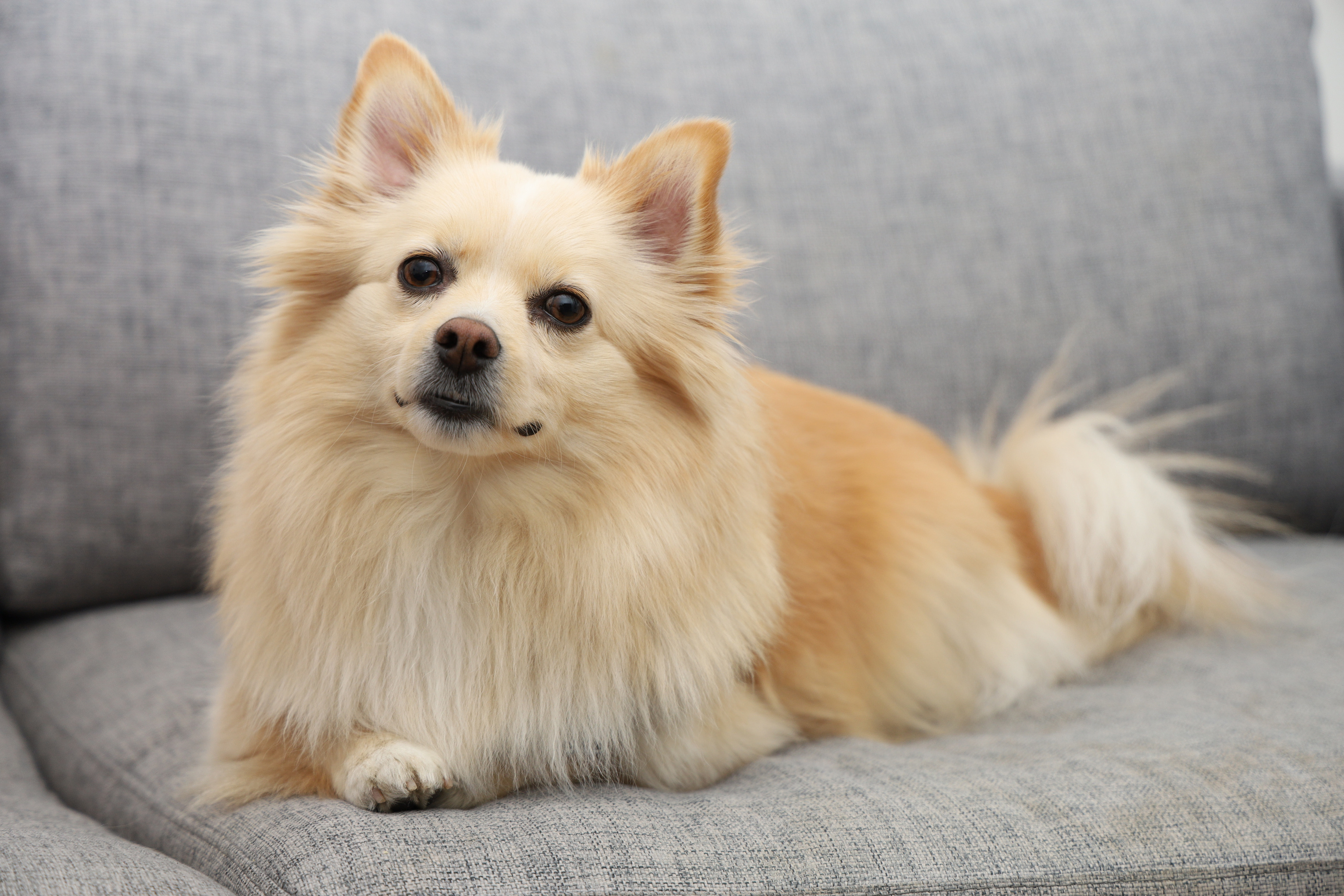
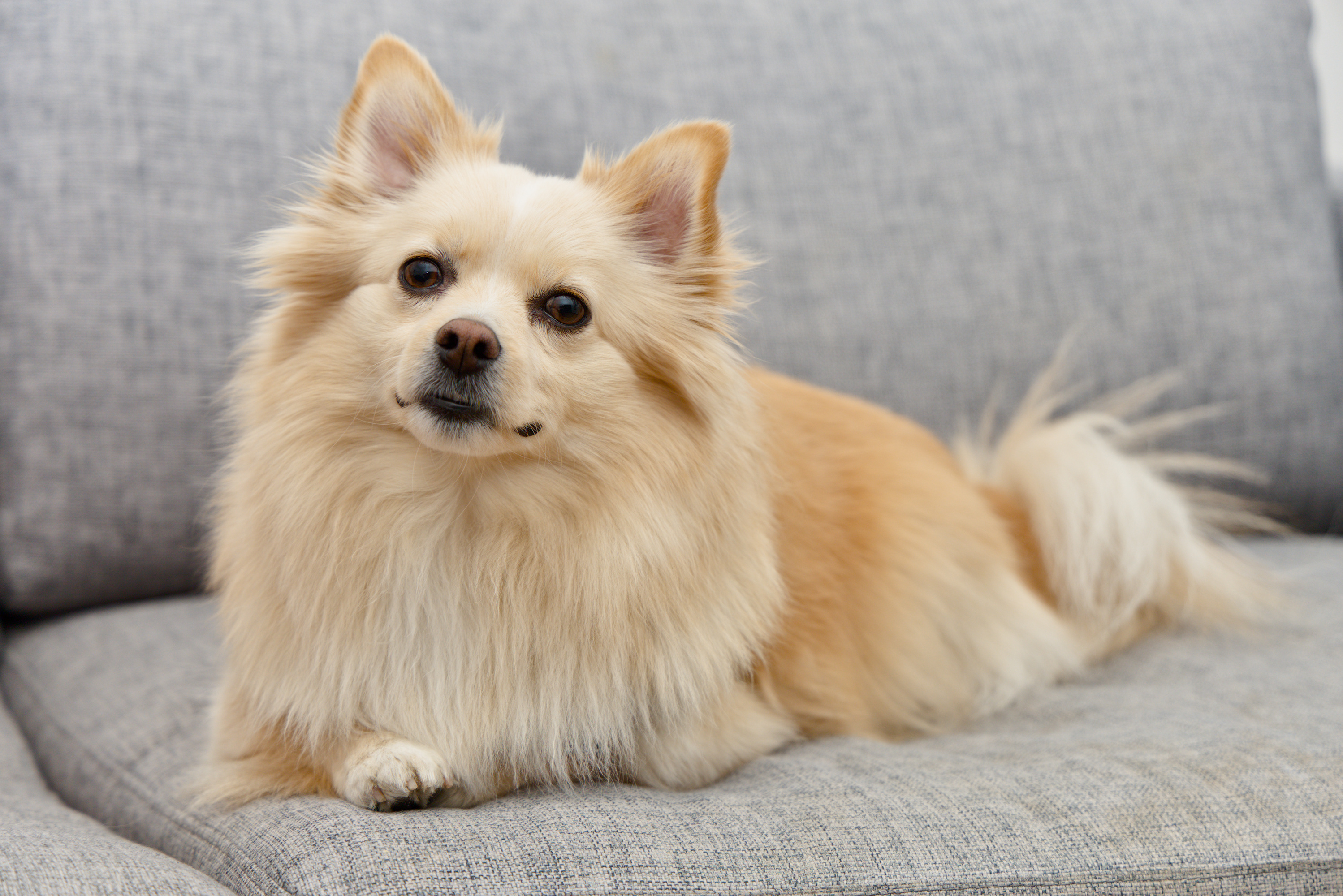
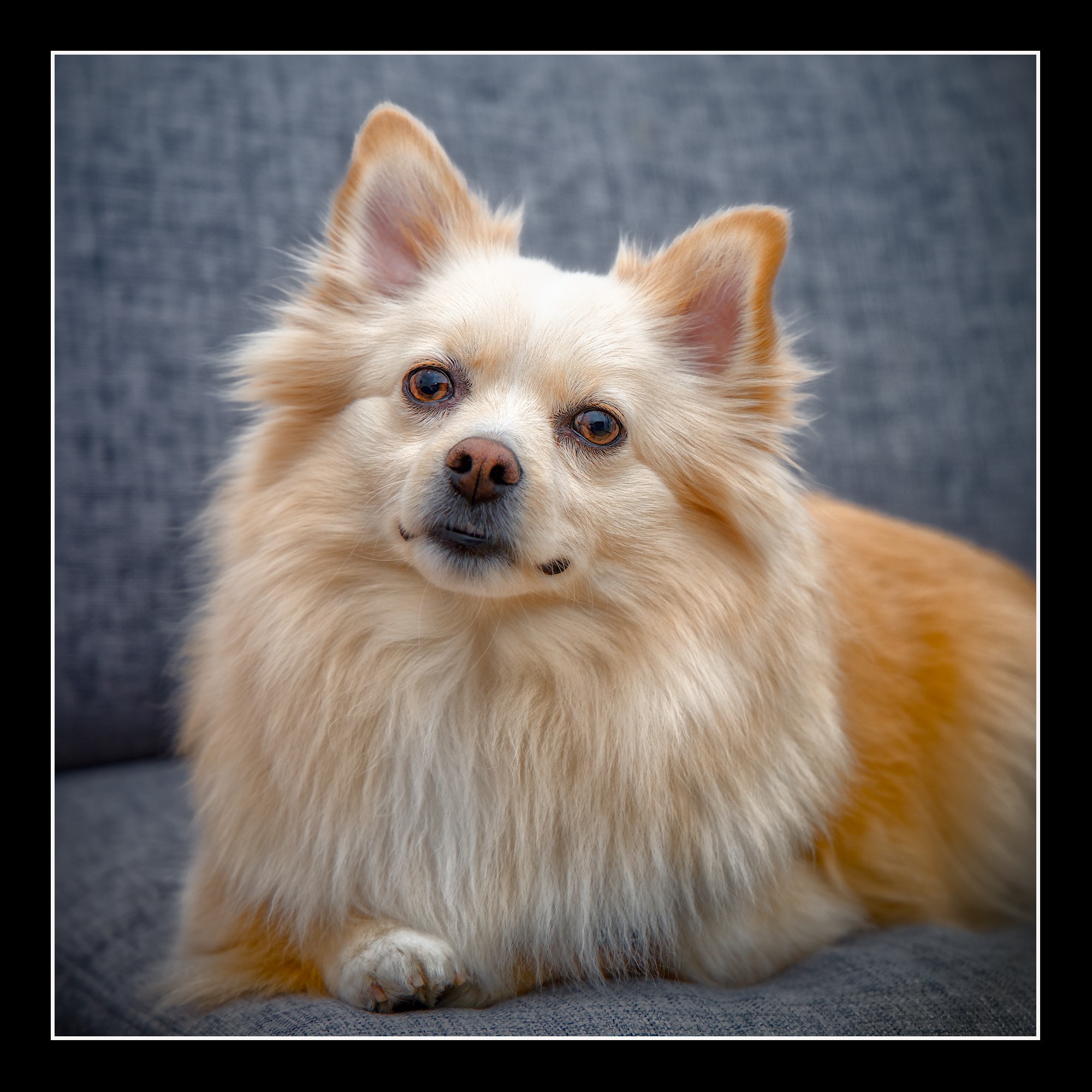
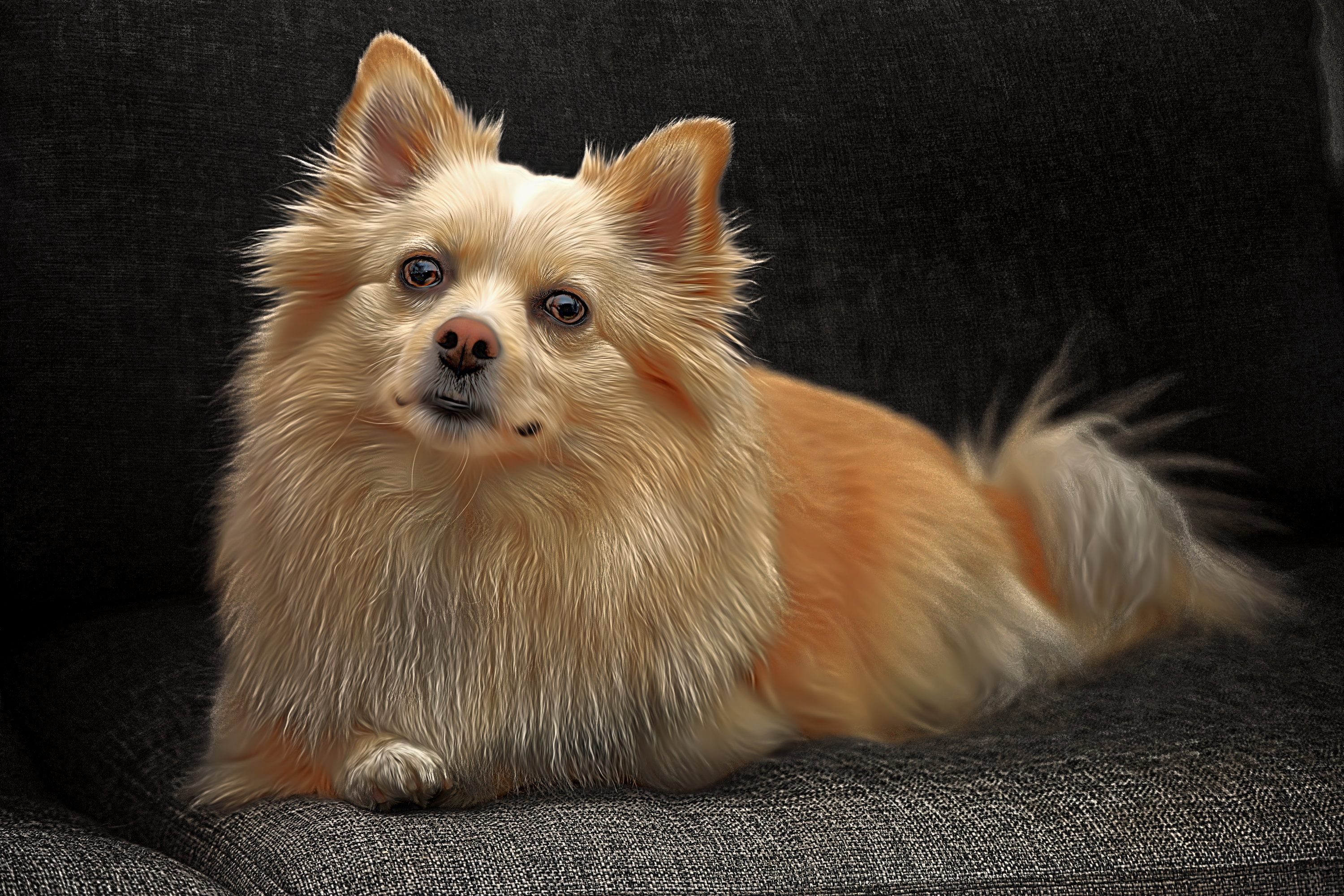
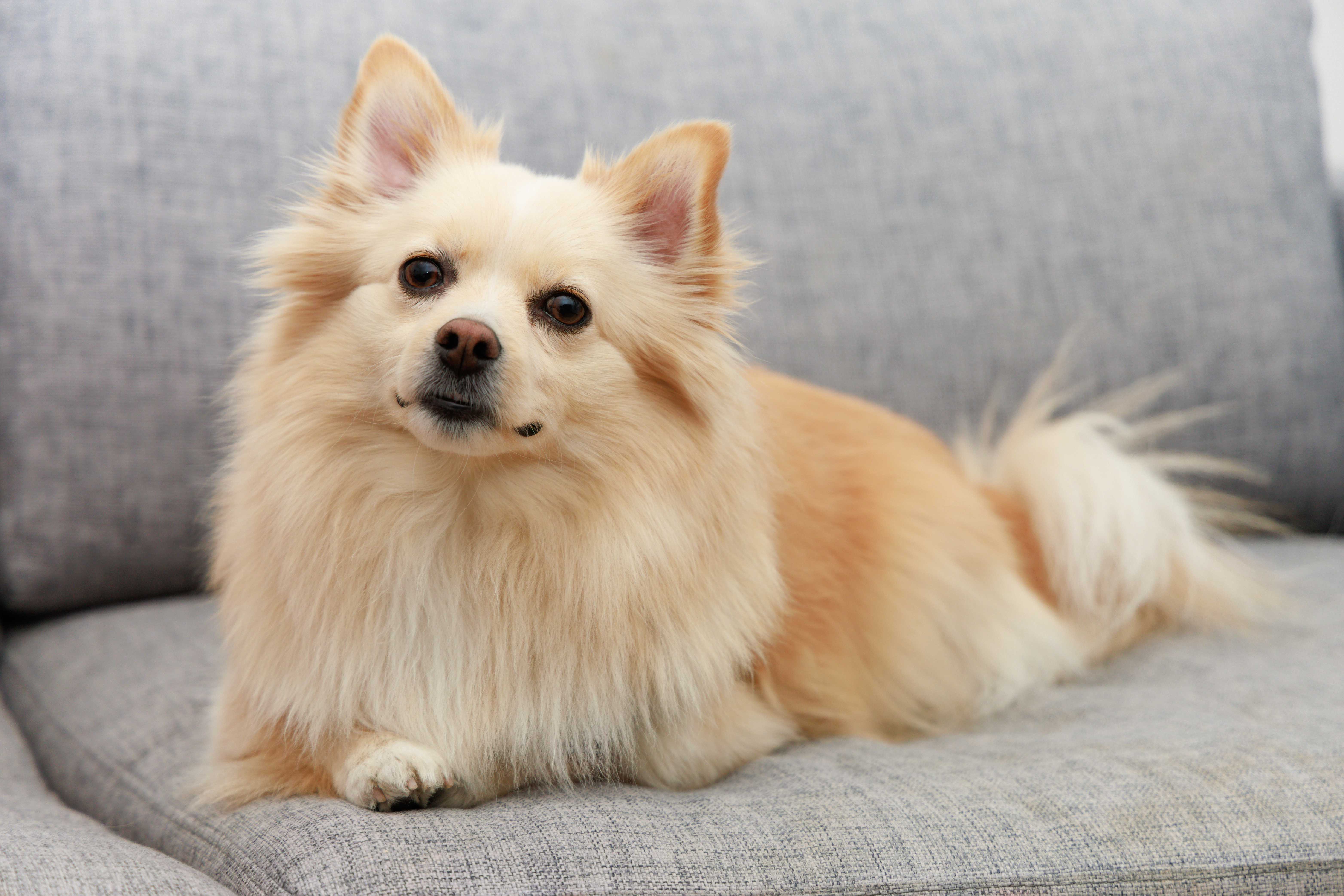
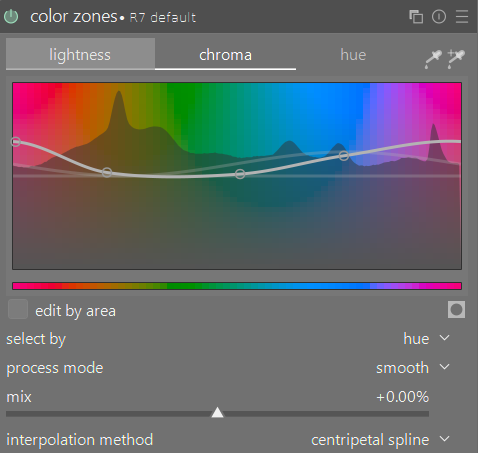
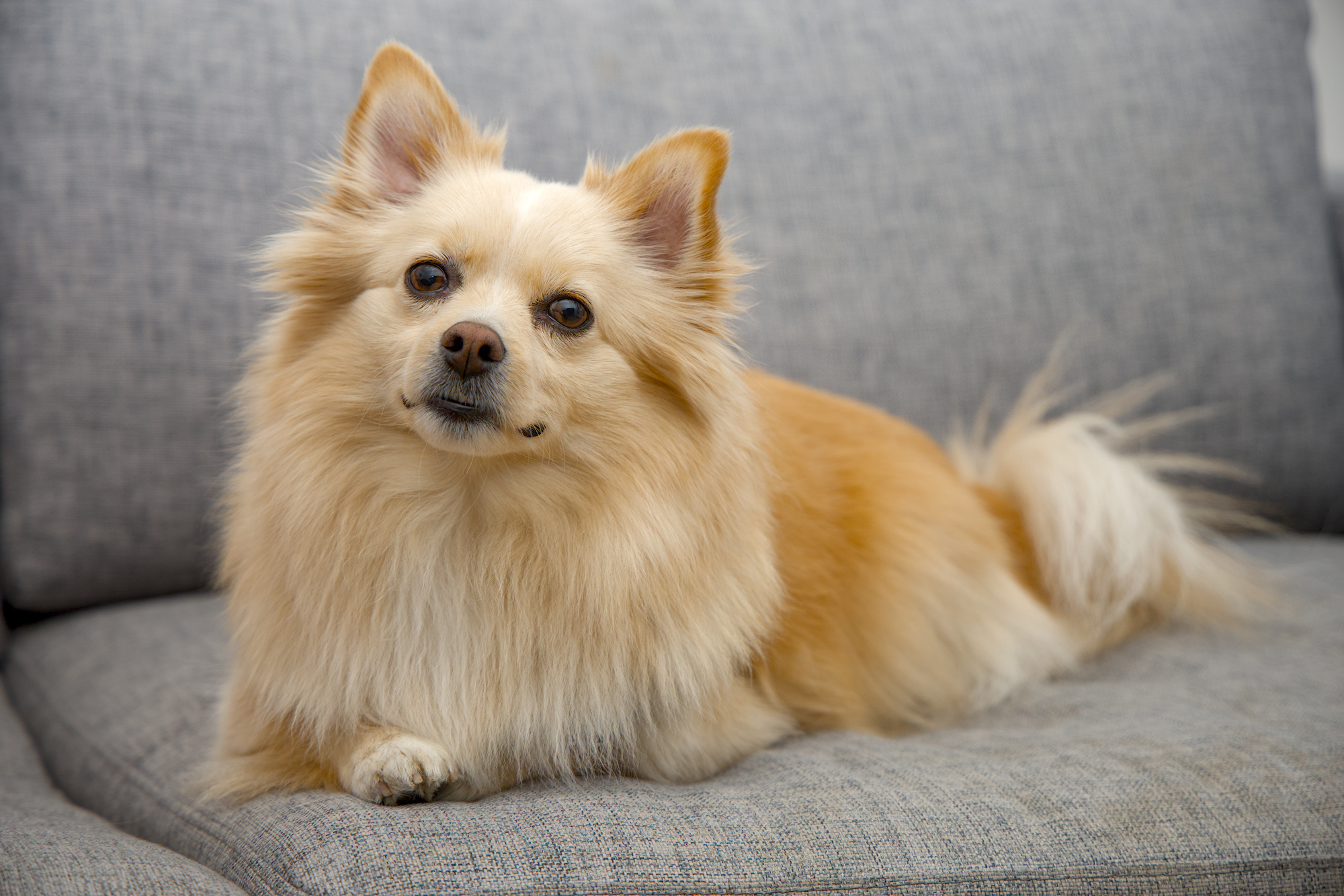
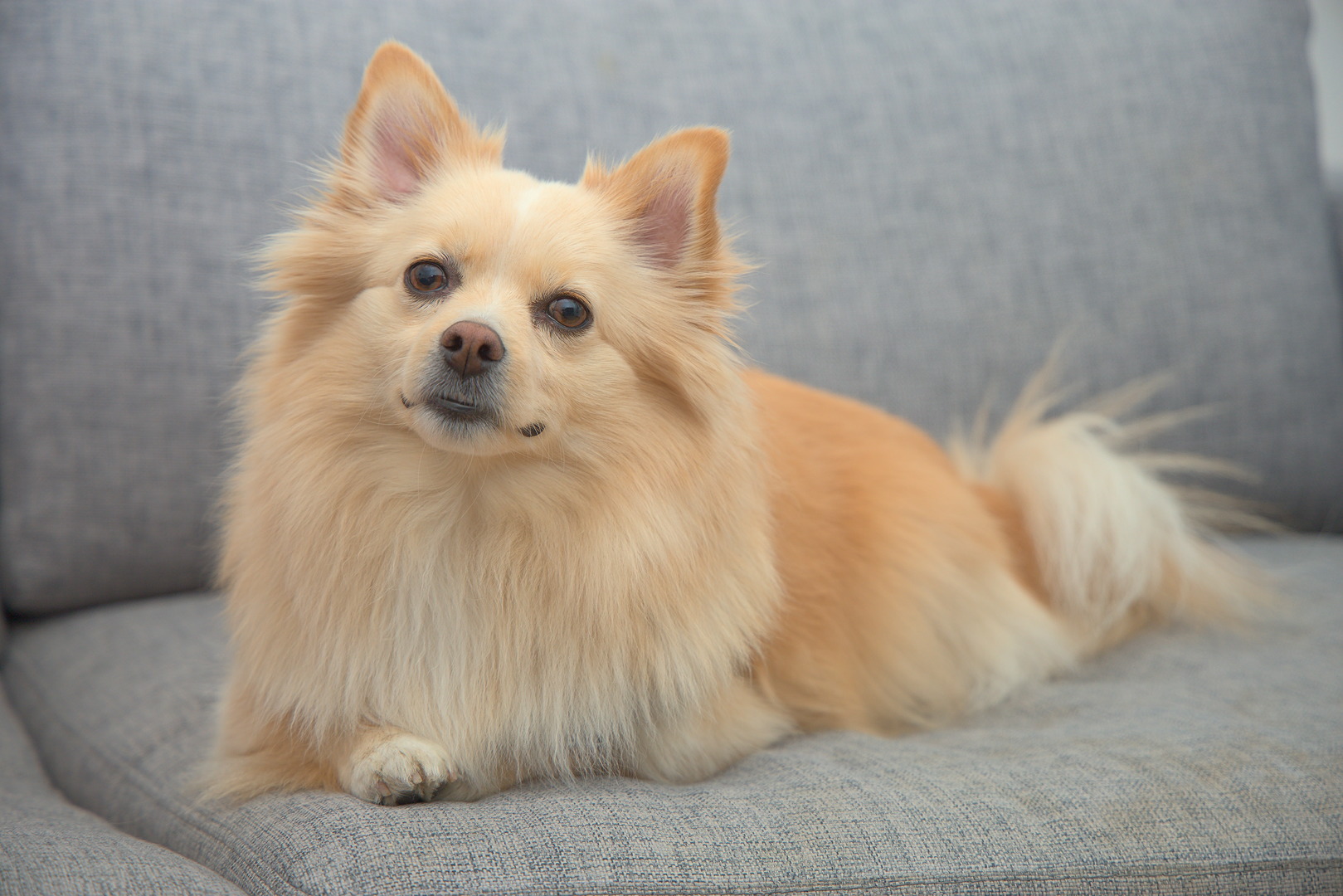
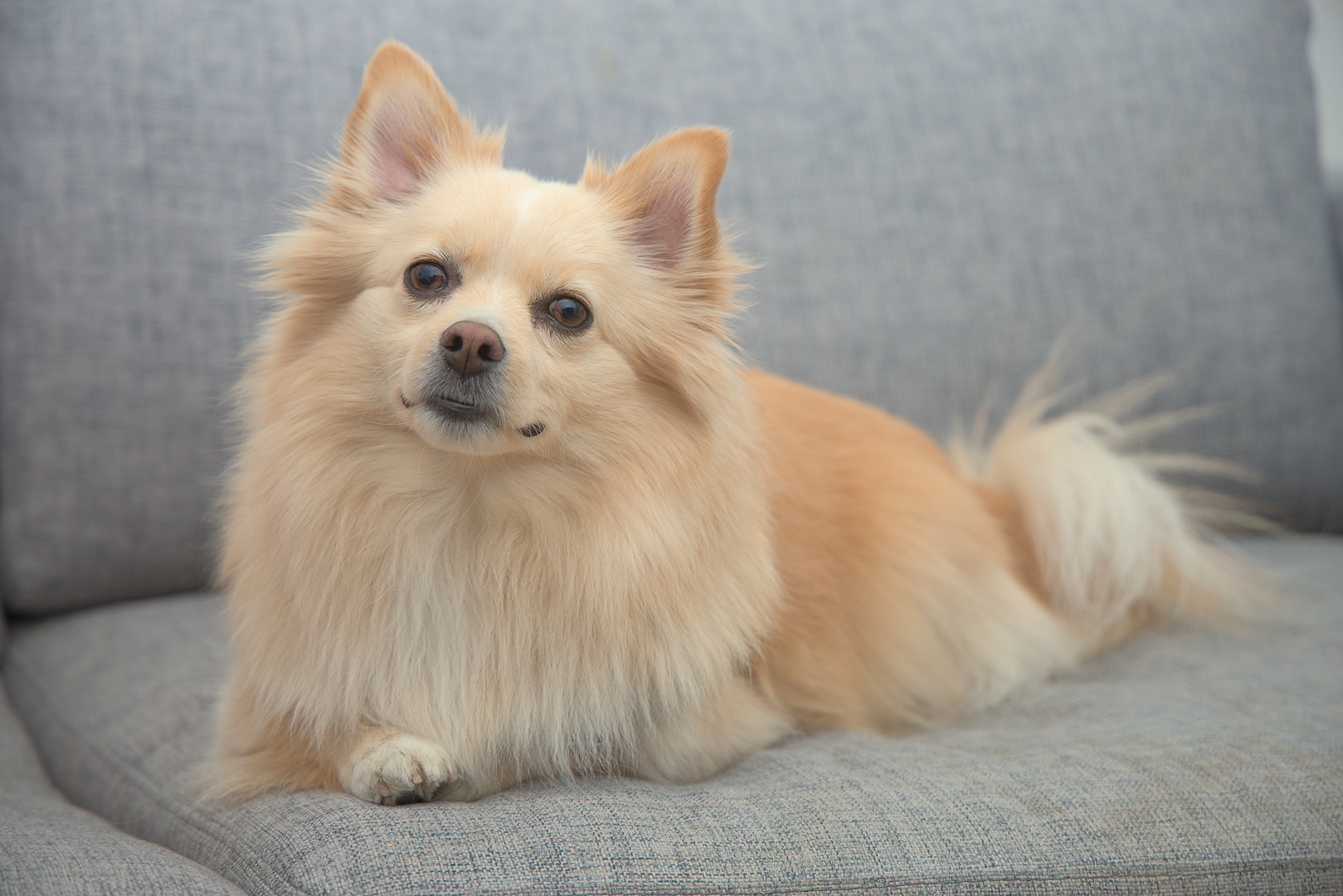
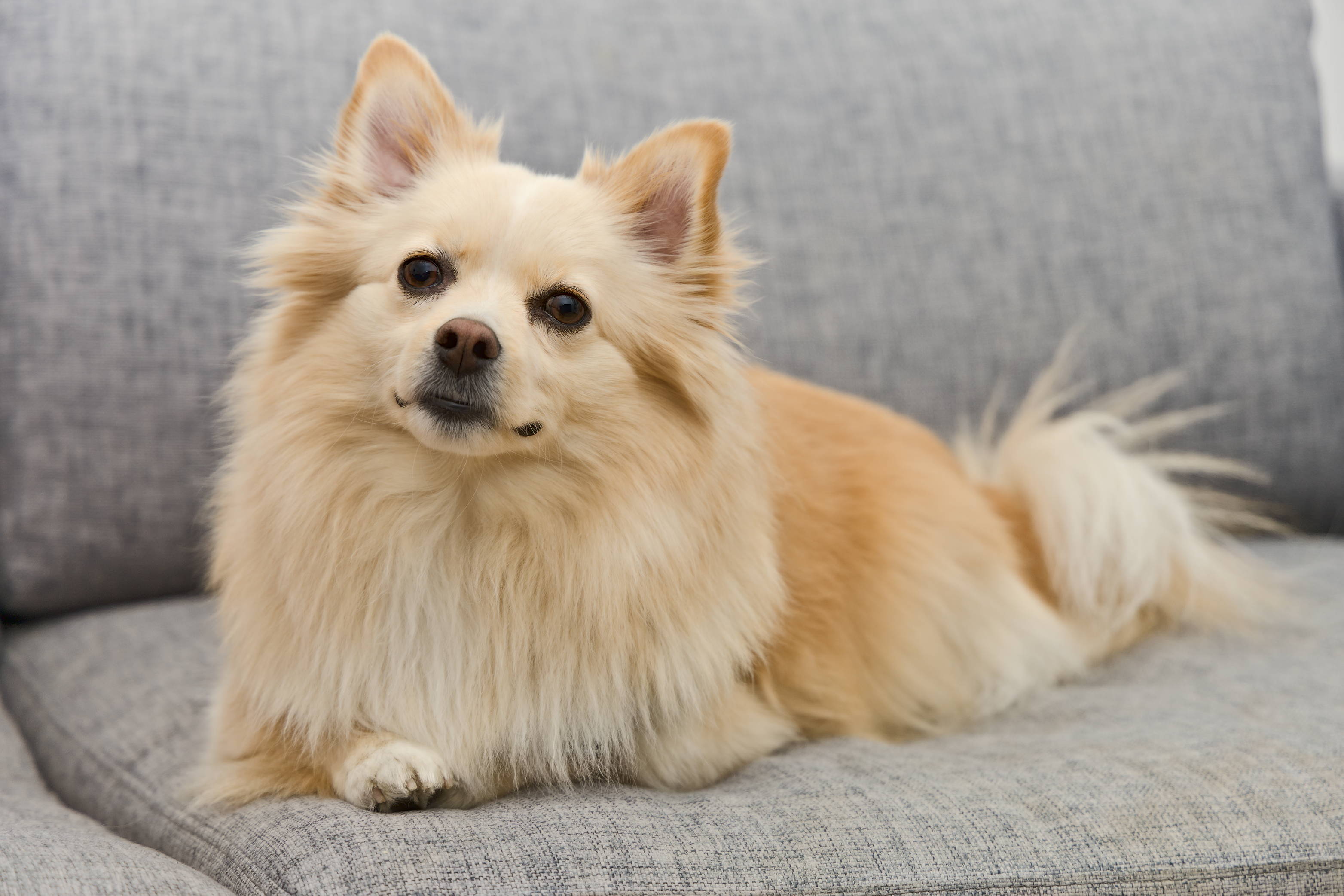
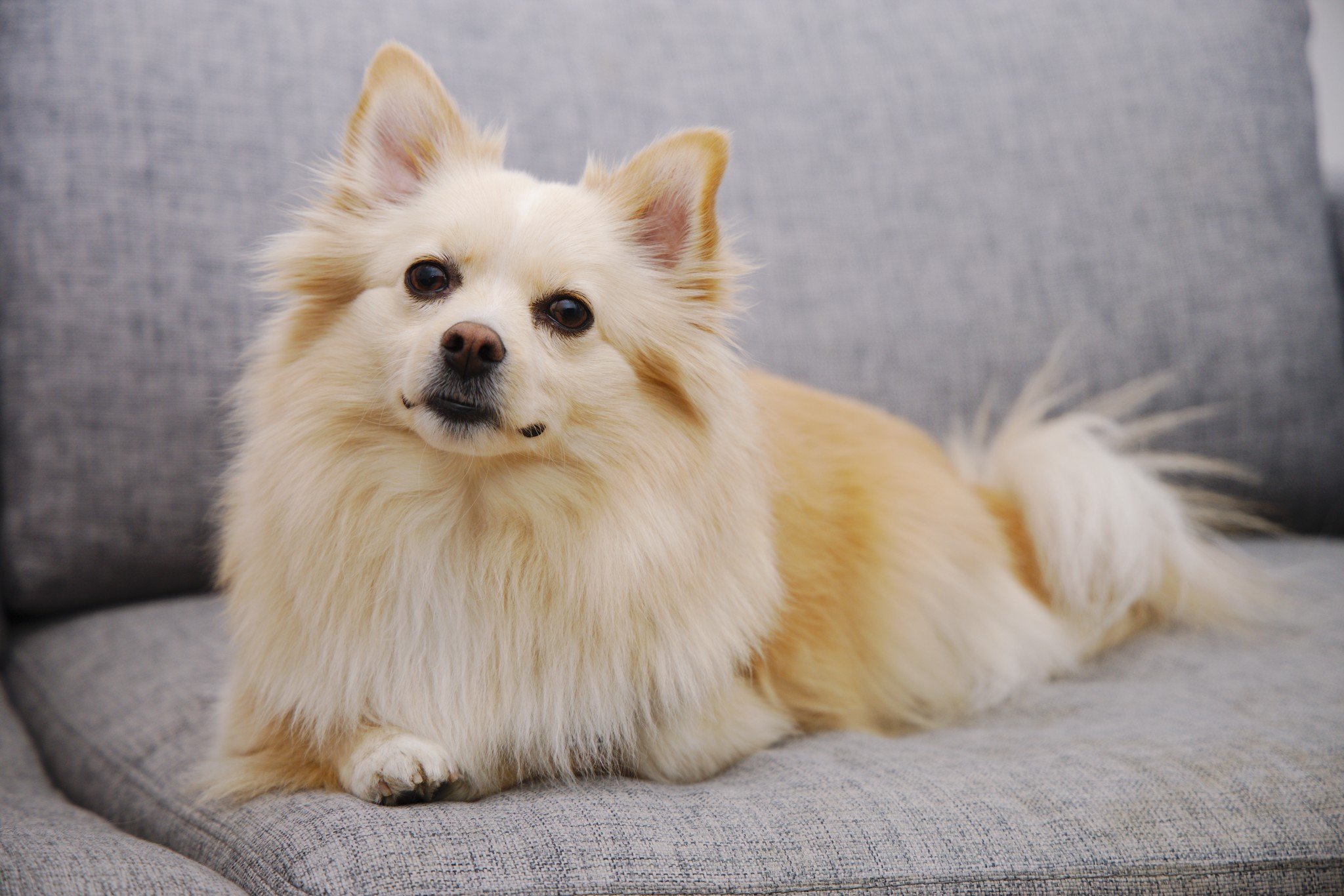
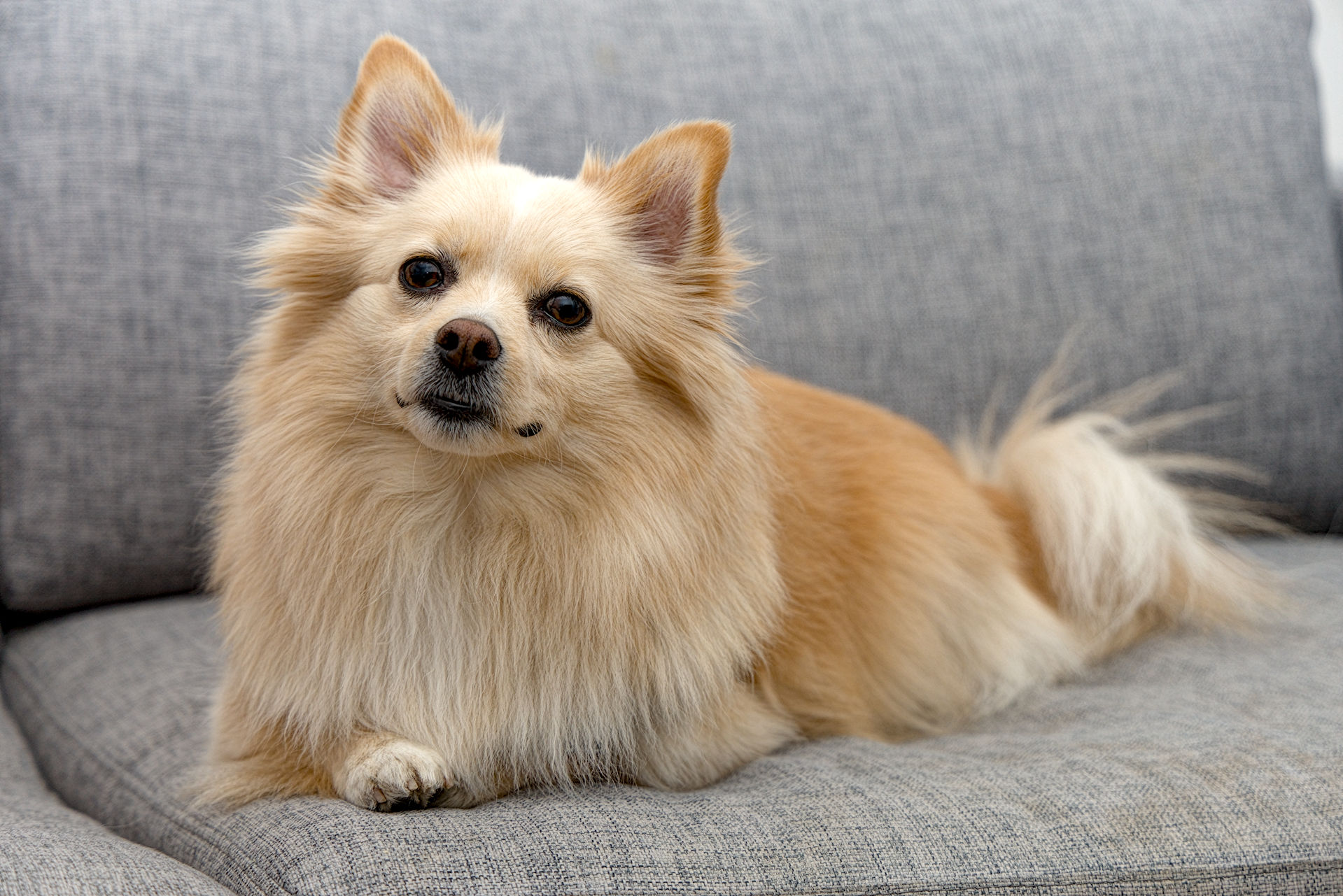
With my Canon R7 I found I had to tweak the warm tones in Color zones to better match skin tones to the cameras JPG. It is not a simple white balance problem. I suspect there are other tools that might help with this issue such as the primaries tab in AgX.
I feel I am on the right track here. I just boosted the reds in AgX primaries tab and I feel much closer to the cameras JPG. Maybe I boosted a little too much.
I also notice that the eyes are superior in the RAW file and the JPG just has very dark eyes lacking in detail. 19-43-22-103.CR3.xmp (10.9 KB)
Well I don’t think I did a great job, but using the legacy pipeline helped. There is something off with the tint and the saturation… and the detail… and everything
Just for the sake of interest … why does one want to match a SOOC jpeg ?
Do you think the jpeg is so good in terms of tone and color , as it is influenced by the used picture style … so it can vary a lot from image to image . And if you have used AWB … it will be even worse .
Well this are just my thoughts
I think the SOOC images are a better starting point than what Darktable (or any open source raw editor) gives.
So if I learn how to match the SOOC image, I know how to get a better starting (IMHO).
Besides that, I think it is a good color grading exercise.
Not true. Rawtherapee and ART have support for AutoMatched Curve and Adobe DCP profiles. Between them you can have a pretty good starting point for colors and tone.
I think it really depends on the style you are going for. It is definitely nice to go for a more clean, modern base line to start the edit, but personally I prefer to start from a flatter/uglier base.
I can just only guess … looking that you using the EOS RP … you are not using a dedicated profile in the camera where you have altered the tone curve and colors , right ?
So you use the out of the box standard profile with way too much contrast and saturation applied … unless you have at least lowered everything in the individual settings .
Or have you created a profile in the picture style editor ?
If this is not the case … why using a " crappy " manufacturer profile if you have tones of options in DT ?
Well we all work differently .
In the end it is important that you are happy with end product …
In that photo, I used the standard color profile from the Canon RP. No changes.
I do not call any-major-brand camera profiles “crappy”, they do very good job for something that needs to work decent in every situation.
But we can disagree on that.
And as I said, this is for a starting point (hence, not the final photo I want).
Fully ok if you have your view of the manufacturer profiles … glad for Canon that you are a happy user on that front .
Shooting Canon myself for over 30 years now … since the digital age , after some time I only use custom profiles created in the picture style editor . To get something closer to the raw capture … and not what Canon thinks does look good or should look like .
Think a second about my thoughts … if you stay with CANON FINE .
I quite like the Canon Standard profile. I also like editing from the SOOC jpegs too, when I am in a rush to send out photos from family events and such.
I have sped up my editing process by creating a style for my Canon R7 that is similar to the cameras JPG. I then modify the edit to achieve the final look as the JPG look is not necessarily the best edit possible. But it has saved me so much time having this approach. It is also a great learning exercise.
I didn’t really match the jpg but I just used a basic set of modules and to me the result tweaked to taste would be a better result than the jpg if you found the face a bit washed out and lacking detail…but anyways like all the others here its a version made possible by having a raw file…