Thanks for your feedback, @priort, @finestructure and @MStraeten. At this point, it’s easier for me to track requests if you file an issue and assign it to me. Just talking about new issues, these are noted already and I am working on them, thanks!
No, this is actually a bug.
Let’s consider that the feature is currently undocumented.
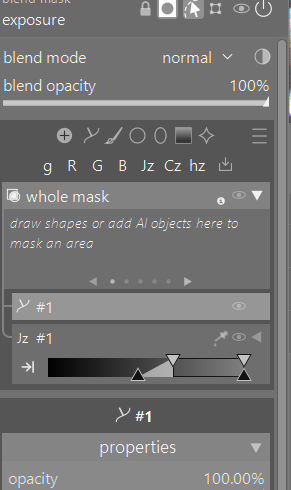
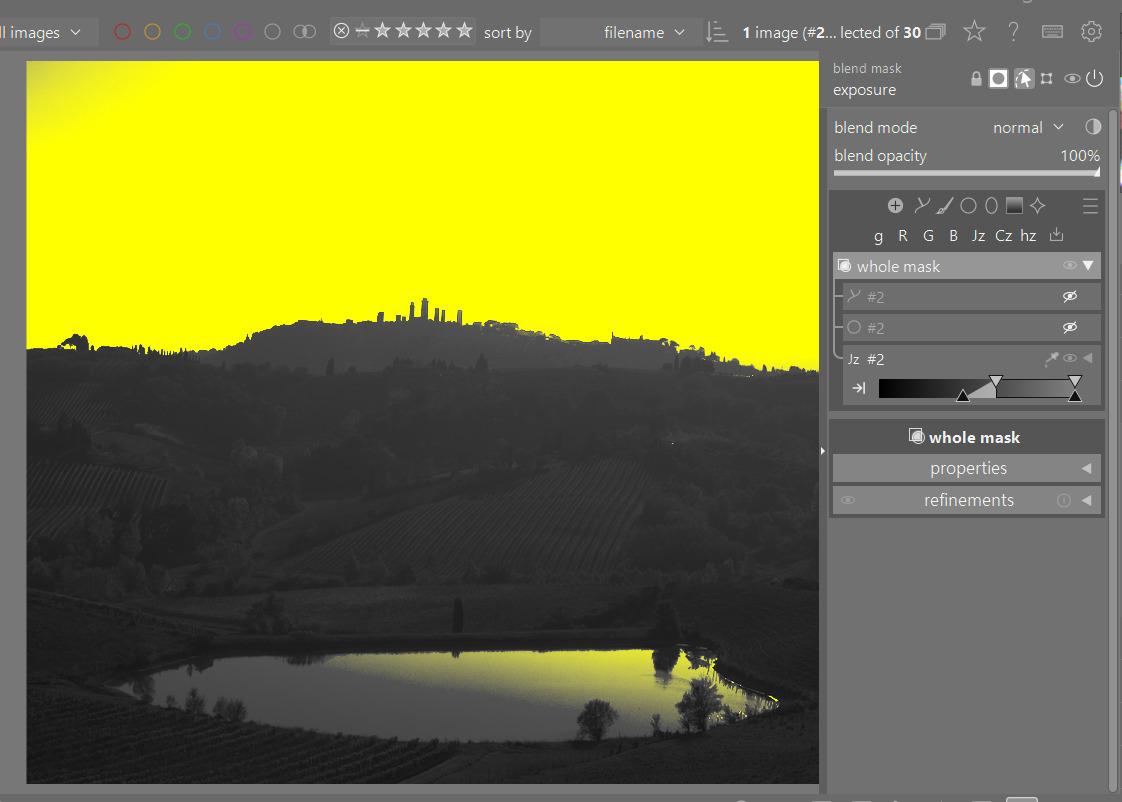
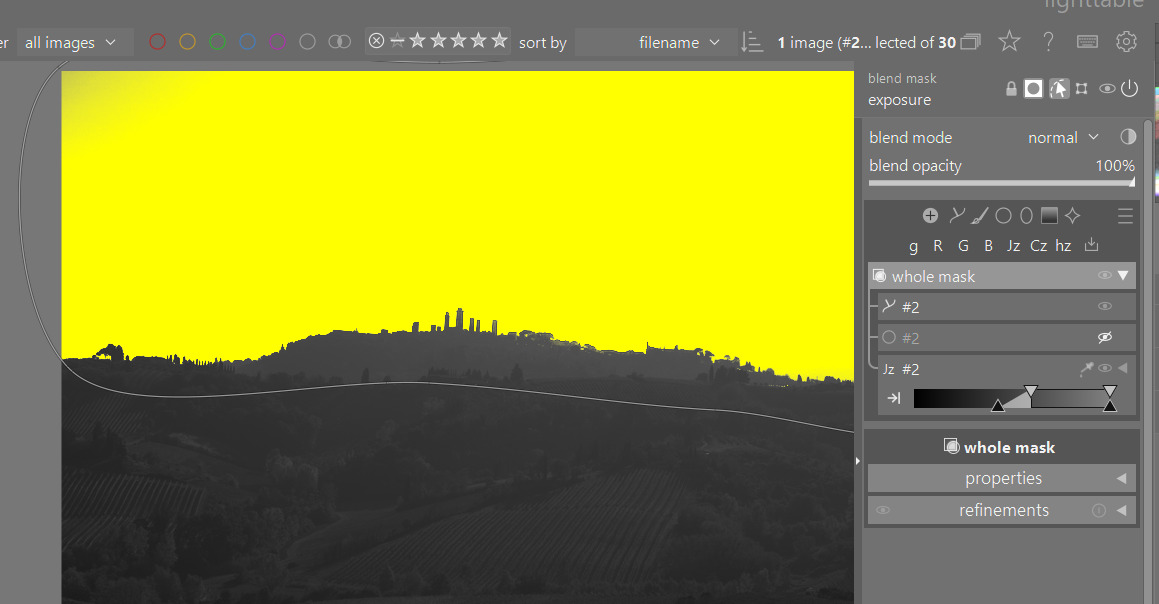
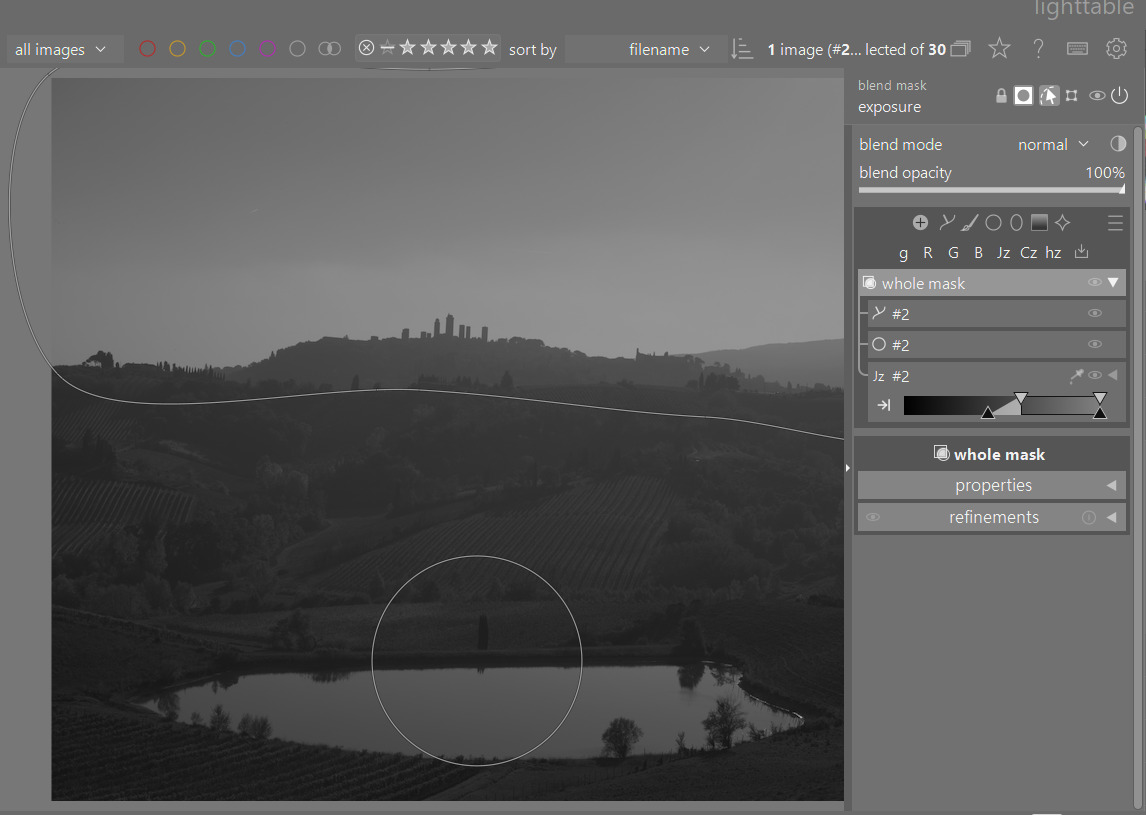
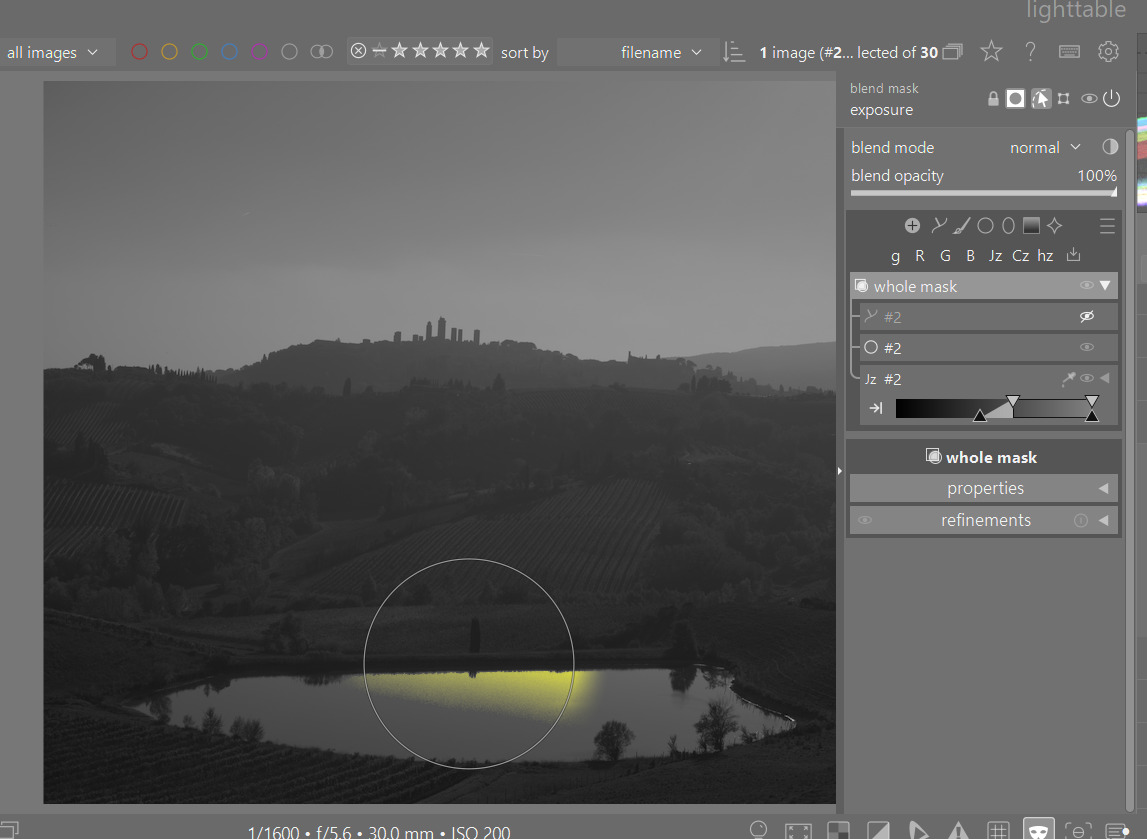
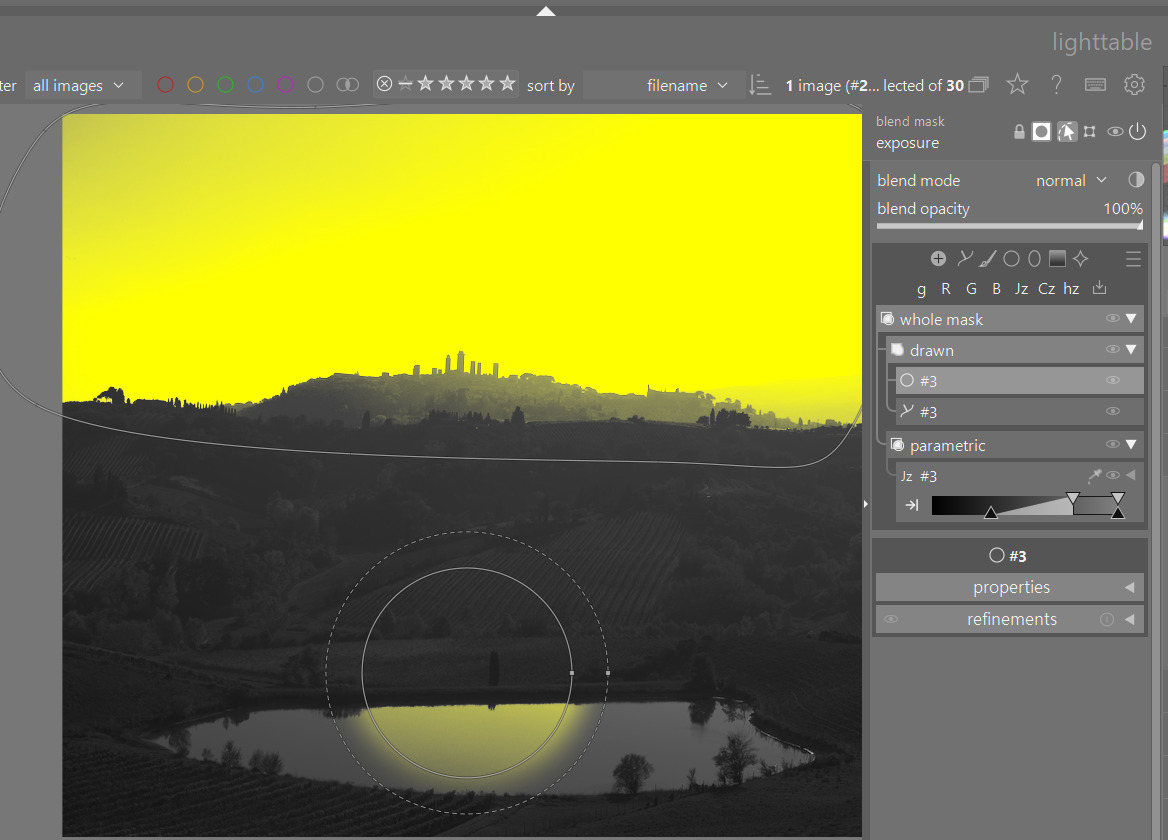
I don’t get it. I recognize some familiar symbols but then there are two bounding boxes called Base. And you can make a mask but there are no immediate way to reverse the mask. And where is the preview mask button really. I used Ai to mask the sky and had no idea where anything was. I get the idea of simplifying mask manager actions right there, but it’s not it. The whole thing is just confusing. It’s like math. I have nothing against it but understand it I do not.
If you go in this direction have a big plus button to add a new mask, show all options for it, then a second symbol to show mask interactions.
Thanks for the feedback, @Nexuen_nex, even though you could have delivered it more constructively.
Base? I don’t understand what you are talking about. Maybe you can share a screenshot?
If you hover any group or element, you will see a message telling you that to reverse an element or group (including the whole mask) you can Option+Click on the lead icon. Provided that you haven’t disabled tooltips, that is, but since you are trying to learn something new I would suggest to keep them on.
Alternatively, you can right click any group or element, and you will find a contextual menu which, among other things, allows you to invert the mask.
How is that different with the new panel? Enable mask, click AI object, click on sky, right click to confirm selection. Done.
The new panel is arguably much more self-explanatory than the previous one. There are rich and informative tooltips, and there are context menus that list and explain (via tooltips) quite a lot. The mental model is much simpler after you understand it, and the fact that everything is in one place should also simplify things quite a bit.
Anyways, it would be wise to give oneself a little bit of time to understand a new tool before criticizing it. Unfortunately this is not documented yet, because it is still being actively developed, so the only way to learn it is to try to use it.
The good news is that you do not have to use it until when it is released and properly documented in 5.8 if you don’t want to.
I would really suggest from my testing that users consider using the masking panel option. This gives a lot more area to work with the UI and it just seemed like a clearer interaction than having it embedded in the modules…virtually no scrolling in most cases as well…
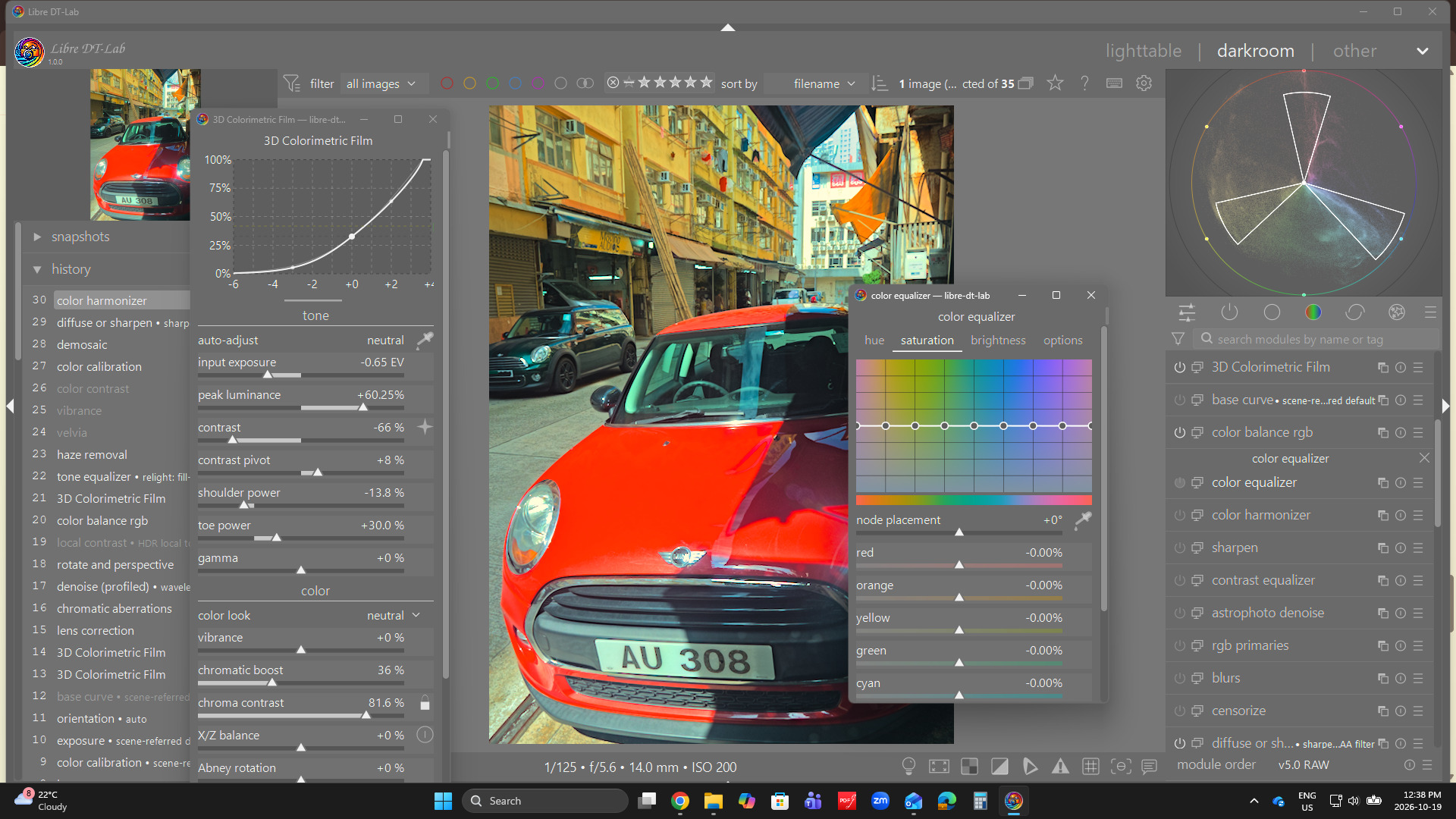
I noted in a recent version of @Christian-B 's Libre DT he has introduced the feature to have floating module panels that you could move around… It was a nice feature and easily and clearly implemented…
I wondered about the possibility of leveraging that sort of thing as well for the panel…as some might like to be able to move it around… maybe for a next iteration as I am sure you have lots on your plate as it is…
I am aware, that this probably is a typo but I find the idea of @Christian-B forking libre office to spice it up with experimental features exhilarating .
tried it but for me it is disturbing that the mask window covers parts of the picture (or I do not see a setting). I just tried the mask as a left panel and moved it to the top. that works fine, too.
This new masking is really great. Concerning documentation I just asked my AI to explain the functionality (based on this thread and github) and that worked. In my view and for my use cases it was a fast learning curve).
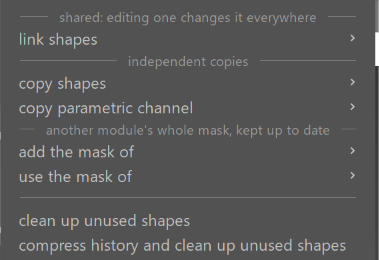
Would it also be possible to add the last 5 or 10 created “shapes, masks or source modules” in the bottom of the pop-up?. In the settings you define if the default should be add the mask of, use the mask of,…?
OR you show the last 10 shapes with icons next to each shape with add, use, copy, by source module,…
A module that presumably opens up areas that were previously off-limits. I think that’s great. But right now, I feel a bit lost. I’m familiar in theory with the functionality behind set theory. But… if I just want to draw a parametric mask for the sky like I used to… what do I need to do? When I select “Drawn + Parametric (Classic)” in the Group Layout Preset, a new substructure does appear. But there’s no way to draw a rectangle in the sky. Can someone explain the basics to me? Apparently, I haven’t quite grasped the new way of thinking required for this module yet.
To make sure we preserve @masterpiga’s sanity, I would encourage everyone to refrain from providing feedback until they’ve had several hours and even days playing with the new masking features. Apologies if that’s the case already, but I suspect there are some knee-jerk comments because this is a different and unfamiliar masking approach.
I felt lost at one point during testing of the earlier builds, but things started to click after a while. I then found that a lot of my feedback was no longer relevant. Cheers!
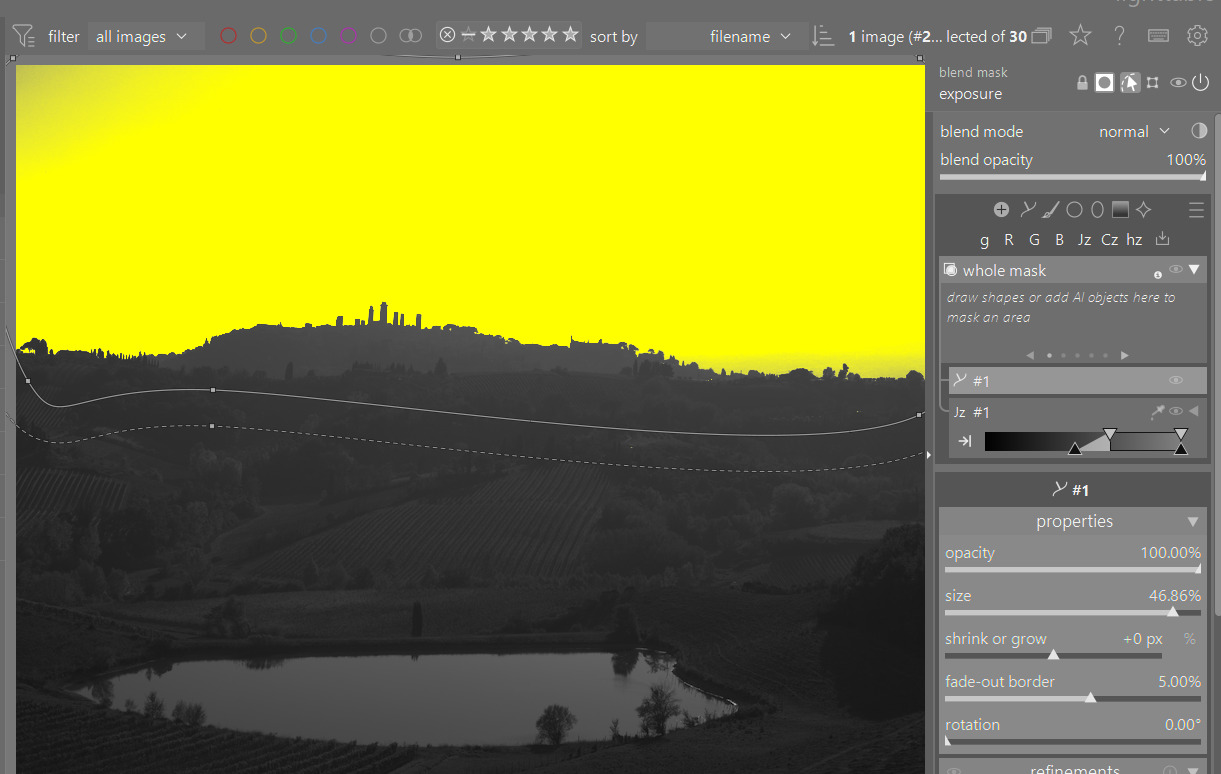
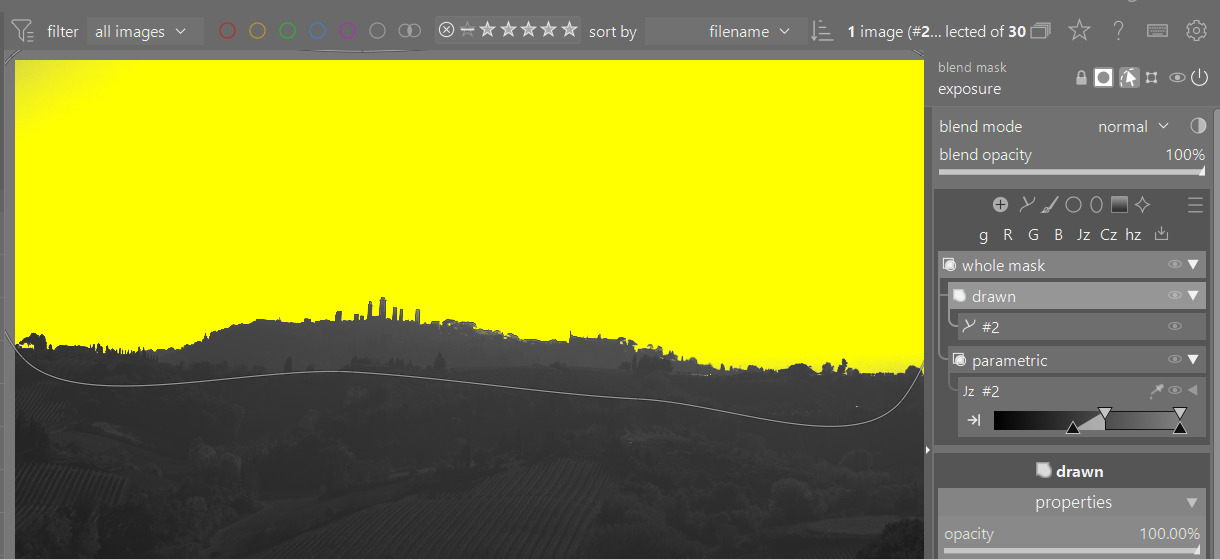
If you use multiple drawn elements for the mask then the preset can help…all the drawn elements will add up together…if you dont’ use groups the result changes when you add the second shape…you start with this parametric mask…
Using the preset you build the drawn area…as I said if you only have 1 path you don’t really need a group as you can just combine with the “whole mask” settings as you need them but as you build and add elements the groups can help…
Would you please consider the following suggestion?
I want to export my custom presets to my hard drive to be imported into DT v5.8. But I found there’s no way to export them. Because Flexi is not a processing module, I can’t use export/import functions in Preferences> presets. Is there any way to implement export/import functions inside the Flexi panel? If possible, I can use hamberger icon to not only export/import custom presets but also create/save/edit presets.
You can save new group presets, from the same menu where you load them from. However, group presets only include the layout of groups, the elements within are not part of it.
You can also save a module preset, and that will save the mask with it. Classic would not save shapes, whereas flexi will save everything. Note that this is currently broken in master, I am working on a fix that will be ready shortly.
Please inform me when a fix is ready so that I can download updated PR version. I will try to save my custom presets in Exposure module. I am not sure whether my attempt will work or not.
Now this new feature has been merged I wonder if a new thread should be started to focus on this feature as it exists in the merge. This thread has a 142 min read and could leave people overwhelmed who are trying to learn this new masking feature. Well I guess I feel overwhelmed, but looking forward to mastering it.
 .
.