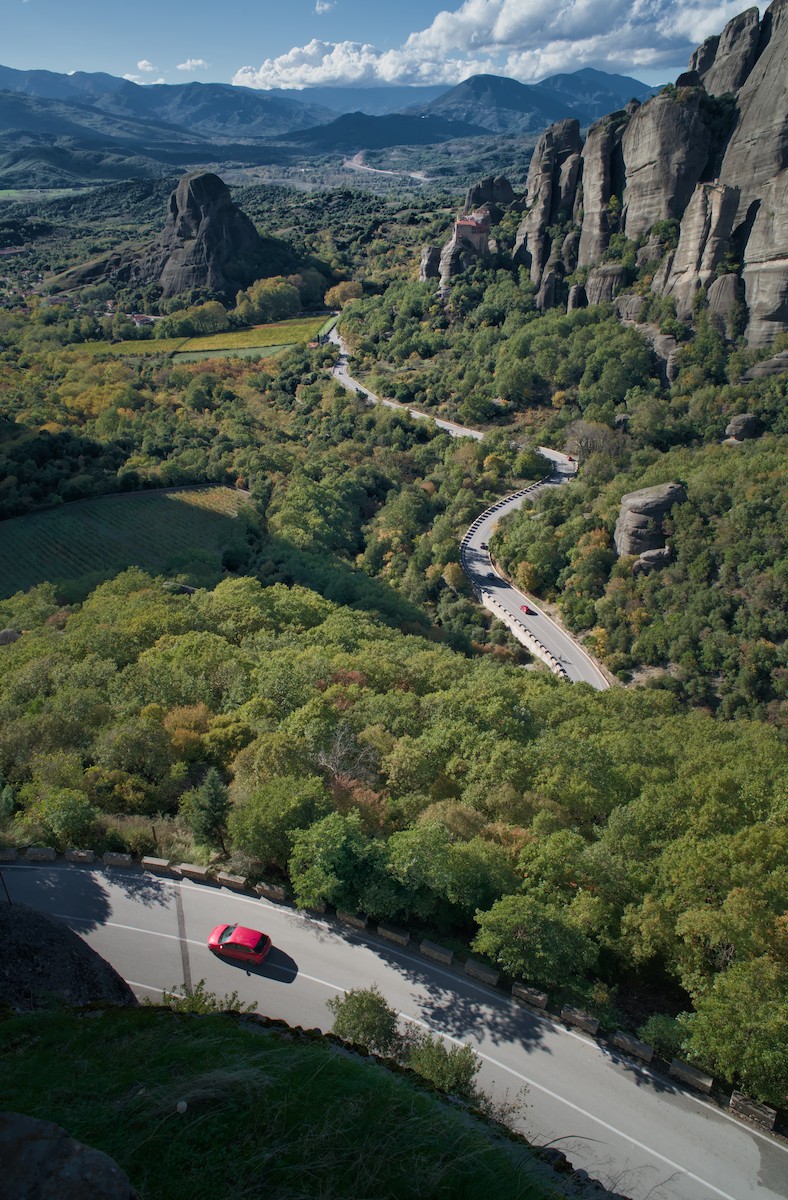
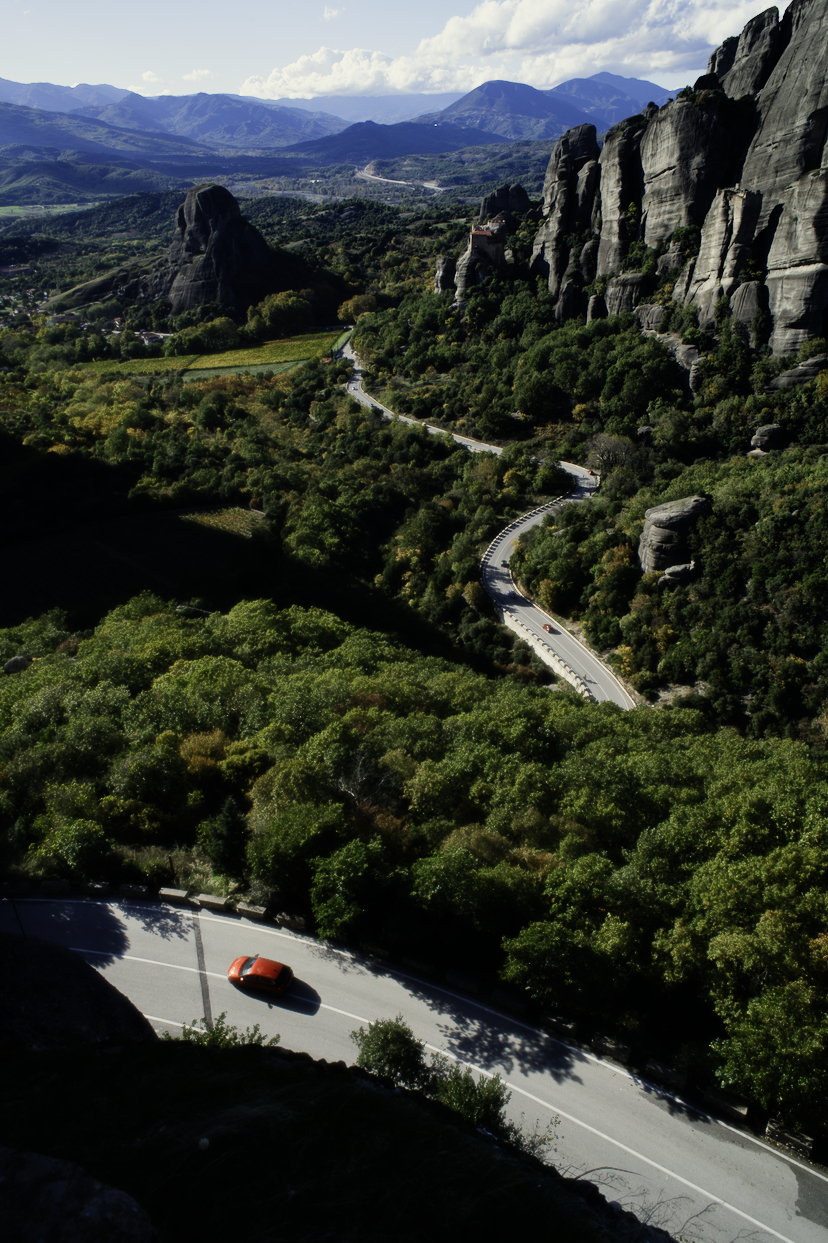
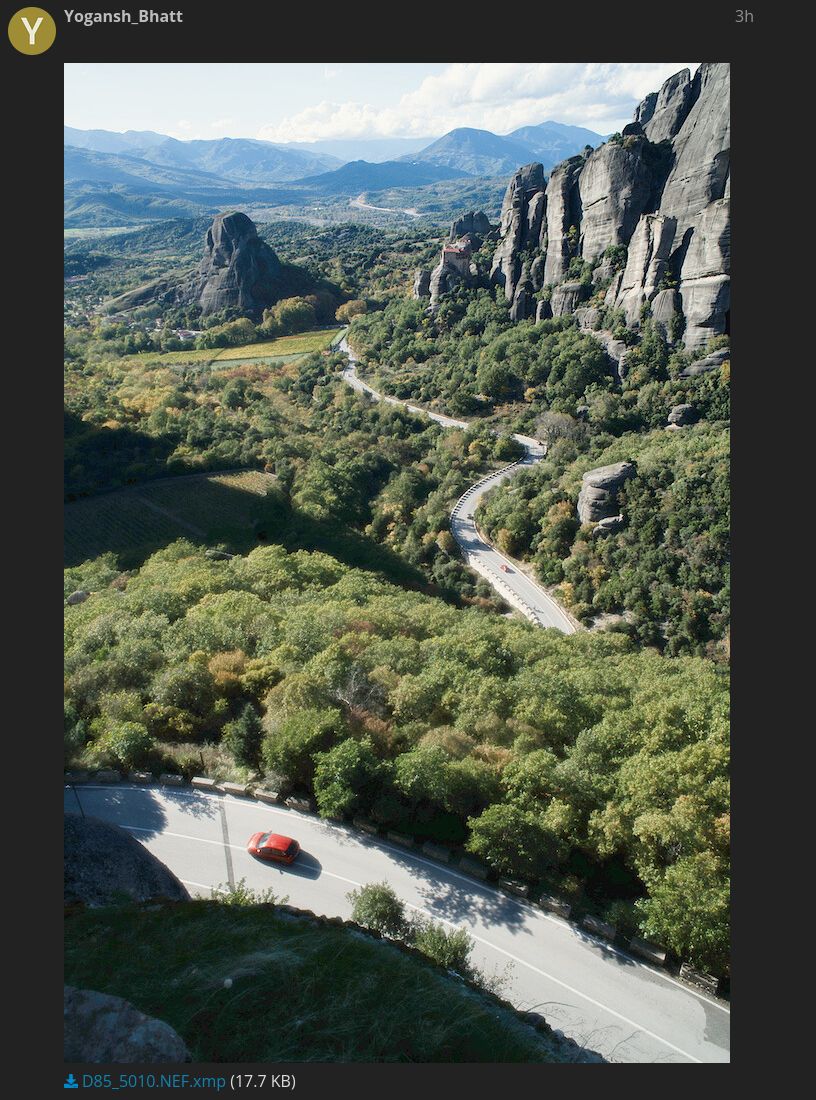
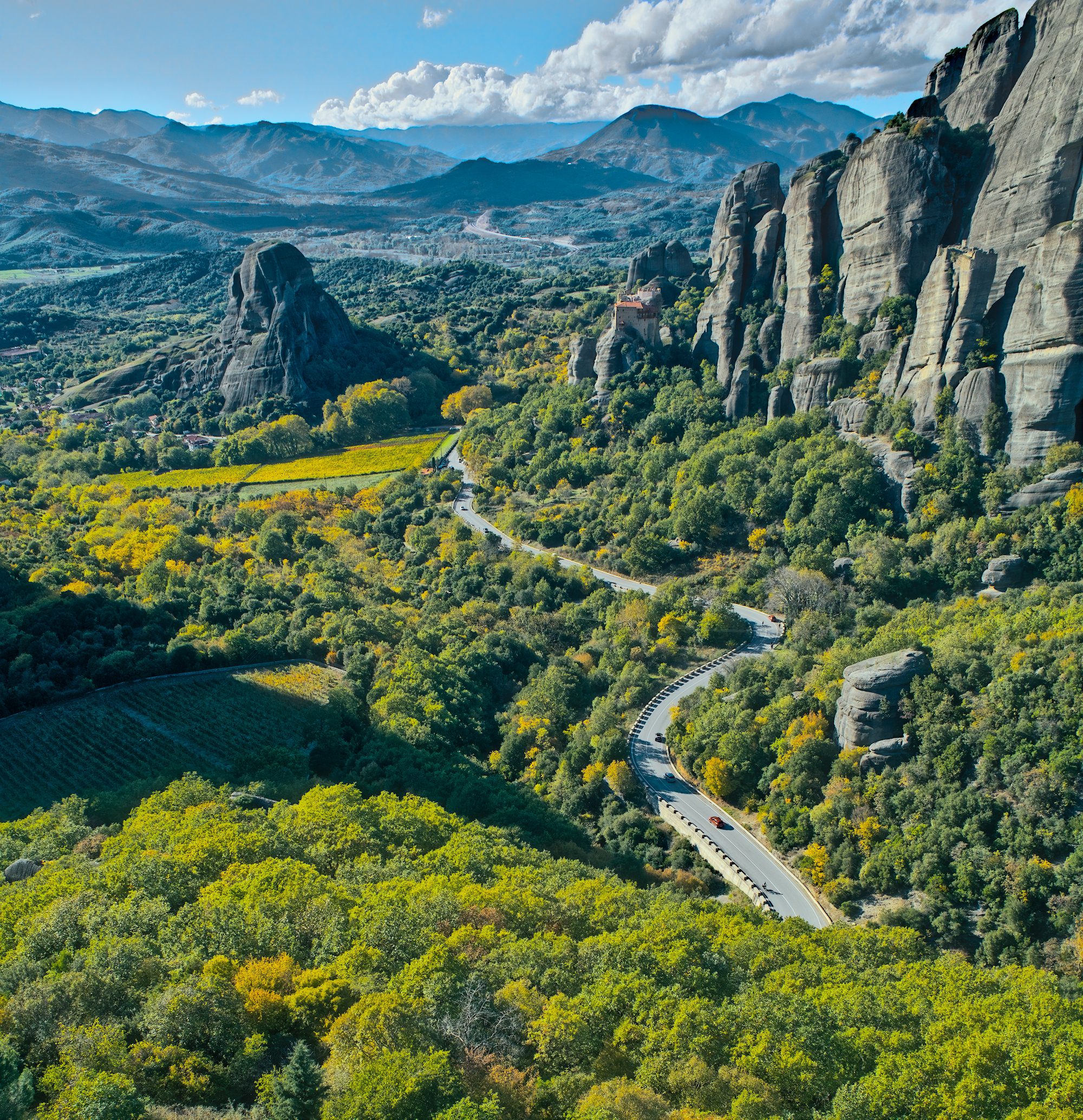
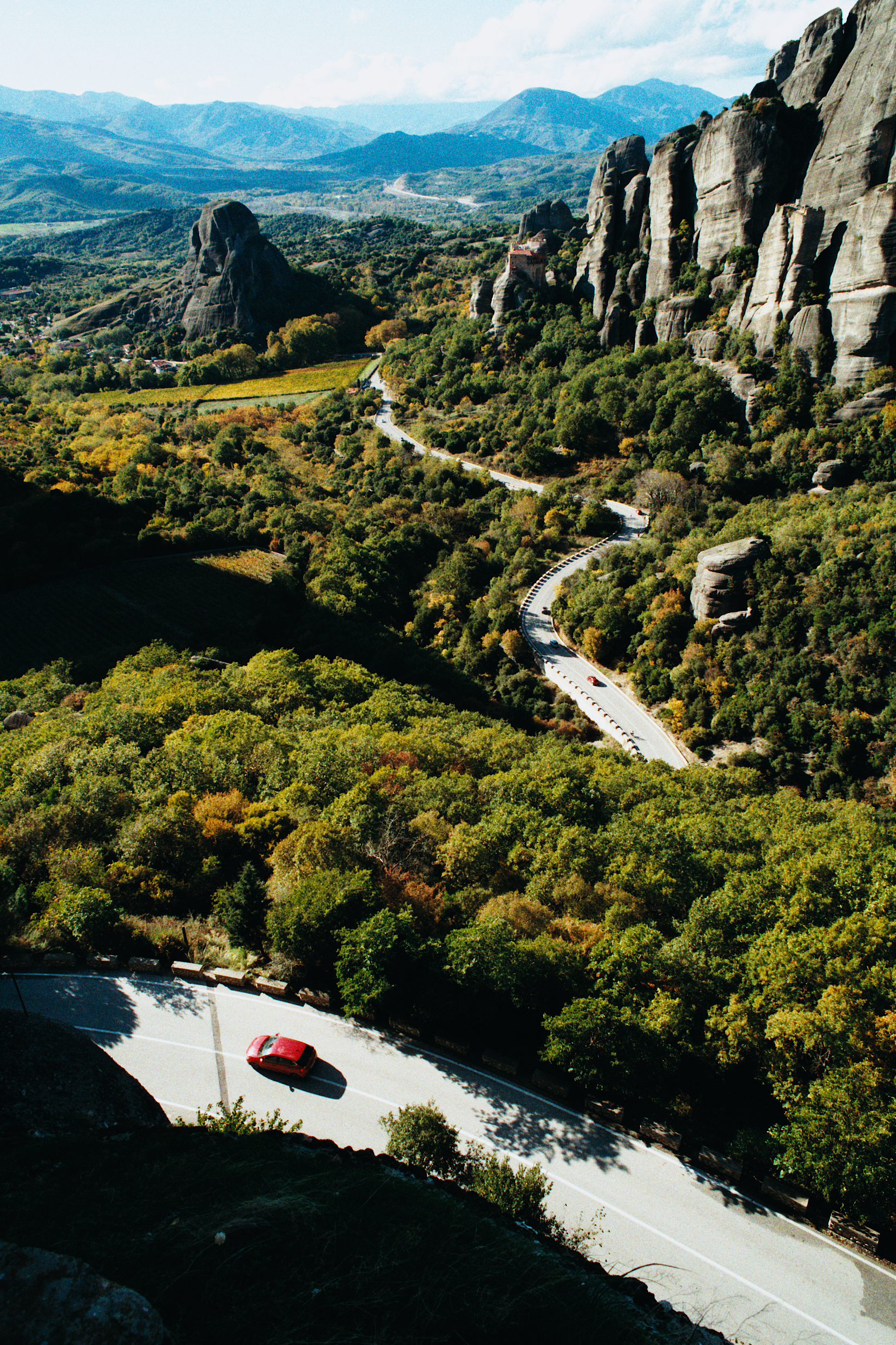
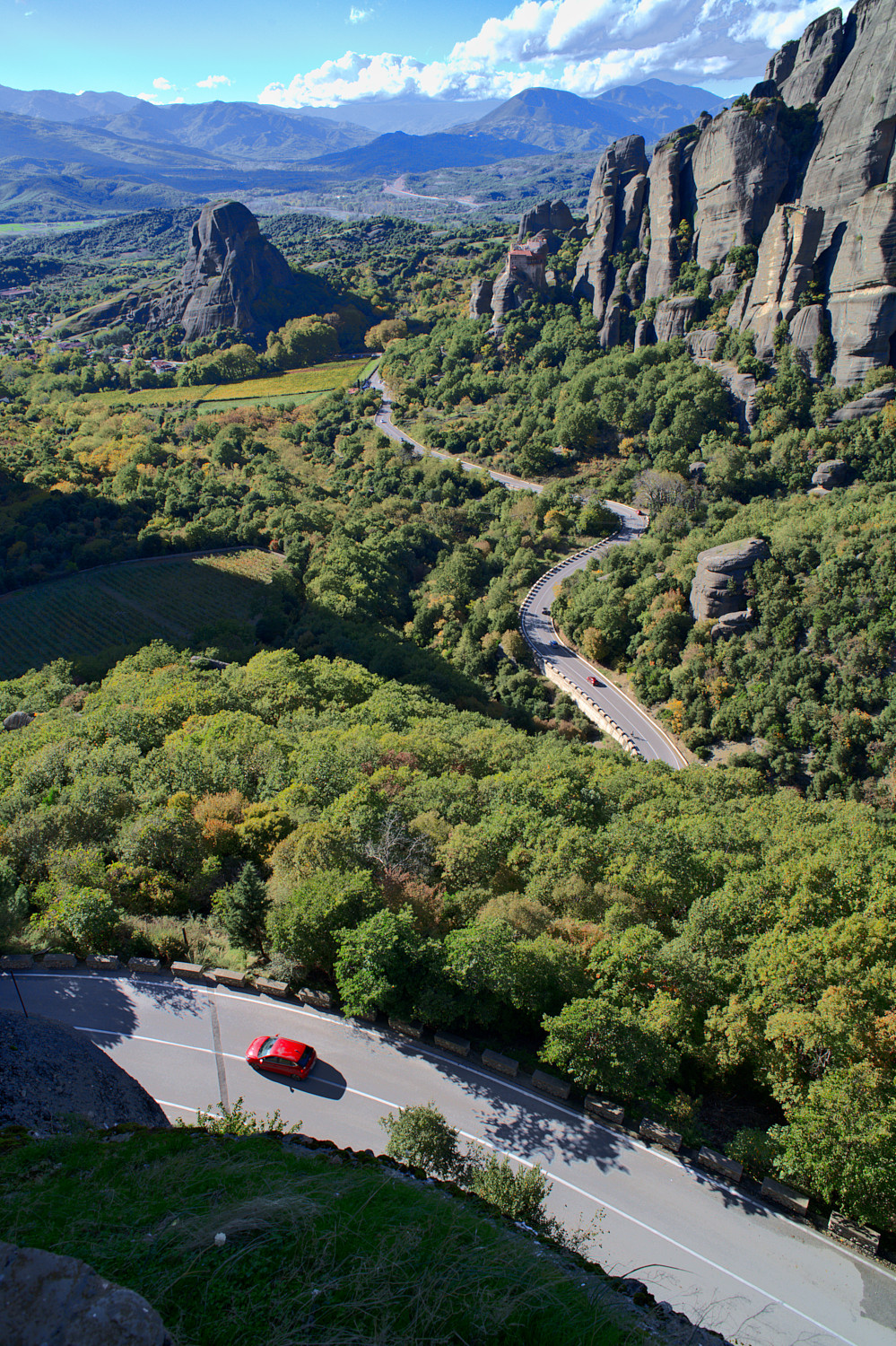
ART with Standard DCP profile for Nikon D850:
D85_5010.NEF.arp (12.2 KB)
This looked pretty good right out of the box, but I added some little flourishes
Thanks for these awesome edits y’all! Very cool to see all the different takes on this image.
I’m rarely a wide angle shooter, preferring at least my 50mm if not my 70-200mm for landscapes. I think my lessons here are to lean into a style and figure out where I’m trying to draw focus.
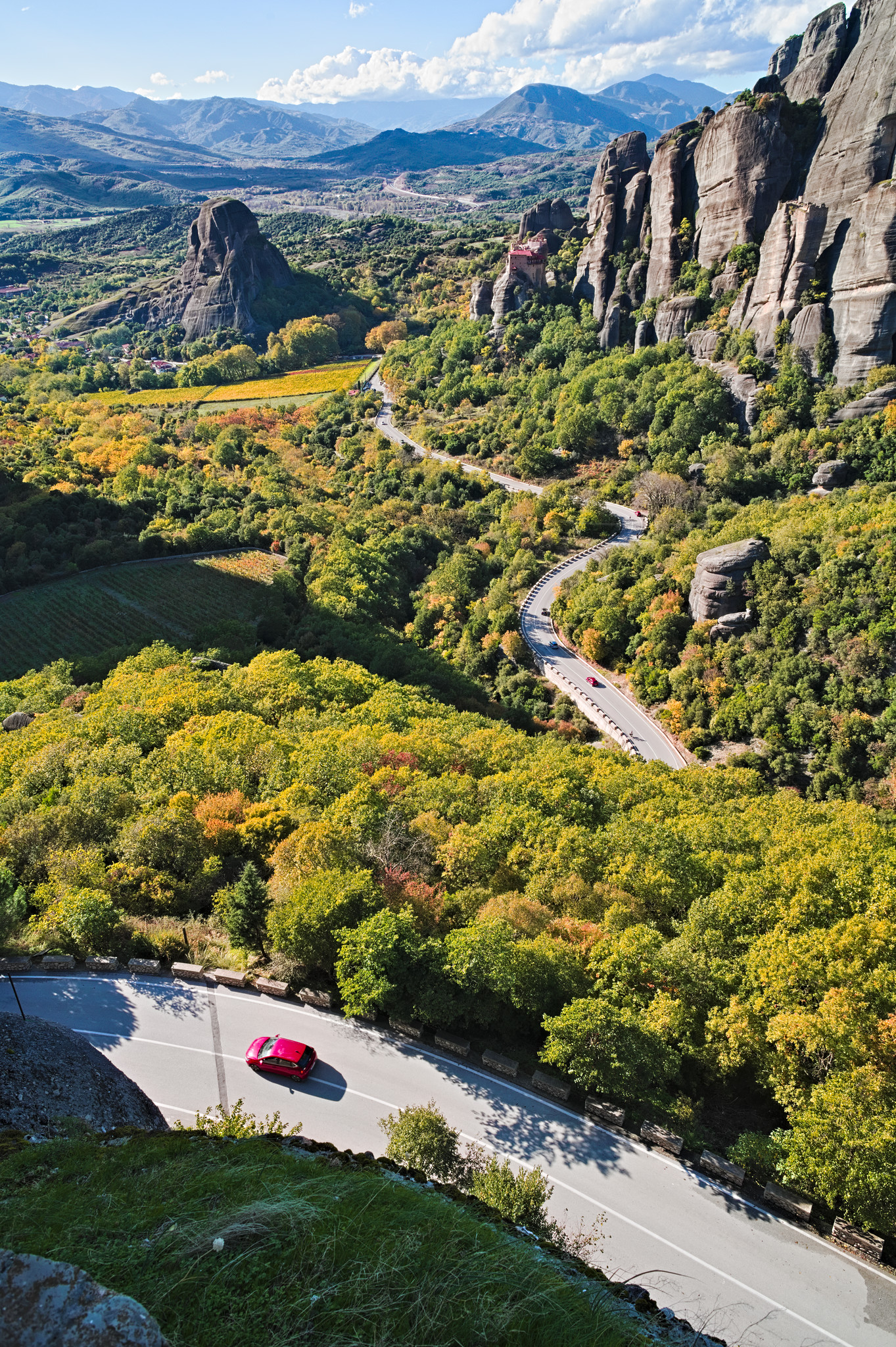
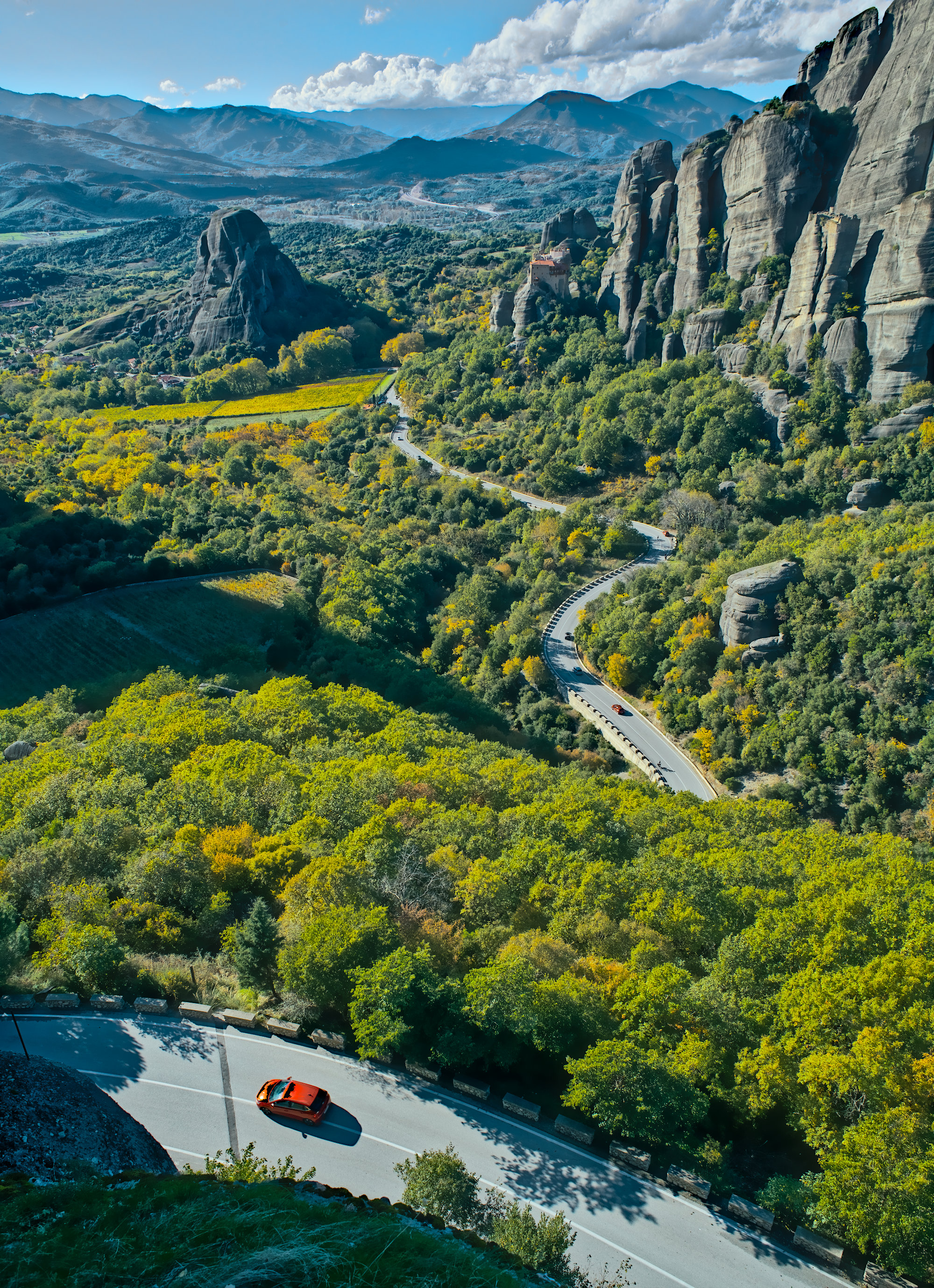
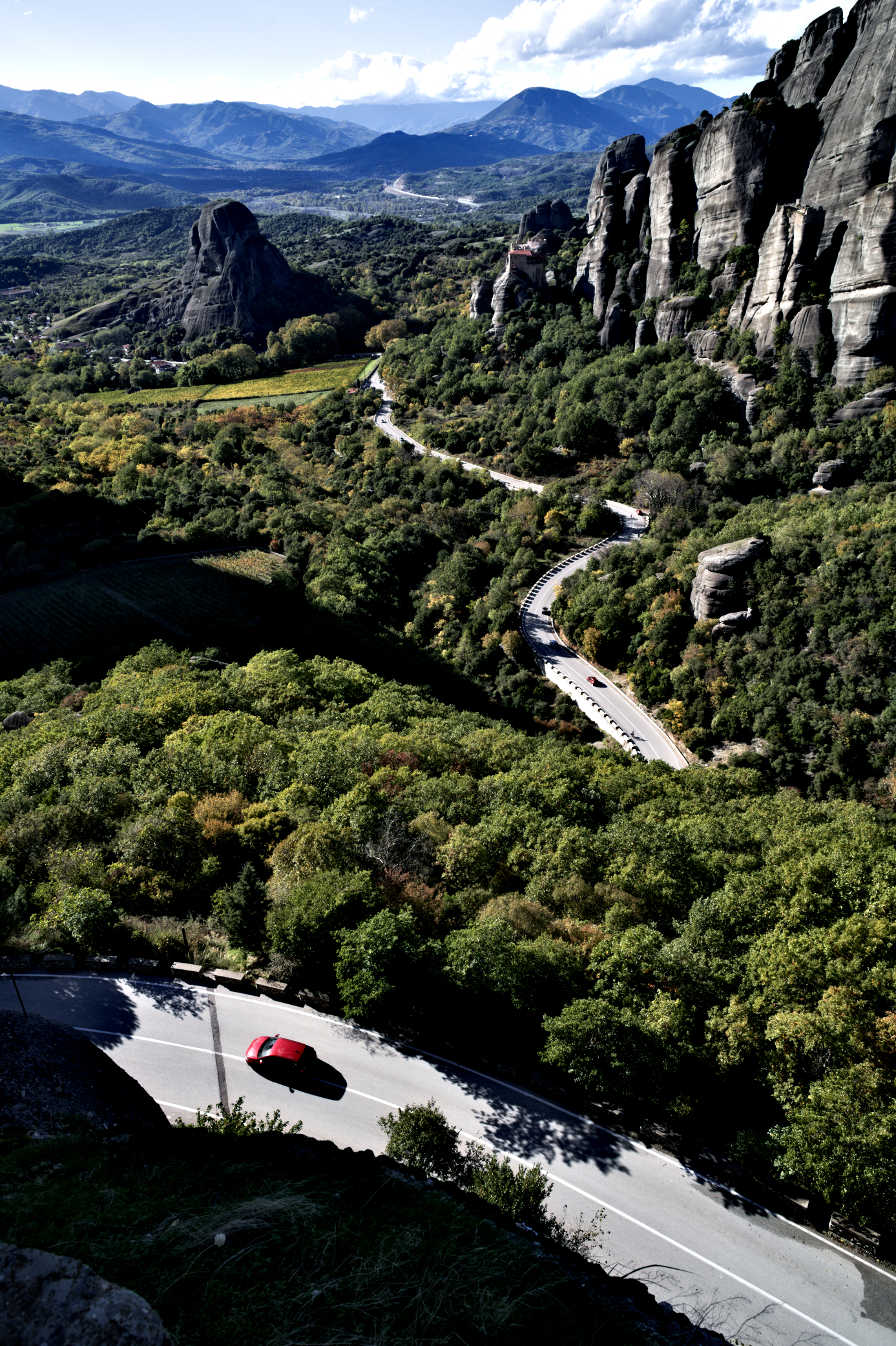
What a beautiful landscape! Didn’t do much. Used the color harmonizer to bring about a balance and then a little bit of sharpening. I hope you like it.
Meteora-Greece - D85_5010.NEF.xmp (14.9 KB)
Thank you for this beautiful landscape!
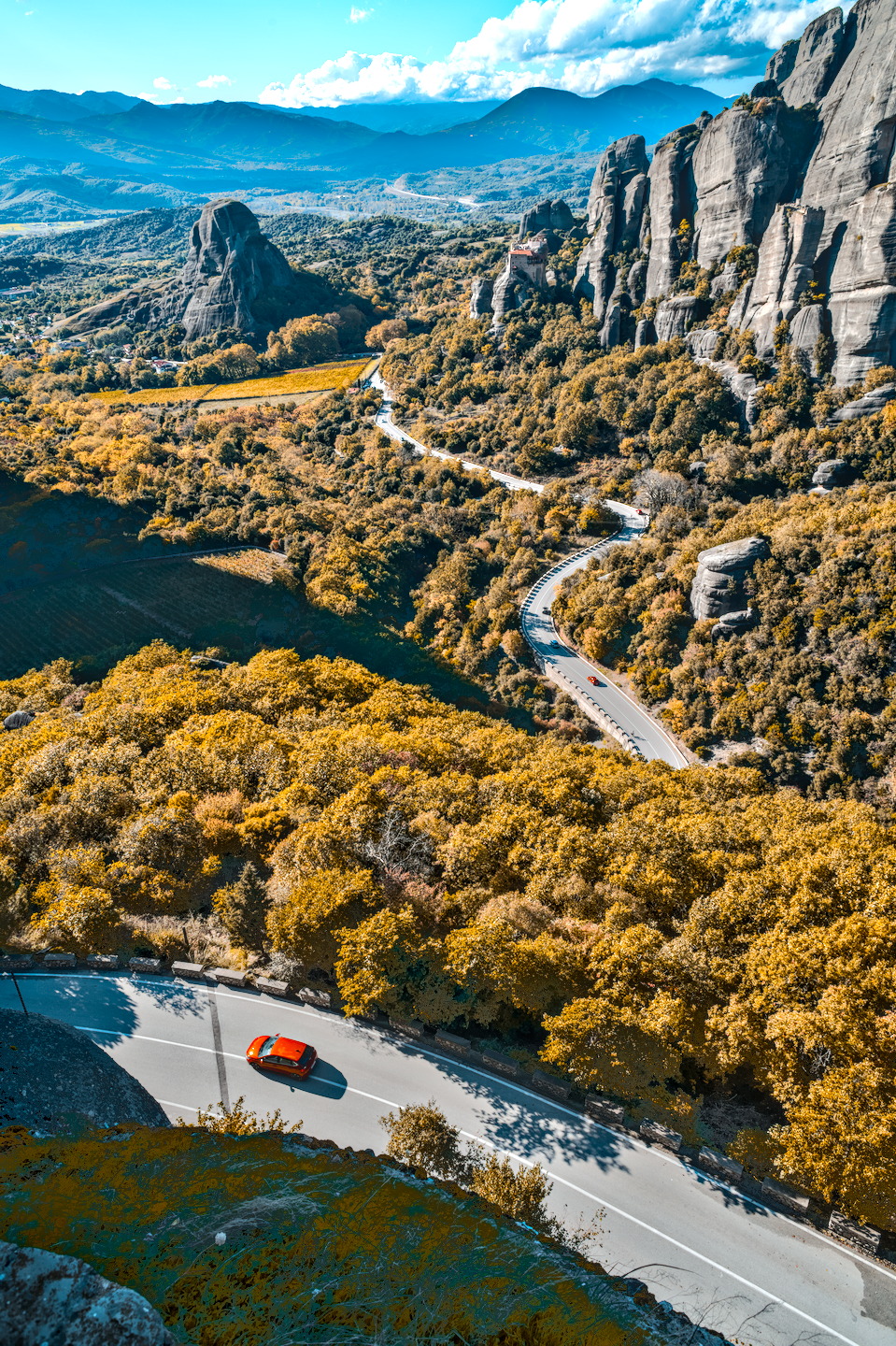
I used RT and an Agfa Ultra Color 100 LUT
sorry, replaced it because I didn’t like the strong blue cast of the background mountains.
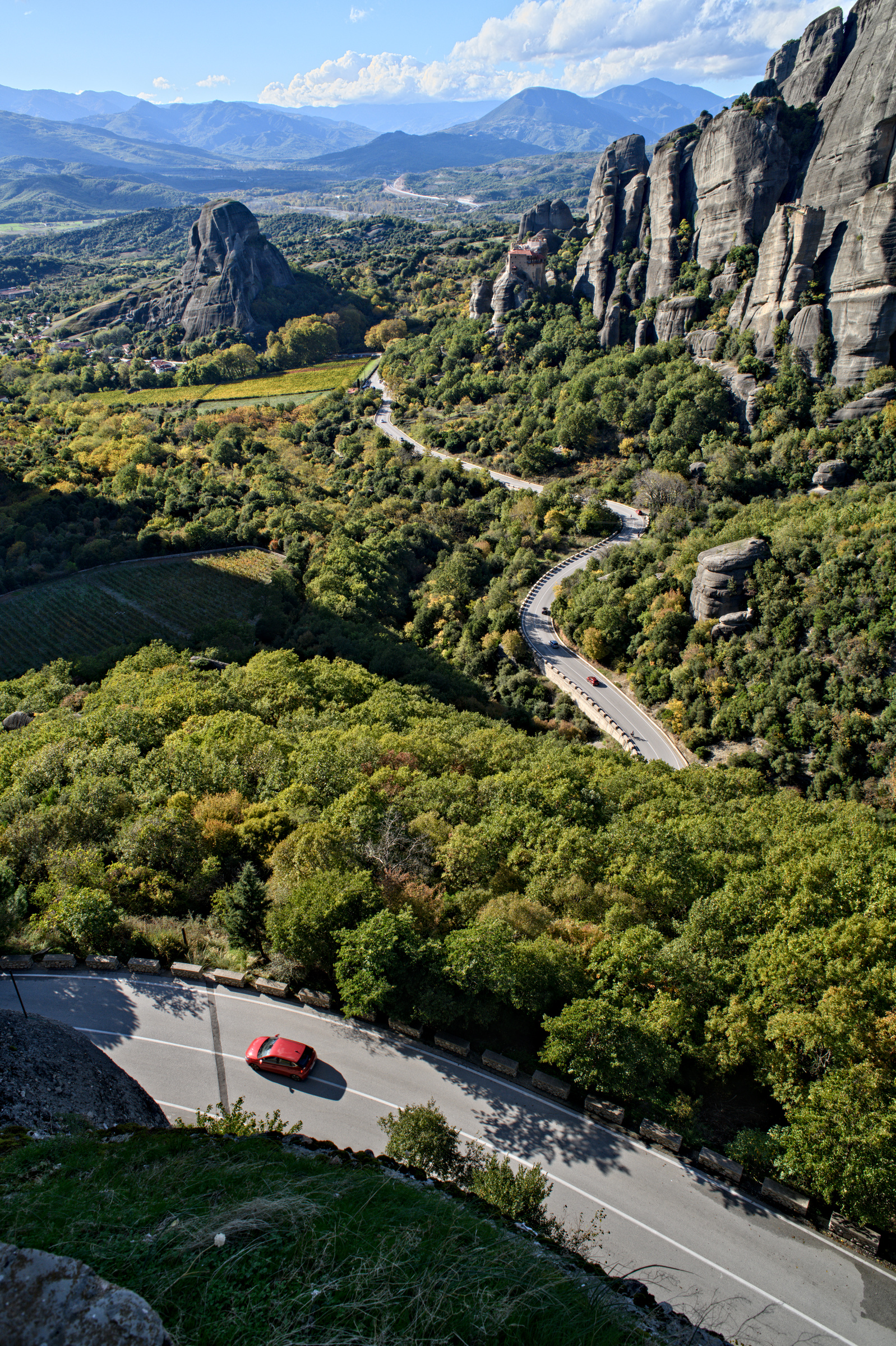
I Love the scale with the endless road leading into the beautiful mountains covered by clouds above and the rocks give such nice texture highlighting light. That little pop of red from the car adds a lot. Great composition!
I did play with it in Spektrafilm and if you have it installed you might wanna try it because I loved how the sharp edges of the tree leaves in front are handled there because of upscale and then grain and other effects. I tried to add a mask and bloom preset to get it to not sting into my eyes but that’s my own ick I guess!
I may just have accidentally exported in linear prophoto RGB 
Great frame, @xandithezombie! Thanks for sharing 
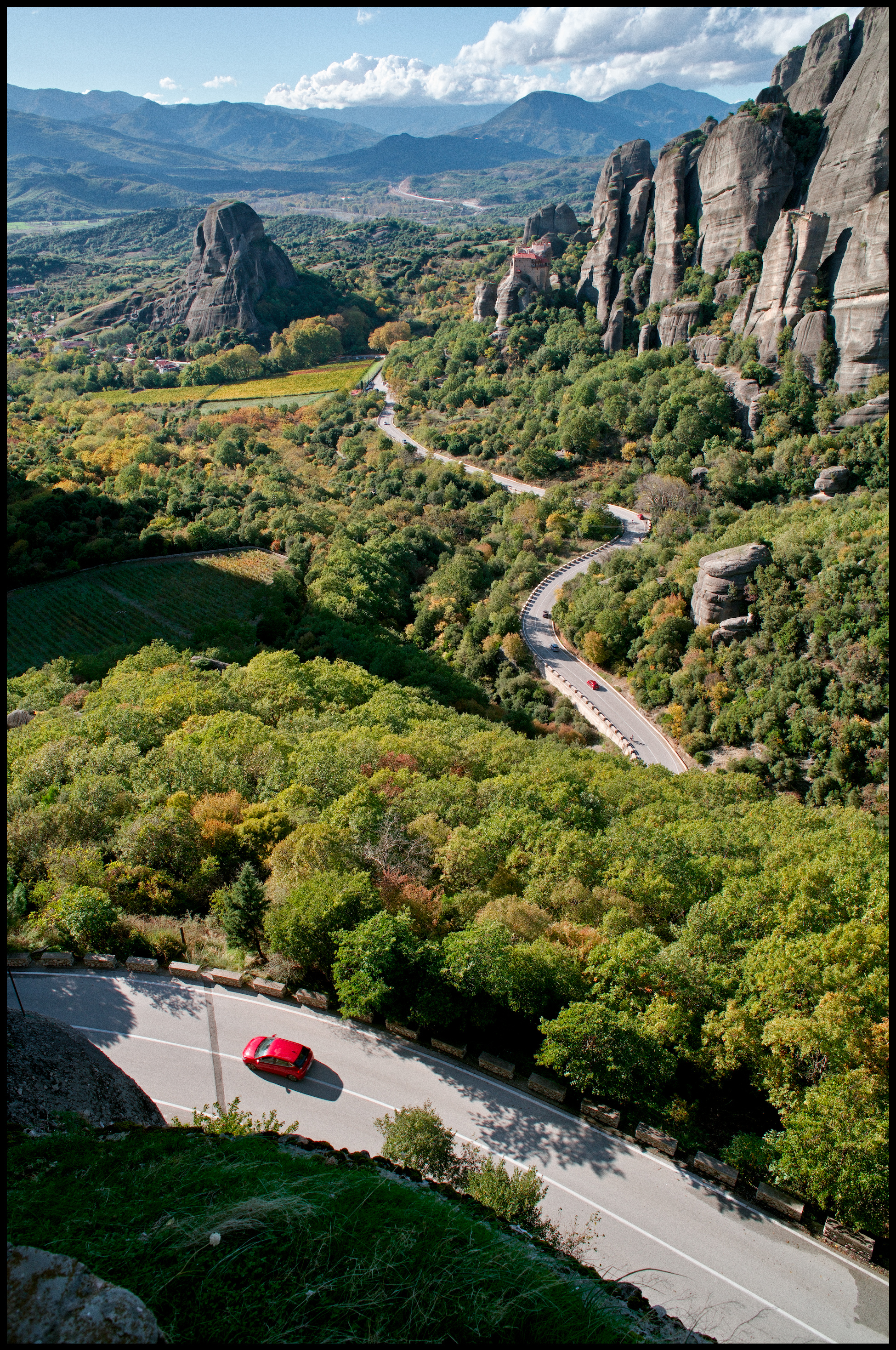
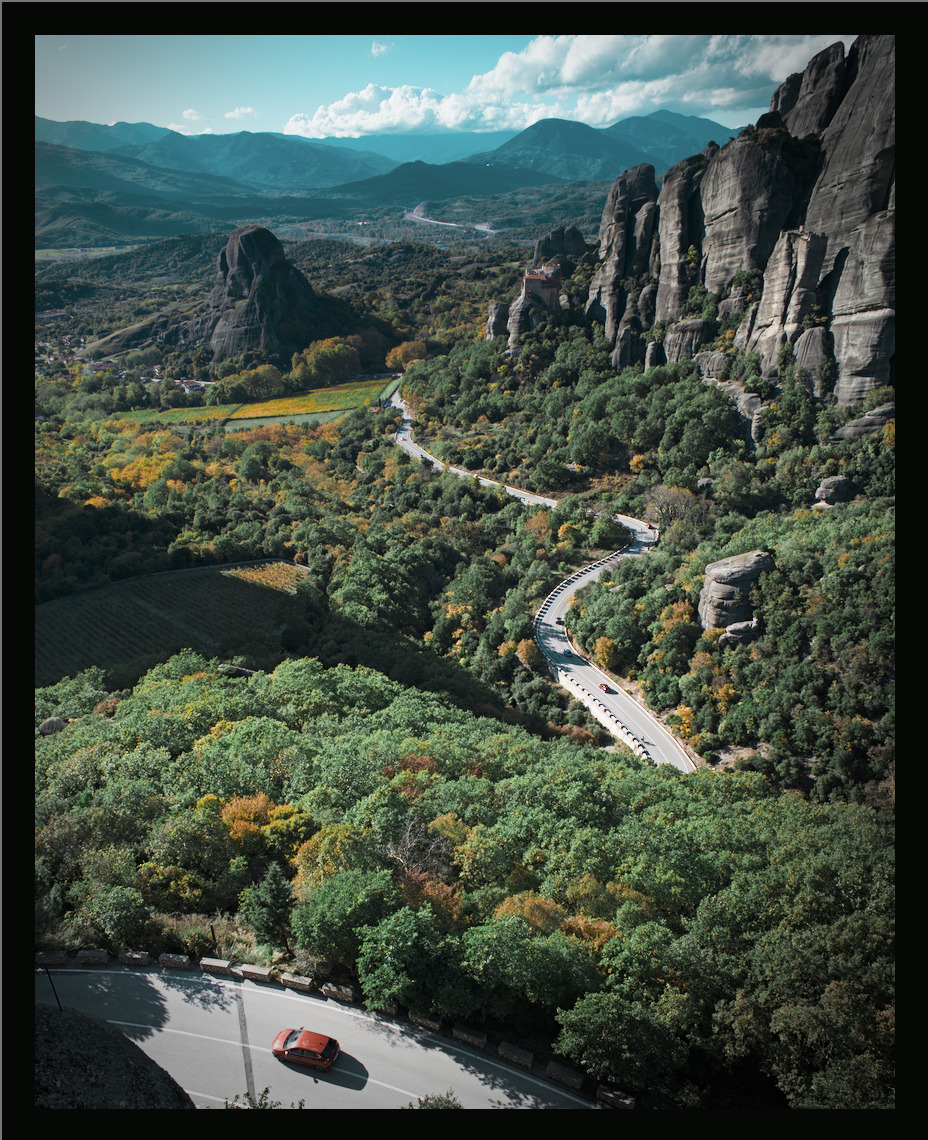
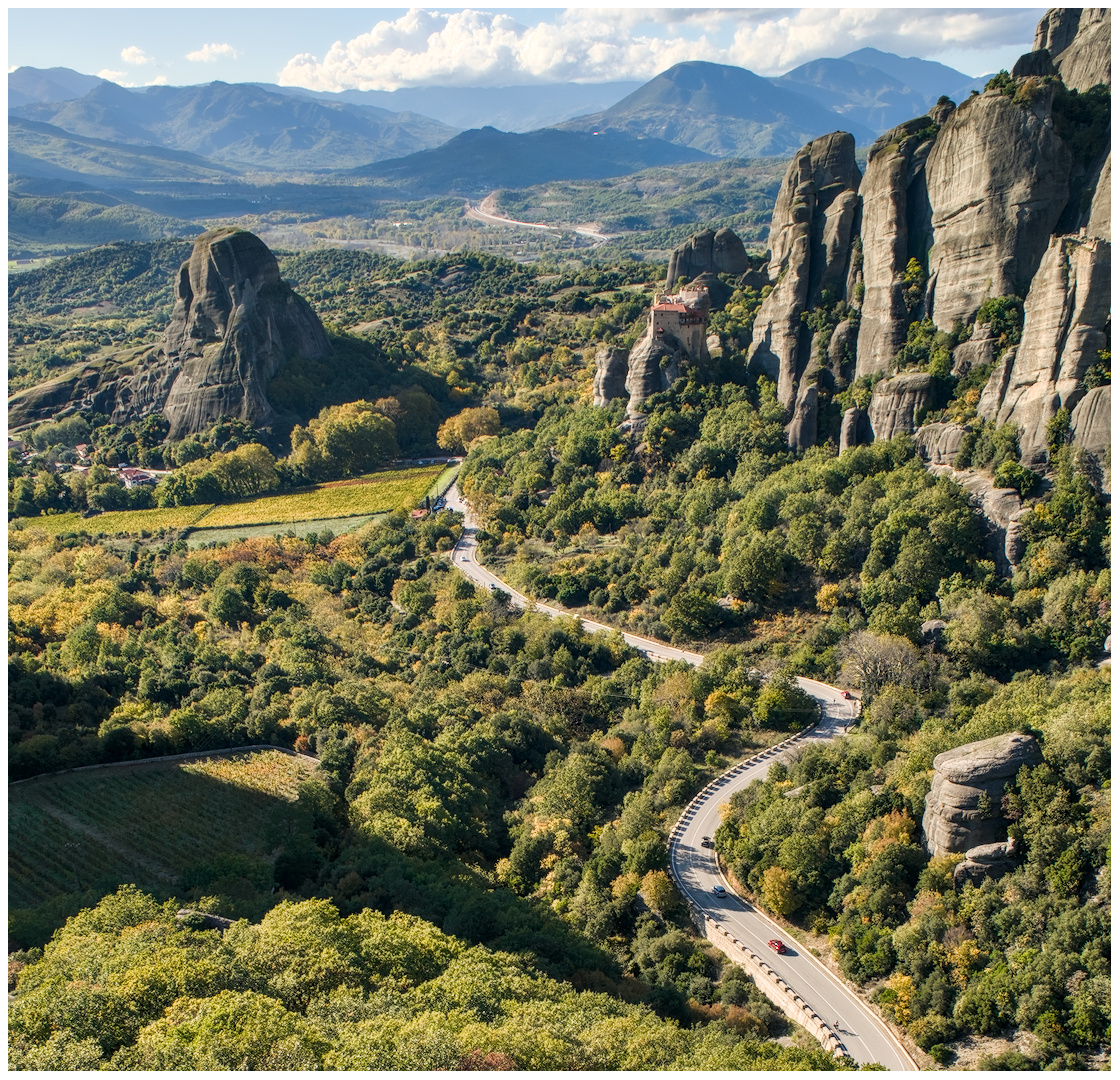
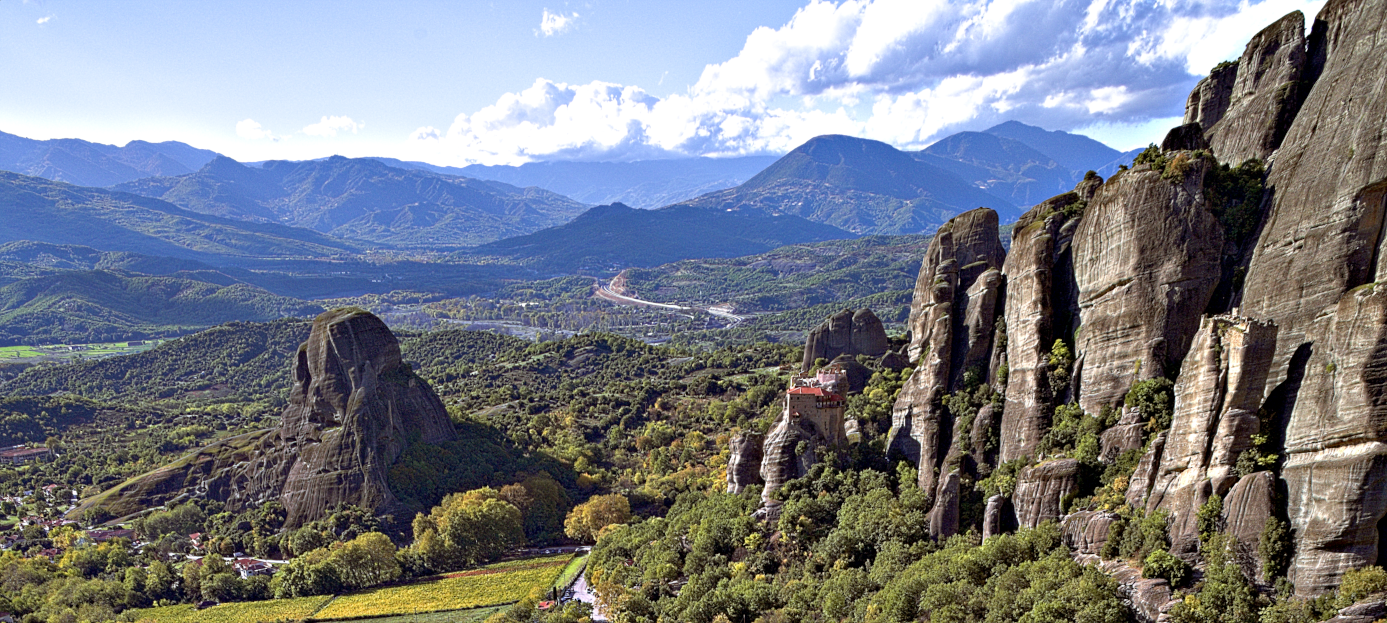
Not a lot to do really, the starting point is so good already. Slightly tighter crop (I didn’t like the dark rocks in the foreground), a bit of contrast, a bit of sharpness, a bit of color harmonizer, some vignetting and a couple of ND filters.
D85_5010.NEF.xmp (47.3 KB)
Impromptu browser colour management check
I am just happy it looks…fine. Guess linear prophoto RGB is the new web safe
D85_5010.NEF.xmp (14.9 KB)
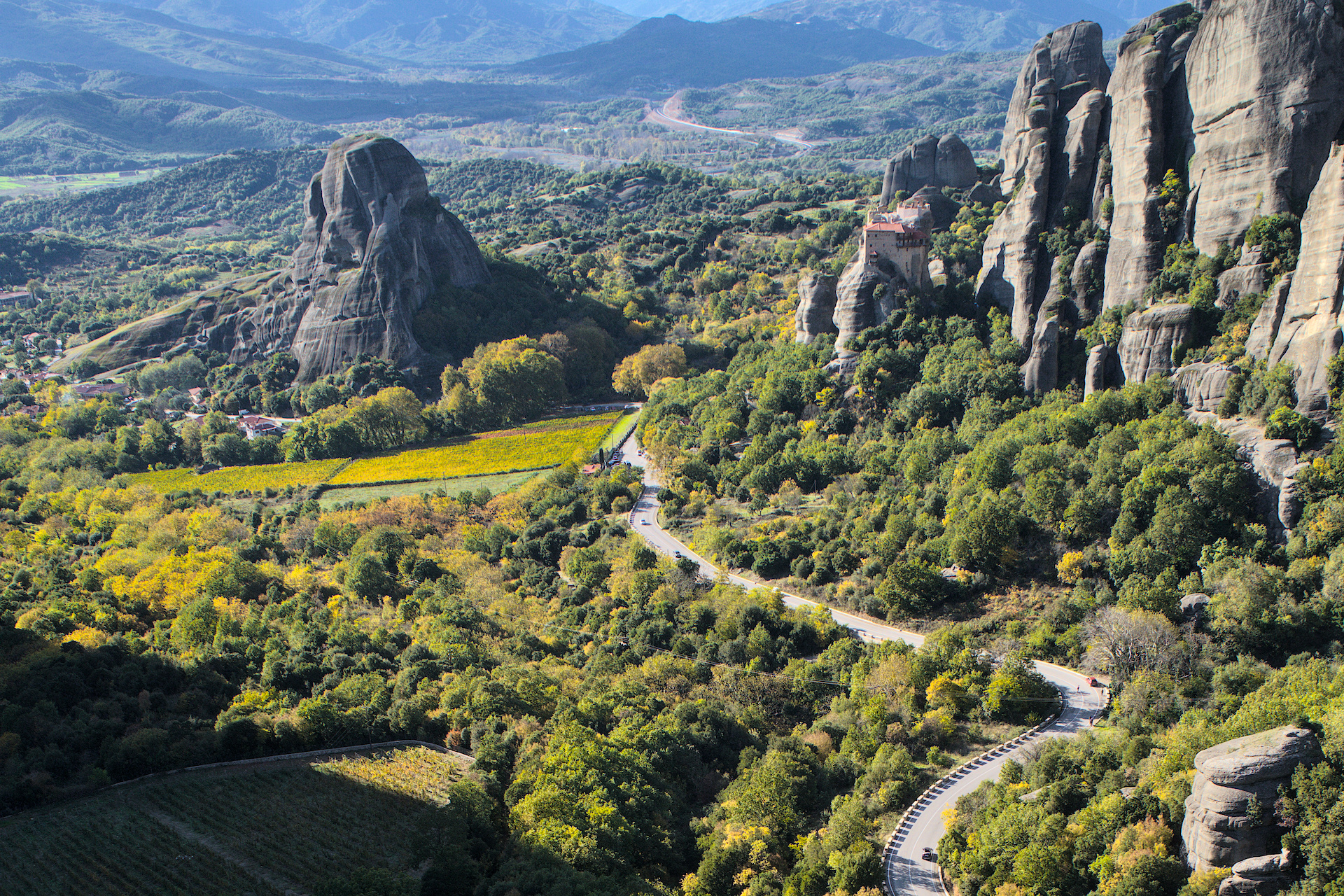
Was interested to know what I could see in the top of this photo. I opened it in RT then straight to gimp
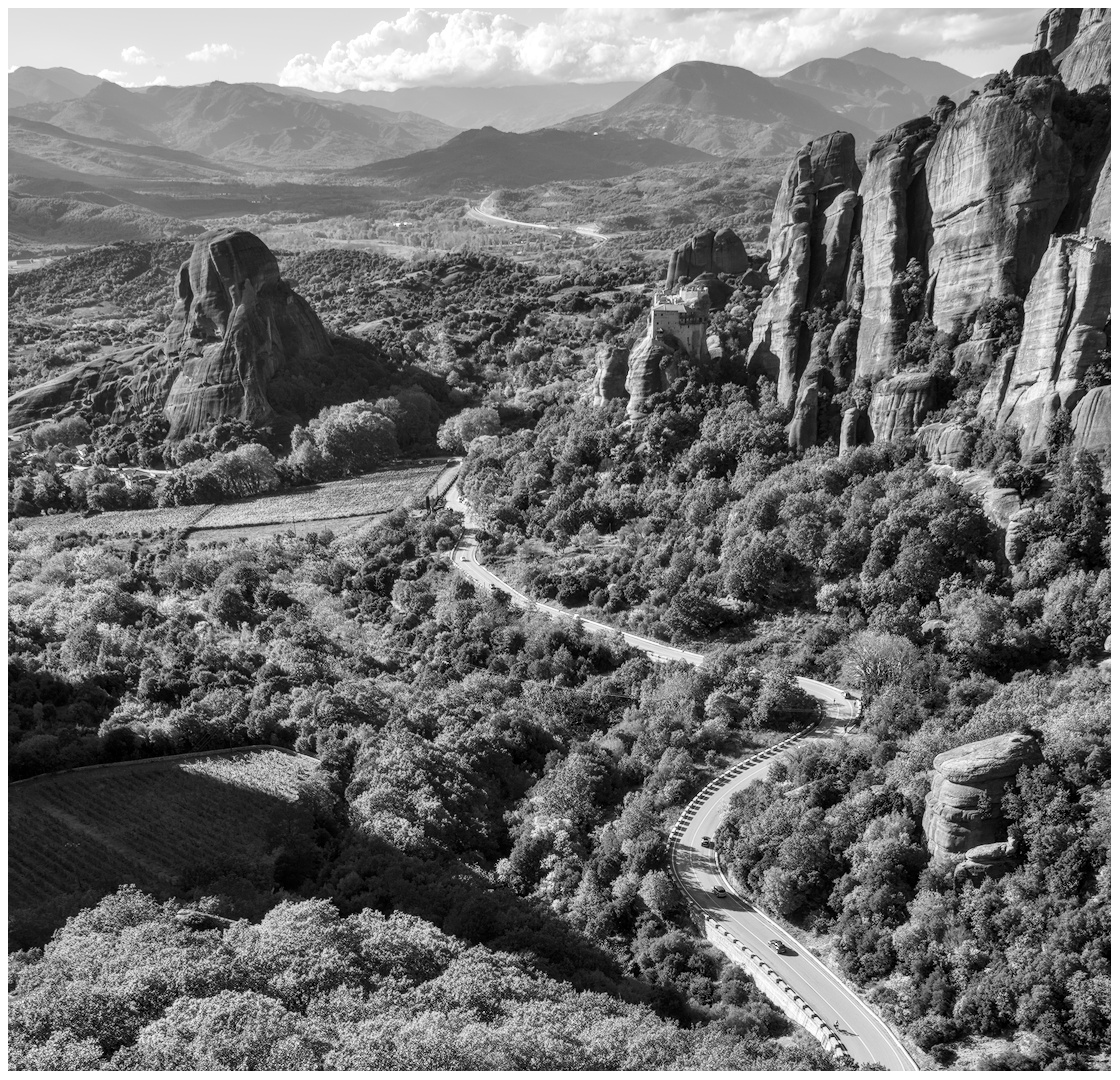
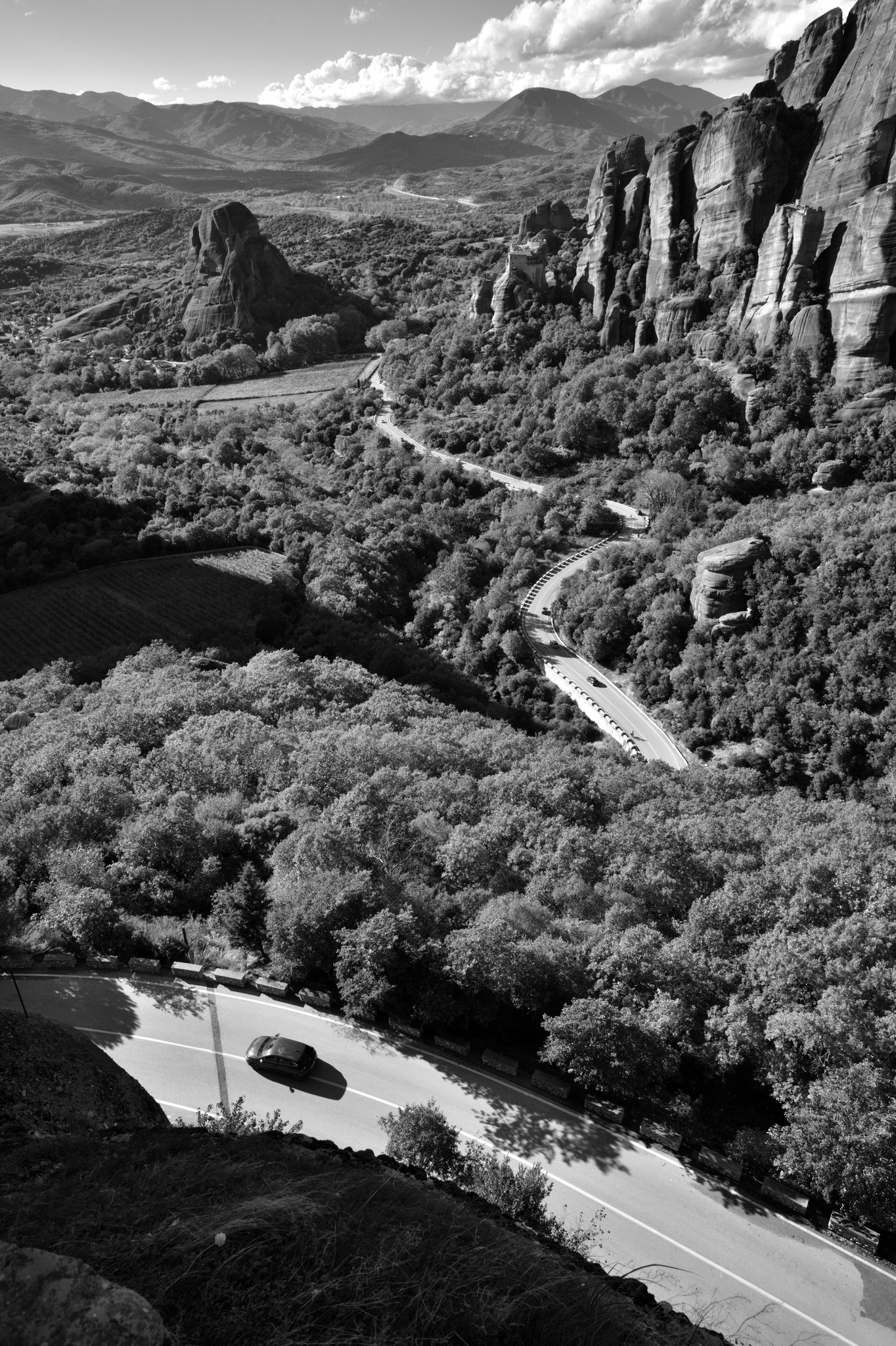
I just had to monochrome convert this scene, it was just asking for it.
With Filmulator:
Could you please re-upload this as a jpeg? It’s a PNG which is extremely heavy despite the small dimensions.