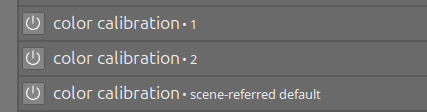
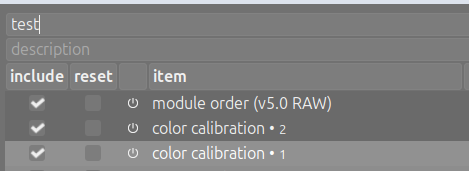
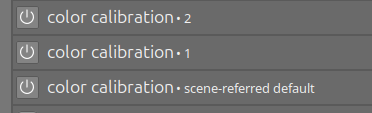
Now I apply the style to another image, and I would expect to have the instances in the custom order. Unfortunately the instances are in reversed order (alphabetically ordered?):
Getting multiple module order correct in styles has always been a bit of an adventure for me. I know there have been some changes lately that have made it better but…
When I build a style with multiple instances, I build from the bottom of the style up, adding new modules/instances and naming them something useful. I put them in order as I create them instead of creating a bunch and then shuffling them into place. I’ve been doing this for years and this is the workflow I’ve figured out. It works and I almost never have an issue.
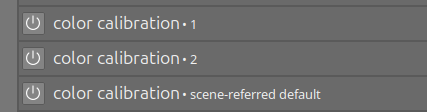
I first created “color calibration 1” (as new instance from “color calibration”) then “color calibration 2” (also as new instance from “color calibration”). At the end, the second instance (2) is in the middle: