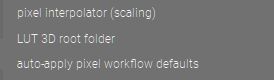
Thanks for the tip kofa and g-man, changed the setting.
Now if I could only make darktable remember the GUI font size settings in the general tab. Soon as I changed the resources setting I had to restart dT and once again the settings for font have reset to 12.0 which is tiny on a 4k 32" monitor.
EDIT: Oh, another question When I import images with aspect ratio set in camera to 1:1, dT seems to create square thumbnails, but when I edit an image it forgets the tagged aspect ratio and reverts to native. Is this normal behaviour for dT, something specific to my cameras or is there a setting I’m missing? It would save me a bit of bother if it would respect the raw file tag for aspect ratio as I shoot mainly square these days.
These last few questions have really nothing to do with the original problem. Please read the manual, and open new topics if you still need help. use raw file instead of embedded JPEG from size under darktable 4.6 user manual - lighttable
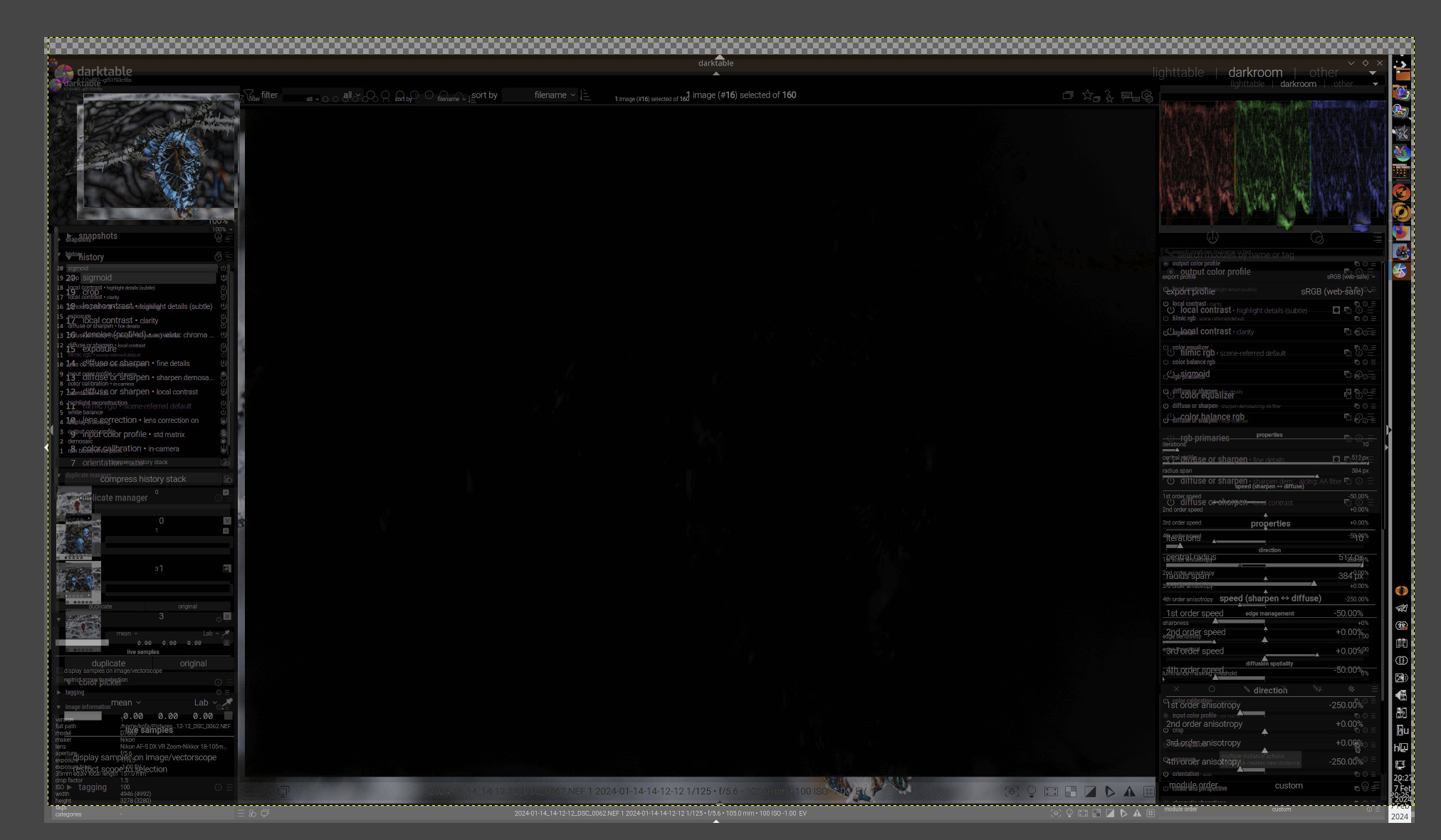
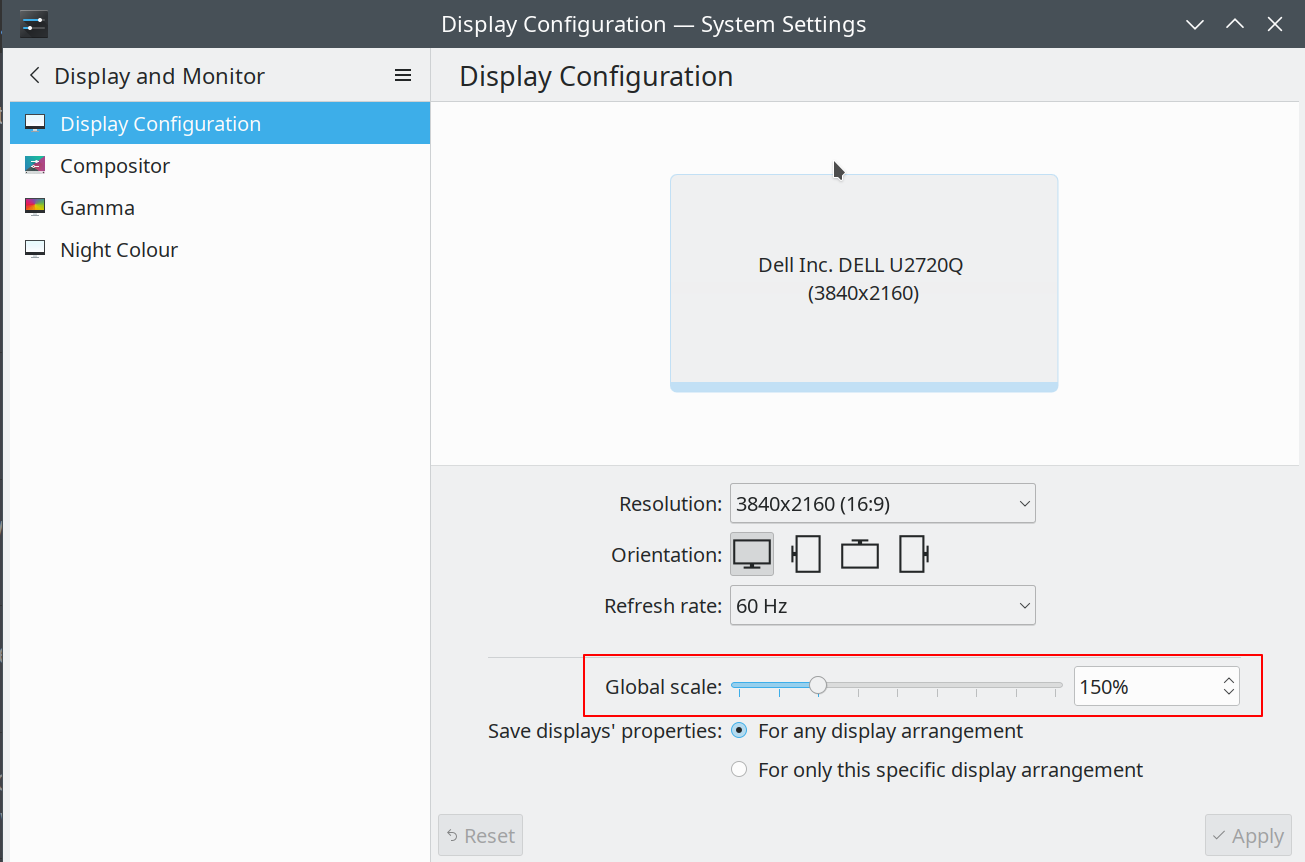
I never changed that setting; I’ve set KDE to apply 150% scaling for the UI. It does not affect images; here is an photo at 100% zoom in darktable, with no scaling and 150% scaling, merged in difference mode in Gimp, aligned. You can see that basically only the UI elements and the navigation preview differ, the image area itself is black (no difference there):
That size is in (typographic) points, so should be (very much in theory) be independant of your screen size if your screen resolution is set correctly. If a high resolution screen is set to 96 dpi, then yes, 12 pt is tiny (to give an idea of that point size: pocket books tend to be set at 10 or 11 pt).
However, I’ve now tried setting the font size directly in darktable. The UI was immediately resized. Closing darktable and opening it again preserved the selected value. It is stored in ~/.config/darktable/darktablerc as the config parameter font_size:
font_size=12.300000190734863
Well, I actually set 12.3, but that probably cannot be represented by a floating point value:
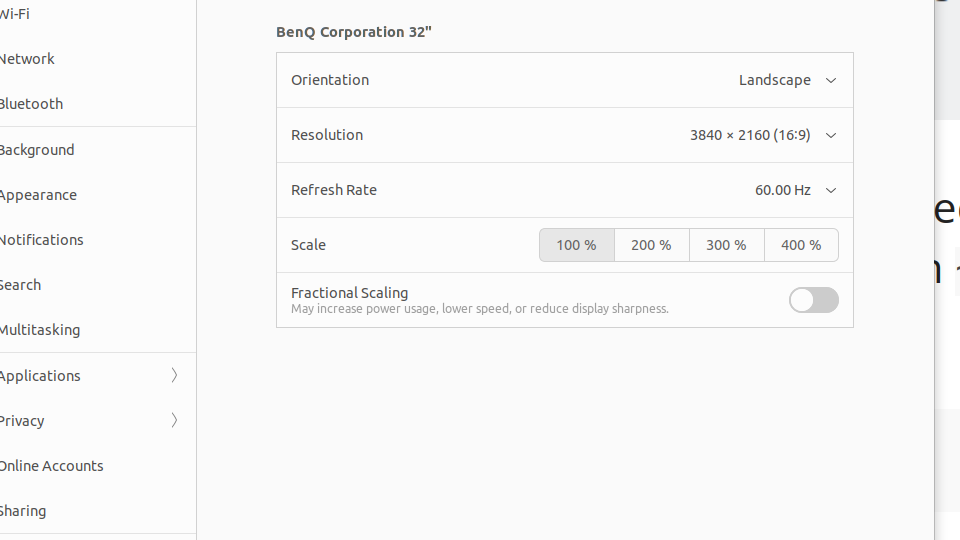
I’m using Gnome desktop. There is some kind of issue with Gnome scaling in that it only works properly if you set it to whole numbers (200%, 400% and so on). To set it to 150% you have to override its standard behaviour and there is some kind of performance penalty as a result.
200% is too big so I have left it at 100% and squint a lot. darktable’s configurable CSS is handy to overcome the problem. I have now changed it to 18pt and 96 dpi and it seems to be sticking for now. This is good.
I’ve messed about with the thumbnail settings. The manual isn’t clear about the consequences of doing this. So far everything looks the same except when I go 1:1, the image refreshes in sections as I scroll around with a second or so delay each time.
There is no indication in the manual that these changes will make dT respect in-camera aspect ratio tags, though, which is what I’m hoping for. I’ll test that with a new import in a minute.
EDIT: the thumbnail settings appear to make no difference as to whether in-camera aspect ratios are respected - my in camera 1:1 ratio still imports as 3:2. There is one difference: the original thumbnail import is now 3:2 as well. Previously it was 1:1 until I edited a file, then the thumbnail changed to 3:2.
But what I want is for dT to read the aspect ratio tag in the file and respect it rather than ignoring it.
Mine seems to have been set to 12pt and 72dpi by default. I’ve changed it now to 18pt and 96dpi. This makes the GUI text about right for me, but I notice that the “Working…” message is invisibly small!
EDIT: Ok setting it to 12pt and 160dpi seems to make the GUI text and the messages about right. No actual idea what these settings are changing (is it CSS values?) but trial and error works. As long as the settings continue to stick.
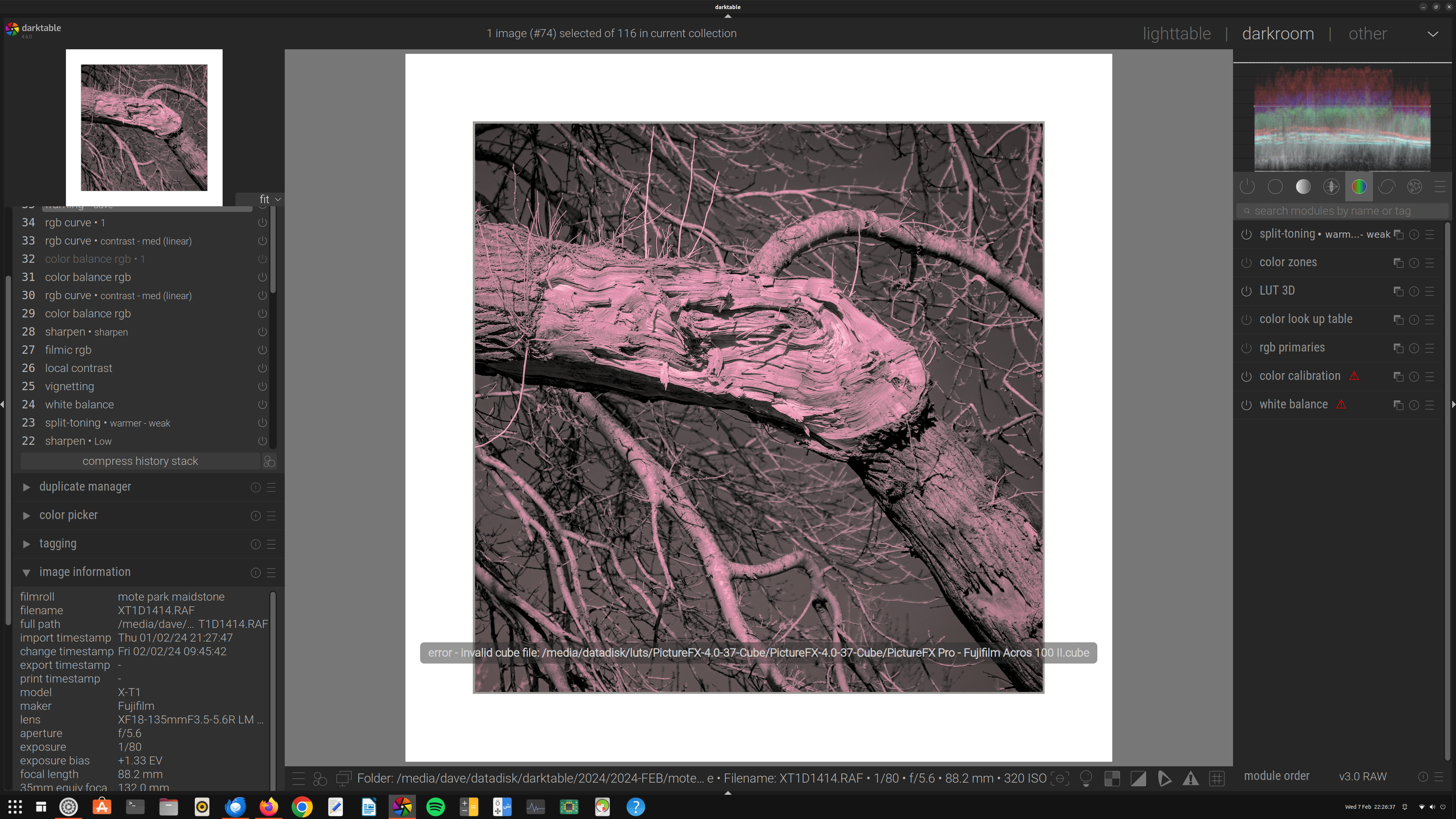
Oh gawd, now I have a new problem! Something mysterious seems to have happened to my 3D Lut library. I’m getting this big message across the screen:
Error invalid cube file (followed by the path in the processing tab to the 3d Lut folder).
I’ve been running these Luts for ages and haven’t done anything to the folder or path. Why is this suddenly happening! And the weird thing is that it does not seem possible to delete the path from the settings panel, only search for a new folder path. Which it refuses to believe is the right folder even though the luts are there.
 When I import images with aspect ratio set in camera to 1:1, dT seems to create square thumbnails, but when I edit an image it forgets the tagged aspect ratio and reverts to native. Is this normal behaviour for dT, something specific to my cameras or is there a setting I’m missing? It would save me a bit of bother if it would respect the raw file tag for aspect ratio as I shoot mainly square these days.