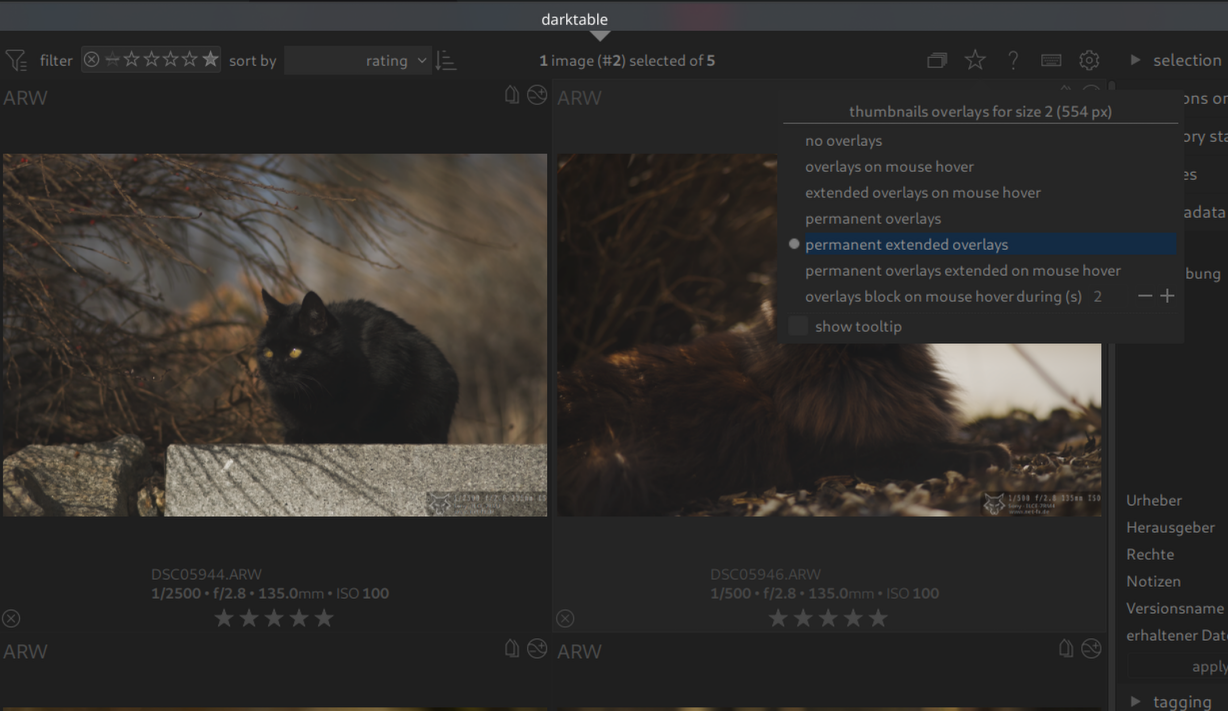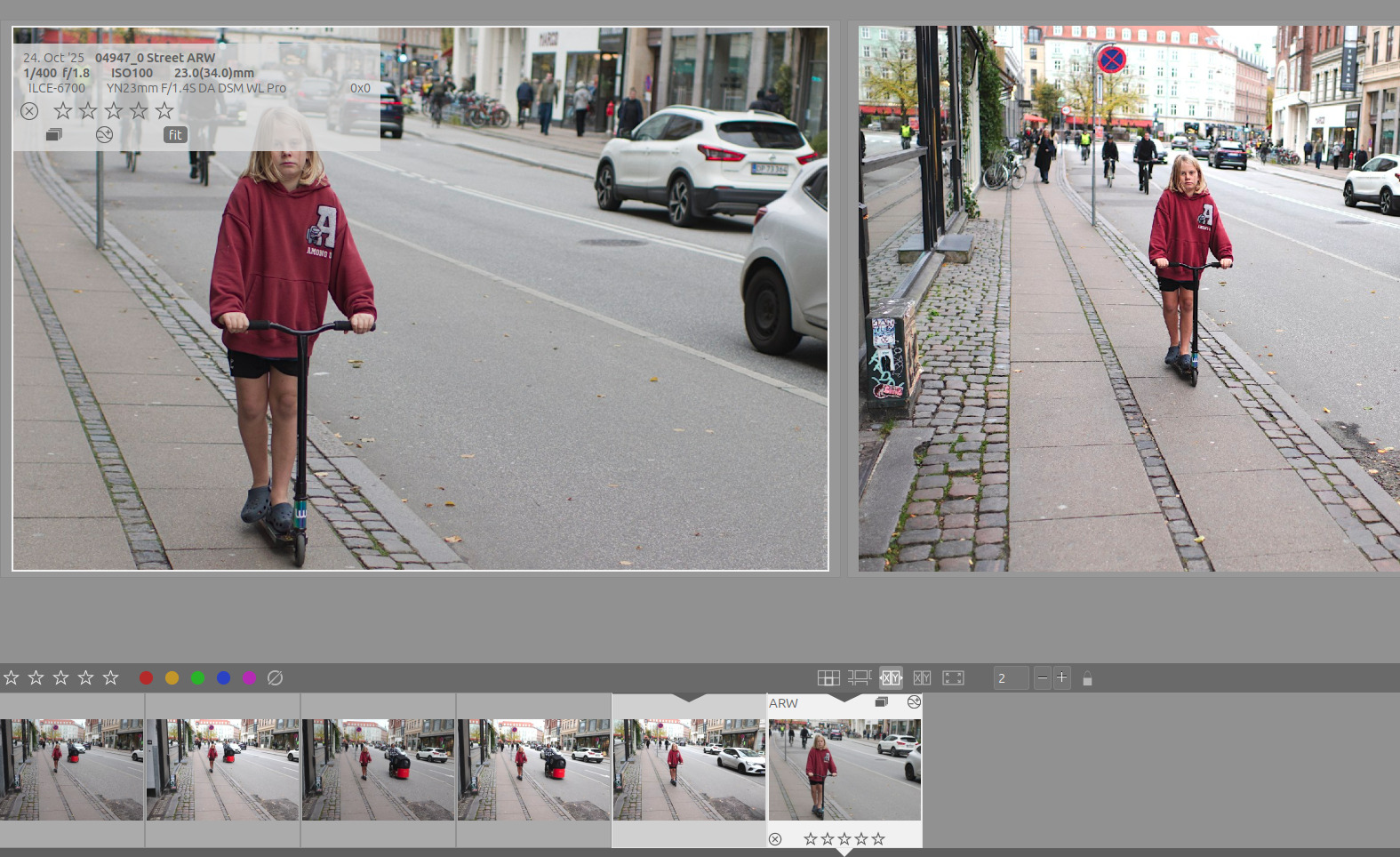
I know how to use the Custom CSS box in Darktable prefs, and I know about CSS.
I would really like to move the overlay with image info (top left corner in this example) away from the images - I’d prefer to move it down over the thumbnail row, but if that is not possible - I’d like to make it less tall and move it to the bottom area of the image.
But how do I do that? I don’t know it’s class name or its ID?