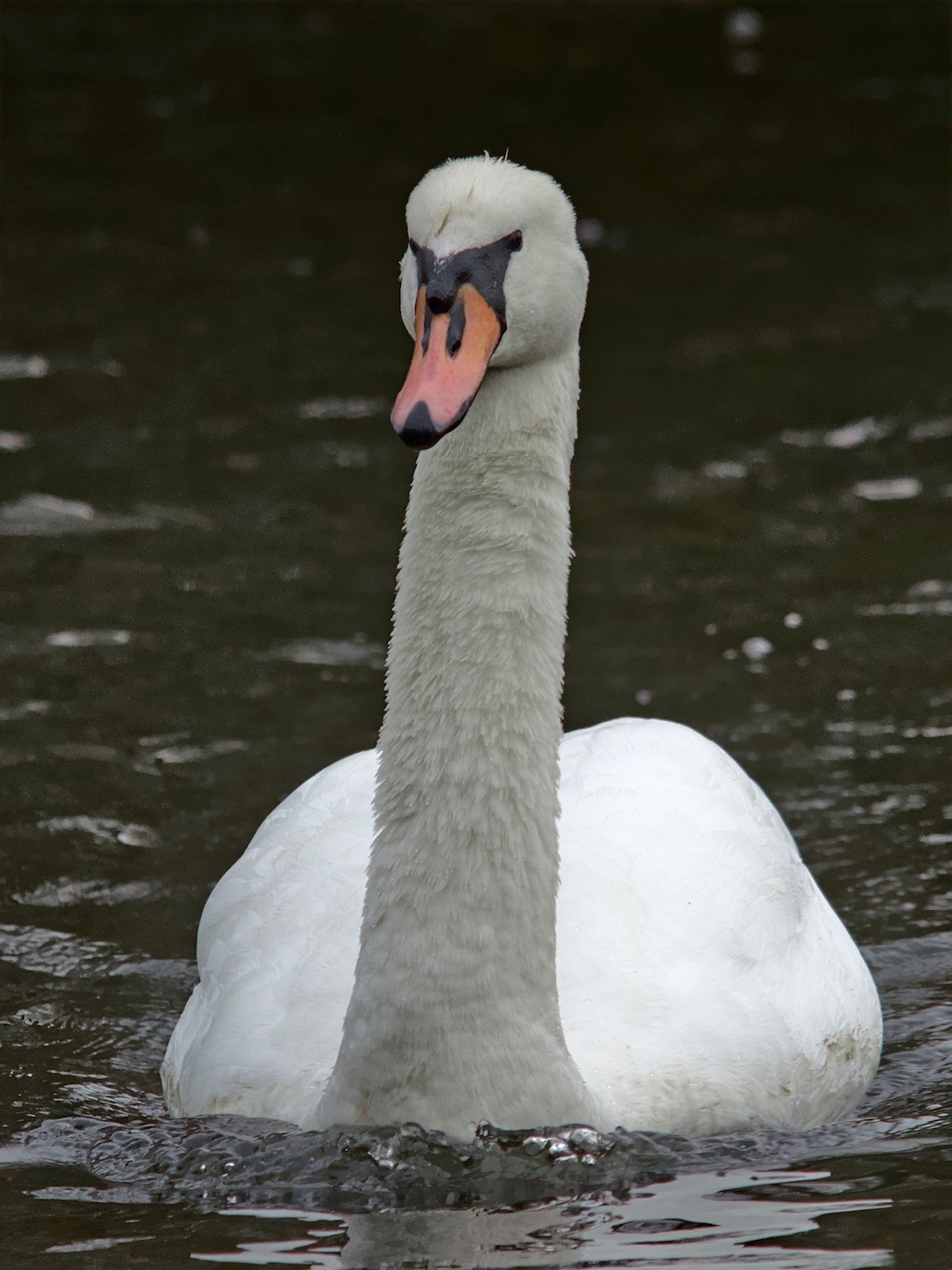
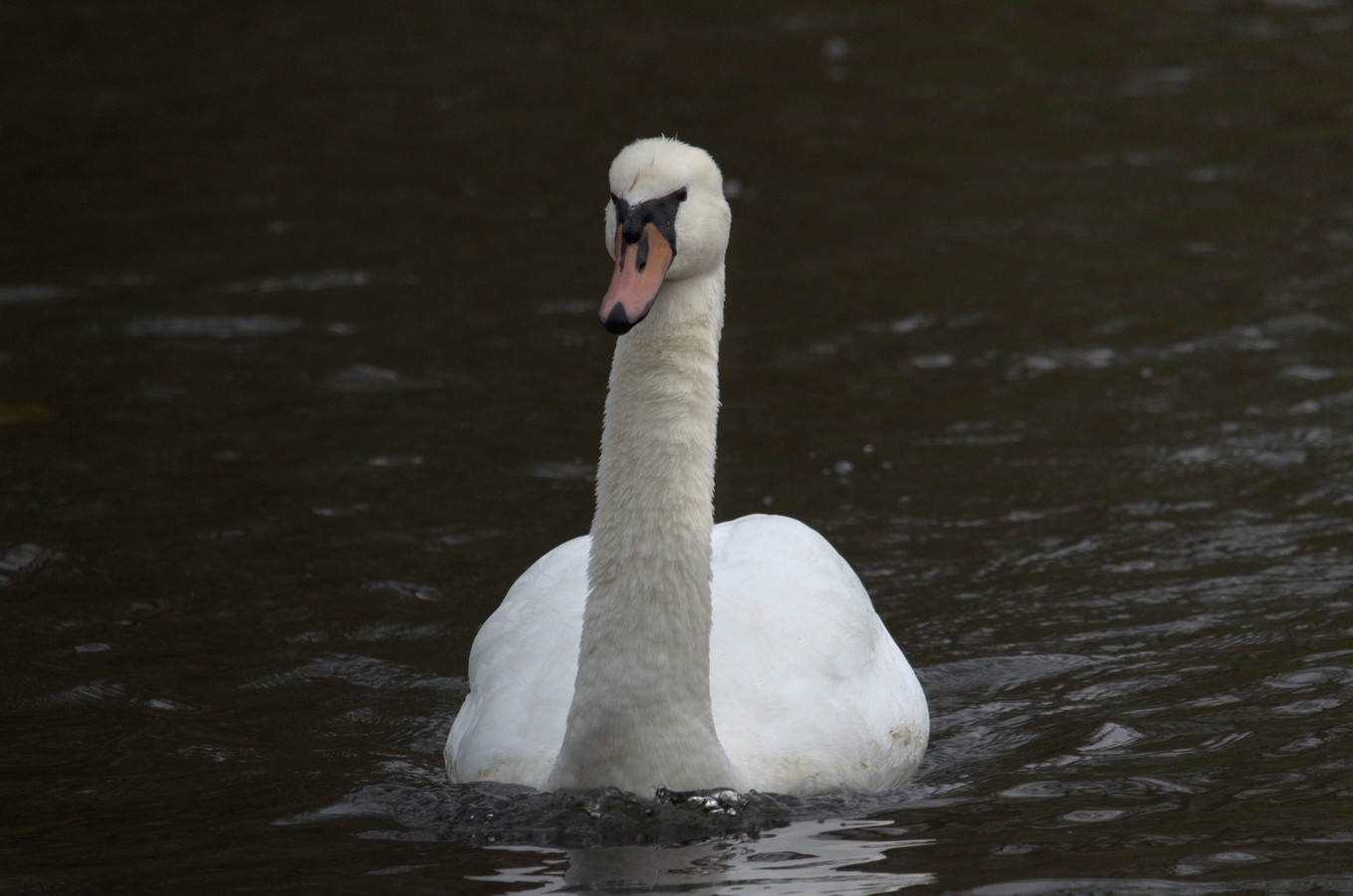
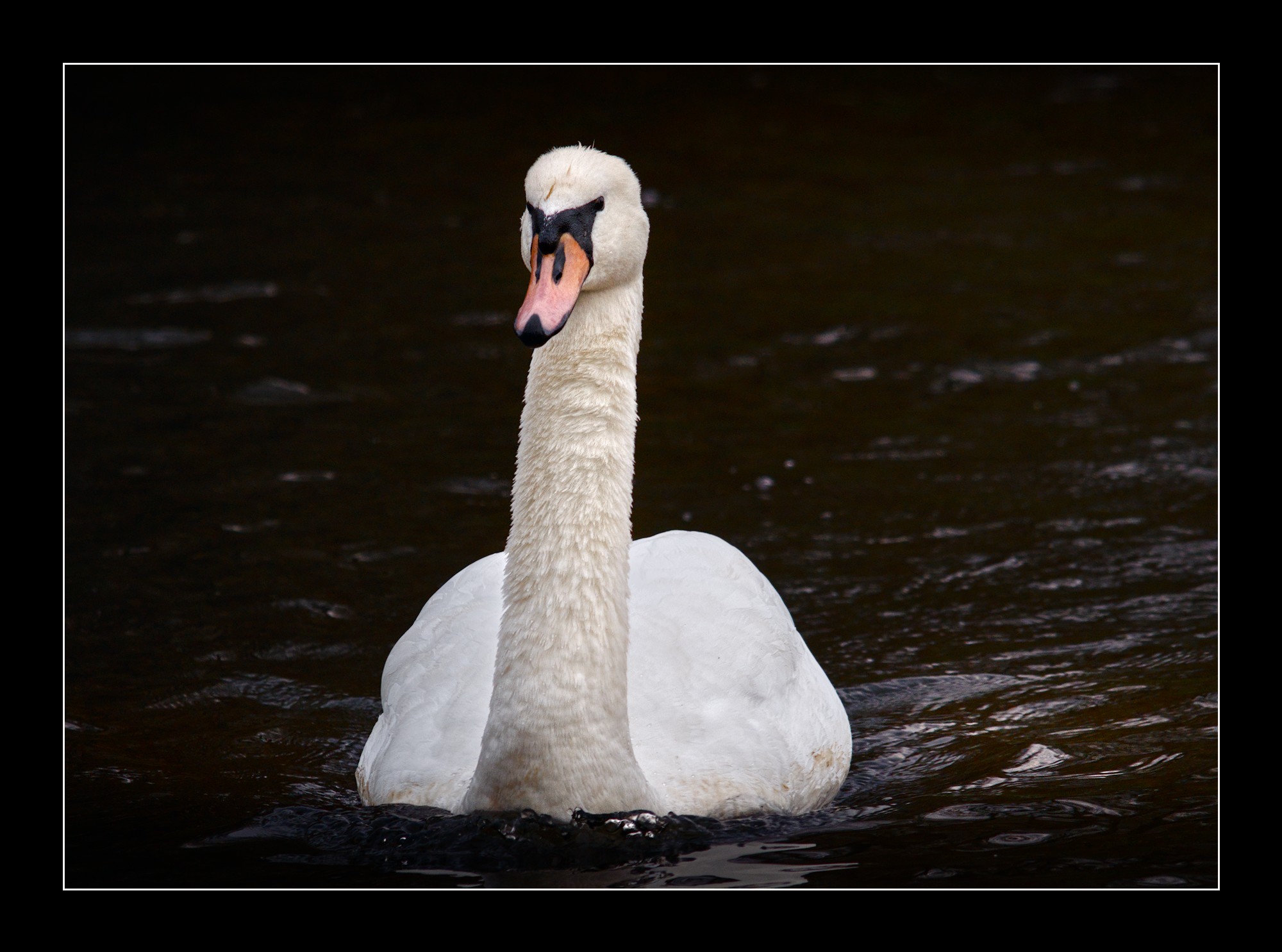
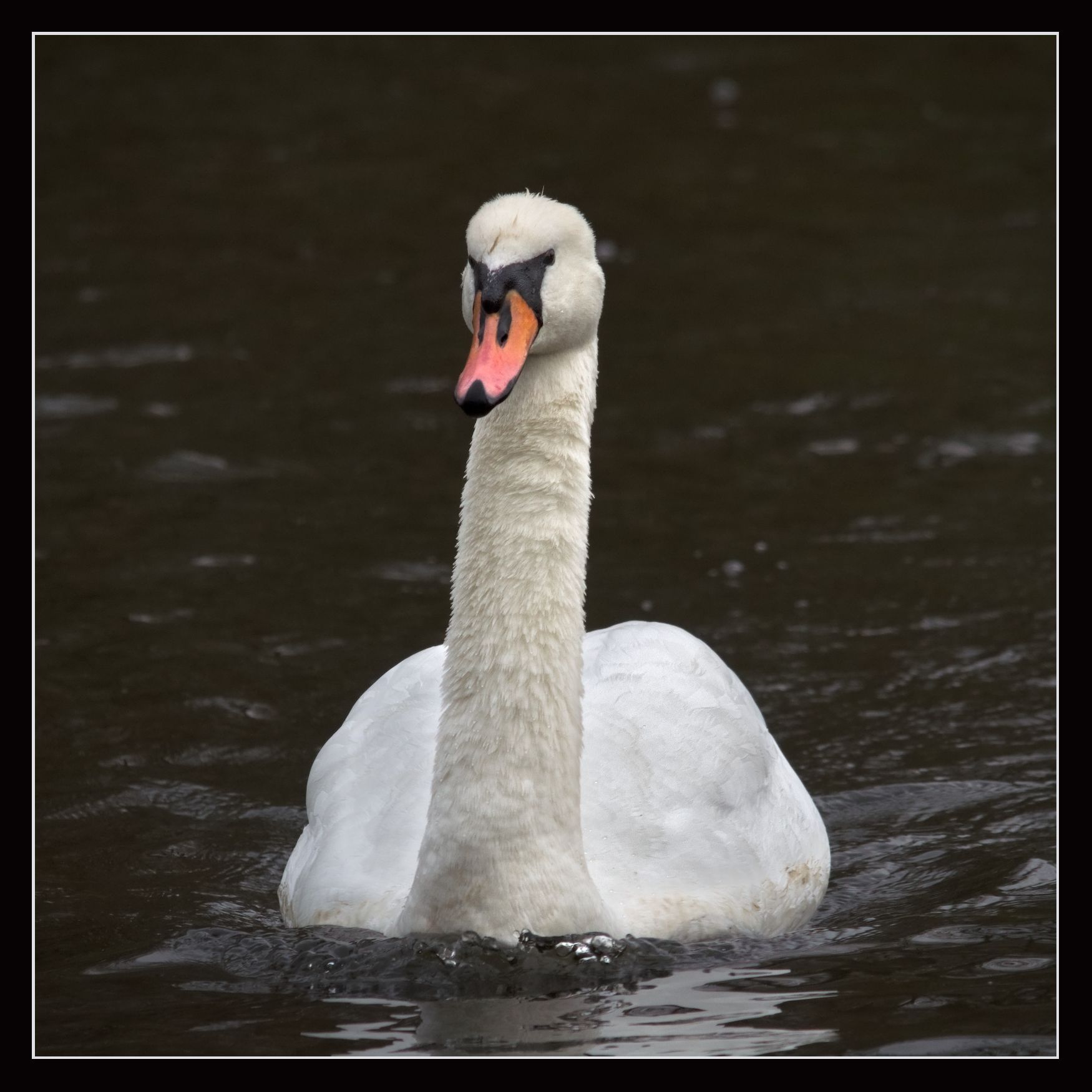
Hi all! Been a while since I tried one of my own here. This is far from my best shot, but I shot it this morning in overcast conditions against muddy water.
It posed an interesting tone-mapping challenge for me, since I managed not to blow the highlights and I think it should be feasible to bring up the contrast and bring out the tonal range on the body without flattening the neck or the water. Curious to see what can be done.
This file is licensed Creative Commons, By-Attribution, Share-Alike.
(PS: I usually work with DxO, but am posting the NEF for ease of play and smaller file sizes, hence I’ve only done a basic denoise.)
The common wisdom taught in courses is that, when you have an overcast day, you should add a gradient to the background and paint some light on the subject manually using a brush mask.
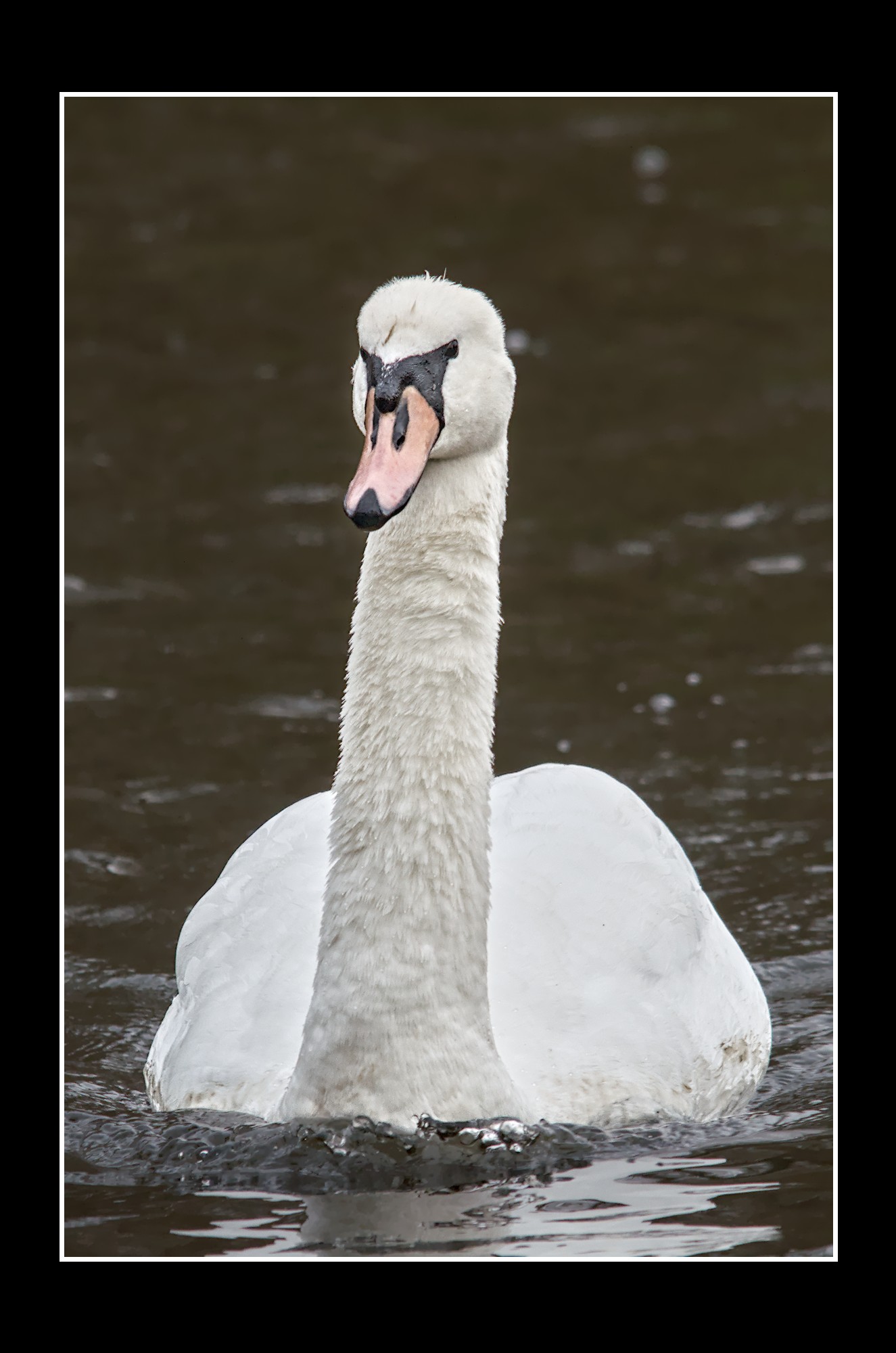
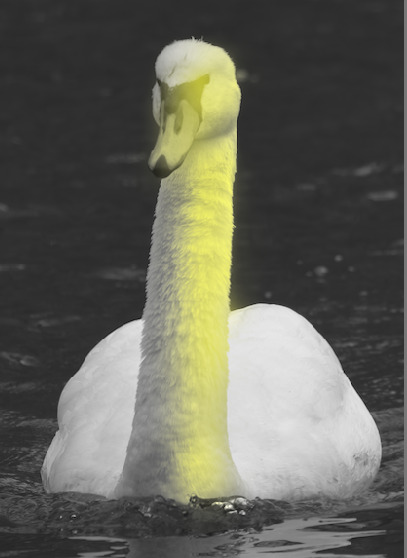
A really low-effort edit in ART using this technique and nothing else:
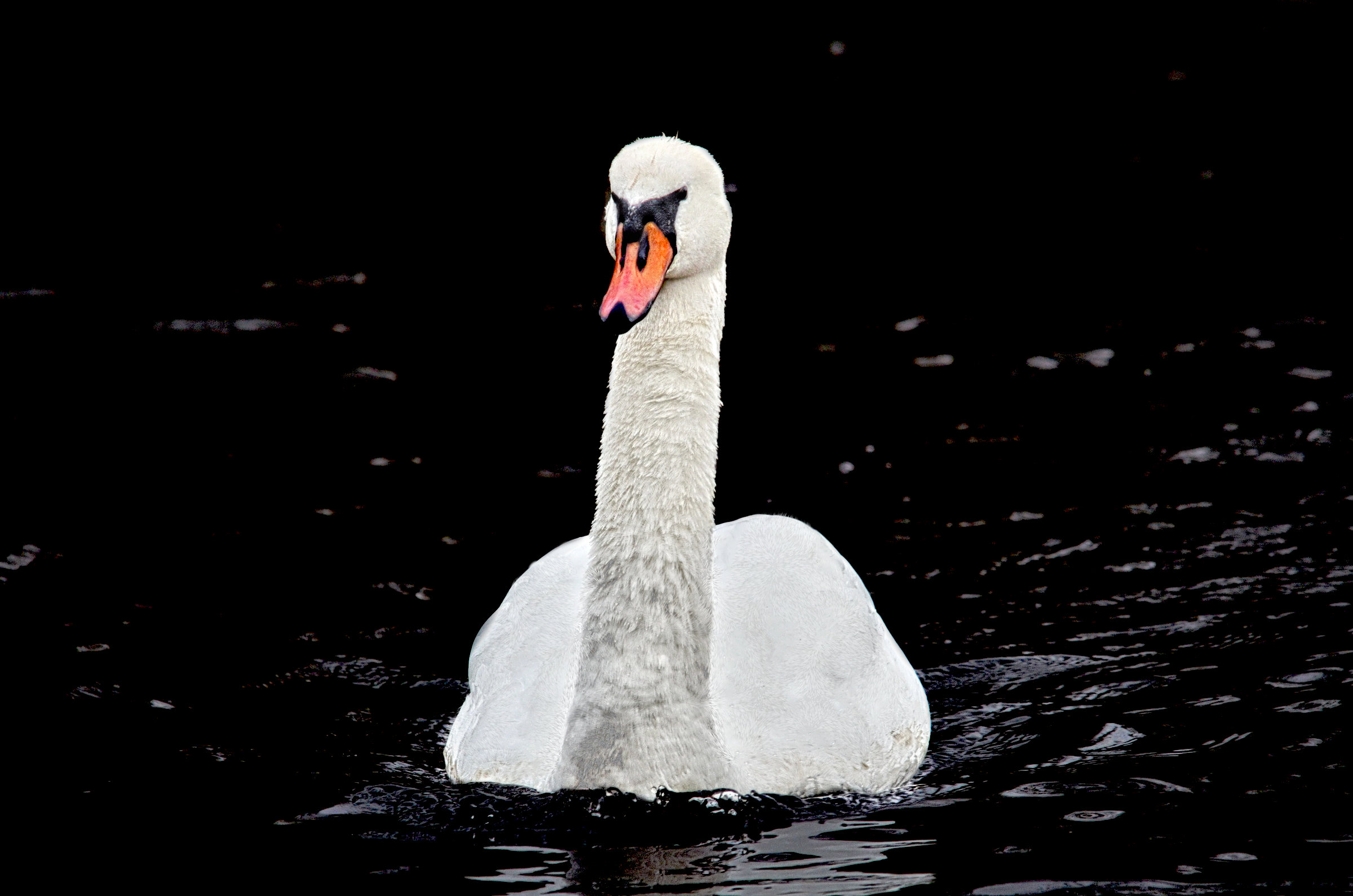
I know what you mean. I’ve already used graduated density with an inverse mask on the swan’s head to fade out the distant water, to pull the subject out a little. I find light painting very difficult to do on subjects such as this without leaving a weird halo around things. Even with various tweaks to the details masking (or using the AI one), there are always small fringes that stand out, so I prefer to stick with the parametric masks where I can or even just target different parts of the curve as I have here.
Now that you mention it though I can probably get a clean mask with bit of feathering and parametric selection on luminosity. Worth a shot
For painting with light, you don’t need a precise mask. The whole point is that it should only cover the supposedly lit part of the subject, not the whole of it. That’s why it is a brush mask, not an AI mask.
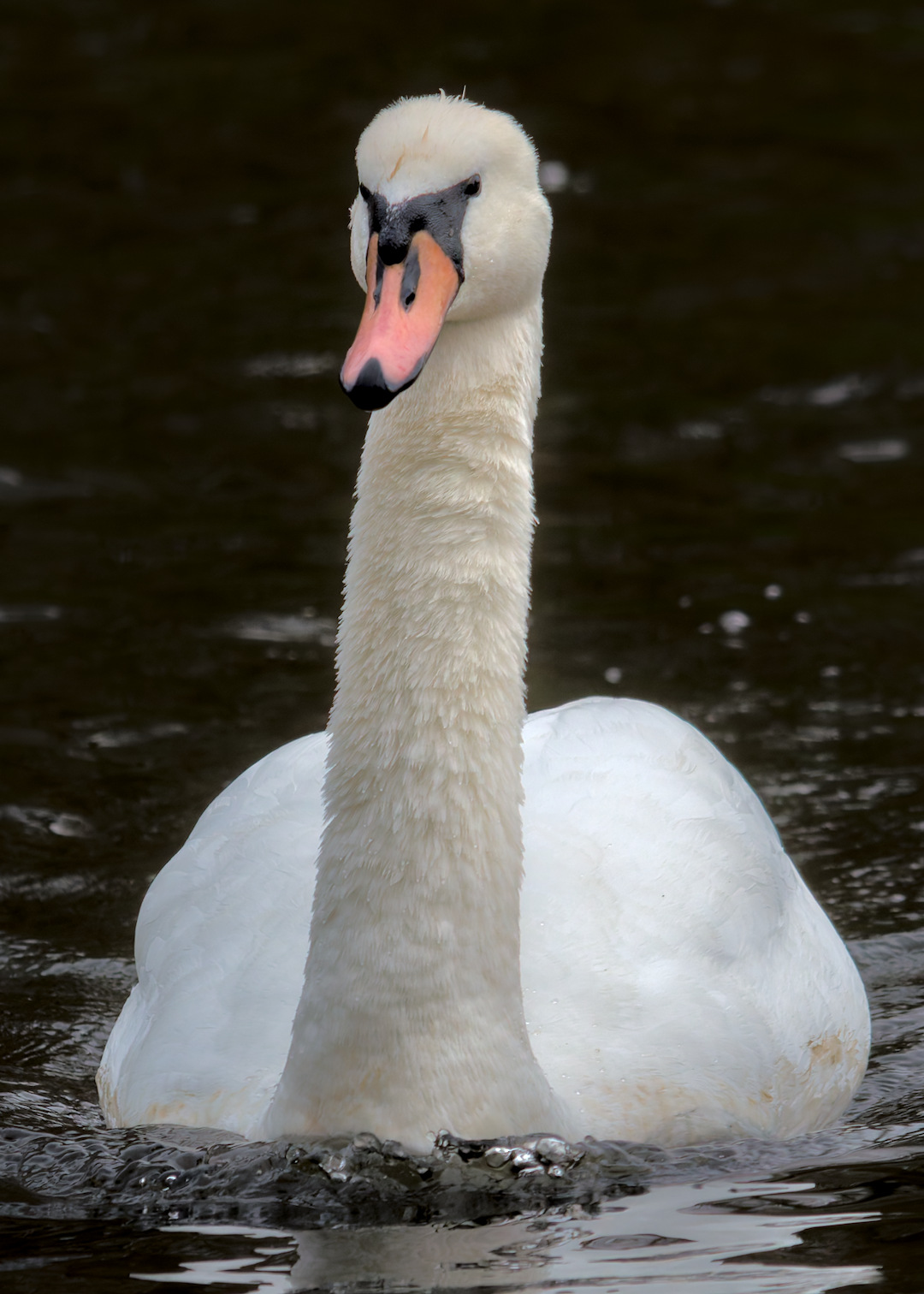
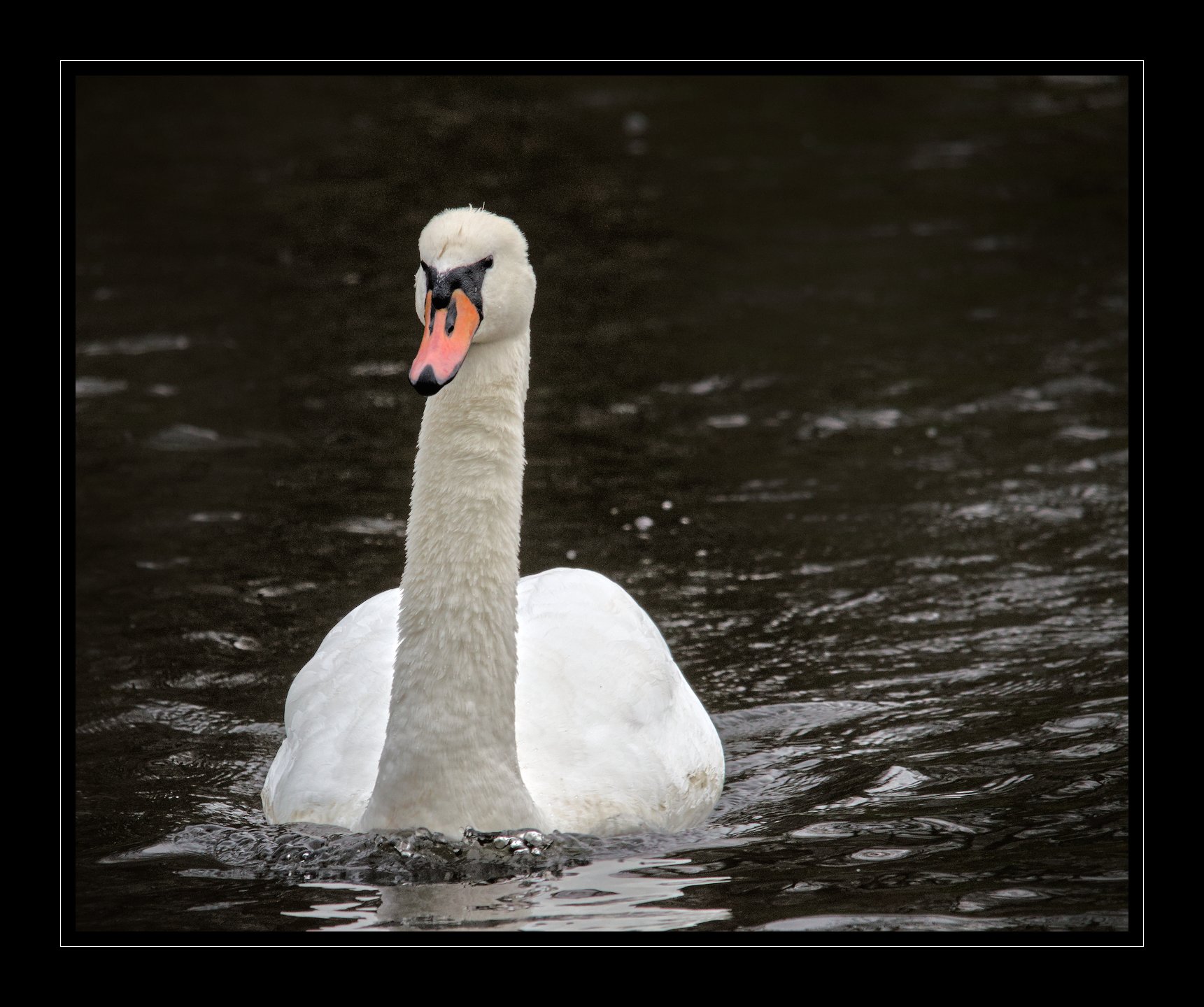
Here is my edit. I found the white feathers challenging. I also used one stance of exposure to control the water, another for the body of the bird and a third instance of exposure for the neck and head.
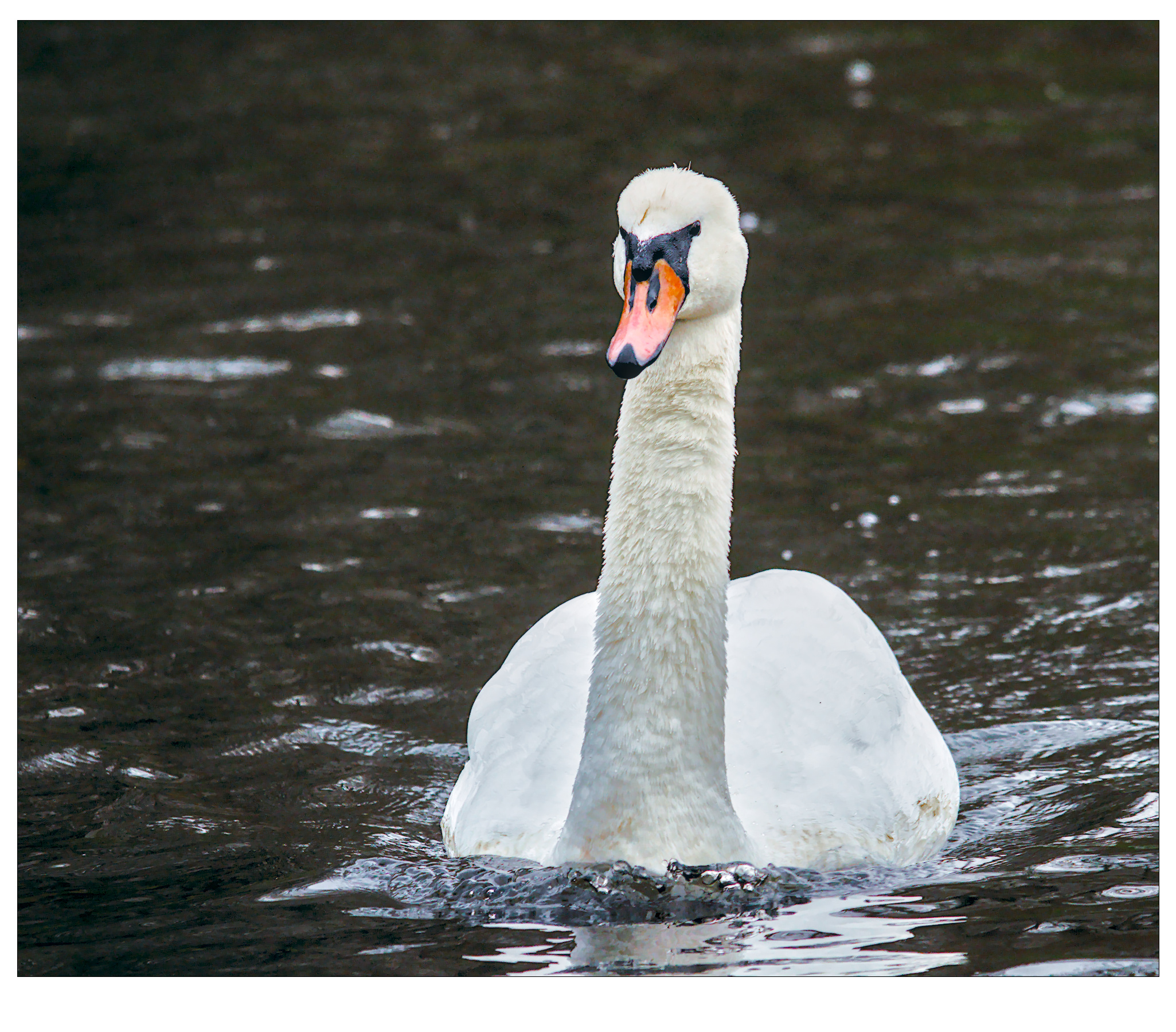
Ah, I see what you mean. I’ve tried this before with a play_raw, now that I think about it; trick is making it a fuzzy enough mask not to betray the edges. I had a quick go on my DNG of the same. In this case, using a little details threshold brought out the feather tips. Perhaps overcooked a bit, but I like it.