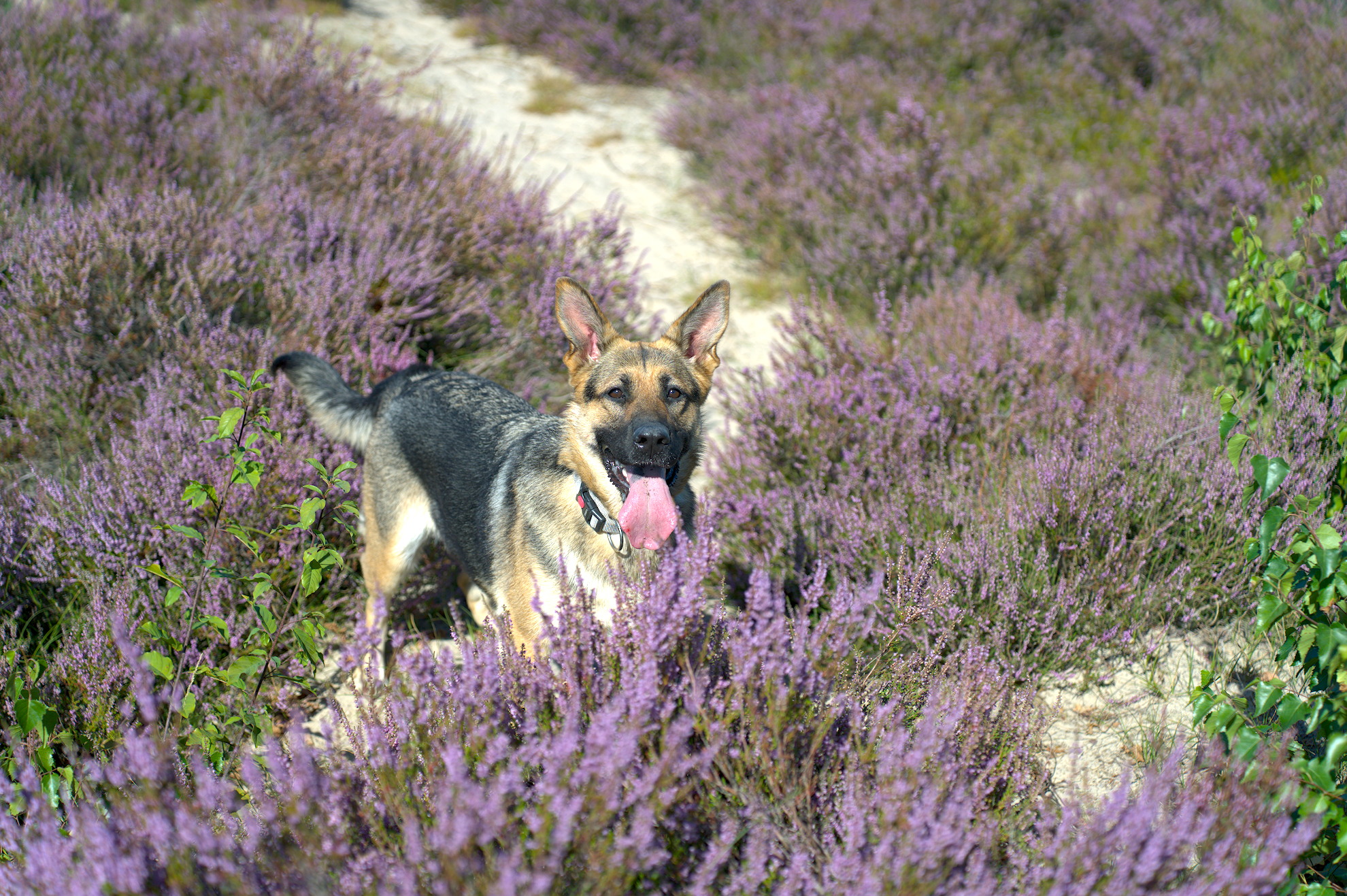
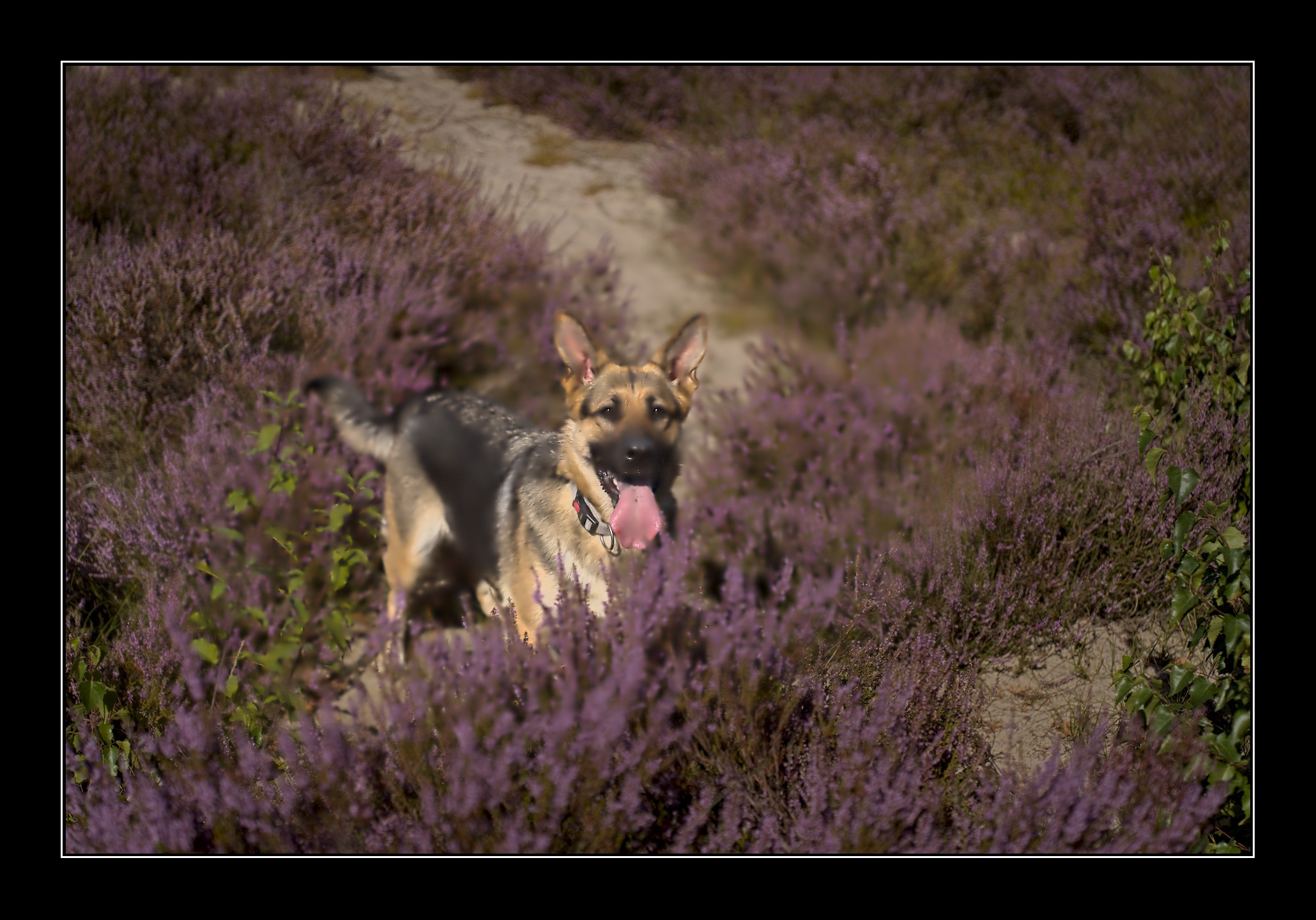
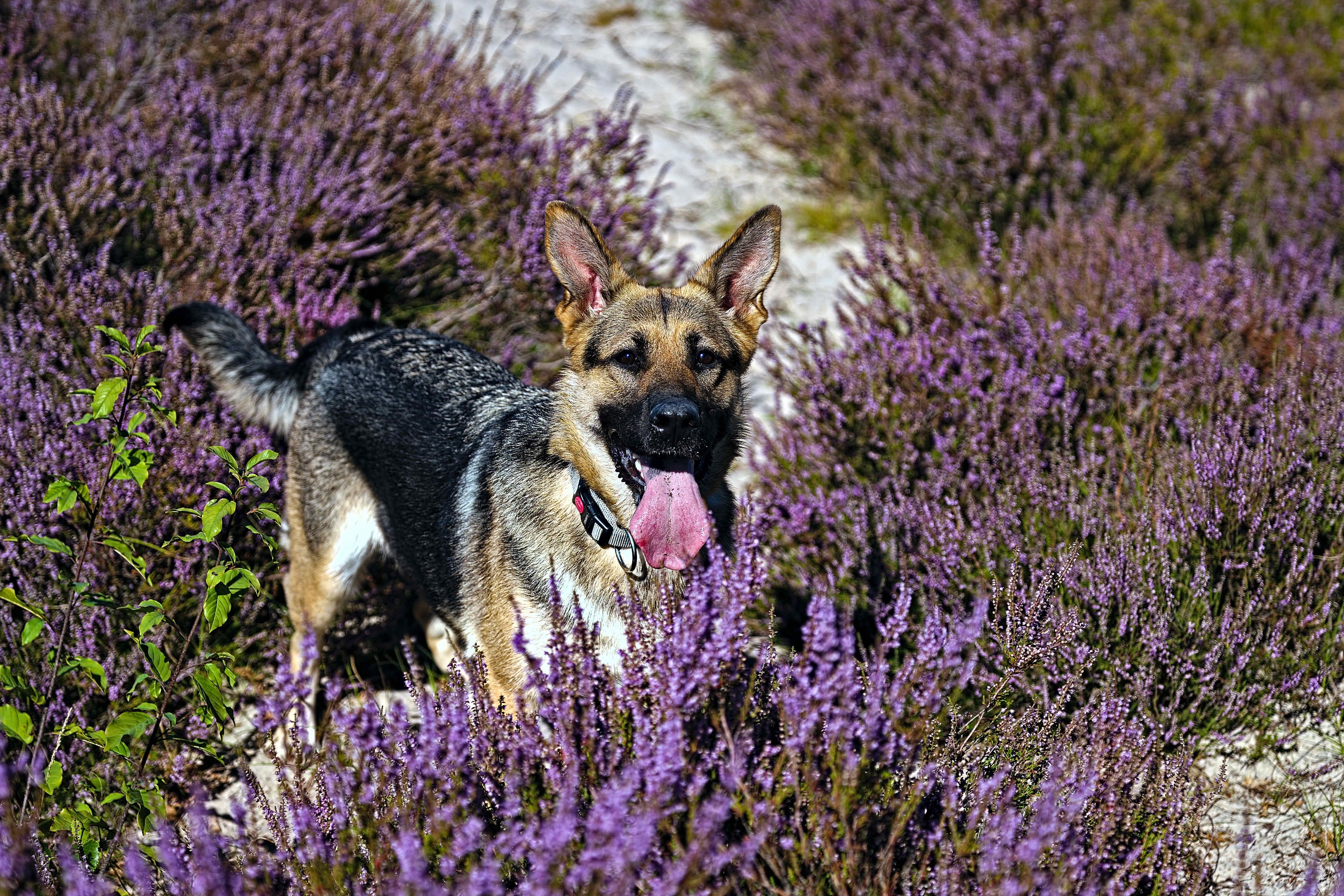
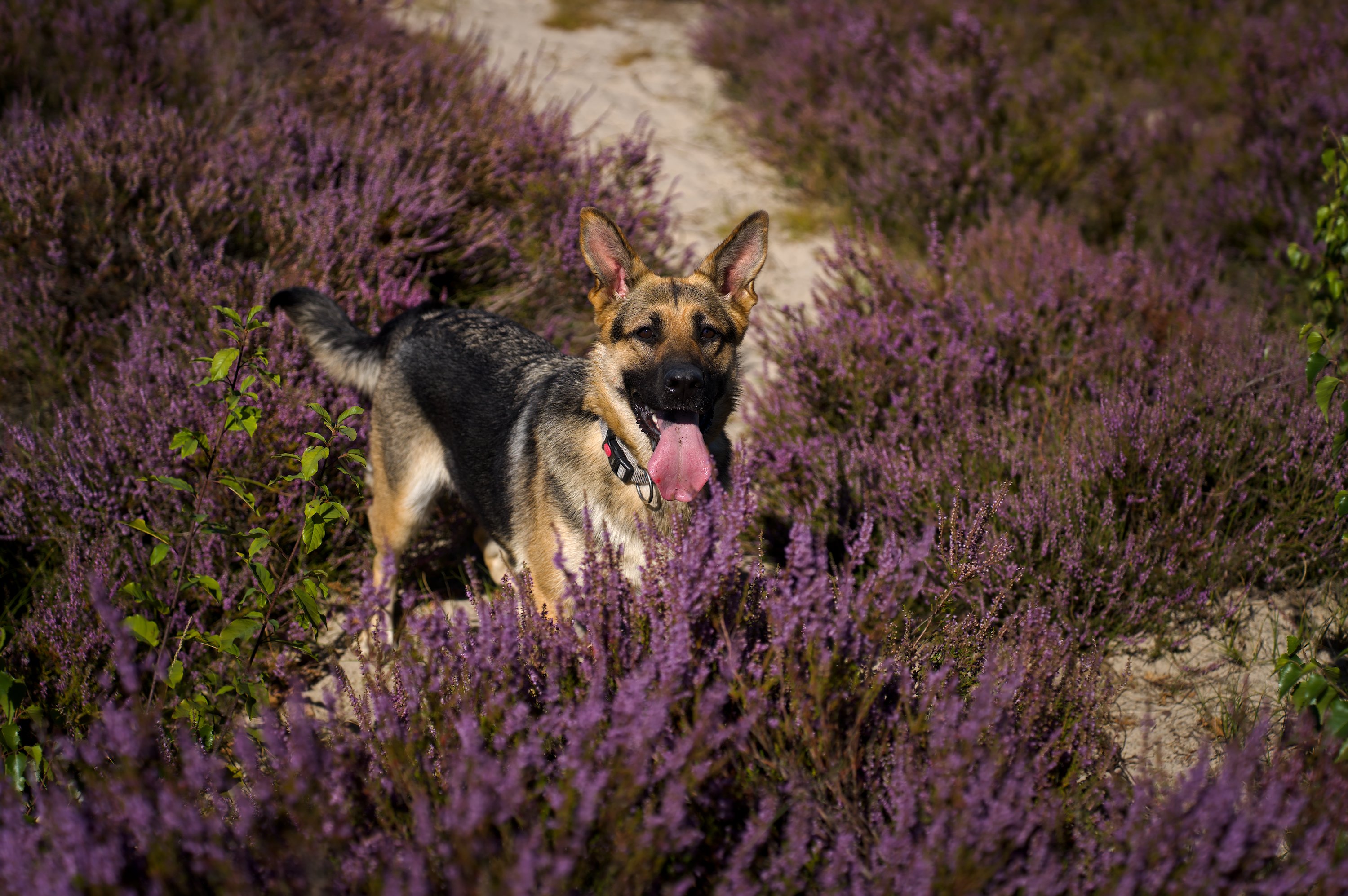
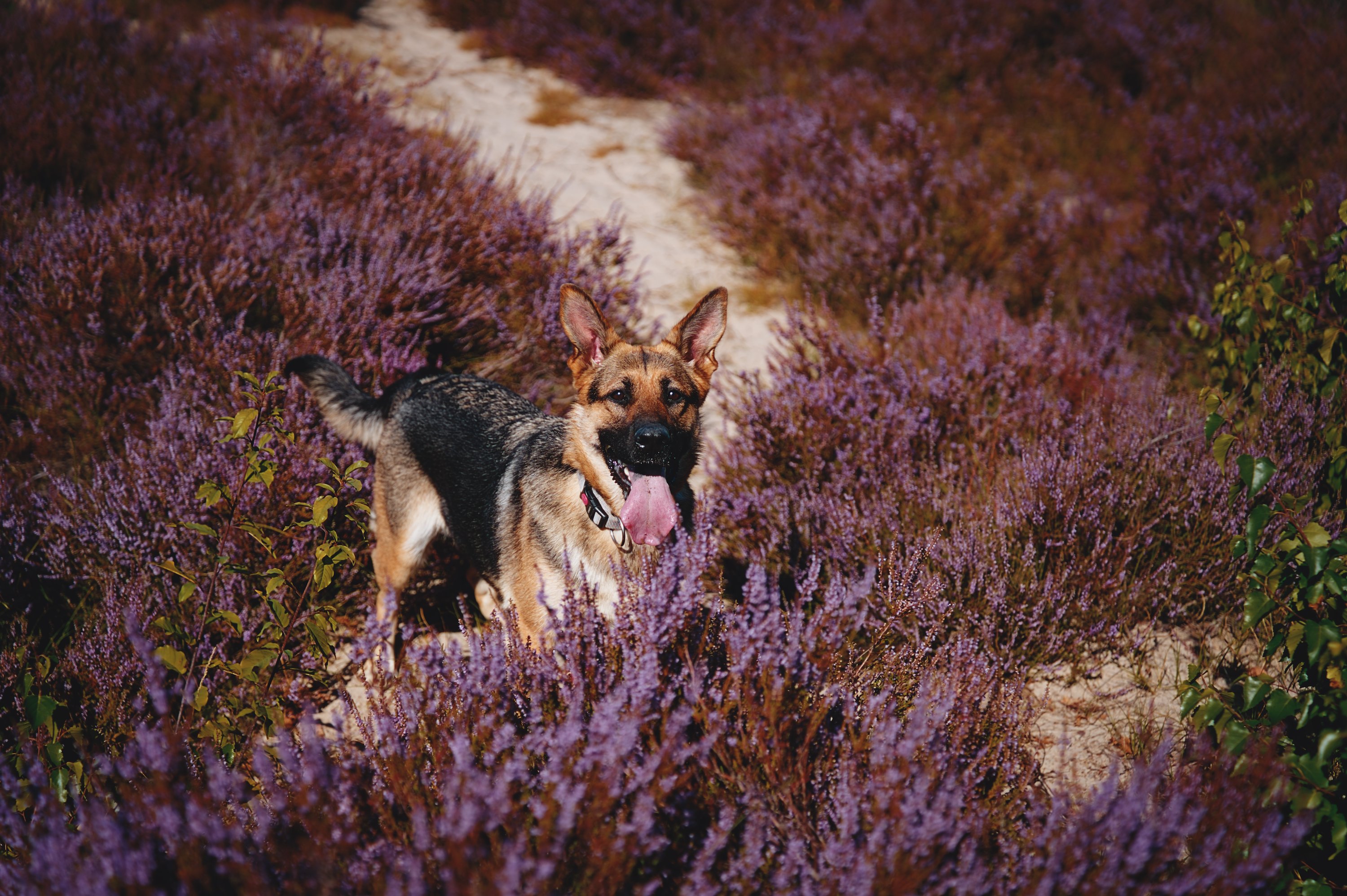
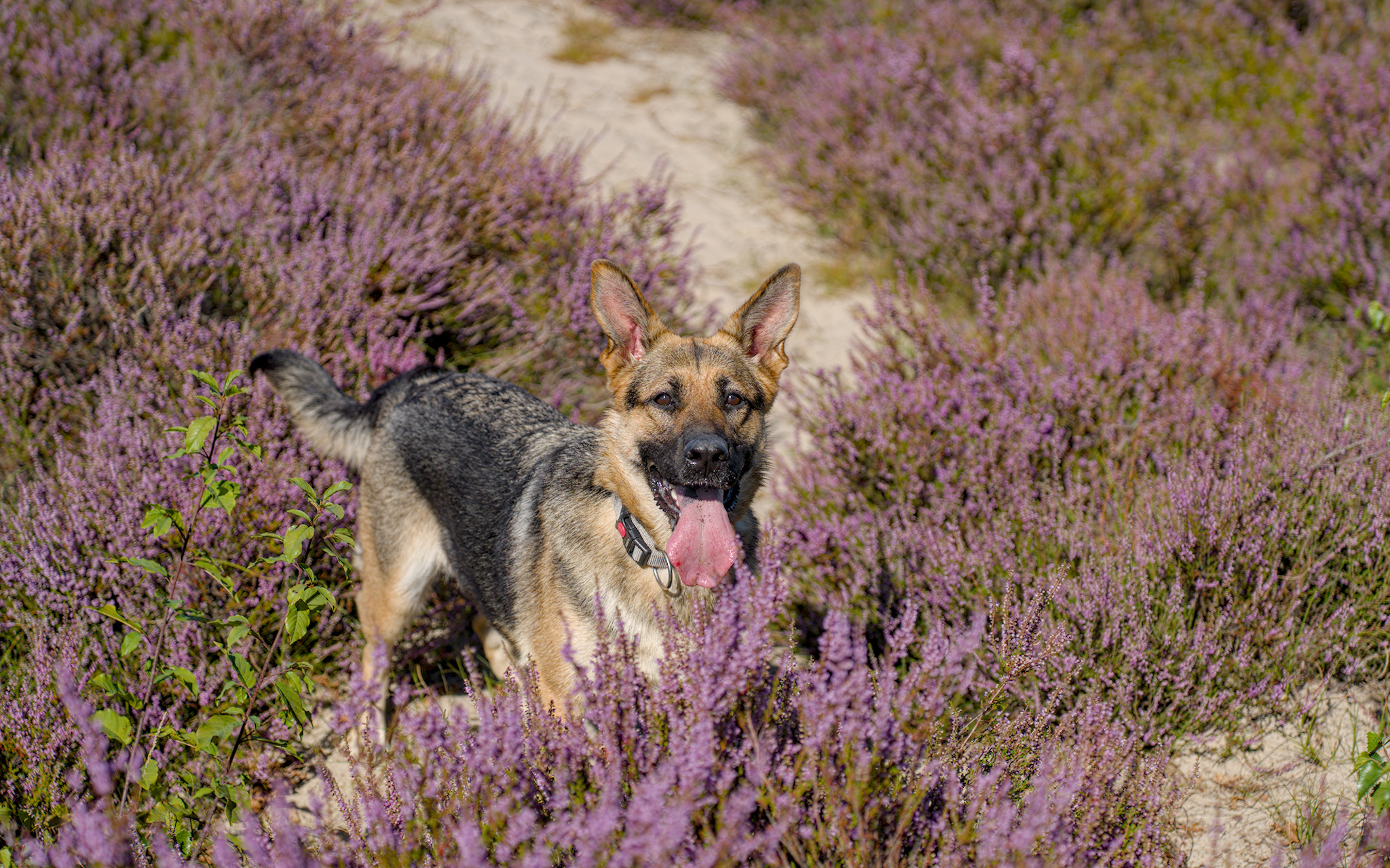
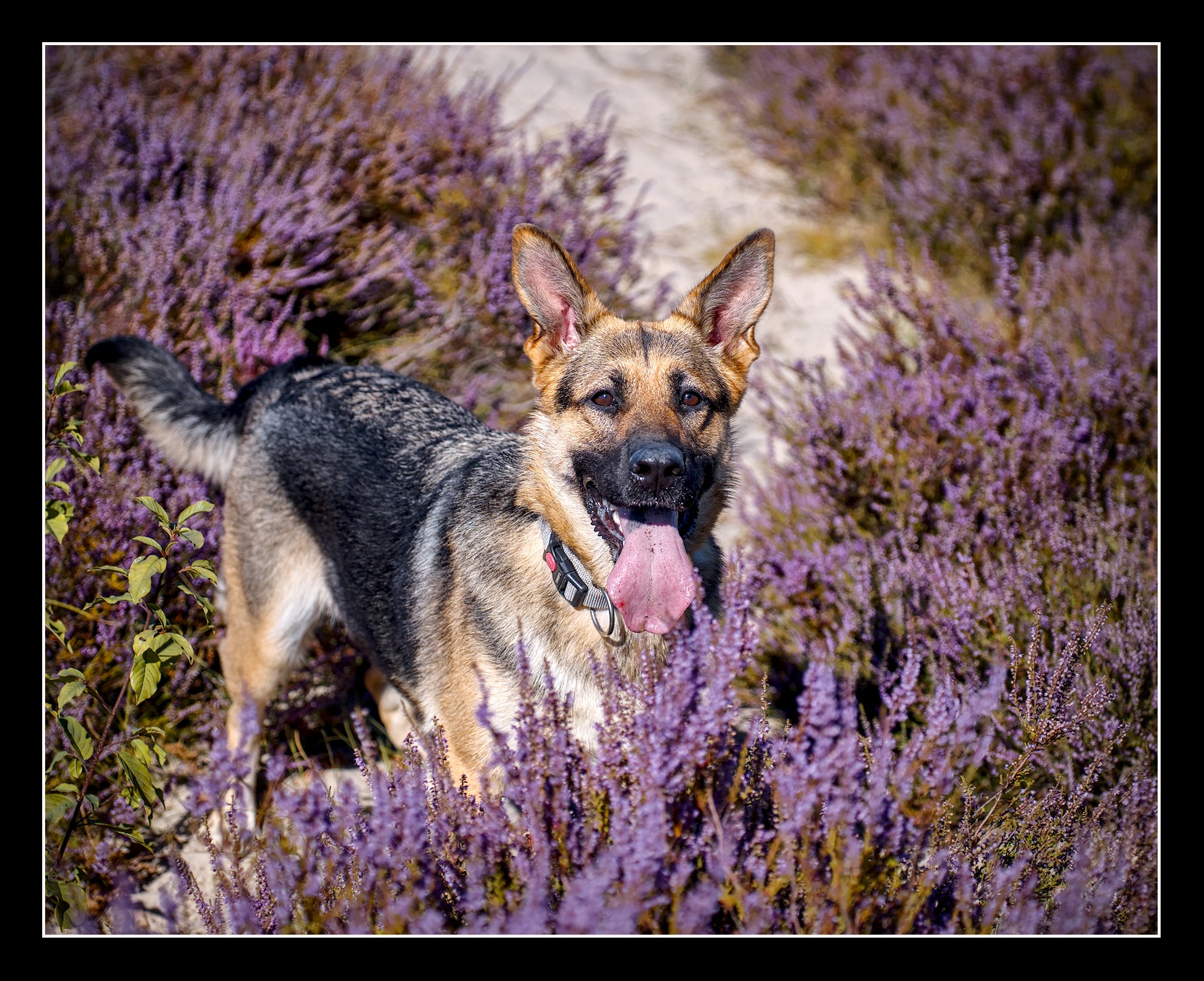
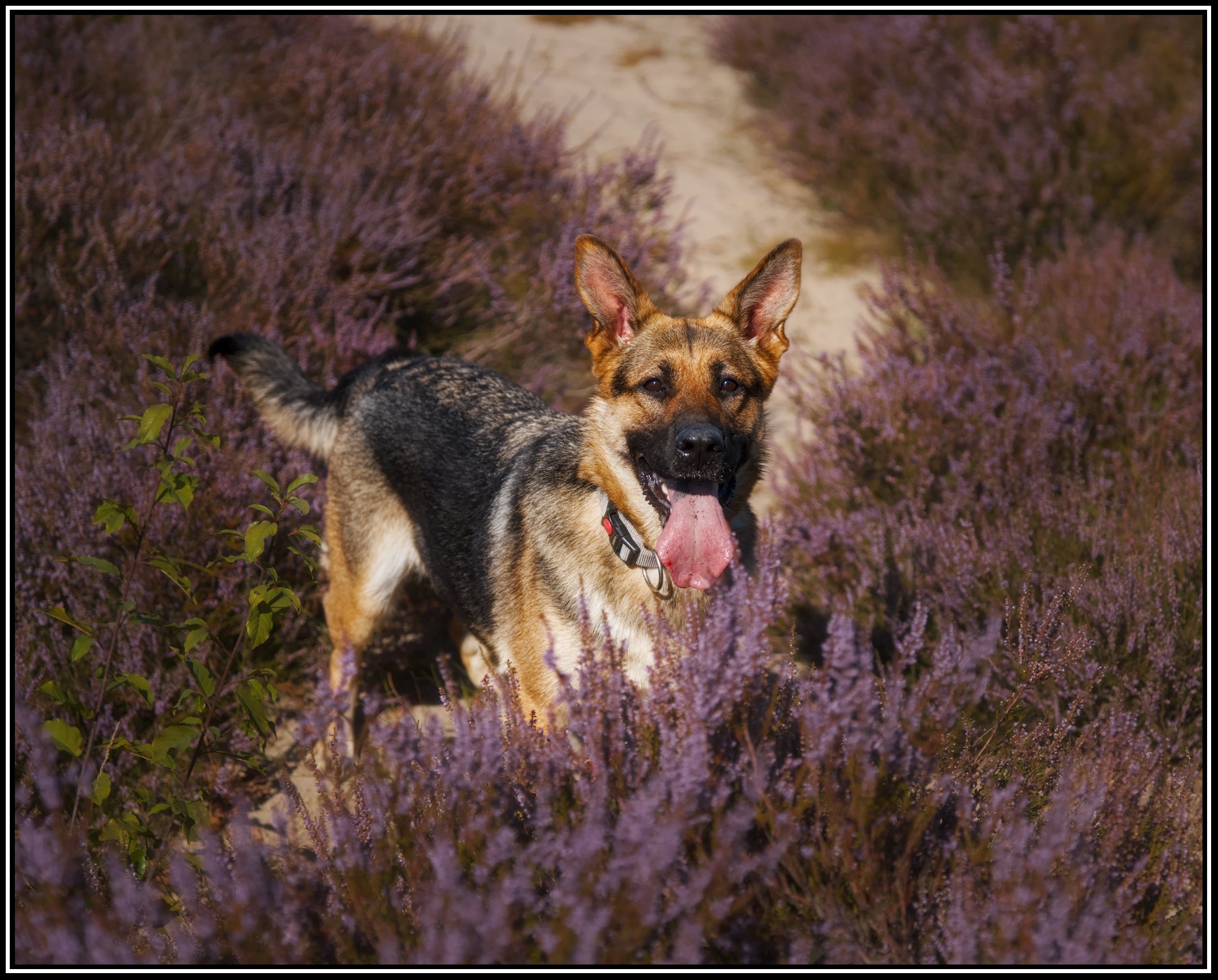
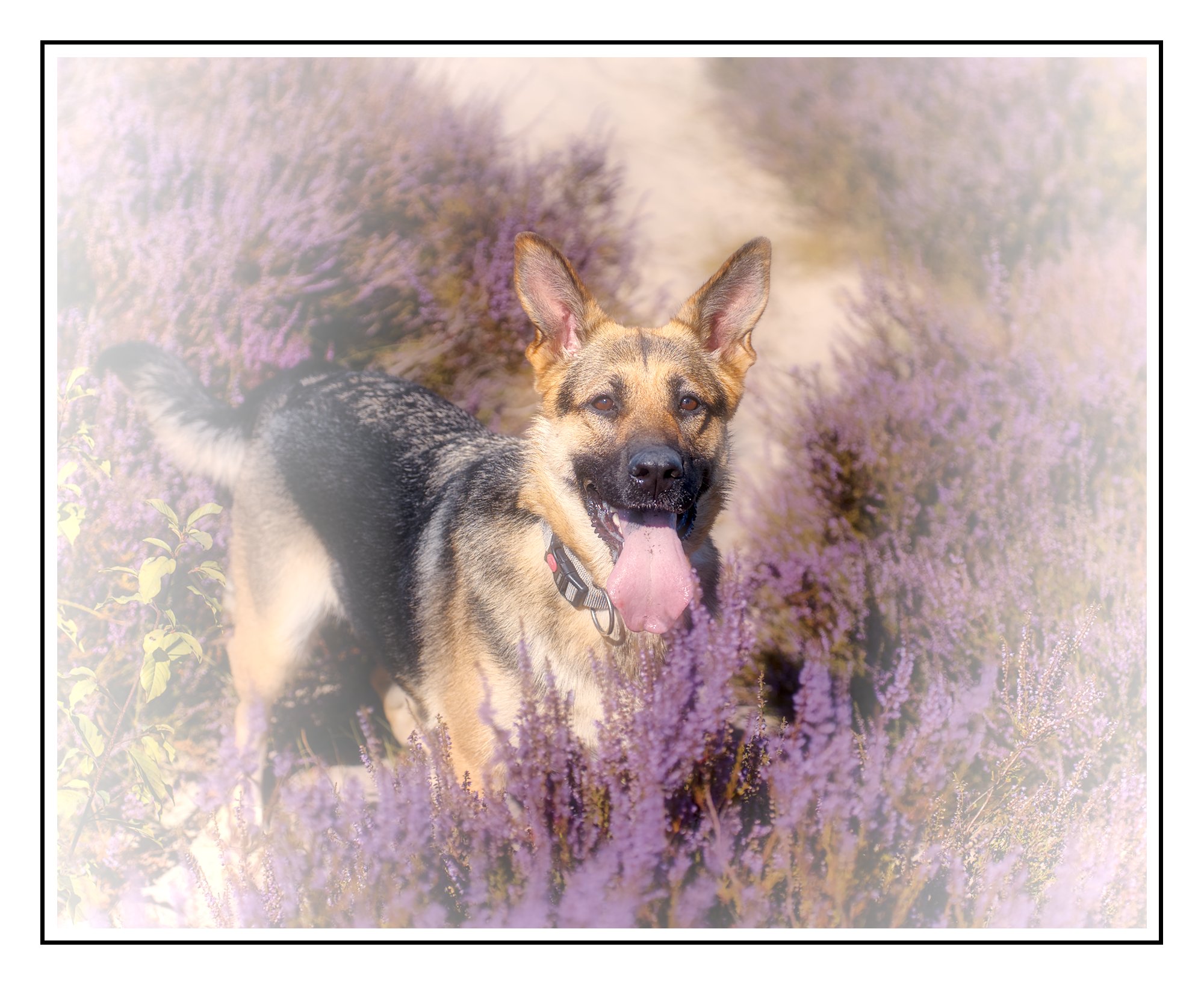
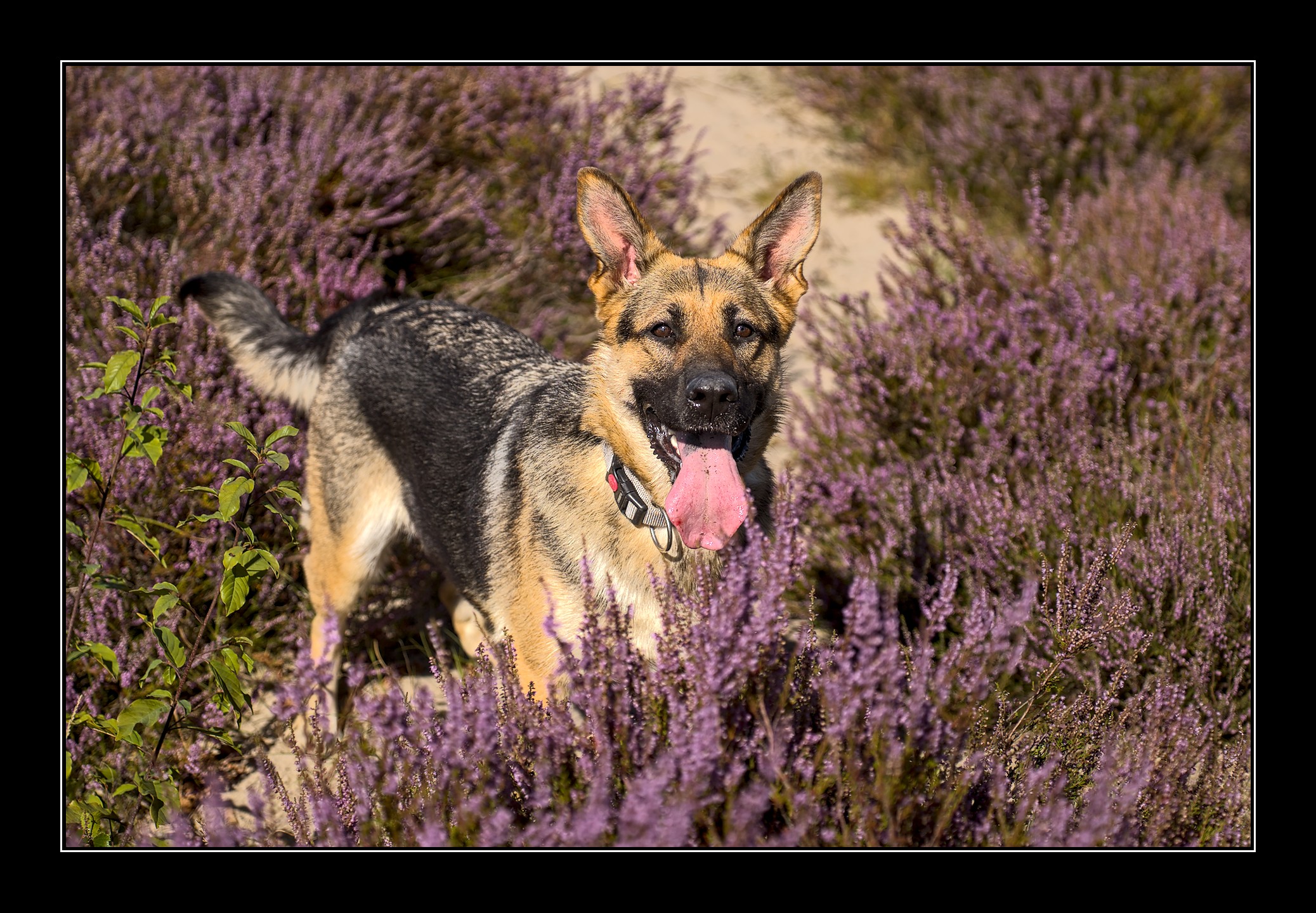
feedback is also welcome (i don’t think that this picture is that great myself but that’s part of learning)
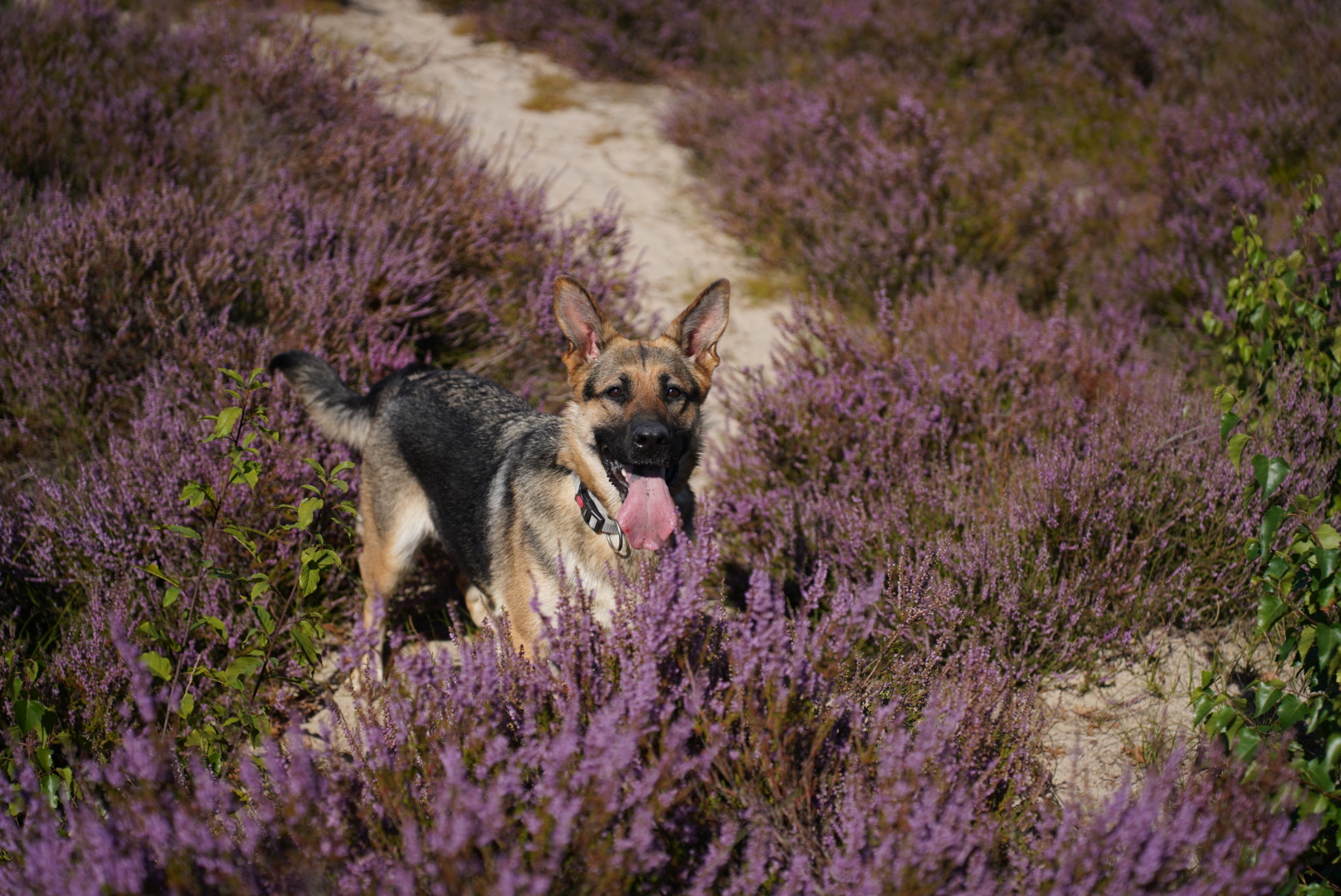
AWP01836.ARW (47.3 MB)
This file is licensed CC0
feedback is also welcome (i don’t think that this picture is that great myself but that’s part of learning)
AWP01836.ARW (47.3 MB)
This file is licensed CC0
@bestman8 nice shot! Cute dog. Impressive tongue ;-).
@jetze Looks like something went wrong with your upload?
i think they probably intended to invert the mask on the diffuse and sharpen
AWP01836.ARW.xmp (15.0 KB)
And with dt-spektrafilm, Ektar 100/Portra Endura, 0,5 push.
Spektrafilm time and time again motivates me to be more aggressive with my edits…
I’m trying out the new contrast and texture module today.
First edit doesn’t use it, and uses DorS instead. This should open in 5.6.0.
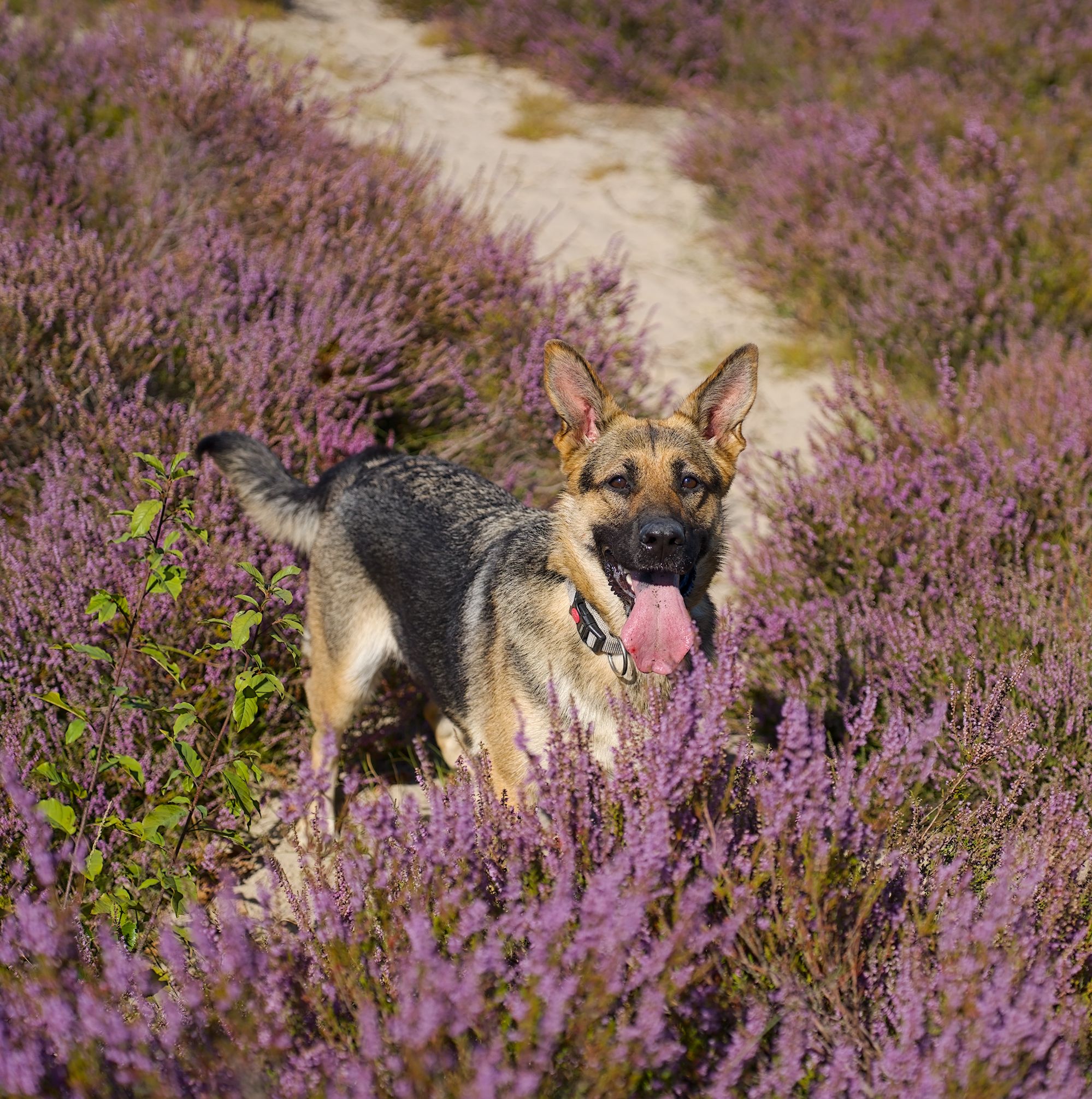
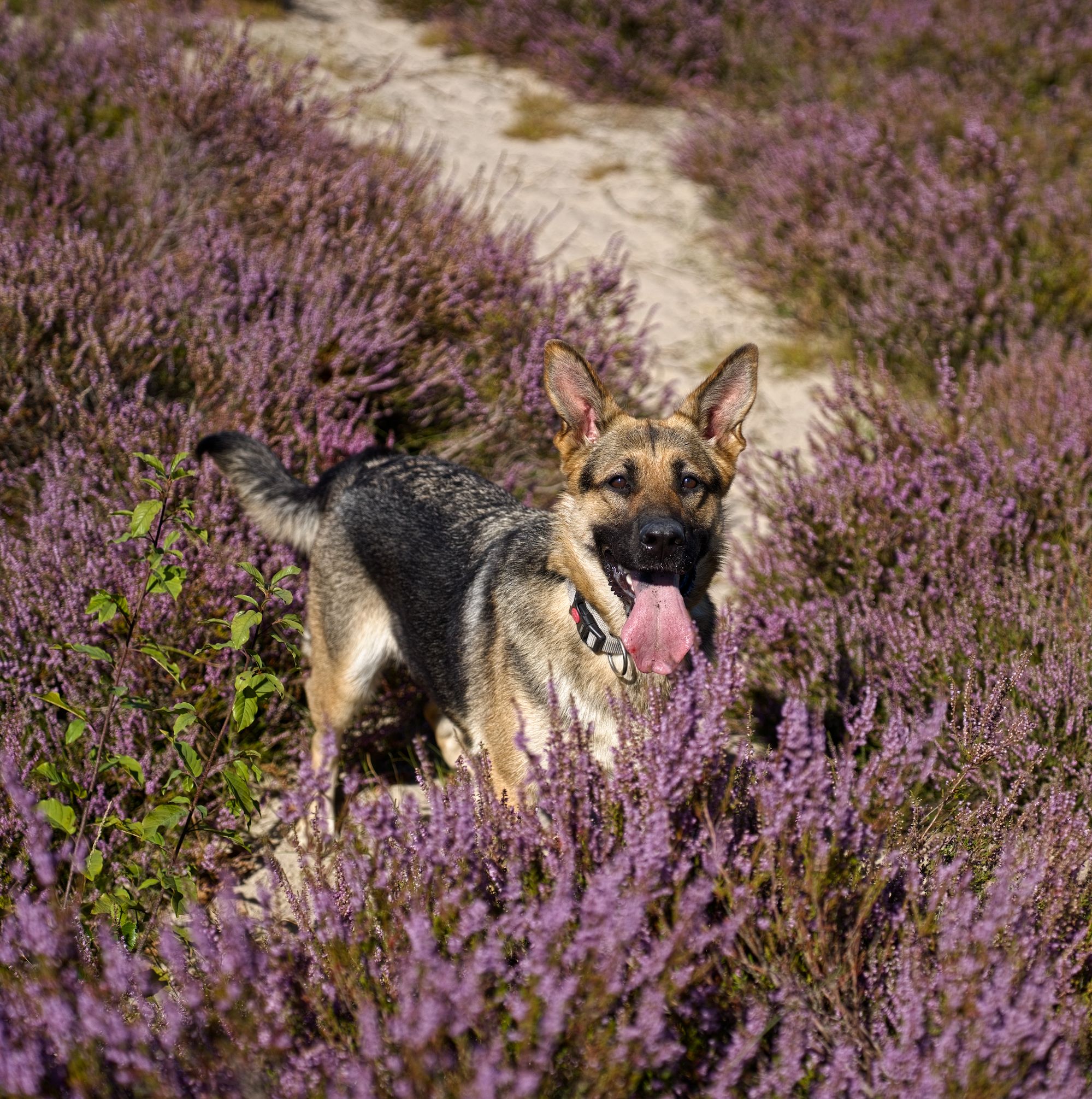
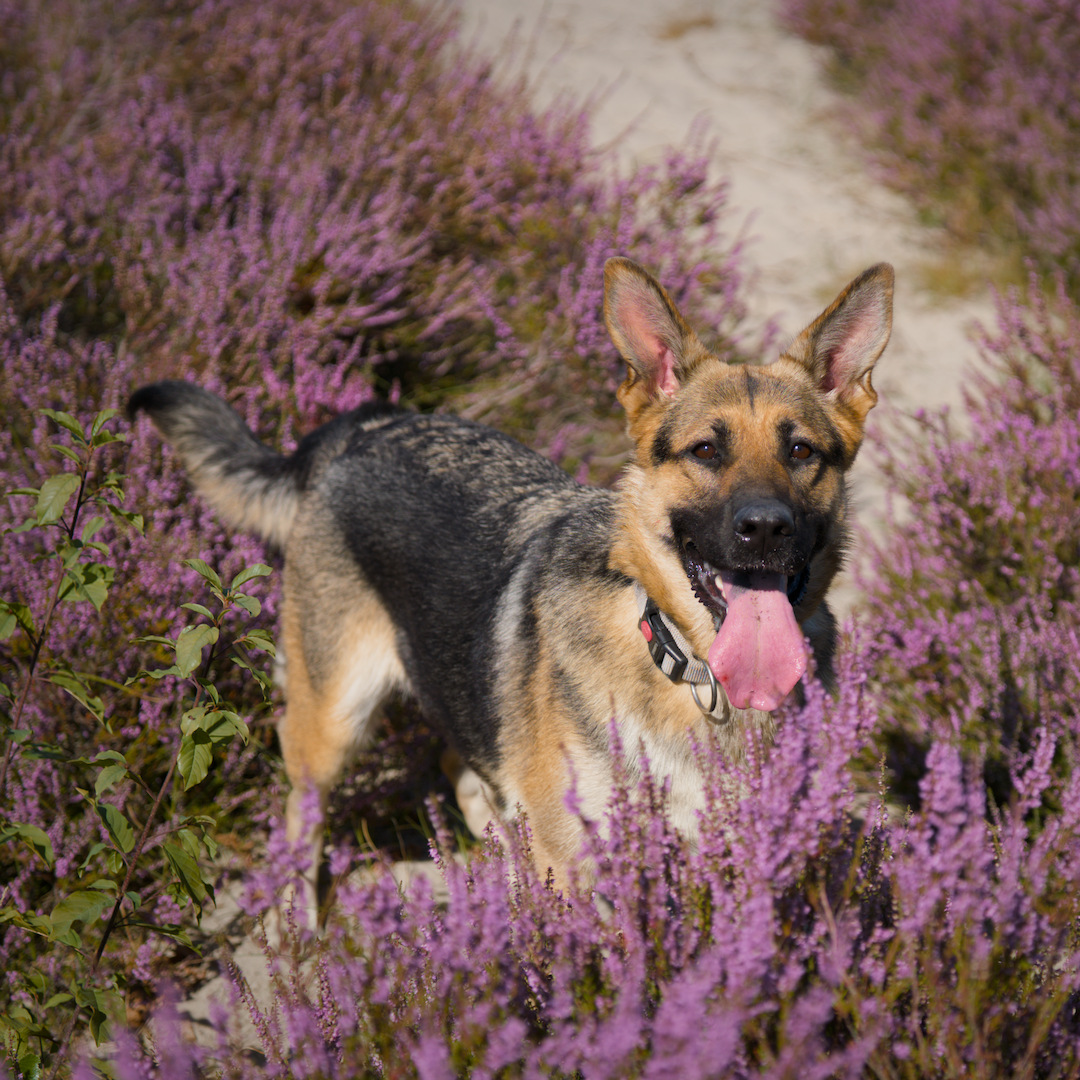
Great dog! I went for a square crop as well… RT using GHS as pre-tone mapper, then just added a bit of chroma.
that looks a lot better
I bumped up the lavender first, then had to lift the browns and pinks in the dog to compensate. 
Square crop, just to be different, and used contrast eqauliser to both lower the fine detail on the fur and lift the coarse a bit to bring out a glossy coat rather than sharpening it. I’ve done this with a few dogs and cats, now
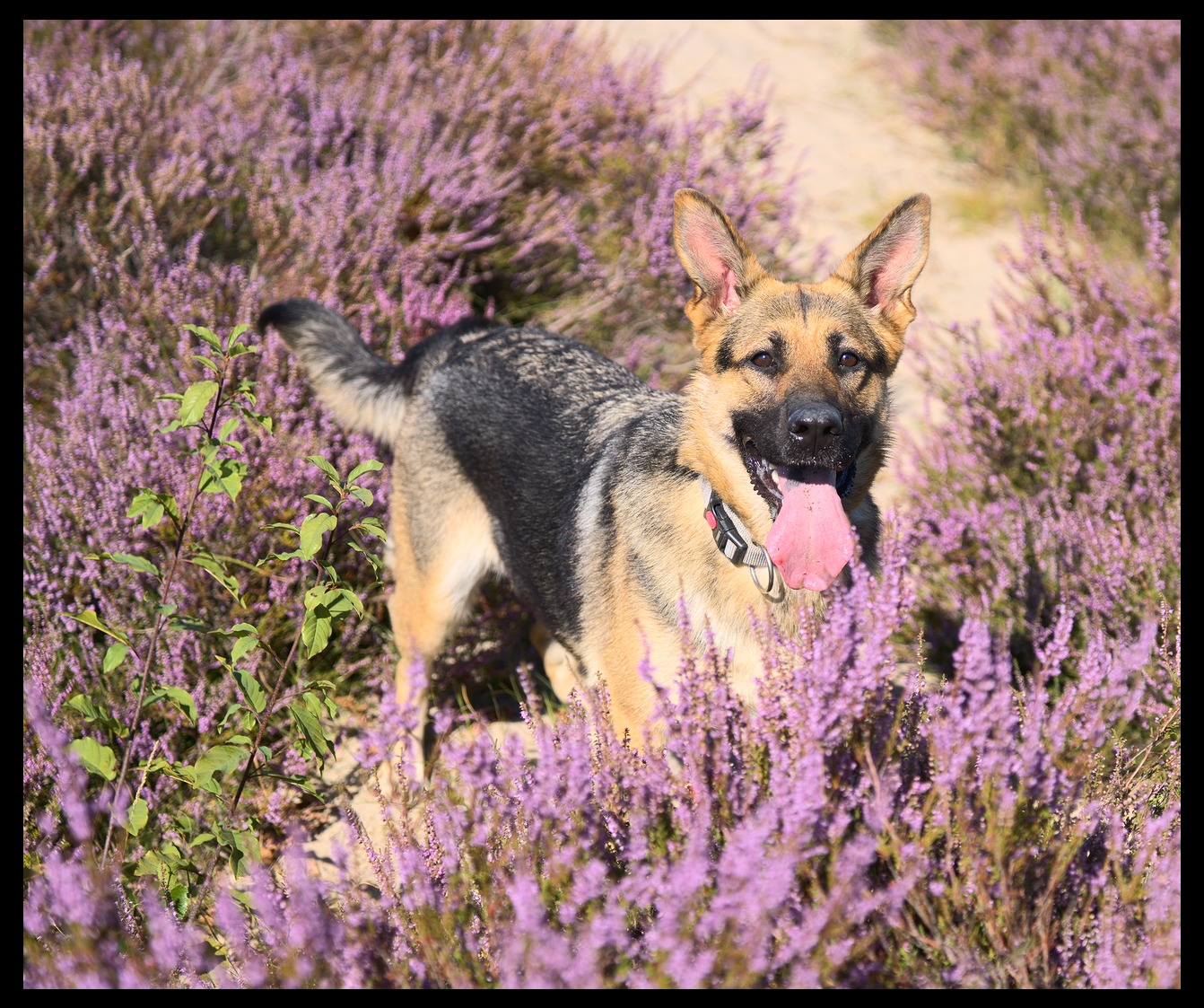
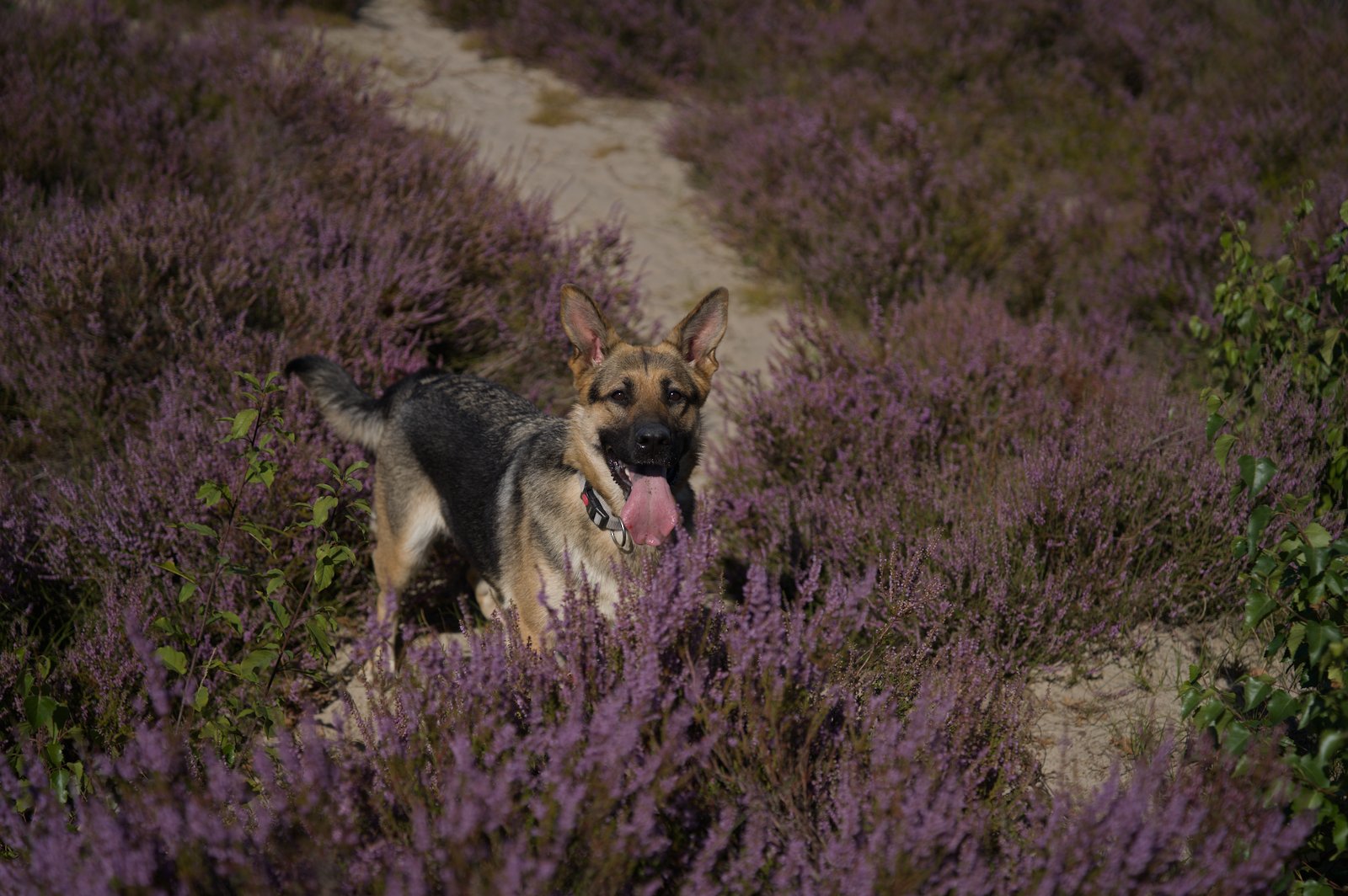
I think its a good picture but the dog is somewhat camouflaged amongst the heather and proportionally small relative to the whole.
I’d crop right in and frame it.
It’s important to become conscious of how light areas in an image draw our attention to them.
What I first see in this image is the path behind the dog, which interferes with the impression of the main subject, the dog.
I’ve just used your jpeg file as sidecar, but added a new instance of exposure where I’ve created a rough drawn and parametric mask that mostly covers said path as well as the lighter sand patch to the right in the heather.Then used this mask to darken the respective areas somewhat.
(I agree with some of the other edits, though, with much tighter crop that eliminates the patch to the right as well as much of the path.)
DT 5.6 nothing too impressive about my edit.
AWP01836.ARW.xmp (16.3 KB)