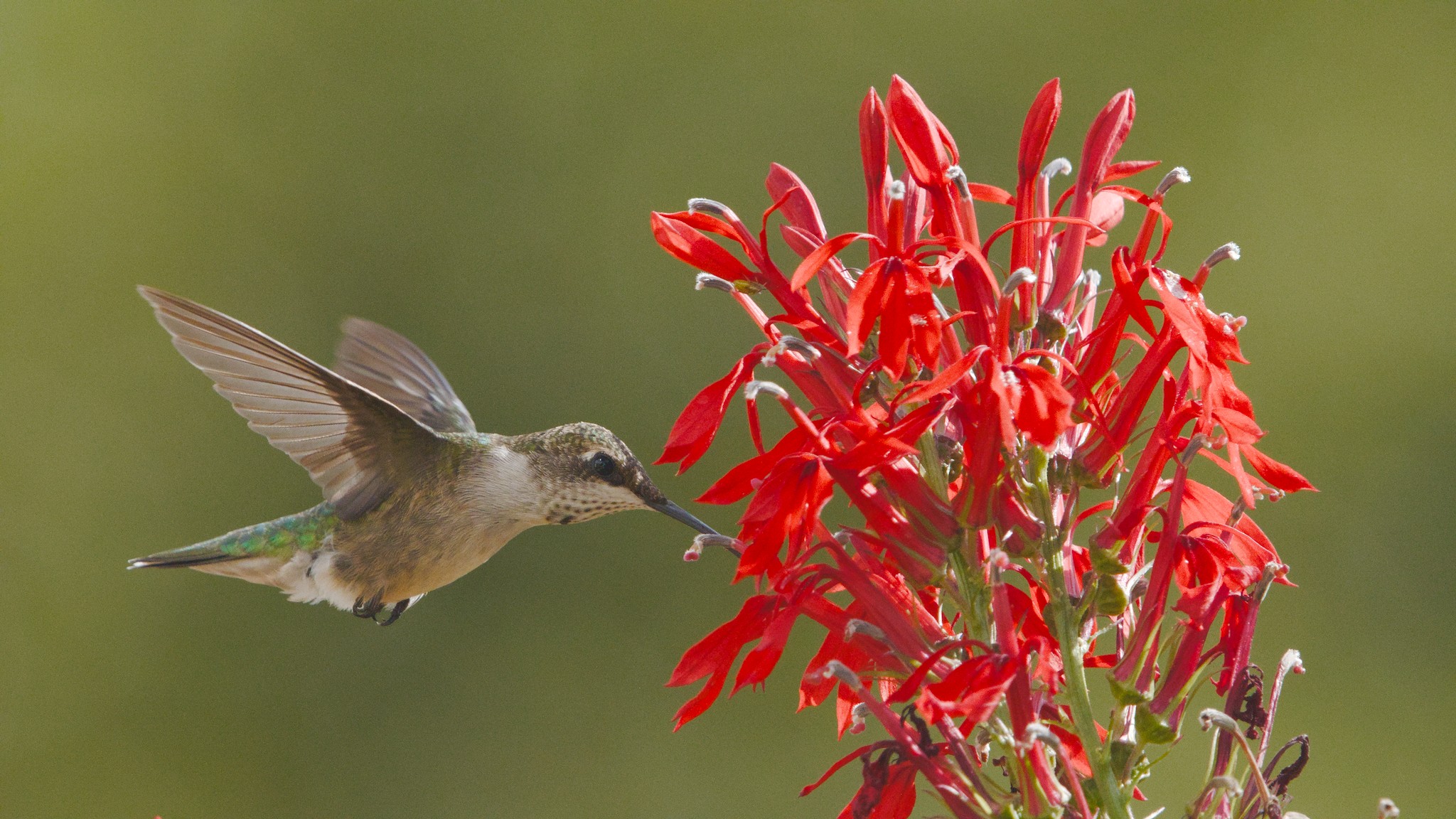
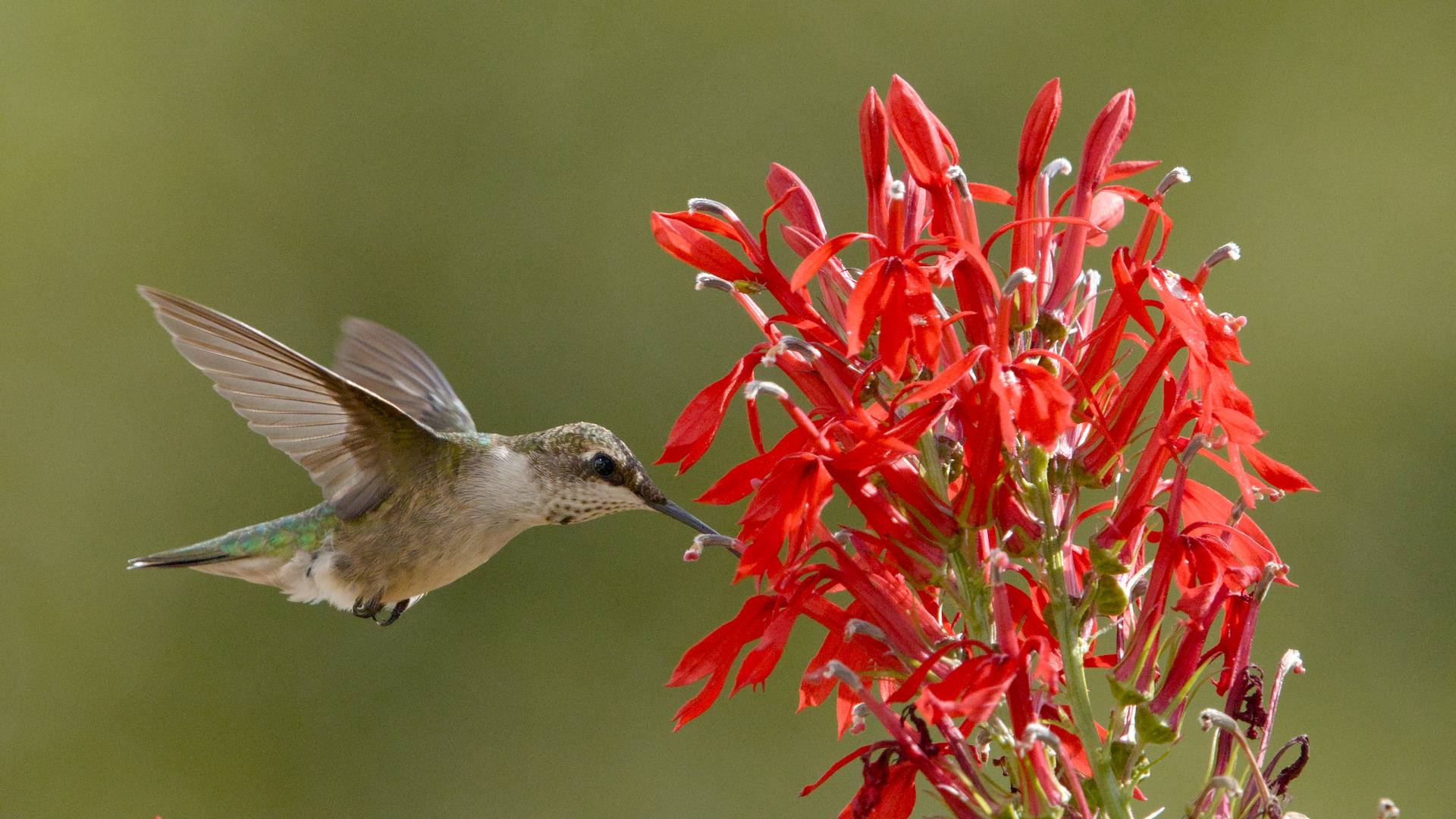
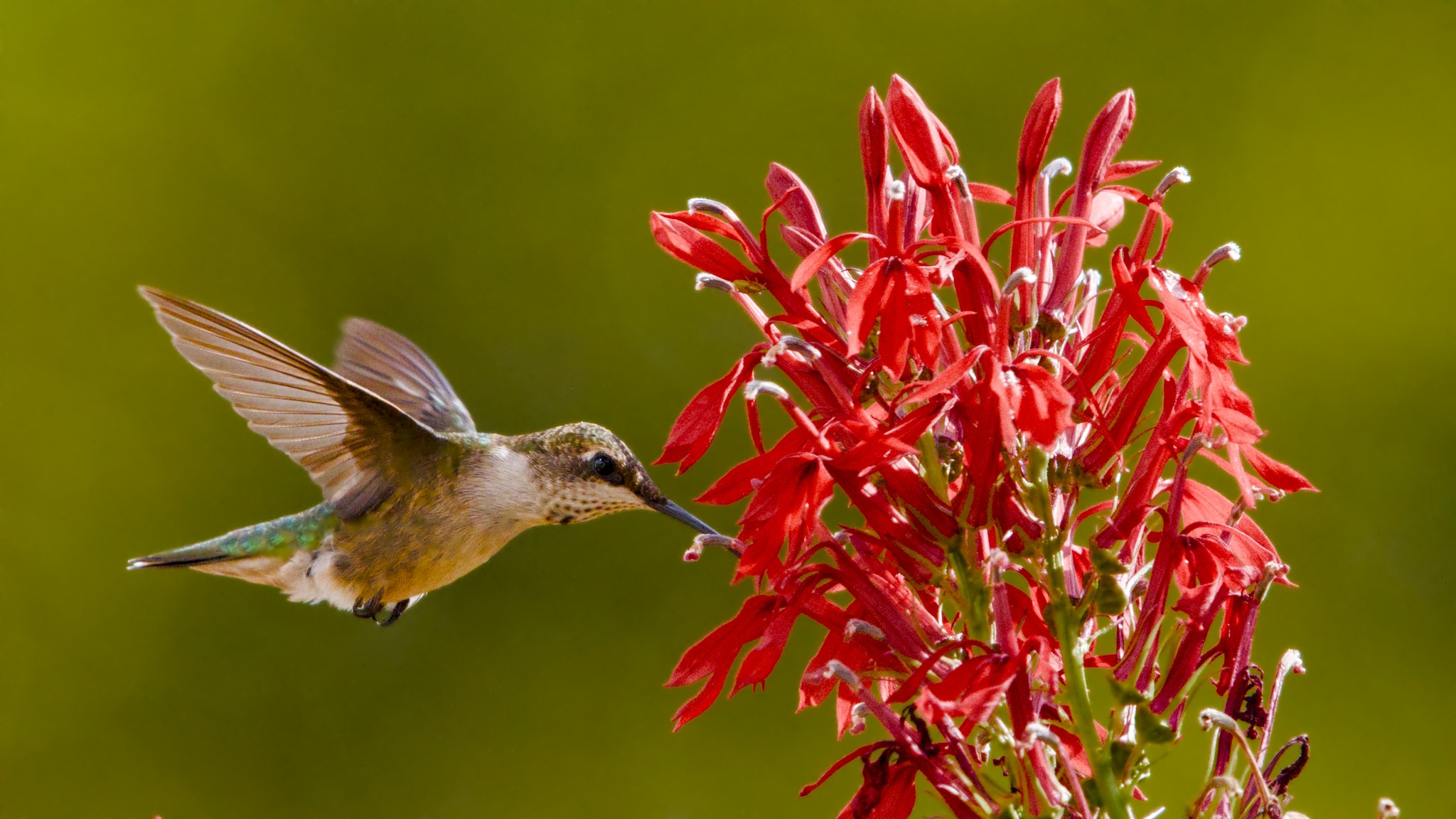
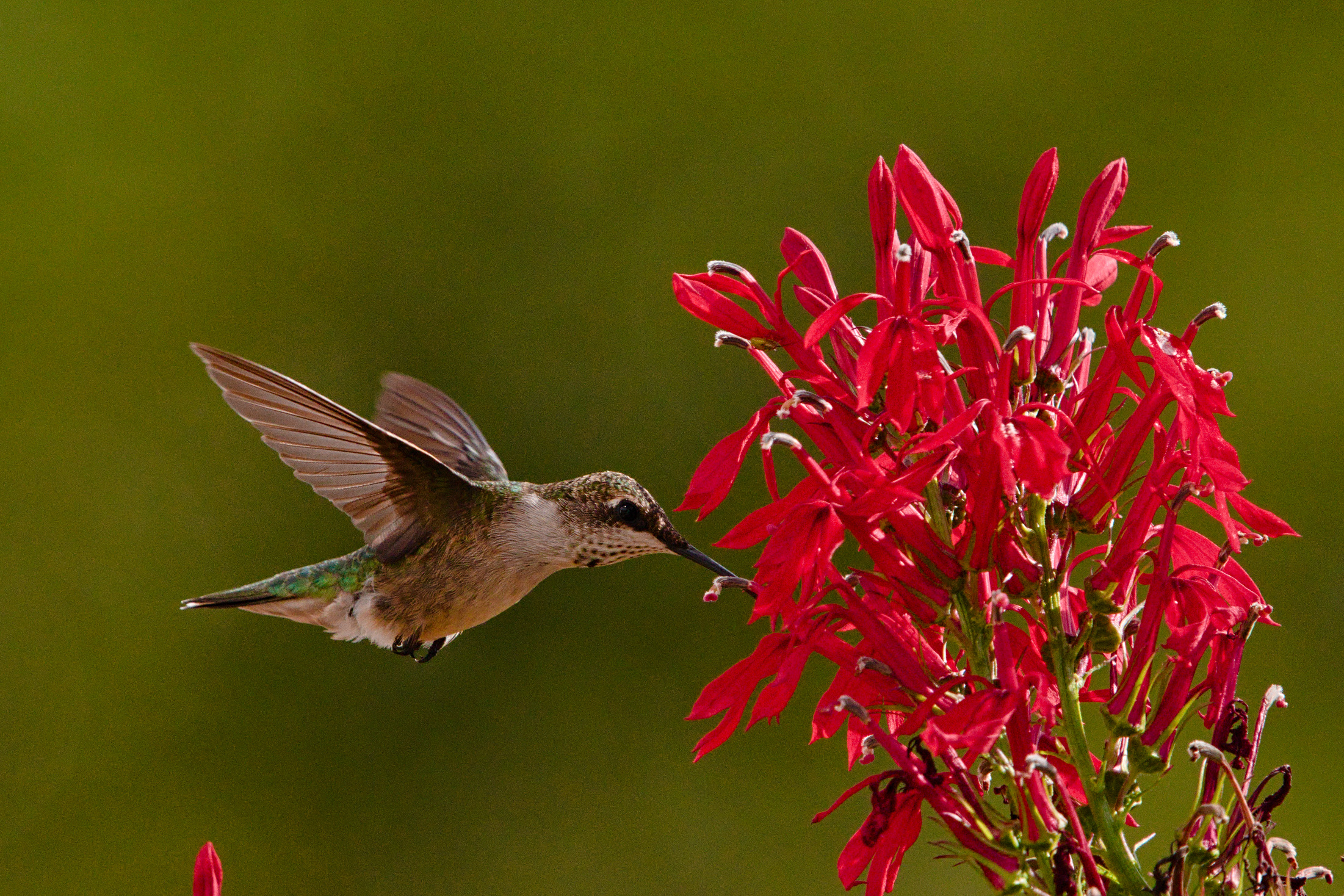
You may try raising the target black and lowering the target white. They act on individual channel values, and are used before the purity boost (them being curve parameters). You may avoid negative values and also > 1.
Alternatively, use color balance rgb, color equalizer etc.
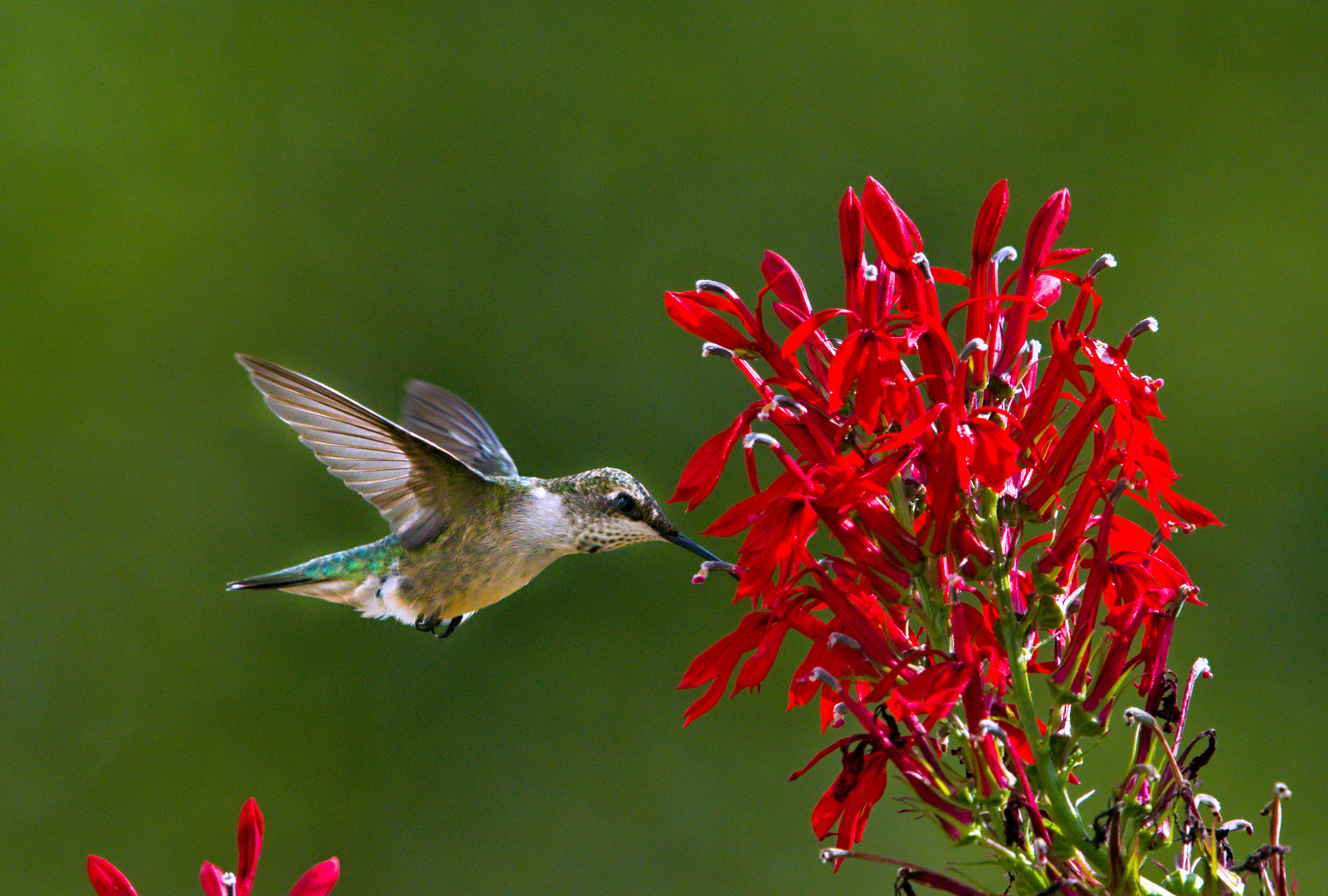
Smoothening the background with contrast equalizer, darkening it in color eqalizer, saturation boost in color balance rgb, but desaturating highly saturated red highlights (and resaturating mid-tones).
Thanks @kofa! I never would have thought of making such seemingly drastic changes to the saturation in this way, but it adds real depth to the flower whereas mine looks fairly flat by comparison.
Love the trick of using contrast equalizer to smooth out the noisy background, too
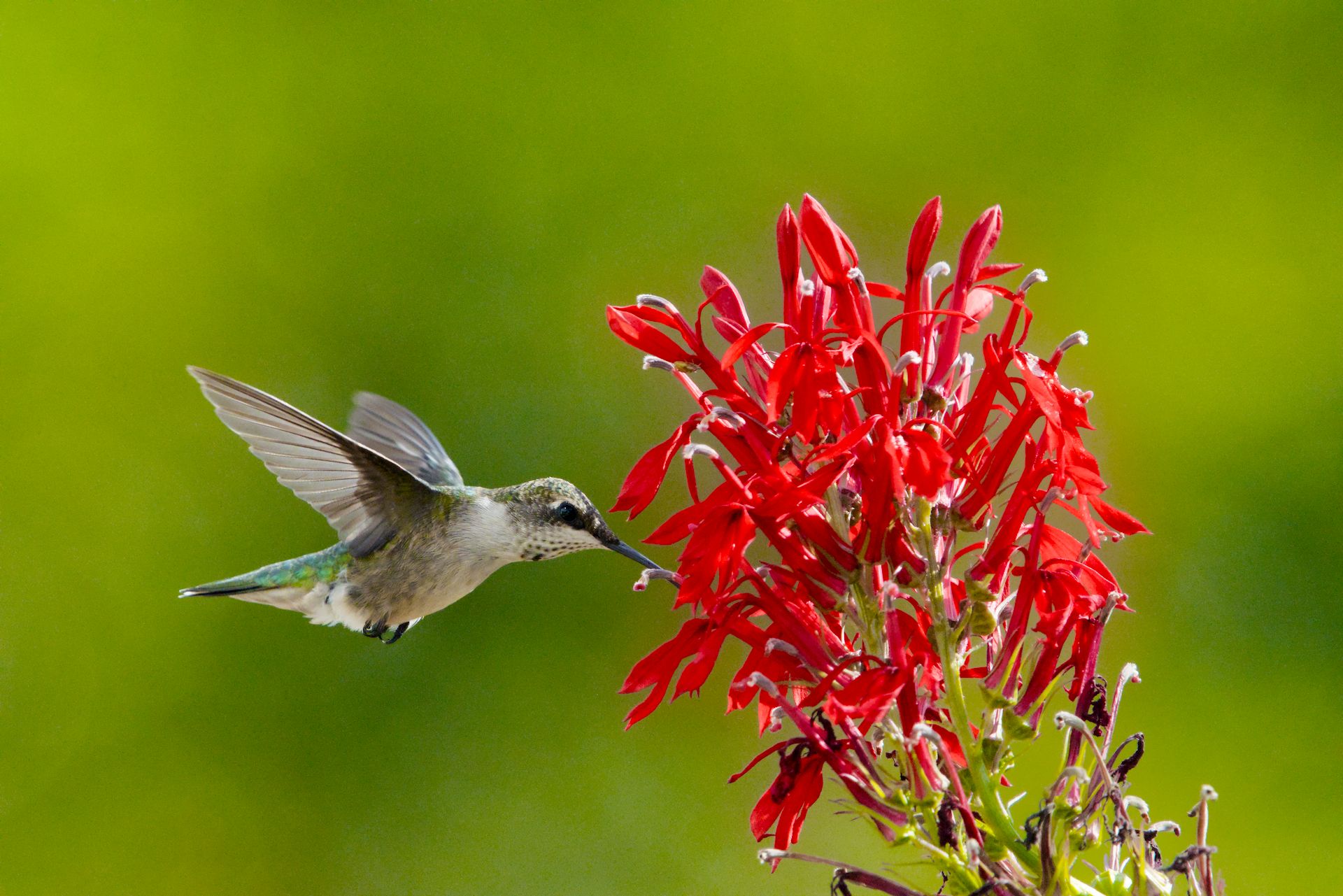
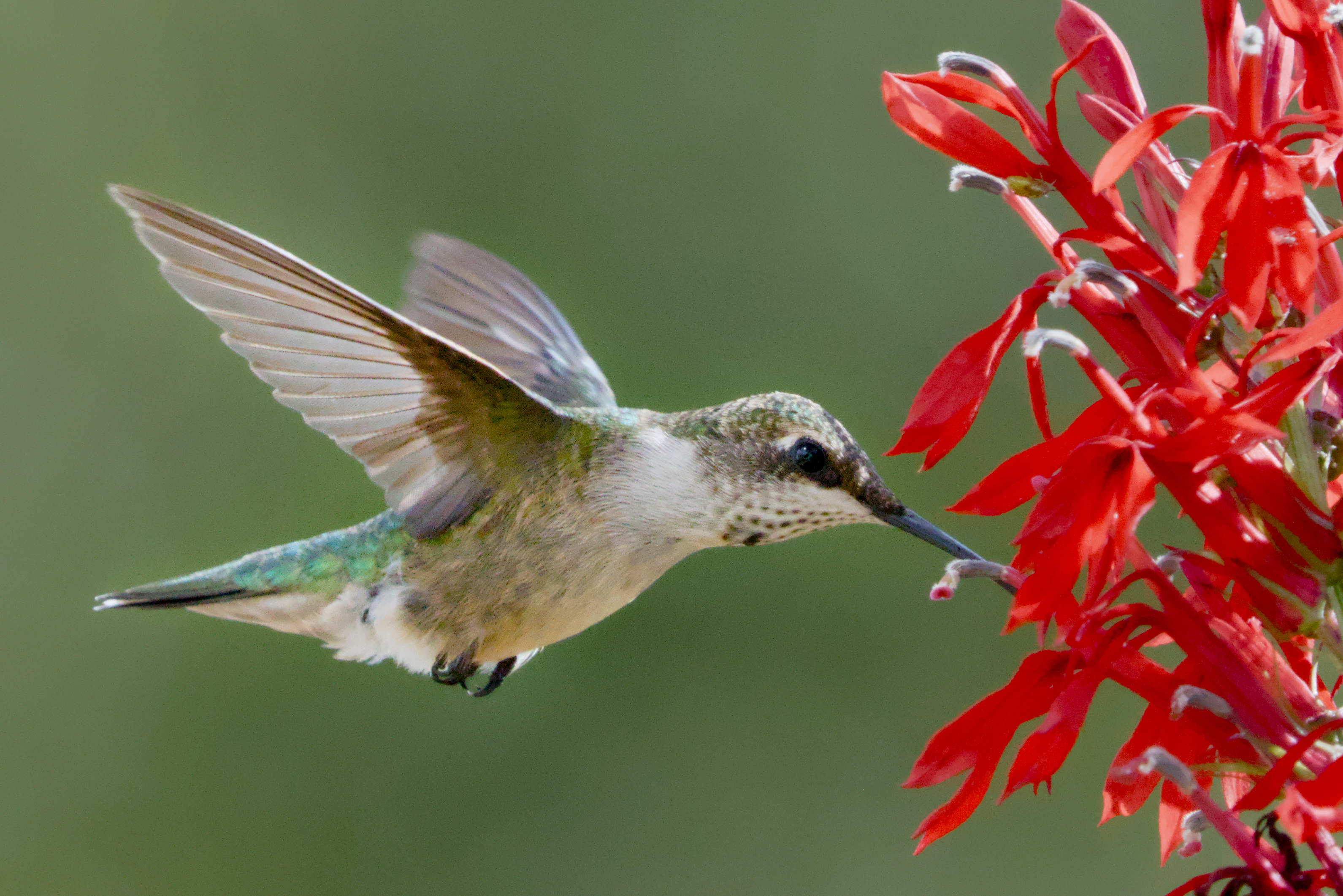
My approach. With these kind of images I can’t do without heavy masking. Darken and desaturate the background, lighten, saturate and add contrast to the subject. Get the rest under control, in this case the red flowers that just begged to be clipped in the red channel.
One thing I find variable here is the details/noise tradeoff. I settled on this, alternatives might be equally valid.
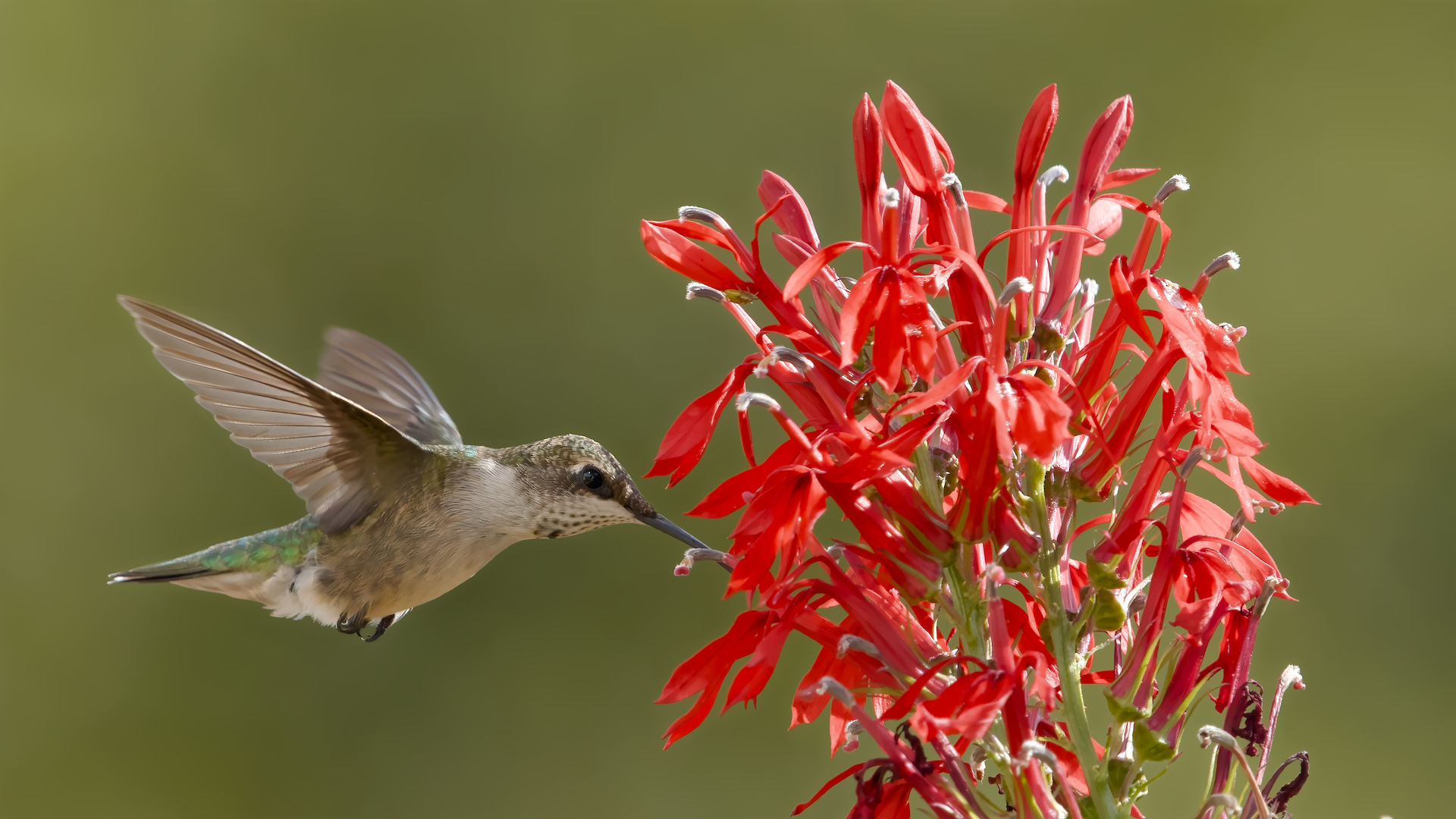
Just for comparison, I ran this through DxO PureRaw 5 to denoise and duplicated the flow from above. (I won’t post the resulting DNG, since it’s 100MB)