Add my thanks too. A great idea and the interface is easy to use and all works very nicely.
1 Like
Truth be told I might be a dunderhead because I really don’t know how to take advantage of this new module in my editing. I would love to see a picture and its xmp file to demonstrate how this new module should or could be used for an advantage. I am sure it can, but I just don’t get it. Thanks.
1 Like
I must say that I’m on the opposite side, to me this module is to me a key changer in Darktable. It is incredible for doing color grading, I’m still baffled by it.
2 Likes
I’d love to as well! Not because I’m skeptical, but because I’m not running nightlies.  Perhaps a video would work better for demonstrating in this case.
1 Like
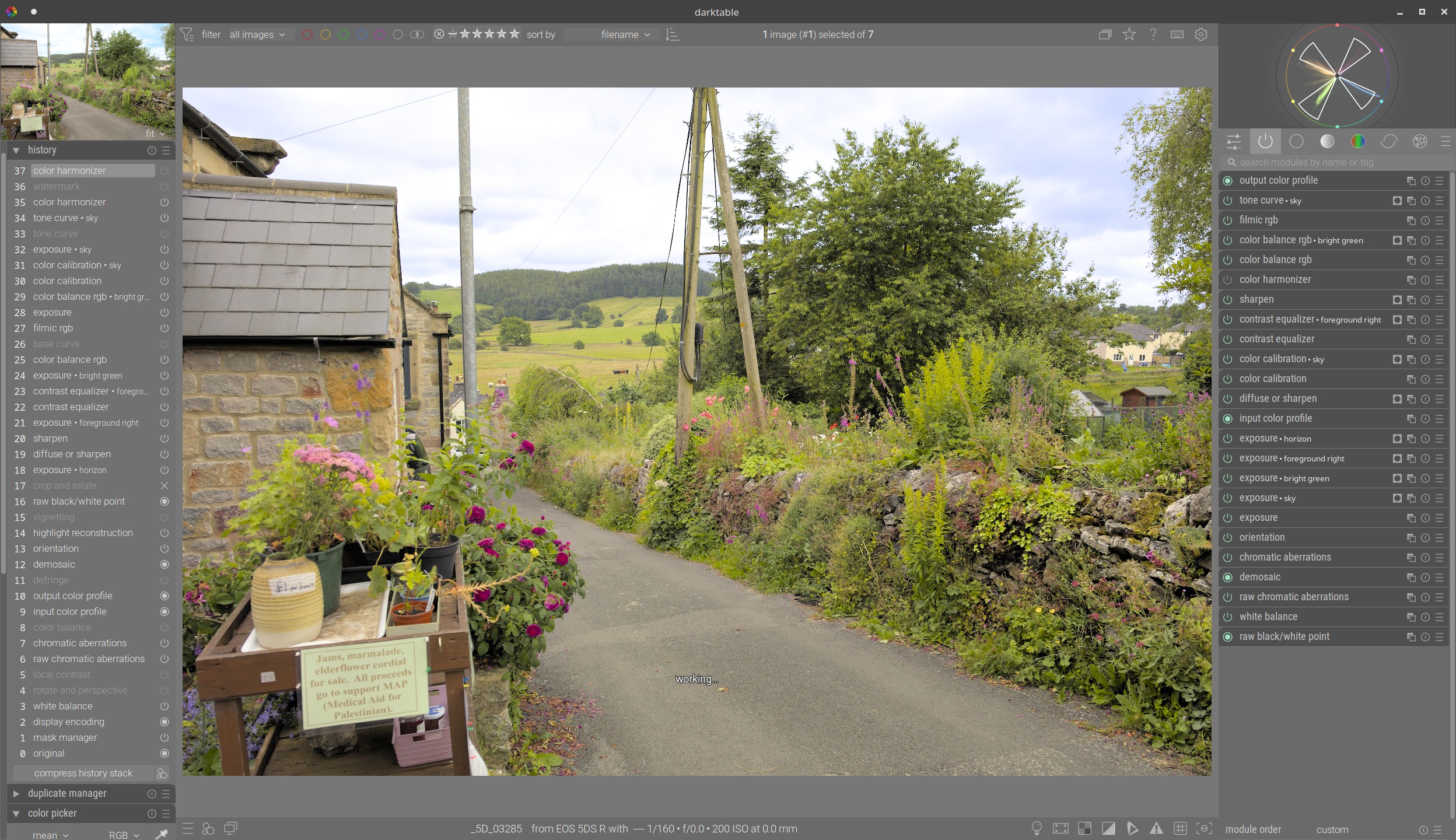
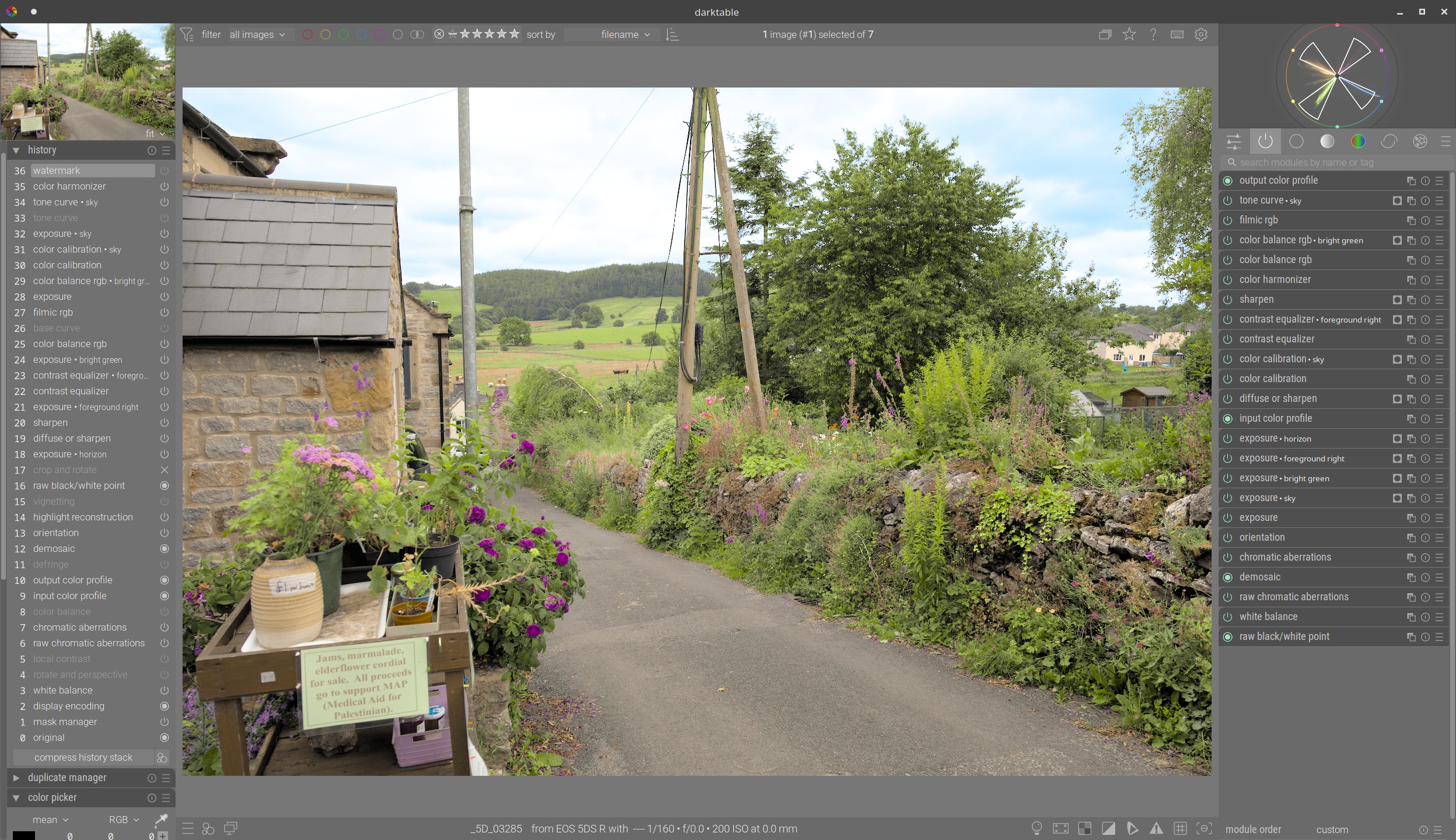
@Terry , here’s an example. Before harmonizer, then after. See the colours rationalized, harmonized, unified. Whether you prefer the first or second is perhaps a separate issue.
1 Like
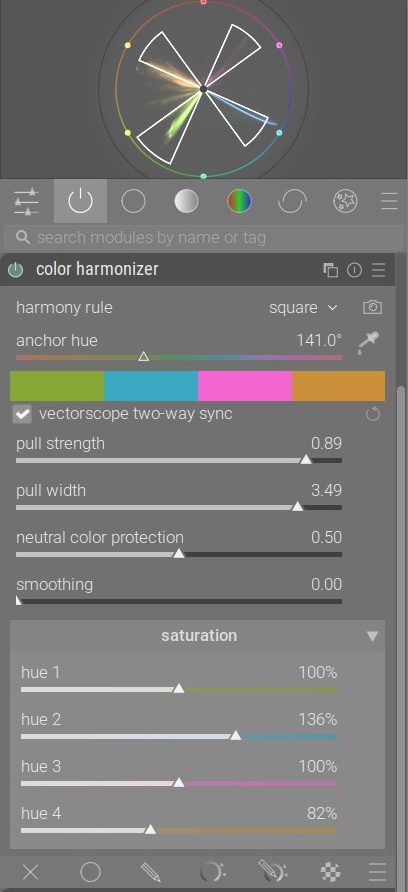
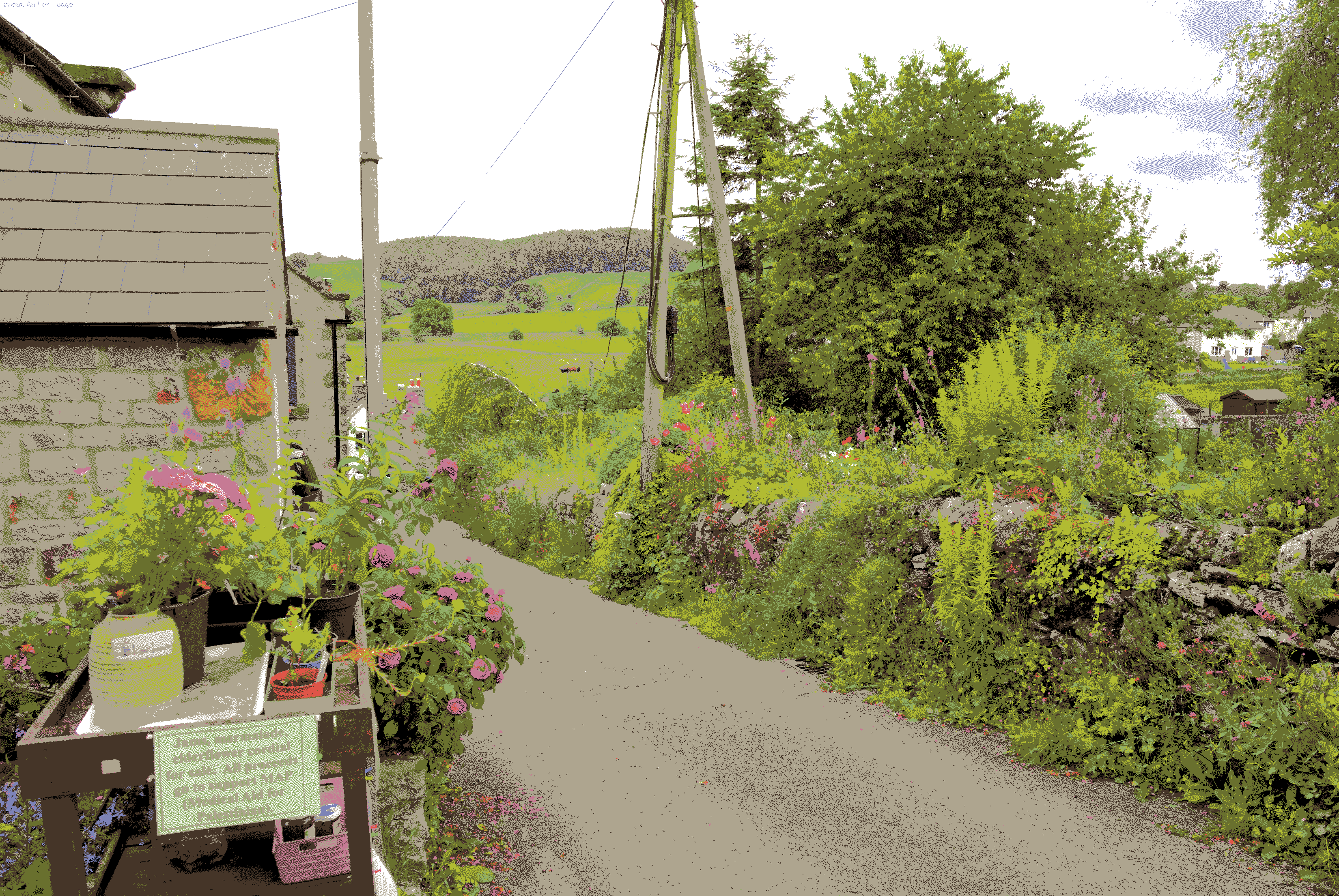
Recently I was trying out @electrosaur 's posterization engine. This is with the “painterly” mode.
Hi Terry,
See here for an example.
It pulls an image together by moving all the distracting colors towards a small set of hues that are in some harmonious (mathematically speaking) relationship.
It works best when the image has an inherent harmony (auto-detect can find that for you), so you can use the module to make that harmony more obvious.
I also like to use it to completely change the mood of a frame by bringing in colors that were not there already, but that is probably more a subjective preference.
2 Likes