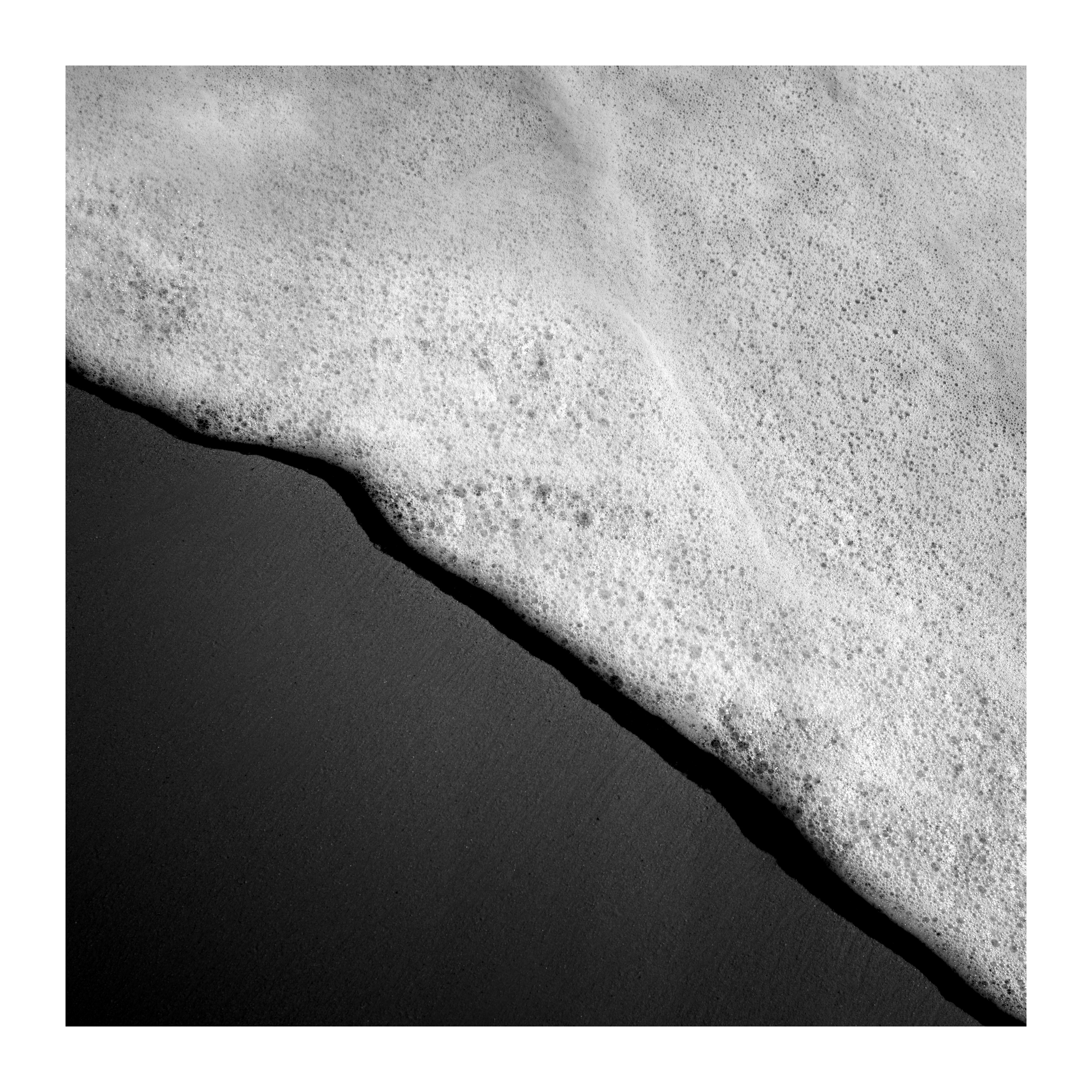
I’m really new to Darktable, but loving it so much already. I shoot almost exclusively in black and white, and wondered if there are any good tools for mono conversion.
Is it simply a case of choosing ‘grey’ in color calibration, and then working with exposure and tone equalizer. Or is there more to think through?
That’s one way of doing it, and that’s how I do it most of the time. While I don’t do a whole lot of B&W edits, I’m also thinking about the possibility of tweaking the brightness of each hue in Color equalizer and then use the regular Monochrome module to convert it to B&W.
If you download the LUT pack that’s on the Rawtherapee wiki (link), you can choose a specific camera style that you want to imitate. The quality of the LUTs may vary, so you might want to check each one.
There are more ways, but these came to my mind first.
I would shoot in color and then convert color to BW in DT. This approach allows you to simulate the look of color contrast filters used in film photography. For instance, with a landscape image in the sky you might want to simulate the high contrast look that came from using a red or orange filter with film. But in the foreground the foliage looks better if you simulate the look of using a yellow/green filter. This can be achieved through various ways in DT. If you submit a suitable image as a playraw you would get some good insight into how people approach this.
I have tried using both monochrome module and the color calibration module, and I think I prefer using the color calibration module (grey tab). It happens before the tone mapper module (filmic, AgX, sigmoid), which I prefer. But also, I like making my black and white conversion earlier in the pipeline so that I am not as distracted by the colors. But that is a personal taste thing.
I don’t know, if it’s implied in any of the posts above, but in one of Boris’ videos he suggests duplicating the ‘color calibration’ module and dragging that above the ‘color balance RGB’ module. The B&W conversion is then done with that second ‘color calibration’ module. This allows for a lot of fine tuning of tones with the underlying 'color balance RGB module.
I like very dark skies in my B&W conversions and the above is the most reliable way to archive that.
This is really helpful, thanks. I need to get my head back in the mindset of layers, like I used to with Photoshop, etc. This helped me to understand the relation between one ‘layer’ and another when stacking modules together
I use the 2x color calibration module method mentioned by @Photoniker . It allows the color equalizer (easy targeting of certain colors) as well as the contrast equalizer chroma tab to be employed productively.
I usually have a certain ‘grey’ mix in mind when I start processing, but sometimes I find it fun to use the monochrome module first. Just to see what different mixtures will do to the image.
As @kofa mentioned, the ‘grey’ values can be taken negative if you manually type them in. It can be really useful, but use HQ processing or export large and view the tiff/jpg at 100% before printing (if you do such things).
Thanks all for the help so far. SO much to learn, but I can already see how powerful it is so far. This is from a trip out to the coast yesterday. We finally had a nice day’s weather. And until we get more fog (this is what I mainly shoot!), I’m quite happy with what Darktable can do for me.