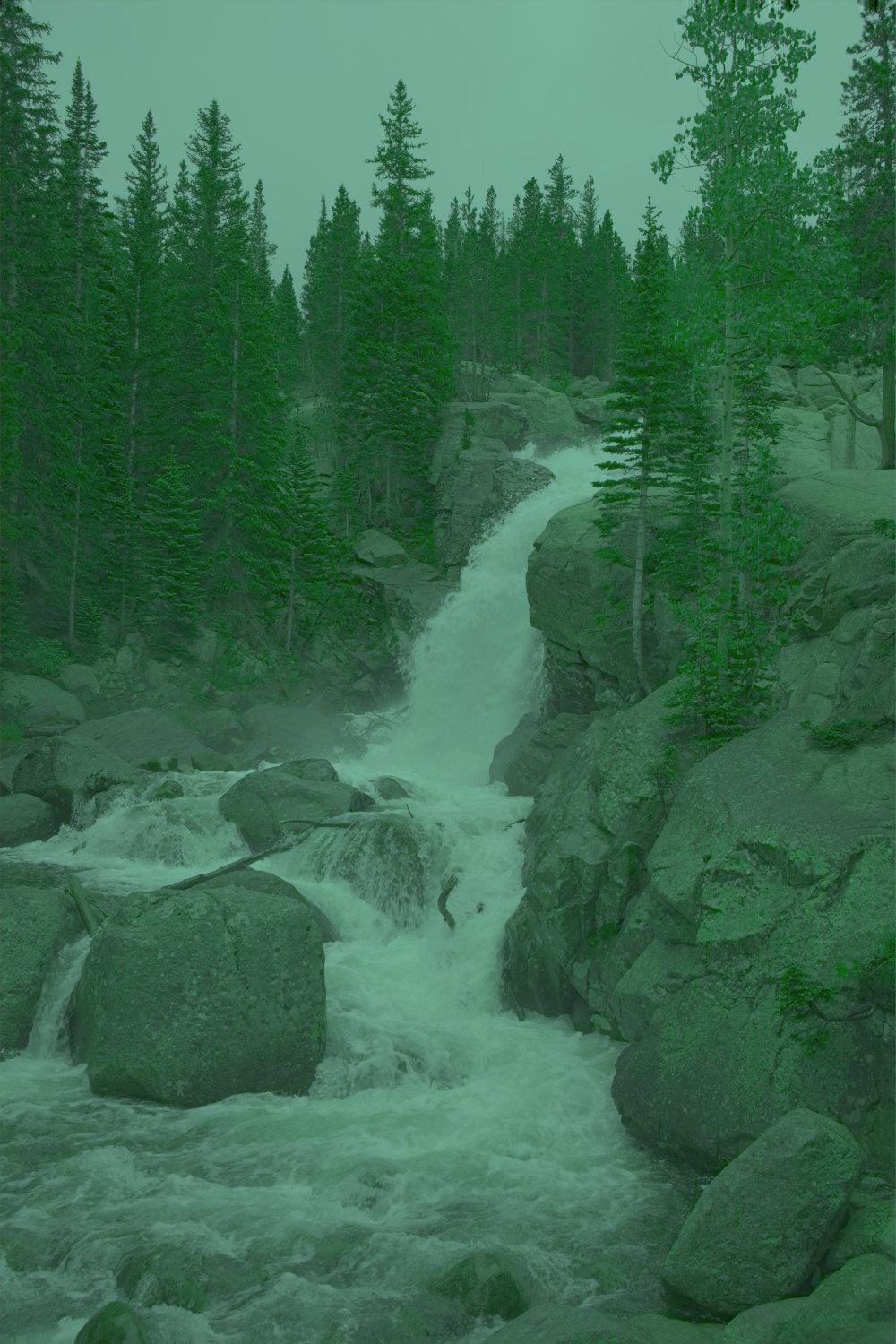
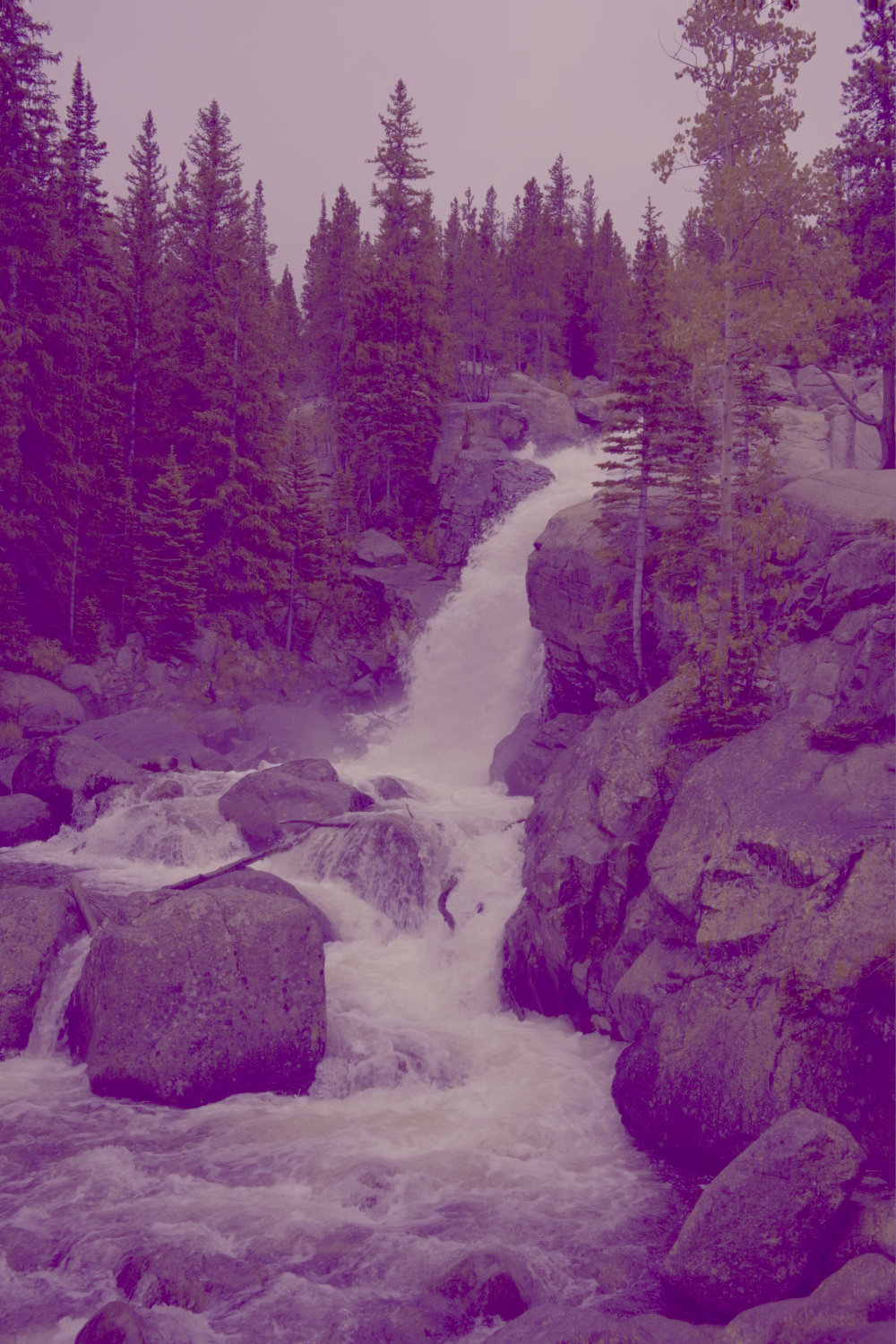
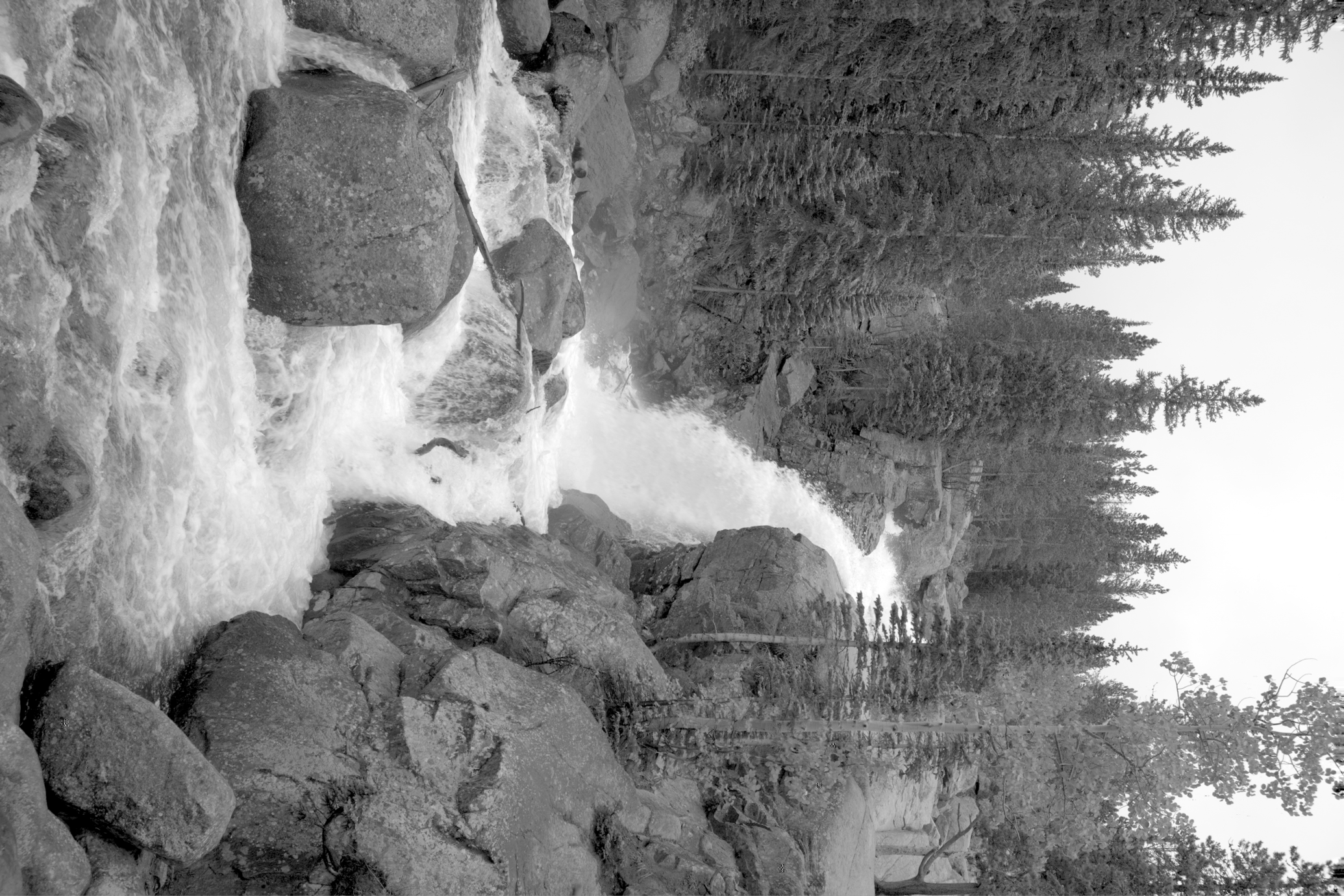
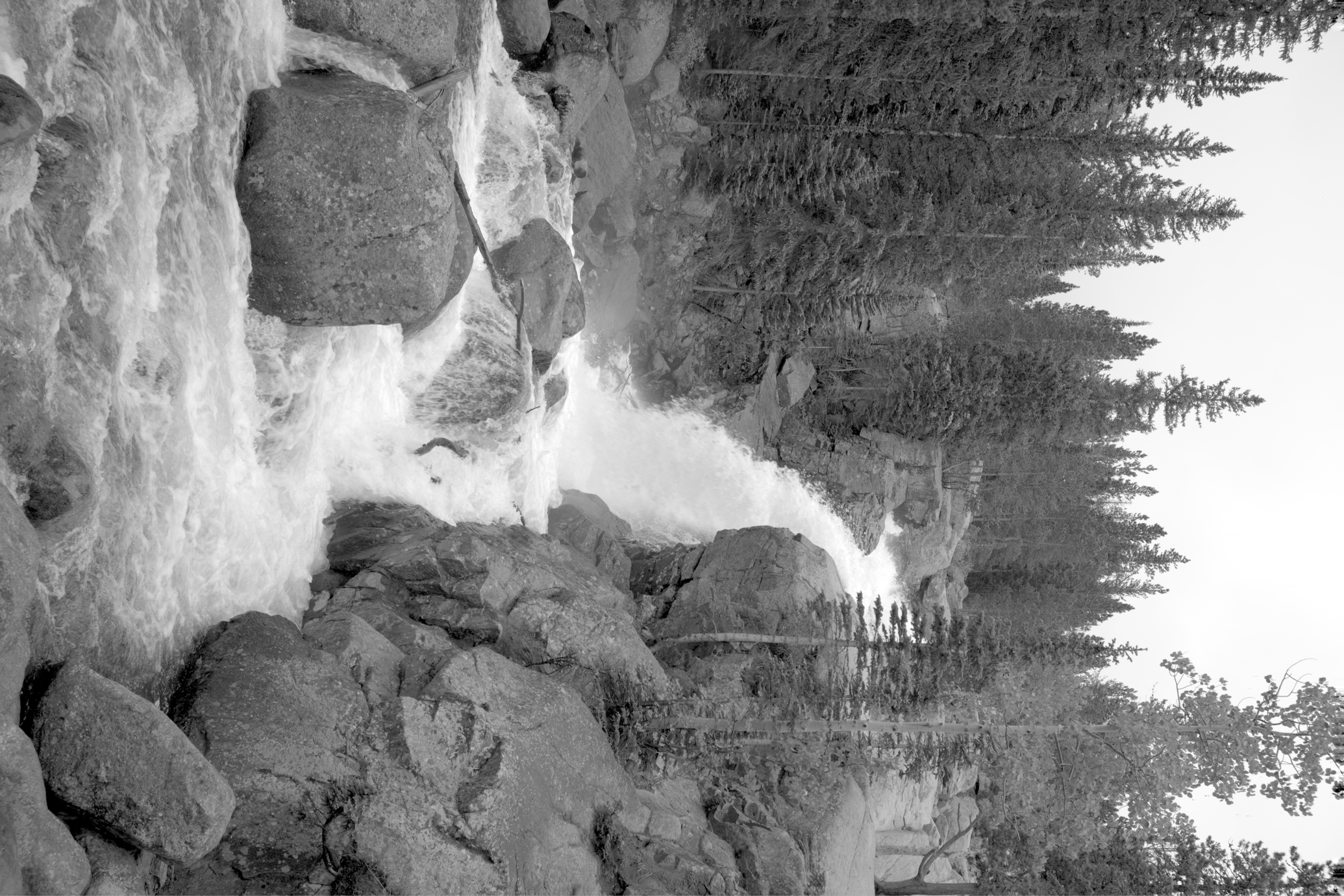
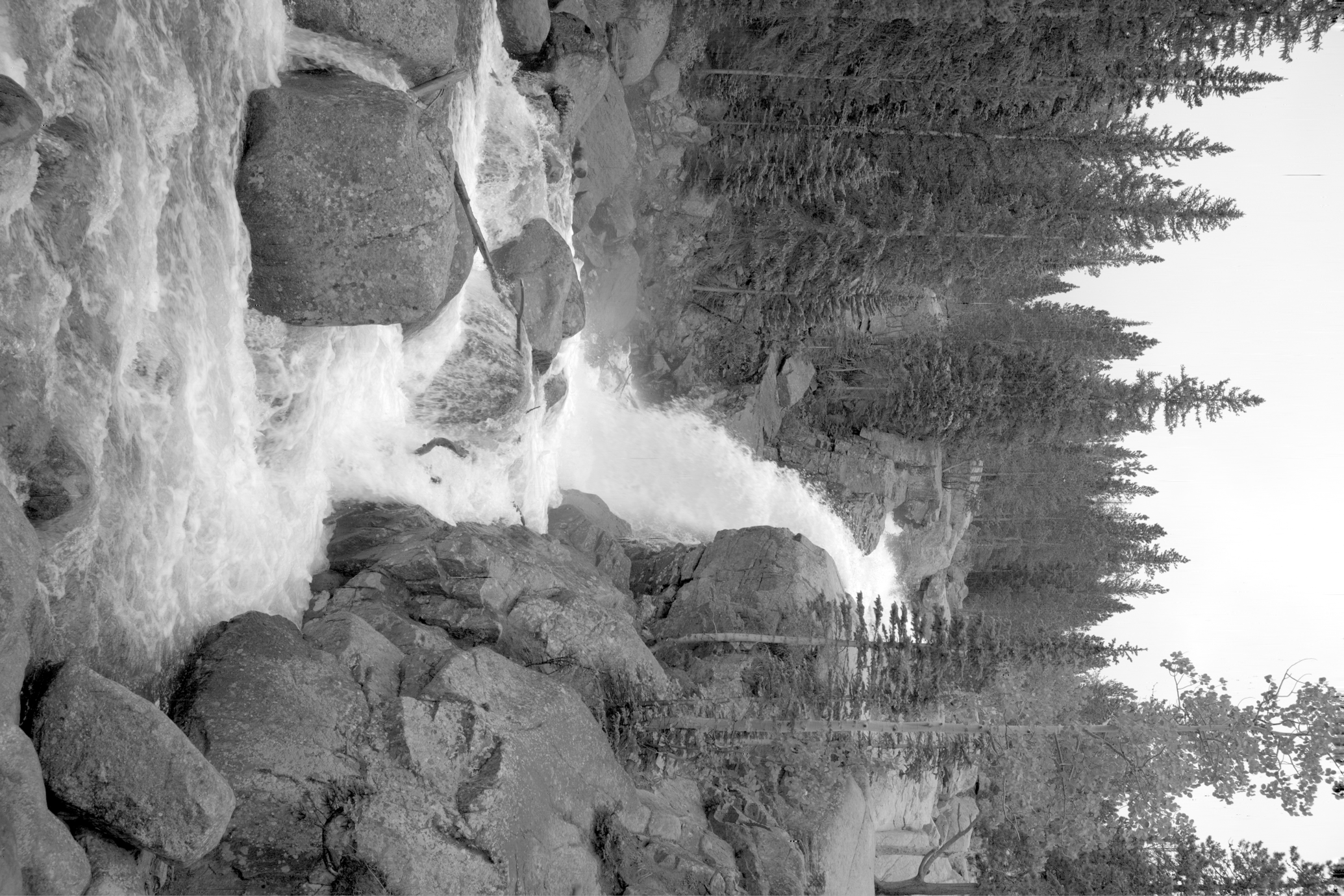
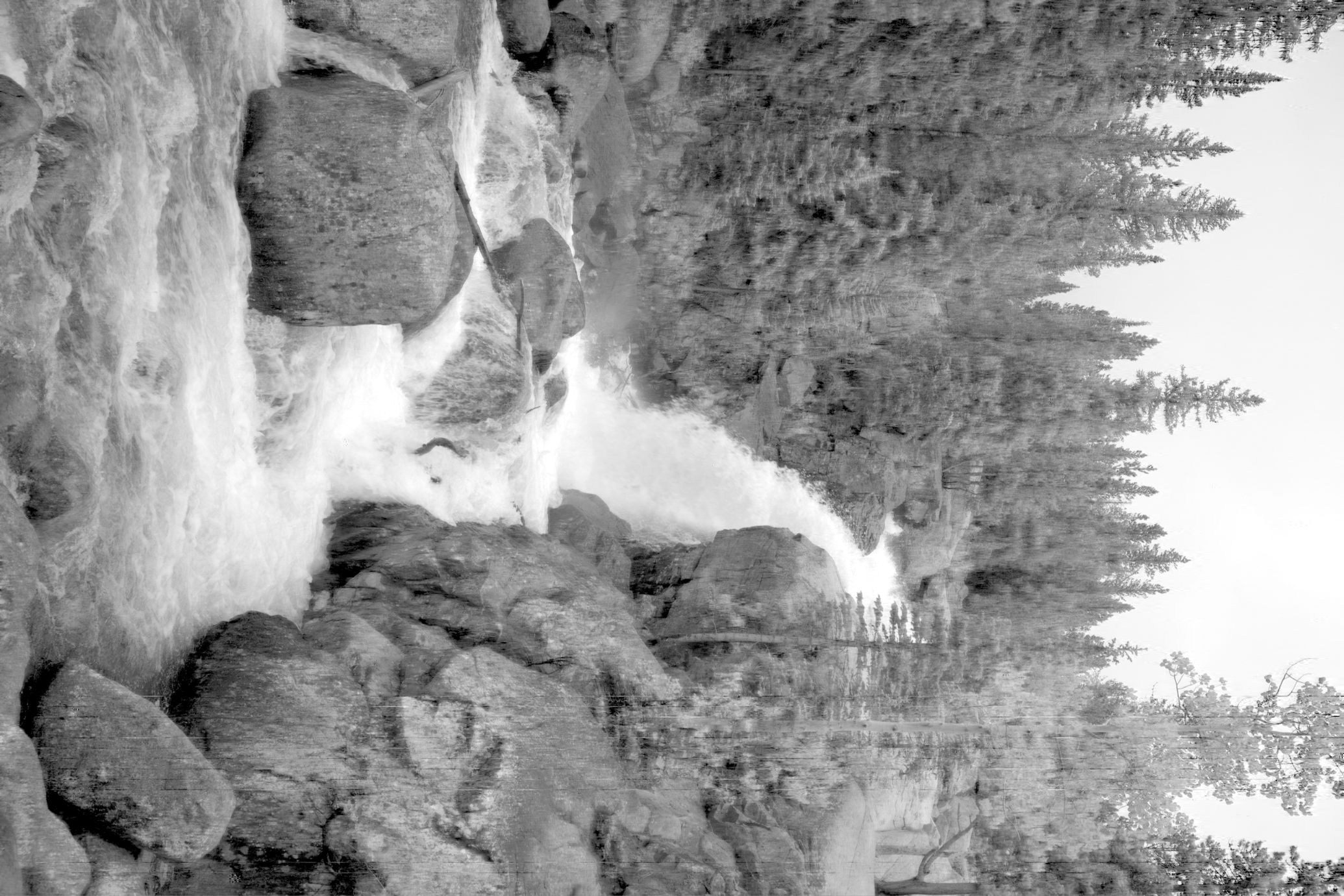
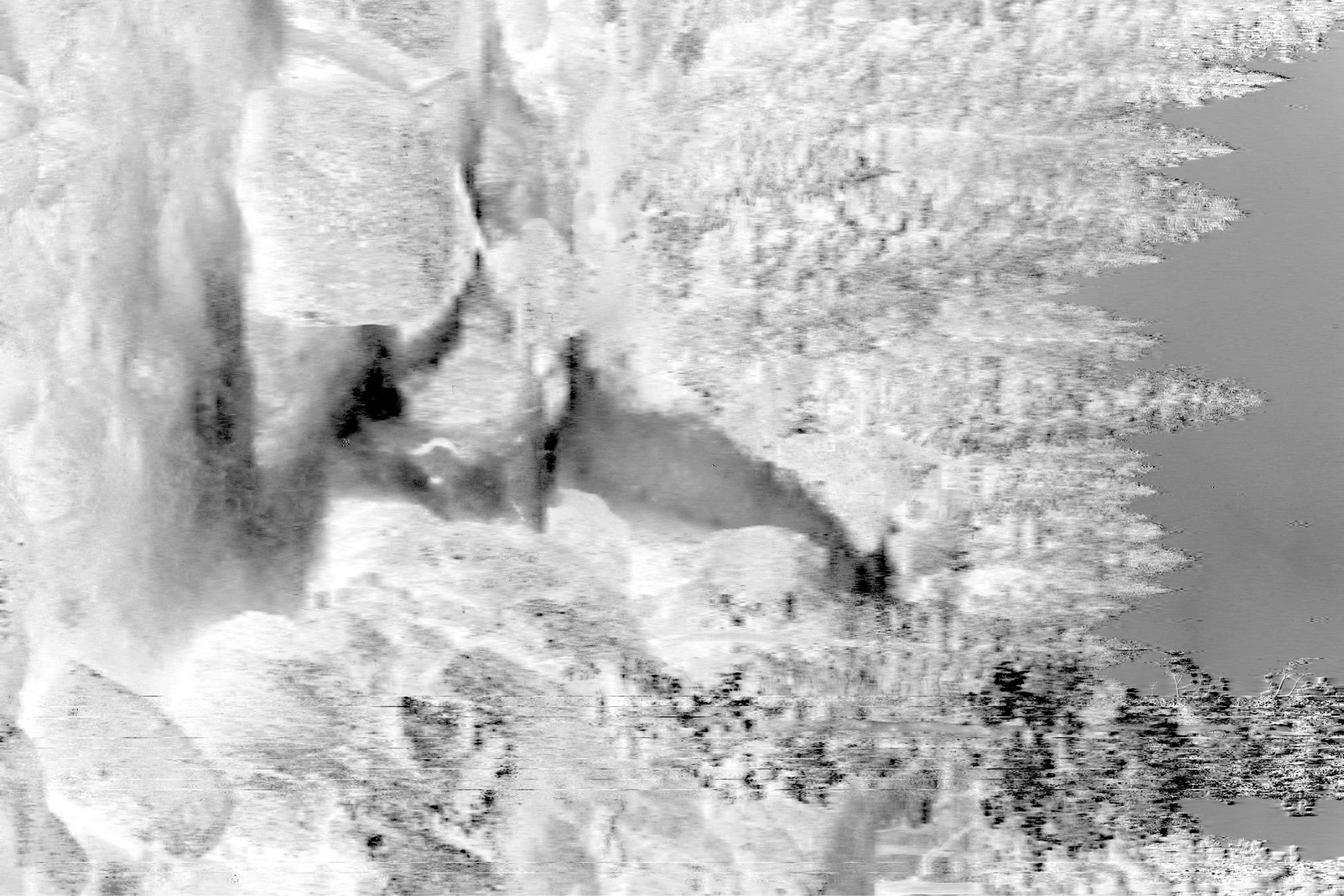
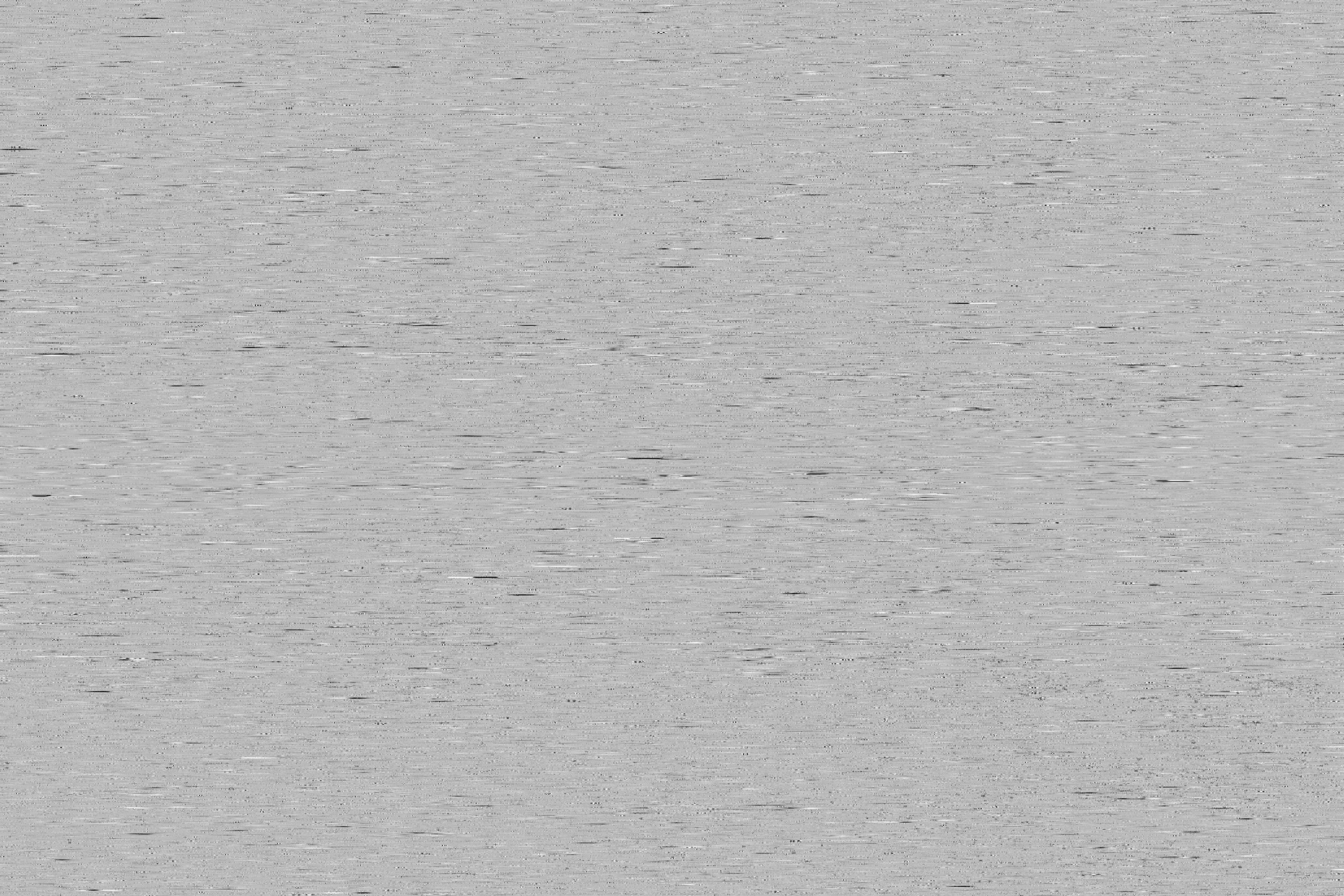
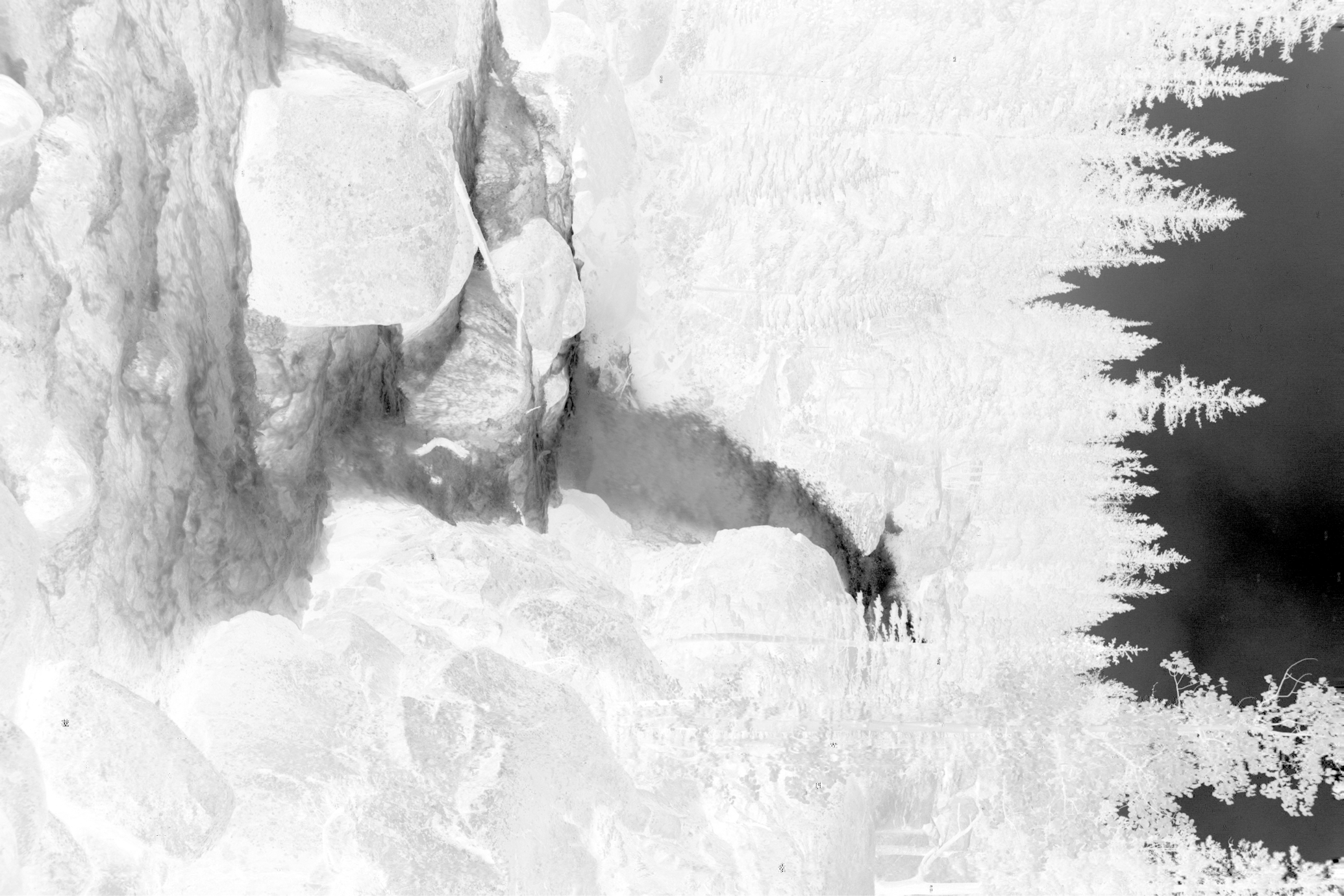
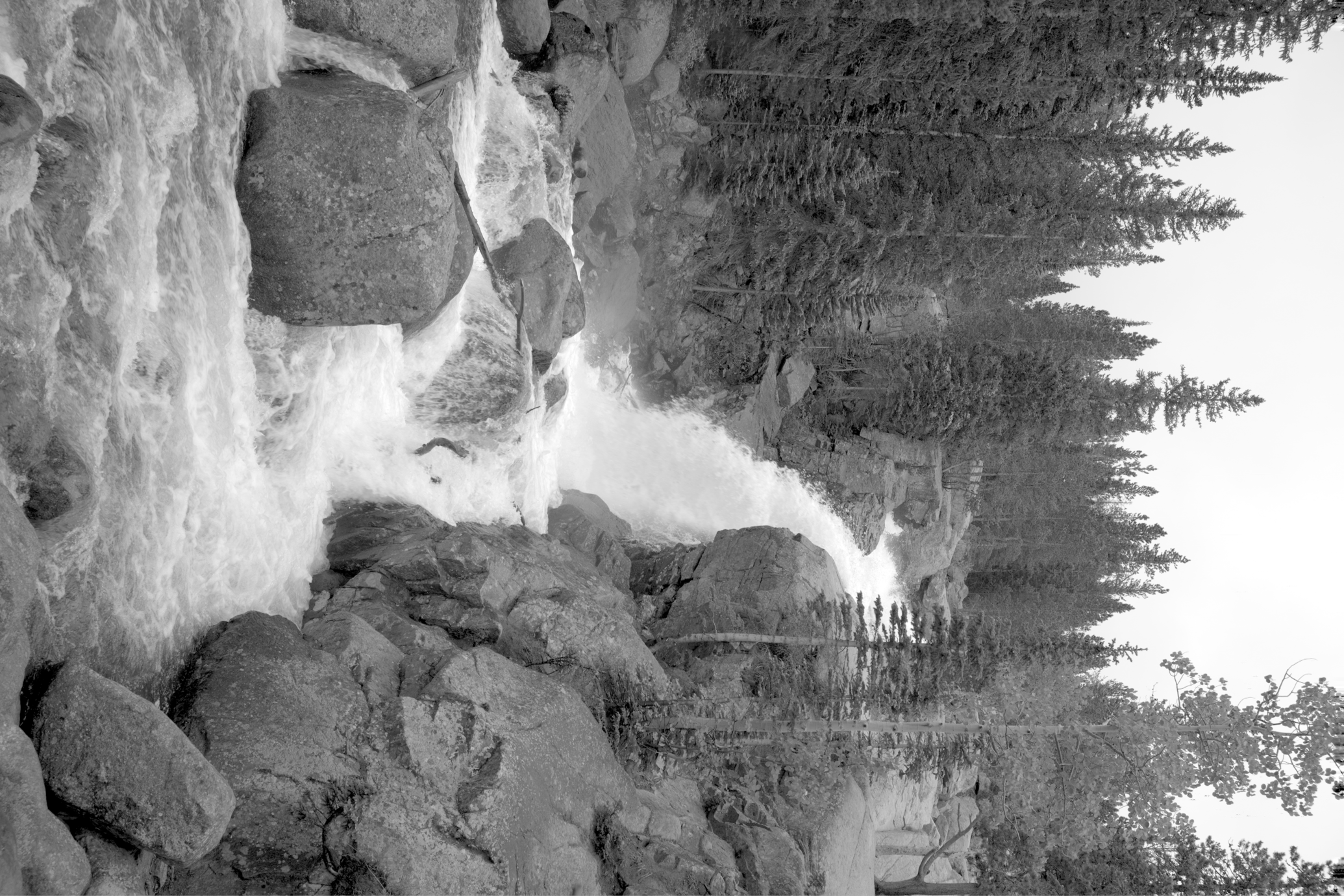
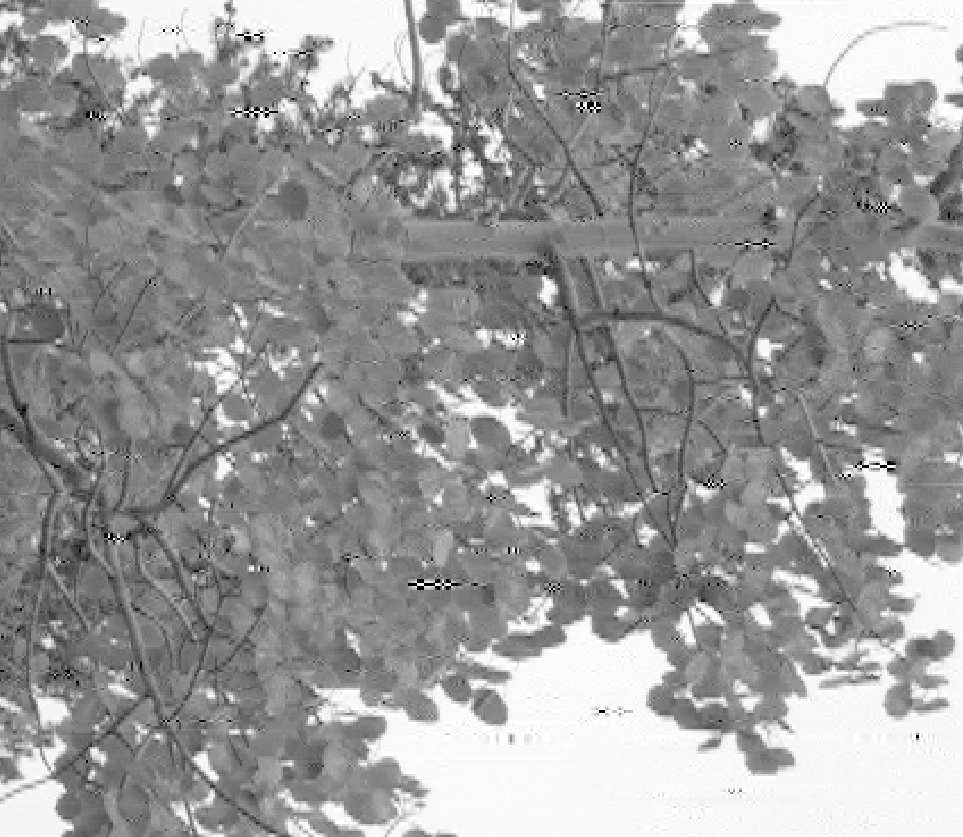
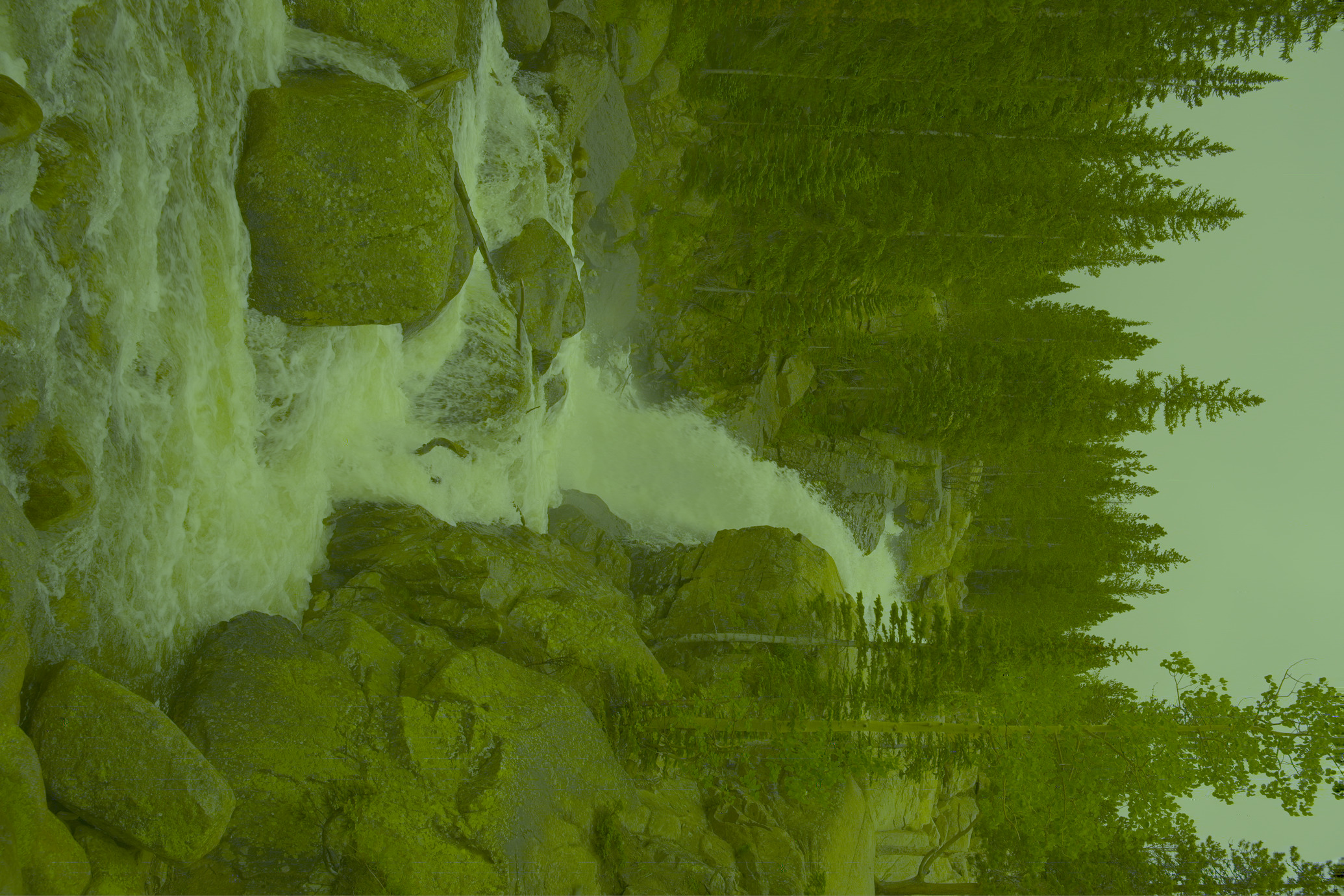
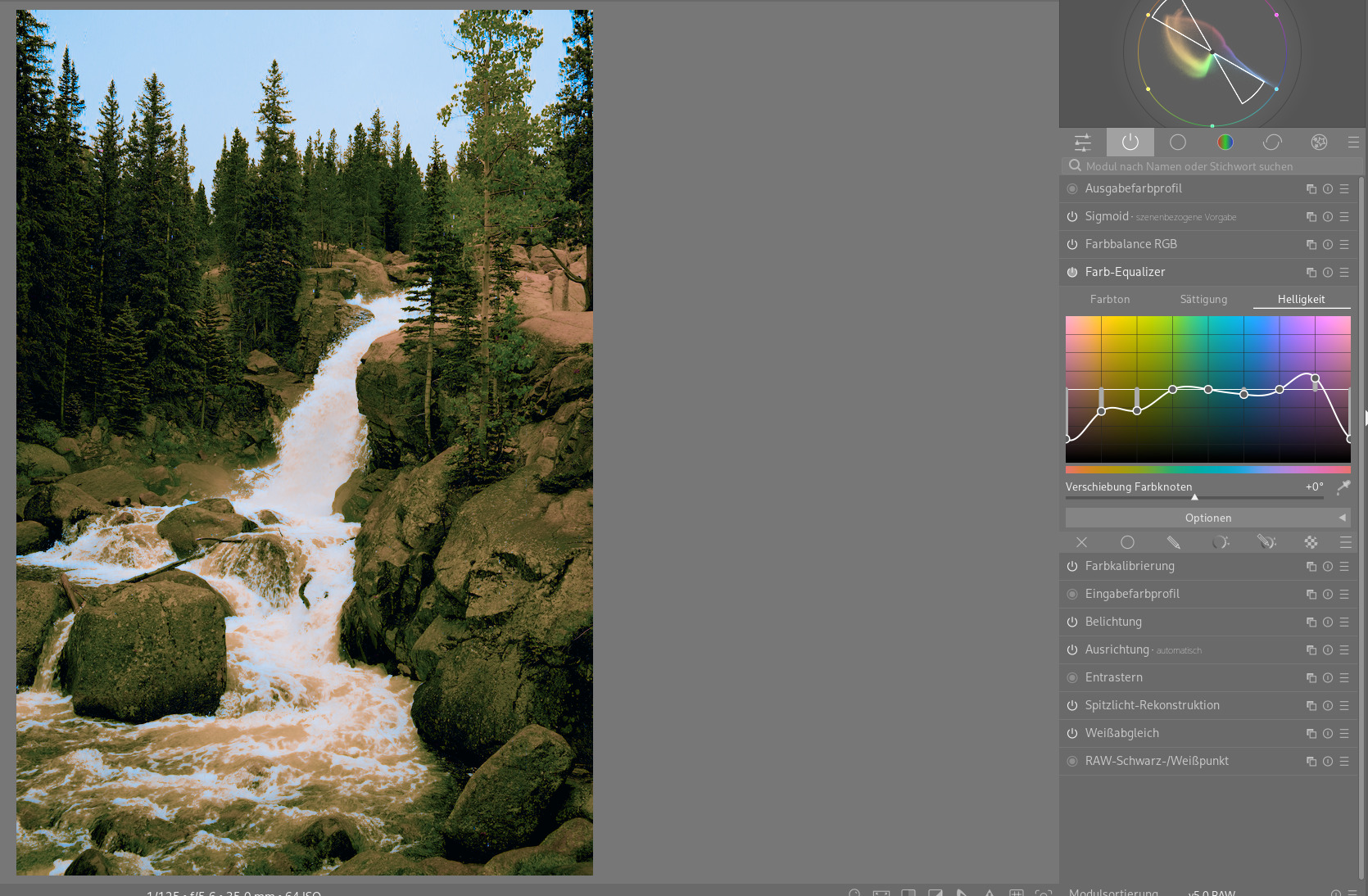
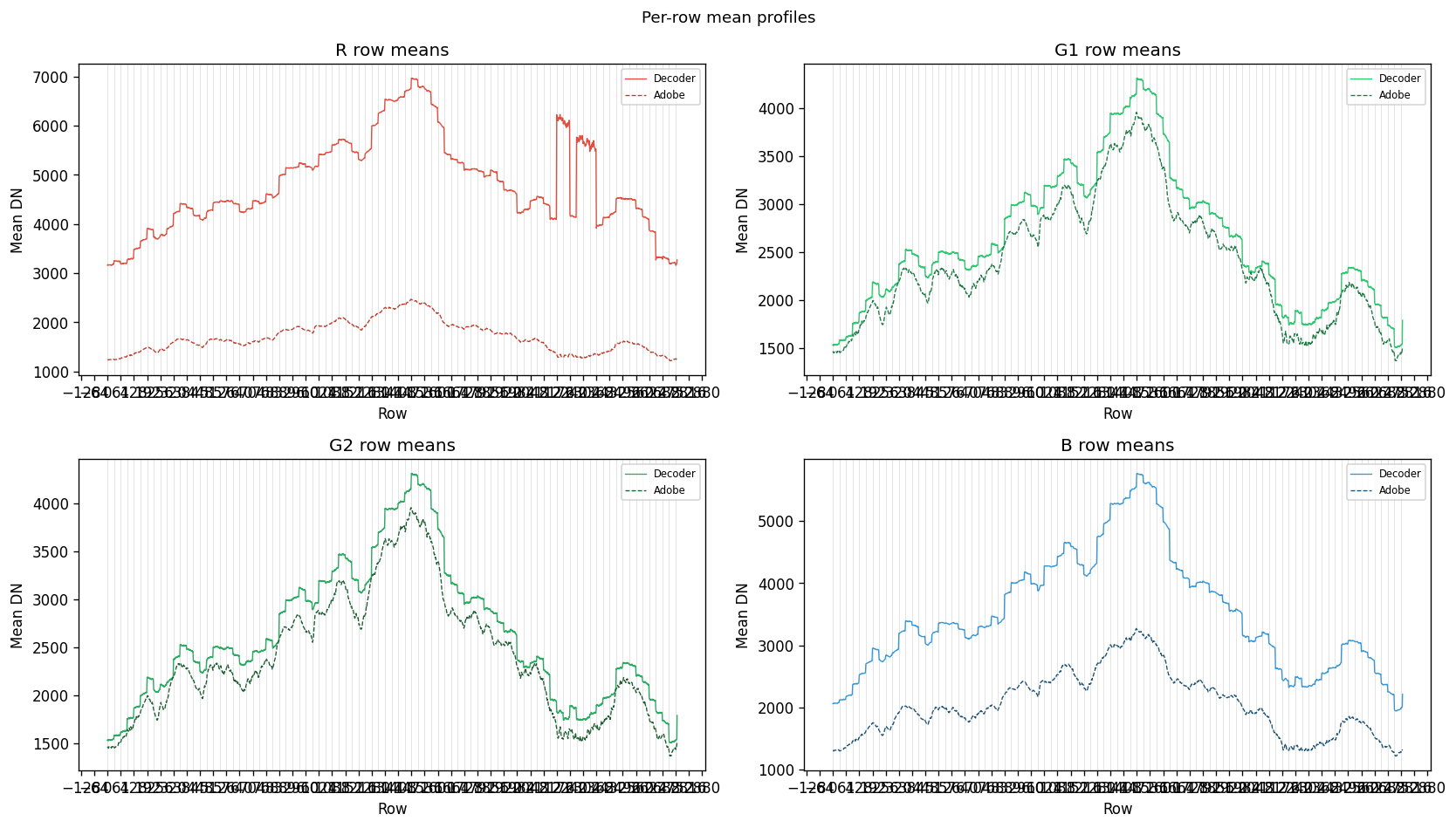
I spent the last month having a fun little science project. Even though not owning a Nikon camera at all, I tried if it’s possible to get a working decoder for the HE* bitstream with the help of Claude. When using samples from: https://photographylife.com/nikon-z9-sample-images-raws (all copyright belongs to the author) the decoder produces this:
So you can see the colors are still off even when using WB coeffs from the EXIF and Color Matrix from Adobe. So the inverse MCT is still wrong. A few wavelet errors here and there also say the bitstream is not properly decoded yet. But actually I’m quite happy about my science project.
I guess it was illegal Claude activity and would involve IntoPix copyrights/patents if I publish the findings?
Yes we started with the reference decoder and worked from there. Several design decisions had to be made underway. All four components look almost fine but not perfect. But I guess I lack the knowledge to go on as it’s, I guess, a few mathematical decisions away from being correct and I have zero knowledge, ok I learned a bit on the way, about decoding file formats
Not a lawyer, but my understanding is that reverse engineering and publishing the results, including code, is not illegal. However, actually shipping the code in a program could get you in trouble. There’s precedence with the LAME MP3 encoder and some video codecs.
There are organisations such as the EFF that it might be worthwhile asking.
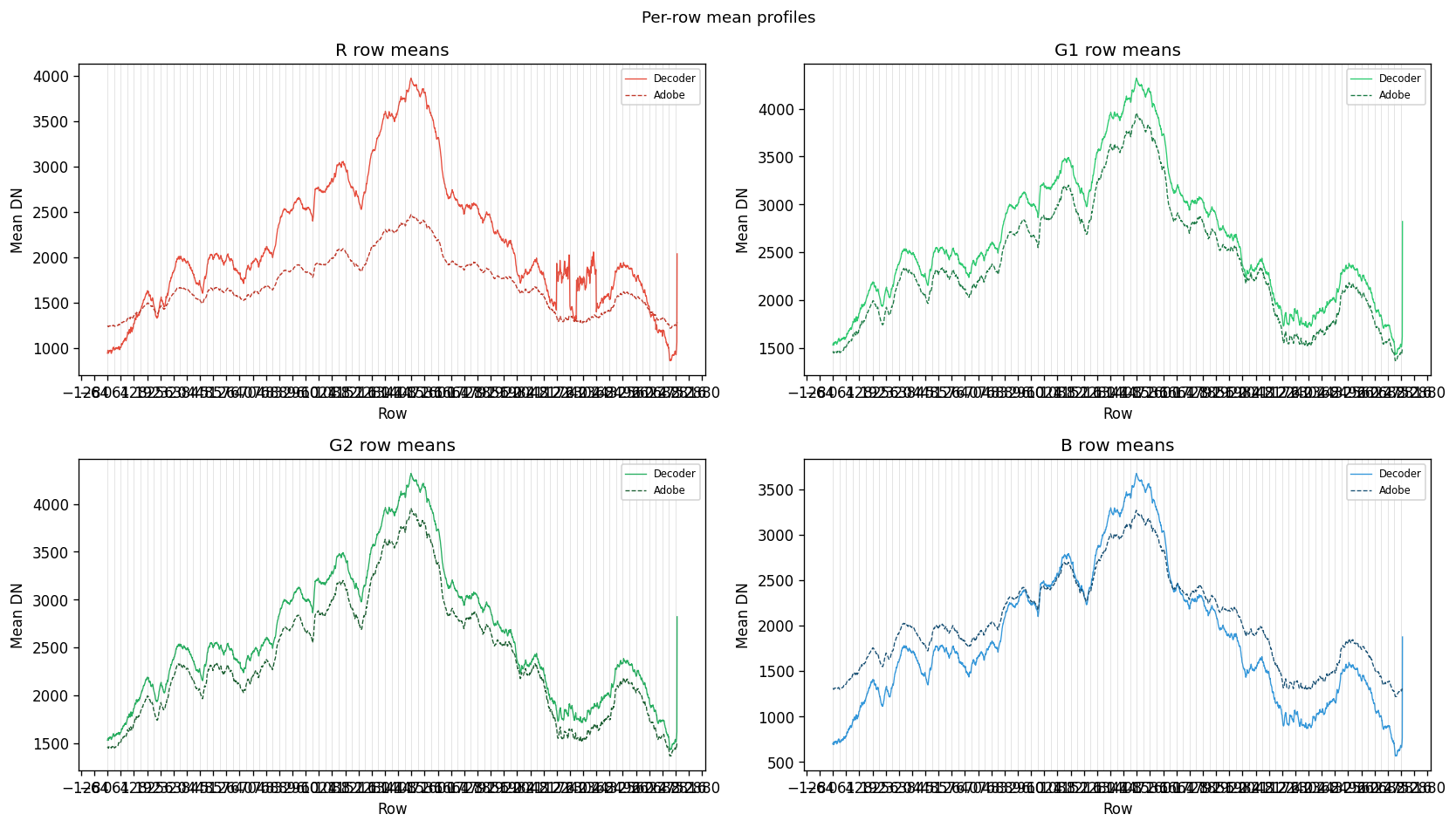
Thanks for the paper. Implementing the star tetrix inverse contrast looks much closer to the original yet of course a purple layer on top. But this is definitely the right direction to pursue further
Good idea. I wrote to the EFF. Let’s wait and see. I’m also stuck. I guess people who know more about file formats would immediately see what’s still wrong, so hoping I can publish it soon.
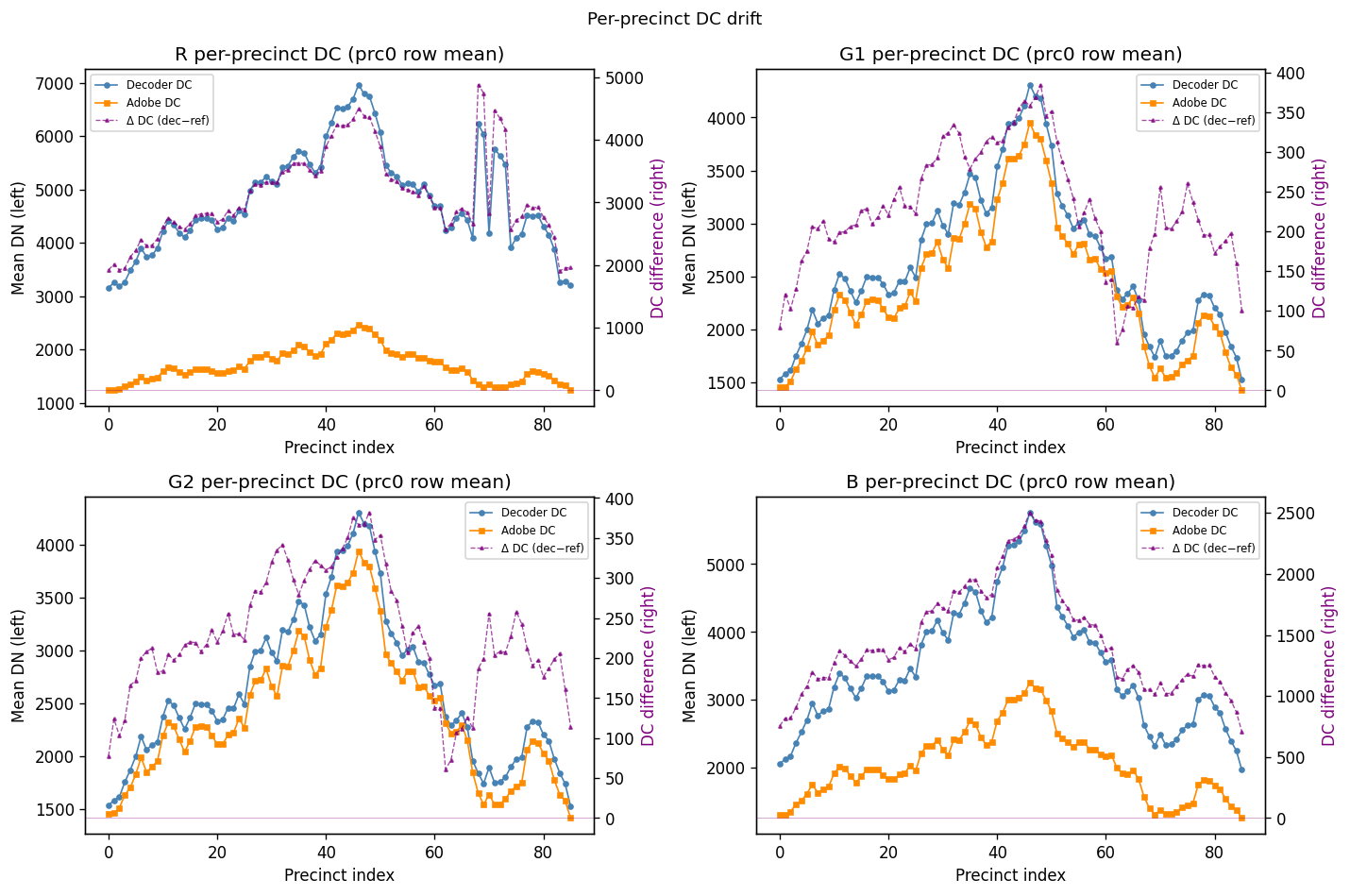
Let me collect some ideas here maybe. I’m still having problems with the “R” channel which is noticeable more smeared (looks like another layer on top) it also suffers from some banding at some precinct borders. So far nothing worked. I looked up some papers and with a guided filter and neighbor smoothing this goes away but this is much too expensive to be used by Nikon. Also the Adobe converted DNG looks much more detailed.
I don’t know whether those are just compression artifacts that need to be smoothed out as well or if I’m seeing decode errors here. Those are spread over all components. Also in “G1” you can see some stray lines. But it might also be that those components are something else completely.