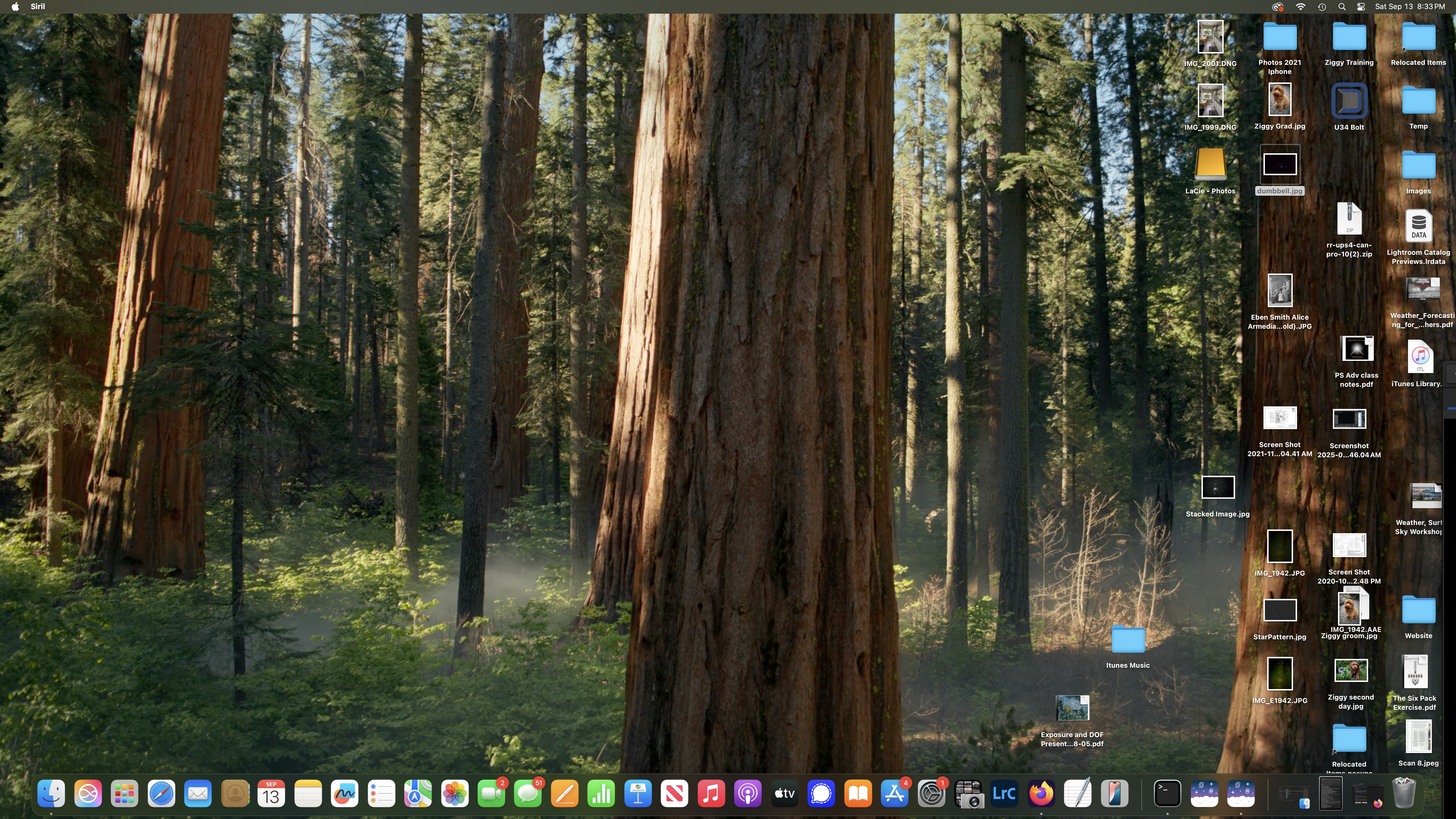
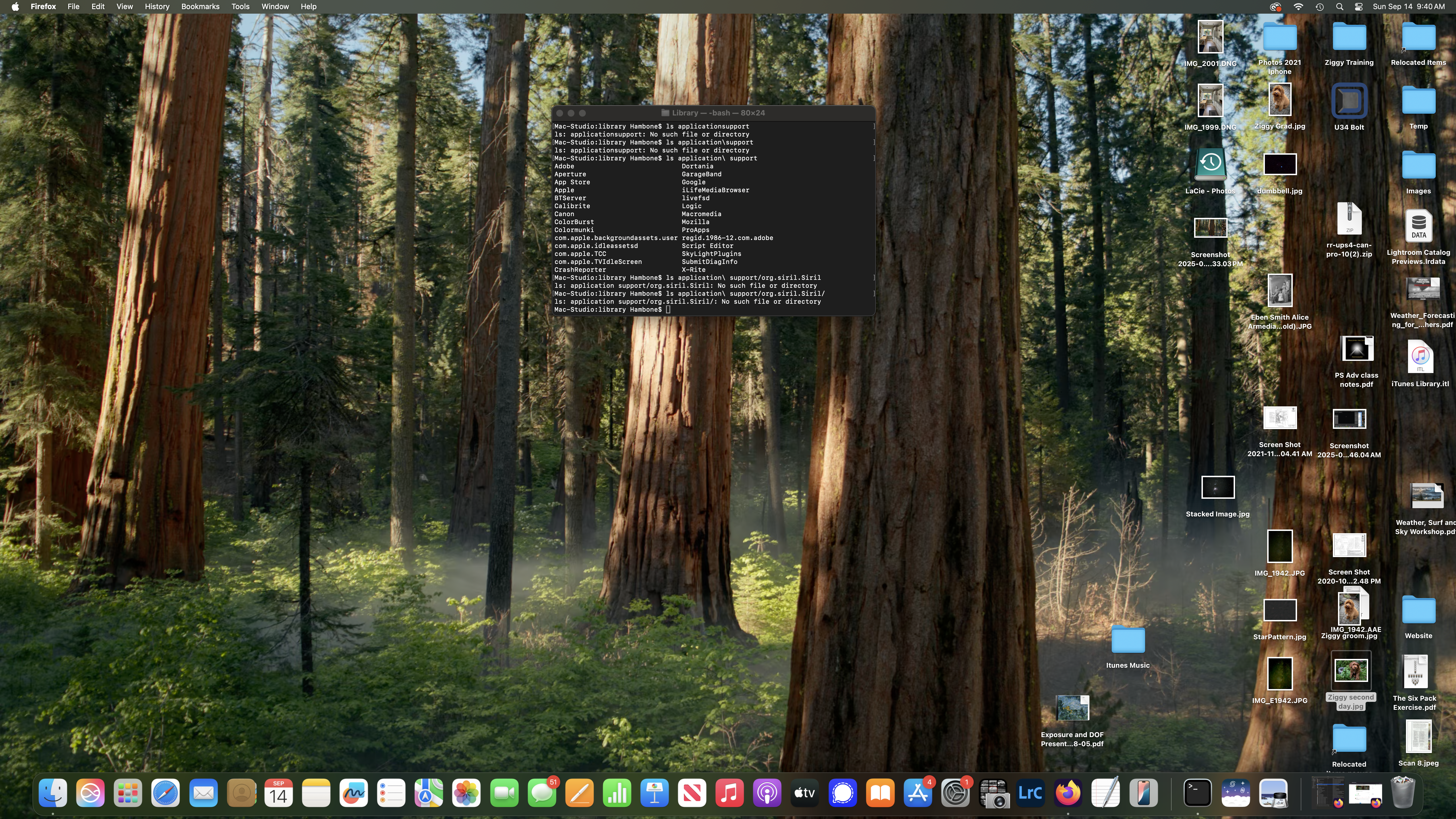
When I load anything after version 1.2.5, I do not see the GUI. I am attatching the screen shot for 1.4 beta 3. I get the same thing with 1.2.6. I can view the settings/preferences submenu and have tried modifying parameters but with no changes.
I am on a Mac Studio with an M4 processor with Sequoia 15.6
I was able to delete the database directory using finder but it did not fix the problem. Siril just reinstalled the directory but still no GUI - just the menu bar with Siril menu item.
But I discovered last night that I when move the cursor to the right edge of the screen, the cursor changed from an arrow to a bar with an arrow. Thinking that the GUI was hidden, I moved the cursor left and the GUI began to appear. I was able to bring it into full view by grabbing the top bar.
I am able to close siril and bring it back up and see the GUI - probably because the UI setting in preferences was set to remember size and position.
I am running on a M4 Mac Studio with the Studio Display - default settings.