This workaround works really well because you can change (edit) the transformation and if working with text you can change the text.
No need to link examples but a search for recursive transform gegl effect gimp 3 lands a good (long) description on reddit by user King_Kalo
This filter is found in the main menu under Filters → Map → Recursive Transform….
My question is about the “Recursive Transform” filter options.
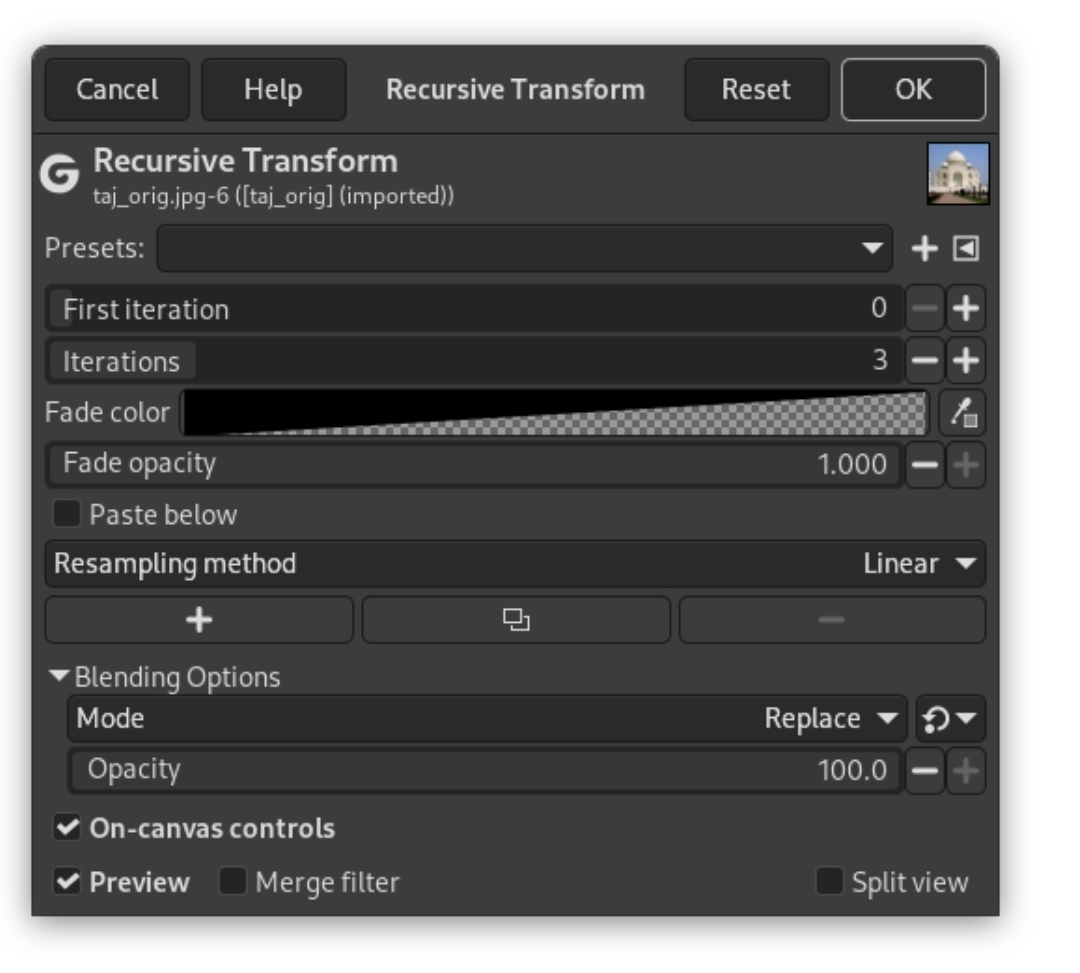
When using it the filter defaults to
First iteration 0
Iterations 3
To use it as a NDE transform tool this has to be
First iteration 1
Iterations 0
I can make this setting into a preset which can be selected (every time) but ideally I would like to set this to be the default.
Is that possible somehow.
PS. If you are looking for a “smart object” kinda work flow for GIMP. Look at King_Kalo reddit post “Smart Object workflow in gimp by using gegl:load (yes, really!)”  that’s how I came across the recursive Transform trick