Hey,
I Have recently updated to 5.4 and im super excited about agx tone mapper!
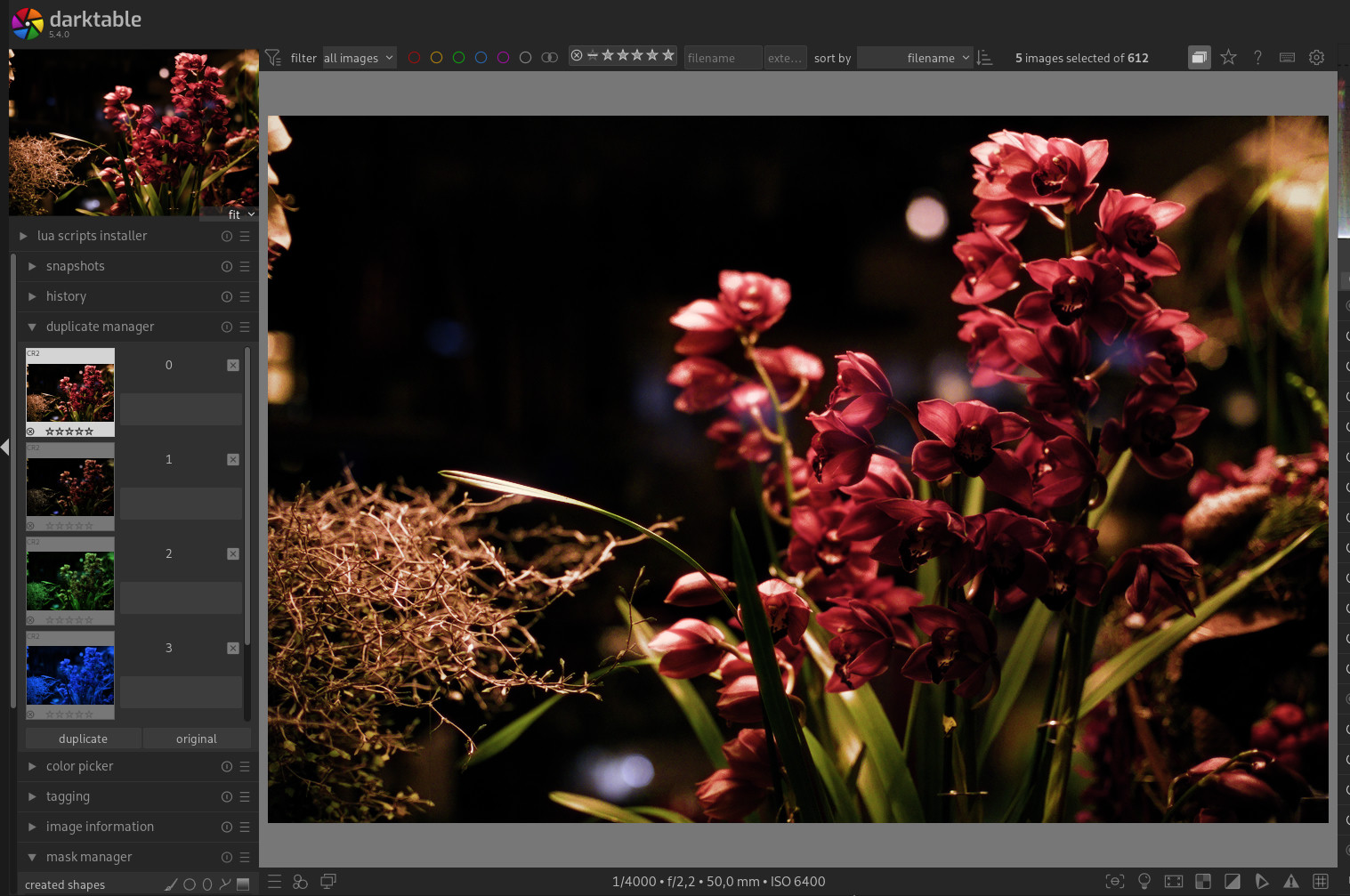
But almost all my old edits are “broken” now they look way too dark.
I have some jpg exports from before the updates and the xml files seem to still exist in the “film roll” folder.
My problem now is im not sure if i have edited the picture and so the xml since i exported.
So for me it would be nice if when exporting a jpg, a copy of the current xml is exported along with it.
Im sure this is an option, i just havent found it.
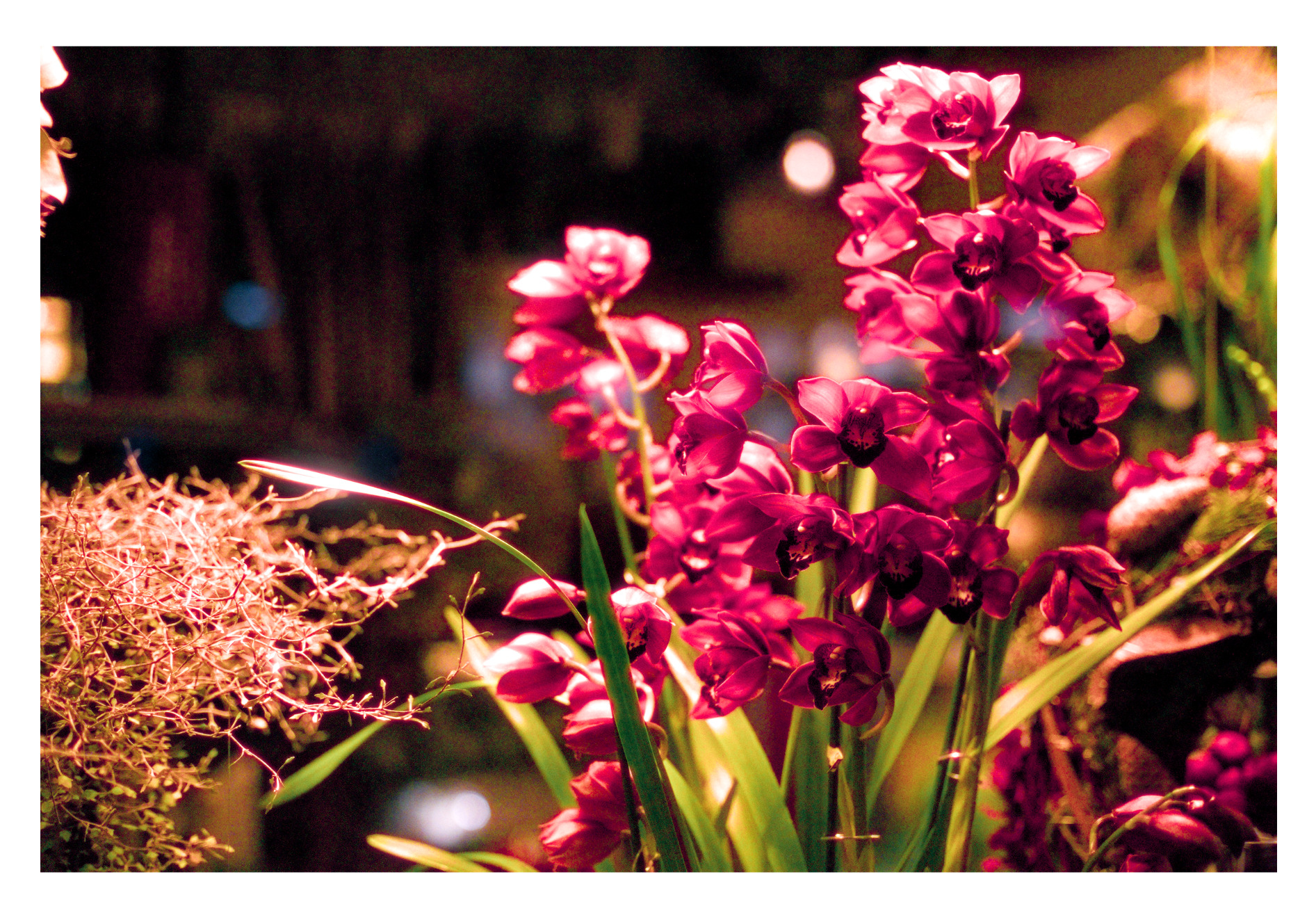
Here an example:
The jpeg you posted has the edit history embedded, so you could check if you changed anything.
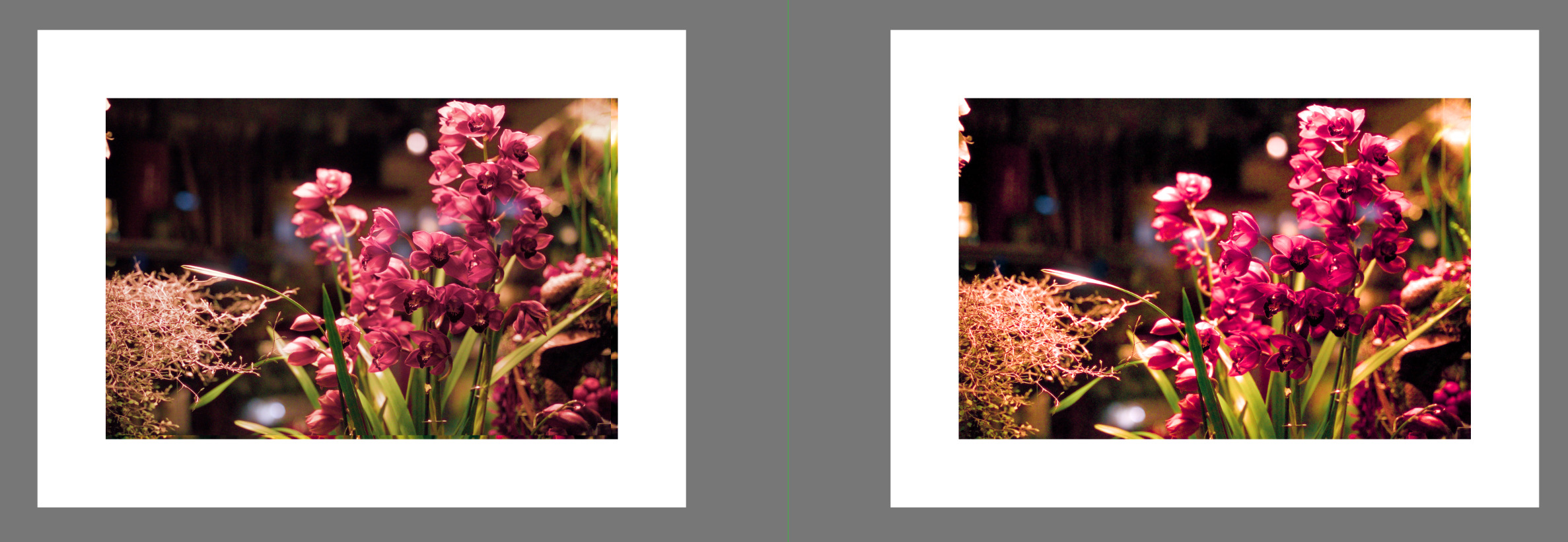
Or, export the current version and compare the jpegs with the same viewer.
Comparing a jpeg in a viewer with the image in darktable’s darkroom just has too many variables.
stupid follow-up question. how to view or extract the embedded history?
This was a good idea.
The export was fine.
Turned out the i had to change Display profile from “system display profile” to “sRGB web save” and this fixed it!
i still have to dig deeper since my system display profile should be sRGB… at least i think.
PPS.
Is there a way to edit the post title? i forgot to apply spell checking to the title and now i’m embarrassed.
Sorry, wanted to preserve it as original and not loose the metadata.
I learnt something new today. I just tried this with a tiff file and it loaded all the editing steps including the frame and watermark onto another picture in a auto exposure bracket set. This is actually a very easy way to copy and paste DT settings between images.
I think this is a thing more users should be aware of. it can be super handy but on the other hand i can imagine some users don’t actually want to share this and keep this secret sauce… maybe?
While you would rarely exceed it I think there are times when your data could exceed what gets kept in the jpg…I don’t have a reference right now though I think there is a comment in the manual…I think for most edits you would be fine but complex ones with lots of masks or a long history stack maybe not??
I couldn’t find a size limit in the manual, but in a jpeg, the maximum size for the XMP block is about 64kB (jpeg would allow multple XMP blocks, but exiv2 reads only the first, afaik). Darktable does offer the option to compress the XMP (“never”, “always”, or “ony large entries”), which may help if you have complex masking.
But from what I saw, OP’s xmp data aren’t even close to the size limit.