From within RT is it possible to open an image in Windows explorer somehow?
That’s an old question, but maybe somebody will look for it. By open image in WE, I think you mean view saved file (and preferably have it selected).
In this case yes, it’s possible.
- create file, let’s say c:\select.vbs (place it wherever you want, just keep extension). The contents:
Dim objShell
Set objShell = CreateObject("WScript.Shell")
objShell.Run objShell.ExpandEnvironmentStrings("%SystemRoot%\explorer.exe") & " /select," & WScript.Arguments(0)
Why that, not batch? So you won’t have console window appearing.
2. Go to preferences of RT, scroll down first tab, in the following part…
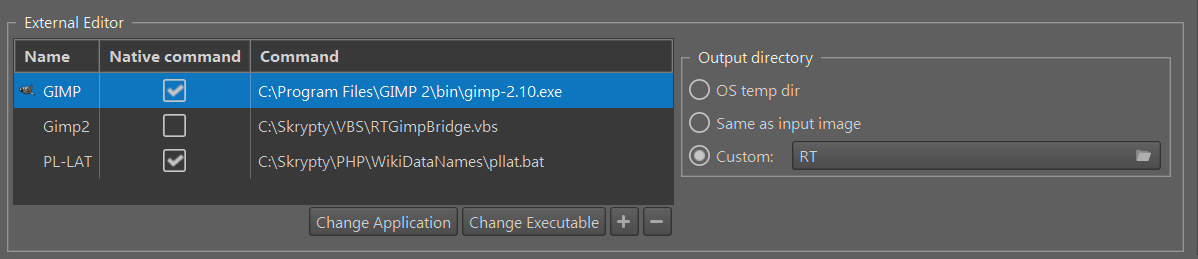
… Click on the [+], in the first column give it some name, in the second (native command) leave it unchecked, in the third column provide path to your script (preferably without spaces)
3. Click on ok
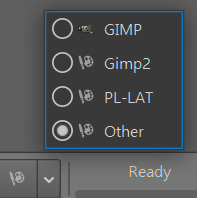
4. Next time, click on the arrow in “open with”. Choose the name you provided in point 2.