Open in external editor not working on Mac OS

Hi there,

I’m unable to get “open in external editor” working on Mac OS.
I’ve tried switching “Adobe Photoshop Installation Directory” in settings to the Applications folder and the Photoshop folder in my Applications directory.

When clicking the “open in external editor” button, it creates a TIFF image, but that image never ends up opening.

Thanks!

Ryan

You need to give the full path to the binary within the Photoshop application bundle. And if there’s any space character in the path, you need to put the path between quotes.

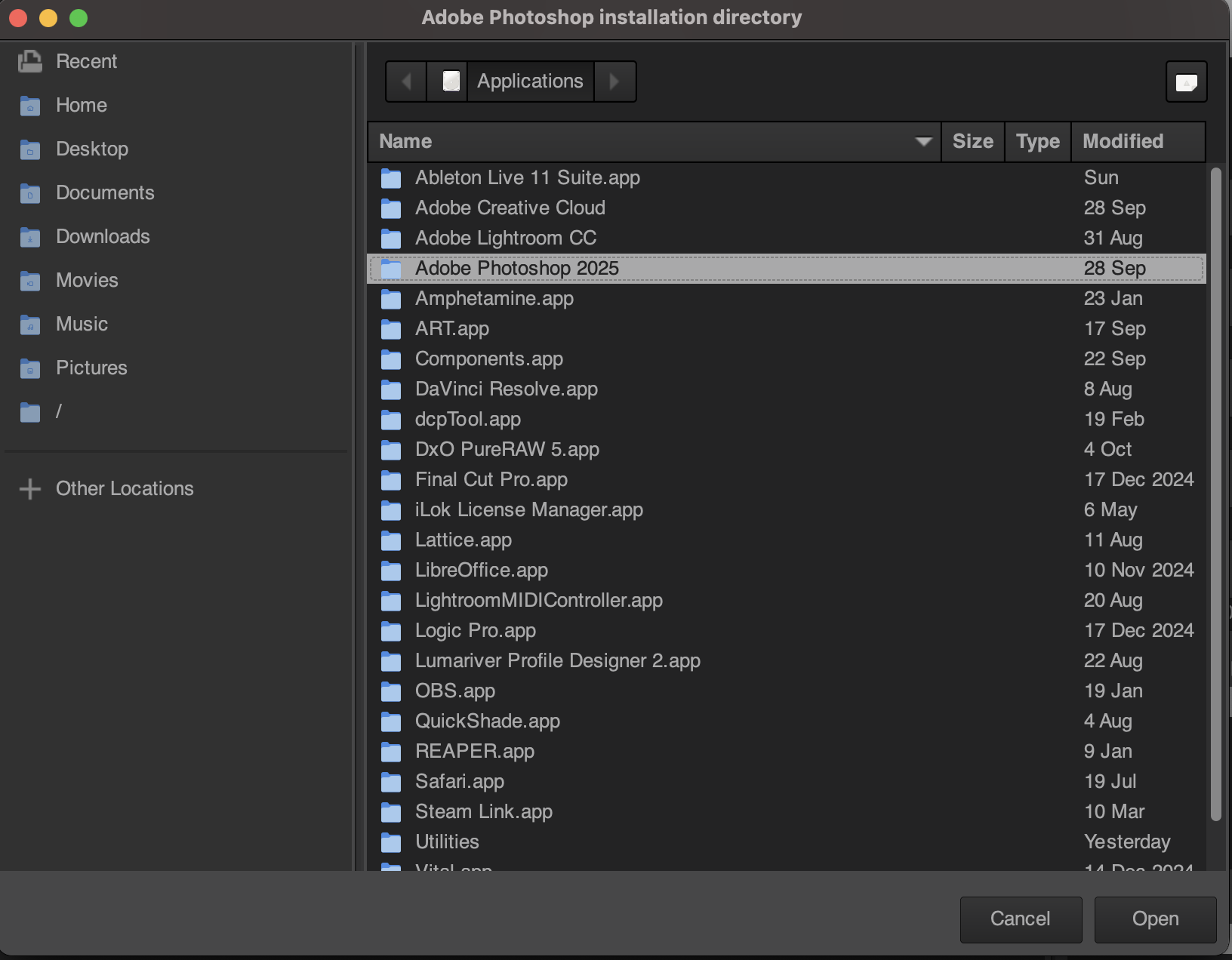
Bit confused by this! My version of the build, allows you to pick and choose a folder or app?


Hi,
I don’t have Photoshop unfortunately, but I’ll see if I can spot anything suspicious

1 Like

@Ryan_Cara can you try if this nightly build works as intended? https://github.com/artpixls/ART/releases/download/nightly/ART-6ced310_macOS-14.8_arm64.dmg

Thanks!

1 Like

Great, works perfectly! Thanks for the speedy fix. Also UI looks like it’s sharper on my MacBook monitor: It looks good! :slight_smile:

1 Like

Yes, that’s another (unrelated) recent change.

1 Like