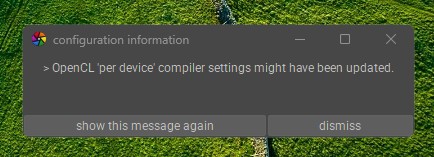
It had always been available. Now, before the desktop starts, the message below appears:
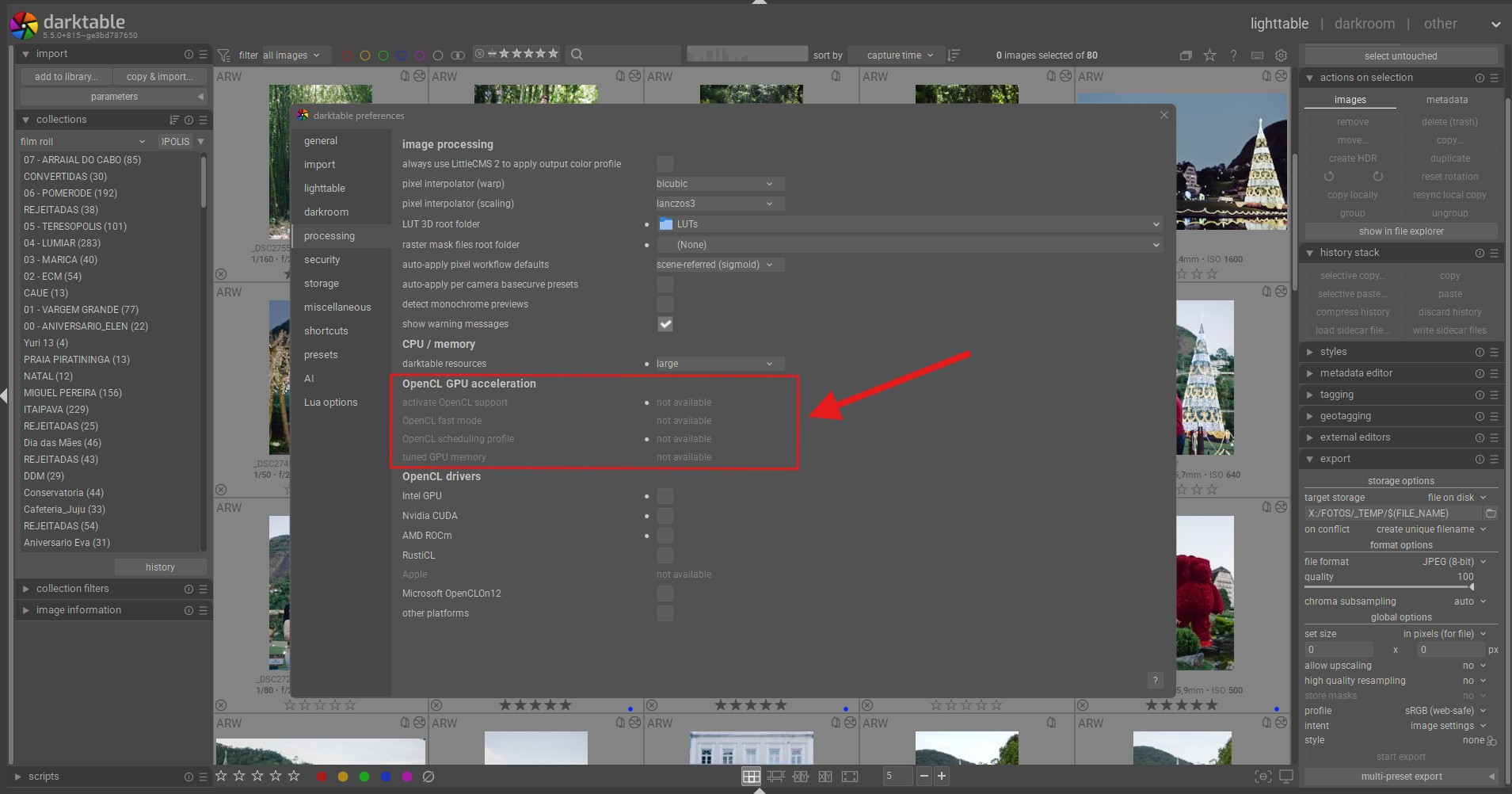
When I open the DT settings, I am faced with the options disabled:
My graphics card is an AMD Radeon RX 5700 XT.
Below is the output of the darktable-cltest.exe command:
darktable 5.5.0+815~ge3bd787650
Copyright (C) 2012-2026 Johannes Hanika and other contributors.
Compile options:
- Bit depth → 64 bit*
- Exiv2 → 0.27.7*
- Lensfun → 0.3.4*
- Debug → DISABLED*
- SSE2 optimizations → ENABLED*
- OpenMP → ENABLED*
- OpenCL → ENABLED*
- Lua → ENABLED - API version 9.6.0*
- Colord → DISABLED*
- gPhoto2 → ENABLED - Camera tethering is available*
- OSMGpsMap → ENABLED - Map view is available*
- GMIC → ENABLED - Compressed LUTs are supported*
- GraphicsMagick → ENABLED*
- ImageMagick → DISABLED*
- libavif → ENABLED*
- libheif → ENABLED*
- libjxl → ENABLED*
- LibRaw → ENABLED - Version 0.22.0-Release*
- OpenJPEG → ENABLED*
- OpenEXR → ENABLED*
- WebP → ENABLED*
- AI → ENABLED*
See resources | darktable for detailed documentation.
See Sign in to GitHub · GitHub to report bugs.
*(org.darktable.darktable:1492): GLib-GIO-WARNING *: 10:11:21.562: Failed to open application manifest C:\Windows\SystemApps\SxS\MicrosoftWindows.59336768.Speion_cw5n1h2txyewy\AppxManifest.xml' for package #64 (MicrosoftWindows.59336768.Speion_1000.26100.7627.0_x64__cw5n1h2txyewy’): error code 0x2
*(org.darktable.darktable:1492): GLib-GIO-WARNING *: 10:11:21.566: Failed to open application manifest C:\Windows\SystemApps\SxS\MicrosoftWindows.59337145.Livtop_cw5n1h2txyewy\AppxManifest.xml' for package #65 (MicrosoftWindows.59337145.Livtop_1000.26100.7627.0_x64__cw5n1h2txyewy’): error code 0x2
[opencl_init] opencl disabled via darktable preferences
[opencl_init] opencl library ‘OpenCL.dll’ found on your system and loaded, preference ‘default path’
[opencl_init] found 1 platform
[check platform] platform ‘AMD Accelerated Parallel Processing’ with key ‘clplatform_amdacceleratedparallelprocessing’ is NOT active
[opencl_init] found 0 device
[opencl_init] FINALLY: opencl PREFERENCE=NO is NOT AVAILABLE and NOT ENABLED
press any key to exit