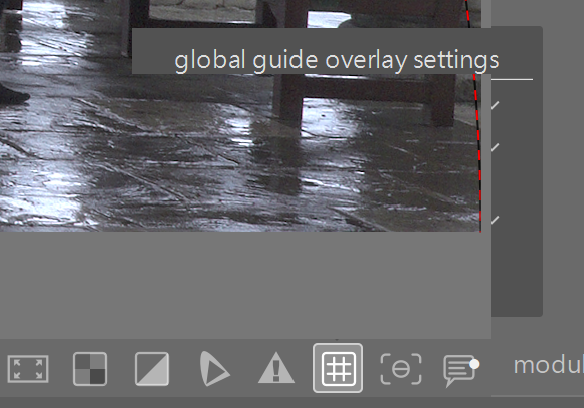
Since installing darktable 5.6 in Windows 11 I have noticed that when trying to set, say, the grid options, the image being edited overlays the grid option.
I have Nvidia Cuda loaded here, but even if i switch everything off it still persists.
Is there a way to avoid this, or will i have to wait for an update?
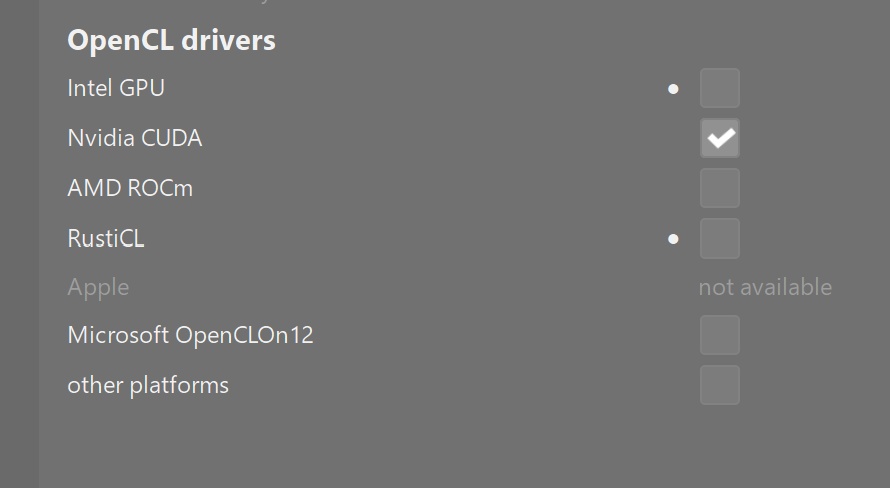
I can not replicate this problem in DT 5.6 on my windows 11 install. I even tried resizing DT to make it happen but the dialog remains on top as expected.
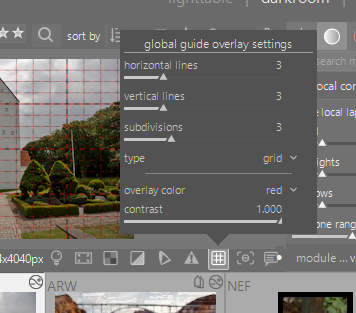
1 Like
Does the behavior persist after a reboot? Next, for my GPU, there is a choice between a driver that emphasizes performance or correctness. Do you have that choice, and would correctness improve this?
1 Like
Hi guys, it’s persistent in that a re-boot does not solve it. I have tried every combination of accelerators and drivers there are in darktable, to no avail. It has not happened before in previous versions on the same laptop, so something must have changed, just don’t know what!
Possibly a long shot but maybe try a fresh config:
Try renaming your configuration directory to darktable.old. A fresh one will be generated upon next start of darktable. Check if the issue persists then. To get your old config back delete the new config directory and rename the old one back to darktable again.
I got all excited there Mino, something I hadn’t tried! Sadly, no good 
Still just the same.
Thank you for the suggestion though 
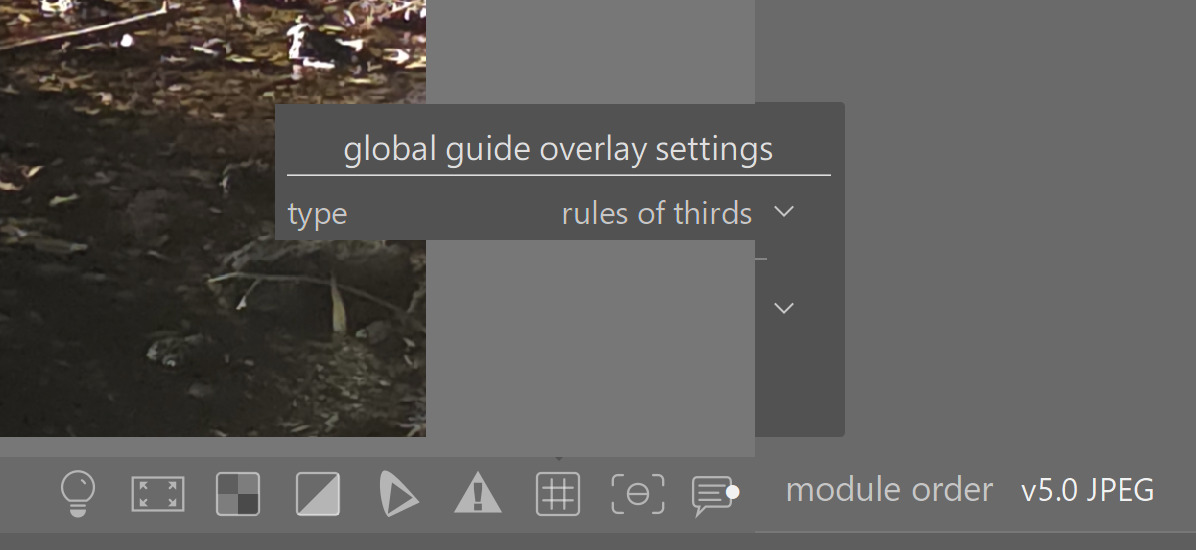
You could wait for 5.6.1 and hope it fixes it or give the nightly a shot.
I think I’ll have to. I don’t often need to make any changes to these options, so I’m sure I’ll muddle along .
Thanks.
I think you should look at what software you have installed and running in Windows background. Maybe turn some display/video card ones off to see if that helps. Also, is this dual monitor? second monitor?
I run an Asus ZenBook laptop, this has a main screen like all laptops, but a smaller second screen above the keyboard. It’s for gamers really but it was on offer so … The second screen is quite handy now I have got used to it. Anyway, darktable runs on the main screen and before 5.6 was perfect.
I turned the second screen off, and we have a small improvement. The options are visible where they overwrite the photo, but are hidden when they are over the background.
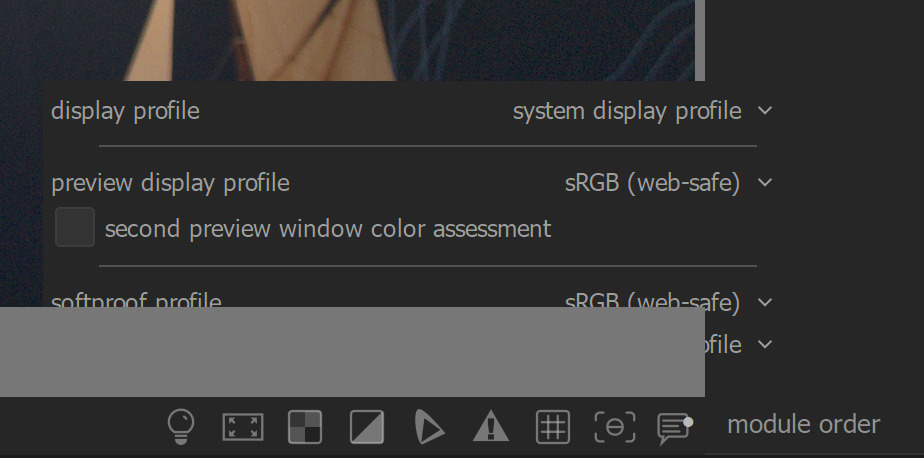
SUCCESS! Changing the theme and switching the second monitor on and off has obviously reset something, anyway it all now works as it should.
Thank you for your suggestions folks, really appreciated.
Andrew.
2 Likes