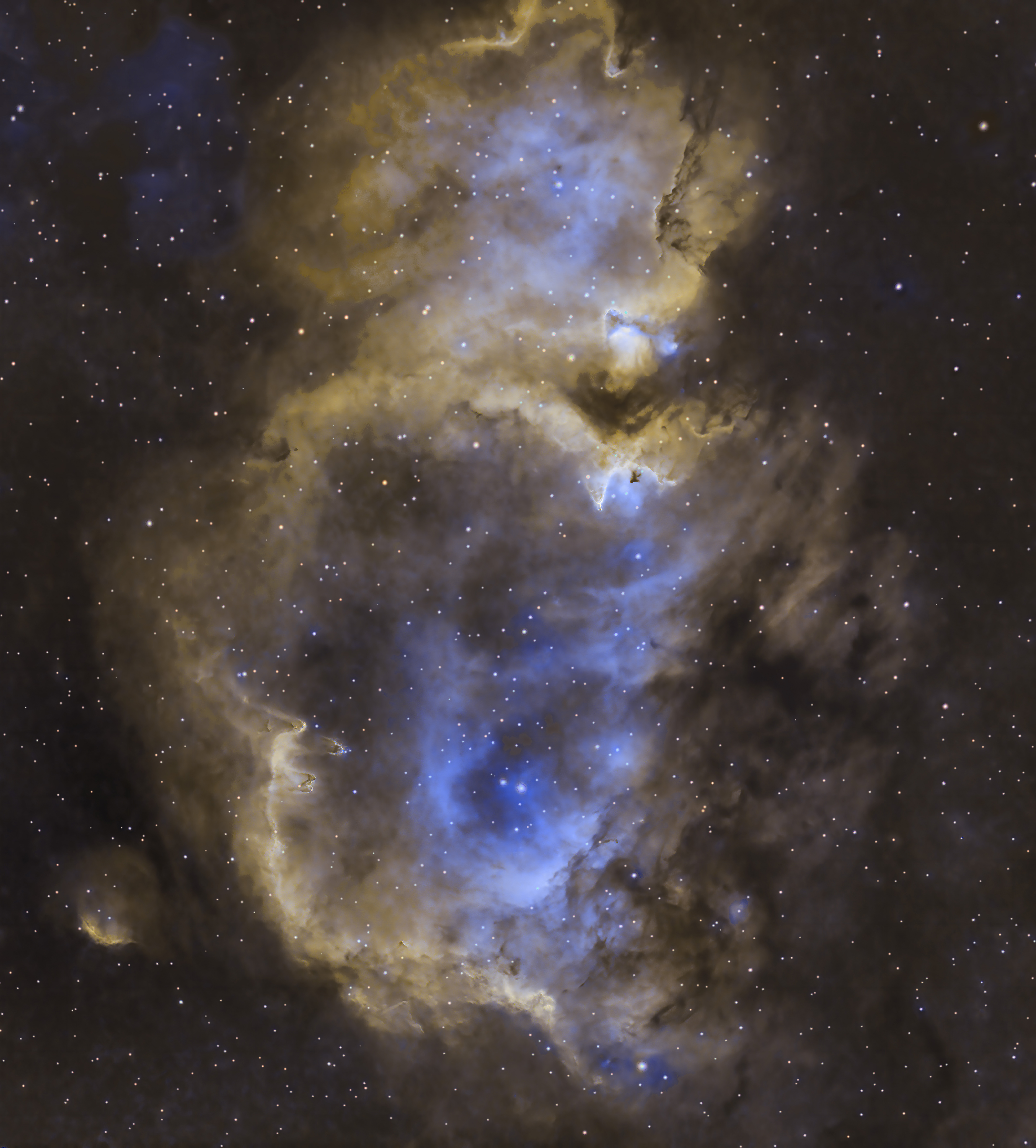
I’m running the script OSC_Extract_HAOIII script, and I’m getting the following error below:
9:14:11: No Bayer pattern found in the header file.
19:14:11: Filter Pattern: RGGB
19:14:11: Extract_HaOIII does not work on non-Bayer filter camera images!
I’m running on a Mac Studio ( M1 Max) Ventura 13.5.2 OS. I’m using a ZWO ASI2600MC Pro (RGGB Bayer Matrix) and capturing light frames using MaxmDL. I can stack the light frames using OSC_Preprossing scripts but not OSC_Extract_HAOIII script. I’m stacking the raw non-bayered fits files. Do I have to debayer the light frame files before using OSC_Extract_HAOIII script? Any ideas or solution would be greatly appreciated.
You filed does not contain Bayer pattern information. It is then not possible to extract CFA channels.
The issue is in your capture software. You should use one that build full FITS header.
alternatively, show us the FITS header of the image, it’s lighter. It’s always good to learn what historical software is doing different, you can copy it from there: Burger Menu — Siril 1.2.0 documentation
thanks
Enclosed is a FITS header file from a light frame in a Maxm DL capture. I’m using a ZWO ASI2600 MC Pro camera. I found a parameter in Maxm DL that sets a value to a bayer matrix “BAYERPAT” I was able to set BAYERPAT:RGGB in an individual file but can’t find a method to set it globally. Right now my workaround for this is to split the RGB channels and take the R channel and G channel and use pixel math to synthesize a OIII G channel.
that’s a complicated workflow for something usually so simple… I don’t know why Maxim would not store this automatically if the camera is a color camera… There must be a way to enable it permanently.
Your attachment did not go through, you can just paste the header in a message here in a preformatted text section, available in the buttons above the editing area.
SIMPLE  =                    T
BITPIX  =                   16 /8 unsigned int, 16 & 32 int, -32 & -64 real
NAXIS   =                    2 /number of axes
NAXIS1  =                 6248 /fastest changing axis
NAXIS2  =                 4176 /next to fastest changing axis
BSCALE  =   1.0000000000000000 /physical = BZERO + BSCALE*array_value
BZERO   =   32768.000000000000 /physical = BZERO + BSCALE*array_value
DATE-OBS= '2023-10-07T03:48:55.78' /YYYY-MM-DDThh:mm:ss observation, UT
EXPTIME =   300.00000000000000 /Exposure time in seconds
EXPOSURE=   300.00000000000000 /Exposure time in seconds
SET-TEMP=  -20.000000000000000 /CCD temperature setpoint in C
CCD-TEMP=  -16.000000000000000 /CCD temperature at start of exposure in C
XPIXSZ  =   3.7599999999999998 /Pixel Width in microns (after binning)
YPIXSZ  =   3.7599999999999998 /Pixel Height in microns (after binning)
XBINNING=                    1 /Binning factor in width
YBINNING=                    1 /Binning factor in height
XORGSUBF=                    0 /Subframe X position in binned pixels
YORGSUBF=                    0 /Subframe Y position in binned pixels
READOUTM= 'Mode0   ' /          Readout mode of image
IMAGETYP= 'Light Frame' /       Type of image
FOCALLEN=   0.0000000000000000 /Focal length of telescope in mm
APTDIA  =   0.0000000000000000 /Aperture diameter of telescope in mm
APTAREA =   0.0000000000000000 /Aperture area of telescope in mm^2
EGAIN   =  0.24286292493343353 /Electronic gain in e-/ADU
SBSTDVER= 'SBFITSEXT Version 1.0' /Version of SBFITSEXT standard in effect
GAIN    =                  100
BAYERPAT= 'VALID   ' /          Indicates validity of image's Bayer pattern.
XBAYROFF=                    0 /X Offset of Bayer array on imaging sensor
YBAYROFF=                    0 /Y Offset of Bayer array on imaging sensor
SWCREATE= 'MaxIm DL Version 6.30 231021 28W2R' /Name of software
SWSERIAL= '28W2R-RV3UW-V49YQ-X17VM-YAKCN-1J' /Software serial number
FOCUSSSZ=   10.000000000000000 /Focuser step size in microns
JD      =   2460224.6589789353 /Julian Date at time of exposure
JD-HELIO=   2460224.6663336759 /Heliocentric Julian Date at time of exposure
OBJECT  = 'Autosave Image'
TELESCOP= '        ' /          telescope used to acquire this image
INSTRUME= 'ASI Camera (1)'
OBSERVER= '        '
NOTES   = '        '
ROWORDER= 'TOP-DOWN' /          Image write order, BOTTOM-UP or TOP-DOWN
FLIPSTAT= '        '
SWOWNER = 'David Puglia' /      Licensed owner of software
END
I’ve researched the BAYERPAT Fits header in various capture programs, and it has inconsistent support. I’m not sure what capture program FITS header you used for the OSC_Extract_HAOIII script, but many FITS headers from other capture programs will not provide a BAYERPAT parameter or value that the script requires. This might limit the use of the script. I am not sure you can allow a user to input a value for BAYERPAT such as ‘RGGB’ etc. in the script or recommend a capture program that does. Thanks
BAYERPAT is very common and used by the majority of capture software (NINA, EKOS, Sharpcap, PRISM, etc.) and therefore by the vast majority of processing software (PixInsight, Siril, APP, ASTAP, etc.).
That said, it’s hard to imagine MaxIm DL not using BAYERPAT correctly, given that they take into account a keyword that we’ve introduced into Siril, ROWORDER, and that the latter works in tandem with BAYERPAT.
I contacted their technical support but there has been no reply. I’ve used it for over a decade and that’s the only reason I use it for certain functions. It seems the new owners have it on life support only. I’ll let you know if there is an answer
I think the issue might be direct support of the camera vs ASCOM support. In the past there was a specific driver for my Starlight 814M and 814C cameras along with many others in MaxIm. If I can find some light frame files for the 814C (which I rarely used) I believe BAYERPAT would be correctly set. I’ve moved to a ZWO 2600MC Pro supported through their ASCOM driver in MaxIm and the controls are more limited. That might be the problem. I don’t see the finer function control I saw with the Starlight cameras. I’ll wait for their tech support’s answer.
Tech support indicated that to globally change BAYERPAT I would have to create a Script or Batch file process. I created a batch file process that opens each .fit light file and changes BAYERPAT = “RGGB”. It worked but one would think they could just read BAYERPAT via the ASCOM driver.
 usually it’s the type of pattern, not if it’s valid…