My display situation is uncalibrated regular displays, one Linux laptop and one Windows PC. Never had to bother with any of that before.
That says to me your system display profile is set to sRGB. Did you set it in gnome-colour-settings or whatever your distro is using? (In Mint the display profile selection app is just called ‘Colour’)
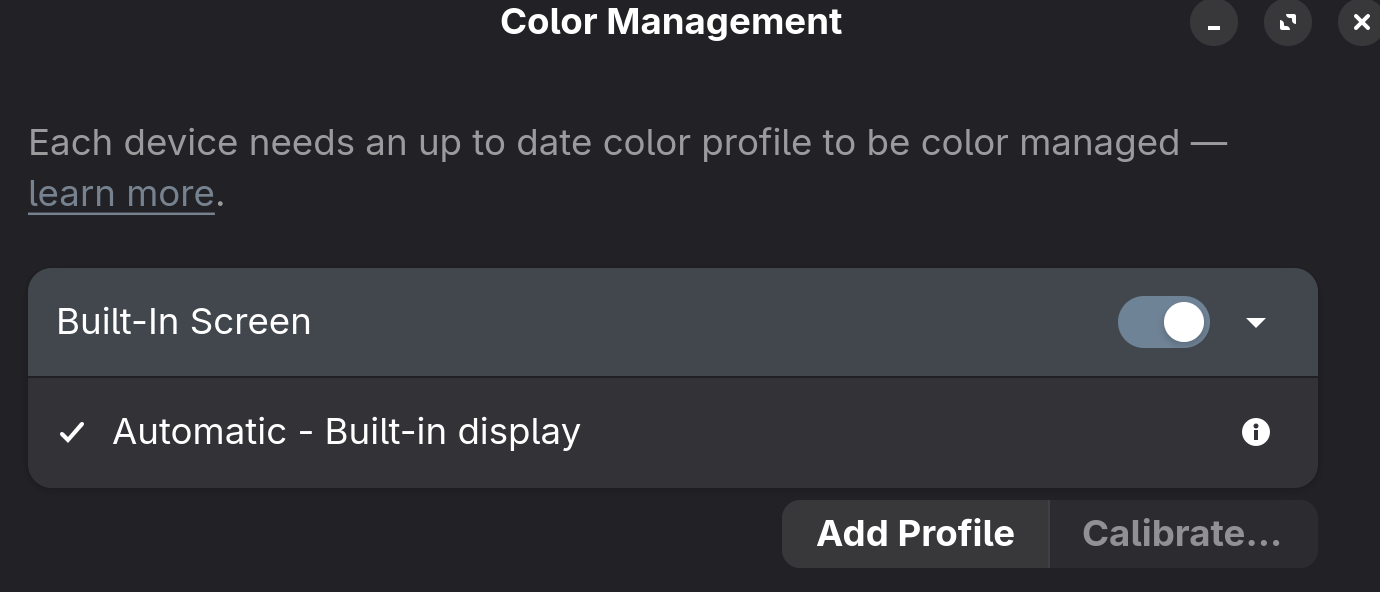
Have you tried changing Darktable’s monitor display profile setting (right click on softproof switch) or your OS’ colour management options?
1 Like
Huh… this is what I was using:
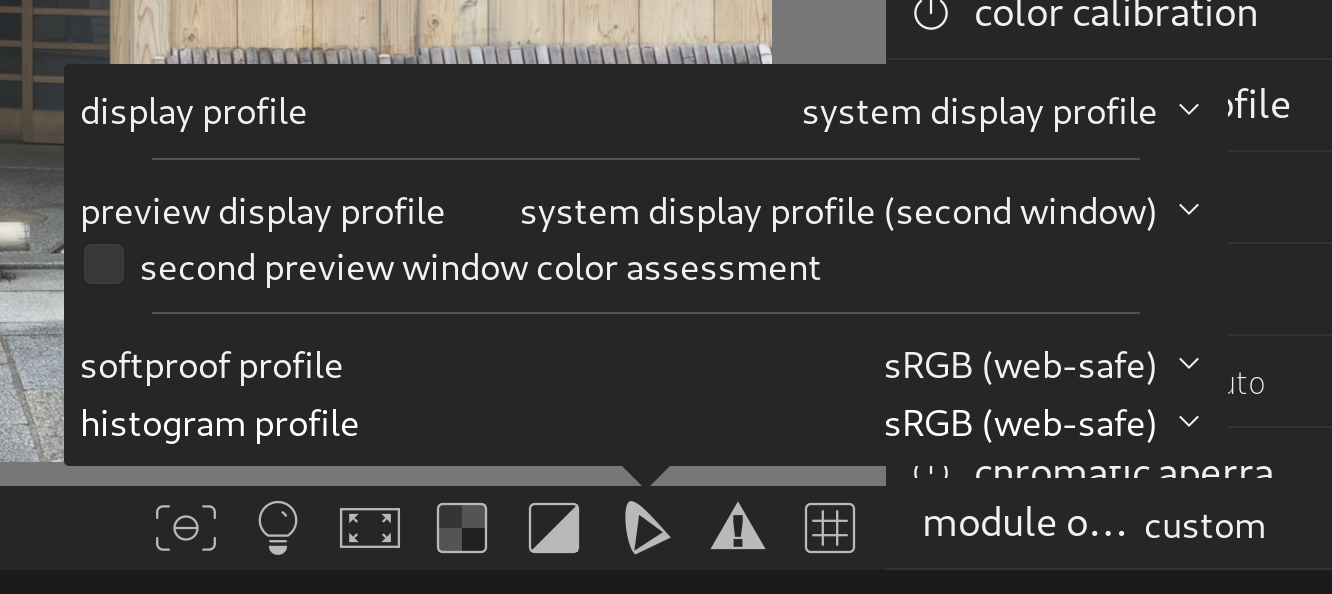
But if I change it to sRGB in the display profile, I do get the ugly saturated result!
Bummer, ok thanks… so not everything is plug-and-play out of the box in Gnome Linux it seems (even though the overall UX these days seems slicker than even MacOS).
EDIT: Interesting that soft proofing seems to be active even when you toggle the button off? Or at least, now that I’ve set the display in its options to sRGB left clicking on it does nothing but add a little text overlay, just as before. Just another in the long line of UX quirks of Darktable, I guess. I think I might have found this on my own if the “output color profile” module would have had a hint about this in it, but right now it was not intuitive…
Display profiles are not for soft proofing and DT can’t use rendering intents unless you have a profile that supports it.
In your case you are not calibrating so I would use the ICC provided by the hardware maker eg Dell or Asus or whatever. I am on Window but never the less I never use the system setting I explicitly set it in all software that I am using so that I know for sure everything is using the same display profile.
If you monitor gamut exceeds your export you need a profile to manage it While they may technically not be designed as export profiles the profiles at color.org do have the ability to use rendering intents…You could be sure that you have little LCMS enabled in the preferences and download one of those and set it as your export profile Now you can export a version as perceptual and relative and compare these to your display. This might handle any gamut mapping better…The other option is sRGB all the ways through your pipeline from display to export…
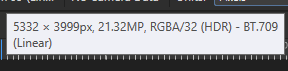
Ugh… this saga isn’t over it seems… Affinity Photo 2.6 considers the sRGB PNG export to be the wrong thing and looks like crap (even though both the default Windows image preview and default Gnome image preview shows it correctly)…
Back to Adobe I go apparently…

It says linear is it dark…
Are you sure you did not export as a linear rec709? That is an option in darktable’s export module. It is right above regular rec709 profile, so it is easy to have a whoopsie
Or , what is your setup for the input module and the output module?
My input module says linear 2020 for some reason. I don’t know, I’ve never had to look at or change any of these before.
I double checked, I’m exporting sRGB and Affinity thinks it’s linear 709 as 32-bit. Similar things happened to others apparently.
Must admit, I loathe color profiles. Never touch them. I just want to have fun with my photos, that’s all. 
edit: Input colour profile should be left at default standard colour matrix. Working profile should be left at default linear rec2020.
Change output colour profile module to sRGB. Make sure the ‘export’ module output profile is also set to sRGB and not overriding that.
Consider changing histogram profile to sRGB so you know if the final image is inside usable bounds.
Keep monitor profile at sRGB.
1 Like
Input should be the camera profile…I would reset the module…
.
oh yeah I got that mixed up. Input profile is default ‘standard colour matrix,’ and working profile is linear rec2020.
2 Likes
An update for anyone dealing with the same issue. I tried every solution I could find on this topic, including:
- switching the method for getting the display profile
- disabling OpenCL
Nothing worked. I tried other export profiles beseides sRGB, I even tried exporting the image in LIghtroom (in sRGB and P3) and viewing them with XnView MP. The Lightroom preview, sRGB and P3 version all looked the same on Windows, but looking at the sRGB and P3 version on Linux, I noticed some differences (maybe I was just looking more closely). Anyway, what I saw in Lightroom was what I got in the exported jpeg.
But, when looking at my darktable exports in Digikam (with color management on and the monitor profile set to my calibrated ICC profile) the darktable preview and exported sRGB jpeg finally looked the same! I have no idea, why there are such differences between color managed viewer (gThumb and Geeqie in my case).