I’ve just released a parametric masking plug-in for GIMP 3 and wanted to share it here.
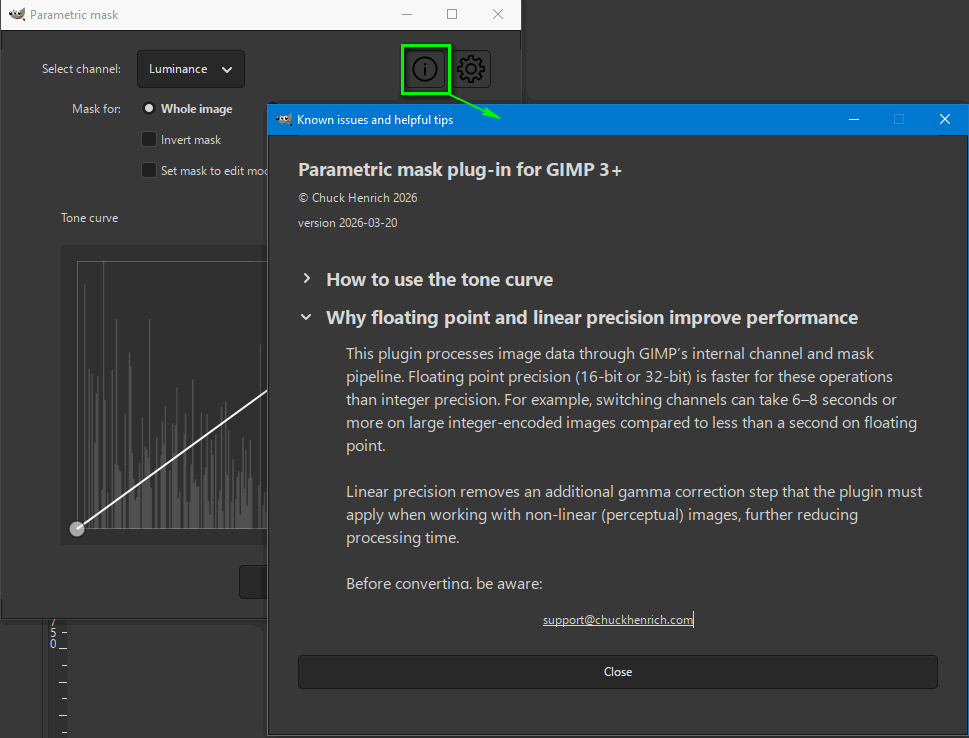
The plug-in creates a layer mask from one of four source channels: Red, Green, Blue, or Luminance. You shape the mask using a tone curve with a live histogram. Drag points up to include tones, drag them down to exclude them. The canvas updates live as you work.
The curve approach gives you precise, automatically feathered control over the mask. Target midtones, create double peaks, or invert regions entirely. Since photographers already think in curves, there’s no new mental model to learn.
The idea was inspired by Yasuo Ohnishi’s parametric masking work for GIMP 3. My plug-in takes a different direction, using a curve editor instead of sliders.
A few highlights:
Red, Green, Blue, and Luminance channel support
Live preview on the canvas
Whole-image mode and single-layer mode
Non-destructive: works on a new layer, never touches the original
My question:
Why can’t you copy the content of a page, for example. Parametric mask plug-in for GIMP: precise masks from image data, as with others, so that you can go back and absorb the information quietly without using the Internet ?
PS
Great idea to publish a short illustrative video !
The online resource is great and really appreciated. I guess @RobertsDaughter and @Zbyma72age would find a PDF version of this page helpful to download for when they are off line.
Thanks Terry, I’m glad the online info is working well.
I’ve got both of those users on ignore now. I prefer to skip past any negativity (I wish there was a way to completely block people on this forum). Especially when people don’t say please and thank you while they demand I do extra work they could do themselves (screenshots, whatever).
Having said that, if there’s anything that anybody finds confusing, of course please let me know, and I’ll do my best to include more details.

 , you gave me a chuckle with both of those good points!