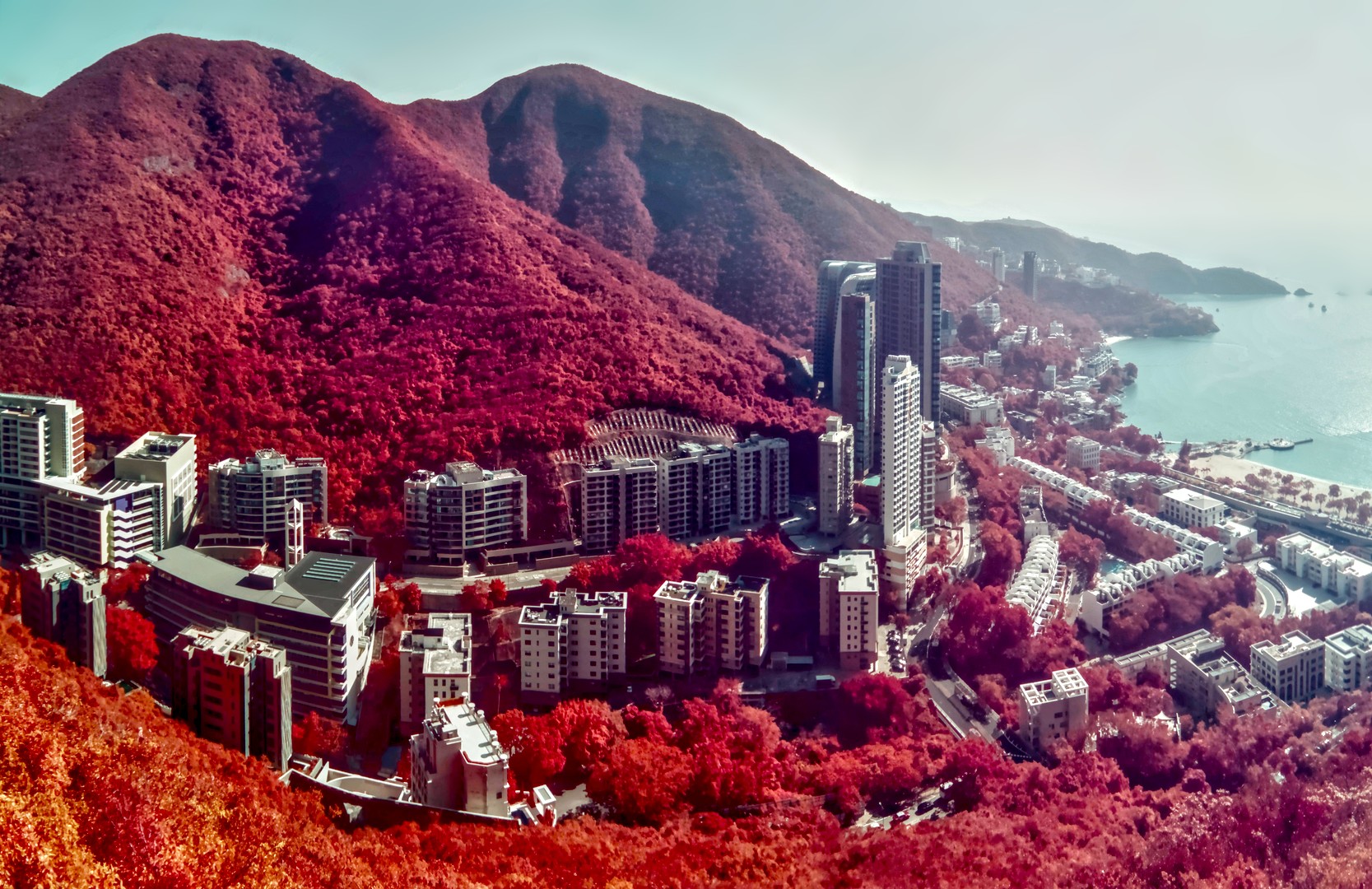
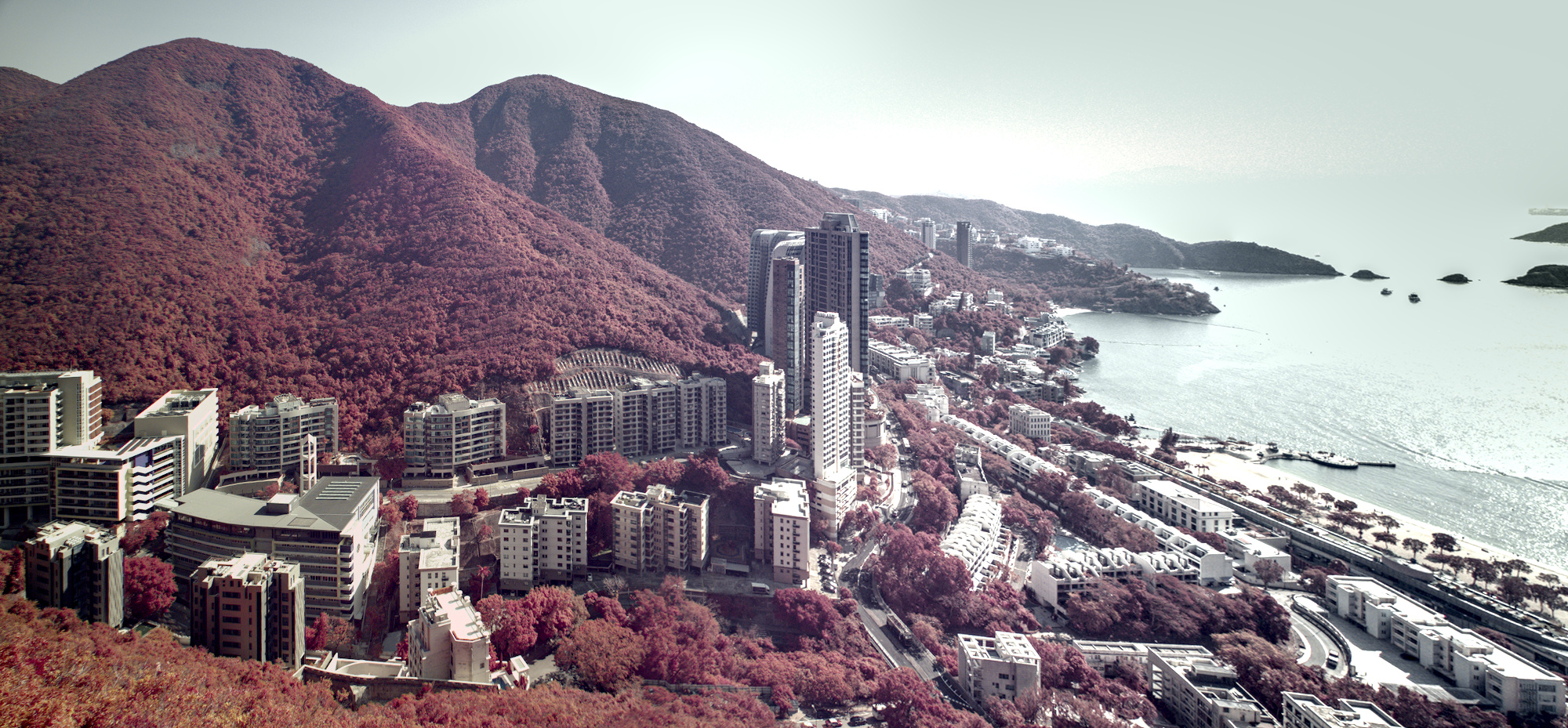
I exported 3 raw files (shot using infrared converted camera) using DT and then stitched them together using Hugin. Then, I use DT to import and process the photo. Try to improve the contrast as I am slightly shooting into the sun (at the top right). I am new to DT and hope to get some insights from you guys.
I think you might be better off doing some preliminary editing to the raw files before stitching. You might be able to squeeze out more details in the final version that way.
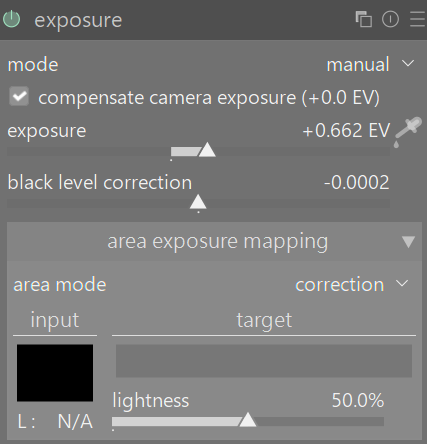
DT offers area exposure mapping which will allow you to match exposures for multiple images even if the camera didn’t. Similar feature available for color mapping in color calibration module.
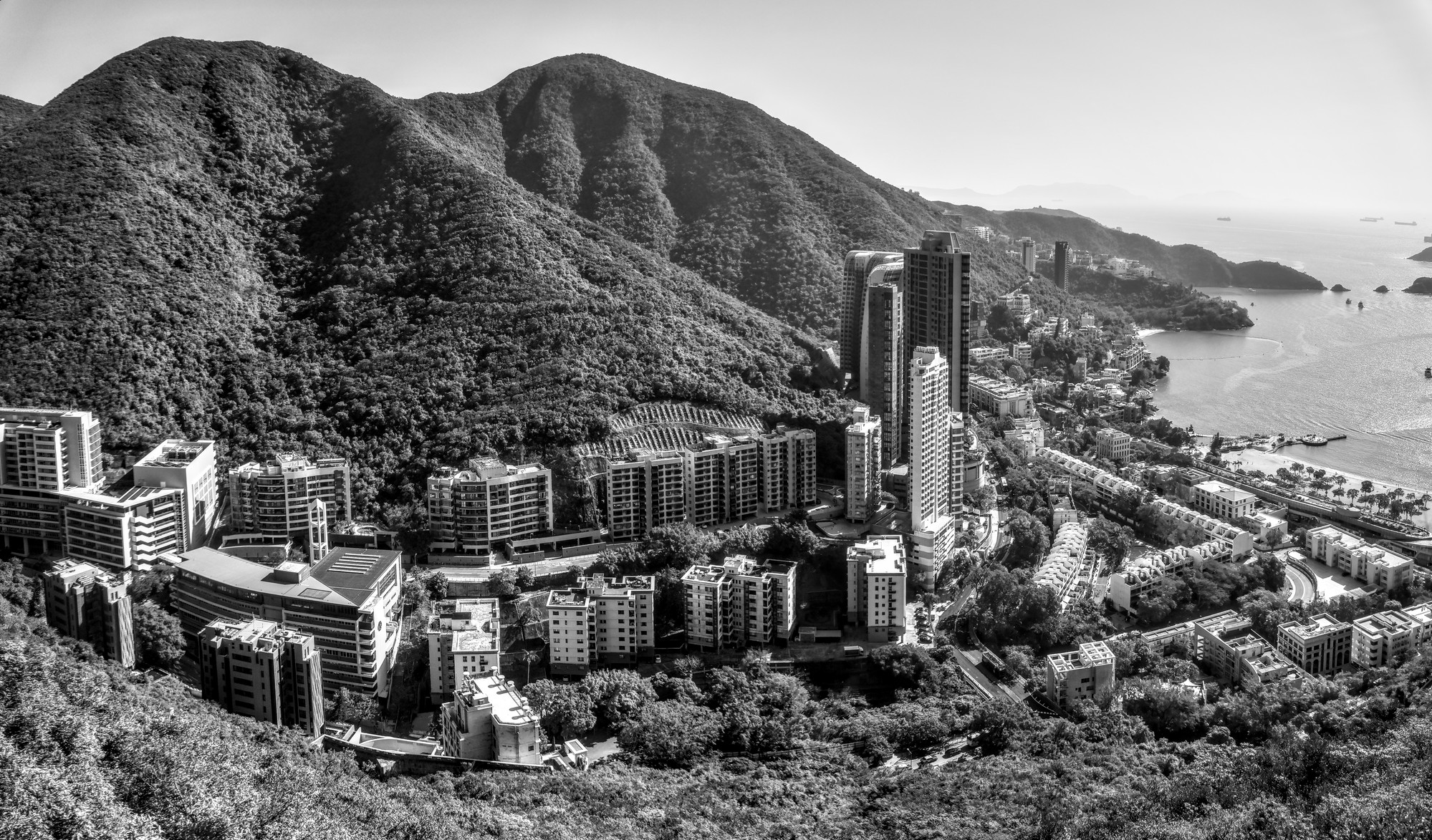
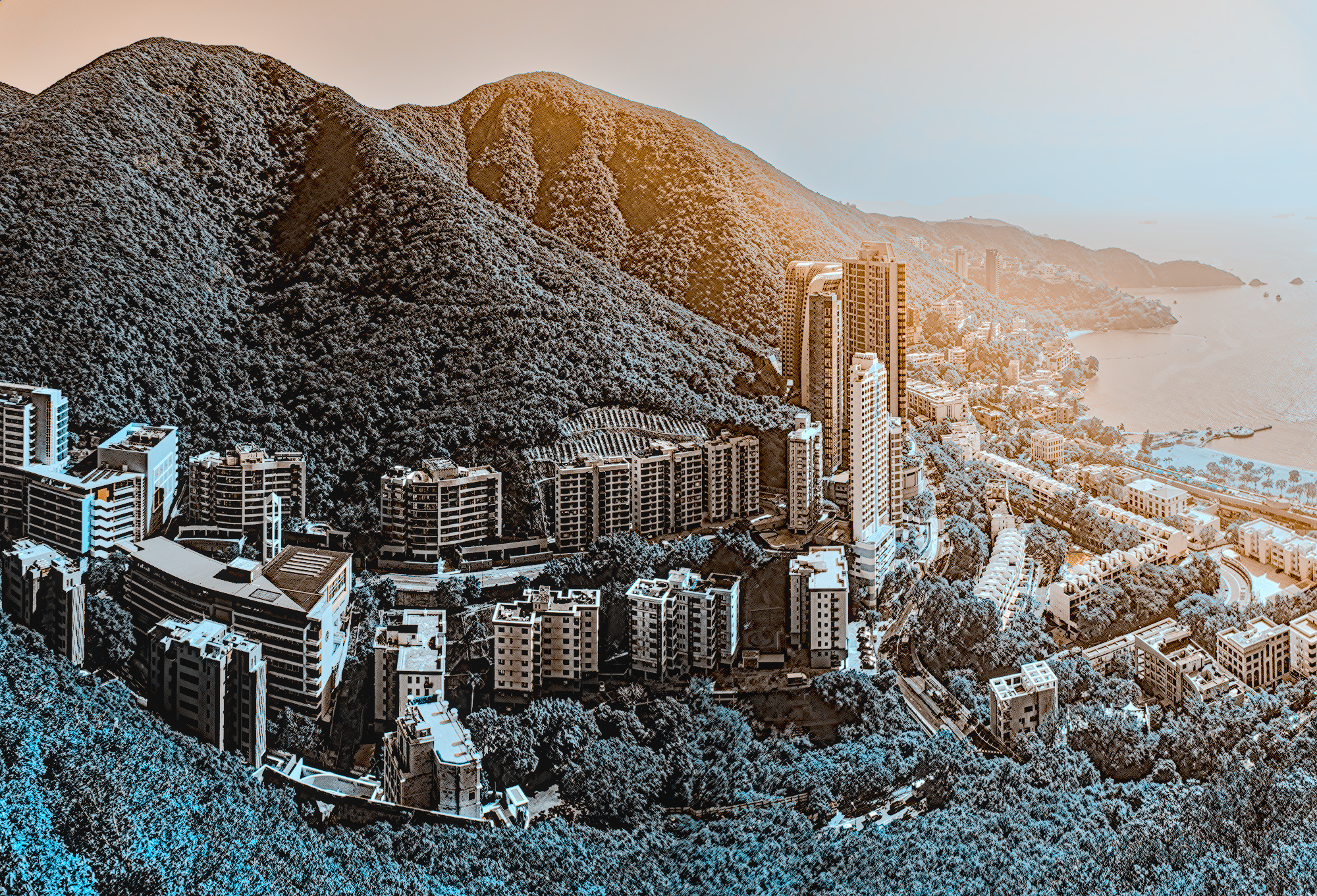
I don’t like the colours of IR Photos, therefore I switched to B/W.
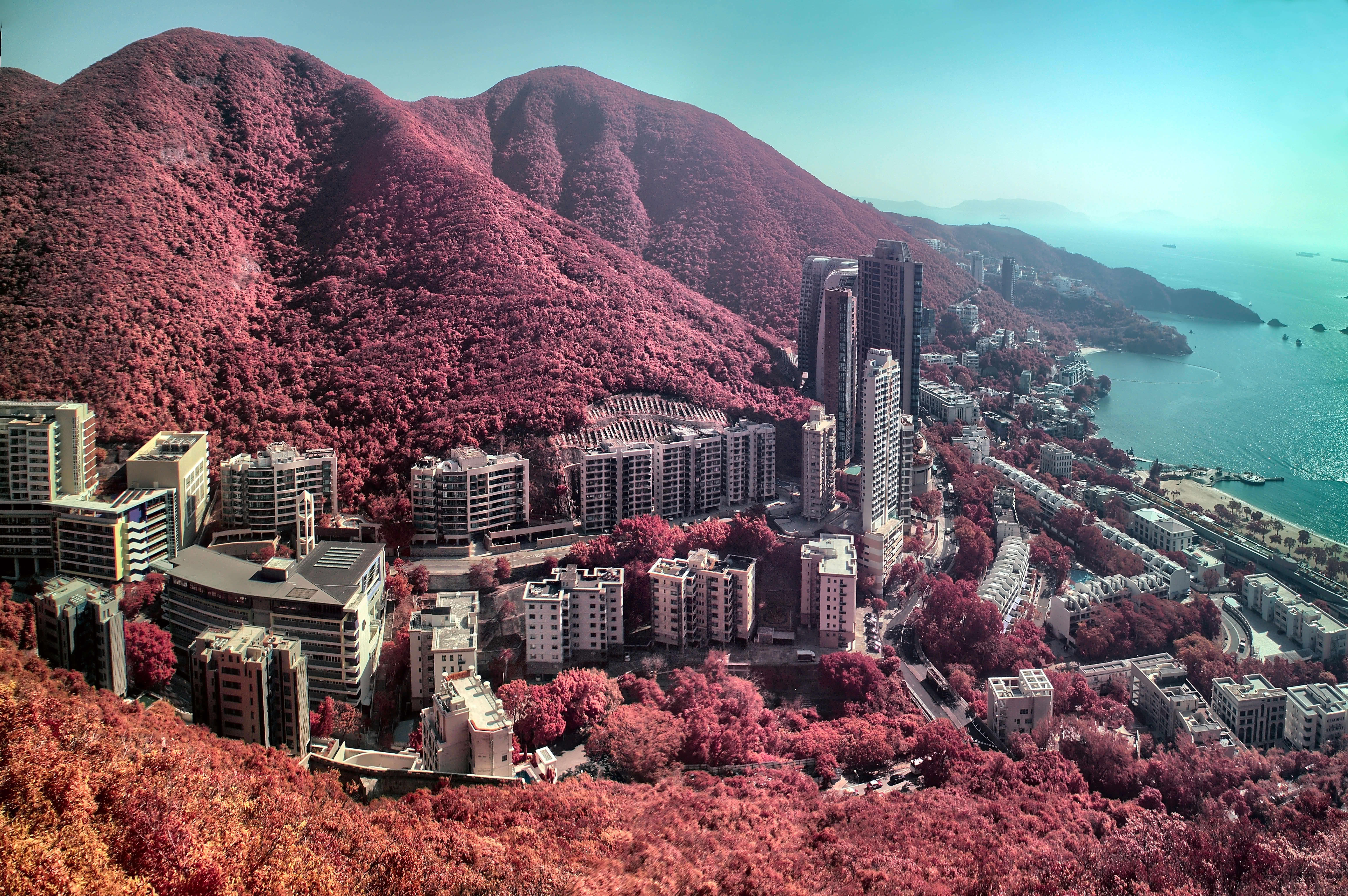
Processing was done in dt. Stiching was done with PTGui (sorry for that). And then i did some smaller adjustments in dt again.
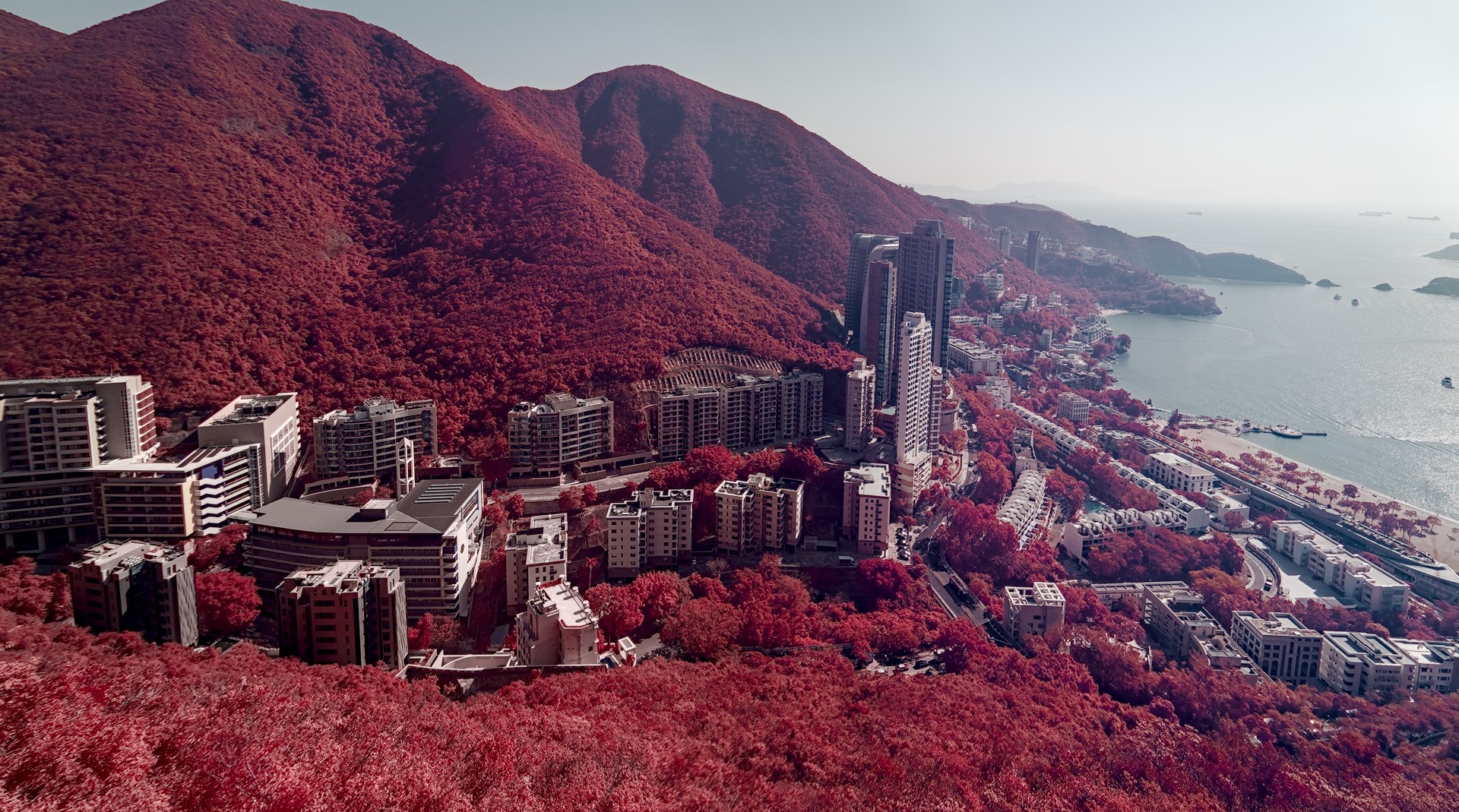
Here was my rough and ready version. I used AutopanoGiga (free but not open) for the stitch. I did some manual tweaking of colors, and some quick edits, but nothing special.
Thanks for pointing this software out to me. I will download and give it a try. I personally haven’t found a FOSS solution that I like for panorama stitching and have been using Microsoft Image Composite Editor. Having another option would be great. Especially one that works on MAC and Linux.
I really struggled with this picture in the top right corner. I stitched the raw files together in AutoPano Giga and then tried editing in DT. [Group 0]-DSC01298_DSC01301-4 images_0000.jpg.xmp (1.7 KB)
I also have AutopanoGia but since I learnt Hugin before, I have not paid much attention. Since AG can handle raw files, I would try to learn this software.
I think I forgot to mention that I exported the individual edited RAW as TIF before stitching. I know ApG can stitch the raws, but I do not think it can understand darktable’s xmp. Just be aware that you lose some control of the image when ApG exports a tiff