First of all: thank you a lot for this great raw editor the results I can get from such a fast and intuitive workflow are amazing!
Issue
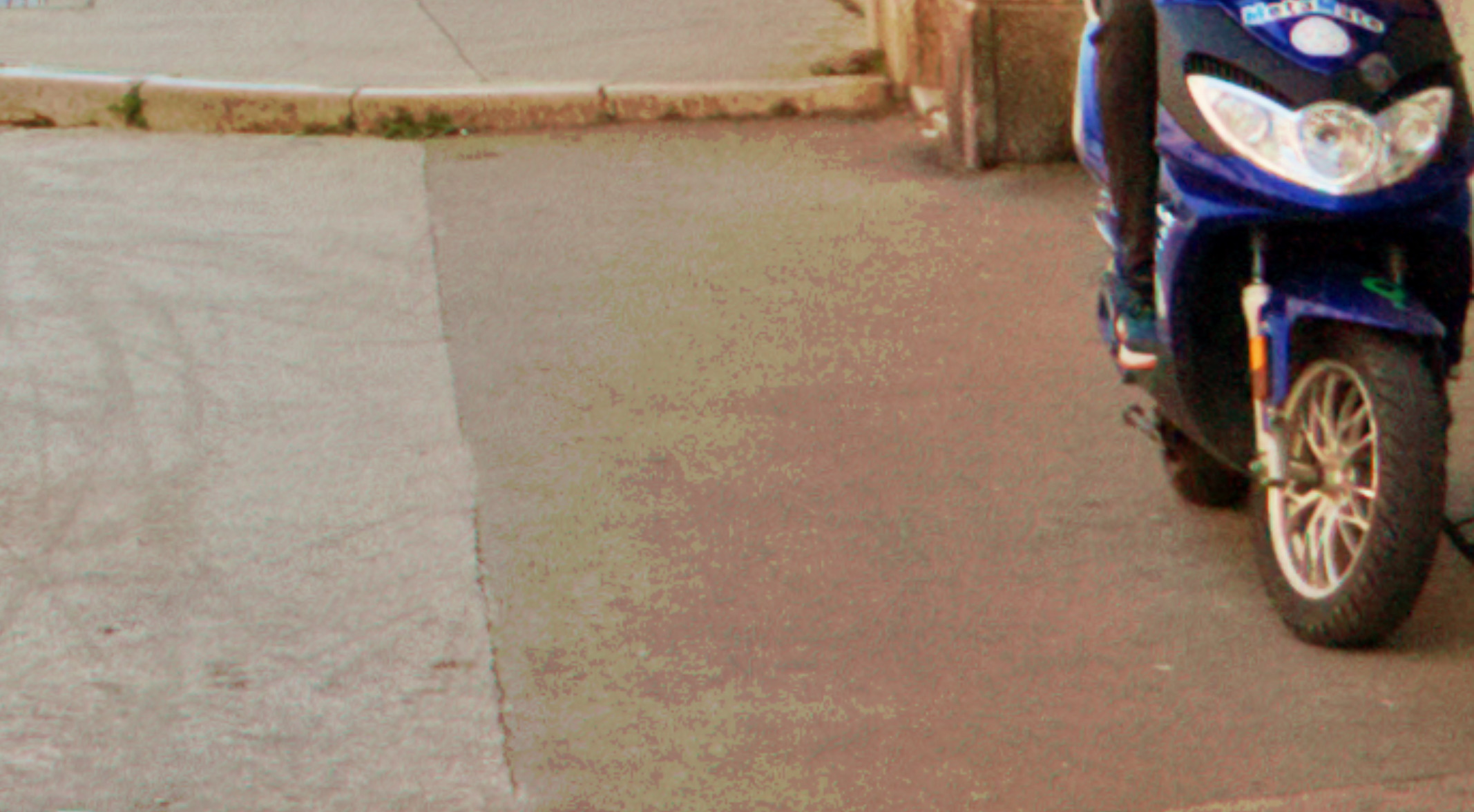
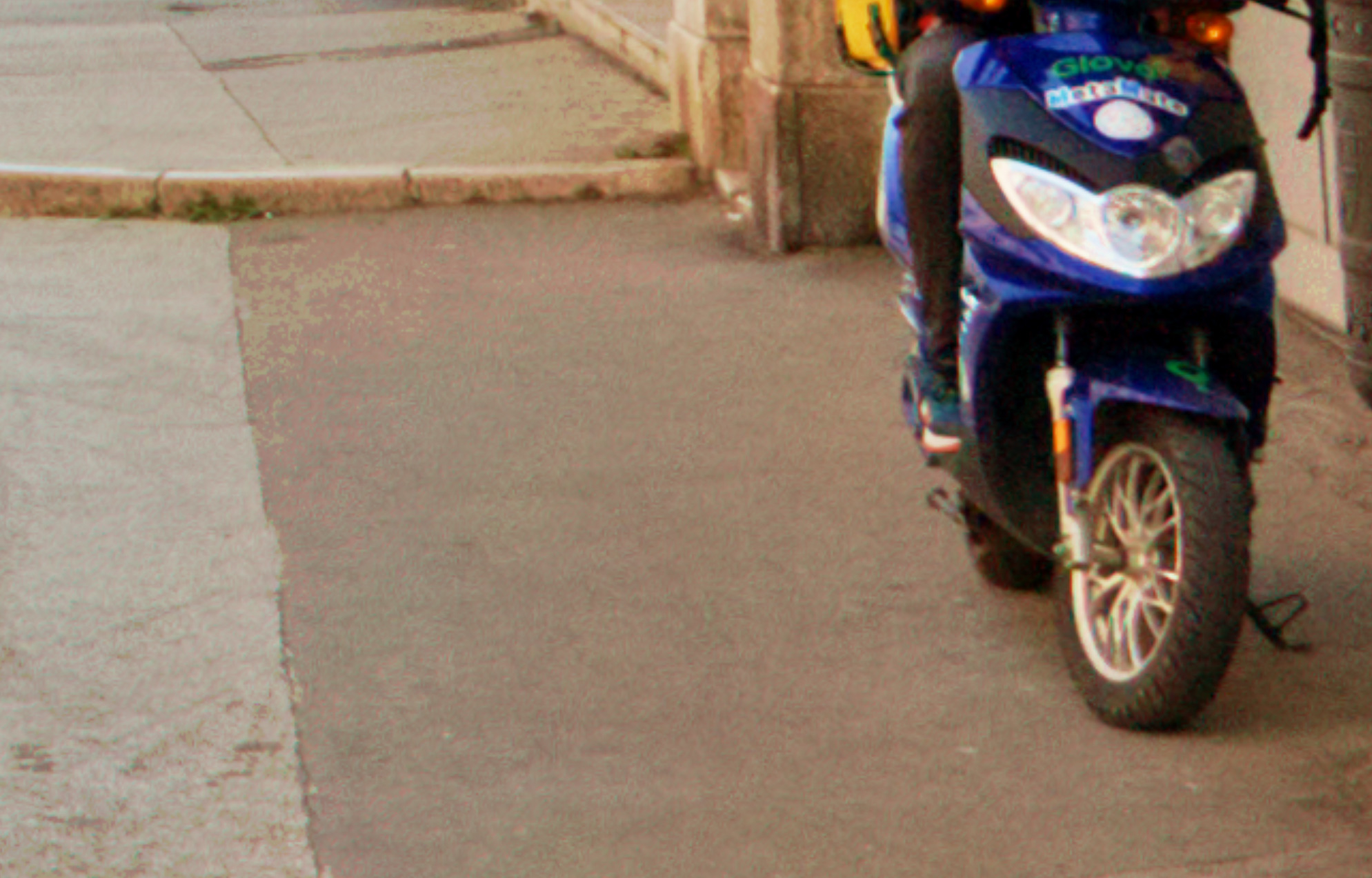
I noticed that a lot of times I see severe banding/posterization in shadow and midtone regions of the image. The position of this banding can easily be changed by the highlight rolloff slider. Not sure why this is happening. It appears in cases of light or of high tonal compression where other editors (darktable or lightroom) would not show any posterization. Not sure if this is a bug, user error or an inherent property of the algorithm.
Maybe you can help me with that
I’ve figured it out: it’s the combination of Shadow Rolloff Point and Highlight Rolloff Point.
When you both strongly raise Shadow Rolloff Point and strongly lower Highlight Rolloff Point, that creates a very steep tone curve and at the values between them you will get posterization.
In this case, you should return the Shadow Rolloff Point and control the darker portions of the image after Filmulation using the Shadow Brightness slider instead of before.
Roughly the same settings as yours, but with the following changes:
Auto CA Correct 1 (Auto CA correct works better for this lens+scene)
Highlight Recovery 0 (highlight recovery only helps if you use negative exposure compensation, and it just makes processing slower otherwise)
Noise reduction on
Chroma NR Strength 14.19 to remove the color noise from the shadows
Profiled CA off (as before)
Shadow Rolloff Point 0
Shadow Brightness 180 to darken the shadows the way you were using Shadow Rolloff Point
Highlight Brightness 1000 to counter the previous tool’s effect on the midtones
I really love what you’ve done to get this look, though. I never thought of intentionally pushing tons of the image into the highlights of the “film” to get a softer look and then getting the colors back with vibrance+saturation.