I’m using the flatpak Darktable version 3.8.0 on Ubuntu 20.04.3.
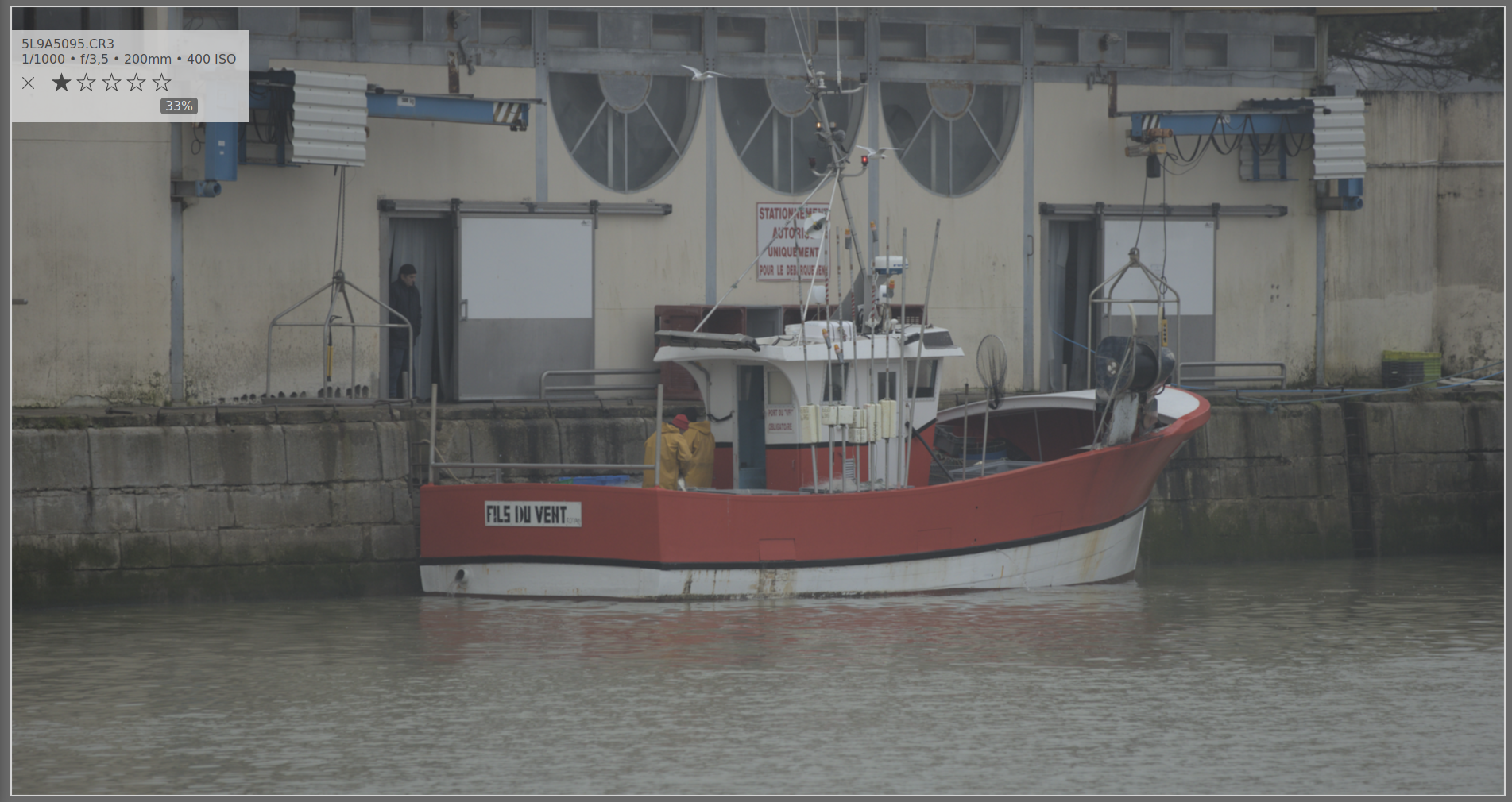
When previewing photos with ALT + w , they appear slightly out of focus/soft with the initial zoom level (fit). I need to zoom in one step to be able to see the correct focus/sharpness. I don’t remember this being an issue previously.
I had been playing around with the prefer performance over quality setting earlier today but have since disabled it.
Anyone seeing this issue?
Here’s a couple screenshot to demonstrate the issue.
I finally fixed it. It seems like Darktable kept a cache of the low resolution version of the photo from when I was using the Prefer performance over quality setting.
After clearing the cache (renaming ~/.var/app/org.darktable.Darktable/cache/darktable/mipmpas-123456.d to old.mipmpas-123456.d), when displaying the preview with ALT + w darktable started loading the picture and the full resolution image was displayed.
I’m not sure if it’s a bug but this was a really strange behavior, I would have expected Darktable to automatically invalidate the cache if the option is toggled on or off.