I just downloaded GIMP yesterday. I am using it because Darktable has no print function. I am a recent shipjumper from Lightroom.
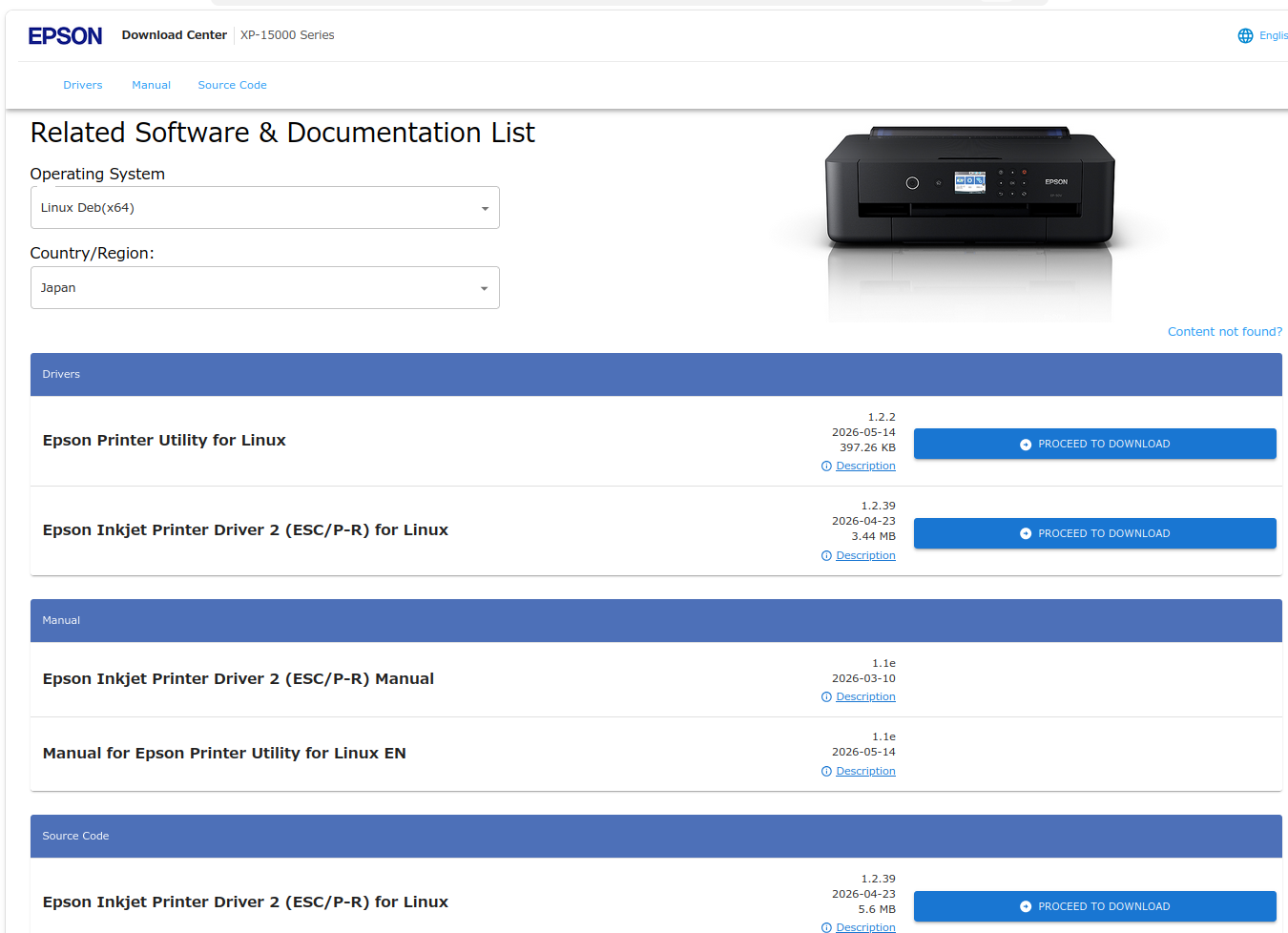
Ok, I have an Epson ExpressionPhotoHD XP-15000 (who names these things?). I was out of ink, so I wasn’t able to try printing. New ink on order. While I wait for it----Does Gimp require a special driver for each model of printer?
Excuse my ignorance - I am a newbie to Linux, GIMP, and just about everything else, except I’ve owned Epson printers forever.
Sadly higher end printing on Linux is a little difficent. You’ll need to see what driver package supports your printer. Gutenprint is a good idea. If not that, then TurboPrint
Thanks Yasuo. I will give it a try. I usually have no luck trying to install stuff on Ubuntu. There is always some “exception” or wrong this, wrong that, to block success. It’s quite annoying.
My whole “Linux experience” has been a big deflation. I was hopeful it was going to be a better alternative to Windows, but so far…MEH. OTOH, It’s “free” so what can anyone really expect?
Should have the ink in a couple days. I’ll let you know how it all works.
Yes, they are helpful, and I have used that resource. I’m just saying that generally speaking nothing goes easy. It’s like “fun” for programmers, but my interests aren’t in “computers”.