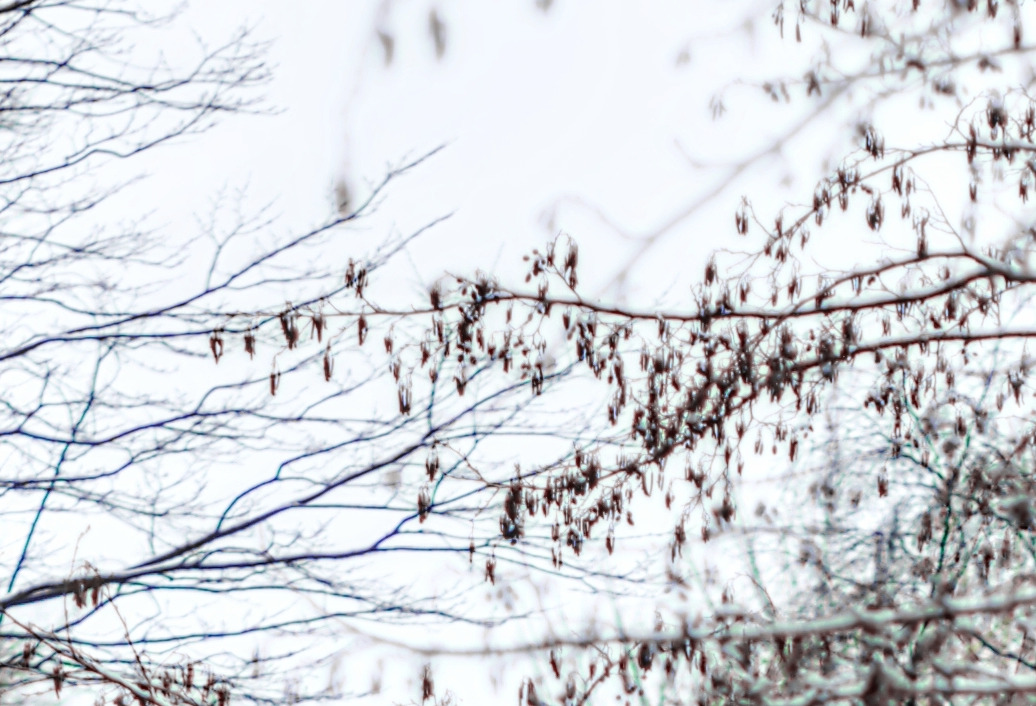
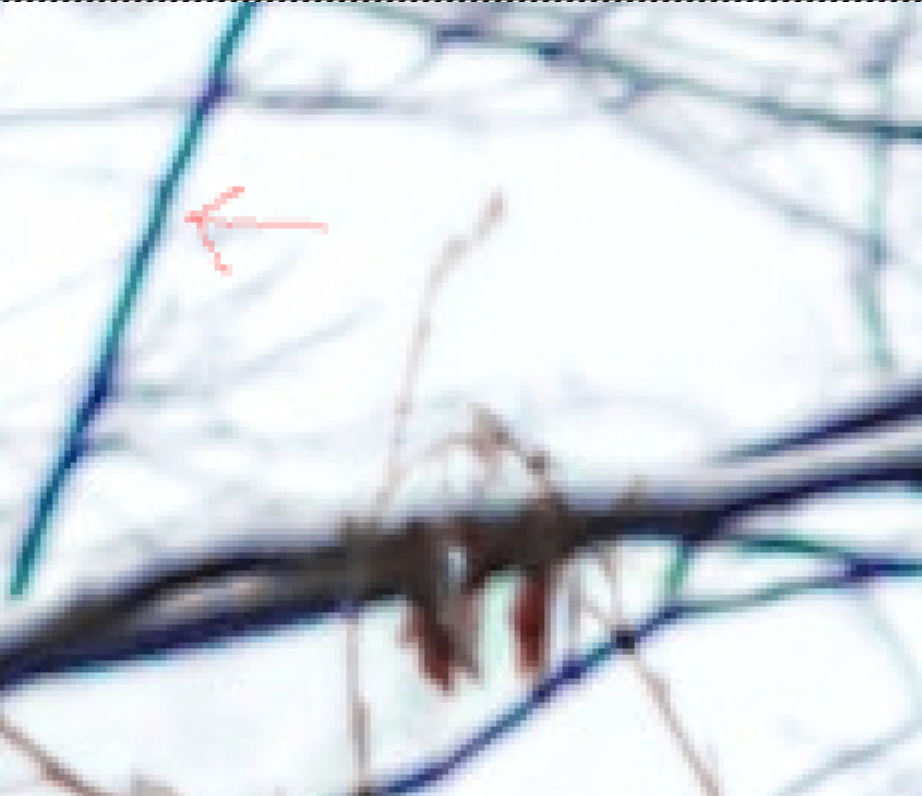
On some of my lenses, purple fringing wide open and on contrasty backgrounds can really ruin images. Some would tell me to choose a smaller aperture to avoid this but that’s not always good if the extreme wide aperture is the very reason you bought the lens.
A good example is the Sigma 85mm/f1.4 (dubbed “the Beast” in my house because of its size). It has been with me since my K20D days and apart from having to use AF finetuning for it on every Pentax body I owned since, it delivers beautiful images only marred by two things: extremely busy and distracting bokeh (only under certain circumstances) and really, REALLY bad purple fringing. The busy bokeh I cannot do much about until this day - it is something that bites me now and then.
The purple fringing was bad on the K-5 IIS, the KP after it and my current K-1 MkII to the point I only used this lens for non-landscape shooting. Every purple fringe removal tool in the past ended up doing two things: 1. remove the fringe and 2. Remove some of the detail and/or proper color around it and in the background.
I’ve been using lots Darktable, Gimp with GMIC and Digikam for over 15 years as main editing tools and I have no idea how I have overlooked unpurple by Martin Jambon. It was quietly ported and included into GMIC by Stanislav Paskalev and had totally escaped my attention until recently.
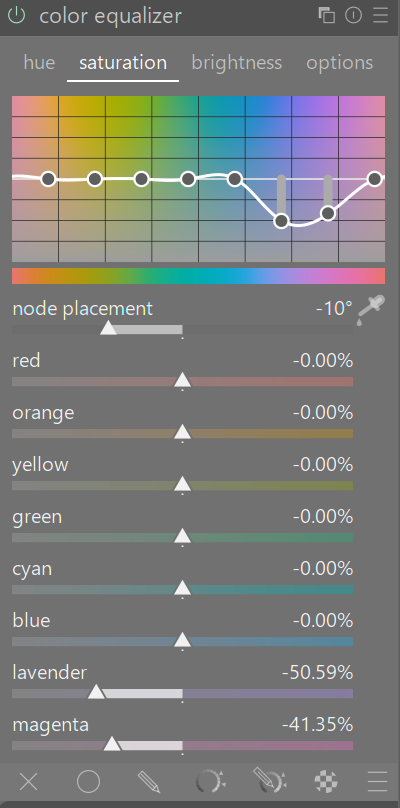
By trial and error (and using the “copy GMIC command to clipboard” button in GMIC_QT) I found settings I liked.
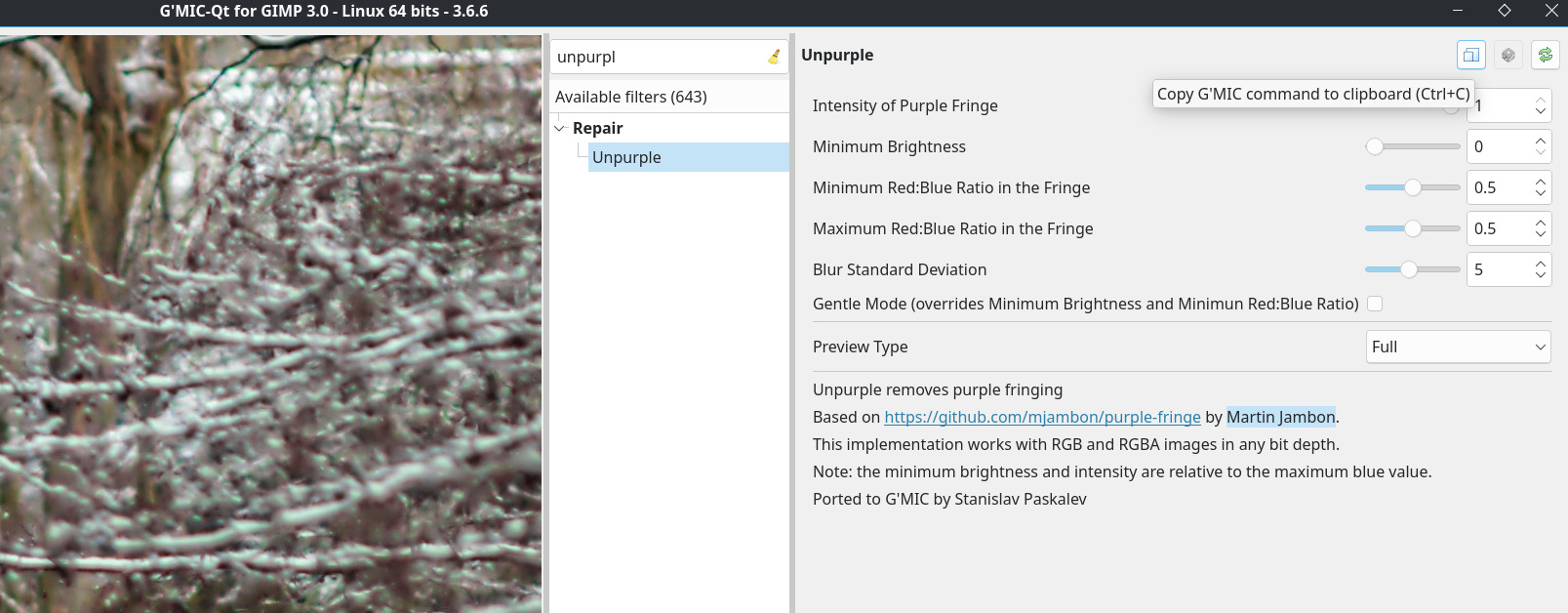
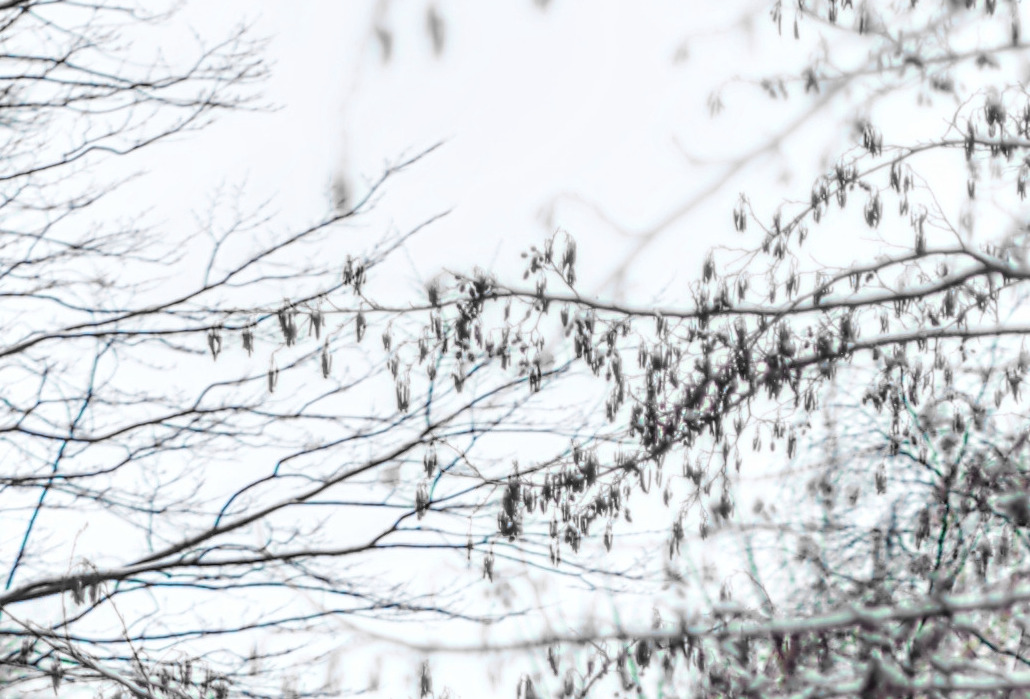
They do not noticably desaturate the sky behind some purple tree branches for instance but have a radical impact on the fringing.
Here’s the bash script (I’m no coder but I have a basic script structure that I plug GMIC command structure into) which takes any number of input images, defringes them and outputs them with “-unpurple” added to the file name.
#!/bin/bash
let "nbfiles = $#"
ref=$(kdialog --title "Purple fringe remover" --progressbar "(Initialising ...)" 15)
qdbus $ref Set org.kde.kdialog.ProgressDialog maximum $nbfiles
compteur=0
for i in "$@";do
	if [ -f "$i" ];then
            let "compteur +=1"
            FILE="$i"
	fi
    FILE_NO_EXT=${i%.*}

    echo $i
    echo $local

    gmic -i $i unpurple 1,0,0.5,0.5,5,0,"0",0,50,50 -o $FILE_NO_EXT-unpurple.jpg

    exiftool -overwrite_original -TagsFromFile $FILE $FILE_NO_EXT-unpurple.jpg

    qdbus $ref setLabelText "Unpurpled image created: `basename "$FILE"` ($compteur of $nbfiles files)"
    qdbus $ref Set org.kde.kdialog.ProgressDialog value $compteur
done
qdbus $ref close
Example before:
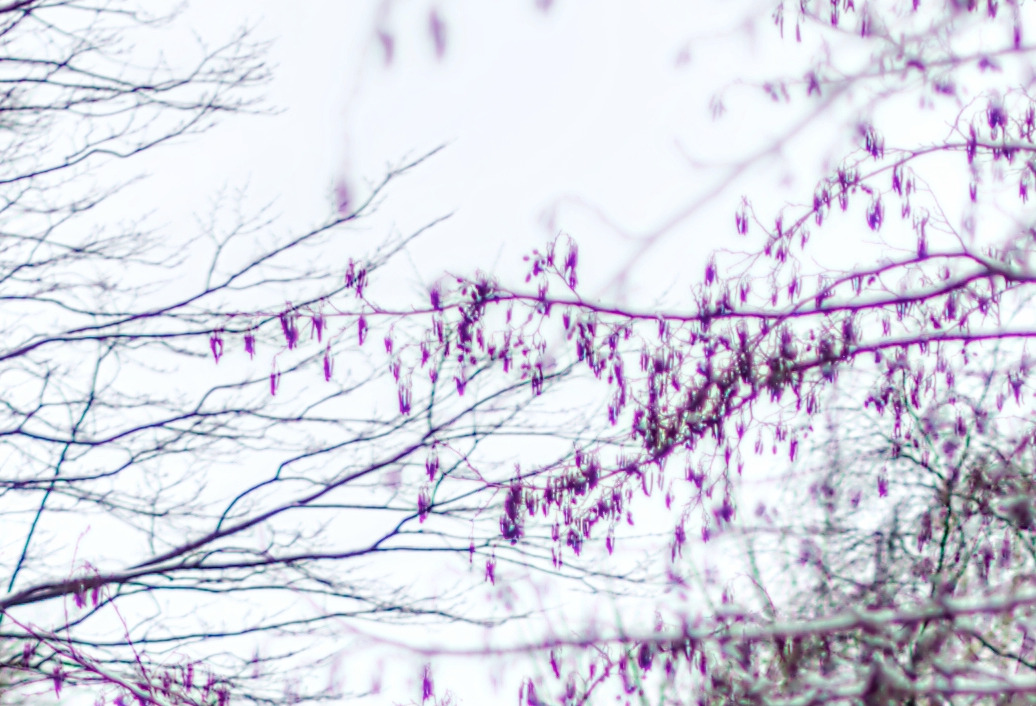
and after