So I wanted to create a script or plugin for Gimp to automate a simulation of particular effects or films.
I’m totally new to Python, but want to learn… (before I used Scheme).
So I got the help from AI to get started, but I need your feedback to make things better.
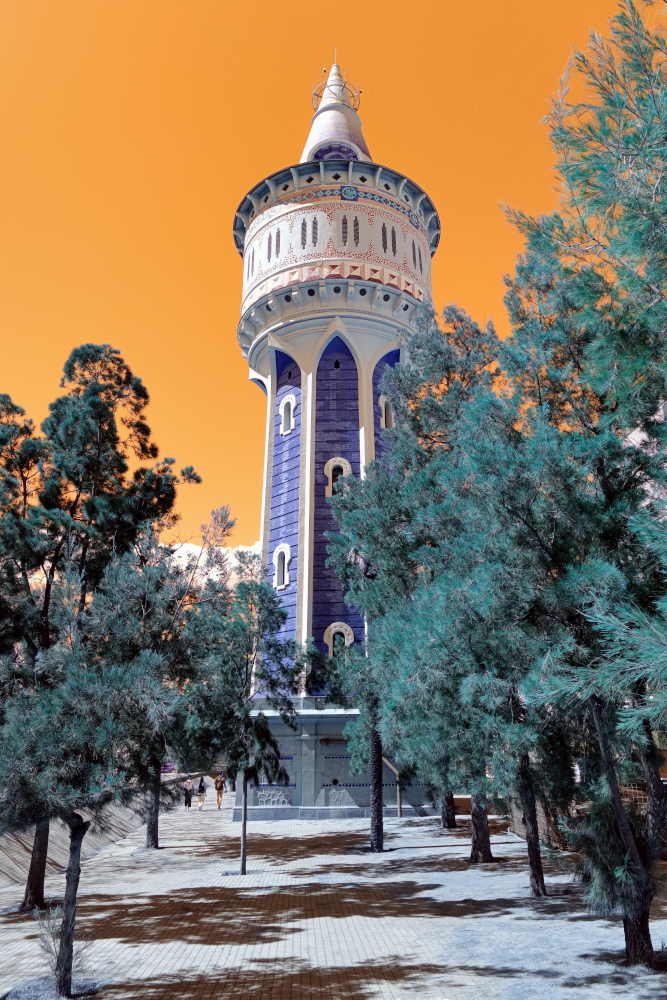
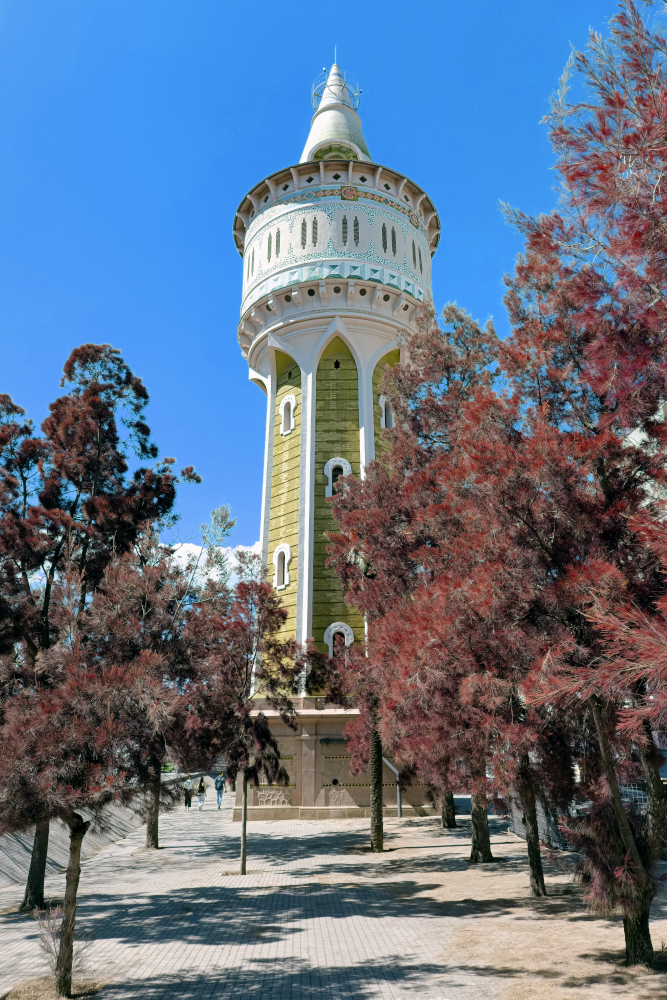
The aim was to simulate the style from the Harman Switch Azure film and the Kodak Aerochrome… these are already ok for me.
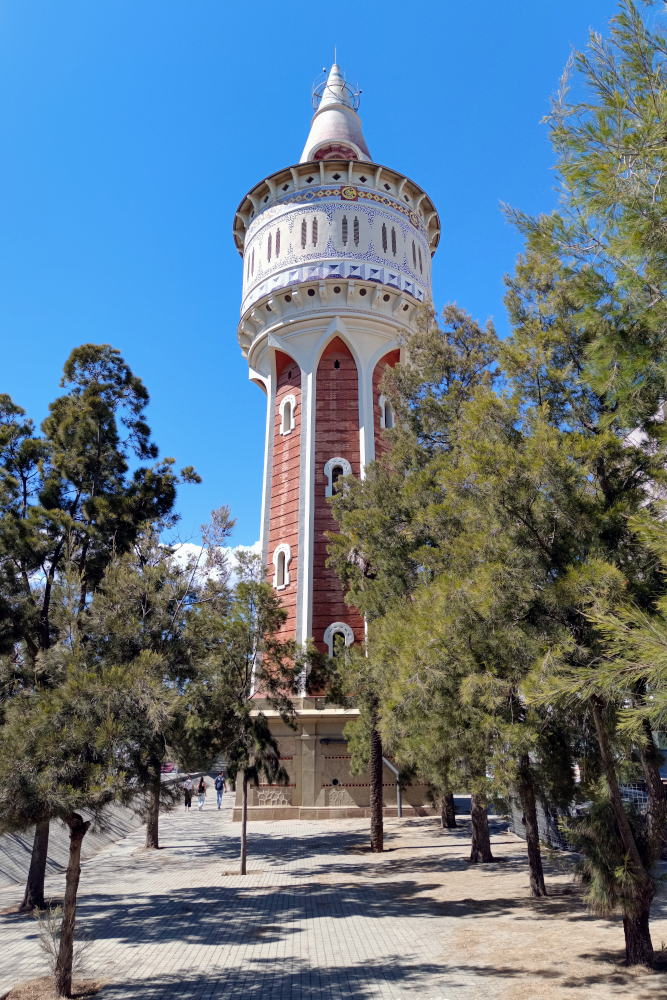
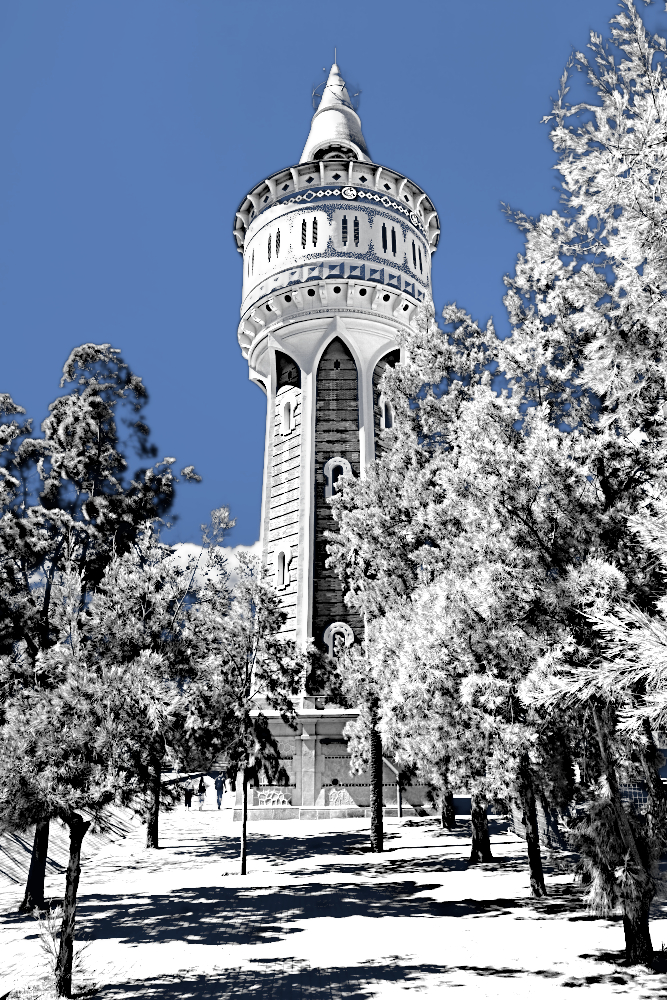
But I’m also trying to get an Infrared kind of style, where foliage is more white. Not the black and white version, the sky still needs to be a bit blue-ish… Of course, it should be made for photos taken with a camera that is not converted for IR, nor with the use of specific filters. So regular photos everyone makes.
I wanted to avoid third party stuff in python, such as Numpy or OpenCV.
Anyway, it’s not doing the right stuff like with analog films… as not only foliage but all green gets white, which isn’t correct… I was thinking about starting from the Aerochrome version and change the reds from the trees to white, but not yet figured out how.
Any help is welcome. Perhaps you guys have nice ideas for other scripts or plugins in this direction for color changes and experimental films?
I uploaded the 2 python files and some photo examples.
What’s your thought on this?
Did AI do a good job in scripting, or are there parts that need to be corrected? (I’m not trusting AI 100%)
filmemulation.py (4.9 KB)
digitalinfrared.py (9.5 KB)