Hi,
Happy New Year, every one! It’s already the new year in Japan.
I have updated this plug-in to ver. 0.3.
In this version, it has following features.
1. It becomes applicable to 4 versions of nind-denoise scripts.
1) Original version by @trougnouf
It is not compatible with Windows.
2) @agriggio modified version
Only in this version, mps mode (for ARM version of iMac) is available. This version is recommended for Linux or Mac OS system without NVIDIA GPU. It is not compatible with Windows.
3) hqhoang version
In spite of this version has “no cuda” option, it seems that it demands NVIDIA cuda compatible driver. I encountered the message bellow on the PC without NVIDIA GPU.

It may be only applicable with PCs with NVIDIA GPU. And it is partially compatible with Windows.
4) CommReteris version
With this version, use the same parameter with hqhoang version for VERSION in config.ini.
For Windows installation, use this version. This is also applicable with both with and without NVIDIA GPU systems.
2. Augmentation of adjustable parameters in config.ini
1) You can specify nind-denoise script version
2) You can specify network model
Default value of config.ini is below.
VERSION;agriggio
# options: agriggio, original, hqhoang
PYTHON;/home/username/scripts/nind-denoise/.venv/bin/python
NIND_DENOISE_DIR;/home/username/scripts/nind-denoise
MODEL_PATH;/models/nind_denoise/2019-02-18T20:10_run_nn.py_--time_limit_259200_--batch_size_94_--test_reserve_ursulines-red_stefantiek_ursulines-building_MuseeL-Bobo_CourtineDeVillersDebris_MuseeL-Bobo-C500D_--skip_sizecheck_--lr_3e-4/model_257.pth
NETWORK;UNET
# options: UNET, UtNet
DEVICE;cuda
# options cpu, cuda, mps
DENOISE_TMP_FILE_TRC;off
# options: on or off
Here is the link of the newest trained models by @trougnouf.
https://drive.google.com/drive/folders/1XmY9yO3yhhhdwQ_btYCIpkUBFQ88H-pr
3. In this package, it includes a setting check Python script.
In plug-in installed directory, put any jpeg file named “test.jpg” and run below command.
$ python nind-test_d.py (or python3 nind-test_d.py)
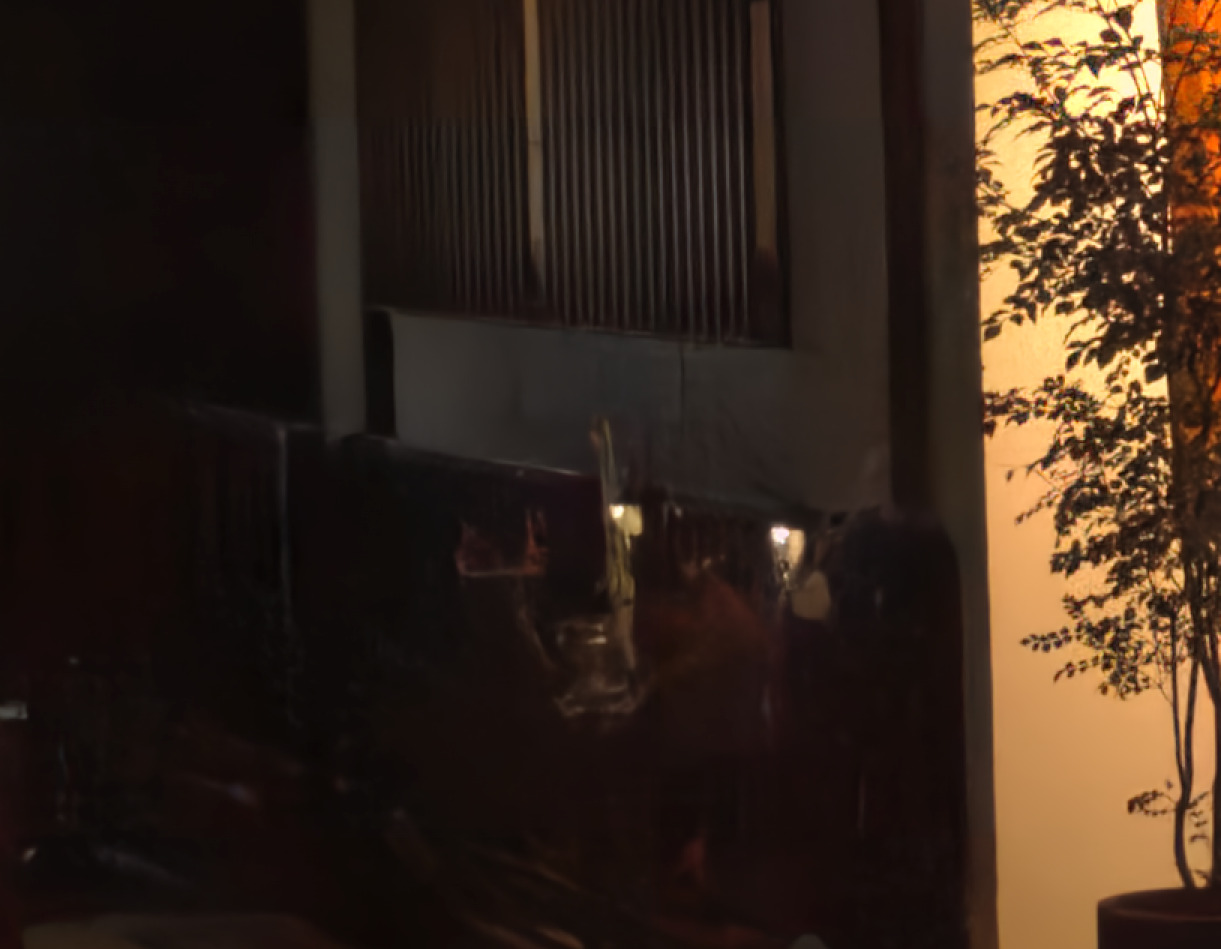
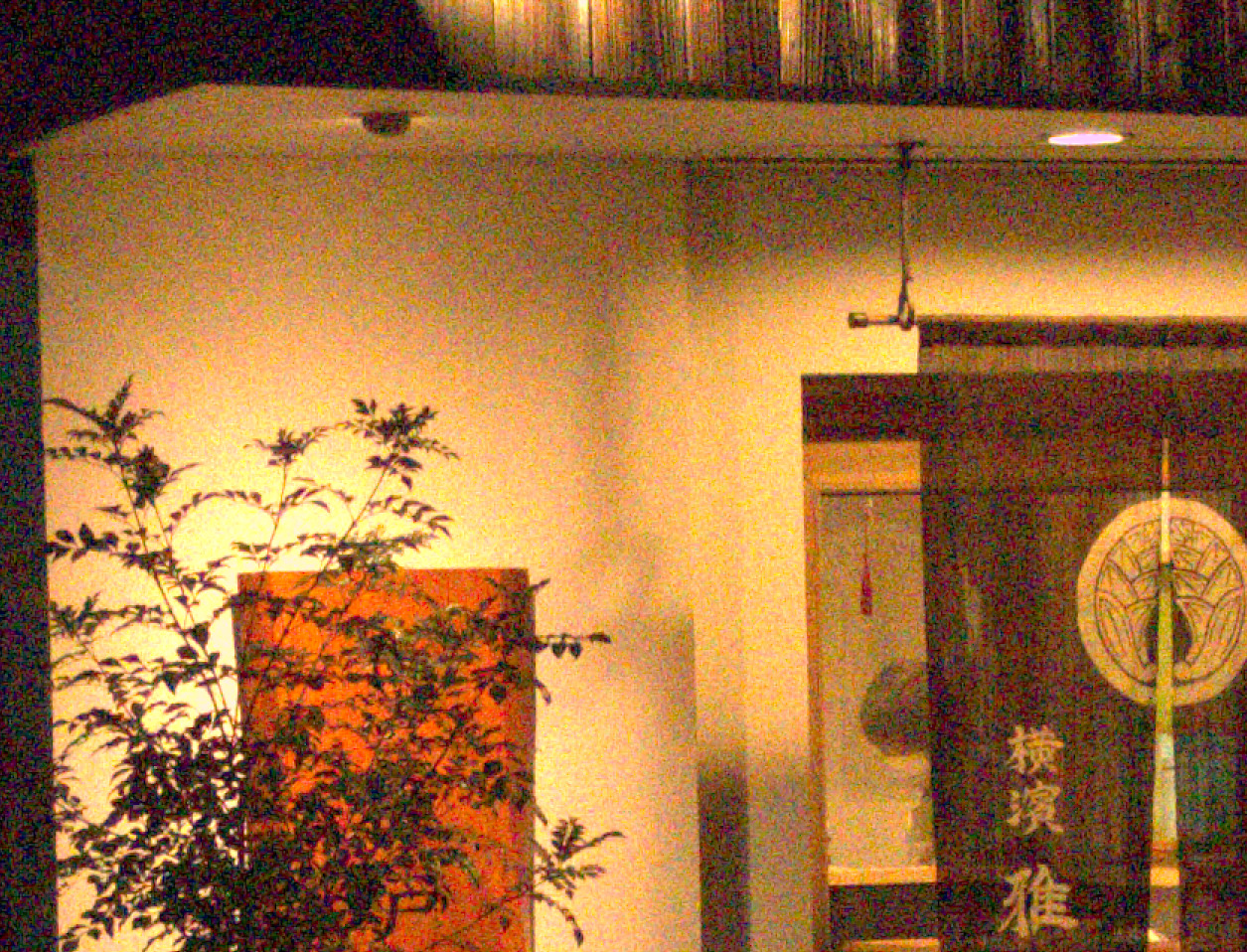
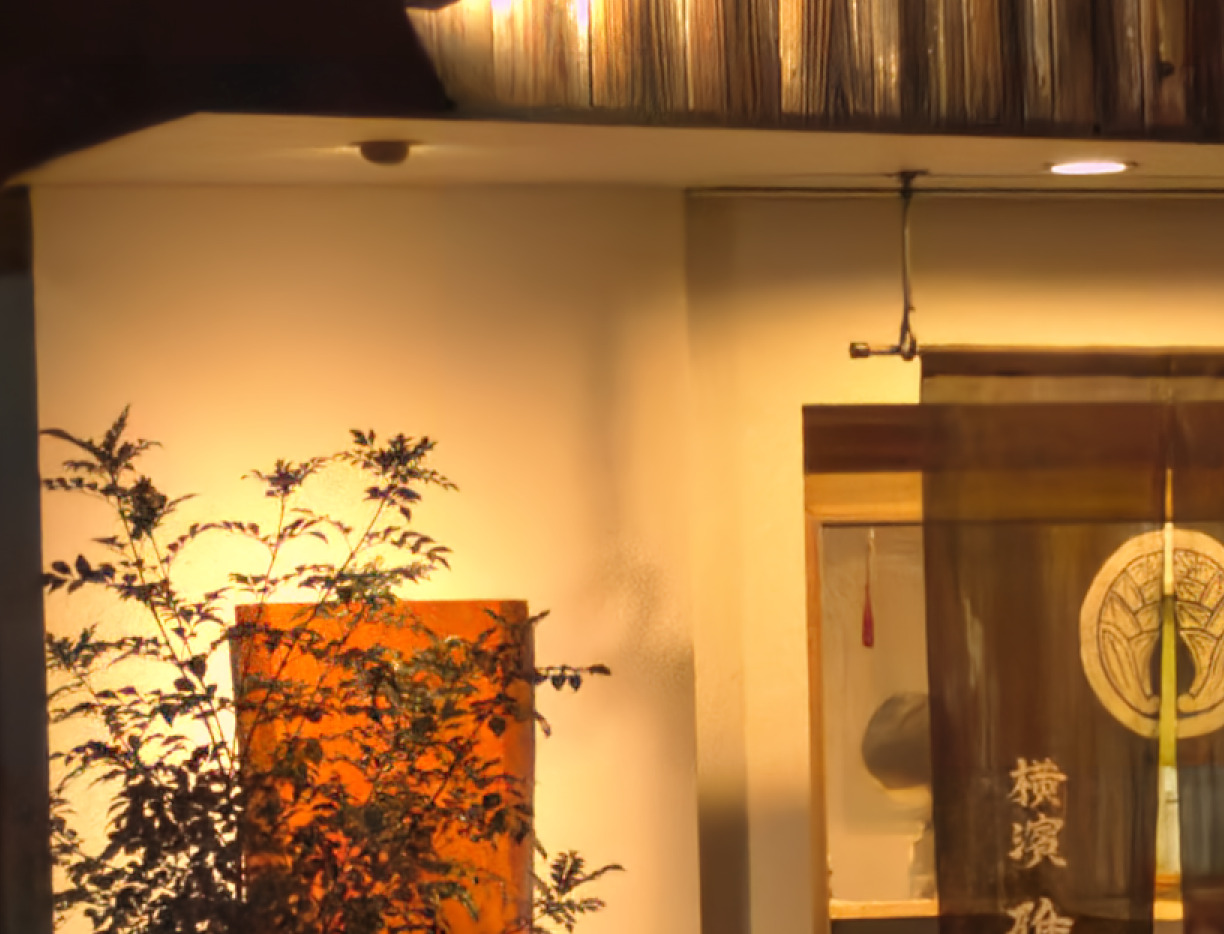
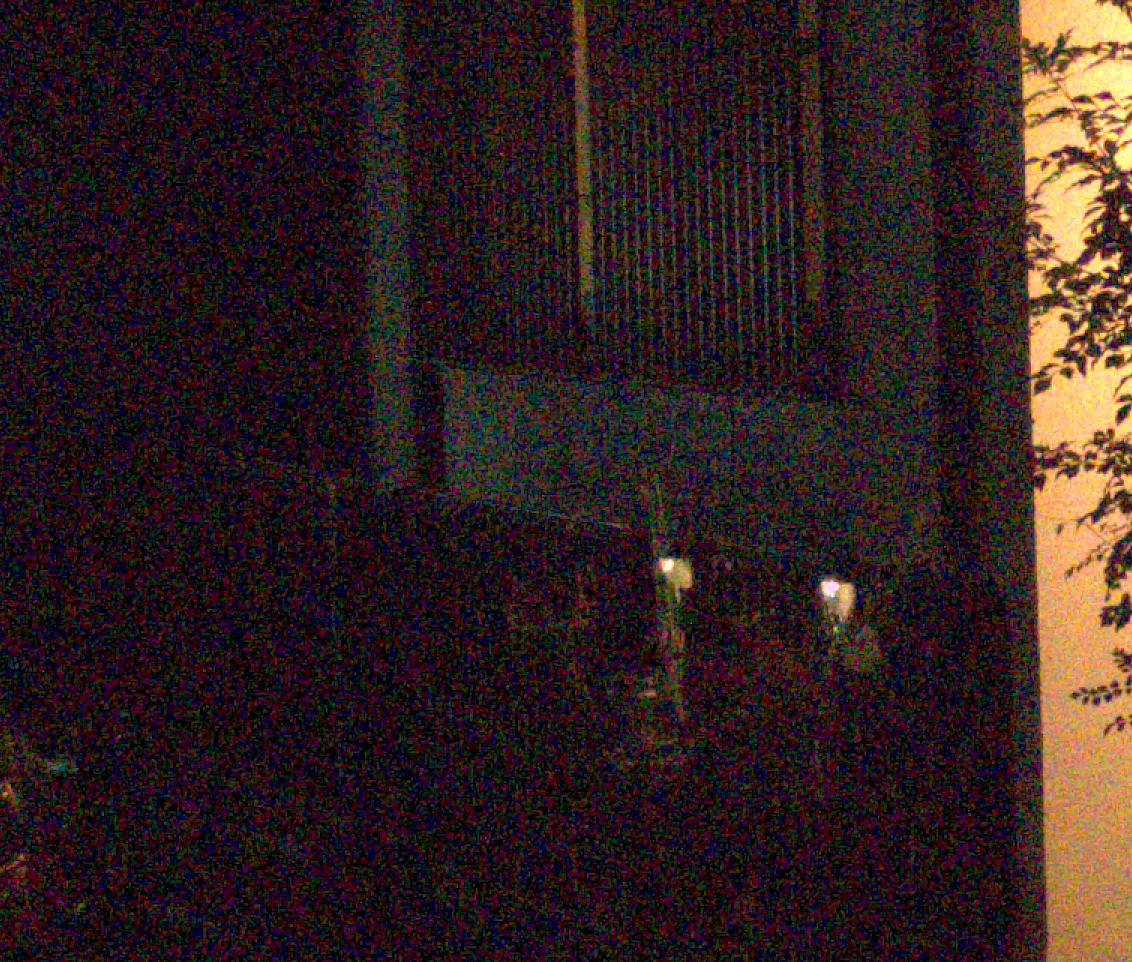
Here are some sample images using this plug-in + hqhoang version of nind-denoise scripts + UtNet Network model + 2021-06-14 version of trained model. It seems that they are the best combination.
Before denoising
After denoising
Before denoising
After denoising