Merry Chiristmas!
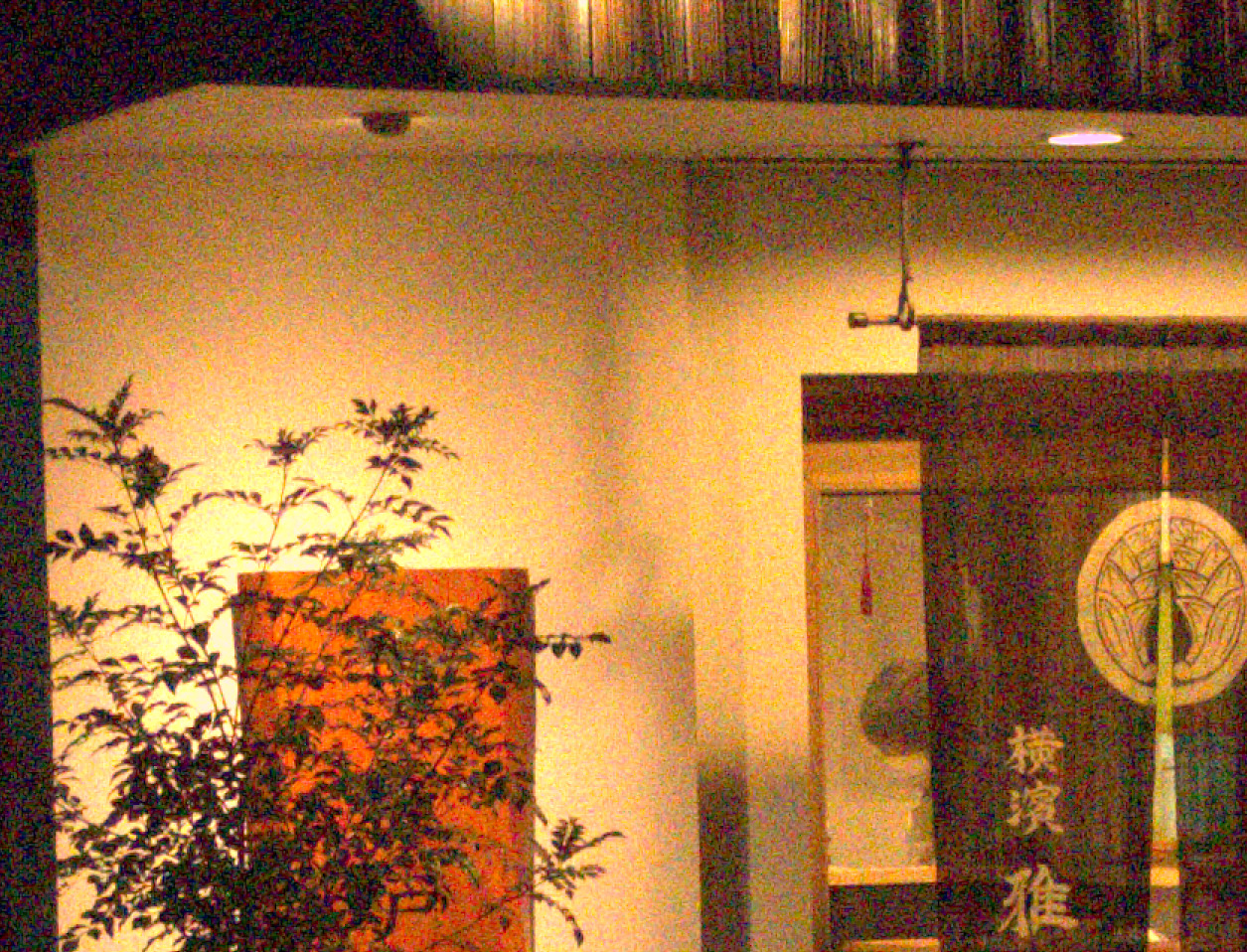
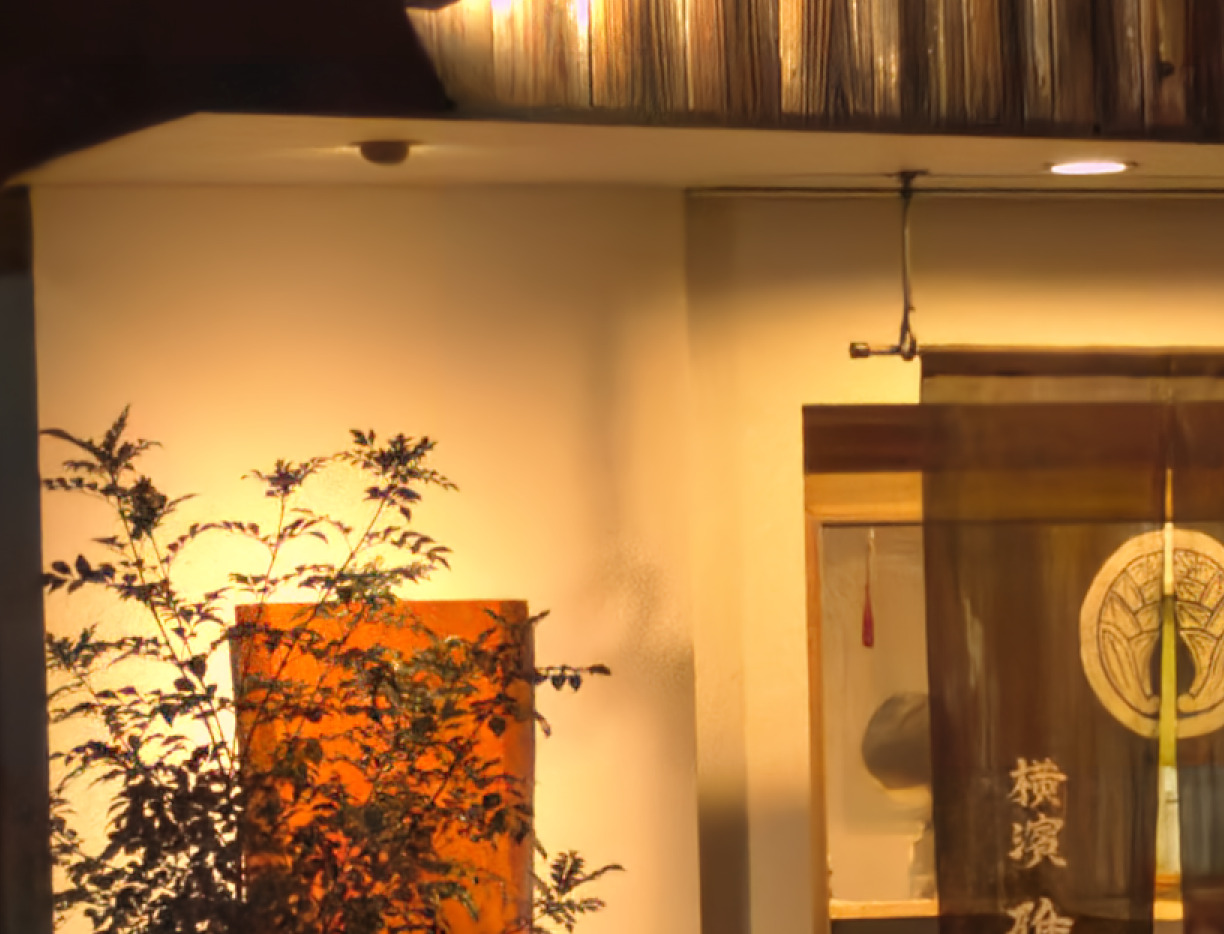
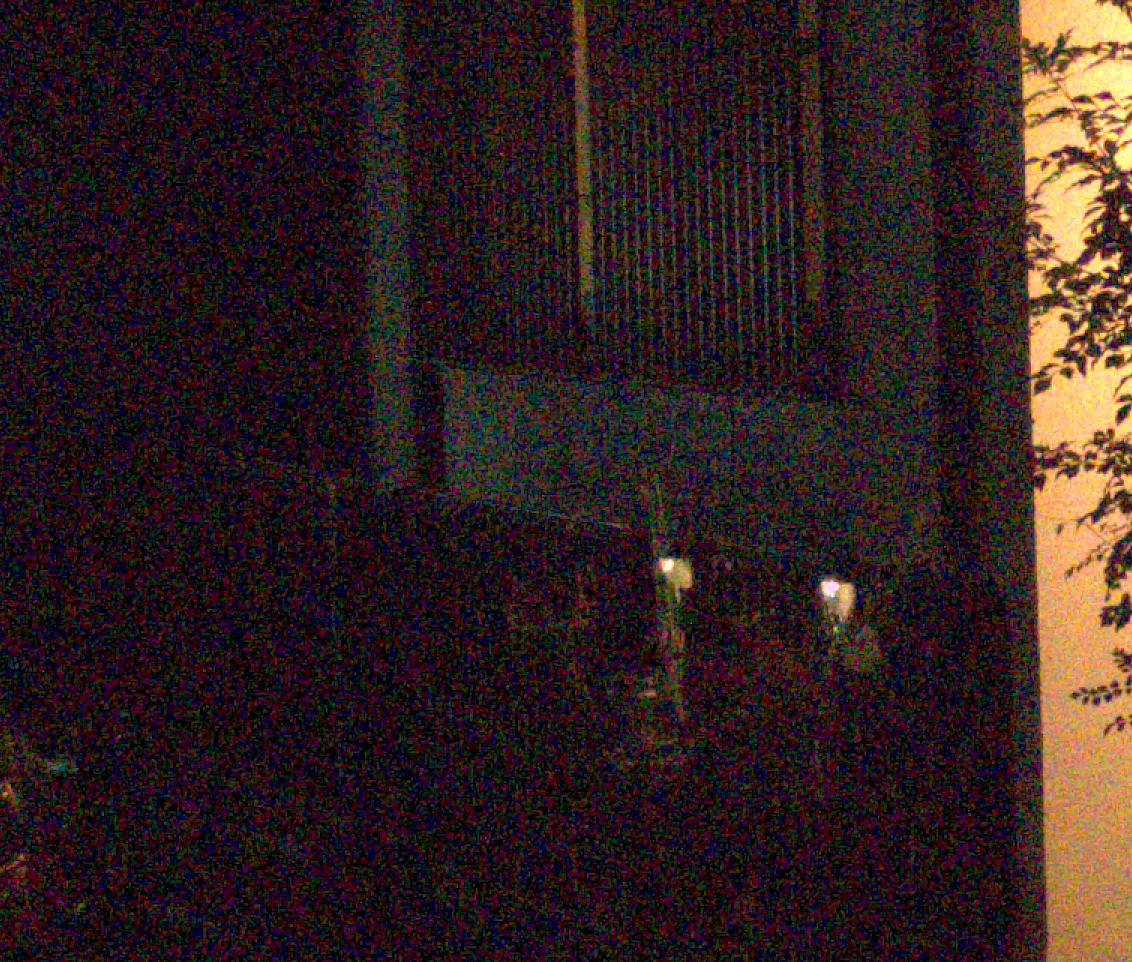
I have written new plug-in for GIMP3. This plug-in executes nind-denoise on GIMP. This is a trial version and only tested on Linux (Kubuntu 24.04).
How to install
- Set up nind-denoise script on your computer. I used @agriggio modified version (GitHub - agriggio/nind-denoise: Image denoising using the Natural Image Noise Dataset), however the original version (GitHub - trougnouf/nind-denoise: Image denoising using the Natural Image Noise Dataset) may be usable.
For Alberto’s script, please refer the link page below.
https://artraweditor.github.io/AItools
-
Download this plug-in and install it in GIMP3’s plug-in directory.
-
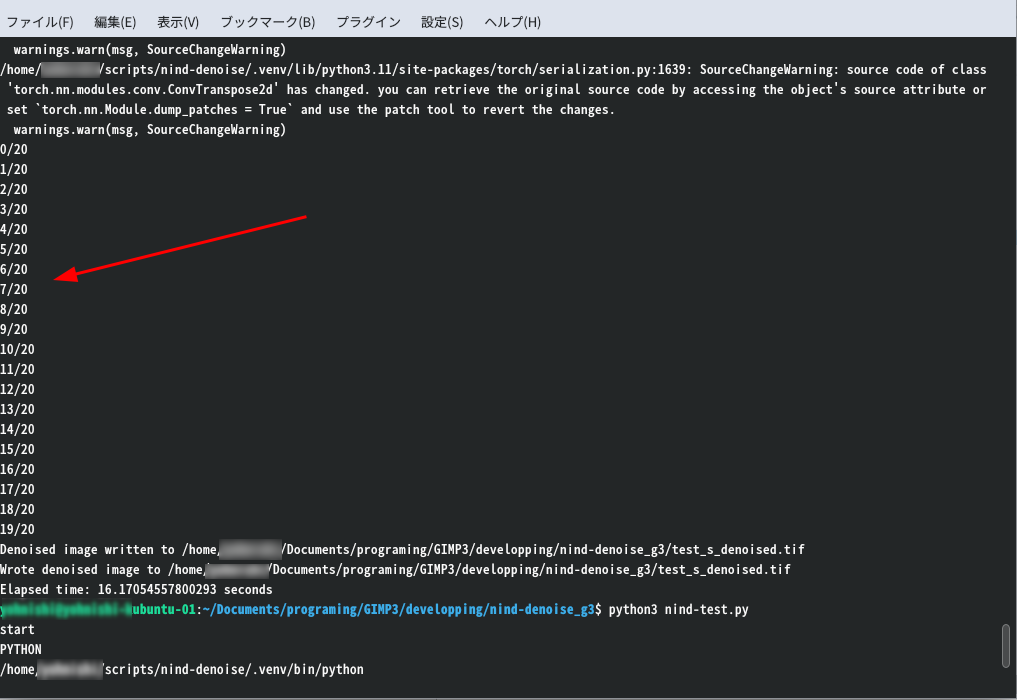
Set up config.ini file appropriate to your computer environment.
PYTHON;/home/username/scripts/nind-denoise/.venv/bin/python
NIND_DENOISE_DIR;/home/username/scripts/nind-denoise
DEVICE;cpu
DENOISE_TMP_FILE_TRC;off
# on or off (default: off)
In PYHON key, specify the path of Python interpreter.
In NIND_DENOISE_DIR key, specify the path of nind-denoise installed directory.
In DEVICE key, specify the execution mode. (cuda, mpu or cpu)
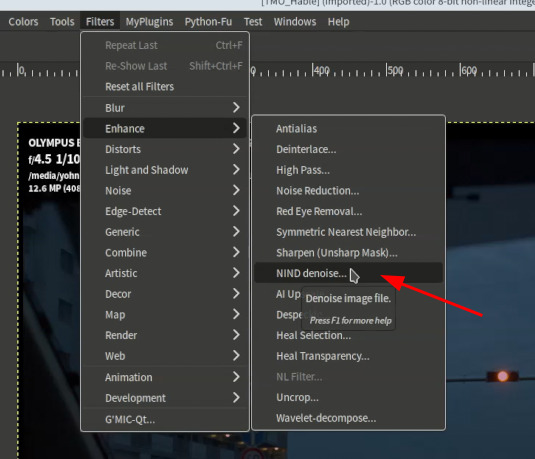
After installation, you can run this plug-in from [Filters] > [Enhance] > [NIND denoise…]
And if you use this plug-in on GIMP flatpak version, do not forget the starting option of “–socket=session-bus”.