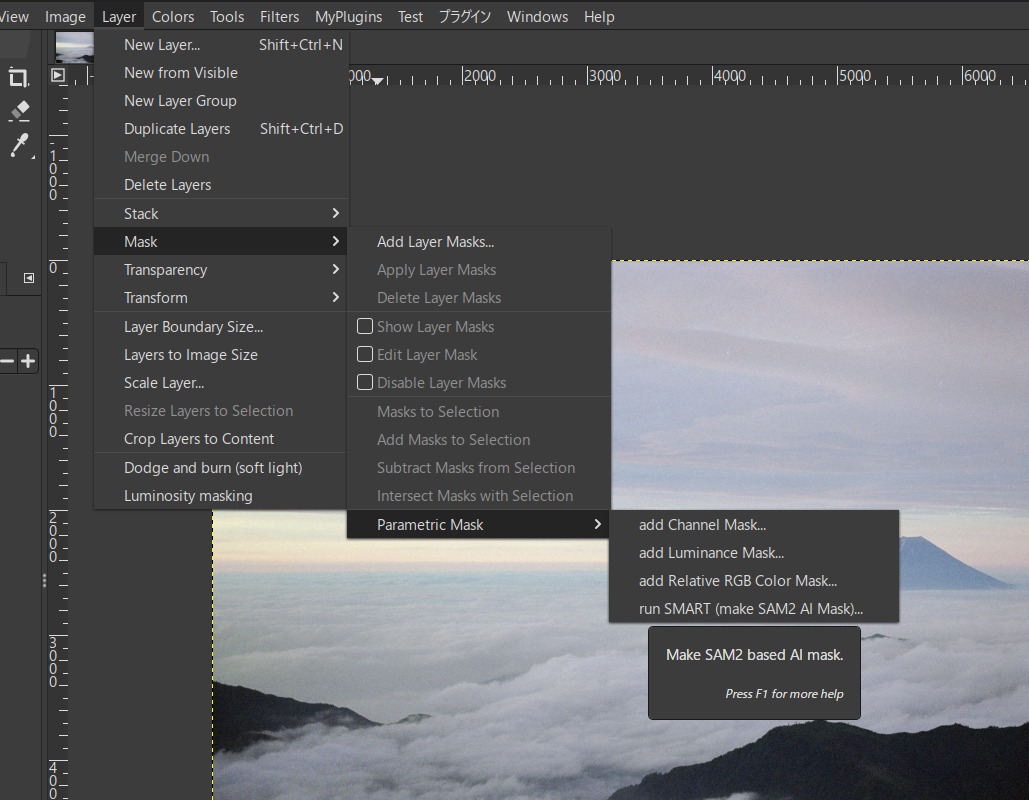
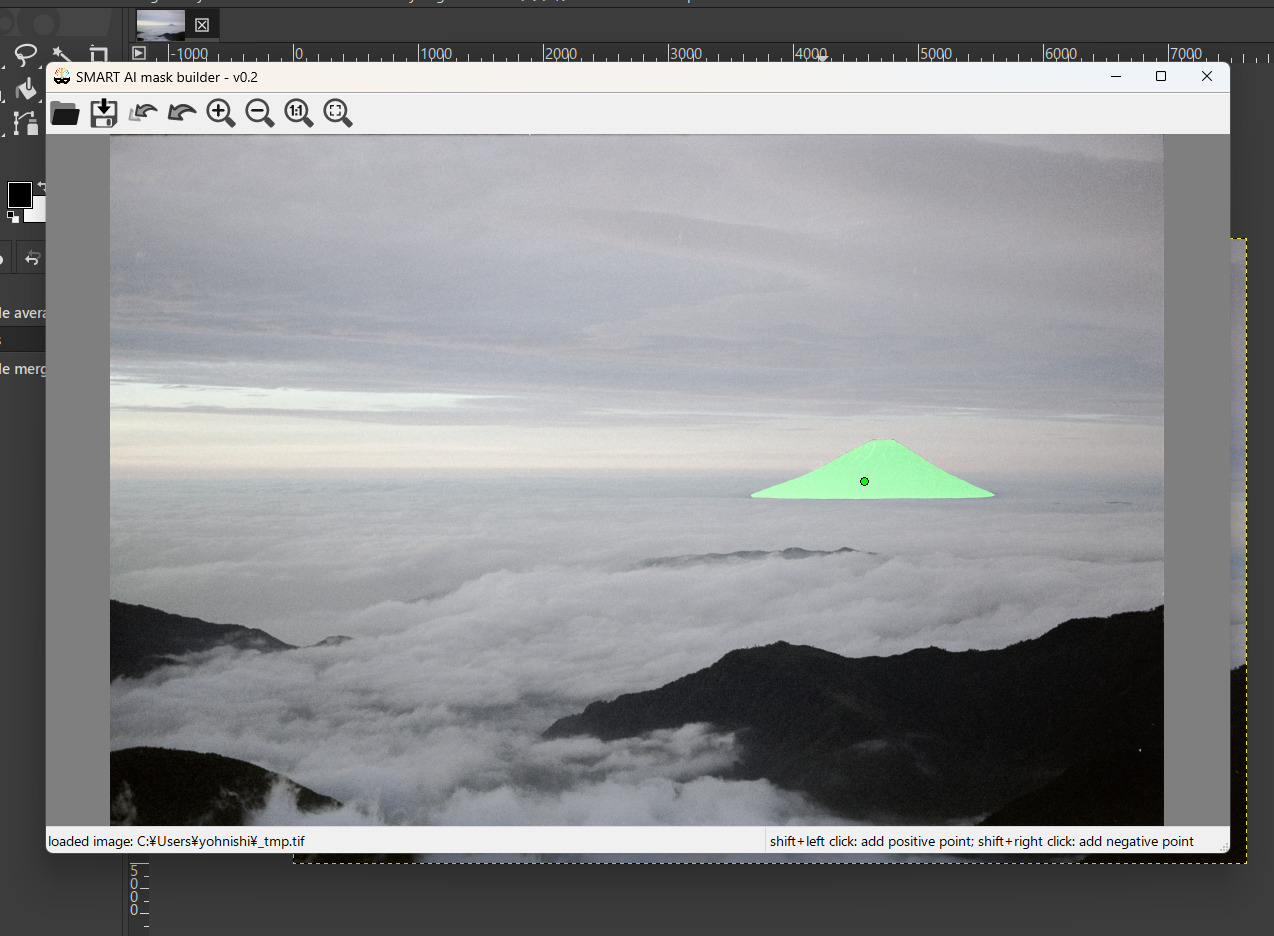
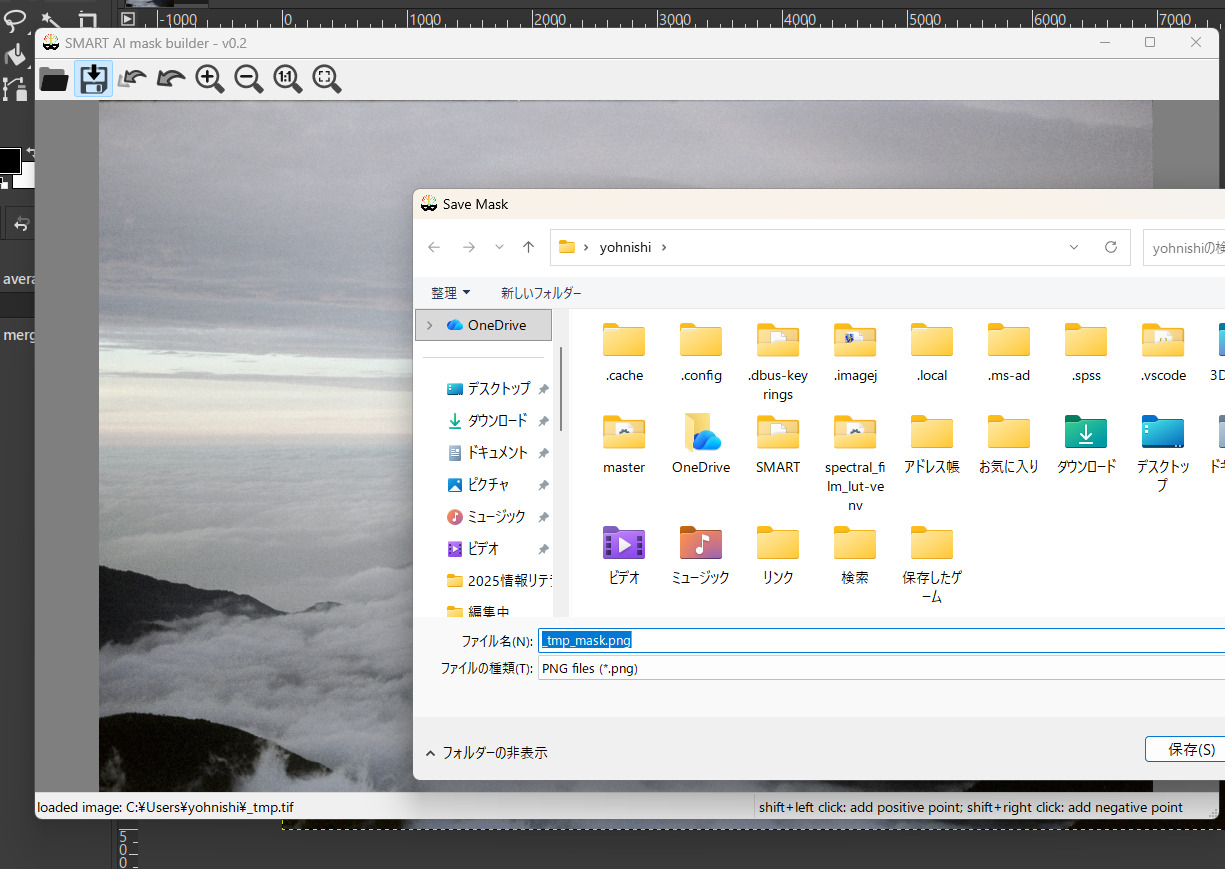
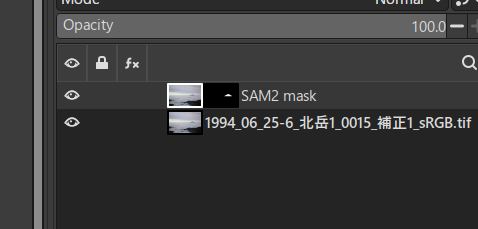
I have written new mask making plug-in for GIMP3. @agriggio made AI mask making program using META’s SAM2 model named “SMART”. His program was written for ART, but it is not usable (and useful) only for ART. My plug-in executes SMART from GIMP3, and imports the result mask image as layer mask of GIMP. This is a trial version and is only executable on Windows, for now.
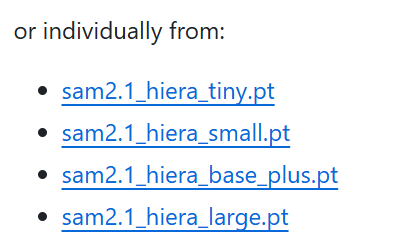
Download model checkpoint
From following link, download “sam2.1_hiera_base_plus.pt”, and, put it in the “models” directory under “C:\Program Files\SMART\” .
USAGE
Run this plug-in from “menu > layer > mask > Parametric mask > run SMART”.
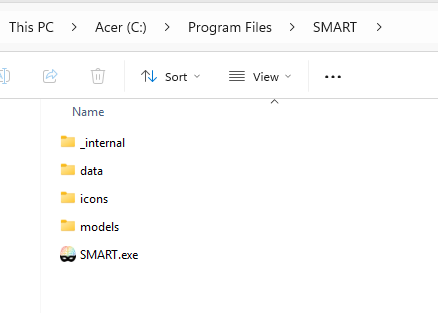
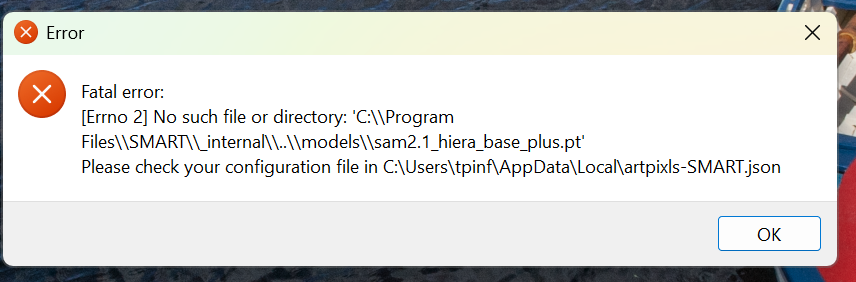
Not sure if you can help. I downloaded the zip file for SMART, I extracted the file and then created a new folder in program called SMART. I pasted the the contents for Smart as shown in the first screenshot here. Then I installed the plugin for GIMP. When I try to run SMART I get the following error. Thanks in advance
Because SMART.exe only uses it.
Originally SMART is python scripts. However Alberto convert them to a binary file for installation convenience. So you cannot edit checkpoints model setting and you cannot use the other checkpoints models on Windows.
Thank you very much for all the previous ones as well as this plug-in.
Installed running, trained works properly.
But with my not-too-powerful Laptop AMD Ryzen, with virtually no GPU, operations last quite slowly.
I am frankly shocked that news authors do not pay attention to future stakeholders,
That AI technology requires computers with powerful GPUs.
Therefore, many beginners are often disappointed with the results they receive , or lack thereof.
PS
Information about all published plug-ins, have been developed and published (PL) stating clearly who the author is
I also use not-powerful Laptop (RAM: 8G, storage: SSD, no GPU, CPU: intel 6th gen., which cannot be upgraded to Win 11), but it is not unbearably slow. If you use HDD as storage, it’s worth considering replacing it with a SSD.
Hi,
I release complete version (ver. 0.2) of this plug-in.
INSTALATION PROCESS for Linux and Mac OS
Install SMART
Install SMART following Alberto’s instructions in below link. ART and AI-based tools | ART raw image processor
This instructions premise the SMART installed directory as “$HOME/src/SMART”, the Python vertual environment directory as “$HOME/src/ART-AI-venv” and the path of Pyhon interpreter as “$HOME/src/ART-AI-venv/bin/python”.
If you change these directories, please adjust the path name accordingly.
If you use the Flatpak version of GIMP3 on Linux, use the following command to run the GIMP3.
flatpak run --socket=session-bus org.gimp.GIMP
--verbose
ATTENTION FOR SMART INSTALLATION
In some Linux distro, you may encounter troubles in installation of wxPython. And if your PC doesn’t have NVIDIA or AMD GPU, you may have trouble in installation of SAM2.
To solve these problems, please refer my posts in the link below.