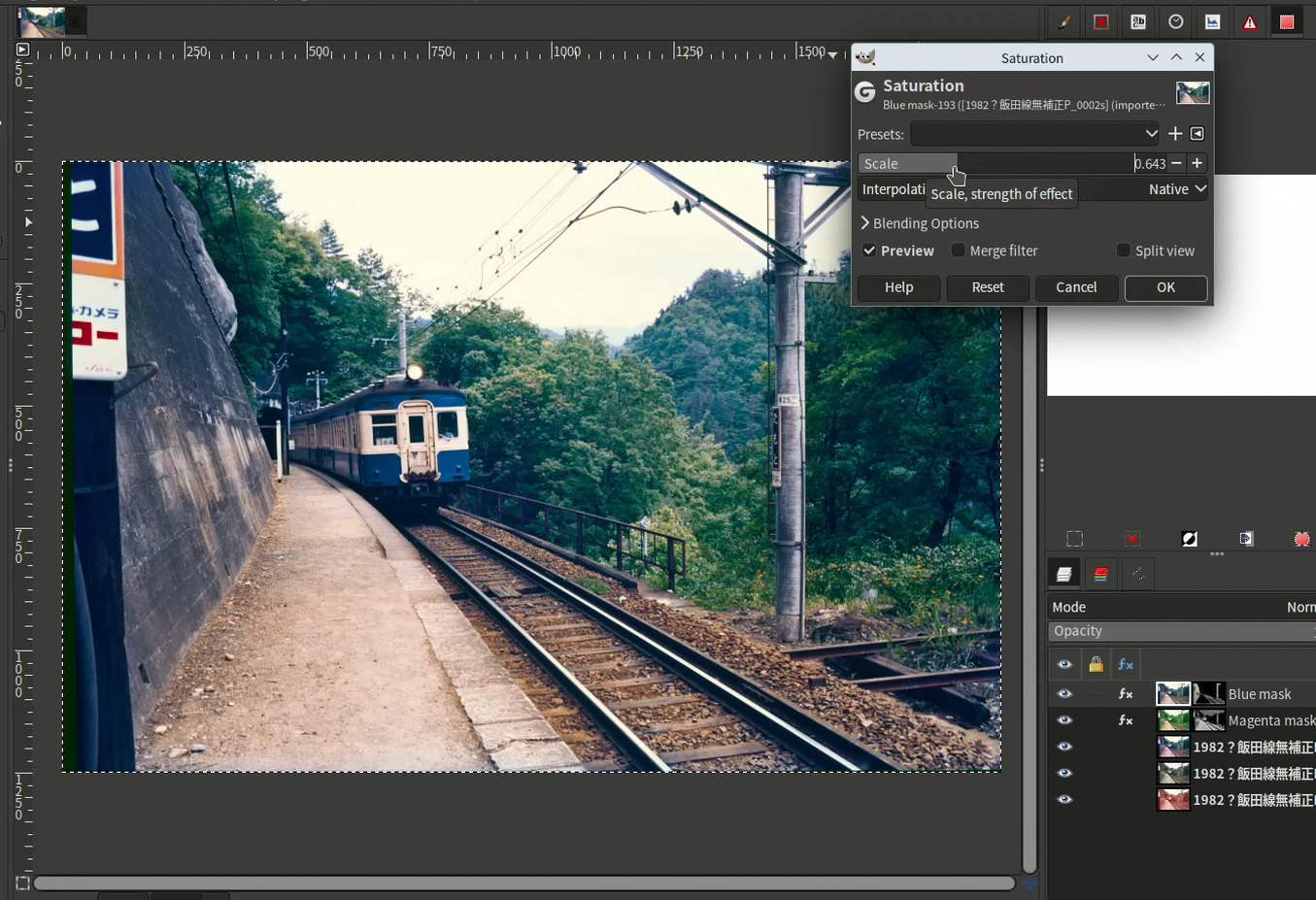
How to restore reddish faded reversal film image with Sigmoid curve plug-in
Hi,
I would like to show one of the usage of this plug-in.
Original image.
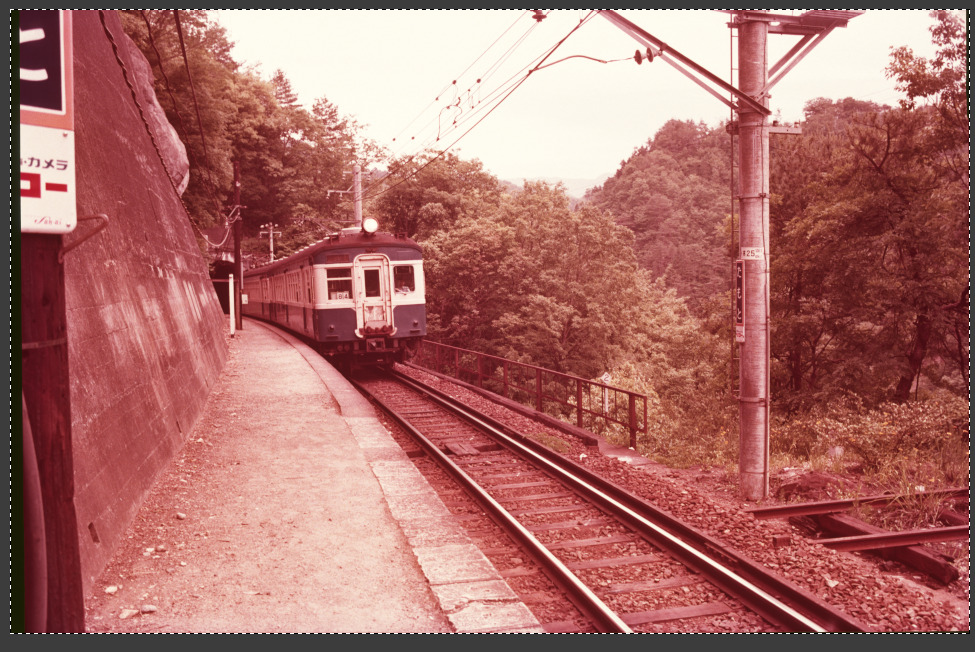
- Run the Sigmoid curve plug-in and check each channel image using target channel selector. You must check what channel has the highest or lowest mean value or standard deviation.
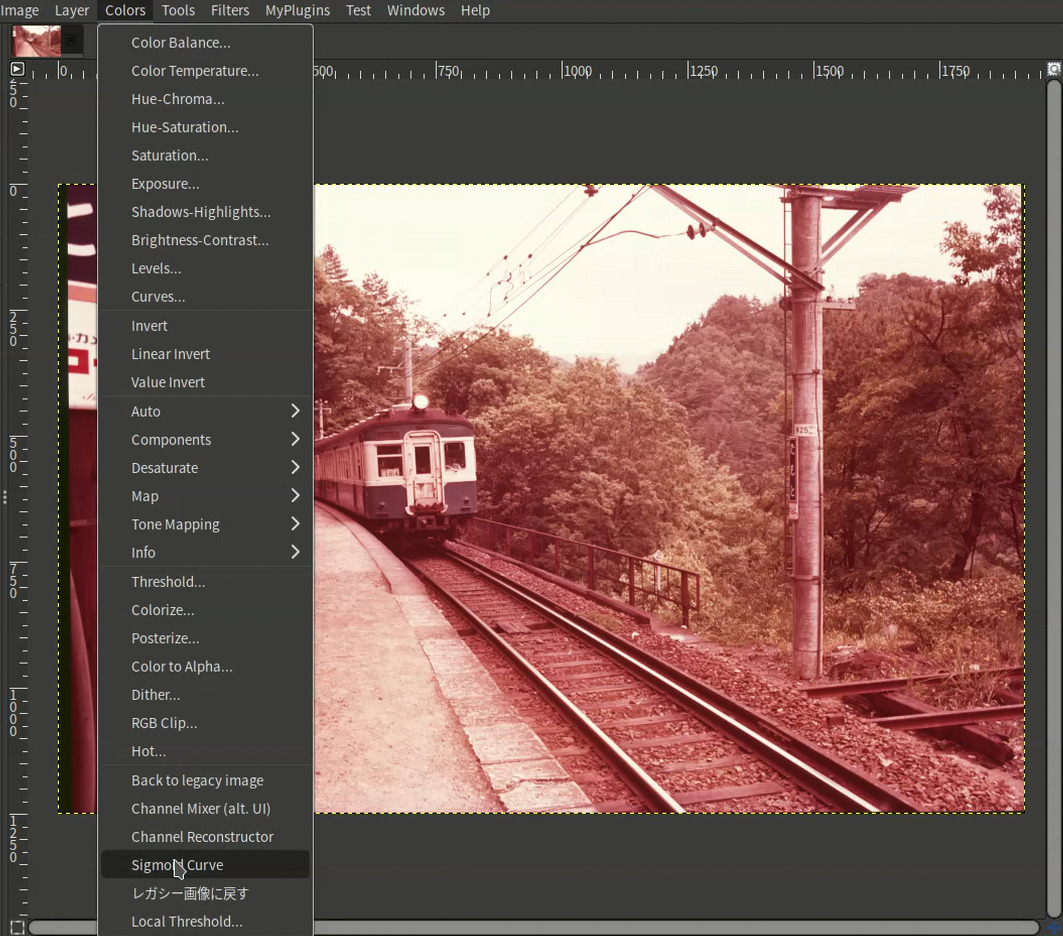
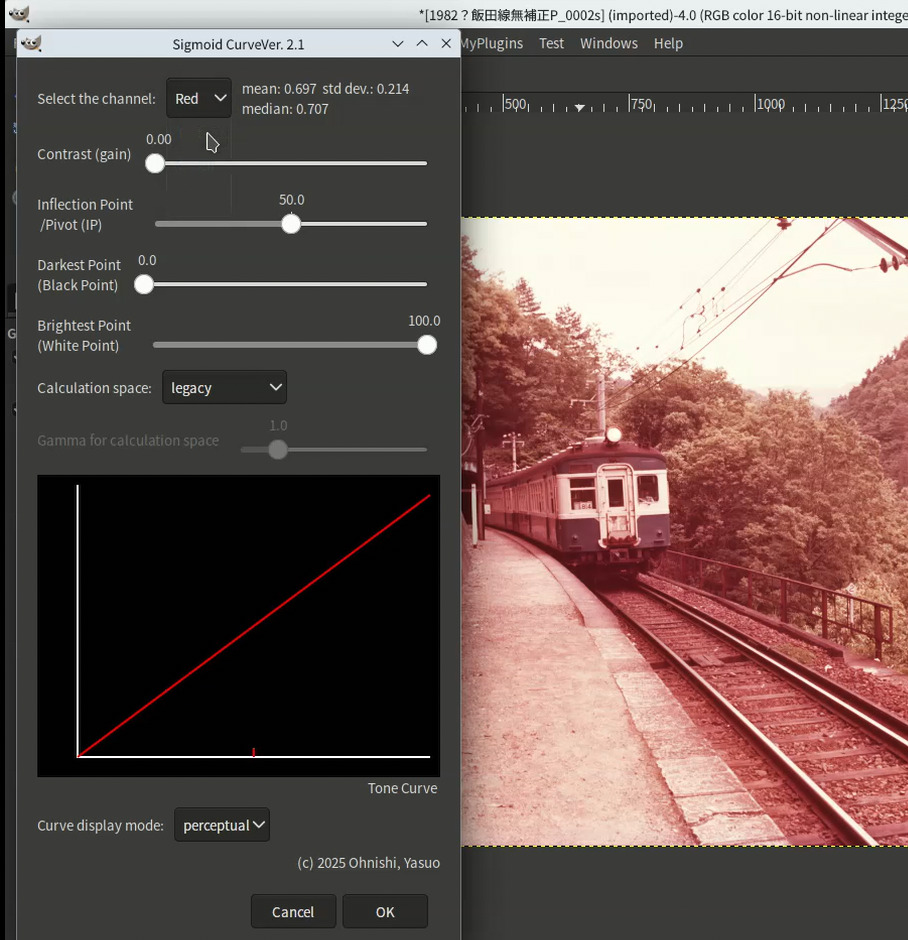
[Red Channel]
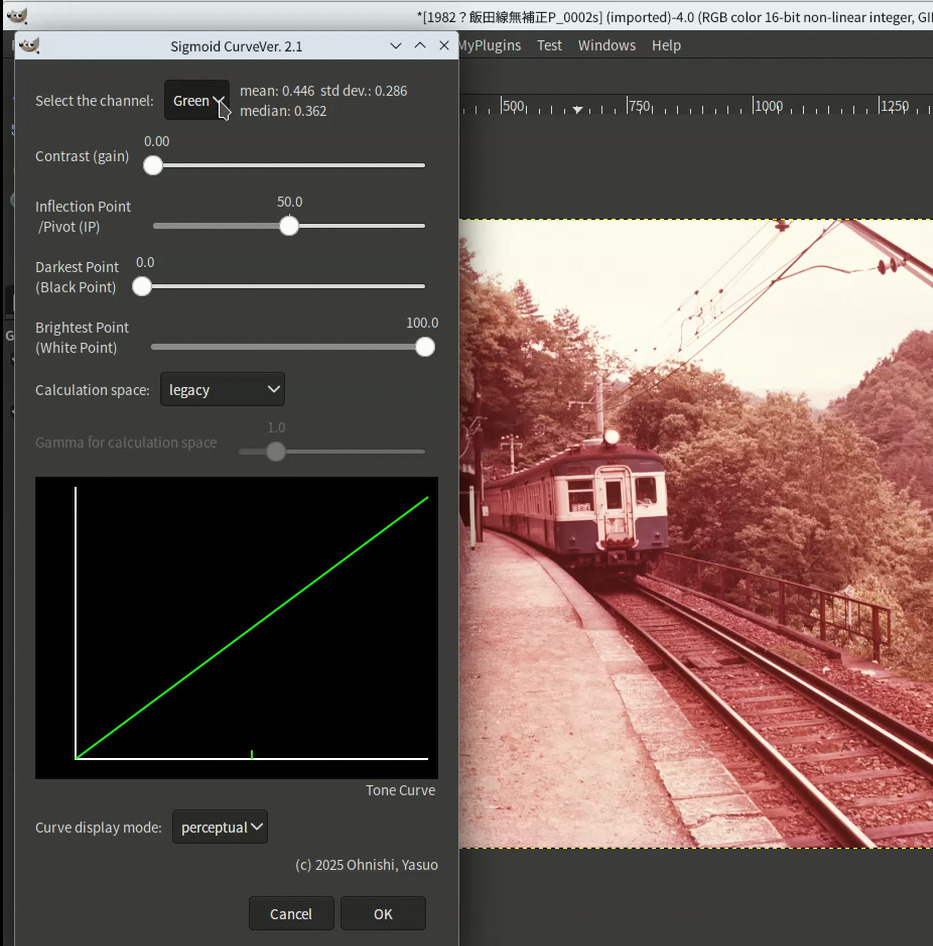
[Green Channel]
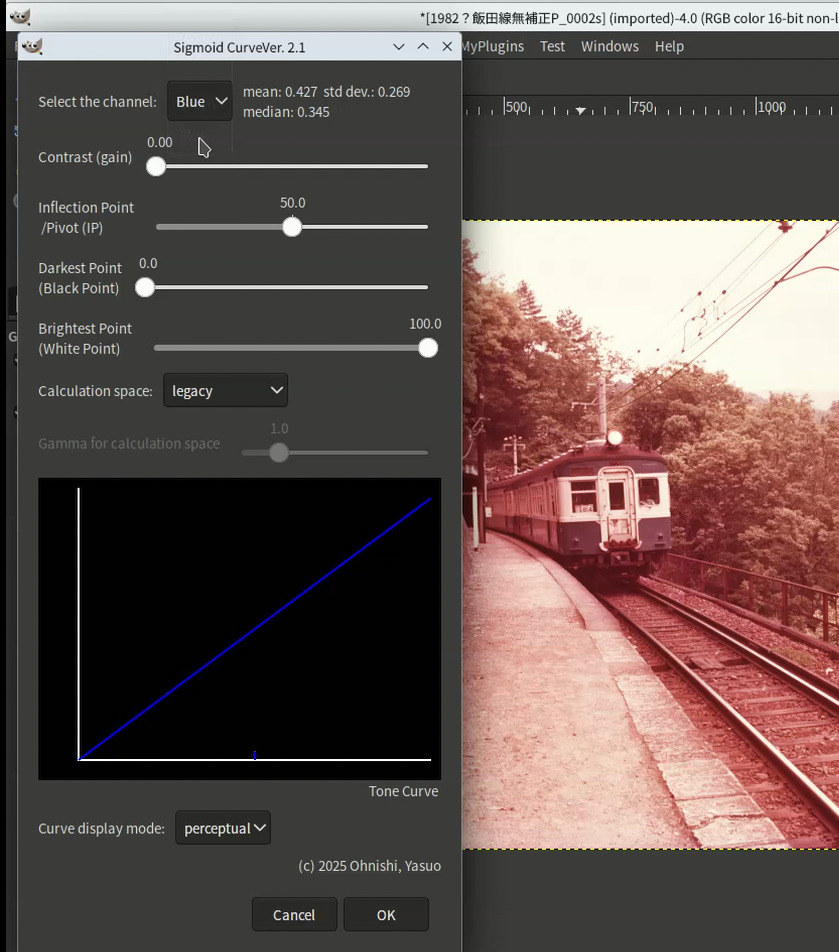
[Blue Channel]
-
In this image, R channel has highest mean value, you must correct the R channel first. And it seems that B channel mean value is relatively low, so, in next, correct the B channel.
-
In this plug-in, basically using Sigmoid correction to change the image brightness level. So to lower the R channel level, you must move IP to 100.0 and change contrast value as far the R level becomes similar level with other channels.
-
After once complete the editing process and correct the R channel, you run this plug-in again to correct the B channel level. In this turn, you set the IP under 50, but not 0, because it seems that in highlight it is needed to raise the blue lever but in shadow it is not needed to raise it.
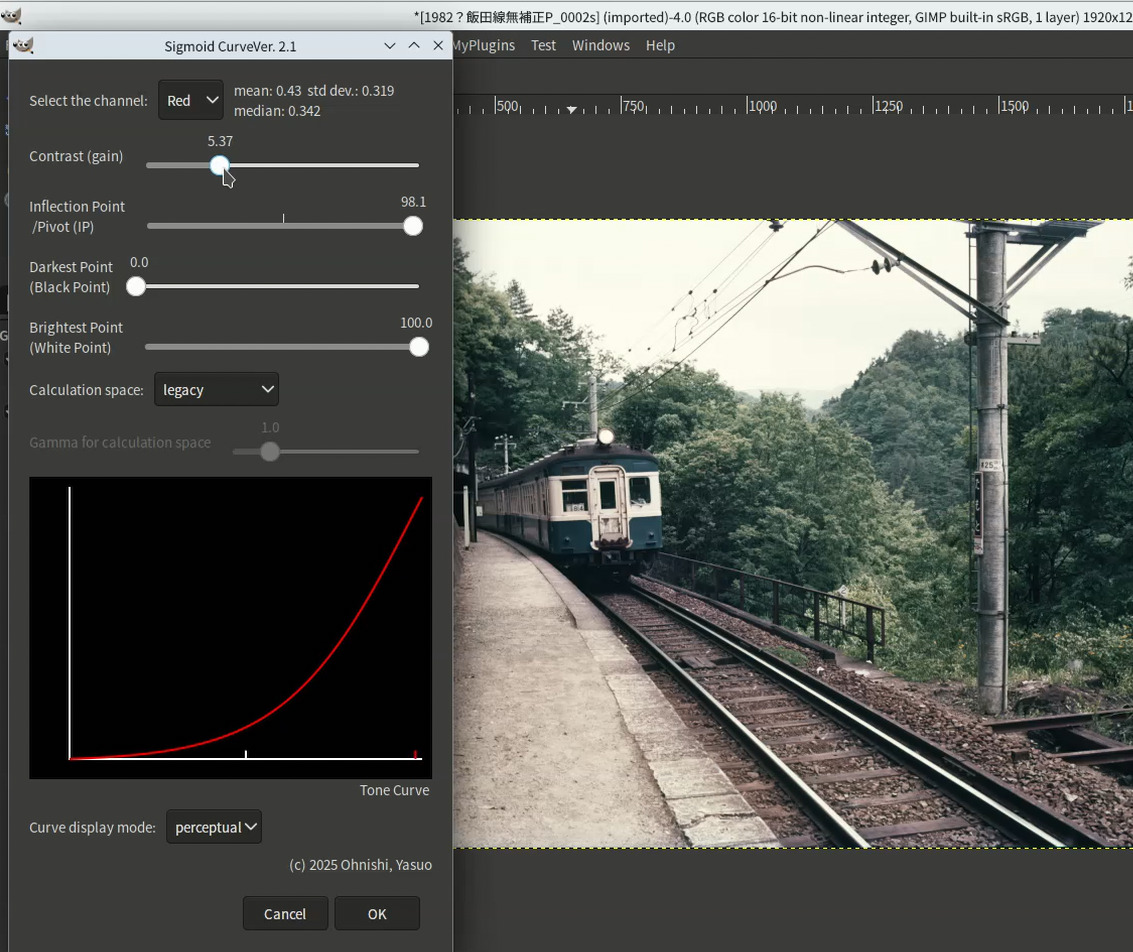
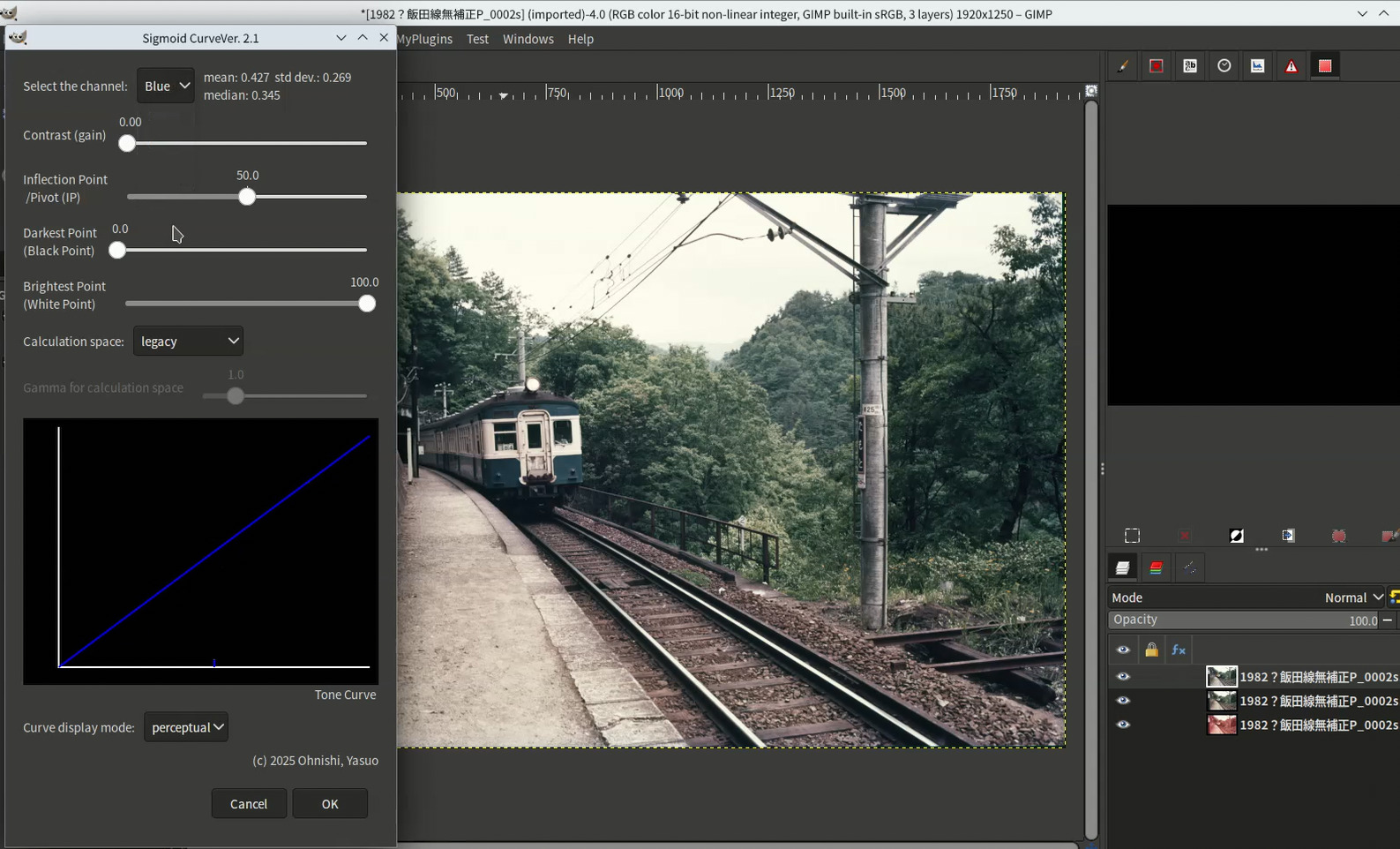
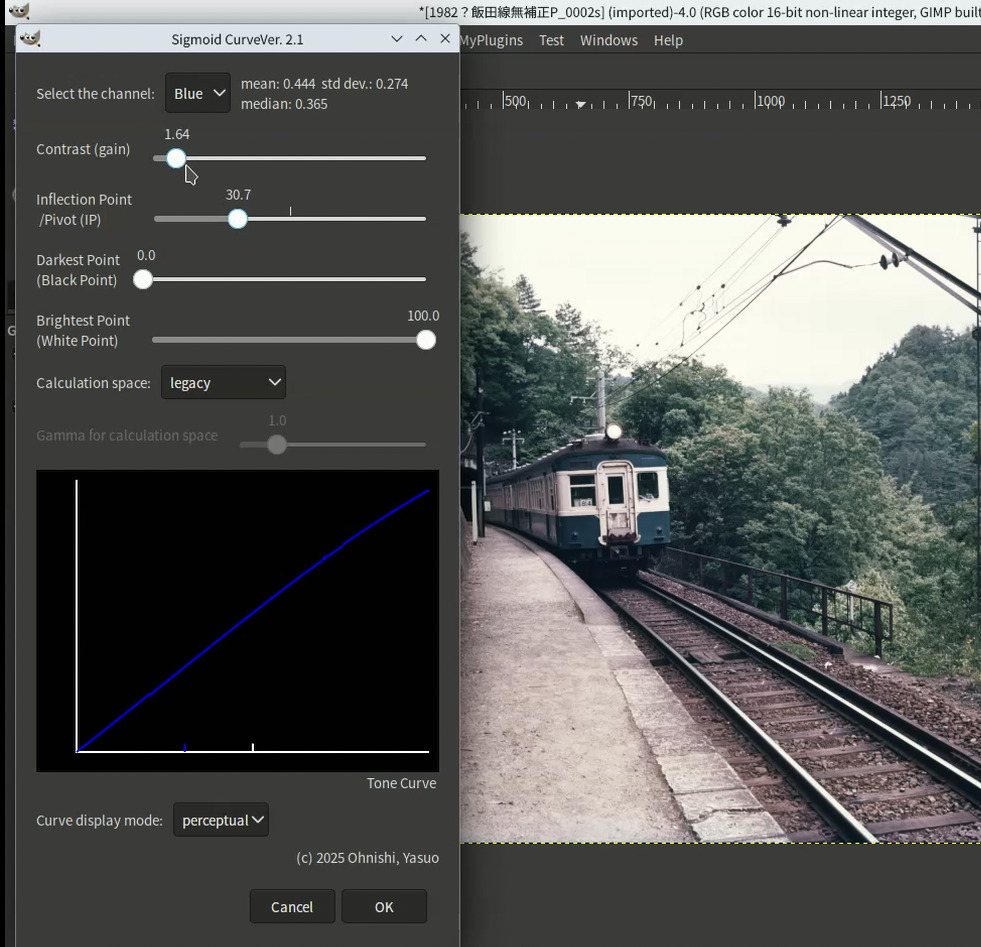
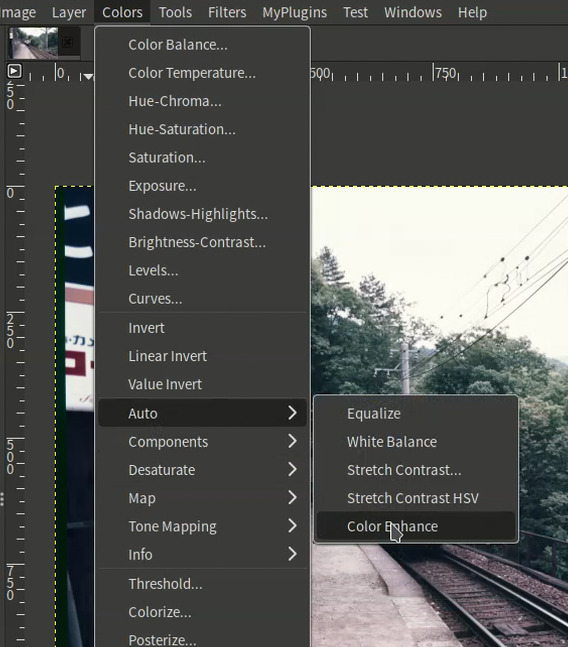
- Complete the edition process with Sigmoid curve plug-in. And after that you run color enhance to saturate more.
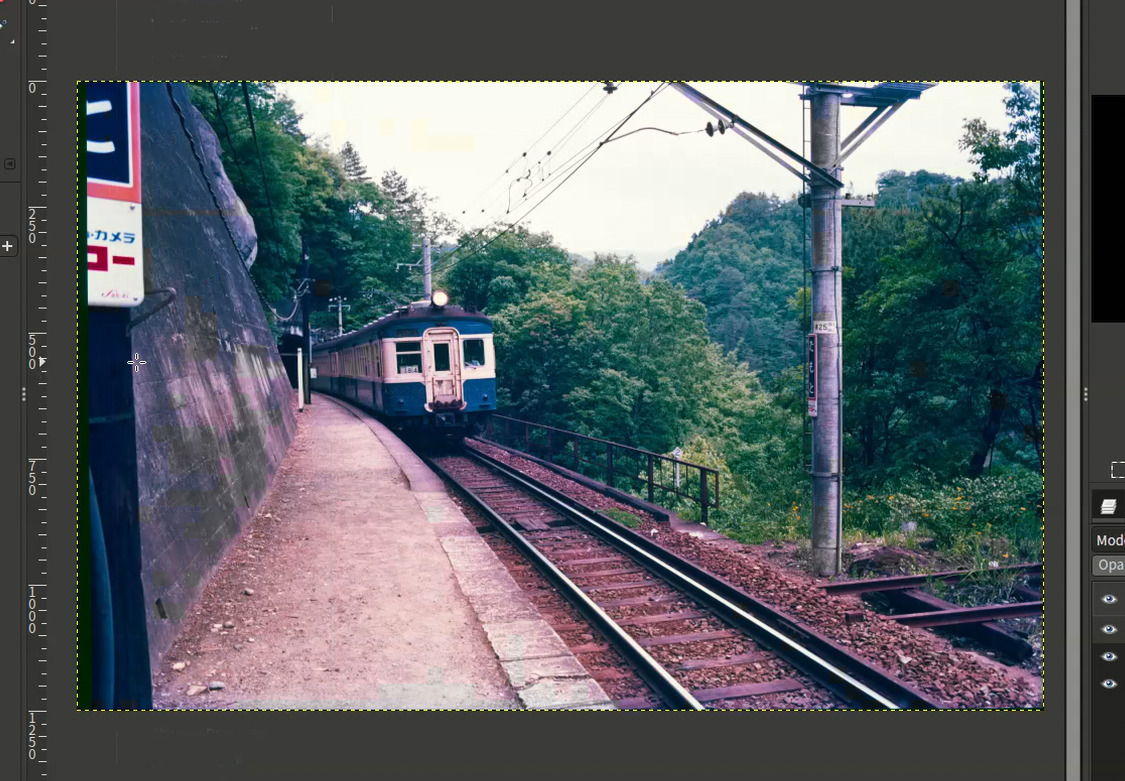
- In the result, it seems that magenta is too high, so you use another tool, the relative RGB color mask maker plug-in and make magenta mask.
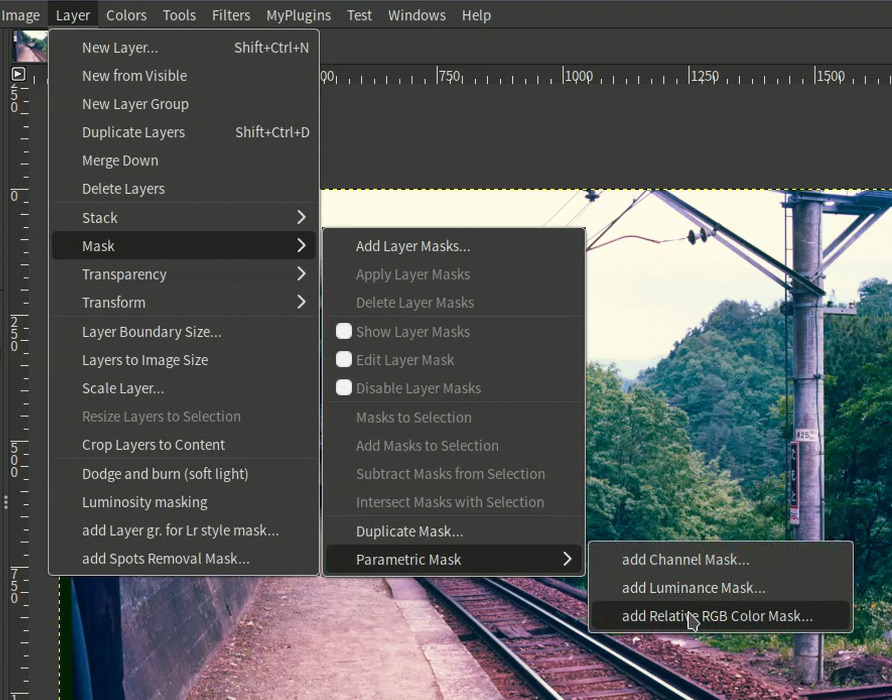
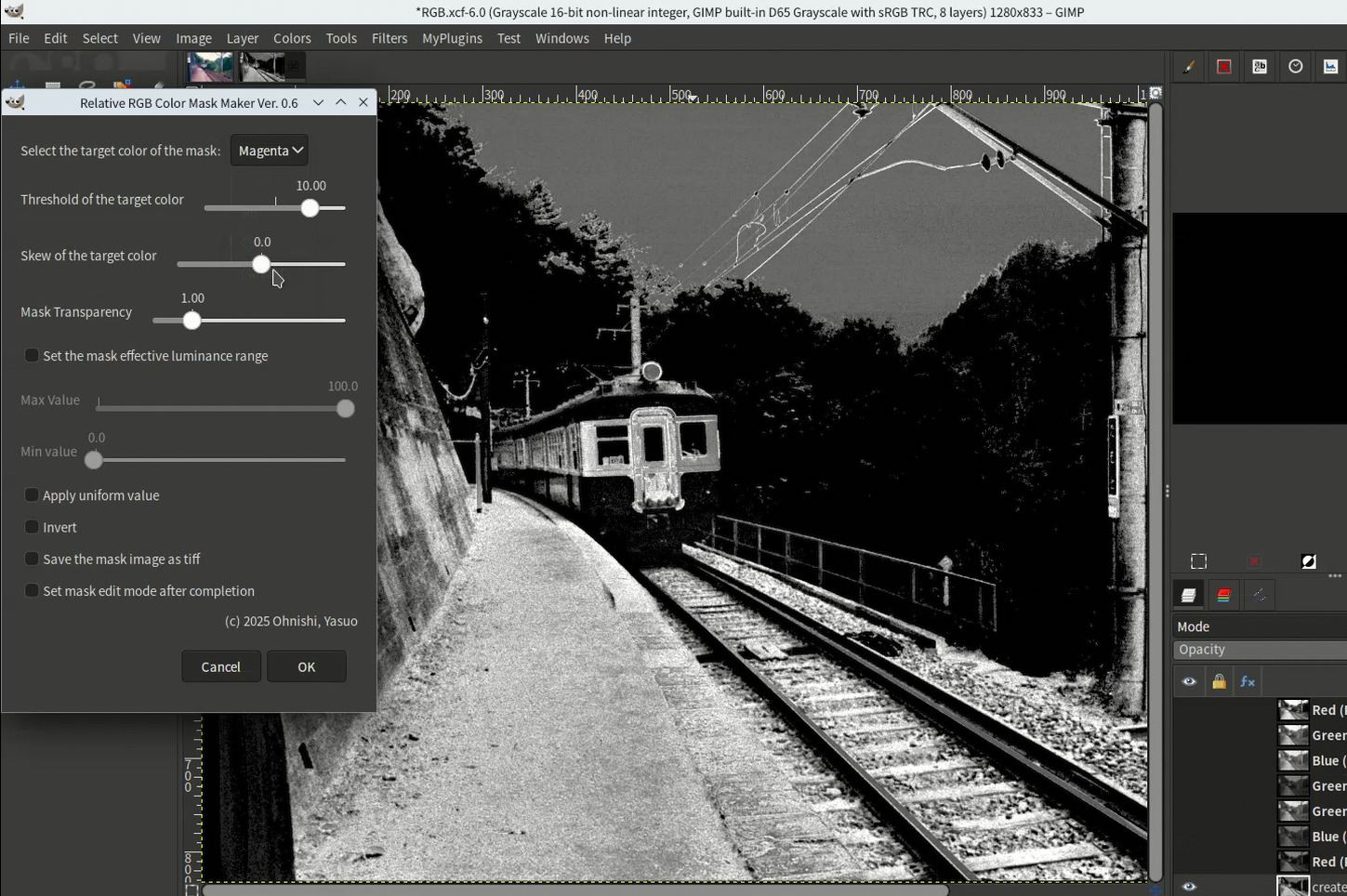
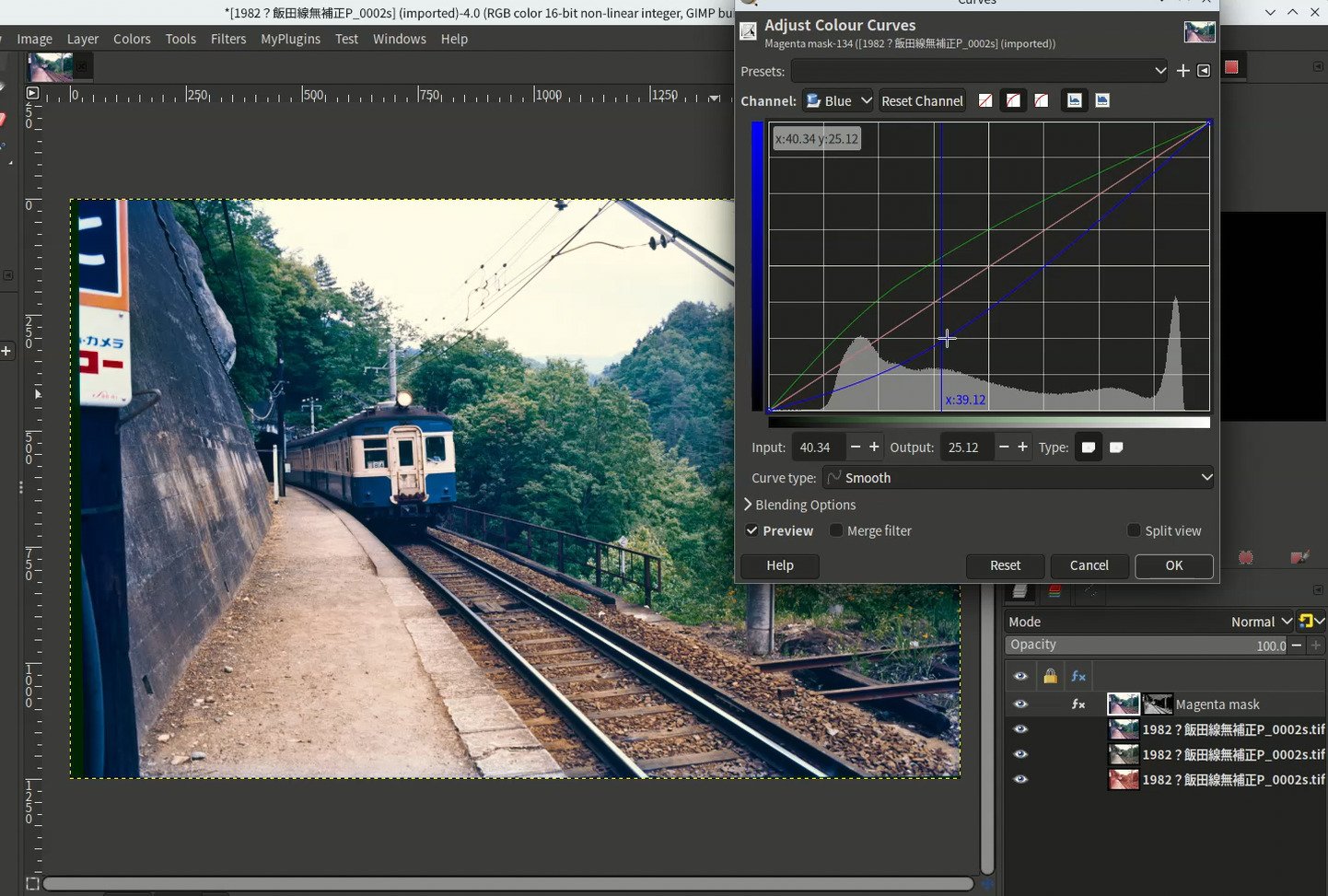
- With magenta mask added layer, you correct the layer as below to diminish magenta.
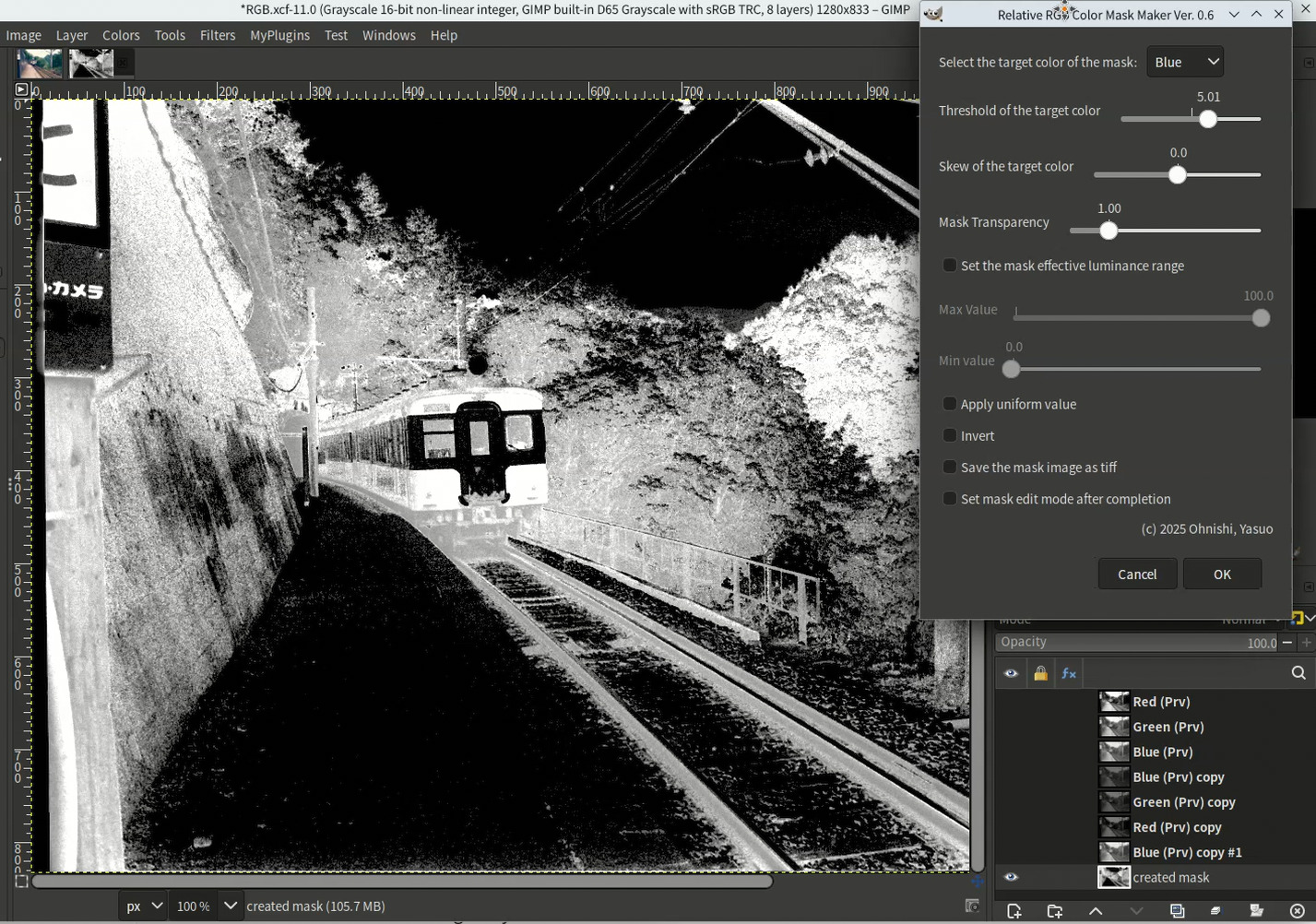
- In the result image it seems that concrete parts is too bluish, so to diminish the blue cast in those parts, you make blue mask with he relative RGB color mask maker plug-in and edit the mask to cover the concrete parts.
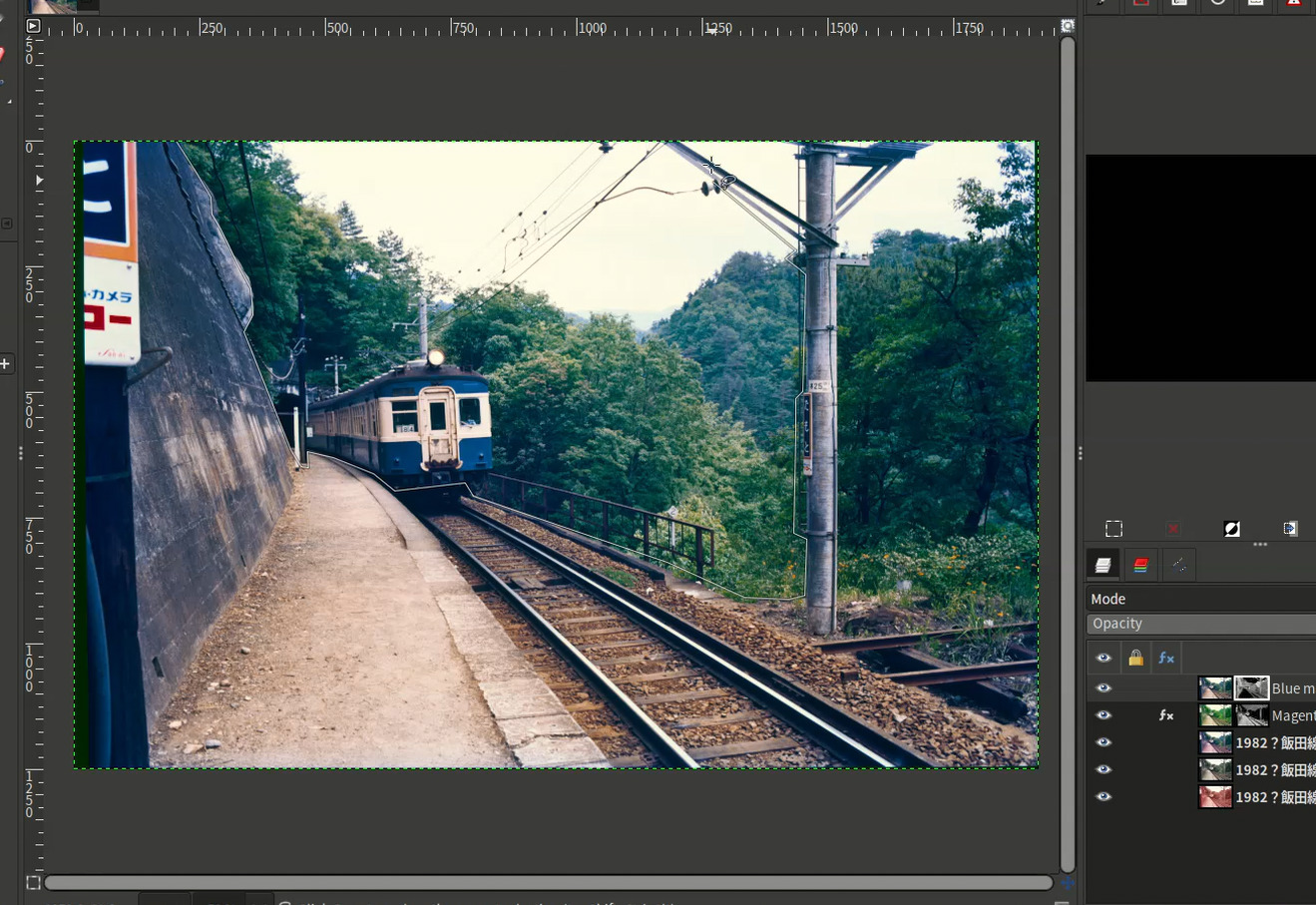
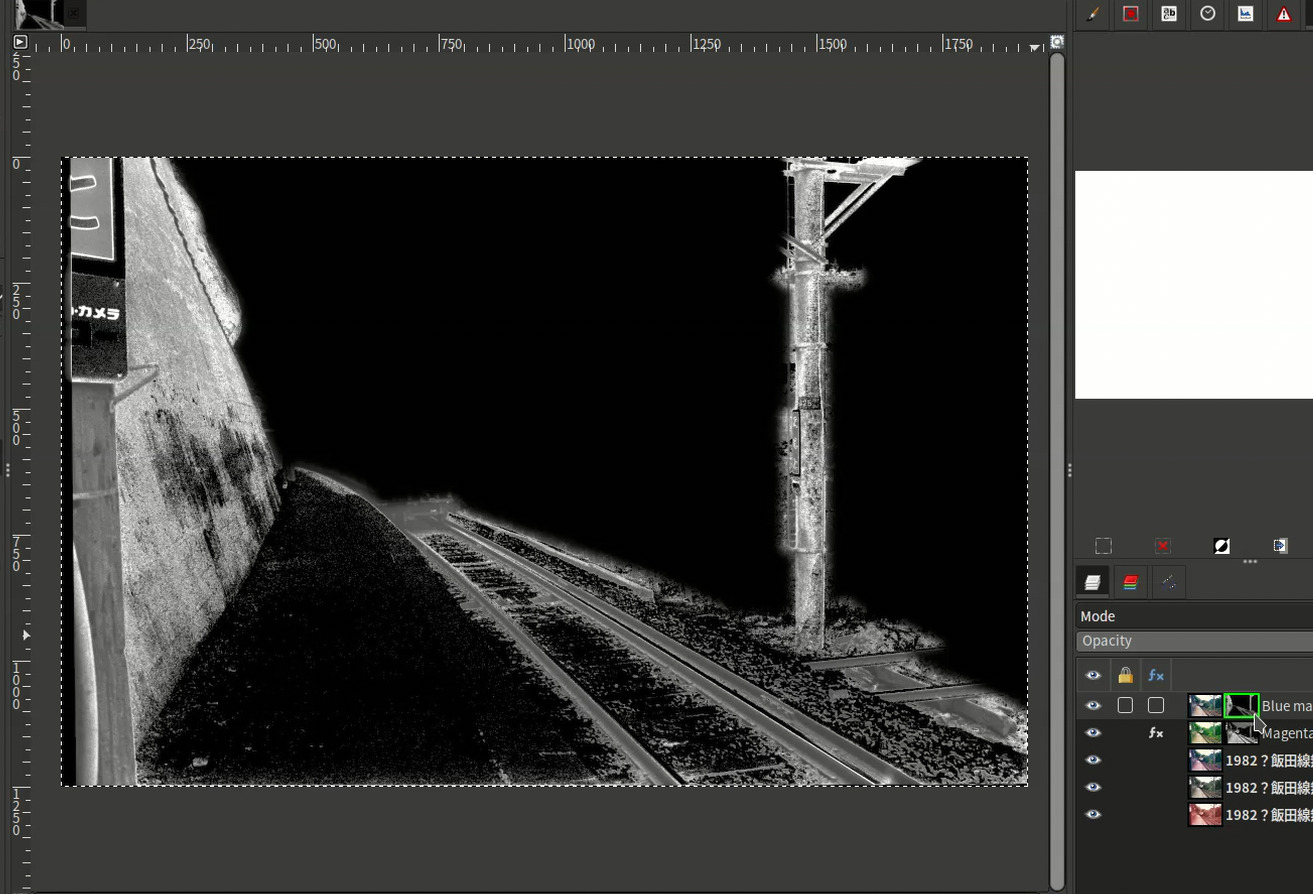
- De-saturate the concrete parts.