Those infographics from Yoïn are always fun, they have a book out as well.
1 Like
Proper indentation helps a lot, I tried to reindent it but pasting it here mangled it again. Not sure what is going on.
Common Lisp is a fun language. I think it was killed by its own standardization, once that wave of the AI hype cycle was over they never had a chance of convening another ANSI/ISO standard committee again (it is a costly process) so the standardized form of the language is stuck in its 1990s state. Even if it was way ahead of the time, that shows.
1 Like
Yeah, happened the same to me 
1 Like
Oh cool. Thanks, I didn’t know.
There’s a reason why LISP is humorously resolved as Lots of Irritating/Incomprehensible, Superfluous Parentheses. 
There’s the saying: ‘if it was hard to write, it should be hard to read’
OK, but we are in 2025 now, with color screens and powerful IDEs. In a fairly standard Emacs setup, one would have parentheses in matching colors (note how nested ()s get different colors), pairs highlighted by the cursor, etc, eg as in this screenshot:
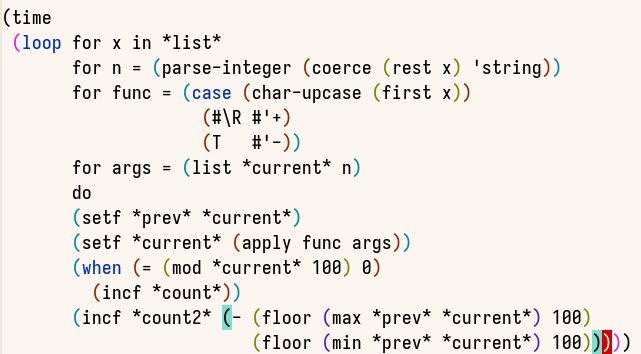
I am sure other IDEs have similar functionality. It’s not like people read Rust or C++ or Julia or whatever as monochrome plain text in Notepad either. Or of they do, it’s not a problem with the language.
If you want people to dislike a language, teach it as a college course without properly setting up their environments.
3 Likes
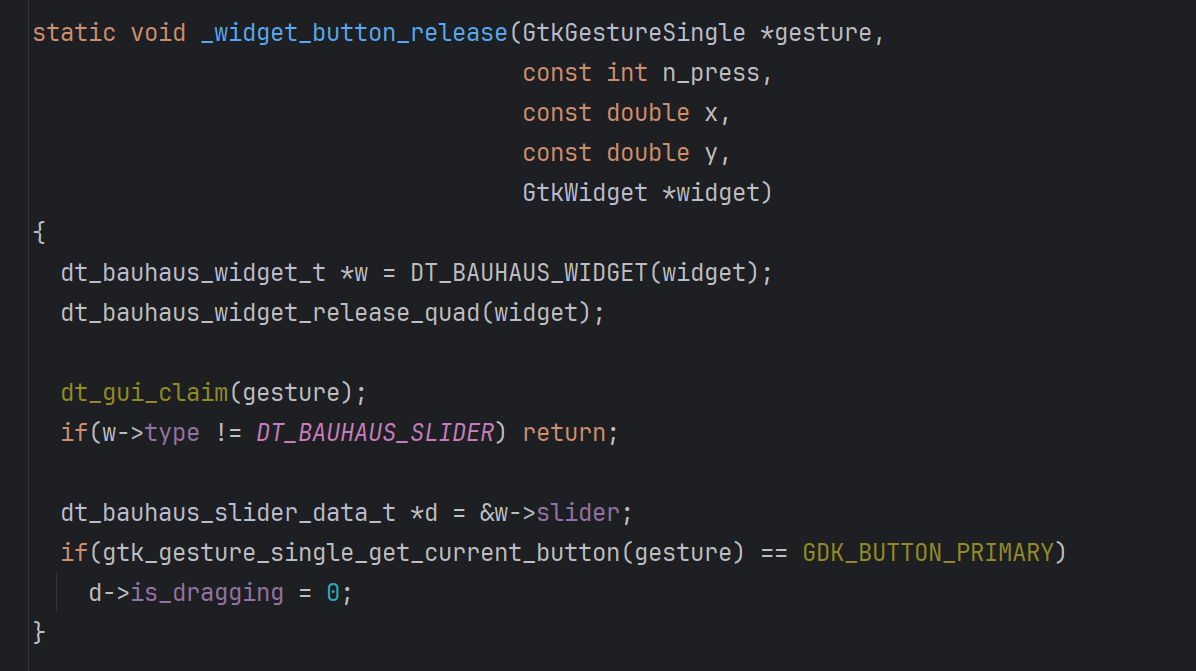
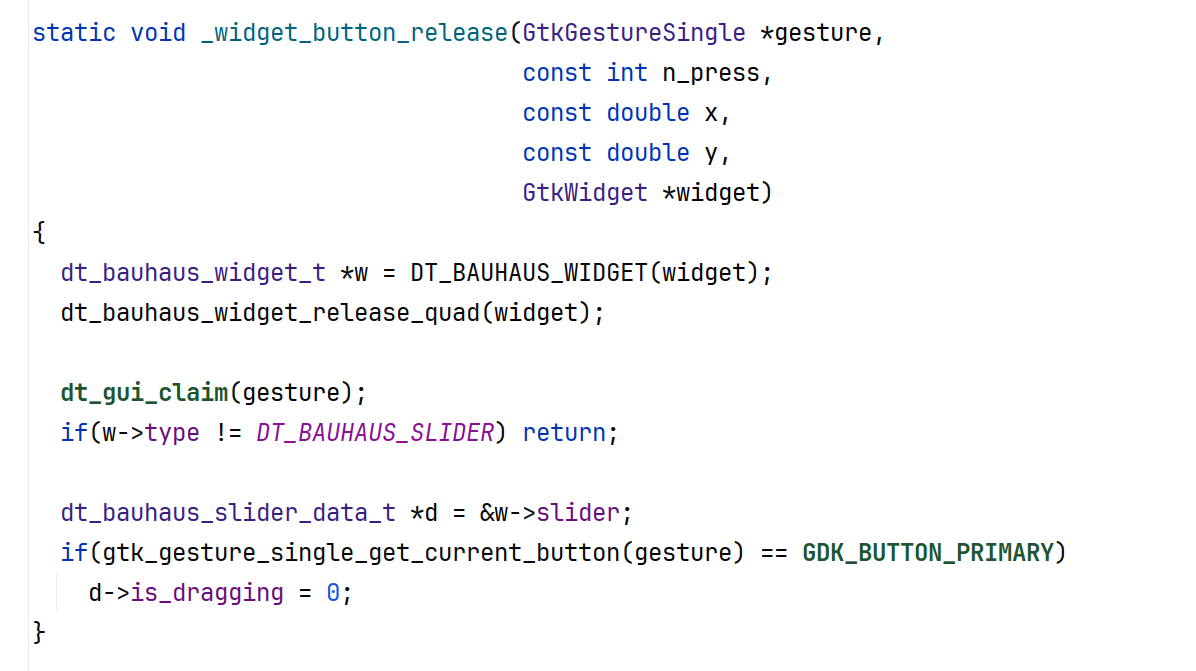
Off-topic: it’s very interesting that IDEs (even simple editors with syntax highlighting) have offered colours and e.g. typographic hints (such as keywords in bold, fields in cursive etc.) for a long time – and I cannot use them at all. What I mean is, they don’t disturb me, but my brain just never took those hints; looking at a piece of code, fields do not stand out to me compared to local variables. If I pay close attention, I can make out the editor highlighting matching opening/closing parentheses / braces, but otherwise, those visual hints mean nothing to me.
I did not mean to belittle or denigrate LISP. People who come up with such fun resolutions often love the language, just as Perl is sometimes resolved as ‘Pathologically Eclectic Rubbish Lister’ (there is a hint in the official Perl doc: Perl officially stands for Practical Extraction and Report Language, except when it doesn’t., and that resolution is also mentioned in the Camel book.
3 Likes
BTW this solution is broken. I tried to optimize it but missed a few edge cases. I solved it originally by going step by step to find the boundaries. I’m trying to fix this one at the moment
This is interesting, so you prefer monochrome in your editors?
Back in my Emacs days, I had a weird realization: text uses different fonts (and font variants and sizes) to structure content. But it doesn’t use color.
Code, on the other hand, uses color, but not shape (save for the odd bold or italic).
But Emacs was uniquely able to do both. So after a bit of experimentation, I came up with my own color scheme, that actually didn’t use color at all. Just different fonts. Function names and class names were underlined, like headlines. Keywords were bold, to give the body structure. Types were italic, to separate them from the logic. Docs and comments used a different font altogether, as if they were marginalia. Otherwise, it was just black text on an off-white buffer.
I got many a weird look from my students. But I loved it. After years and years of experimentation, this one stuck. Somehow the plain-ness made it easier to parse to me, where colors just distract.
Until life forced me to move off Emacs. But even now, I use plugins to get some font variety into my code editors. Although, to save my coworkers’ sanity, I now use them in addition to colors.
2 Likes
No. The typography still makes the text more readable, it breaks the line into smaller pieces, gives it a bit of structure and ‘rhythm’, for the lack of a better word. I’m mostly a Java guy, and editors allow colouring ‘class variables’ (static fields), ‘instance variables’ (instance fields) and local variables, or instance and static methods, differently, but I cannot really interpret most of those hints, I have to check the definitions. So, it’s nice to have the keywords of the language stand out (even though I know all the Java keywords, of course), and to have string constants coloured a bit differently (even though the "double quotation marks" are already a strong hint). But staring at a variable and trying to remember whether dark blue means instance variable (field), and dark green means local variable, or the other way around – that does not work for me at all (and my colour vision is otherwise OK :-)).
2 Likes
You’re not the only one. Some colorisation is fine to tell things apart, but I never really matched certain colors to certain types of text, either.
Related: this blog post I ran into a while ago.
1 Like
In the first semester of studying computer science, we learned programming with Scheme, a LISP dialect (not sure how exactly it differs but the syntax looks mostly the same).
By the end of that semester we were all very good in spotting parenthesis-mistakes :).
3 Likes
The key to read LISP is to ignore the parentheses and read the indent as you would do in any other modern languages. With that being said, I’m not a LISP expert and also struggle to follow some LISP code from time to time…
From 2011 to 2023, I was an Emacs user. Some formative memories were commuting by train to work. The train went through Switzerland, where internet reception stopped for my German cell phone. I used these hours to read Emacs’ integrated manual, and learn Elisp.
The trick to reading Lisp is really just that the parenthesis comes before the function name instead of after: it’s (sum 1 2) instead of sum(1, 2). Realizing this, I made my peace with the syntax. I still miss that punctuation could be part of variable names. least-squares and even? still read better than leastSquares and is_even. (and I love the word “kebab-case”)
A few years later, I watched the video recording of The Structure and Interpretation of Computer Programs, which is a programming lecture in the eighties, given in Scheme (a lisp dialect). It positively blew my mind how they could write a compiler and Y-Combinator in just a few lines of well-crafted lisp. I still miss that incredible ease of symbolic computation and macro metaprogramming. The accompanying book is dry as Sahara dust, though.
4 Likes
Linux troubleshooting process:
- Run a command
- If the output contains x, do y
- Write z in a config file
- Problem solved
Windows troubleshooting:
- Clear cache
- Reinstall app
- Reinstall Windows
- Cry in the corner
While I have a solid record of weird and absolutely bizarre problems on Linux, this is my mental image
7 Likes
You forgot step 0: “it’s a permissions issue”.
3 Likes
Oh yeah, that reminds me a few months back I tried to enable Powershell scripts on the system to run something. I just could NOT achieve that because of permission stuff and tried almost every tutorial on the public section of the internet.
Luckily some guy on Reddit managed to help me out
wanted to know whether I could compile Latex documents from KDEs Kate. Googled “kate latex”. Got somewhat helpful results and unexpected unhelpful results.
4 Likes