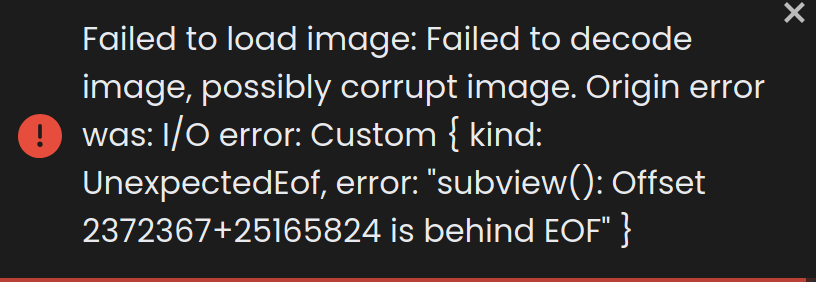
I am experiencing an issue where RawTherapee (v5.12 & v5.13) fails to load DNG image files produced by Huawei Mate 80 . The files appear as gray thumbnails in the file browser panel, but when I attempt to open them, the application shows “Can not load picture”.
Steps to Reproduce:
Capture a DNG photo using Huawei Mate80 .

Transfer the DNG file to a computer via USB data cable .

Open RawTherapee (v5.12 & v5.13) on Windows 11.

Navigate to the folder containing the DNG file using the RawTherapee file browser.

Attempt to open the file.
Expected Behavior:
The DNG file should open normally and display the raw image for editing.
Actual Behavior:
The file is visible in the file browser (thumbnail loads), but when double-clicked, the main editing panel shows “Can not load picture”.
IMG_20260728_062757.dng (24 MB)