I decided to try “local adjustments” aka “selective editing” and read the rawpedia article and checked youtube also. They both mention that an ellipse should appear when clicking “Add” in the SE panel, yet I dont see it in my image. I was using v5.11 so decided to reinstall, and found v 5.12. Still does not work.
The tool is active, enabled additional settings, enable spot, toggled show/hide.
Not sure what else to try.
Hi and welcome! Can you please post a screenshot of the tool?
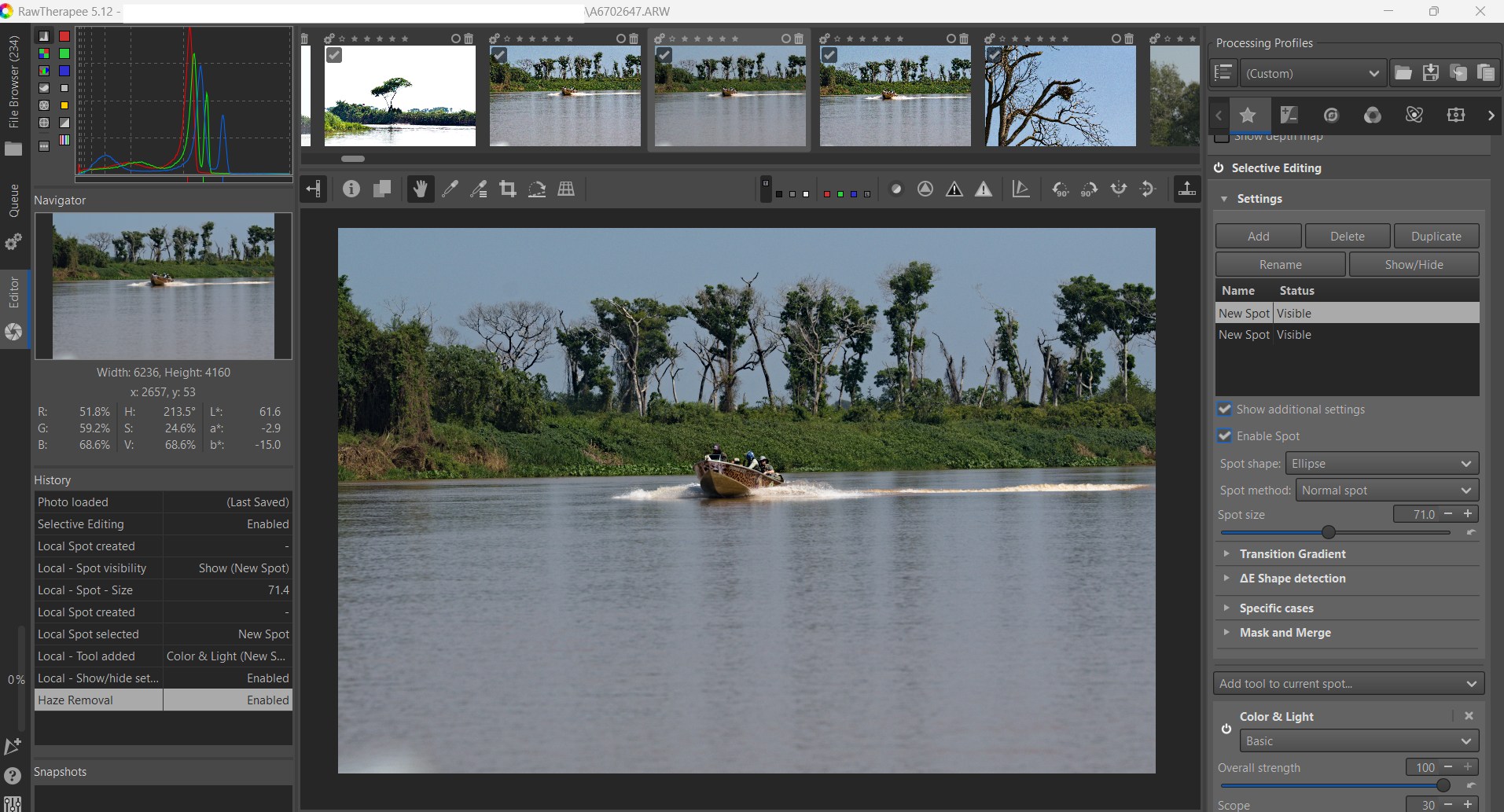
Posted. Thanks
Looks like there is a glitch in the favorites tab!
Select “Selective Editing” from its own tab, then the ellipse or rectangle and the center spot are visible.
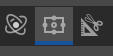
1 Like
Yes, same thing here, it happens in favourites.
That fixed the problem, thanks