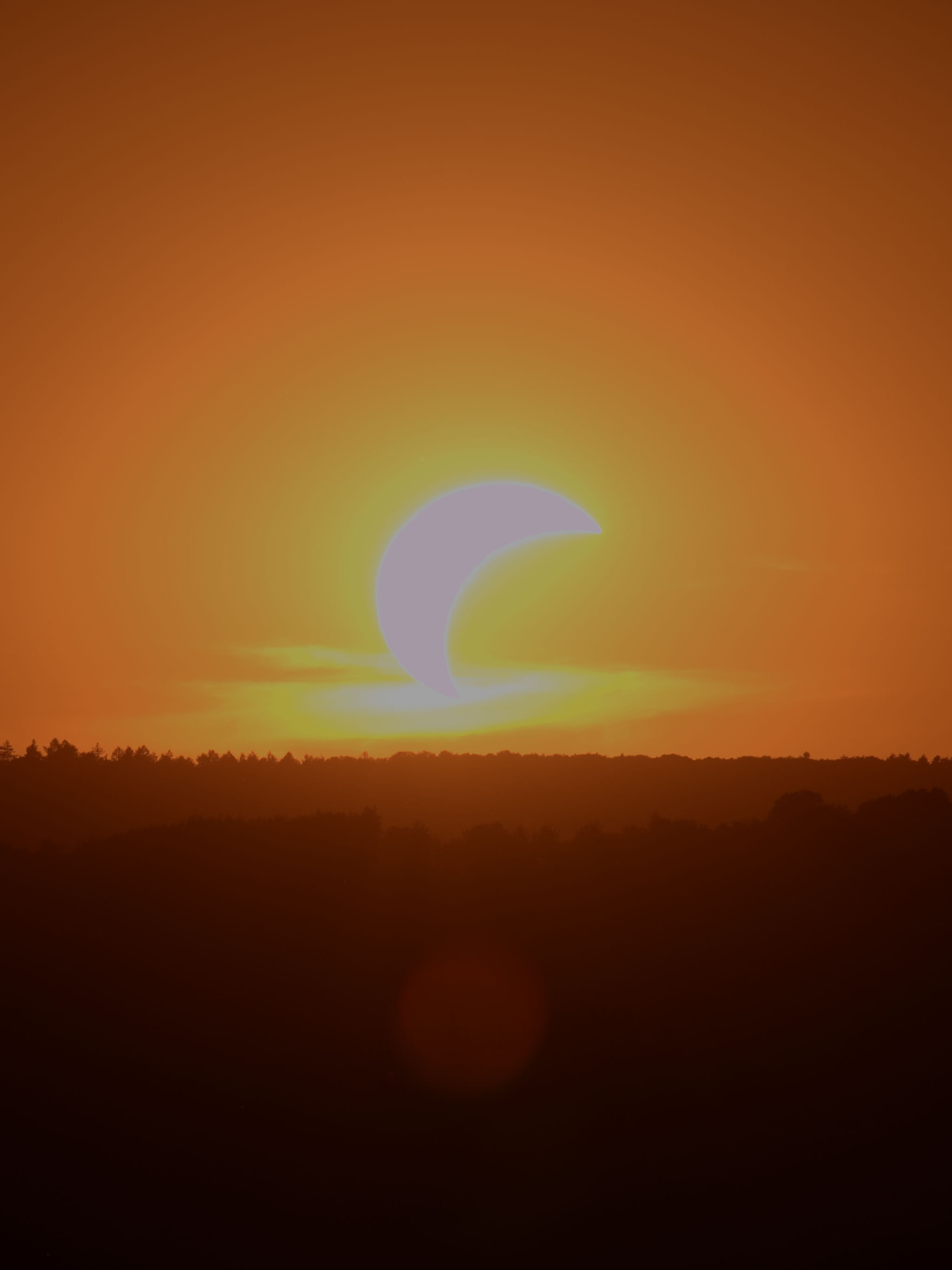
If you tried RapidRAW before, you probably noticed that highlight recovery was a major weak point. Partially blown areas often turned gray, shifted colors, or clipped harshly. I spent the last few days completely rewriting how the app handles highlights, and v1.6.4 is now live.
The Highlights slider now reconstructs clipped color channels using data from the unclipped channels. Instead of just dimming blown pixels to gray, it actually recovers color and texture in bright areas like skies and clouds. Alongside this, the Exposure slider now works before the tonemapper to bring back real headroom, while a separate Brightness slider lets you adjust the look afterward without clipping.
If you have overexposed RAW files with recoverable skies or sunsets, I would love for you to give v1.6.4 a test run. Please let me know how it compares to your usual tools, and feel free to share any files where the recovery breaks or creates weird artifacts.
(Note: Please keep this thread focused purely on highlight recovery and color results. For general bugs, or Linux-specific issues, please open an issue directly on GitHub so we can keep this thread on topic).
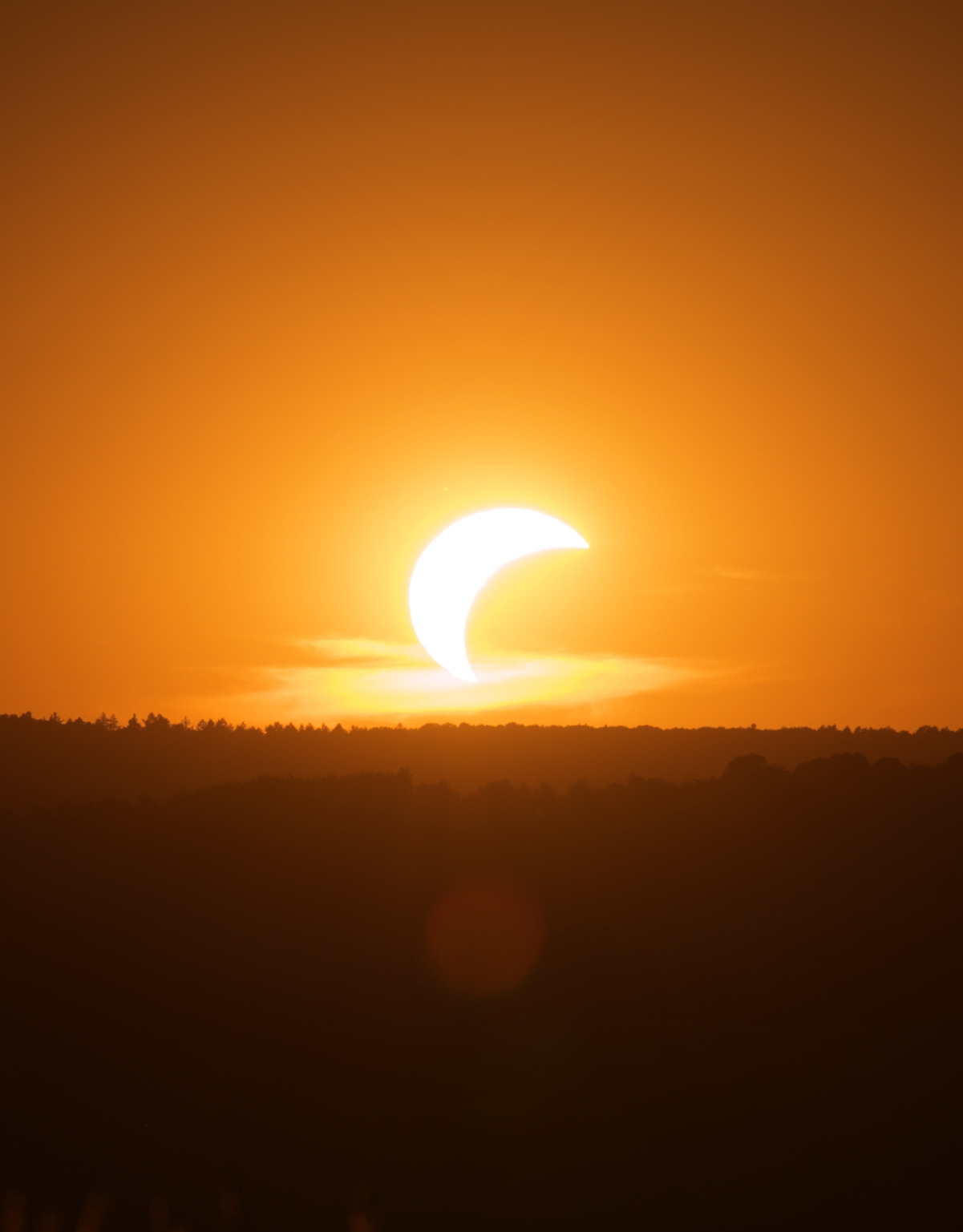
Hi @CyberTimon looking at your sunset example, I am not sure that is a good rendering. Of course, reconstruction and hue preservation on top of that is a real can of worms, but this all orange rendering is very unnatural looking to me. Sorry
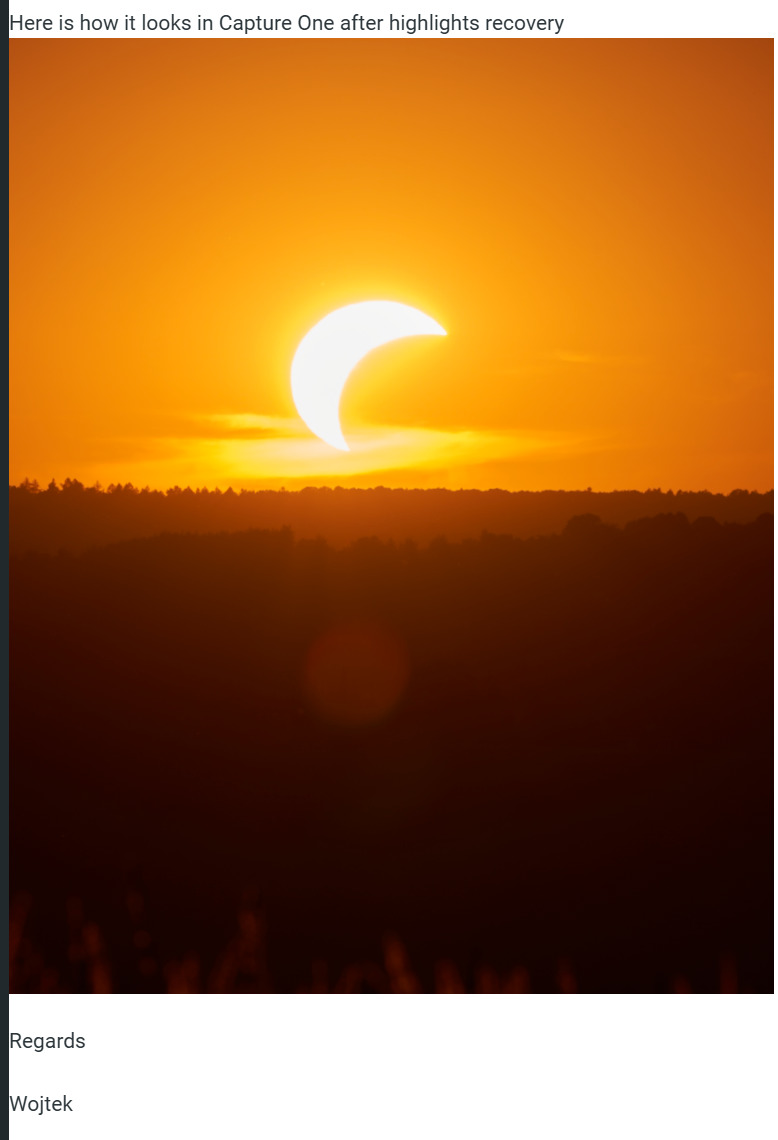
That’s indeed much improved! Both C1 and RR have a slight magenta halo around the sun and in the cloud just below the sun. But the RR version has a smoother transition from orange to yellow with less of a transient. Good work!