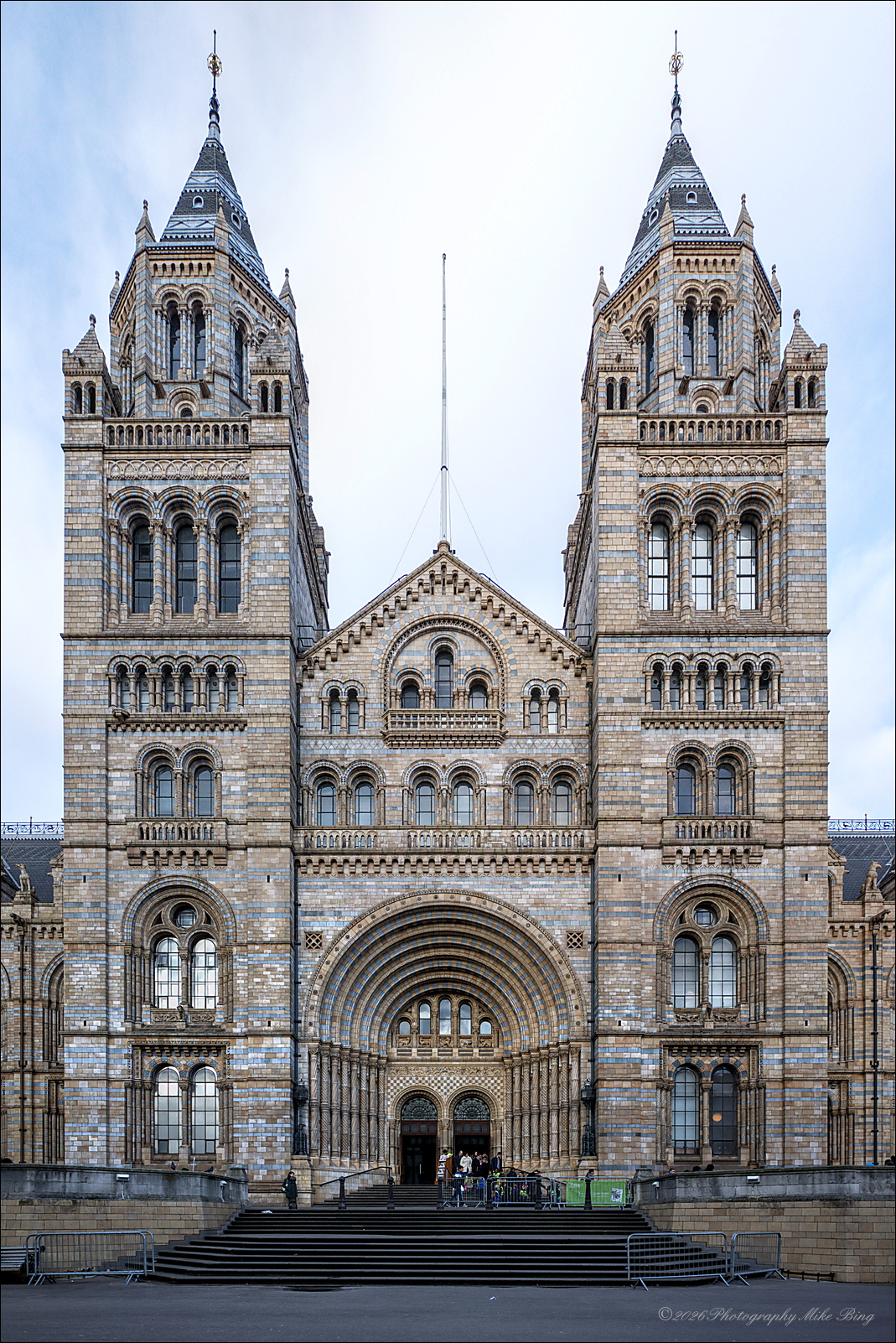
I went back to 2015 when I still had the original APS-C GR and did a panoshoot of the Natural History Museum in London while on a business trip. I only had time for 7 shots, hand-held and although I did compose the pano at one time or another, I was never quite happy with it.
I came across the raw files while organizing my NAS and I’d been playing around with autopano-giga, a once commercial software package until the company went out of business years ago. They released a free version of the last release just before they folded and that version has been around for years - just never got around to trying it. I had done this before, with hugin. Somehow I never got the file to where I wanted it to be but that must purely be my inability to manage control points and other variables.
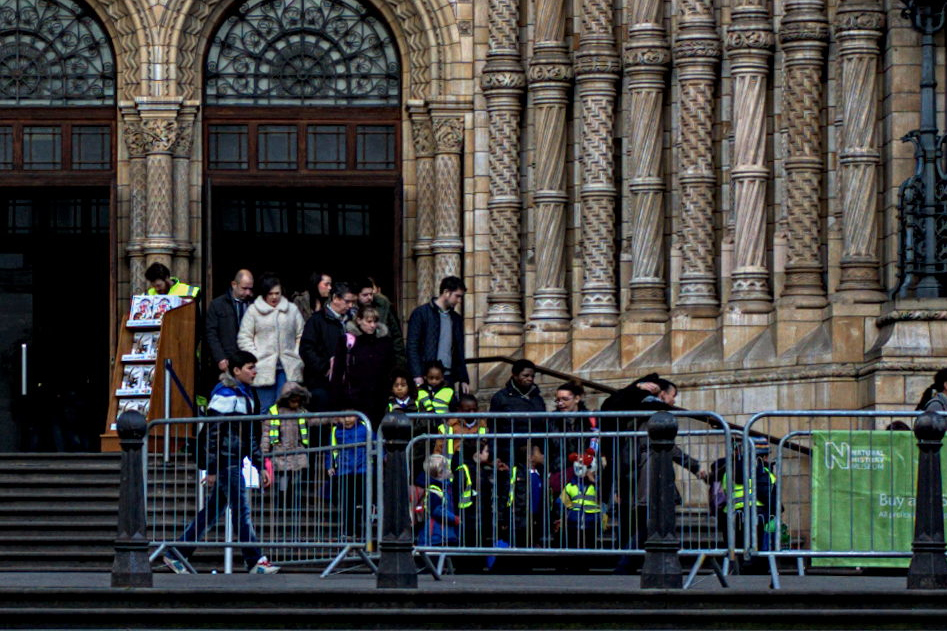
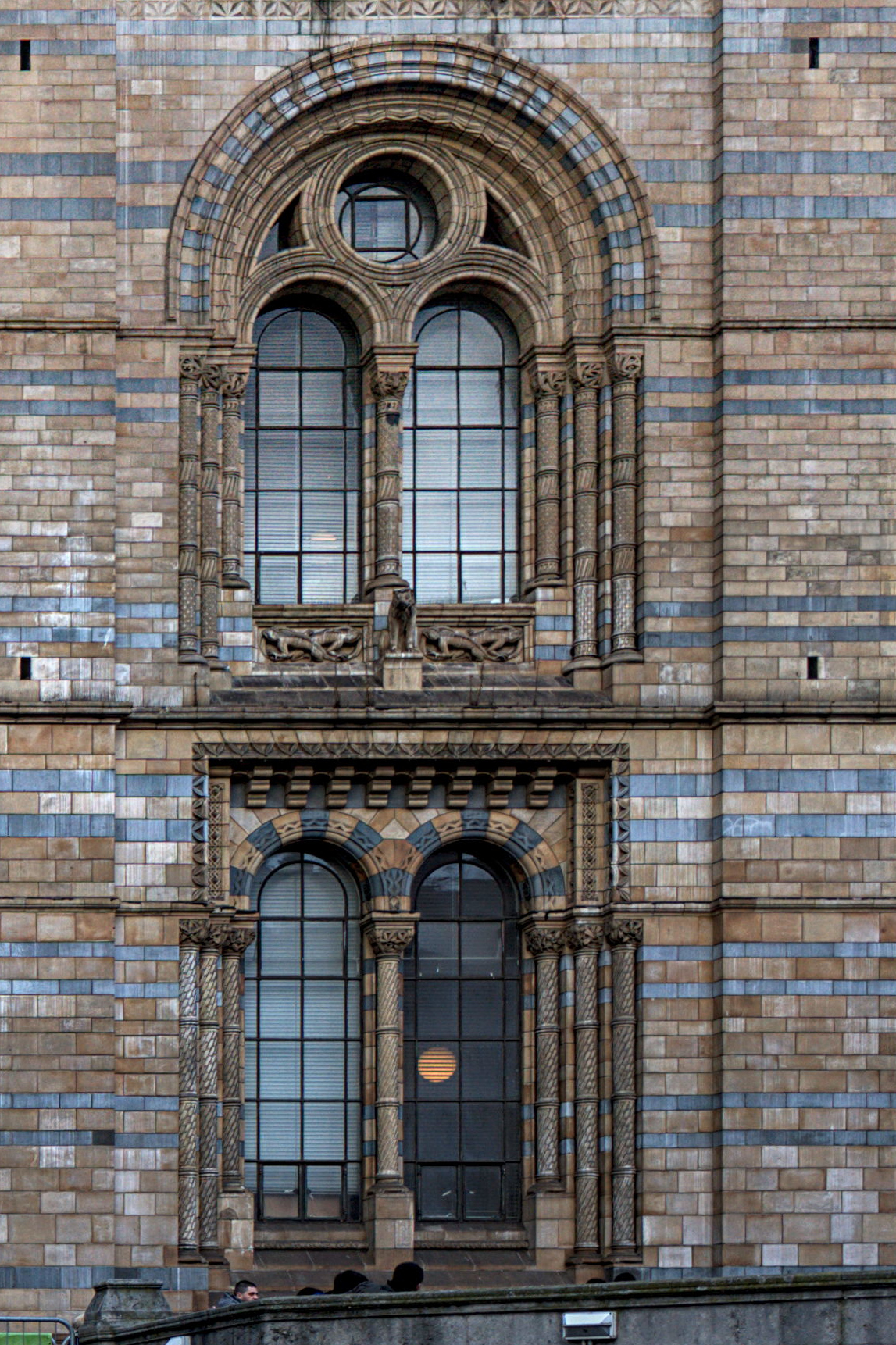
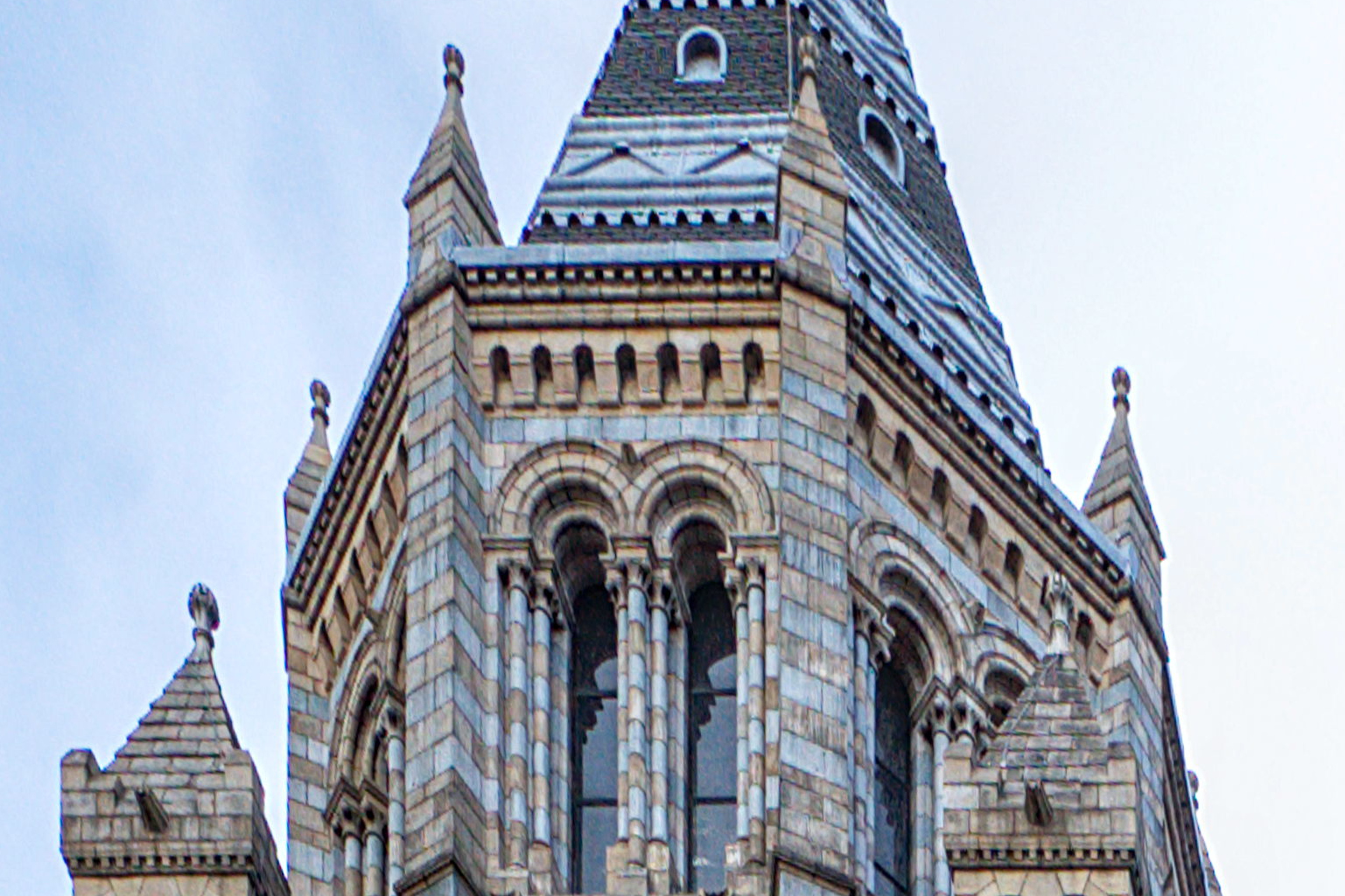
Looking at the result - a 35mp 4700*7240 pixel image and a few crops I took, I’m amazed at how well this image stands up to today’s crop of cameras/sensors/lenses. I myself have been shooting a few Pentax bodies since which now include the K-1 MKII and the KP and I think the GR did a stellar job over 10 years ago!
After the pano was done, I straightened out verticals and did some sharpening in Darktable as well as cropping to a proper image ratio. Especially the rotate module in Darktable with its automatic detection of vertical lines was absolutely amazing here.
I installed this a few days ago when someone else mentioned it. I have only processed one panorama image though it and I definitely found I preferred it over my experiences with Hugin . I personally use Microsoft Image Compositor (ICE) for most of my panoramas, but I like that autopano-giga works on windows, linux, and Mac and plan to explore it a lot more and to recommend it to my students.
[quote=“Terry, post:4, topic:55721”]
If you compare the results obtained, you will see that autopano giga is more precise and more resolute
on the other hand ICE is easier to use
there is also Xpano which deserves a test
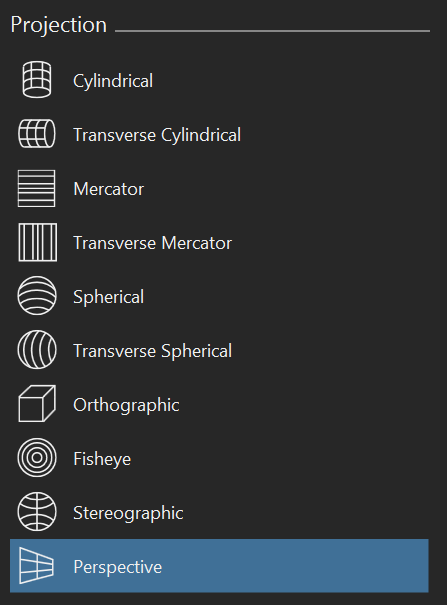
It may depend on the images being stitched but ICE does a great job on most of my images. The images stitched by the original OP in this thread using autopano-giga are excellent. I am not trying to knock autopano-giga, I am just coming to the defence of ICE. For most images it beats Photoshop and other known products. But there are always a few images that it may not be the best. ICE is so much quicker on my machine as well and it gives options to select the projection and it easily fixes curved horizons. I am not trying to talk anyone out of their preferred software, I am just defending ICE because I am a huge fan of it.
I don’t remember trying it. I will download it and give it a try. I wasn’t trying to hijack this thread to compare panorama stitching software. I was impressed that autopano-giga works on windows, linux, and Mac and plan to explore it a lot more and to recommend it to my students. My panorama needs are pretty much covered by ICE and I was just defending it.
It is strange that Microsoft abandoned such a useful tool and archived it. Amazingly it will still work with CR3 files, but I stitch PNG files which have been edited in Darktable first rather than raw files.
Canon also had nice stitching software which they abandoned.
EDIT: Just tried xpano and it seems to only work in 8 bit. ICE allows me to work in 16 or even 32 bit with some images. The reason I don’t stitch RAW files in ICE is that I only get 8 bit output so I input 16 bit files and export 16 bit panoramas for further editing in DT.