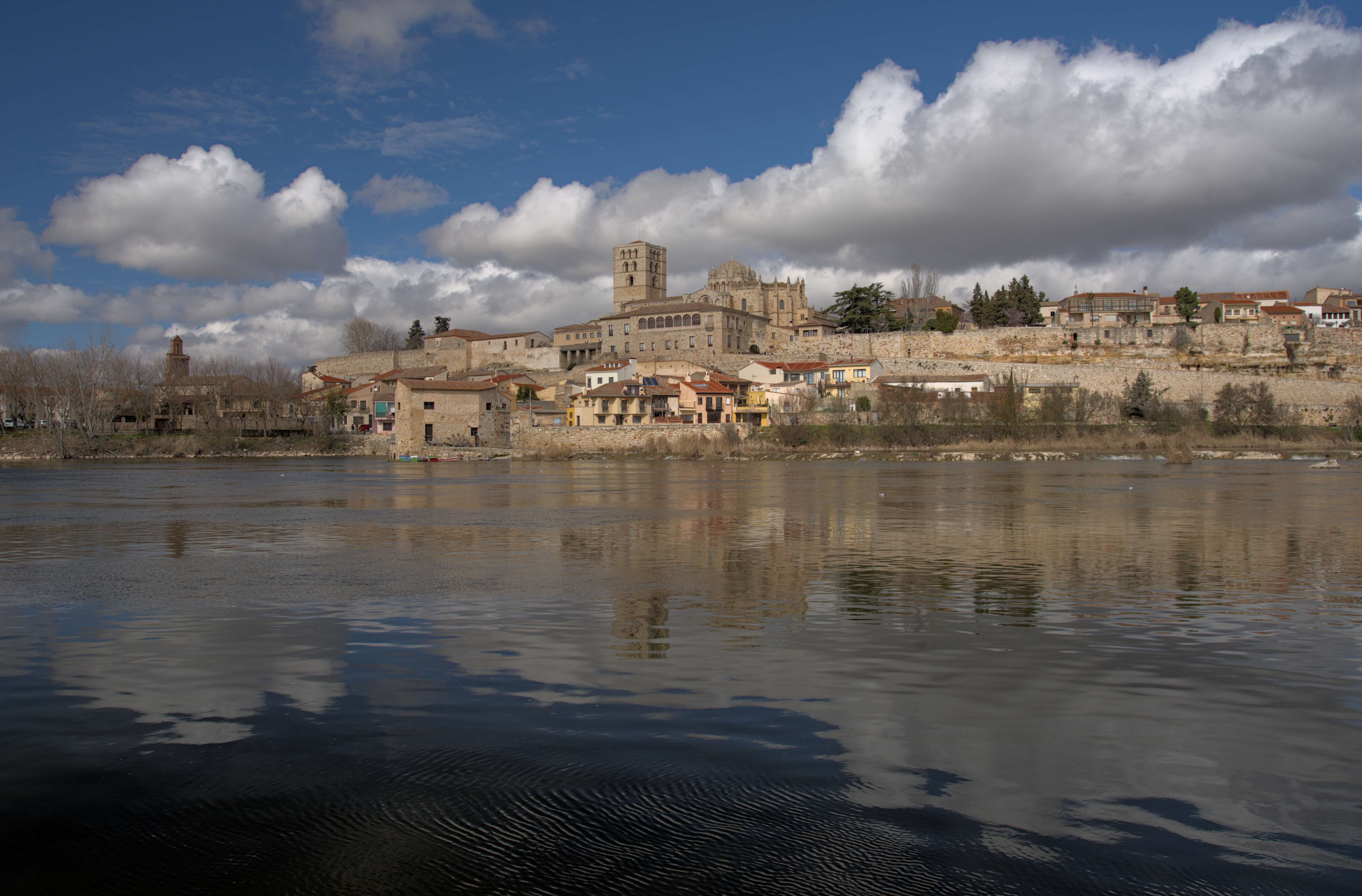
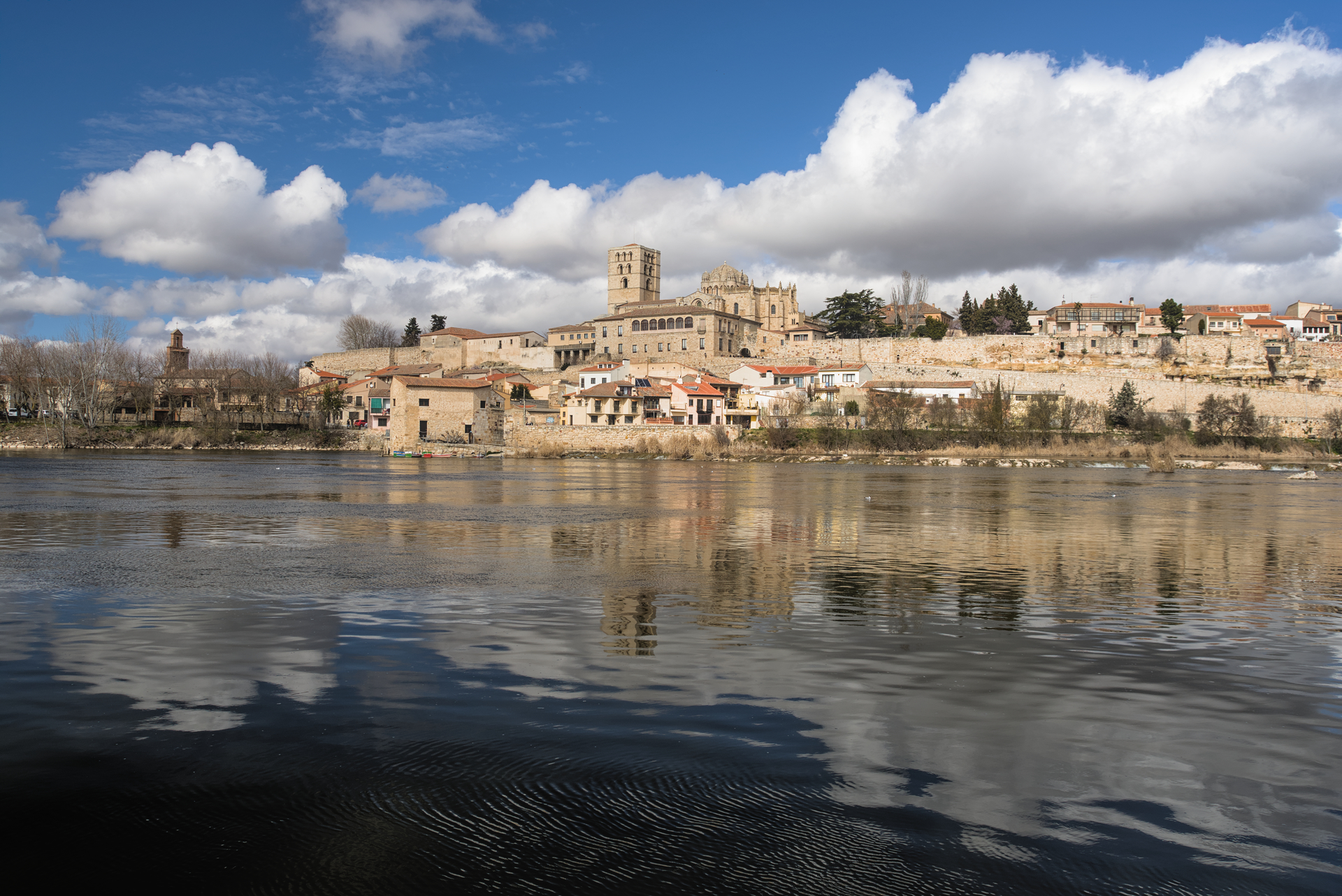
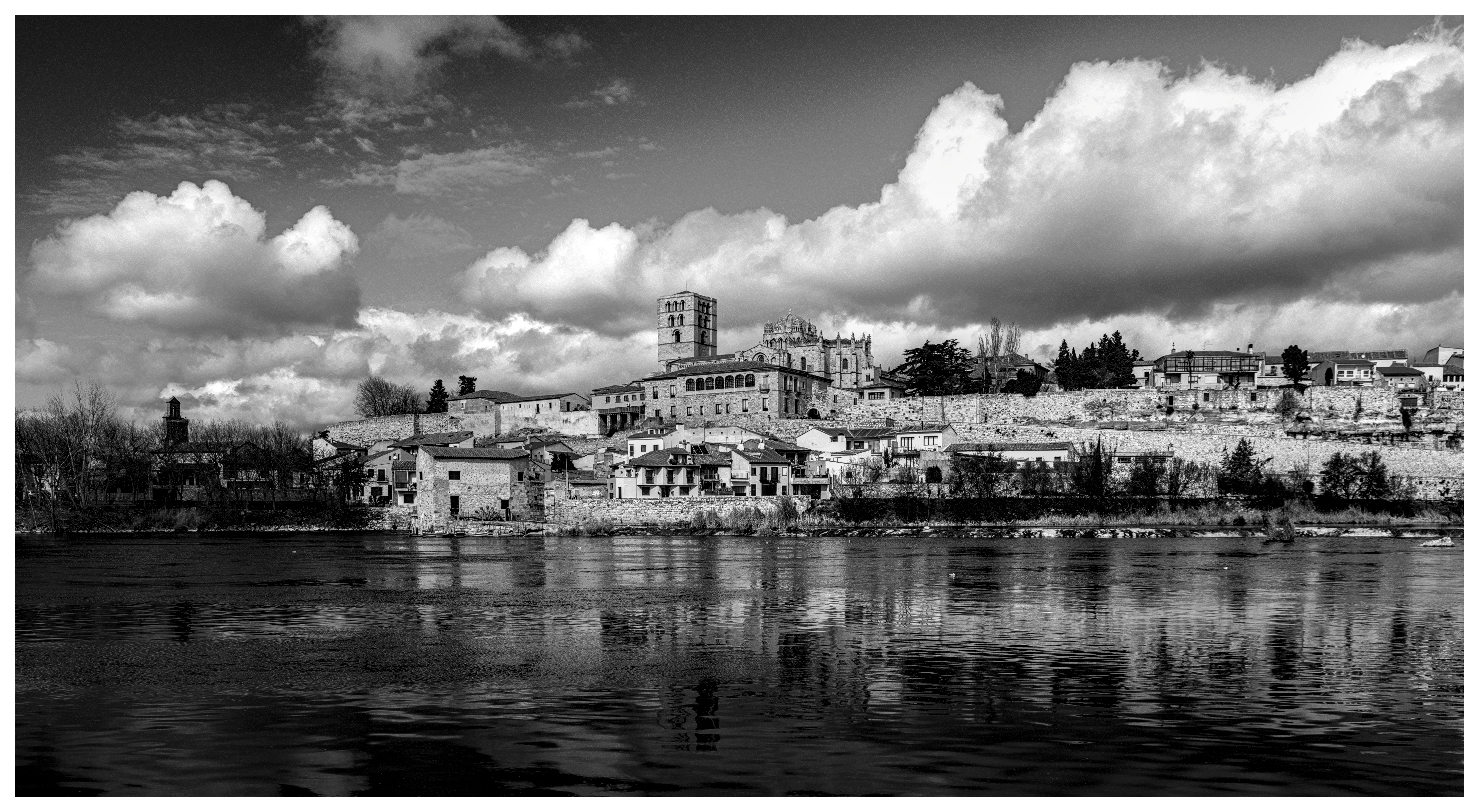
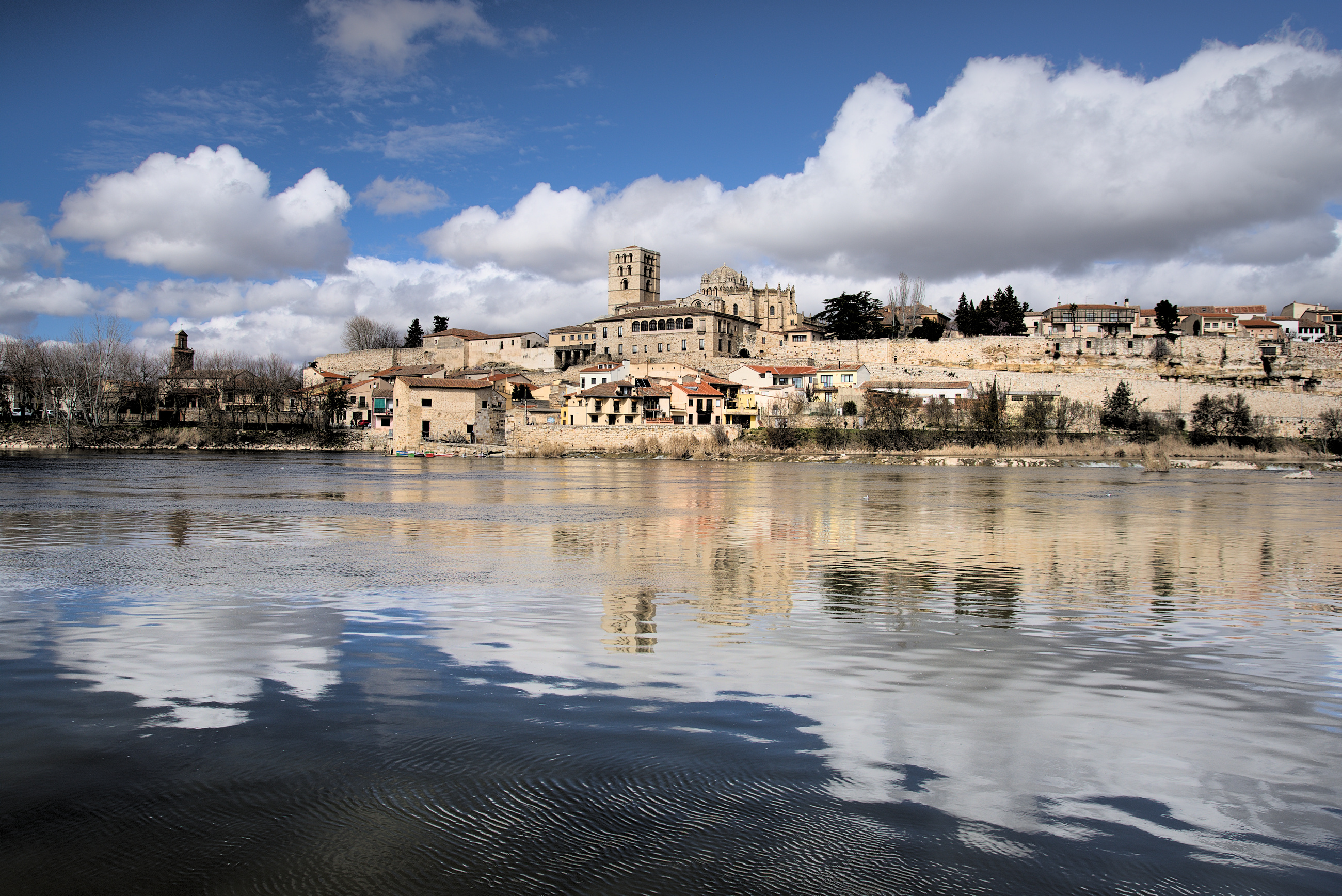
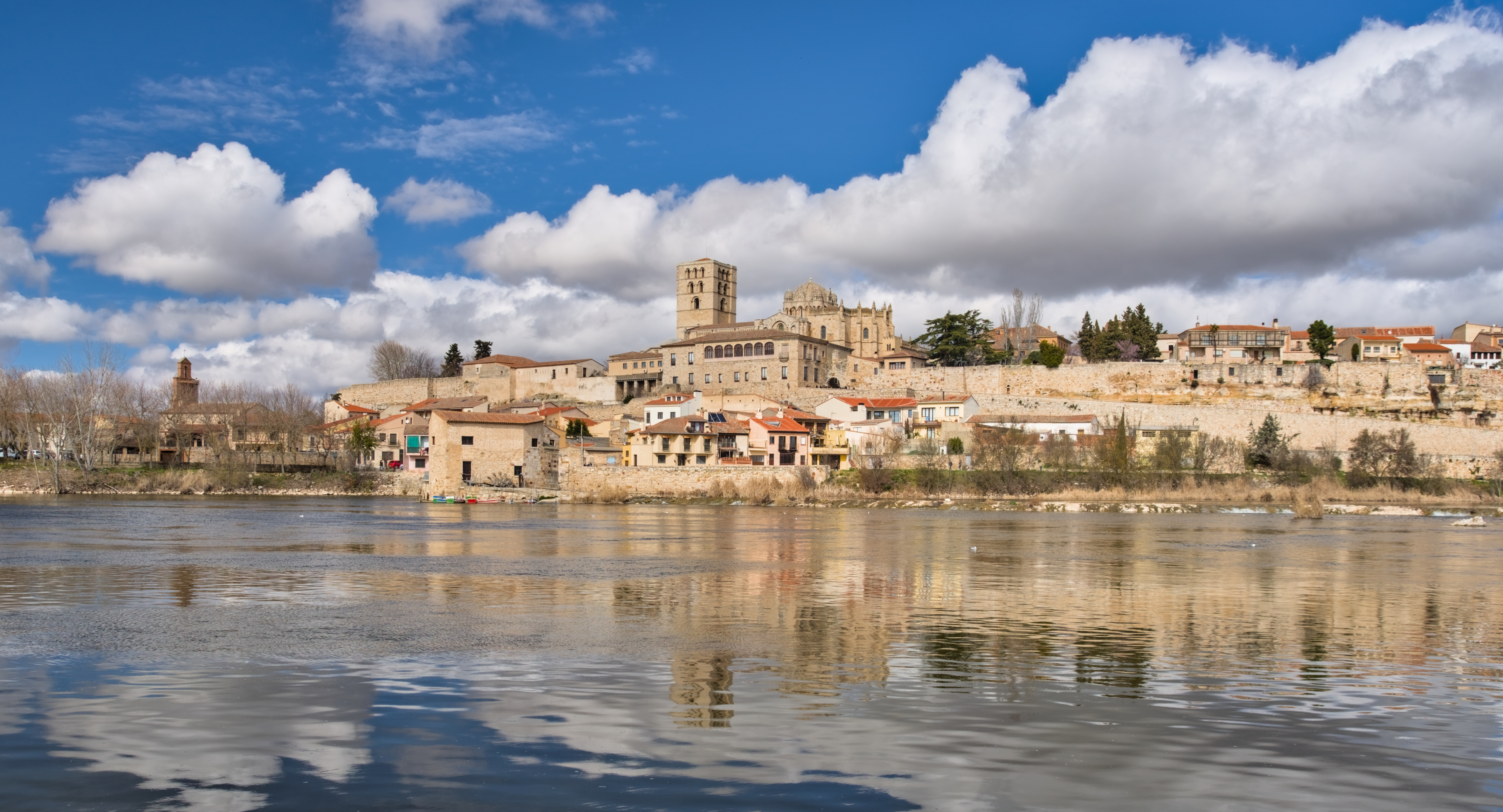
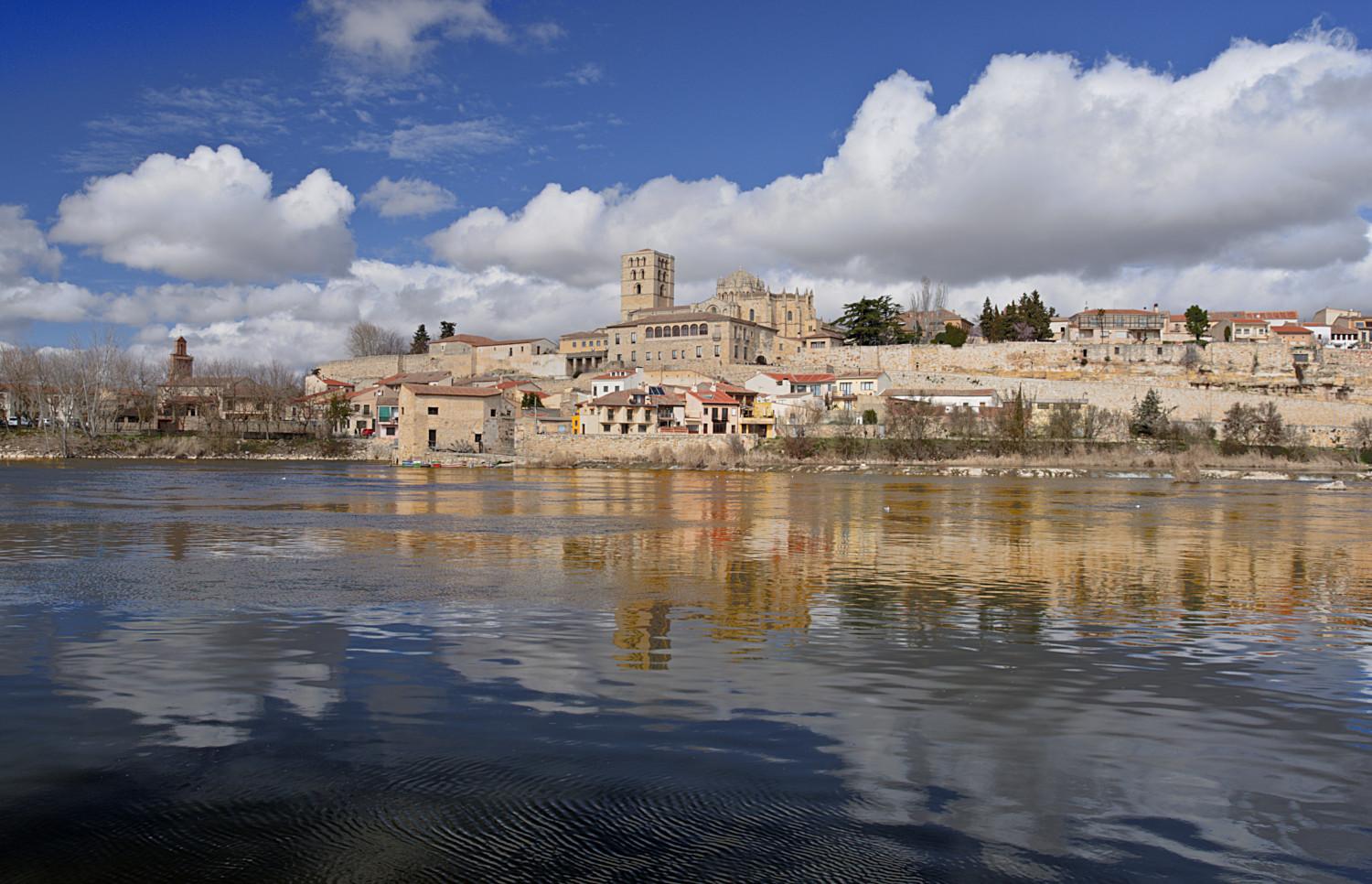
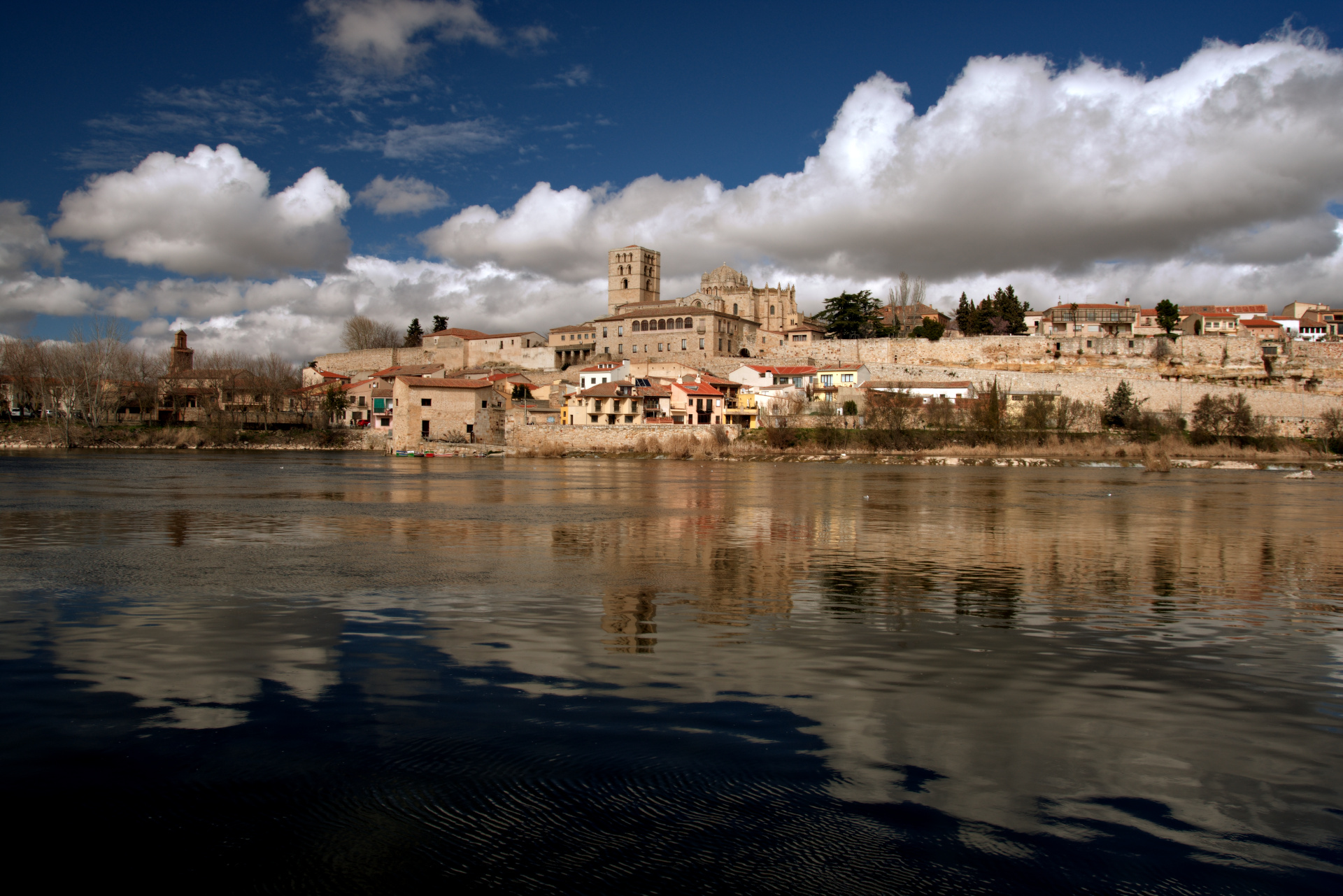
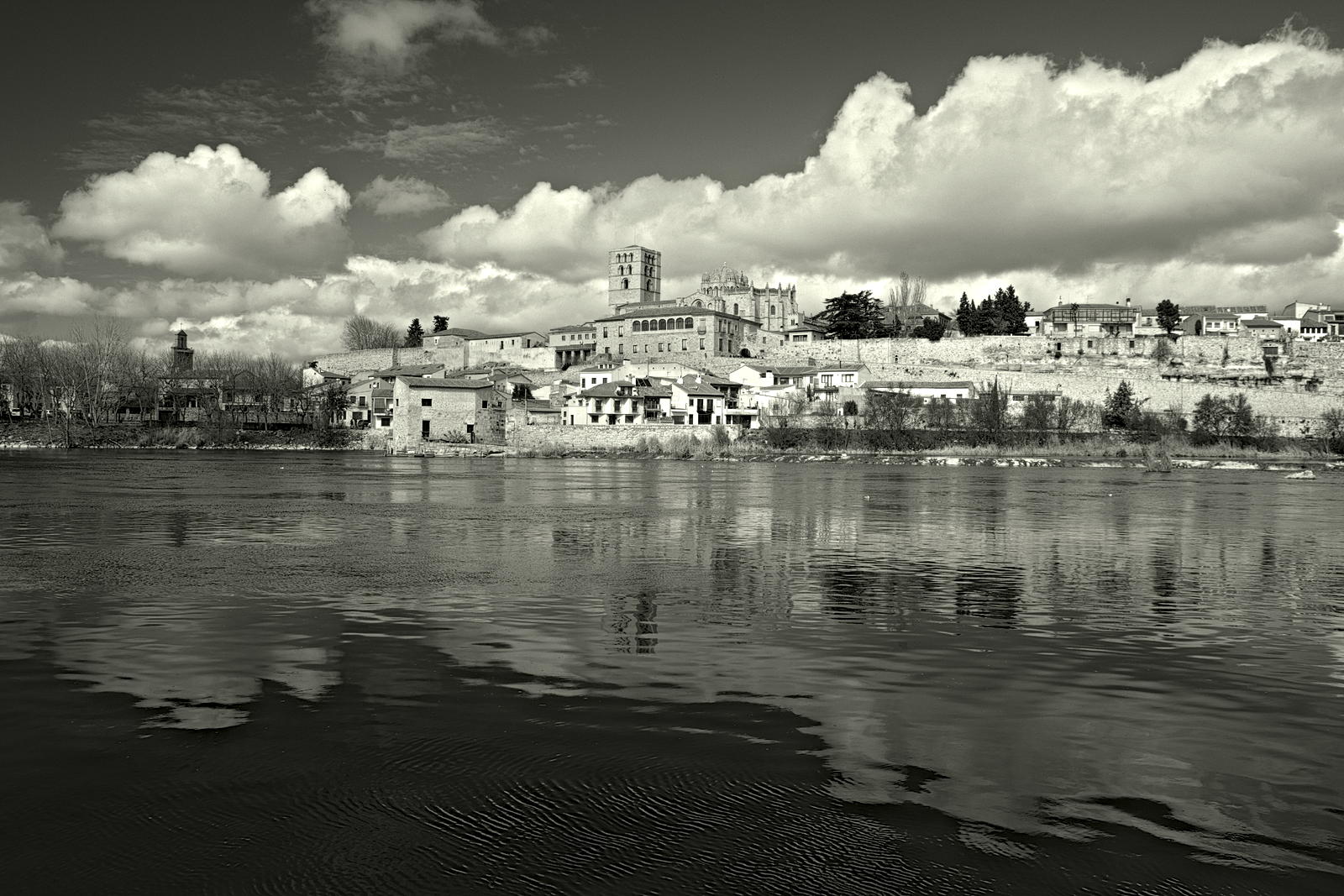
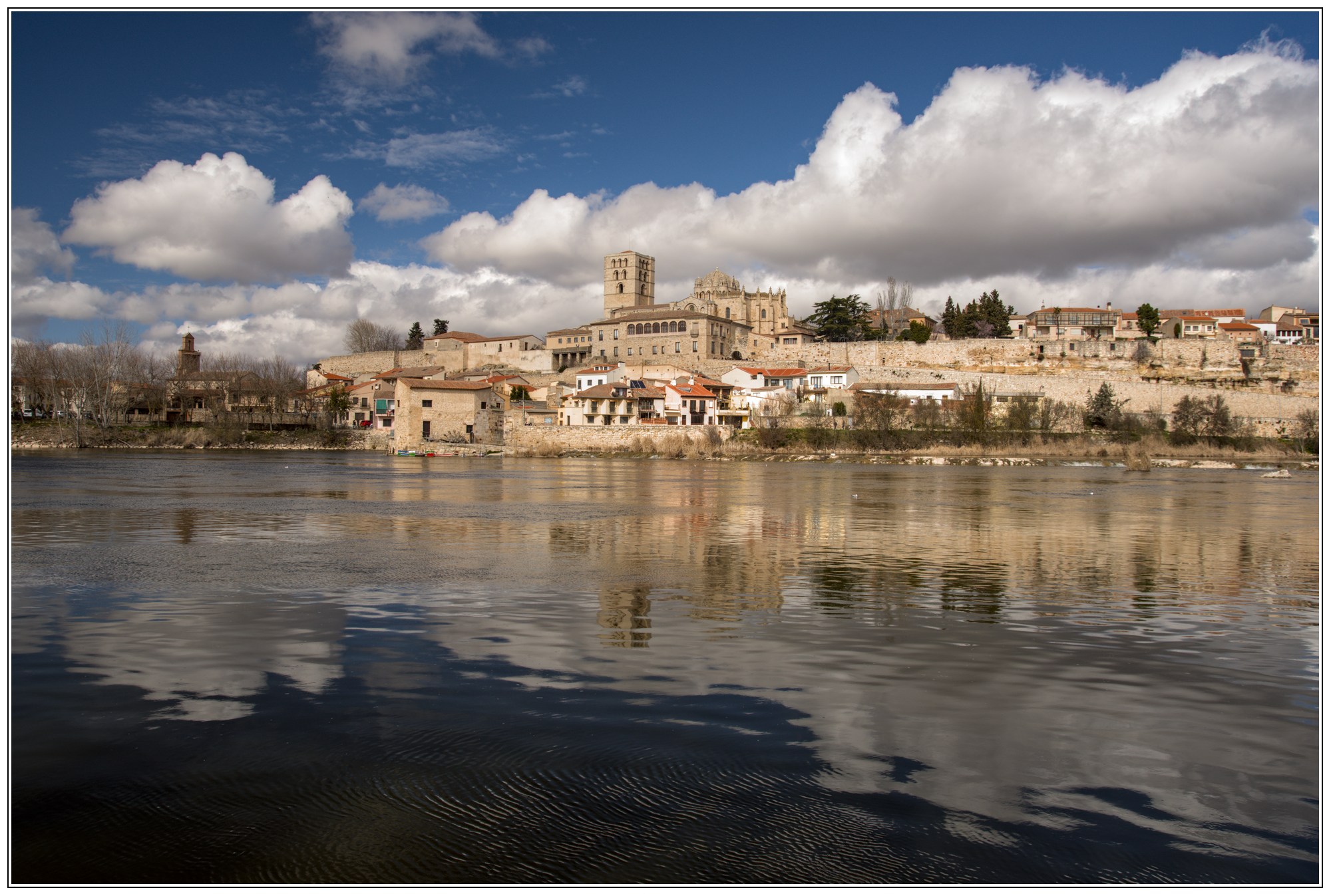
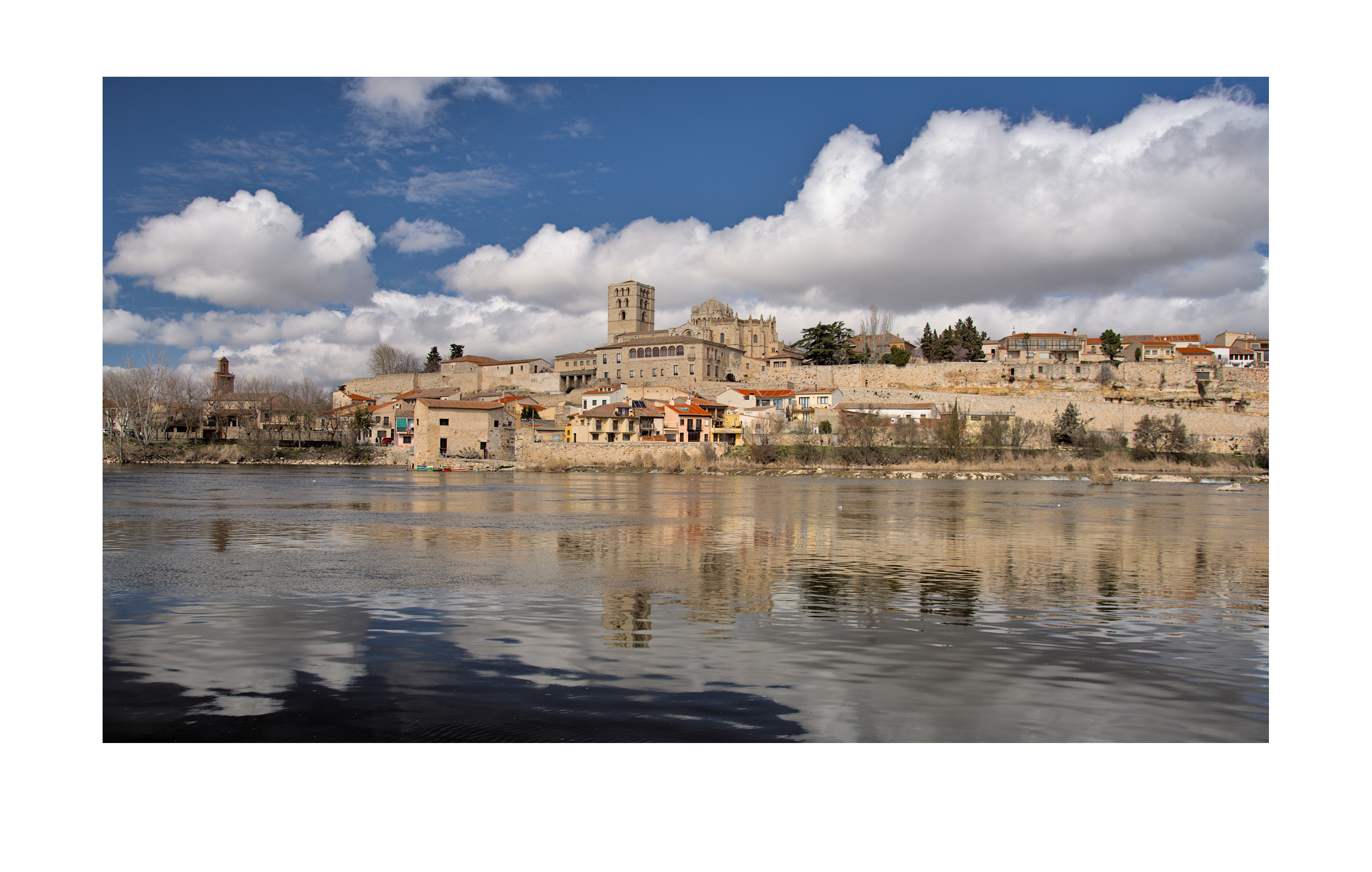
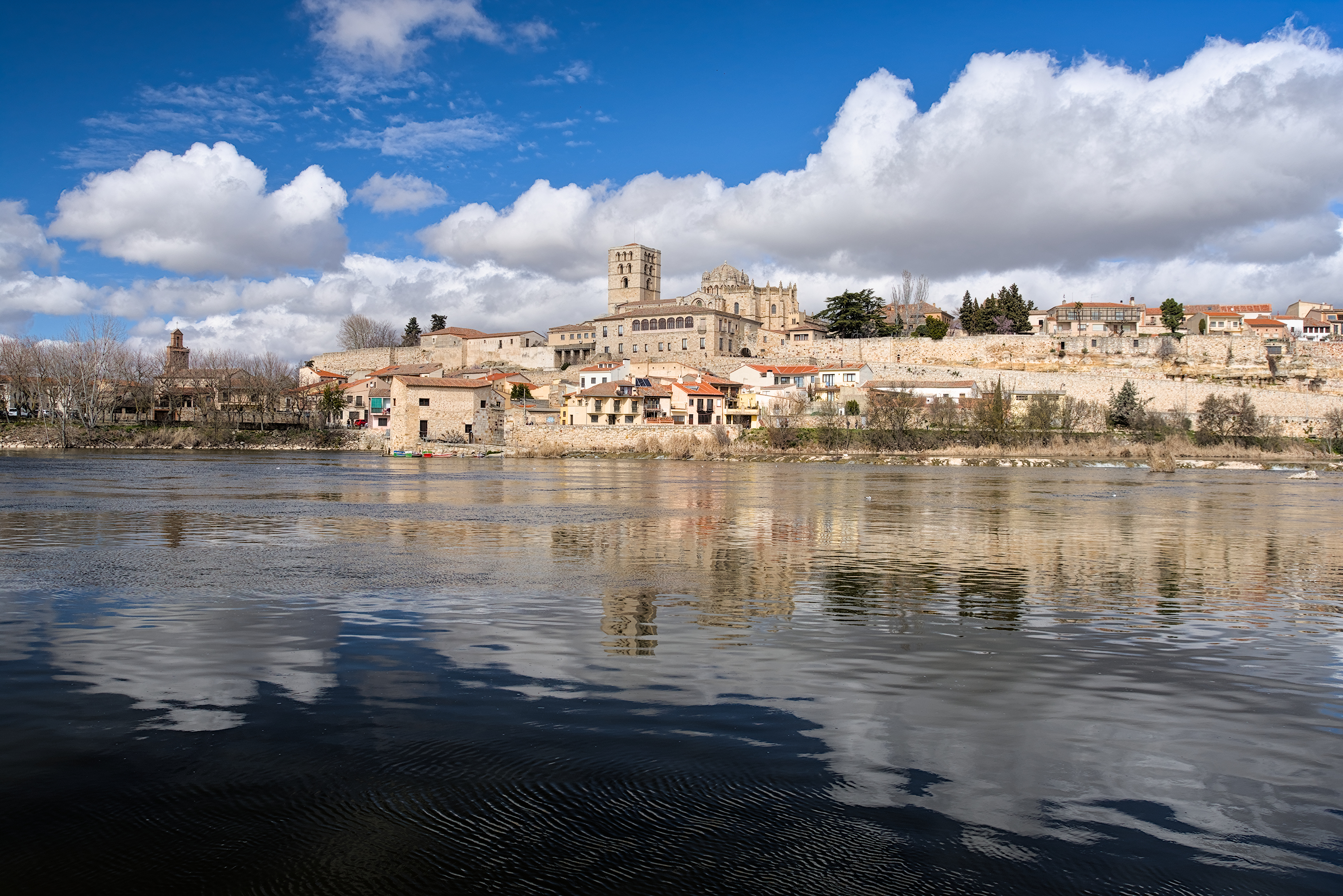
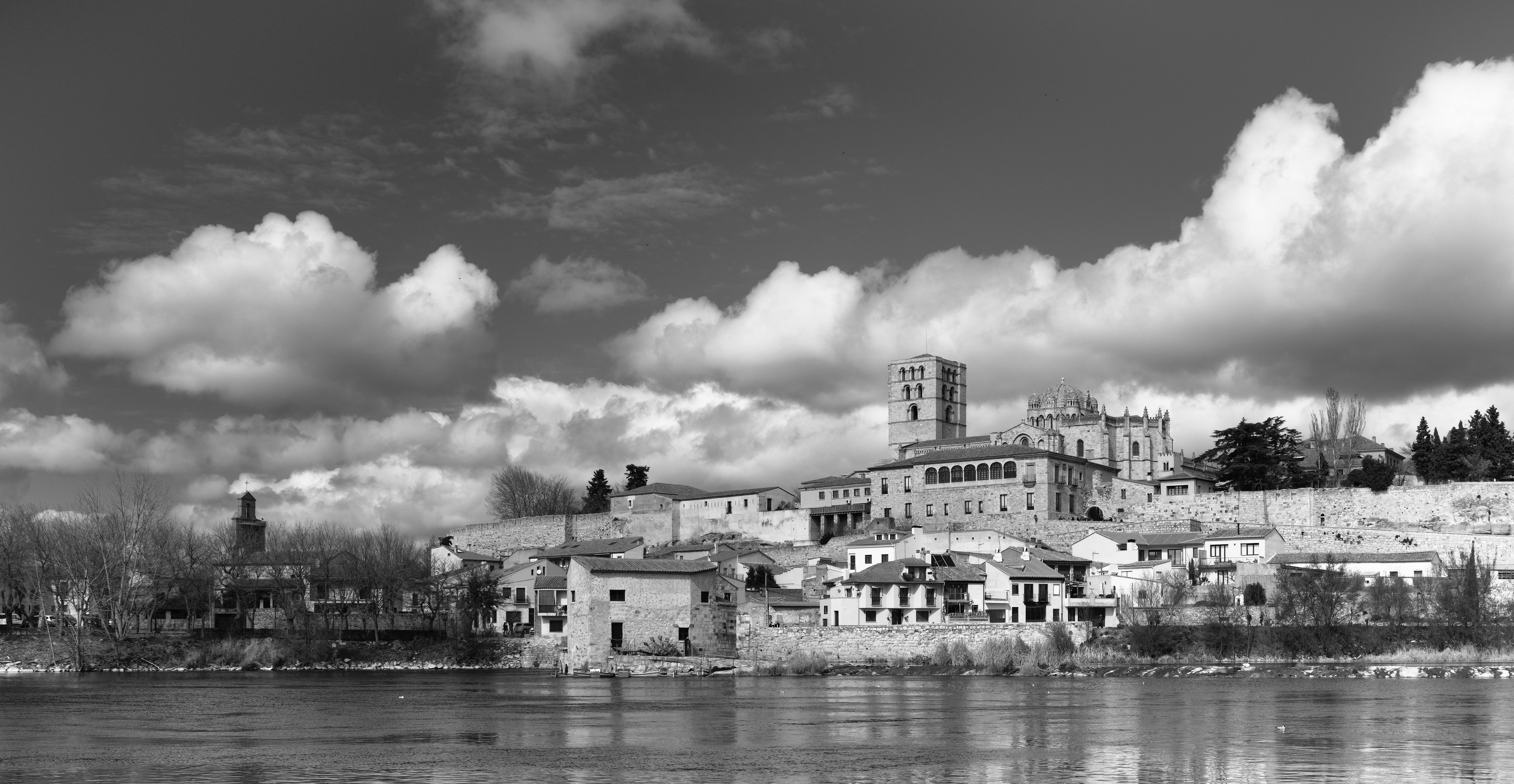
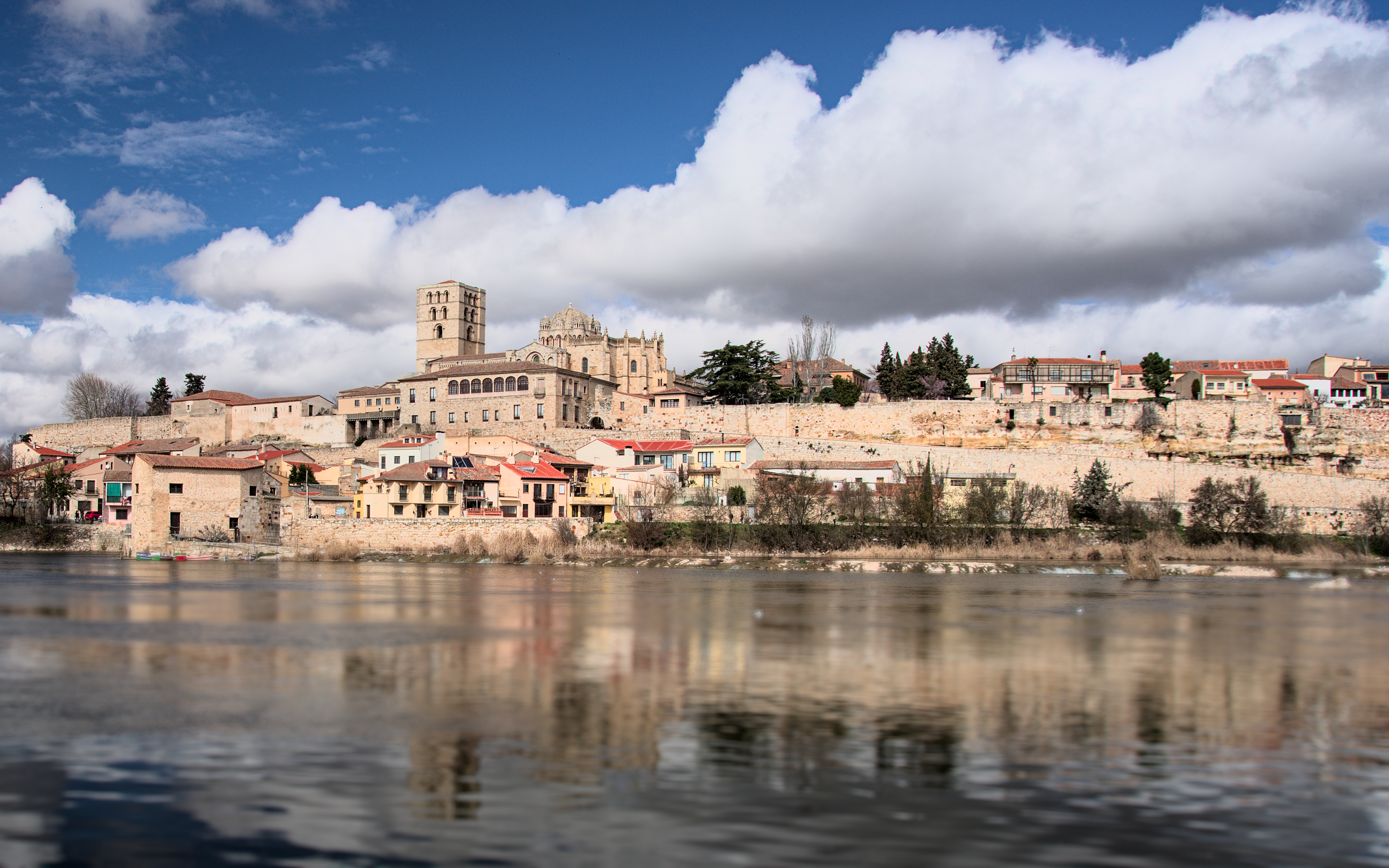
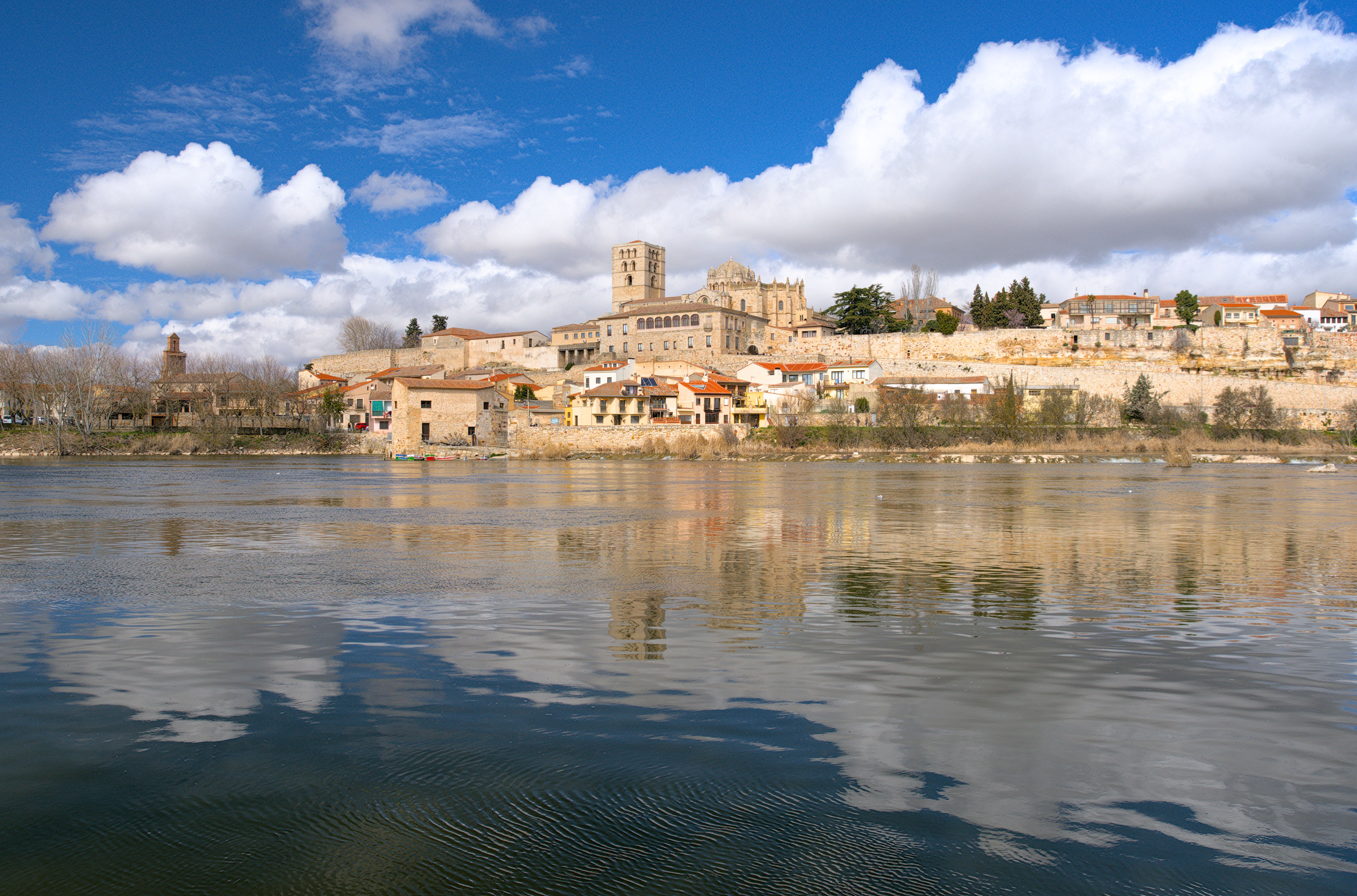
Thank you very much for your comments @sushey@Jade_NL
i think @Lander_corleone and
Darktable have done an excellent job.
Me, I have only used that material and that tool.
In this edition, the secret has been to use the contrast equalizer module in the blend mode difference.
Greetings.
Very interesting how, in L*a*b mode and using a toggled polarity mask, the difference blend mode turns the image B&W all by itself. You do need the initial second Colour calibration instance for an overall pleasing B&W, but interesting nonetheless.
I know from Krita/GIMP that the difference blend mode can be used for aligning and (complimentary) colour grading, but the above usage I did not yet know. Have to try to get that to work in Krita/GIMP too, might come in handy.
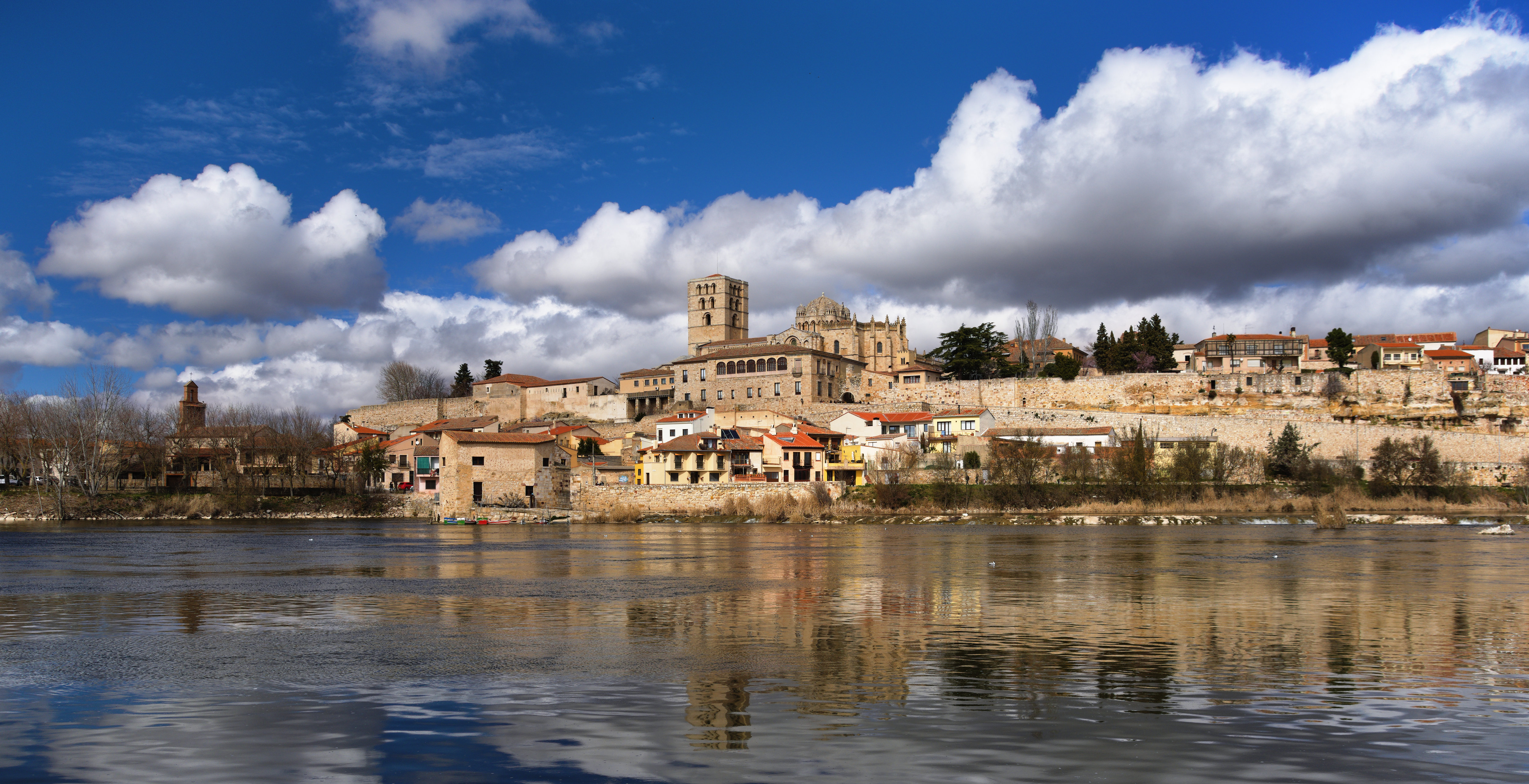
Thank you for this beautiful image. In GIMP. As the subject is reflections, I increased the contrast and saturation of those reflections, also a slight increase in saturation for the stone of the buildings to balance. I only cropped slightly the bottom of the image, as I think the ripples on the water help to create the impression of depth.