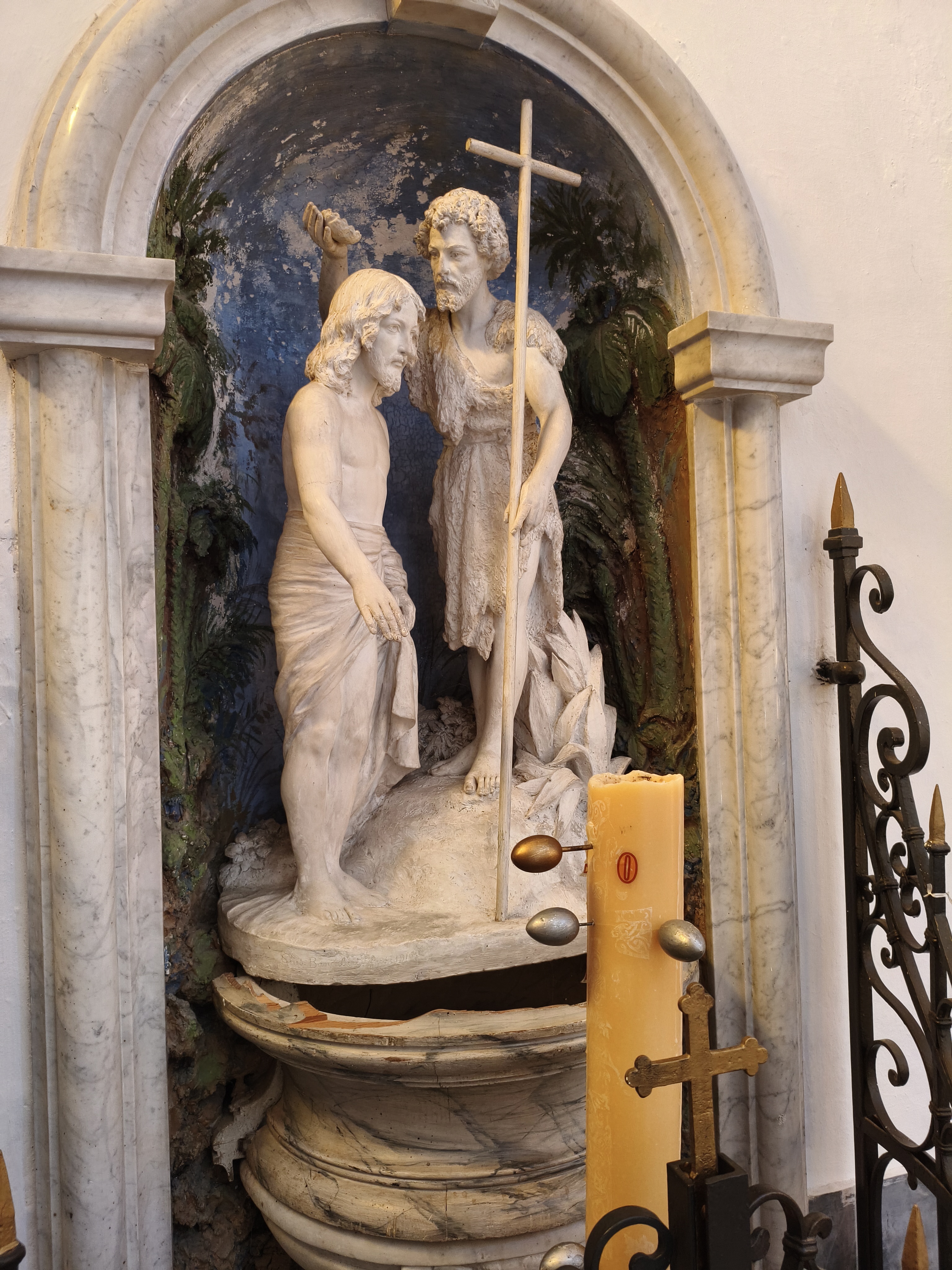
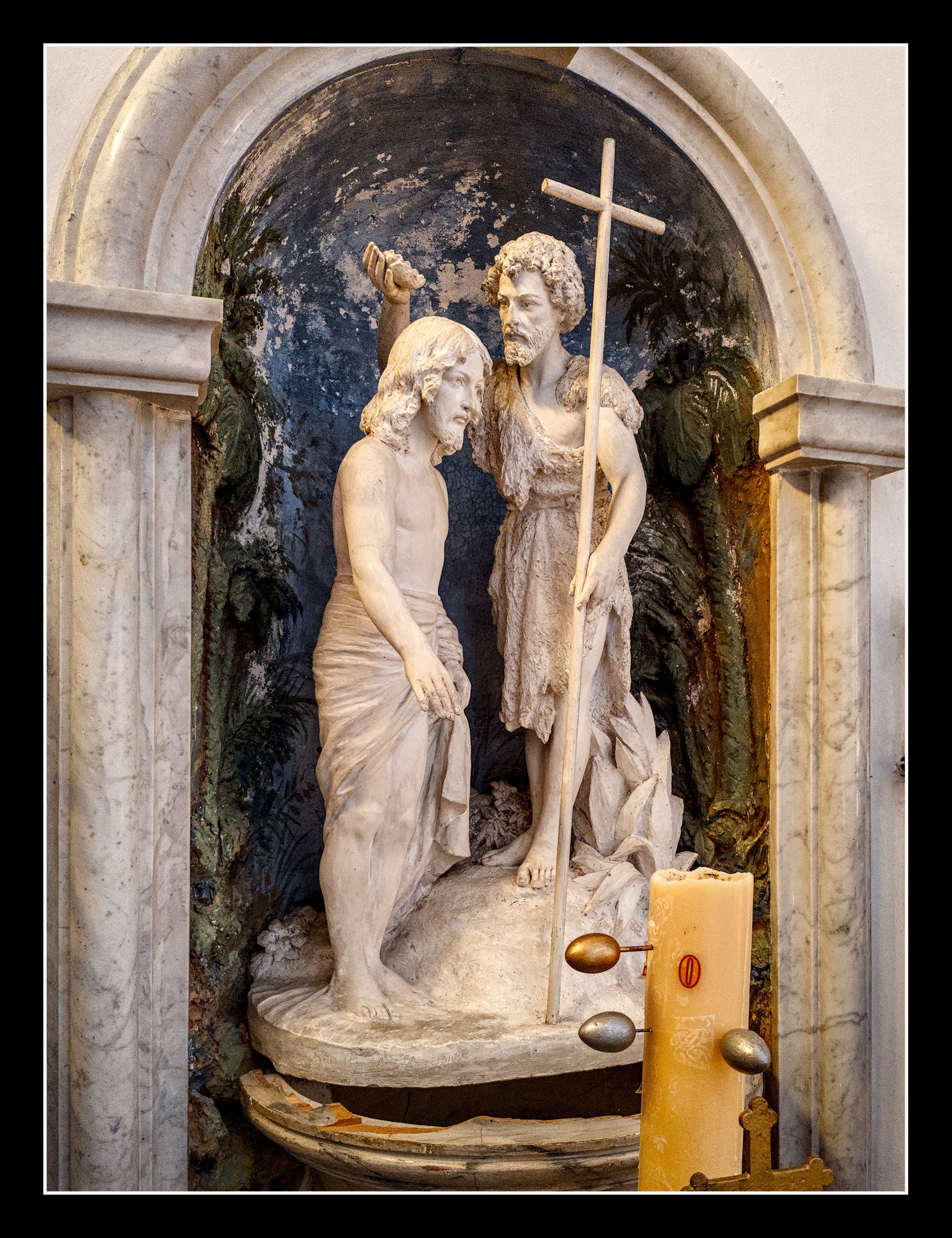
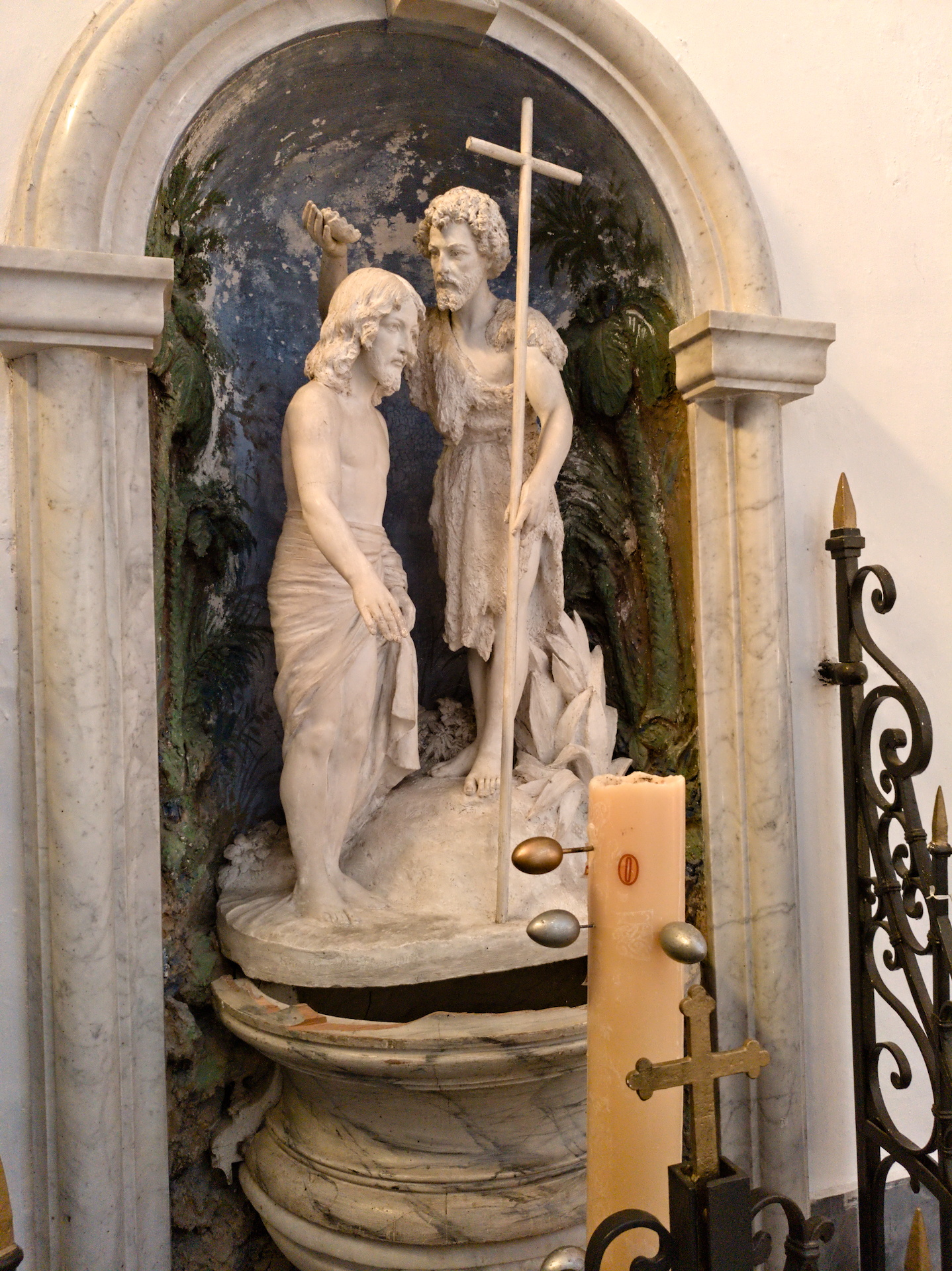
Here there is a dng from my poco phone and its phone-generated jpg.
I cannot find a way in DT to get the smooth and shiny marble of the jpg, I tried with all types of deblur, sharpen, etc. but I always remain with a lot of noise.
Manufacturers use all the data they have on their products to do a great job of fine-tuning.
It’s very difficult to eliminate noise and maintain sharpness across the board.
By the way, in this case, I haven’t been able to get the darkroom, JPG, and DNG files to have the same orientation simultaneously for comparison.
this DNG causes DT 5.6 to crash on my Windows 11 instal. When I remove the picture from the folder I can then open DT again. I have repeated this action and wonder if I am the only one affected?
My dt 5.6 is not crashing on Win11.
I also couldn’t compare with a snapshot of the phone jpg. I had to rotate it counterclockwise and export as jxl to make darktable not get confused.
The phone software is doing some magic there. I can’t get the hair like that. I also don’t know what I’m doing anyway