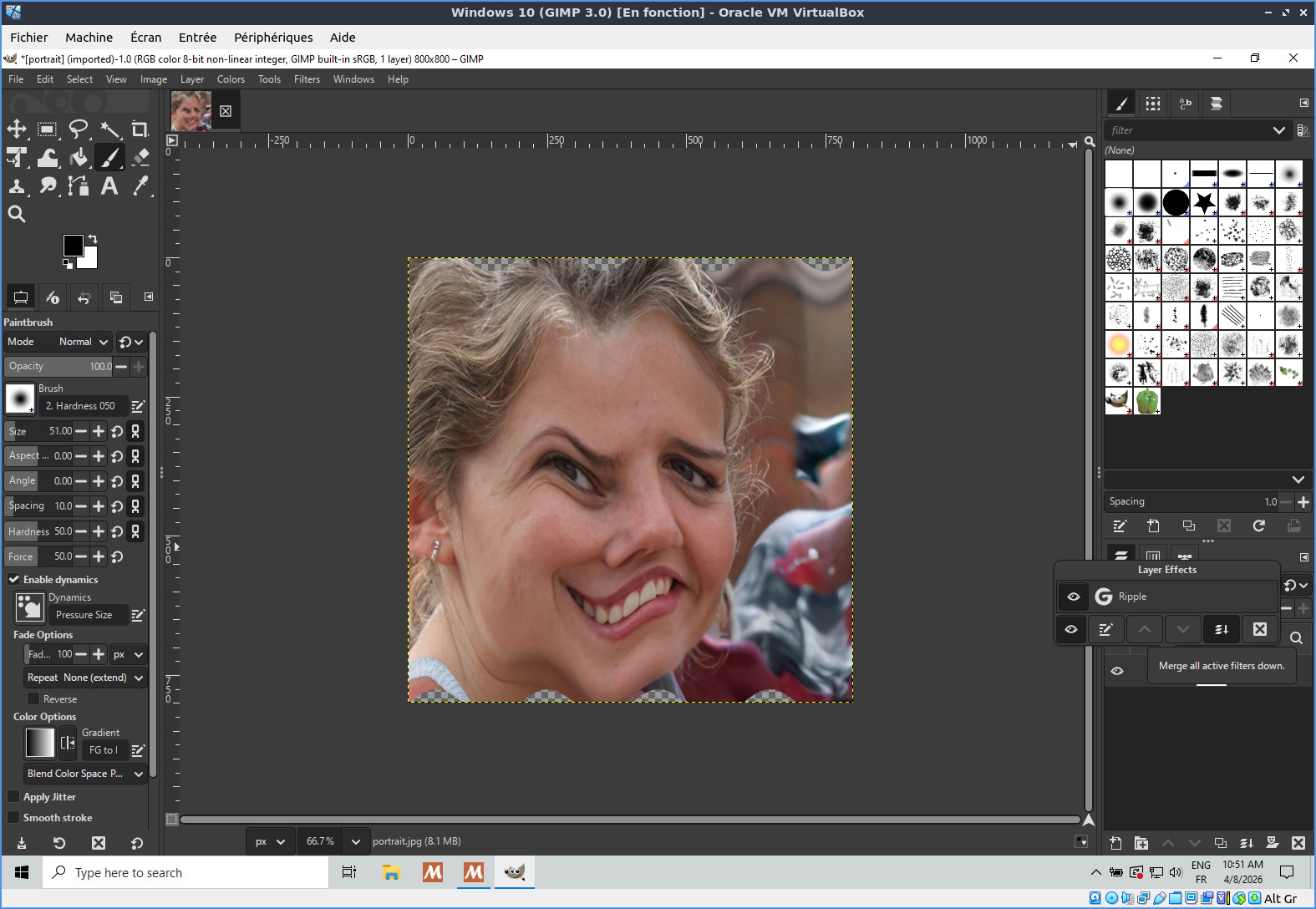
Recently, a user of the G’MIC-Qt plugin in GIMP 3.2 noticed that if they apply a (non-destructive) GIMP filter to a layer (for example, Emboss), and then calls the G’MIC-Qt plugin on that same layer afterwars, the image displayed in the plugin is not the one that was filtered with Emboss, but it’s the image corresponding to the original layer data.
I understand that this is due to the new philosophy of “non-destructive” filters in GIMP 3.2: A filter is no longer explicitly applied to the pixels of a layer.
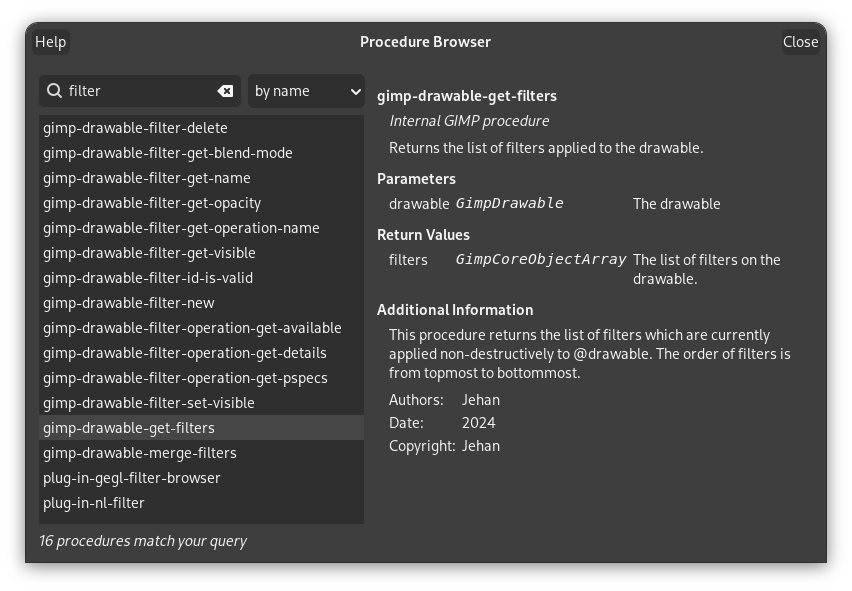
So, when the G’MIC-Qt plug-in requests the image buffer from GIMP via its plugin API :
It gets the original layer data, not the filtered one.
I haven’t found many information online about this “new” behavior, so I’m asking here.
I suppose we could “easily” solve this problem by checking whether a layer has any non-destructive filters associated with it, and if so, explicitly applying them to the layer in order to retrieve the filtered pixel data.
Also in that list is “Gimp.Drawable.merge_filters()”.
It sounds like those two calls are what you’re looking for.
Also, the online API reference is a good place to familiarise yourself with:
Of course you need to consider a user’s intended workflow: some want the G’MIC filter applied to the layer underneath the layer filter (without merging the filter to the layer). Others may want the layer filter applied before adding the G’MIC filter. Maybe you need to cater to both? And perhaps you should code defensively and do all of this on a copy of the selected layer to avoid any irreversible problems that might arise.
Unfortunately, that would require some important changes in the G’MIC-Qt code (new selection widgets at least), which is something I’m not able to do. Sébastien (the author of the plug-in) is not on this earth anymore and I’m not skilled enough (part. in Qt) to implement that kind of changes.
Maybe the best approach is simply to do nothing and warn users that non-destructive filters aren’t supported by the plugin…
That’s a good approach. If a user wants the layer filter to remain in place, they can add the filter themself.
But I’m curious: in the current situation, when G’MIC works with the layer without the filter, what does it return? Does it delete the layer filter or if the user selects a new layer as the G’MIC output, does the original layer with layer filter remain in place?
That’s a good question. Just did a quick test, and if the G’MIC filter is applied on a layer “in-place”, then the output layer is modified (according to the G’MIC filter), but keeps its associated non-destructive filter.
But if the G’MIC filter is applied with output mode = new layer, then the new layer does not have an associated non-destructive filter linked to it.
All this sounds OK. I guess the main issue is that a user could expect the input layer that is passed to G’MIC has the non-destructive filter applied (because from the UI, the layer the user sees has a filter applied on it).
Yeah, it sounds fine. It’s non-destructive of the layer filter(s) (there can be more than one) which the user may have spent time and thought into creating. As long as they understand the output options’ effect:
Output as “replace layer” then the layer filters remain untouched. The G’MIC filter is applied to the layer without the layer filters having been applied to the input layer.
Output as “new layer” then the G’MIC filter is applied to the layer without the layer filters having been applied either to the source or output layer (but you need to test to confirm this). They will need to recreate their layer filters on the new layer.
On that second point, yousei3 (Yousei3D) · GitHub has just released a fantastic new plug-in that copies and pastes layer filters:
It has some limitations (some filters don’t get pasted properly) which I assume they will fix. But his approach is excellent to learn from.
 ).
).