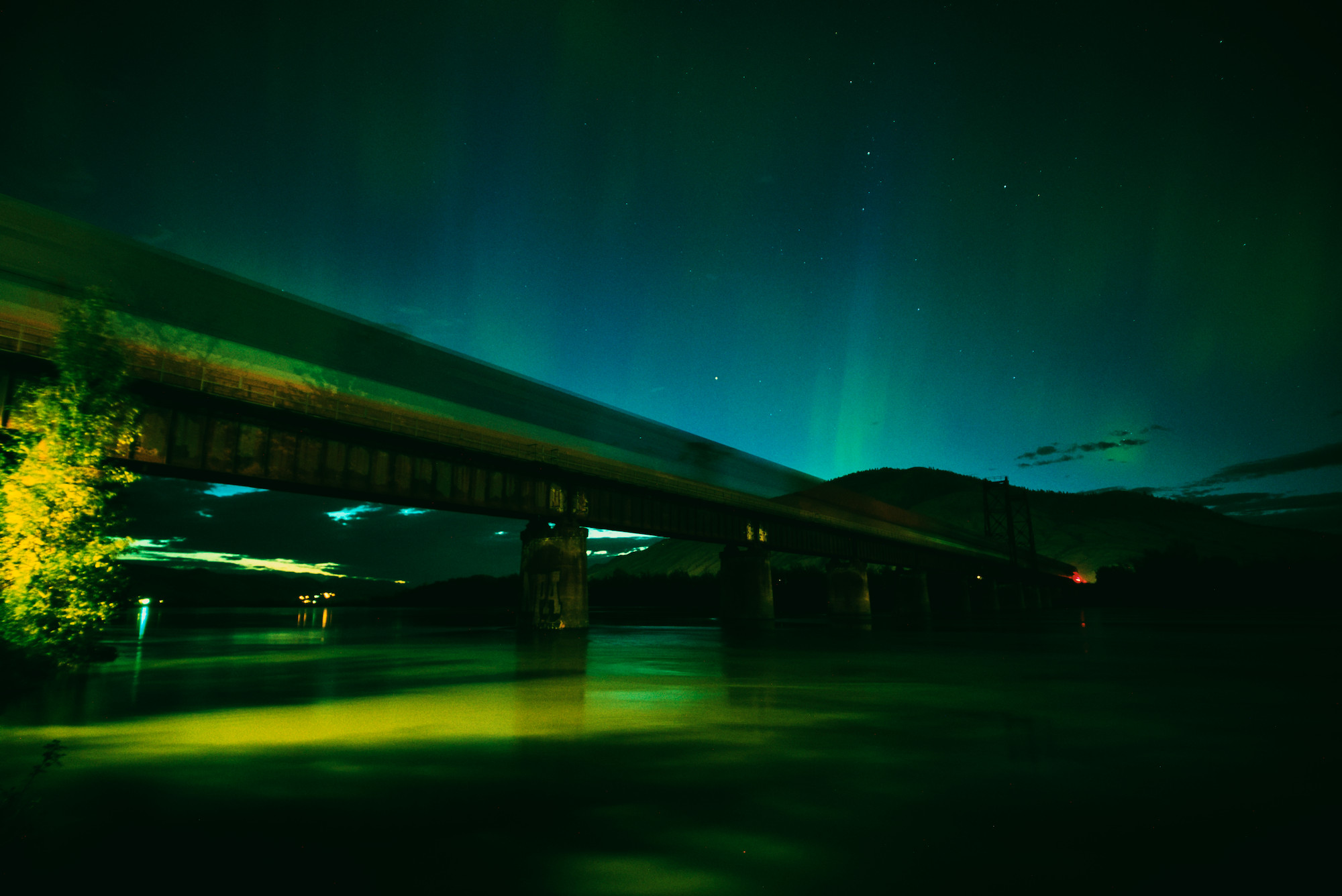
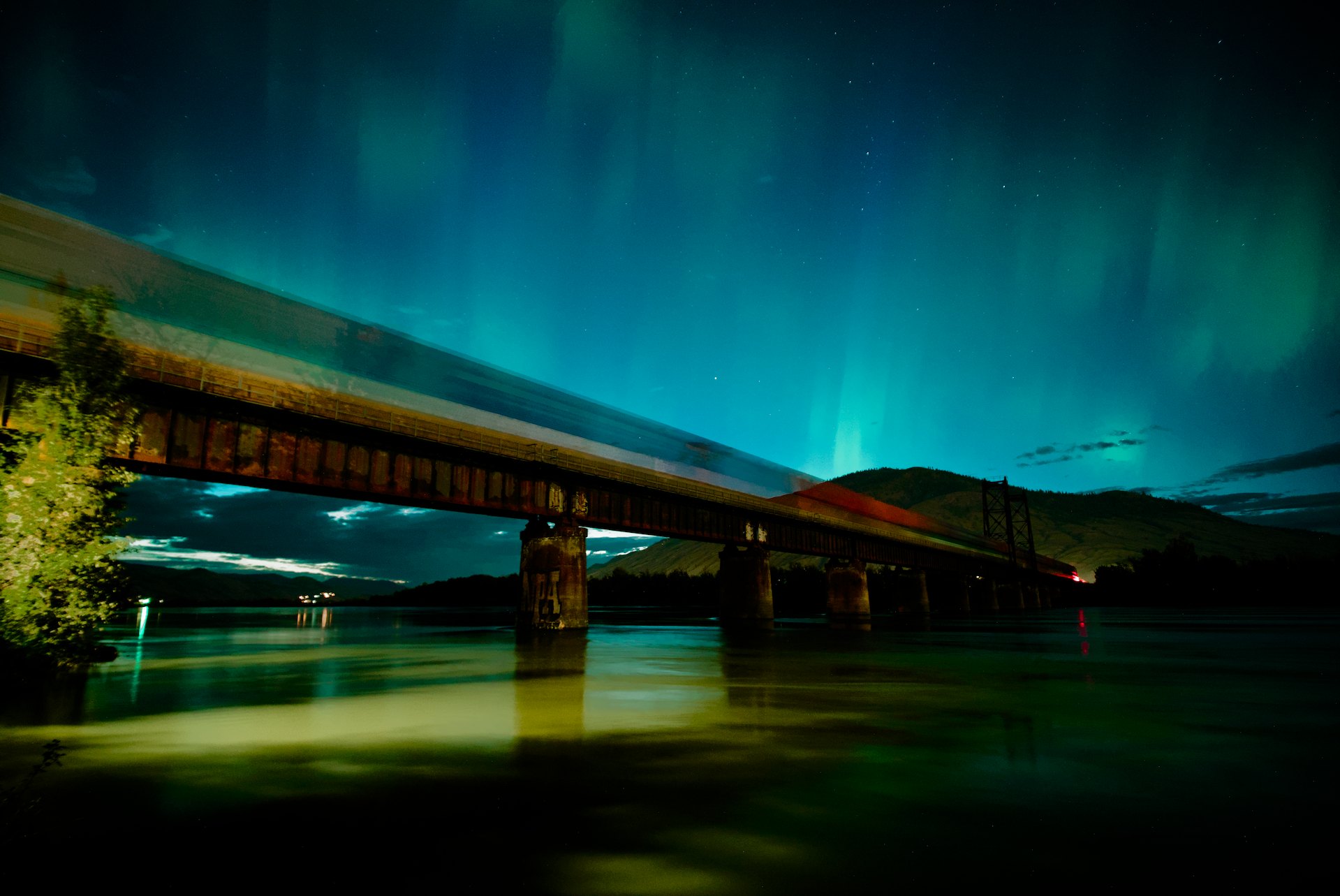
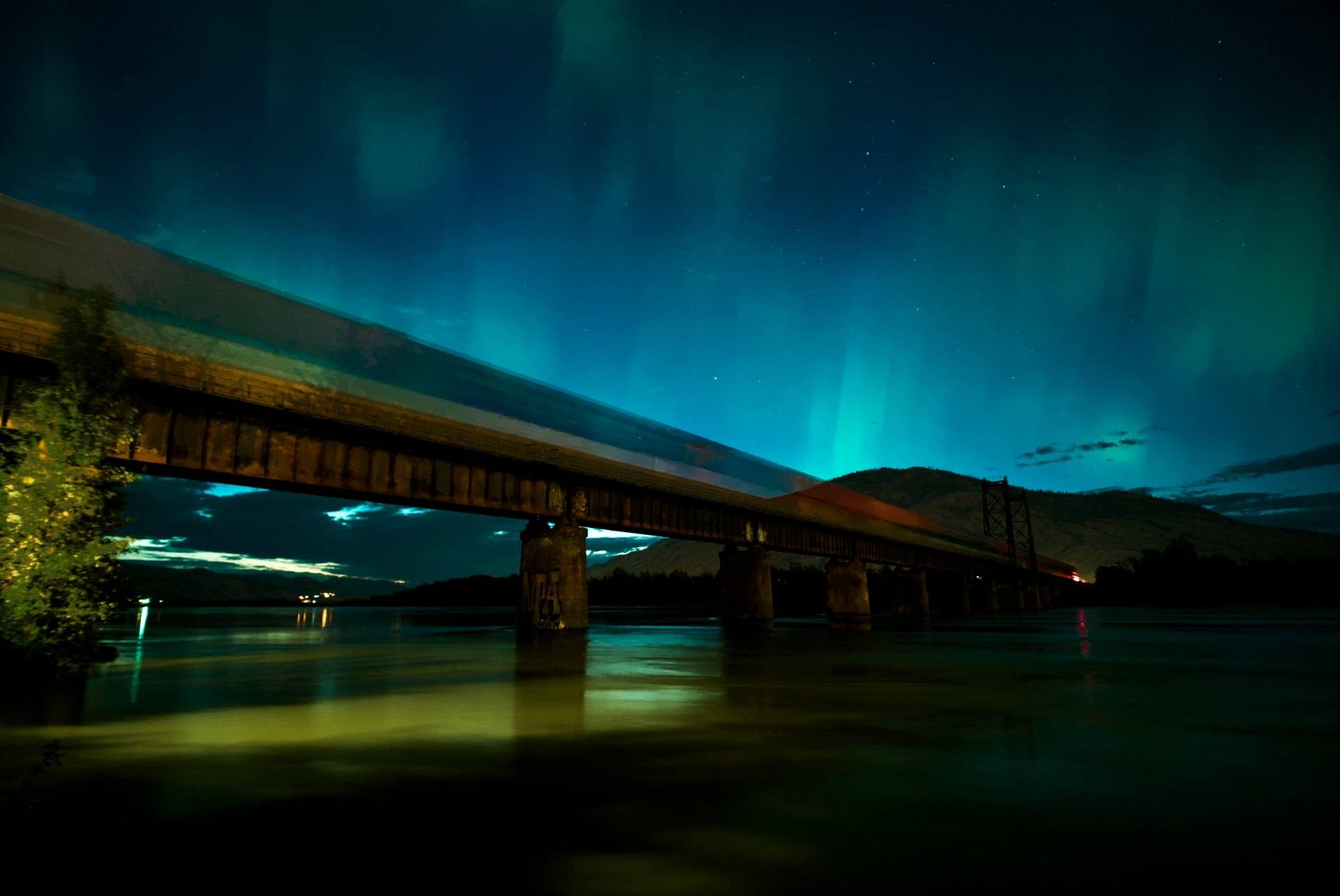
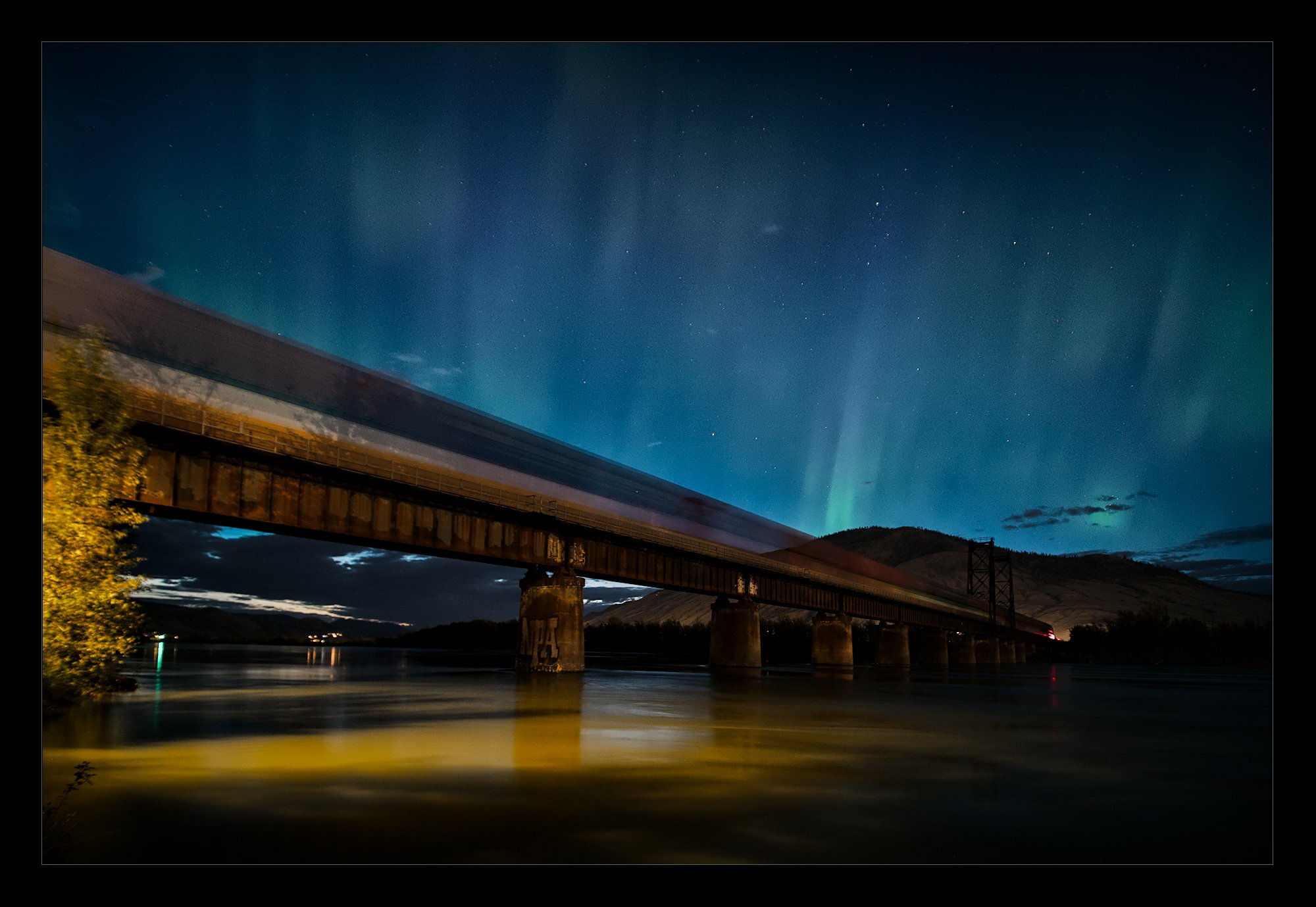
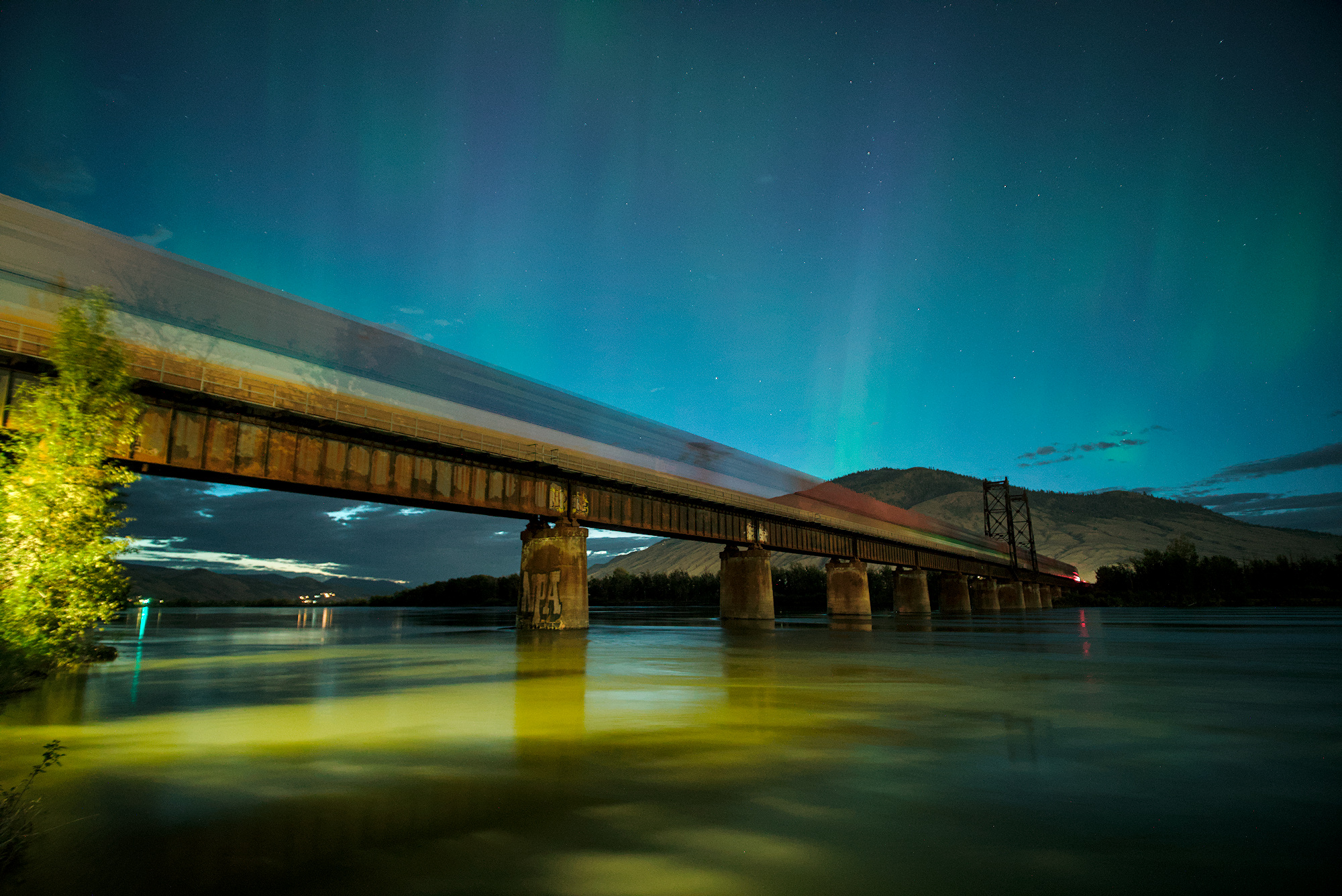
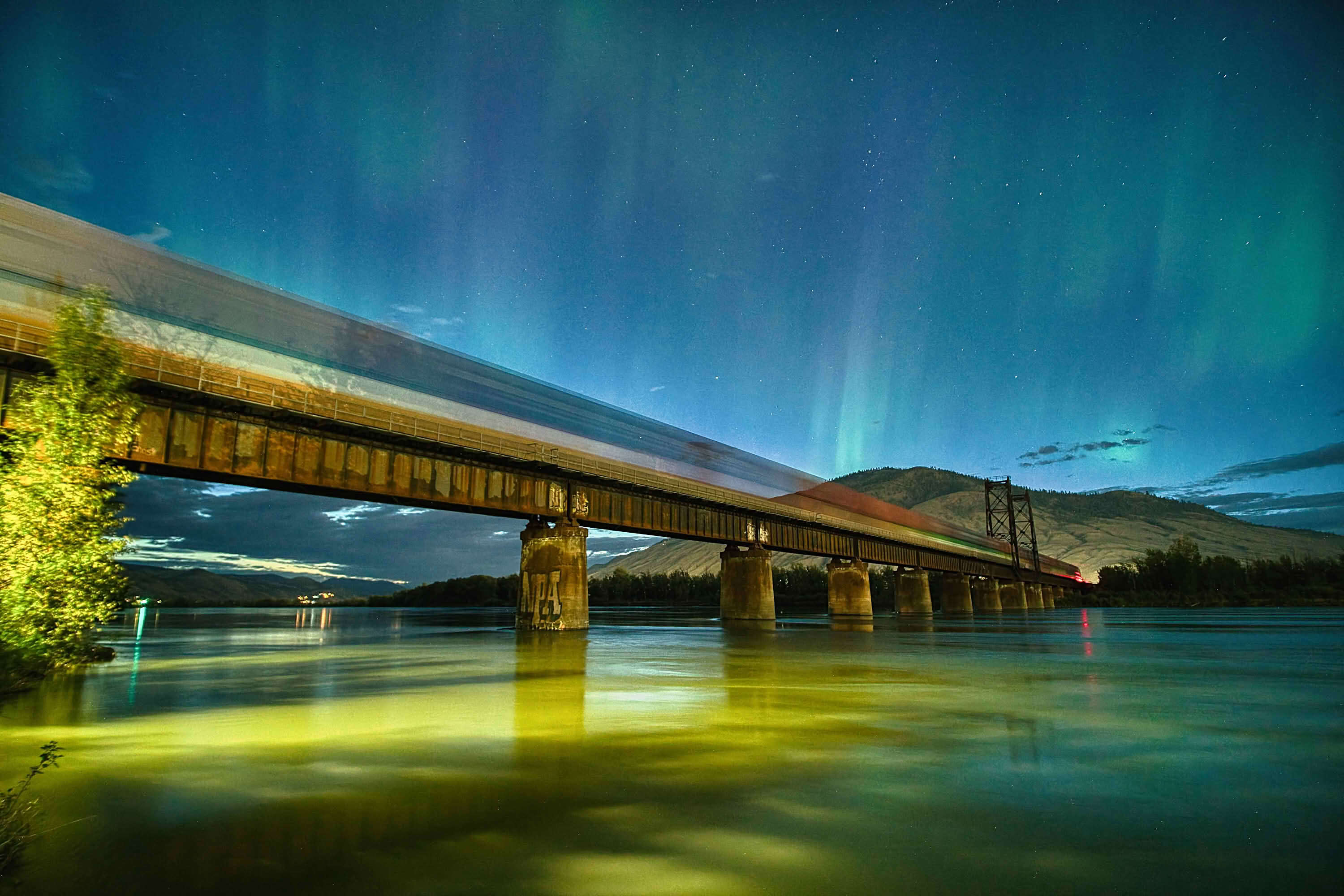
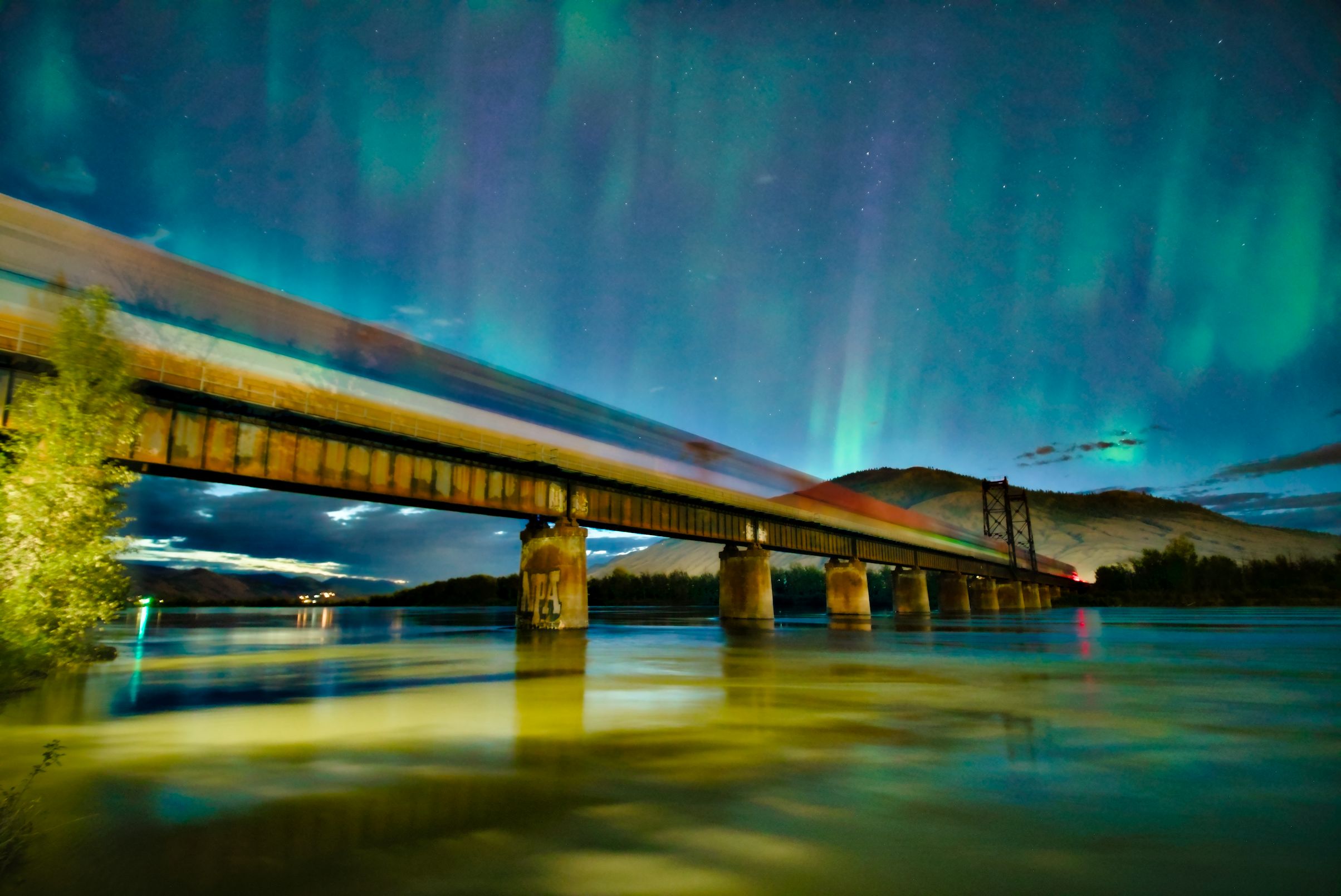
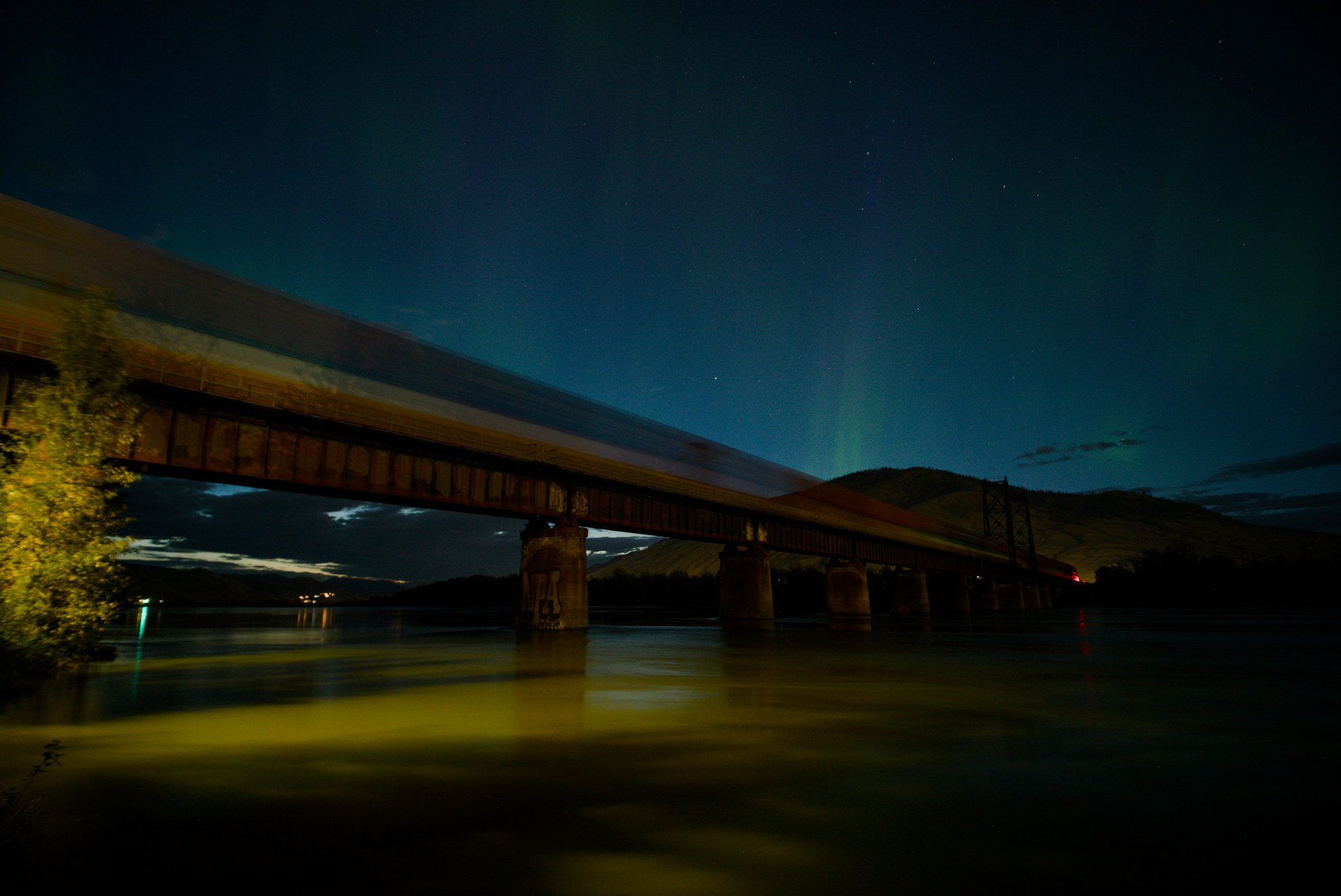
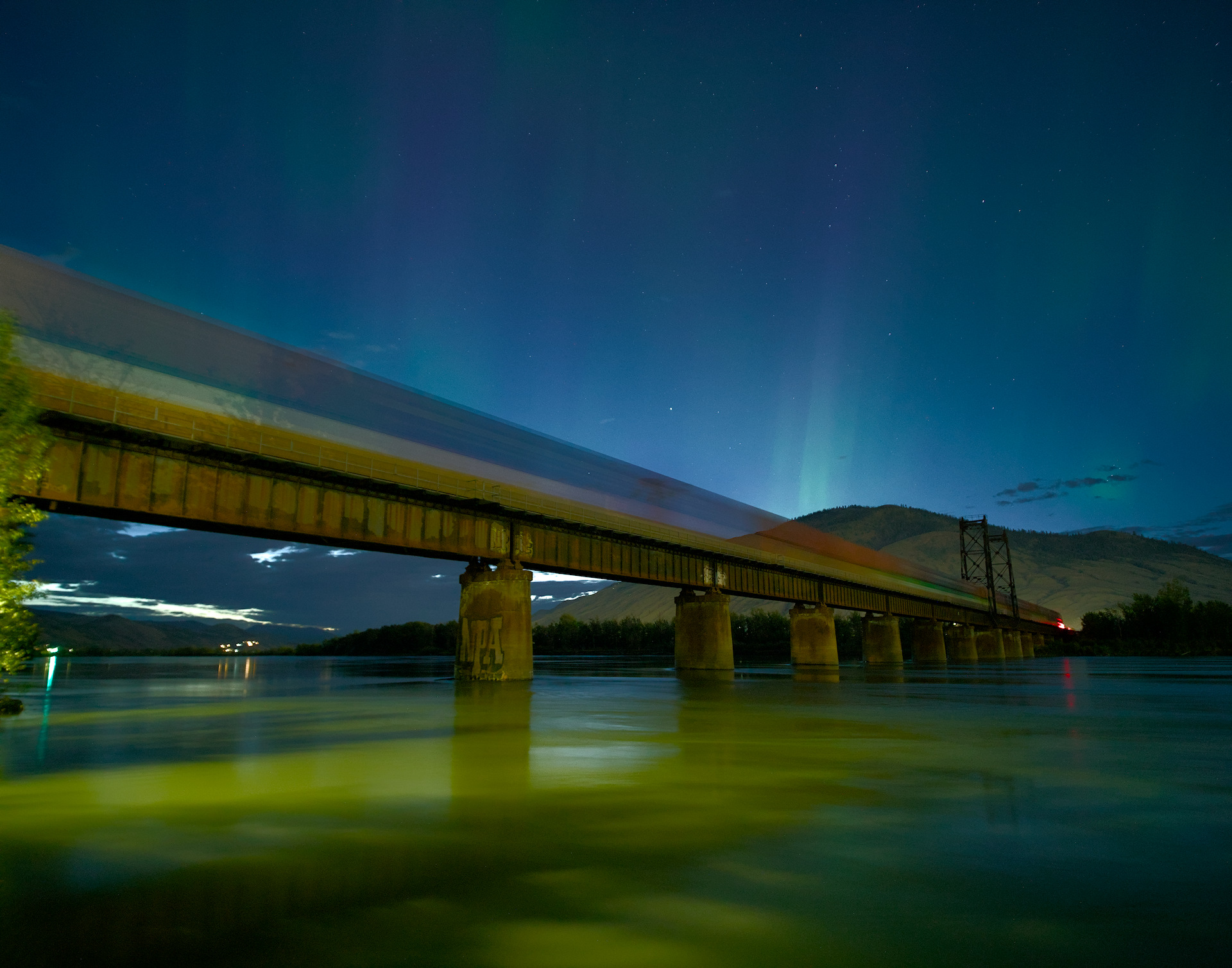
Right place, right time. Just have fun with this.


_DSC7465 (2).ARW.xmp (18.3 KB)
_DSC7465 (2).ARW (23.6 MB)

The last time I went out to shoot the aurora I noticed it was still fairly present in the sky as I went home. This bridge is a really accessible location, and a very short detour from my place…so I went there and put together a short series of shots and I kind of like having the train in there.
I use a lot of sliders in my edits, but don’t typically stray from my established workflow…which is simply working my way through the modules from left to right. I’m at a point in my usage of darktable that I’m 99% happy with the output. But lets see what you more experienced users of your respective programs can do. Open to everyone, no expectations…just try to enjoy it as much as I did photographing it.

This file is licensed Creative Commons, By-Attribution, Share-Alike.

22 Likes


Using the new test module that ports much of spektrfilm…

6 Likes

Wow, that’s pretty neat. Is that essentially a one click edit?

Very nice photo! I’m not really happy with how the contrast increase made the tree stand out and how I made it more subtle.


_DSC7465 (2) aurora train_02.ARW.xmp (22.9 KB)

It’s interesting that you accomplished this edit in such a different way than I did. And I kept referring back to how yours looked because I didn’t want to end up with an inferior result.

When I applied the Reala Ace fujifilm style from jssfr.de on top of the previous edits:
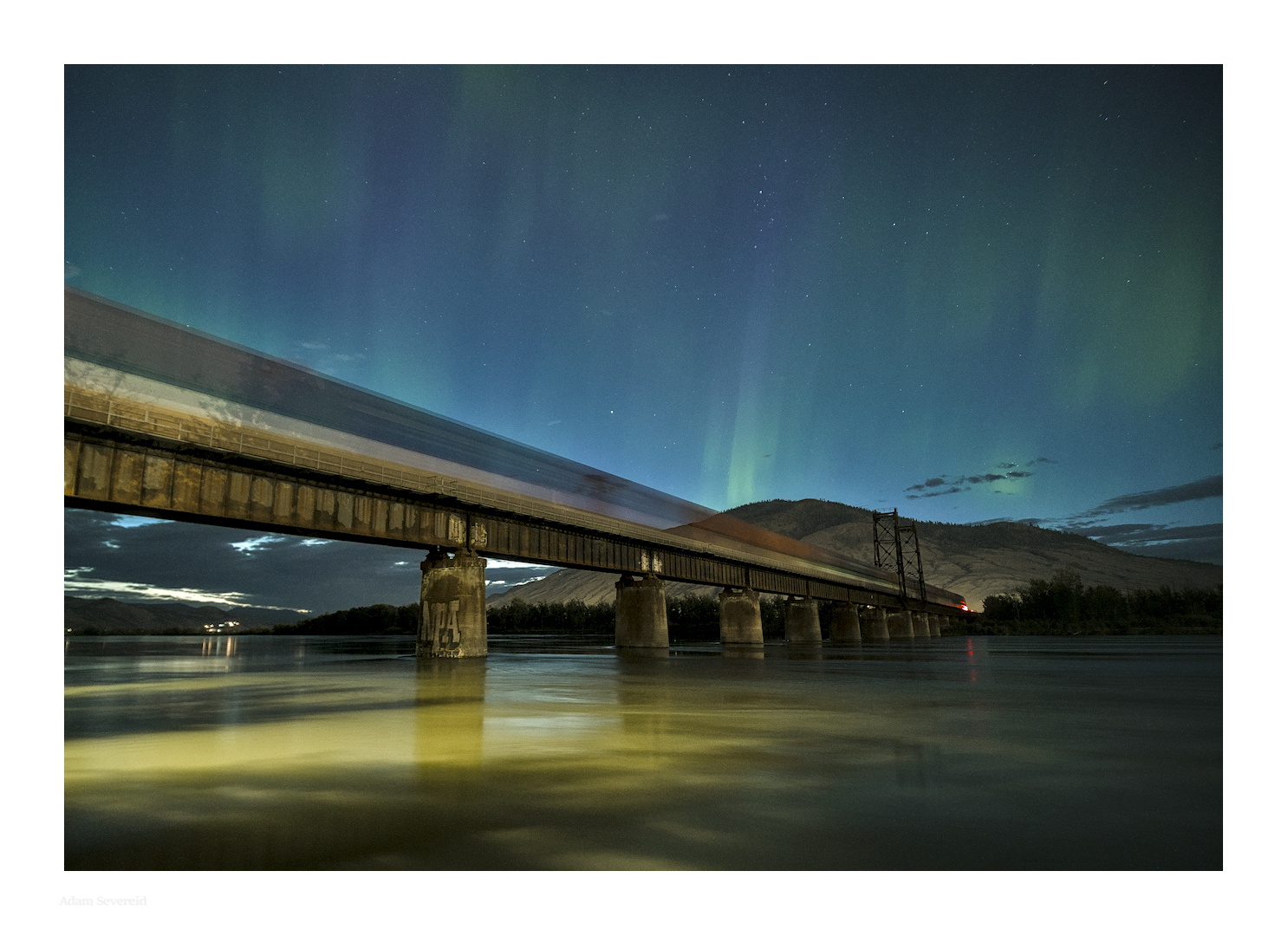
Fixing the yellow leaves is left as an exercise to the reader.
_DSC7465 (2) aurora train_03.ARW.xmp (66.2 KB)

I edited these in too bright a room.

5 Likes

I’m not really happy with my edit. Anyway:


_DSC7465 (2).ARW.xmp (17,7 KB)

6 Likes

My one click edit in DT.
_DSC7465 (2).ARW.xmp (13.4 KB)

5 Likes

RT and GIMP

2 Likes


_DSC7465 (2).ARW.xmp (15.0 KB)

7 Likes


_DSC7465 (2).ARW.xmp (6.1 KB)

5 Likes


_DSC7465 (2).ARW.xmp (30.8 KB)

2 Likes

I have for ages not played with RT. Not a good Idea, if you want to avoid that it feels a bit alien.

_DSC7465 (2)-3.jpg.out.pp3 (15,2 KB)

3 Likes


_DSC7465 (2).ARW.xmp (10.2 KB)

3 Likes


_DSC7465 (2).ARW.xmp (23.9 KB)

4 Likes

Used equalize shadow preset (g’mic) to do a reverse vignetting and then went to town (too many steps to remember) for the rest. lol

Didn’t want to push the colors too hard. Might have failed. lol

:slight_smile:

2 Likes

_DSC7465 (2).ARW.xmp (21,7 KB)

5 Likes

I think I tweaked 3 or 4 sliders…I am not sure if I even use the module but its a tonemapper of sorts so I disable exposure and the default tonemapper and then just edited from there…

I can’t recall I might have done a small Tone Eq edit but it was very minor…

The thead is here…

And nightly builds with module and a zip file for some necessary support files is here

2 Likes

With ART 1.26.7


_DSC7465 (2)-1.jpg.out.arp (12.7 KB)

Greetings. Roberto

4 Likes

Oh, this one was quite a pleasure to edit! Whatever one does the differences in outcome may be huge…

I tried to emphasize the sky: the stars, the blues, violets and greens.
Therefore subdued everything below the bridge a bit.
No crop. Hope you like it.


_DSC7465 (2).ARW.xmp (133.3 KB)

5 Likes

I am struggling with this one… :frowning:
It seems like every thing I try to do is making the picture more grainy…

It is grainy, so no worries there… I hit it with the denoise module before I moved on to the contrast eq.
I work entirely from left to right using the scene referred modules.

1 Like